
The cleaner comes on Tuesday mornings. The dog walker lets herself in at lunchtime. A carer visits your mother every day, and someone has to feed the cat over the holidays. Sooner or later every household faces the same question: do we give house keys to the cleaner, the pet sitter, the carer? Instinct frames it as a question of trust. It is really a question of control — because a metal key, once handed over, stops answering to you.
This guide walks through the concrete risks of spare keys (including the insurance angle almost nobody checks first), the limits of the classic workarounds such as the key lockbox, and the alternative that is now simpler than it sounds: a personal PIN with days and time windows on the PAD keypad, an expiring digital key on the DORY smart lock, and free phone-number sharing for the gate and garage with SOLO.
Trust is fine — spare keys are what you cannot control
Let us be clear from the start: the problem is not the honesty of your cleaner or carer. The people who work in your home are usually people you trust, often for years. The problem is the object: a physical key is anonymous, copied in five minutes and never expires. From the moment it leaves your hand, three questions have no answer:
- How many copies exist? You do not know. One cut "just in case", one left with a partner, one forgotten in a drawer after a house move: the key you handed over is only the first in a possible series, and none of the later ones goes through you.
- Where does the key live? In a handbag that travels across town, on a keyring possibly next to something showing your address. If that bag is lost or stolen, the problem is no longer your cleaner — it is whoever finds key and address together.
- What happens when the arrangement ends? You get back one key — the one you can see. You have no way to verify copies, and the only truly safe answer is changing the cylinder. Every single time someone moves on.
Then there is the point almost nobody prices in: insurance. Many contents policies cover burglary when there are signs of forced entry — a jemmied door, a broken window. If someone enters with a genuine key, there is no forced entry: and claims can get considerably more complicated, with exclusions, higher excesses or reduced cover for theft "by key". Policies vary a great deal, so treat this as general information and check your own policy — but keep it on the table when deciding how many spare keys to hand out.
The classic alternatives and their limits
The spare key
It is the default route, and its hidden cost only shows when things end badly: if the arrangement sours, the key is lost, or you simply stop feeling comfortable, the only remedy is a locksmith — a new cylinder and fresh keys for the whole family, to be handed out all over again. A physical key also knows no schedule: it opens on Tuesday at 9 am and on Saturday at 11 pm alike. For access that should amount to "three hours a week", it is a wildly oversized instrument.
The key lockbox
The combination lockbox looks like the clever compromise: the key stays put, you give the code to whoever needs it. In practice it inherits the key's flaws and adds its own: once shared, the code circulates exactly like a copy (you cannot know who it gets passed to), it never expires until you change it by hand, and the box tells you nothing — neither when it was opened nor by whom. It also advertises to every passer-by that a house key lives inside. It is no accident that several cities have banned or removed lockboxes from public space and façades: we cover that in our guide to key lockbox bans and alternatives.
Thinking about a smart lock?
Check whether your door is compatible with 1Control DORY: it replaces your existing euro cylinder with no drilling and no changes to the door, and its mechanical key is always available. One-off purchase, no subscription.
299,00€ from 249,00€ VAT included
- 1,500+ reviews on Amazon, Facebook and Trustpilot
- Secure payments
- 2-year warranty
Alternative no. 1: a personal PIN with days and time windows
The real step up is not a "more modern" key: it is giving each person their own access, with the rules of their role. That is what the 1Control PAD keypad does: a wireless Bluetooth keypad, battery powered, mounted next to any electrically released entrance — a door with an electric strike, a pedestrian gate, a garage — with no wiring and no building work.
Each person gets a personal 6-digit PIN with precise validity: start and end dates, days of the week, time windows. The cleaner who comes on Tuesdays from 9 to 12 has a code that opens only on Tuesdays from 9 to 12: on Saturday night, that PIN simply does not open. The dog sitter has her lunchtime window, the carer her morning slots. And when an arrangement ends, you revoke the PIN from your phone in an instant: no keys to chase, no locksmith, no new cylinder.
One transparent note on numbers: PAD includes 4 PINs, and further PINs can be activated up to 1000. For a household with a cleaner, a carer and a pet sitter, the 4 included are more than enough — but it is fair to know beforehand. If the entrance you need to manage is the shared door of a block of flats, different rules apply (it is a communal installation): the realistic options are in our guide to opening the building door remotely.

For the front door: a smart lock with automatic expiry
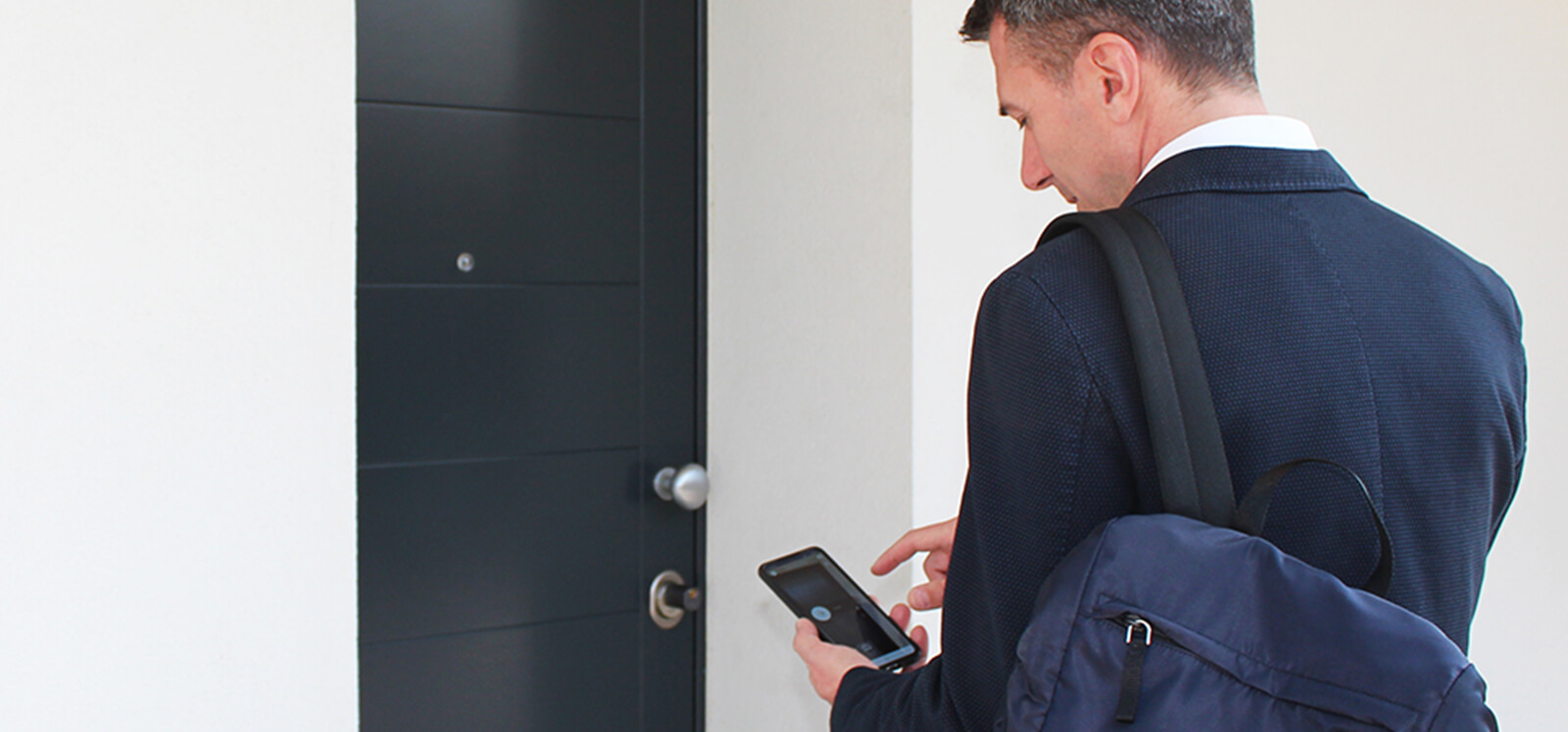
If the door to protect is the flat's front door, the answer is the DORY smart lock: it replaces the existing euro cylinder, with no drilling and no new door. You hand the cleaner nothing at all: you send a digital key to her smartphone, by phone number, as temporary access with automatic expiry — when the period ends, it stops opening by itself. If something changes earlier, revoking takes seconds from the app. Every opening is recorded in a complete access history, and the mechanical key keeps working as a backup — for you, not for handing out.
Gate and garage: free sharing from the phone
If the carer drives in through the gate or parks in the garage, the remote control is one more object to hand over (and to get back). The SOLO smart gate opener clones the signal of your existing remote and moves the opening to the smartphone: from there you share access by phone number, free of charge, with time limits — days of the week, time windows, an expiry date — and revoke it whenever you like. The original remotes keep working as before, and every opening by a shared user is recorded in the history.
One rule for each person who comes in
The principle is always the same — each role gets its own access — but it is worth spelling out. One premise first: this guide is about the home you live in. If you run a B&B or a short-term rental, the cleaning flow between one guest and the next follows its own logic: you will find it in our guide to managing cleaner access for Airbnb.
Dog sitters and pet sitters
This is the most window-shaped access of all: half an hour at lunchtime for the walk, two visits a day while you are on holiday. A PIN valid 11:30 am to 2 pm on weekdays — or a share that expires with your two weeks away — covers exactly the service, nothing more. And at the end of the summer there is nothing to remember to collect: the permission lapses on its own.
Elderly parents and carers
With a carer who comes in every day, a permanent key feels inevitable — and yet this is where time rules earn their keep most. A PIN on the gate keypad, or a share for the front door, valid every day within the hours of service means the carer never waits outside and never holds a copyable key; if the agency sends a replacement, the new person gets a new access and the old one is revoked the same minute. Family members keep their own access from the app, and can open the gate or door for a visiting nurse from wherever they are. For the wider picture — making gates, doors and garages easier for an older person living at home — see the 1Control solutions for private individuals.
What about the kids coming home from school?
The bunch of keys in a schoolbag is the great classic of lost keys. A personal PIN cannot be lost, cannot be copied and never dangles from a keyring next to a name and address. And if you want confirmation that they made it home, a status sensor on the door paired with the LINK hub sends an opening notification: you know the door opened at the right time. In all honesty: the notification tells you that the door opened, not who opened it — and that is as it should be: it reports the state of the door, it does not track people.
"How do I know what happens at home?"
It is the right question, and it deserves an answer without marketing. There are two tools. The first is the access history of SOLO and DORY shares: every opening made with a shared digital key is recorded with date and time, viewable in the app — handy for the eternal "has the cleaner been?". The second is the open/close notification via status sensor and LINK hub, which alerts you when the door or gate opens, whoever it was.
What no honest system promises — and we are no exception — is telling you in real time who walked in: the history tells you which digital key opened, the sensor tells you the door opened. For a family, that is exactly the level of oversight needed, without turning home into a surveillance station.
Frequently asked questions
If I give my house keys to the cleaner, does my insurance still cover theft?
It depends on the policy: many contents policies require signs of forced entry, and entry with a genuine key can fall under exclusions, higher excesses or reduced cover. This is general information, not advice: check the terms of your own policy. With revocable digital access the issue shrinks, because there are no spare keys in circulation.
Can I limit access to certain days and times?
Yes, and it is the heart of the approach: PAD keypad PINs have start and end dates, days of the week and time windows; app shares for SOLO and DORY are set with the same time limits. Outside the intended window, the access simply does not open.
What happens when the arrangement ends?
You revoke the PIN or the share from the app in seconds, wherever you are. No keys to chase, no doubts about copies, no lock change: it is the most concrete difference compared with a physical key.
What if the person forgets the PIN or loses their phone?
If a PIN is forgotten, you assign a new one from the app and disable the old one. If a phone holding a digital key is lost, you revoke the share and recreate it on the new number: a digital key cannot be duplicated like a physical one. On the front door, DORY's mechanical key remains as a backup in your own hands.
Are smart locks safe for this?
Yes, within honest limits. Communication between phone and device is Bluetooth with encryption, the device itself is protected by its own 8-digit PIN, and DORY always keeps the mechanical key as a fallback — the cylinder stays fully functional. Compared with a metal key that anyone can copy anonymously, a revocable digital credential is a step up in control, not a step down.
Conclusion
Giving house keys to the cleaner, the carer or the dog sitter is not wrong out of misplaced trust: it is weak by design, because a physical key cannot expire, cannot stick to the right hours and cannot be revoked. A personal PIN with days and time windows, a digital key with automatic expiry and a revocable share from the phone give each person exactly the access their role requires — and give you the power to change it in an instant, with no locksmith and no awkward conversations.
To see the full picture for your home — door, gate, garage — start from the 1Control solutions for private individuals: devices you pay for once, with no monthly fees.