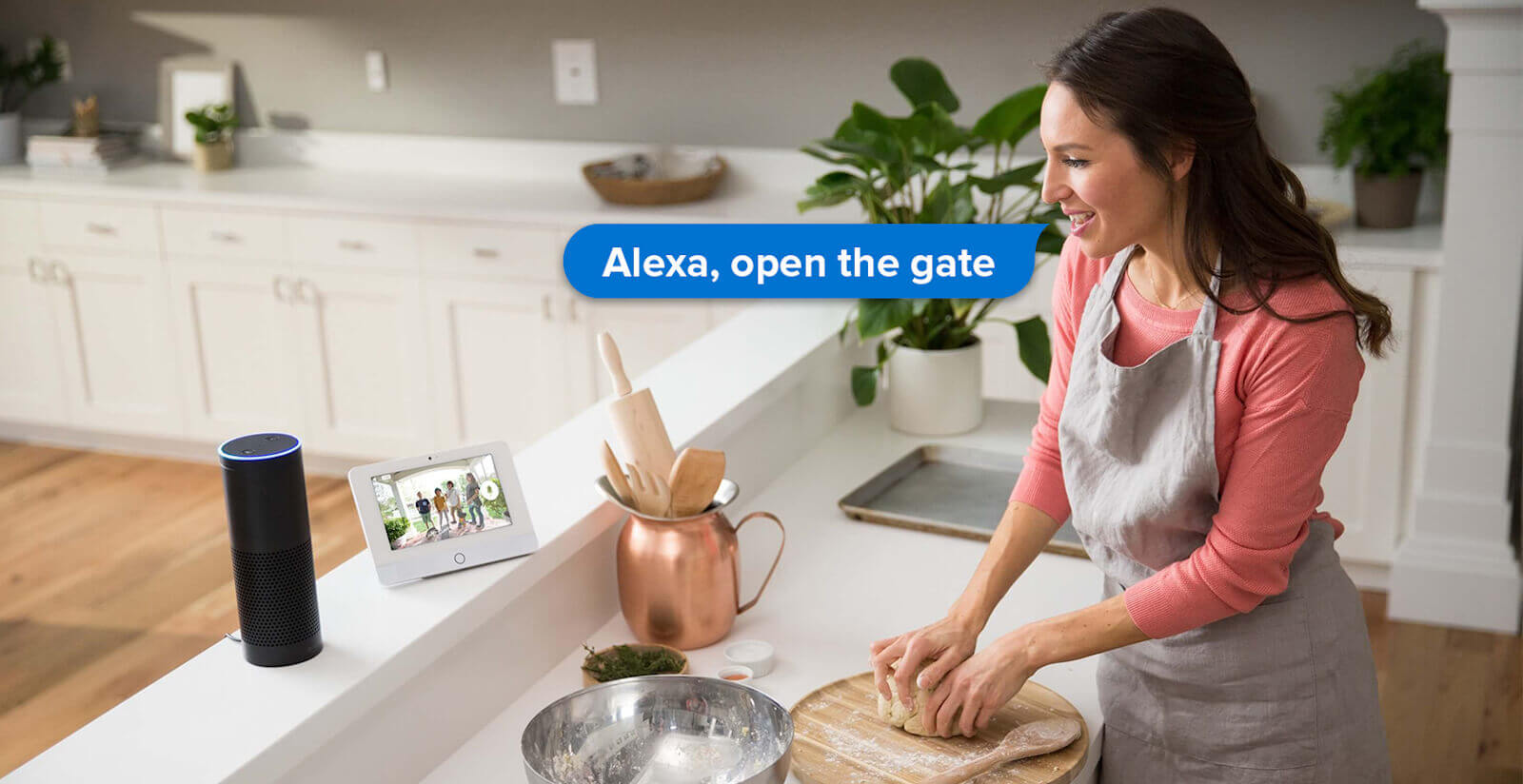
“Alexa, open the gate.” “Hey Google, open the garage.” The phrase is simple, but the architecture behind it is not automatic. A gate motor does not become voice-controllable just because it has a remote. You need a device that can drive the existing automation, and a bridge that can receive the order from the internet.
In the 1Control ecosystem that pair is SOLO and LINK. SOLO copies the signal of a compatible gate remote and lets you open the gate locally from the 1Control app over Bluetooth Low Energy. LINK adds the connection to your home network and turns on remote opening, Alexa, Google Home, Siri Shortcuts, Apple CarPlay and Android Auto. If you only want Bluetooth opening near the gate, SOLO alone is enough. If you want voice control, LINK is mandatory.
Discover 1Control SOLO See 1Control LINK
What you need to open a gate with Alexa or Google Home
The setup rests on four ingredients. First, a gate, garage door, up-and-over or barrier that already works with a remote. Second, a 1Control SOLO configured with that remote. Third, a 1Control LINK paired with SOLO and connected to your network. Fourth, the voice assistant itself: Amazon Alexa or Google Home, with the 1Control skill or service enabled.
The compatibility check happens on the remote, not on the brand of the motor. SOLO is compatible with more than 800 remote models, both fixed-code and rolling-code. Before you plan a voice command, look up your specific model on the SOLO compatibility page. If the remote is compatible, the 1Control app walks you through copying the signal in a few minutes.
Your existing remotes are not disabled by the copy. SOLO becomes an additional way to open: some users can keep using the physical fob, while others switch to the smartphone or the voice assistant. Nothing you already own stops working.
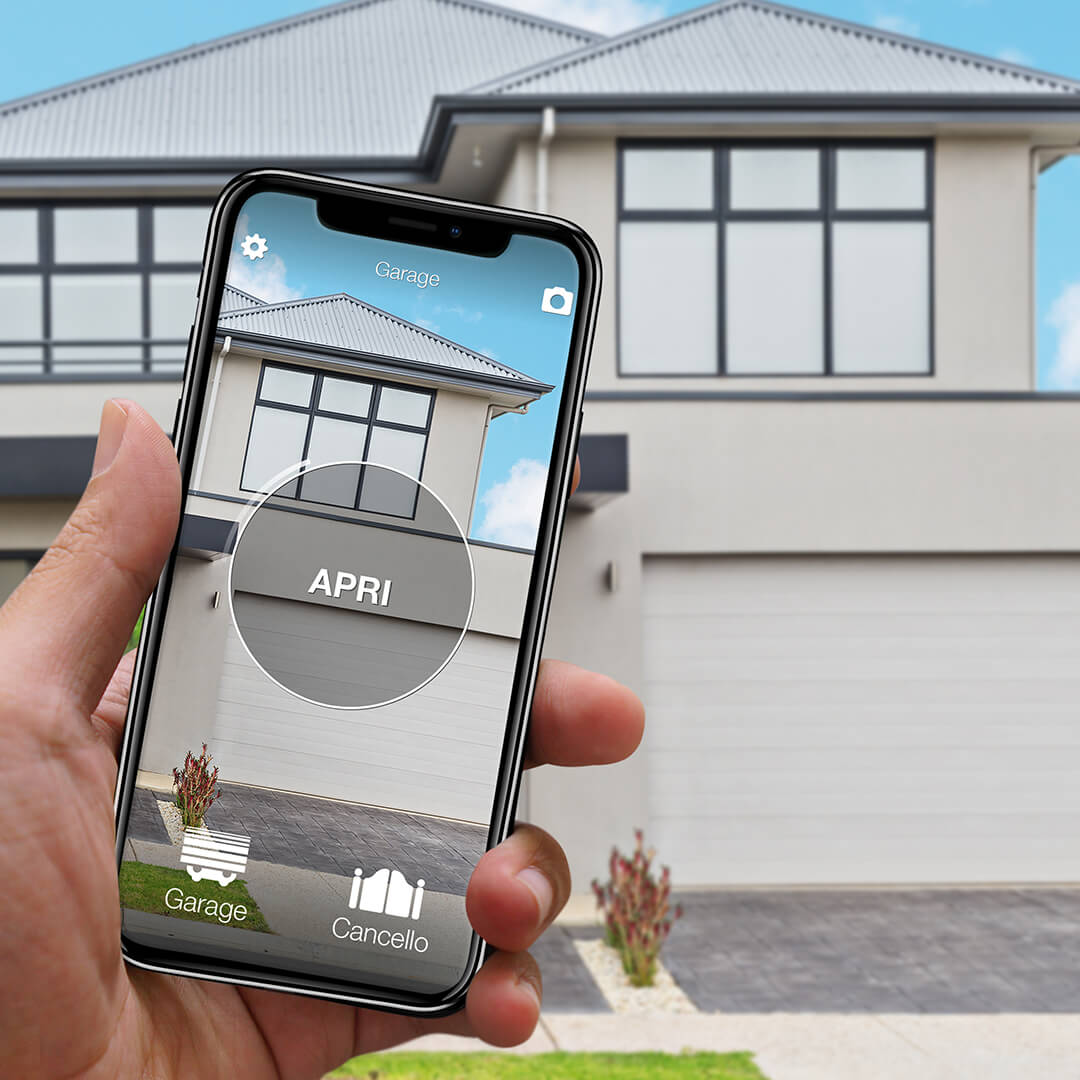
Want to open your gate from your phone?
Check in seconds whether your system is compatible with 1Control SOLO: it fits existing gates and garage doors, one-off purchase, no subscription.
139,00€ 109,00€ VAT included
- 1,500+ reviews on Amazon, Facebook and Trustpilot
- Secure payments
- 2-year warranty
How SOLO and LINK work together
SOLO is the gate opener. It sits near the automation, runs on two type-C alkaline batteries (about two years in normal use) and talks to the smartphone over Bluetooth Low Energy for local opening. It does not need Wi-Fi at the gate, it is not wired into the control board and it does not need mains power. That is what makes it possible to retrofit an existing gate without pulling cables.
LINK is the bridge. It connects to your router over Wi-Fi 2.4 GHz or Ethernet and then talks to SOLO over Bluetooth Low Energy. When a voice command arrives from Alexa or Google Home, it travels through the internet to LINK, and LINK forwards the order to SOLO. LINK is not a standalone Wi-Fi gate opener: it is a Wi-Fi/Ethernet to Bluetooth LE bridge for the 1Control devices — that distinction matters when comparing it to other voice-control hubs on the market.
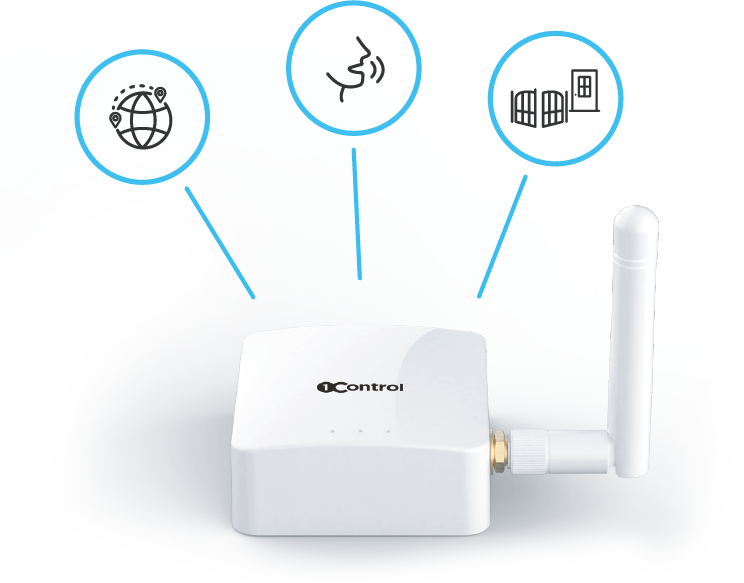
Positioning matters. LINK has to stay within Bluetooth range of SOLO — in practice around 25 metres line-of-sight, less when walls, metal or reinforced concrete sit between them. LINK is not waterproof, so it must live indoors, away from humidity. If the gate is far from the house, an Ethernet drop or an external LINK antenna helps find a stable position without sacrificing Wi-Fi coverage.
Setting up Alexa for a 1Control gate
Before you open the Alexa app, validate the basics in the 1Control app. Close to the gate, the round button must open it over Bluetooth. From anywhere else, with LINK in place, the horizontal slider must open it through the internet. If the slider does not work in the 1Control app, the Alexa command will not work either — the voice skill is a layer on top, not a workaround for a broken remote channel.
Once the slider works reliably, enable the 1Control skill in the Alexa environment, link your 1Control account and run device discovery. Give the gate a short, distinctive name — “Gate”, “Garage”, “Driveway” — and avoid long names or names that clash with other Alexa devices. The 1Control team maintains a step-by-step guide for Amazon Alexa with the exact in-app labels, which can shift between Alexa releases.
Setting up Google Home for the gate
Google Home follows the same logic. The gate has to work in the 1Control app first, with SOLO and LINK, and only then you add the 1Control service inside the Google Home app, connect the same 1Control account and assign the access to the room or address you want.
From that point Google Assistant and Google Home can route the open command to the gate through LINK. One caveat: at the moment Gemini is not in scope for opening gates — the integration goes through the Google Home service, not the Gemini assistant. Use the official Google Home setup guide for the operational steps.
Siri Shortcuts, CarPlay and Android Auto: the other useful cases
Alexa and Google Home are not the only ways to open the gate without touching the phone. With Siri, you can create a Shortcut in the Apple Shortcuts app. Without LINK, the Shortcut is bound to Bluetooth range — it works only when you are near SOLO. With LINK, the Shortcut can use the data connection, so it works even when you are out of Bluetooth range.
Apple CarPlay and Android Auto are especially valuable for a gate. The scenario is concrete: you arrive home in the rain, the phone is in your pocket or already plugged into the dashboard, and the gate access appears in the car’s infotainment. For the standard SOLO models this requires LINK. The exception is SOLO AUTO, which is designed to live inside the car and works with CarPlay or Android Auto without LINK in that context.
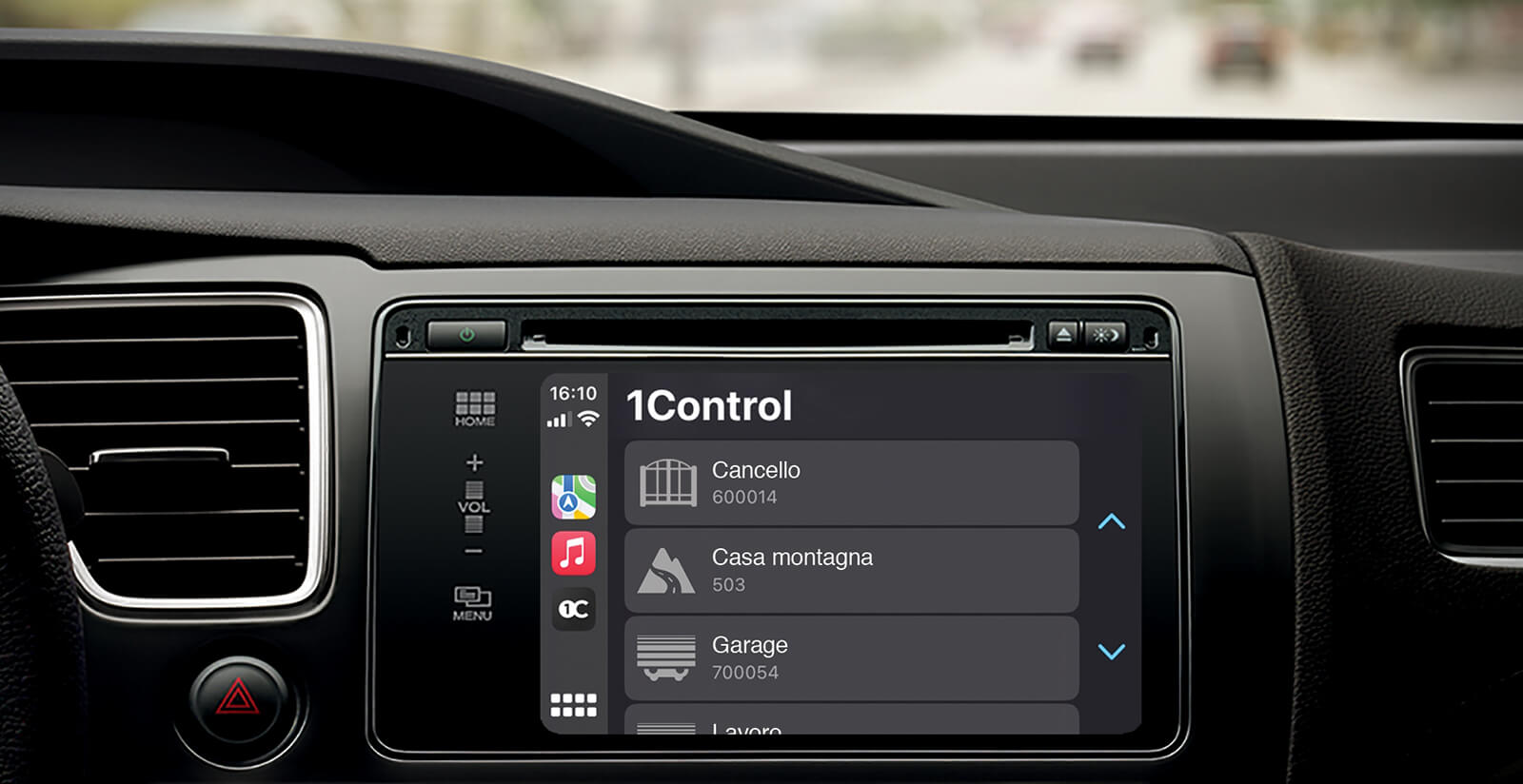
For a wider view of how to open the gate without a remote at all, read our practical guide on how to open the gate with your phone without a remote and the broader smart gate opener guide.
Comparison: SOLO only, SOLO + LINK, wired home automation
| What you want | SOLO only | SOLO + LINK | Wired home automation |
|---|---|---|---|
| Open when nearby | Yes, over Bluetooth | Yes | Yes, depends on install |
| Open with Alexa or Google Home | No | Yes | Possible, depends on hub |
| Open from anywhere remotely | No | Yes | Possible |
| Touch the gate control board | No, in the standard setup | No, in the standard setup | Often yes |
| Keep the original remotes | Yes | Yes | Depends on the install |
| Network needed at the gate | No | LINK needs internet and Bluetooth range to SOLO | Depends on system |
When voice control actually makes a difference
Voice is useful when it removes a real friction. Walking up to the gate with two shopping bags. Pulling into the driveway with a child asleep in the back. Letting a family member through from the kitchen because the intercom is on the other side of the house. In a small office, opening for a courier without standing up from the desk. With access sharing in the 1Control app, the same setup also covers babysitters, cleaners, contractors and short-term guests — the administrator keeps control over who can open and during which time windows, and every event is logged.
Voice is not a must in every household. If the only thing you need is to open when you are already at the gate, local Bluetooth opening with SOLO is faster and simpler. Add LINK when the remote scenario, the voice scenario or CarPlay/Android Auto are part of how you actually live in the house. The same principle applies to the wider idea of making the gate and the door smart with no installation: start from the access point that solves a real daily problem, then layer on cloud features when they pay back.
Common pitfalls
Expecting SOLO alone to work with Alexa
SOLO is a local device. It opens over Bluetooth from the 1Control app without any internet connection, but it does not receive commands directly from the Alexa or Google cloud. For voice you need LINK in between.
Confusing LINK with a generic Wi-Fi accessory
LINK only works with compatible 1Control devices: SOLO, DORY and LOCO. It does not turn any gate motor into a Wi-Fi product. Its job is to connect the internet to the 1Control ecosystem over Bluetooth LE, not to replace a gate control board.
Placing LINK too far from SOLO, or outdoors
LINK must reach SOLO over Bluetooth and must stay protected from moisture. If voice commands are flaky, test the remote slider in the 1Control app first. If that fails, check the LINK to SOLO distance, the obstacles between them, the SOLO battery level and the quality of the 2.4 GHz Wi-Fi or Ethernet drop.
Waiting for HomeKit or IFTTT
LINK is not compatible with Apple HomeKit or IFTTT today. The 1Control team is working on Home Assistant and Matter, but no release date has been announced. For an integration you can actually use right now, plan around Alexa, Google Home, Siri Shortcuts, Apple CarPlay and Android Auto.
And if your voice routines should move the blinds too, those live on their own system: our smart blinds guide covers how to bring them in — and why the gate and garage stay separate.
Frequently asked questions
Can you open a gate with Alexa?
Yes, with 1Control SOLO paired with 1Control LINK and the 1Control skill for Alexa. SOLO operates the gate, LINK receives the voice command from the internet and forwards it to SOLO over Bluetooth Low Energy.
Can Google Home open a gate?
Yes, with SOLO + LINK and the 1Control service in Google Home. The gate must already work in the 1Control app, including the slider for remote opening through LINK, before adding the Google integration.
Do you need LINK for voice commands?
Yes. SOLO on its own works locally over Bluetooth Low Energy. LINK is required for Alexa, Google Home, Siri Shortcuts beyond Bluetooth range, Apple CarPlay, Android Auto and remote opening.
Does SOLO work without an internet connection?
Yes for local opening. The smartphone talks to SOLO over Bluetooth Low Energy without any cloud dependency. Internet is only needed for the features that go through LINK, such as voice control and remote access.
Do the existing remotes still work after I install SOLO?
Yes. Copying a remote onto SOLO does not disable the original fobs. They keep working in parallel with the 1Control app and the voice integrations.
What if Alexa or Google Home does not trigger the gate?
First test the remote opening in the 1Control app using the horizontal slider. If that fails, fix the LINK to SOLO connection (Wi-Fi or Ethernet stability, Bluetooth range, battery level) before troubleshooting the voice assistant. A working slider is a prerequisite for the voice skills.
The bottom line
To open the gate with Alexa or Google Home, the right question is not just “is my gate smart?”, it is “which device translates the voice command into a signal the existing gate can act on?”. In the 1Control ecosystem that translation is split between two devices on purpose: SOLO drives the gate without wiring, LINK adds the internet bridge that voice assistants need.
That separation is the design strength of the system. Local Bluetooth opening keeps working without internet when you are at the gate, cloud features stay available when they bring a real benefit, the original remotes keep functioning, and the same ecosystem extends to the front door with DORY and to padlocks with LOCO as your needs grow. The starting point is simple: check that your remote is compatible, install SOLO, then add LINK only when remote and voice control become part of how you actually use the gate. And for everything else your speaker can do around the house, browse the Alexa commands actually worth using.