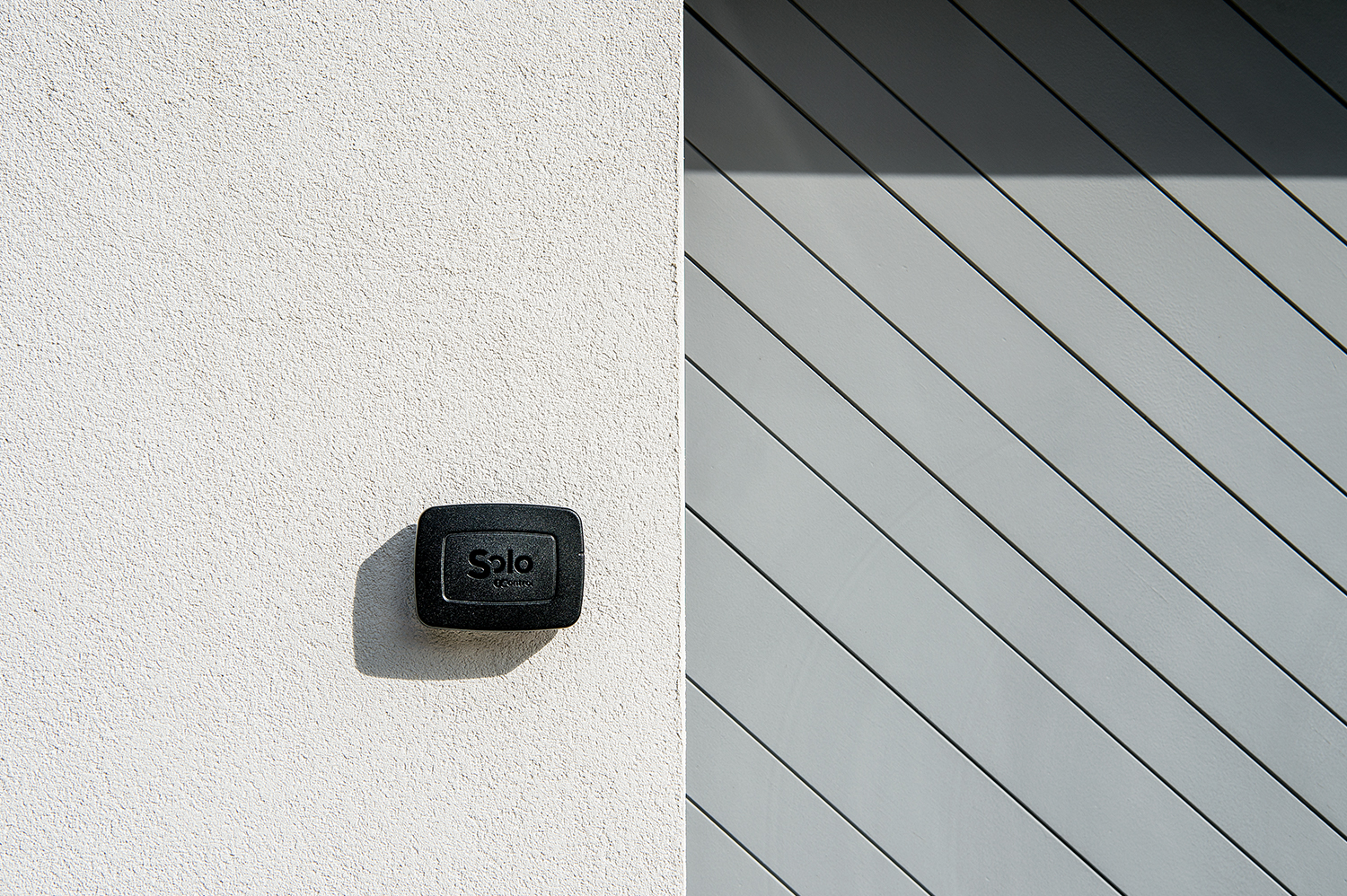
Making a home smart without installation doesn't have to mean rewiring the house, calling an electrician or running a building site. If the real friction in your daily life is getting in and out of the home, the fastest payoff comes from the points you already touch every day: the gate, the garage and the front door.
This is a different idea from traditional home automation. You don't replace the electrical installation, you don't add a central control panel for lights, climate and blinds, and you don't have to talk the rest of the family into changing their habits overnight. You start from one access point, you confirm the benefit, and you add remote control only when you actually need it.
Want to start with no drilling and no wiring? With 1Control SOLO you can open the gate and the garage from your smartphone without touching the gate control board. With 1Control DORY you can make the front door smart while keeping the traditional mechanical key as a backup. If you also want to open from outside the home, 1Control LINK adds the internet bridge to the ecosystem — only when you need it.
In this guide we look at how to build a real, no-installation smart home starting from the access points, why SOLO, DORY and LINK are designed to work on homes that are already lived in, and what to check before you buy.
Smart home or home automation? Why start from access points
When most people picture home automation, they picture a project: a dedicated electrical panel, bus cabling, programmed scenes, a specialist installer and integration across many functions of the house. That's the right call for a new build, a deep renovation, or a property where you want one system to govern everything from one place.
If your home is already finished, if you rent, if you live in a flat, or if you share the gate with the rest of the block, the starting question changes. It's no longer "how do I automate everything?", it becomes "which access wastes my time every day?". Is your gate remote always missing or being copied? Are you juggling too many physical keys at the front door? Do you regularly need to let in family, cleaners, couriers or trades when you're not there yourself?
The 1Control answer follows a modular, device-first logic. Devices work locally by default over Bluetooth Low Energy, and the cloud only comes in when you choose to add LINK for remote control. That means less dependency on a broadband line, less vendor lock-in, and full compatibility with the gate motor, the lock and the door you already have. If you want a broader primer on the differences between the two approaches, read our smart home vs home automation guide.
| Approach | Traditional home automation | 1Control ecosystem (no installation) |
|---|---|---|
| Installation | Design phase, cabling, work on the electrical system | Dedicated access-point devices, no building works in the standard setup |
| First goal | Integrate many functions of the house at once | Make gate, garage and front door smart starting from a concrete daily need |
| Use without internet | System-dependent, often partial | SOLO and DORY work locally over Bluetooth; LINK is optional |
| Compatibility with what you already own | Usually tied to the installed system | Works with most gate remotes (800+ models) and most Euro cylinder doors |
| Cost gradient | Climbs quickly with design, labour and cabling | Modular — you only add what you actually need |
Without touching the wiring, really
SOLO copies your existing remote's signal and installs with no cabling to the control board and no Wi-Fi at the gate: one-off purchase, no subscription.
139,00€ 109,00€ VAT included
- 1,500+ reviews on Amazon, Facebook and Trustpilot
- Secure payments
- 2-year warranty
Step 1: smart gate and garage with SOLO — no wiring
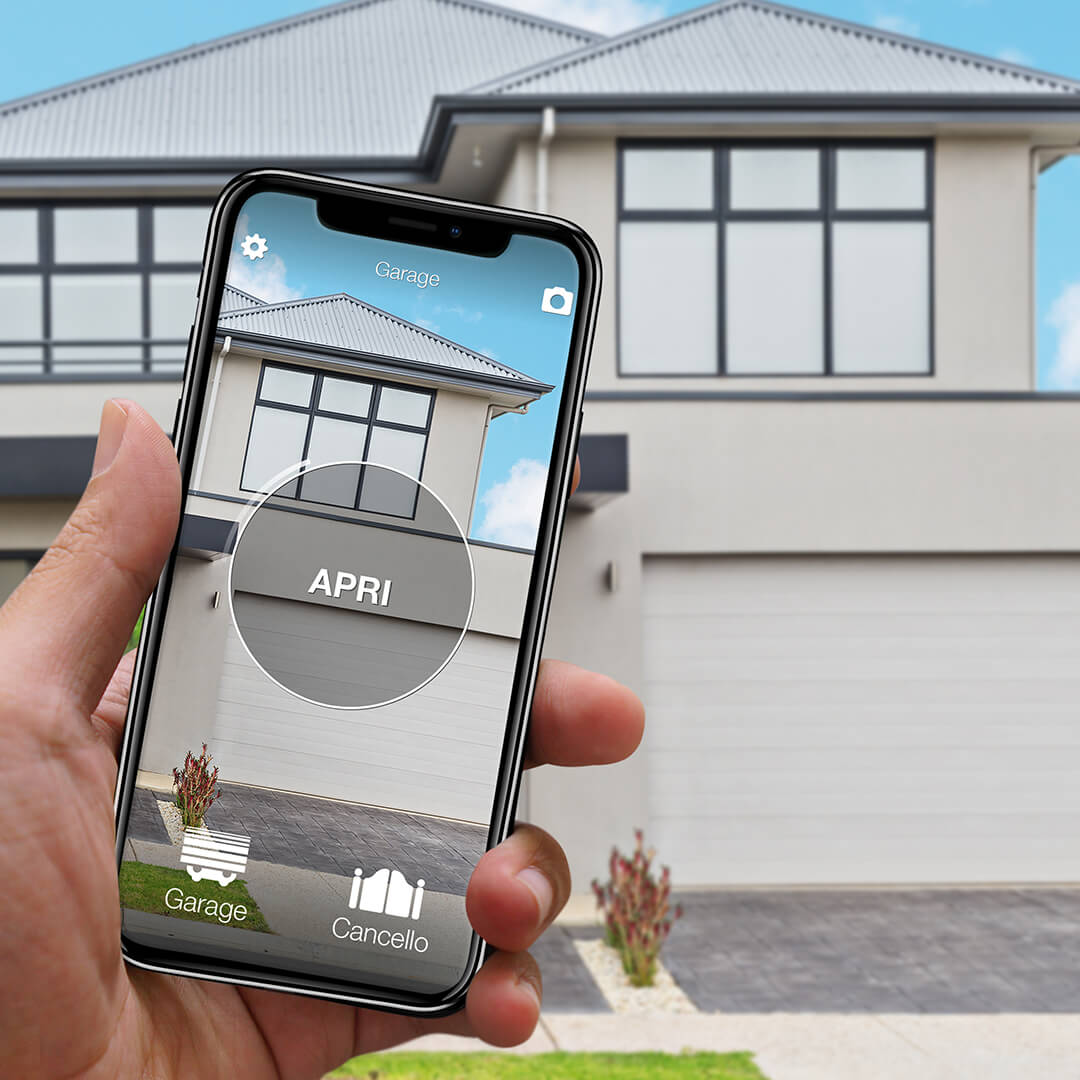
The automatic gate is usually the easiest access point to make smart. Everyone uses it, everyone has a remote, and sooner or later everyone has to copy it, lend it or hunt for it in the glovebox. 1Control SOLO is designed to replace that gesture with the smartphone, without touching the cables of the gate control board.
SOLO is a Bluetooth smart gate opener. Instead of wiring into the gate motor, it copies the signal of the existing compatible remote and replays it when an authorised user sends the open command from the 1Control app. That means no electrician in the standard setup and no changes to the existing automation. Your original remote keeps working: SOLO adds a way in, it doesn't replace what's already there.
The device is compatible with more than 800 remote models, both fixed-code and rolling-code. Before you buy, check your specific model on the 1Control compatibility page. Once SOLO has copied the remote, the family keeps using the original fobs as before; the phone simply joins as an extra opening method.
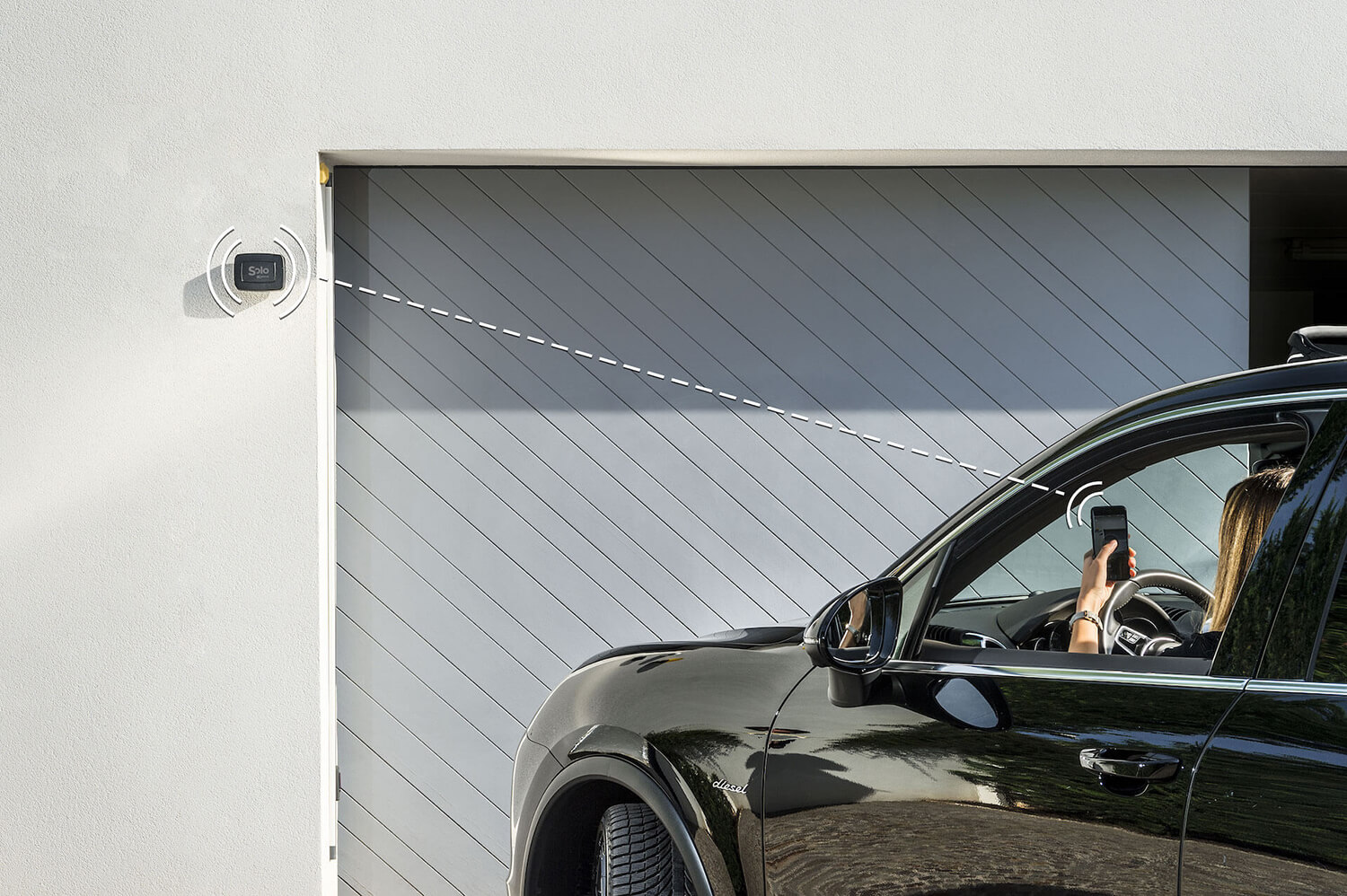
SOLO talks to the smartphone over Bluetooth LE, so local opening doesn't need an internet connection. It works well in underground garages, in courtyards with patchy mobile coverage, or in homes where the Wi-Fi signal doesn't reach the gate. The two type-C alkaline batteries (included in the box) last around two years in normal use, and a single SOLO can control up to four automations in the standard version — useful when the gate, the garage door and the bollard live in the same area.
For a deeper look at the alternatives (Bluetooth, Wi-Fi, hub-based gate openers), read the smart gate opener guide and the walkthrough open the gate with your phone without a remote.
Step 2: smart front door with DORY — no drilling, mechanical key backup
After the gate and the garage, the front door is the other access point that genuinely changes daily life. The choice here has to be more careful, though: a smart lock has to be comfortable, but it also has to be predictable, secure and acceptable to anyone in the household who still wants to use a key.
1Control DORY is a smart lock for the Euro profile cylinder that fits almost every European front door, including composite doors and security doors. There are no structural changes to the door: the work is the same one you'd do to change your keys — one side screw out, the old cylinder slides out, DORY slides in. No drilling, no wiring, no changes to the door or the frame.
Three things are worth weighing up, because few smart locks on the market combine them all:
- Mechanical key backup, always active. If the batteries run flat (or you've left your phone at the office), you open the door with the traditional key. You are never locked out — a deliberate design choice that takes the typical smart-lock failure mode off the table.
- About one year of battery life. Most motorised smart locks (Yale Linus, Nuki, August) need a battery swap every two to three months because the motor physically rotates the key on every cycle. DORY uses two CR2 lithium cells and lasts around a year in normal household use — the difference comes from the architecture, not the cell size.
- Silent operation. No motor hum, no audible click on unlock. It matters at 6 a.m. when the rest of the household is asleep.
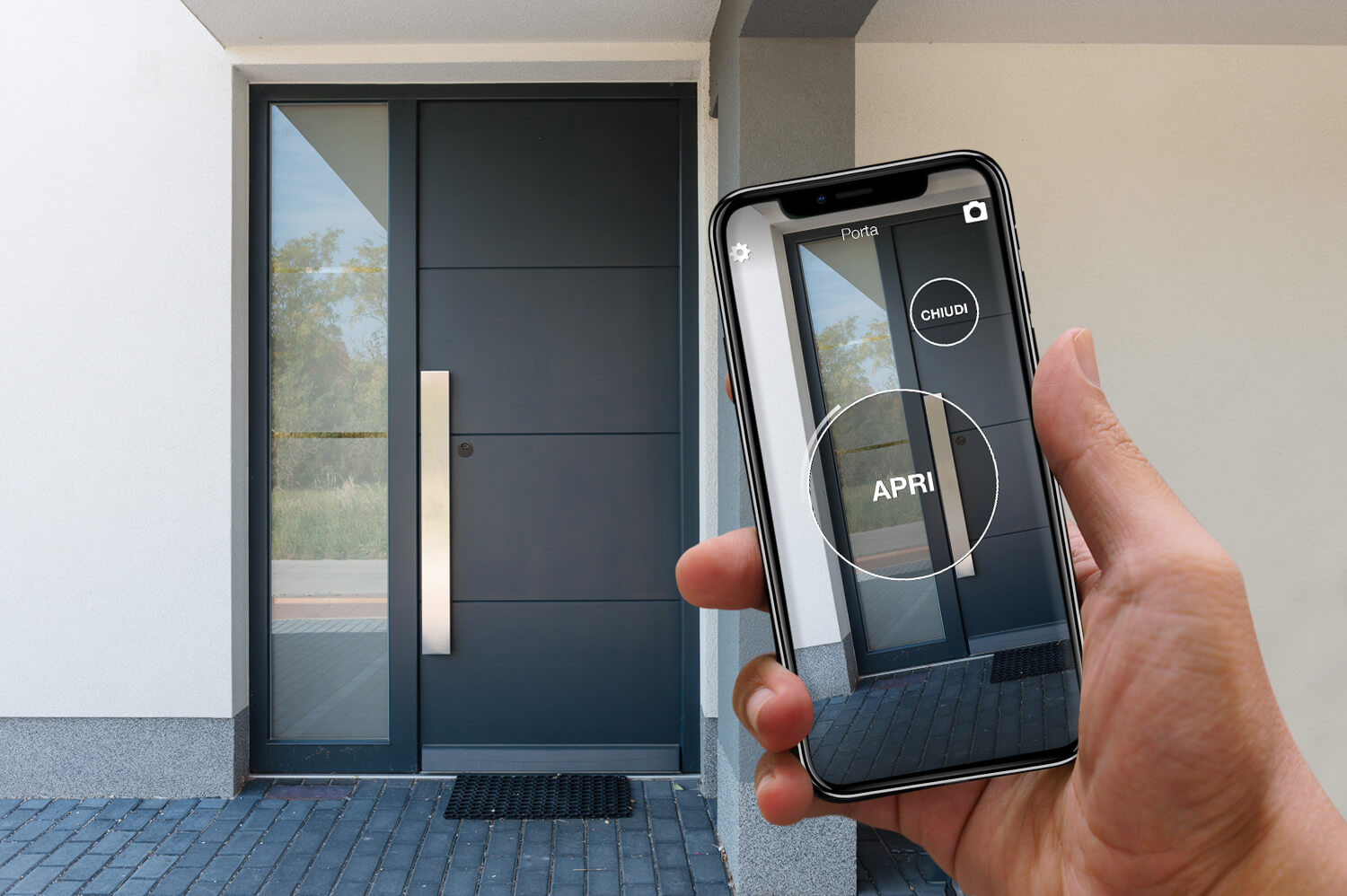
Before you buy, use the compatibility tool on the DORY page to confirm cylinder type, door thickness and any extensions you may need. If you want the wider picture on smart locks, cylinders and total cost of ownership, read the full smart lock buyer's guide and the keyless entry smart locks guide — "keyless entry" is the EN-specific term most US and UK buyers actually search for.
Step 3: add remote access and voice with LINK (optional)
SOLO and DORY already solve local opening end-to-end. 1Control LINK only comes into play when you want to manage access from outside the home: a courier at the gate, an Airbnb guest, a family member without keys, a tradesperson who needs to get in inside a specific time window.
LINK is a bridge, not a simple Wi-Fi device. It connects to your home or office network over Wi-Fi (2.4 GHz) or Ethernet and then talks to your 1Control devices over Bluetooth Low Energy. In practice, it puts SOLO, DORY and LOCO on the internet without forcing them to become cloud-only products.
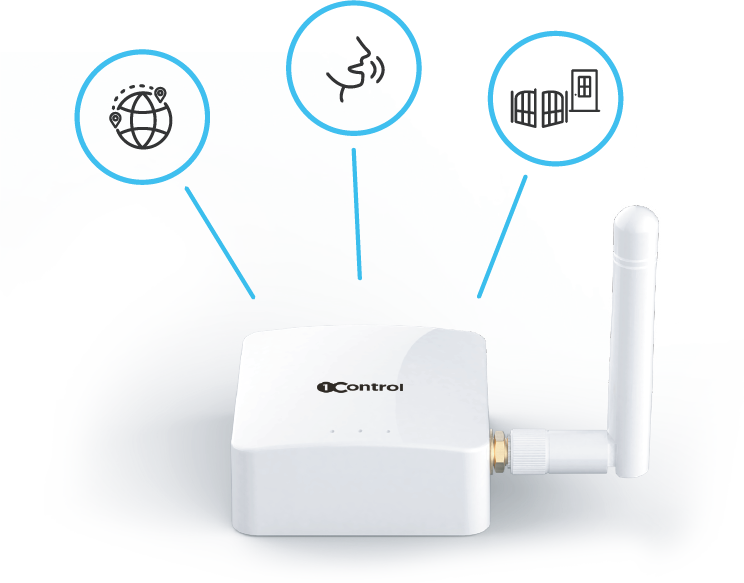
With LINK plugged in, you can:
- Open the gate and the front door from anywhere with a data connection.
- Use voice commands with Amazon Alexa and Google Home.
- Open from the car with Apple CarPlay and Android Auto.
- See the access log and receive real-time notifications when someone enters.
Positioning matters: LINK needs a stable internet connection and has to stay within roughly 25 metres line-of-sight from the devices it controls (walls and obstacles reduce that range). Apple HomeKit isn't supported today; Home Assistant and Matter are on the roadmap. Worth knowing if you have a strong preference for one ecosystem.
The important takeaway: you are not required to start from the cloud. SOLO and DORY work locally on their own, and you only add LINK when remote access or voice integration becomes part of how you live in the house.
Why this works in rentals, flats and shared driveways
Real homes have constraints. In a flat you don't want to chase cables into walls. As a tenant you can't freely modify the electrical system. In a building with a shared gate you can't impose a new control board on the rest of the residents. This is exactly where a modular smart home built on the access points beats a full installation.
SOLO doesn't disable the existing remotes. DORY keeps the mechanical key working. LINK is optional. The combination lets you improve your own experience without forcing everyone else to change overnight. Whoever wants to open with a smartphone or smartwatch can do so; whoever prefers the remote or the physical key can carry on exactly as before.
User management is the other practical win. From the 1Control app, the administrator can share access with other users for free — with start date, expiry date and time windows. It's useful for family, cleaners, maintenance, small offices and short-term rentals. If you handle short-term lets through Airbnb or Booking, the same logic powers self-check-in: the guest gets a time-bounded access that expires the day they leave.
Tenants should always check the rental contract and any building rules before installing a device on a shared door or shared gate — in most cases DORY is welcome because the installation is identical to a normal cylinder change and the original cylinder can be refitted in minutes when you move out.
How much it costs compared to a wired home-automation install
There is no single price for traditional home automation: the figure depends on house size, the number of functions integrated, cabling, the control panel, labour and configuration. When a project includes building works and several categories of system (lighting, climate, blinds, security), the cost can run into the thousands of pounds or euros, and timelines stretch into weeks of site work.
The 1Control difference is that you don't have to buy everything at once. You can start with the gate using SOLO, add DORY if you want to make the front door smart too, and evaluate LINK only when you actually need remote control. The cost tracks the problem you're solving today, not the abstract idea of automating the entire house.
That gradual approach also helps you find out what you really need. A lot of buyers discover that opening the gate from the phone, sharing a time-bounded access with the family and keeping the mechanical key on the door already solves most of the daily friction — without any of the other modules.
What to check before you start
Before you pick the devices, a few practical checks save you wrong purchases and unrealistic expectations:
- Gate remote: identify the brand and model, then confirm compatibility with SOLO on the 1Control compatibility page.
- Number of access points: decide whether you only need the gate, also the garage, or several nearby automations — one SOLO can cover up to four.
- Front door: check that it uses a Euro profile cylinder and measure the door thickness carefully before choosing DORY.
- Distances: think about where to place SOLO, DORY and LINK, taking into account walls, underground garages and Wi-Fi coverage.
- Users: map out who will need to open — family, guests, cleaners, tradespeople, plus anyone who still wants to use a physical remote or a key.
A useful smart home isn't about how many devices you fit. It's about how well the access points fit your habits and the people who live with you. If you start there, a "smart home without installation" stops being a marketing claim and becomes the most practical version of the idea.
Frequently asked questions
Do I need a wired installation to make the gate and the door smart?
No. With SOLO you can add smartphone opening to compatible gates and garages without wiring into the control board. With DORY you make the front door smart by swapping the Euro cylinder — the same operation as a key change — once you've confirmed compatibility.
Can I use SOLO without the internet?
Yes. SOLO talks to the smartphone over Bluetooth Low Energy, so local opening doesn't need any internet connection. Internet only becomes necessary if you want to control access from outside the home through LINK.
Does DORY still work if the batteries die?
Yes. DORY keeps the traditional mechanical key as a permanent backup, so you can open the door even when the batteries are flat. The app warns you well in advance when it is time to change them.
When do I need LINK?
You need LINK when you want to open from outside the home, use voice integrations like Alexa or Google Home, or connect the 1Control ecosystem to other cloud services. It is not required for the local opening of SOLO and DORY.
Is this suitable for a rented home?
It can be, because the approach is modular and doesn't require any wired installation. Before installing a device on the door or on shared access points, though, check the rental contract, the landlord's permission and any building rules. DORY in particular installs and removes the same way a regular cylinder does.
Do the existing remotes and physical keys still work?
Yes. Copying a compatible remote onto SOLO does not disable the originals. DORY keeps the traditional mechanical key working for the front door. Nothing you already own stops functioning.
The bottom line
Making gate and door smart without installation means starting from the access points, not from a theoretical project. The gate becomes controllable from the smartphone with SOLO, the front door becomes smart with DORY while keeping the mechanical key as a backup, and remote control arrives via LINK only when you actually need it.
It's a pragmatic take on the smart home: fewer building works, less cloud dependency, more compatibility with what you already own. Instead of turning the house into a building site, you make it smarter one access point at a time — Made in Italy, patented, gateway-free by default, with one unified app across the whole ecosystem.