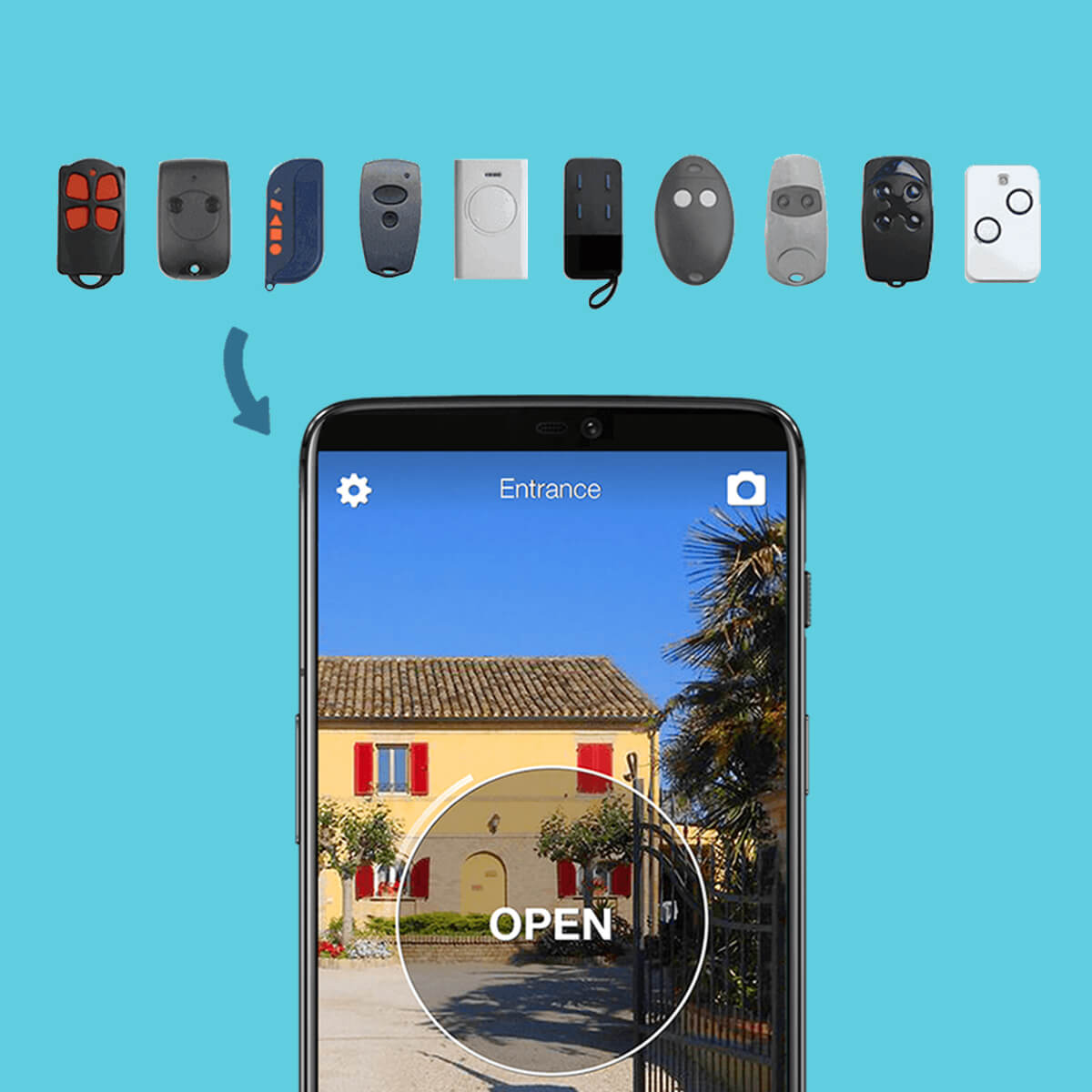
Copying a garage or gate remote to your phone is one of the most common requests today: a second opener for a family member, the original remote got lost, or you simply want to stop carrying a dedicated handset and use the smartphone you already have on you. The good news is that the technology to do it exists, it is affordable, and it does not require touching the gate's control board. The right question is not "is it possible?" but "which path is best for my case?".
To copy a garage door remote or a gate remote there are two main paths, each with different strengths. The first is the smartphone path: install a small device like 1Control SOLO near the gate or garage motor, copy the original remote signal through the free 1Control app, and from that moment on every authorised smartphone opens the gate exactly like an additional handset. The second is the physical universal remote path: with 1Control WHY the original remote signal is copied into a 4-button universal remote that lives in your pocket or car like any traditional opener.
This guide compares the two solutions, explains how signal copying really works (fixed code vs rolling code), walks through the step-by-step procedure, and clears up the most common mistakes when programming gate or garage remotes. By the end you will have what you need to pick the device that fits your case.
Copy garage remote to phone: what it really means
People often use "copy", "clone", "duplicate" or "program" a gate or garage remote as if they were synonyms. Technically, those words describe two different processes, and understanding the difference helps pick the right tool.
The first process is signal copying: the original remote is held next to a second device (SOLO, WHY or a generic universal remote) that records its radio signal. From that moment on, the second device transmits exactly the same signal, and the gate or garage receiver — which cannot tell an original remote from a copy — opens the door. It is the simplest, fastest path: a few seconds, and nothing on the gate has to be touched.
The second process is programming on the control board: you physically reach the electronic board of the gate or garage motor (the "control unit"), trigger its learning procedure (usually via buttons or a small screen), and register the new opener directly into the receiver's memory. This is what an installer does when adding a brand-new remote. More powerful, but also more complex, because every brand of control unit (FAAC, Nice, Came, BFT, Hörmann, Somfy, Beninca, Cardin, Sommer, Avidsen) has its own procedure, often poorly documented for the end user.
For most people, signal copying is the more reasonable path: it is independent from the brand of the control unit, it does not require ladders or screwdrivers, and it works with 800+ remote models, both fixed code and rolling code. That is the principle behind both 1Control SOLO and 1Control WHY.
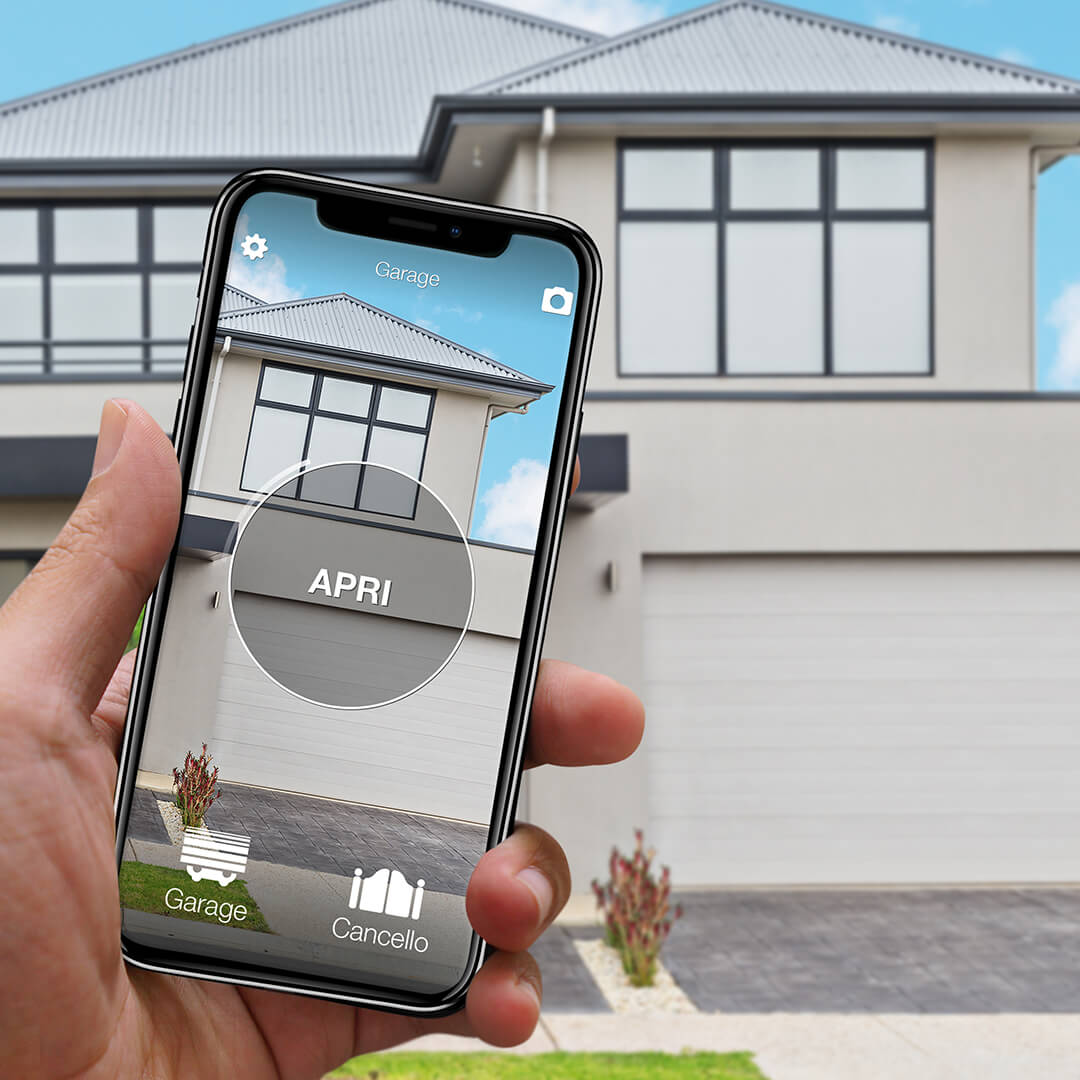
Want to open your gate from your phone?
Check in seconds whether your system is compatible with 1Control SOLO: it fits existing gates and garage doors, one-off purchase, no subscription.
139,00€ 109,00€ VAT included
- 1,500+ reviews on Amazon, Facebook and Trustpilot
- Secure payments
- 2-year warranty
Two paths: smartphone app or universal physical remote
Once you have decided to duplicate the remote by signal copying (and not by programming the control board), the next decision is what kind of "extra opener" you want: the smartphone or a physical universal remote. The two paths are not equivalent — they answer different needs.
Path 1 — Copy the remote to your smartphone (1Control SOLO)
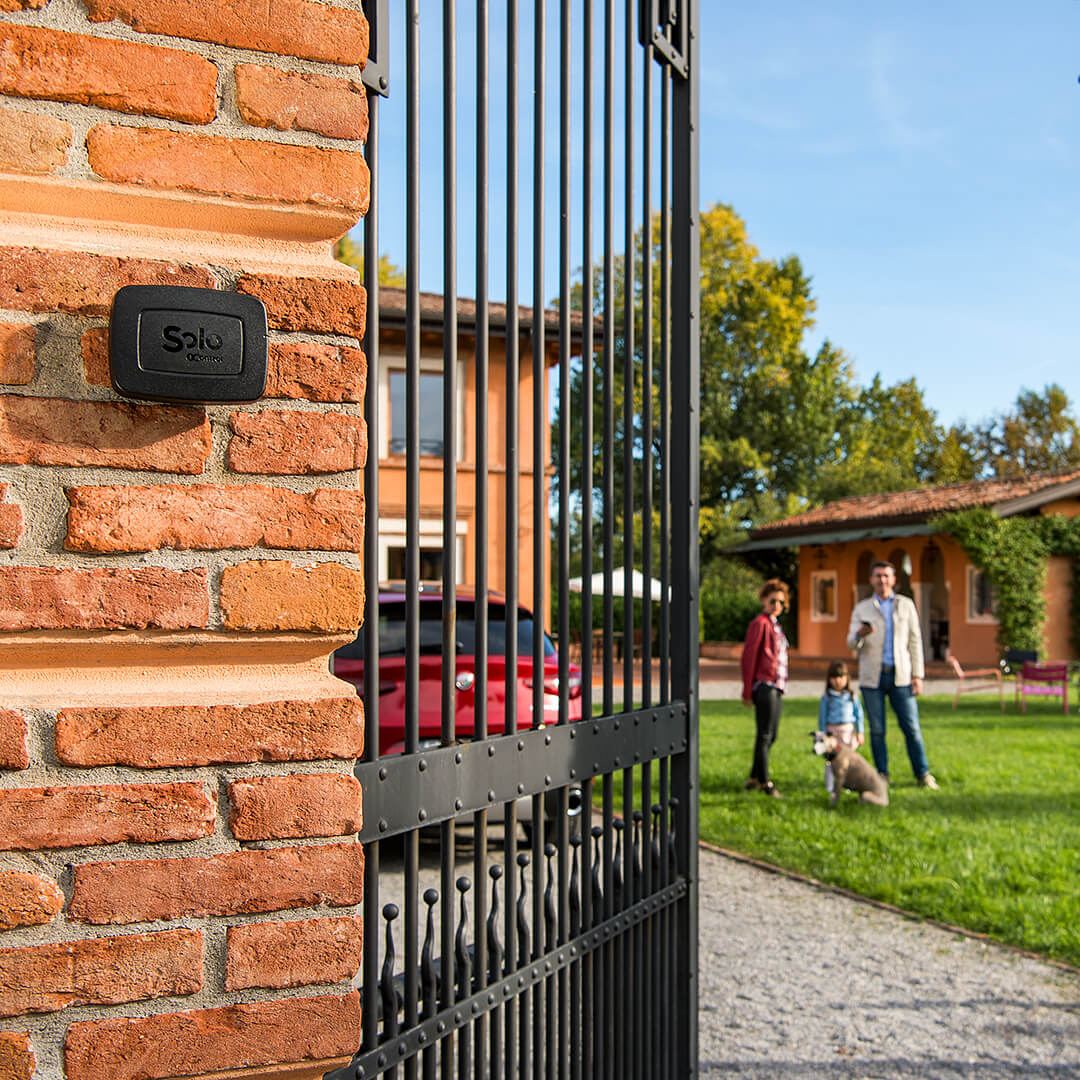
1Control SOLO is a small patented device, designed and built in Italy, that mounts near the gate or garage with the included bracket. It runs on batteries (two type C alkaline cells, typically lasting more than 2 years at 10 openings a day) and talks to the smartphone over Bluetooth Low Energy. No wiring on the control board, no electrician, no internet on the gate.
Copying the remote is a one-time job: the 1Control app (free on iOS and Android) walks you through it, and in 2-3 minutes the original remote is copied into SOLO. From that moment on, every authorised smartphone — yours, your family's, your team's, your guests' — is effectively an extra opener. You do not duplicate physical handsets one by one: one copy is enough, and you grant access to N people via phone number.
What the smartphone path gives you:
- No real cap on duplicates: 10 users included in the standard SOLO, 50 with SOLO EVO, up to 500 via in-app upgrade. Each user opens with their own phone.
- Free time-bounded sharing: you can grant access only on specific days and time windows (handy for cleaners, gardeners, short-term rental guests, employees on shifts).
- Access log: who came in, when, from which phone.
- Instant remote revocation: if a phone is lost or someone leaves the team, you remove access from the app — no need to retrieve a physical remote.
- Apple Watch, Wear OS, Siri, Google Assistant, Alexa, CarPlay and Android Auto compatibility.
Limits to keep in mind: the Bluetooth range between the smartphone and SOLO is typically 15-20 metres (reduced by thick reinforced concrete walls), so local opening means being near the gate. If you want to open from far away too, the optional LINK accessory is a small Wi-Fi bridge that pairs with SOLO and enables remote control over the internet. SOLO is a one-off purchase with no subscription: app and batteries included.
Path 2 — Copy the remote into a universal handset (1Control WHY)
1Control WHY is a 4-button universal remote that lives entirely outside the smartphone world. You keep it in the car, in your pocket or on your keyring, exactly like a traditional gate or garage remote. The difference compared to a branded handset is that WHY copies remotes from different brands, models and frequencies (433-868 MHz band), both fixed code and rolling code, and can store up to 4 different remotes — one per button. It is the product made for people who want a physical opener: no app, no smartphone, no internet.
The copying procedure is the classic universal-remote one: hold WHY and the original remote close together, press the indicated button sequence, and WHY learns the signal. No wires, no app, no installer. Once copied, WHY behaves like any other handset: press the button, the gate opens.
What the physical-remote path gives you:
- Zero learning curve: anyone used to a traditional remote does not change habits.
- Four remotes in one: driveway gate + pedestrian gate + garage + courtyard barrier, all in a single device.
- Right pick for non-smartphone users: older relatives, kids, occasional second drivers.
- Physical backup: even if you use SOLO, having a WHY in the drawer is a safety net for a dead or lost phone.
- Range matches the original remote: no Bluetooth limit, no positioning headache.
Limits: WHY does not handle digital sharing, has no access log, cannot be revoked remotely. If WHY is lost, it behaves like any lost handset — whoever finds it can open the gate until you delete it from the control unit. WHY is a one-off purchase, sold in a pack of two remotes.
How remote signal copying works: fixed code vs rolling code
To pick the right path it helps to understand a technical detail that makes the difference between a cheap universal remote and a tool that actually works. Gate and garage remotes split into two big families based on how they "talk" to the receiver.
Fixed code
Fixed-code remotes (built around chips like HCS, MM53200, PT2262, SC2260, EV1527) always send the same radio code when a button is pressed. They are the most common openers on automations installed up to the early 2010s, and on many traditional up-and-over garage doors. Copying them is simple: record the signal once and replay it. Almost every supermarket-grade universal remote handles fixed code.
Rolling code
Rolling-code remotes (KeeLoq, AES, proprietary dynamic codes) change the radio code at every button press, following a cryptographic algorithm shared with the receiver. They are the standard on automations installed in the past 10-15 years, and they are far more secure than fixed code, because a code captured by an eavesdropper cannot be reused (it has already expired). Copying a rolling code requires a device that recognises the original remote's algorithm and reproduces it correctly. Both 1Control SOLO and 1Control WHY support rolling-code copying on 800+ remote models: this is one of the traits that sets them apart from cheap universal remotes, which often handle fixed code only.
When the remote cannot be copied
A handful of recent proprietary remotes are designed to block copying altogether — for example certain recent Somfy series and some FAAC receivers with installer-level personalised codes. Hörmann BiSecur (including the HS-BS, HSE and HSM lines) is compatible with both SOLO and WHY and copies like any other remote. For the few non-clonable protocols, the workaround is two-fold: either program a brand-new dedicated remote directly on the control board, or install the SOLO KIT, which wires into the board's button inputs and lets you drive the gate from the app or from WHY without going through the radio signal. In any case, verifying your remote's compatibility upfront is the cheaper path.
Check your remote compatibility here by selecting the brand of your automation: the configurator immediately shows whether your model is supported.
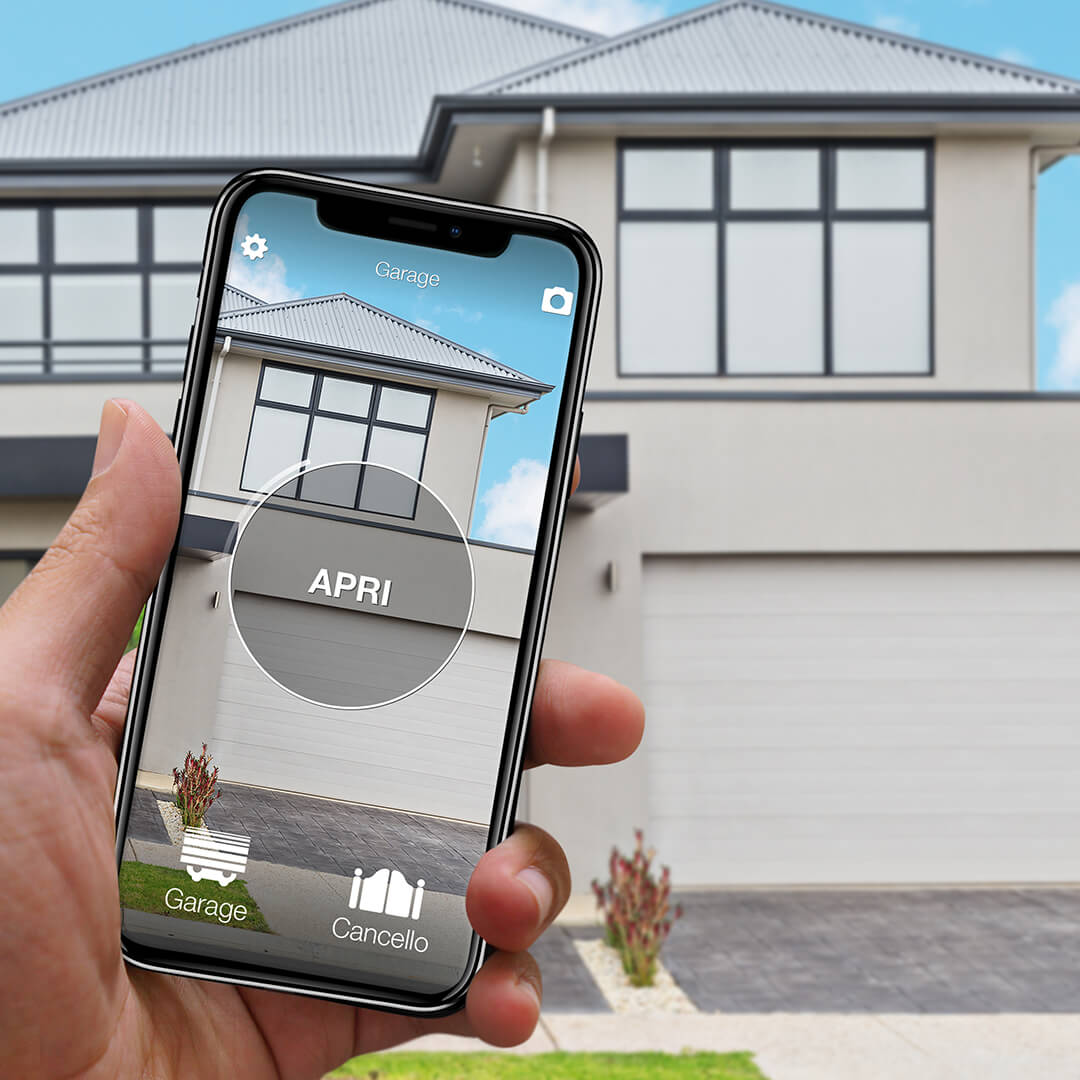
Step-by-step: copy your garage or gate remote with SOLO
Duplicating the remote with 1Control SOLO is a guided procedure that takes less than 15 minutes from unboxing to the first gate opened by phone. All you need is your smartphone and the original working remote.
- Install the 1Control app from the App Store (iPhone) or Google Play (Android). Sign-up runs on your phone number and an OTP via SMS — no email, no password.
- Approach SOLO (it is already on — the batteries are pre-installed at the factory). The app finds the device over Bluetooth and asks you to set your own admin PIN.
- Start the copy procedure from the app under "Copy new remote". The app tells you when to bring the original remote close to SOLO and which button to press.
- Wait for recognition: SOLO automatically detects the remote model (rolling code or fixed code) and stores the signal. A confirmation message appears in seconds.
- Place SOLO near the gate or garage. The device is IP66 rated, weather-resistant, and can sit outdoors year-round.
- (Optional) Add LINK if you want to open the gate from far away, beyond Bluetooth range. LINK connects to your home network via 2.4 GHz Wi-Fi or Ethernet cable and talks to SOLO over Bluetooth.
From that moment on, tapping the button in the app is the same as pressing the remote: the gate opens. The original remote keeps working as before — it is not deactivated. You can copy the same remote on multiple SOLOs, or copy up to 4 different remotes on the same SOLO (6 on the SOLO AUTO version).
When the WHY universal remote is the right pick
Not everyone wants to use a smartphone to open a gate or garage. For many, a physical remote is more immediate: press a button, gate opens, done. No app to launch, no fishing for the phone in your pocket, no dead-battery drama at the wrong moment. WHY is the answer for people who simply want another remote but do not want to pay €50 at the original installer or cannot find one because the model is discontinued.
Typical cases where WHY is the right pick:
- A second household member wants their own remote without using a smartphone (older relatives, kids, second drivers of the family car).
- You want a physical backup at home or in the car, independent from the smartphone.
- You ride a motorbike and do not want to fish out the phone in the rain or on the motorway.
- You manage several different gates (e.g. main house + holiday house + garden gate) and want a single handset that opens them all.
- The original remote is out of production, or the installer charges too much for a duplicate.
The copy procedure with WHY is fast — 3 steps, less than a minute:
- Hold WHY and the original remote close together (touching is fine).
- Press and hold the WHY button you want to copy onto, while pressing the original remote button at the same time.
- Wait for the WHY LED confirmation (it usually flashes in a specific pattern): the copy is done.
WHY copies rolling-code remotes too — something most cheap supermarket universals (€5-10) cannot do. That is the reason why a budget universal remote often "does not work" on gates installed in recent years: it only handles fixed code.
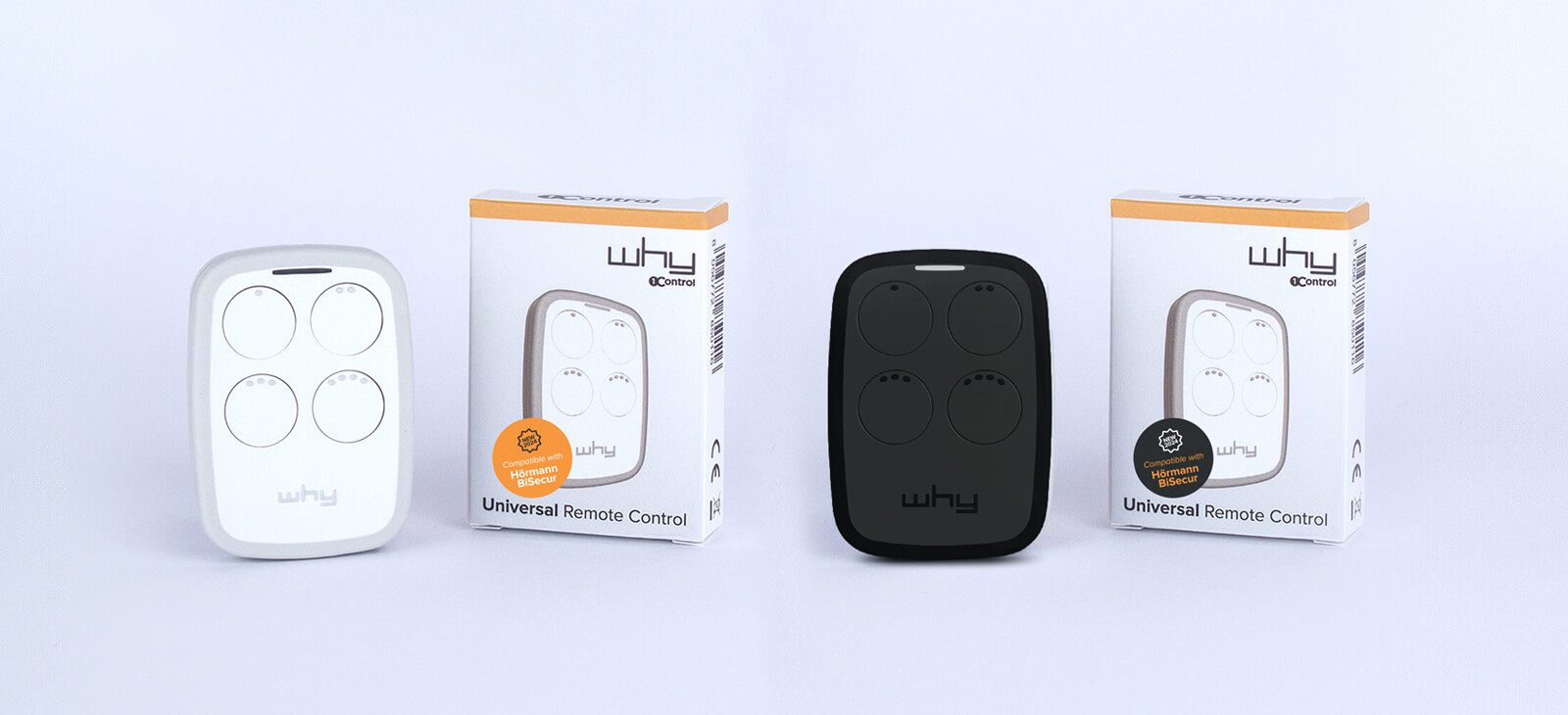
SOLO or WHY: side-by-side comparison
The two solutions answer different needs and they do not exclude each other — many users buy both: SOLO for daily app-based management, WHY as a physical backup in the car. The table sums up the key decision criteria.
| Criterion | 1Control SOLO | 1Control WHY |
|---|---|---|
| Type | Bluetooth device + smartphone app | 4-button universal remote |
| Number of users | 10 standard, up to 500 (EVO) | 1 (it is a single handset) |
| Time-bounded sharing | Yes, free | No |
| Access log | Yes | No |
| Remote revocation | Yes, from the app | No (physical retrieval) |
| Operating range | BT 15-20 m phone↔SOLO; 30-40 m SOLO↔gate | Matches the original remote |
| Internet required | No (BT local); yes with optional LINK | No |
| Rolling code support | Yes (800+ models) | Yes (433-868 MHz) |
| Number of automations | Up to 4 (6 with SOLO AUTO) | Up to 4 (one button per automation) |
| Smartwatch / voice assistants | Apple Watch, Wear OS, Siri, Google Assistant, Alexa | Not applicable |
| Cost | One-off purchase, no subscription (SOLO page) | One-off purchase, pack of 2 (WHY page) |
In short: SOLO is the natural pick for people who want to manage multiple users, sharing windows and remote access with a tool that is already in their pocket. WHY is the natural pick for people who want a simple extra handset, no app required. For many users the best value is owning both.
Opening from app: the value of access sharing
The most underrated difference between duplicating a remote into a physical handset and duplicating it into a smartphone is user management. With a physical opener, one extra duplicate means one more device to hand out, retrieve, lose or reprogram. With SOLO + the 1Control app, every user is a phone number on a list — editable, suspendable, revocable.
1Control sharing is free and takes seconds to set up from the app. For each person you can configure:
- Start and end date: e.g. give the gardener access only during June.
- Days of the week: e.g. give the cleaner access only on Tuesdays and Fridays.
- Time windows: e.g. give the courier access only between 8 a.m. and 6 p.m.
- Instant revocation: if a phone is lost or a contract ends, access goes away with a tap, with nothing to physically retrieve.
For people running a B&B, a short-term rental, a small office or a retail business, this changes the way access is distributed end-to-end. SOLO turns the gate or garage into something you operate as if it were a digital service, not a hardware item to keep handing out.
Is it legal to copy a gate remote?
It is a fair question to ask before duplicating anything, and the answer comes down to who owns the remote and, above all, the gate it operates. Four situations cover almost every case.
Your own remote, your own gate. Copying your own remote for your own property is generally lawful: it is personal use of a device you legitimately own, to access a property you have every right to enter. It is the equivalent of cutting a spare house key, and it is the typical scenario for copying a signal onto SOLO or WHY.
Shared or communal gate. If the gate serves an apartment building or a shared driveway, it is common property: before copying a remote — or having one copied — get authorisation from the building manager or managing agent, and check whether the building's rules say anything about the number of openers per unit. We cover the topic in detail in our guide to communal gate remote control for apartment buildings.
Rented property. If you rent, the gate and its automation belong to the landlord: ask them (or the letting agent) before duplicating a remote. In most cases it is a formality, but it keeps you on the right side of the tenancy agreement.
Someone else's remote, or a gate you are not authorised to access. Copying another person's remote without their consent, or obtaining a device to enter a property you have no right to access, is illegal and may amount to a criminal offence. No serious duplication product is designed for that purpose, and none should ever be used for unauthorised access.
A note on rolling code helps here: serious duplication — 1Control SOLO included — requires physical possession of the original remote, which has to be held next to the device during the copy. It does not "sniff" or "steal" other people's signals from a distance: without the handset in your hand, no copy happens.
This is general information, not legal advice: for specific cases — building disputes, tenancy terms, unusual situations — seek advice from a qualified legal professional.
FAQs
Can any garage or gate remote be copied to a phone?
Almost any. 1Control SOLO supports 800+ remote models for gates, garage doors, up-and-over doors and barriers, both fixed code and rolling code. Major brands are covered: FAAC, Nice, Came, BFT, Hörmann (including BiSecur HS-BS, HSE and HSM), Somfy, Beninca, Cardin, Sommer, Avidsen and many more. For the rare control units that cannot be cloned over the air, you can install the SOLO KIT, which drives the gate by wiring directly into the board's button inputs. Always check your model on the 1Control compatibility page first.
What is the difference between copying a remote and programming it on the control board?
They are two different processes. Copying means recording the original remote signal into a second device (SOLO or WHY) that will reproduce it identically — nothing on the gate is touched. Programming means registering a brand-new opener directly into the gate's electronic board memory, working through the buttons or display of the control unit. For most users, copying is the simpler and faster path because it is independent from the control unit brand and does not require ladders or opening enclosures.
How much does it cost to copy a garage remote to your phone?
1Control SOLO is a one-off purchase and includes batteries, mounting bracket, screws and wall plugs. The 1Control app is free on iOS and Android, and the first 10 users are included (extra users can be added with a one-off in-app purchase). No installer is needed: copying the remote takes 2-3 minutes and you can do it yourself. If you only want a physical extra remote, 1Control WHY is sold in a pack of 2 remotes.
Is the 1Control app free?
Yes. The 1Control app is free on both iOS and Android, can be installed on an unlimited number of smartphones and requires no email or password (sign-up uses your phone number and an OTP code). It is also available for Apple Watch and Wear OS smartwatches, and integrates with Siri, Google Assistant, Alexa, CarPlay and Android Auto.
Can SOLO copy a rolling-code remote?
Yes. 1Control SOLO supports both fixed code (HCS, MM53200, PT2262, SC2260, EV1527) and rolling code (KeeLoq, AES and proprietary dynamic protocols) on 800+ remote models. This is the main reason SOLO works with the vast majority of gates installed in recent years, while cheap universal remotes often only copy fixed code and fail to clone modern openers.
Can I copy several different remotes onto the same SOLO?
Yes — up to 4 automations on the standard SOLO (driveway gate + pedestrian gate + garage + courtyard barrier, for instance). The SOLO MINI version is limited to 1 automation (extendable to 4 via in-app upgrade), SOLO EVO always supports 4, and SOLO AUTO is the only version that supports 6 automations: built for people who manage several different entrances and keep the device in the car.
What happens if I lose my smartphone or it gets stolen?
A smartphone authorisation is not stored on the phone but on the number registered in the 1Control app. If a phone is lost or stolen, the SOLO owner can revoke access for that number from the app instantly. The original gate remote, which was never compromised, keeps working normally. If you lose a physical handset (original or WHY), the only defence is deleting it from the gate control unit memory — an operation that depends on the model and often requires an installer.
Is it legal to copy a gate remote?
Yes, if the remote is yours and operates a gate you are entitled to access. For a communal gate, get authorisation from the building manager first; if you rent, ask the landlord. Copying someone else's remote, or using a copy for unauthorised access, is illegal and may be a criminal offence.
Conclusions
Copying your garage or gate remote to your phone is now a concrete, affordable path that works regardless of automation brand. The choice between 1Control SOLO and 1Control WHY depends on how you want to live with your gate every day. If the goal is managing multiple people, setting time-bounded sharing, knowing who came in and when, and using your smartphone (plus Apple Watch, Wear OS smartwatches, voice assistants), the answer is SOLO. If the goal is having a simple physical extra handset to keep in your pocket or in the car, perhaps as backup to a wider system, the answer is WHY.
The first step in either case is to check whether your current remote is compatible: the 1Control website immediately shows whether the model is supported as soon as you select the brand of your automation.
For most residential users, the SOLO + free 1Control app combo is the fastest way to copy a garage or gate remote to a phone: a one-off purchase, no installer, free app on iOS and Android, 800+ compatible models, unlimited free sharing. For people who also want a physical backup, WHY, sold in a pack of two, closes the loop.
If the choice is not obvious, the two guides that settle it are which universal gate remote to choose (band, encoding, brand-by-brand compatibility) and how to open a gate with your smartphone (setup, sharing, opening from a distance).