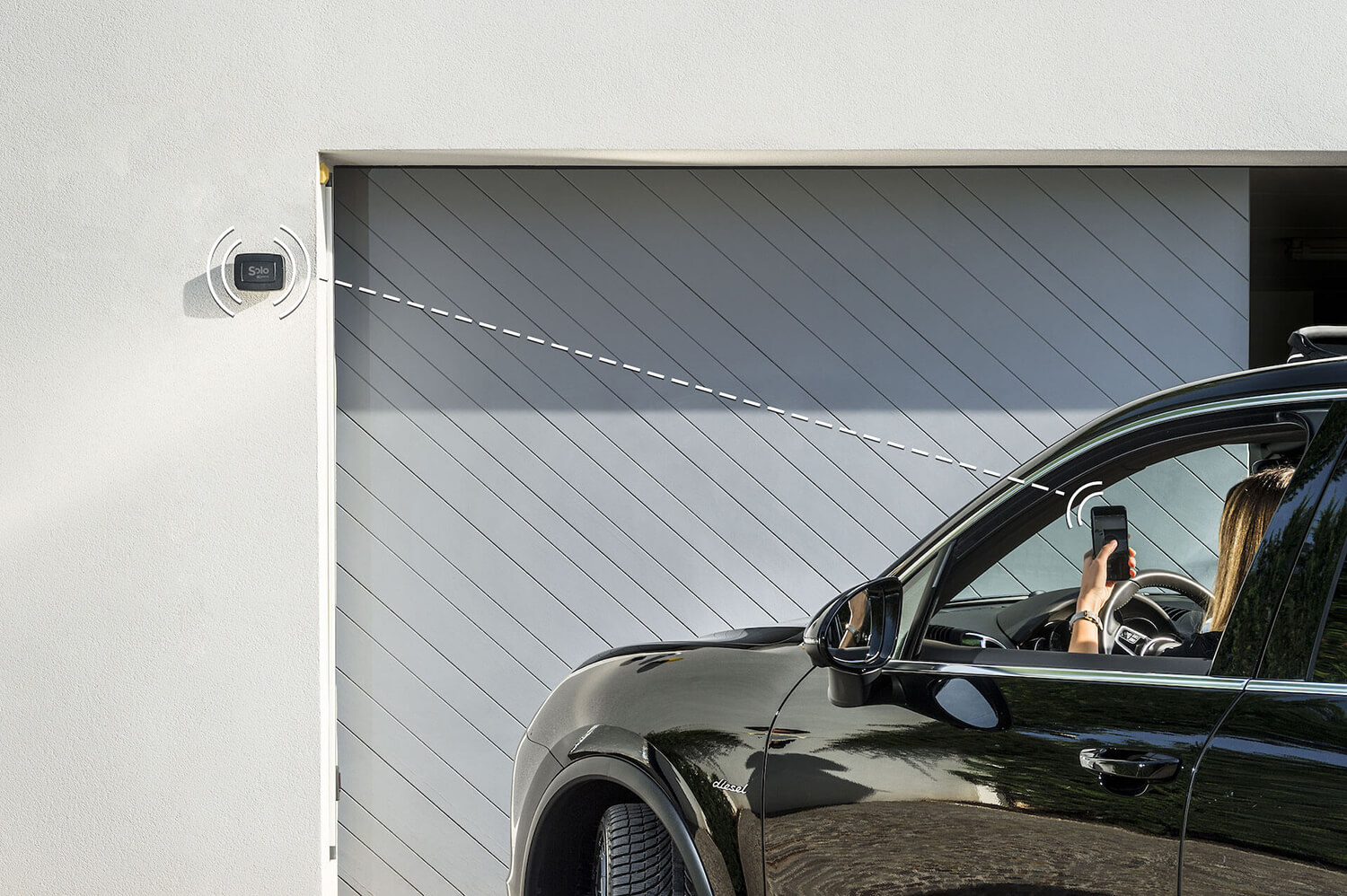
In short: yes, a home can become smart without a home automation system — one access at a time, with no site work. The gate and garage open from your phone with a device that adds to the existing automation without touching its control board; on the front door, a smart lock replaces only the cylinder, no spare keys to cut; PIN keypad, remote opening and voice assistants come later, only if you need them. Locally it works even without the internet.
This is the starting point of the 1Control ecosystem: Made in Italy, patented devices that operate on existing access points, with local Bluetooth control by default and optional cloud features through LINK. SOLO turns a gate or garage into a smartphone-controlled access; DORY makes the front door smart while keeping a real mechanical key as backup; LOCO brings the same idea to padlocks for bikes, scooters and lockers; and PAD adds a PIN keypad wherever distributing an app or a remote is not practical.
Want to start from a real access point rather than an abstract project? Discover SOLO for gates and garages, explore DORY for the front door, or see LINK for remote control, Alexa, Google Home, CarPlay and Android Auto.
A smart home and home automation are not the same thing
In everyday language, smart home and home automation are often used as synonyms. In reality they describe two very different approaches. Traditional home automation is a structured installation: wiring, actuators, control units, communication buses, scenes programmed by an installer, deep integration with lights, blinds, climate control, security and access. It is powerful, but it requires planning, work and a budget in line with a full electrical project.
A modular smart home, on the other hand, starts from standalone intelligent devices installed where they are useful. It does not necessarily replace the existing system: it sits alongside it. It adds practical features on top of what you already have, without redesigning the entire house. An automated gate remains the same gate; you can simply also open it from a smartphone. An armored door keeps its key and cylinder; you can simply manage digital accesses, history and shared keys. A padlock stays a padlock; it just no longer depends only on a physical key.
This is why the right question is not whether to choose between a smart home and home automation in absolute terms. The right question is: which problem do you want to solve right now? If you are renovating an entire house from scratch, wired home automation can make sense. If you want to stop forgetting your gate remote, let the courier in remotely, welcome a guest at a holiday rental or hand a temporary PIN to a contractor, a modular smart home built on access points is faster, less invasive and more reversible.
The comparison: traditional home automation vs modular smart home
The difference becomes clear when you look at practical criteria: installation, reversibility, cost, internet dependence, maintenance and freedom of choice. The 1Control ecosystem deliberately sits on the modular smart home side: it does not ask you to change your gate motor, rewire the house or turn every opening into a cloud call.
| Criterion | Traditional home automation | Smart home with 1Control |
|---|---|---|
| Installation | Project, technician, wiring and system configuration | Wireless or retrofit devices, often installable on your own |
| Construction work | Often required, especially in non-prewired homes | None for SOLO, PAD, LOCO and LINK; DORY only swaps the euro cylinder |
| Use without internet | Depends on the system and central unit | Local Bluetooth opening with SOLO, DORY and LOCO; optional remote opening via LINK |
| Compatibility | Tied to the project and to the chosen modules | Builds on top of existing gates, doors and access points |
| Scalability | Excellent, but planned in advance | Incremental: start with the gate, then door, padlock, PIN and remote control |
| Reversibility | Low when the work is structural | High: devices can be removed and the original access kept |
The advantage of modularity is not only economic. It is also psychological and operational. You do not have to decide today what your whole home will look like five years from now. You can start from the access point that creates the most daily friction, measure the benefit, and then extend the ecosystem only where it pays off. This is exactly the framing that suits homeowners, families and small business owners who want a smart home without committing to a full home automation project.
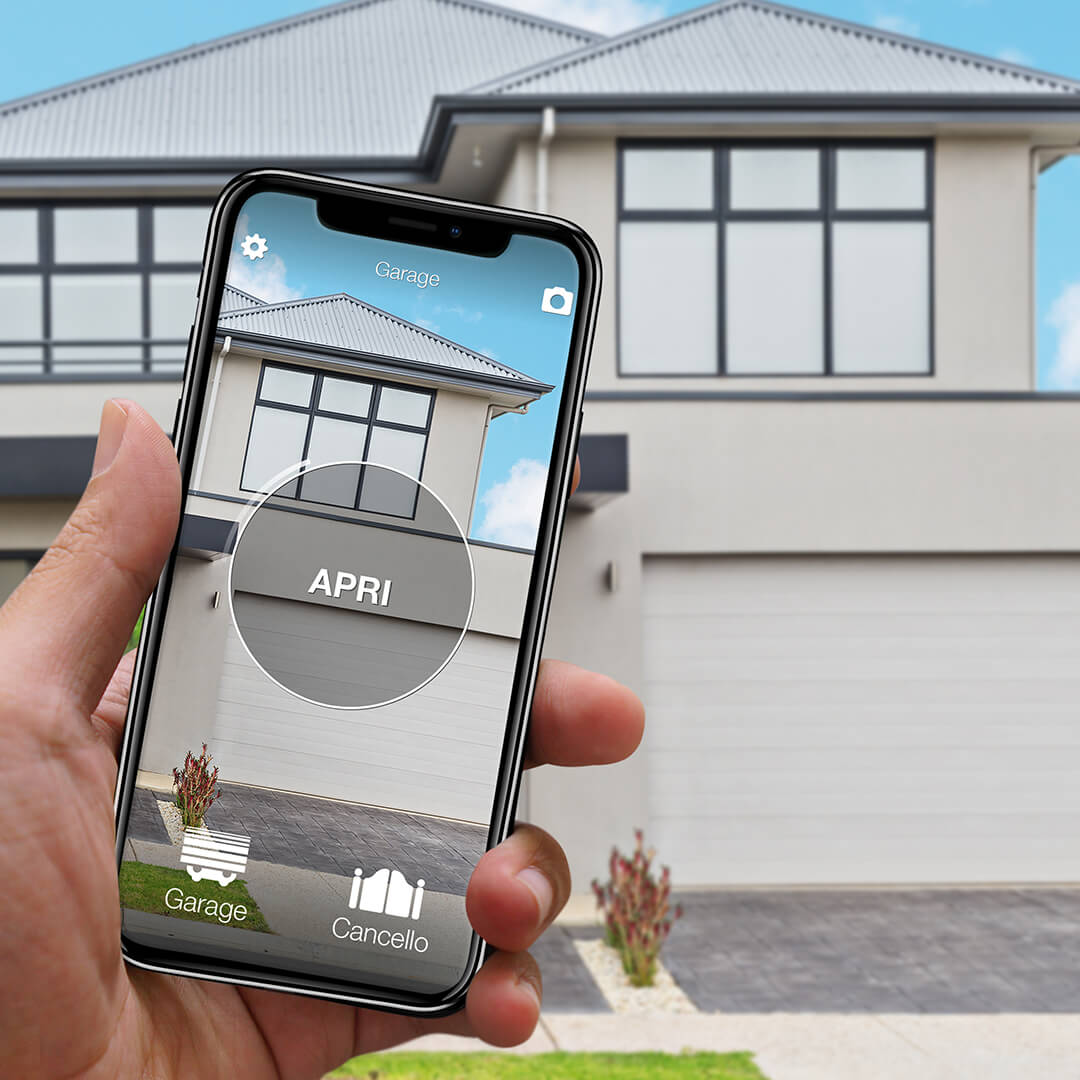
Want to open your gate from your phone?
Check in seconds whether your system is compatible with 1Control SOLO: it fits existing gates and garage doors, one-off purchase, no subscription.
139,00€ 109,00€ VAT included
- 1,500+ reviews on Amazon, Facebook and Trustpilot
- Secure payments
- 2-year warranty
Why start with access points
Smart bulbs, thermostats and connected plugs are often the first thing people think about when they hear "smart home". They are useful, but they do not always change your daily routine. Access points do. Every day you come in, you go out, you open the gate, you look for the keys, you let someone in, you give instructions to a guest, you hunt for a remote. Digitalising these gestures removes friction from repeated, sensitive moments.
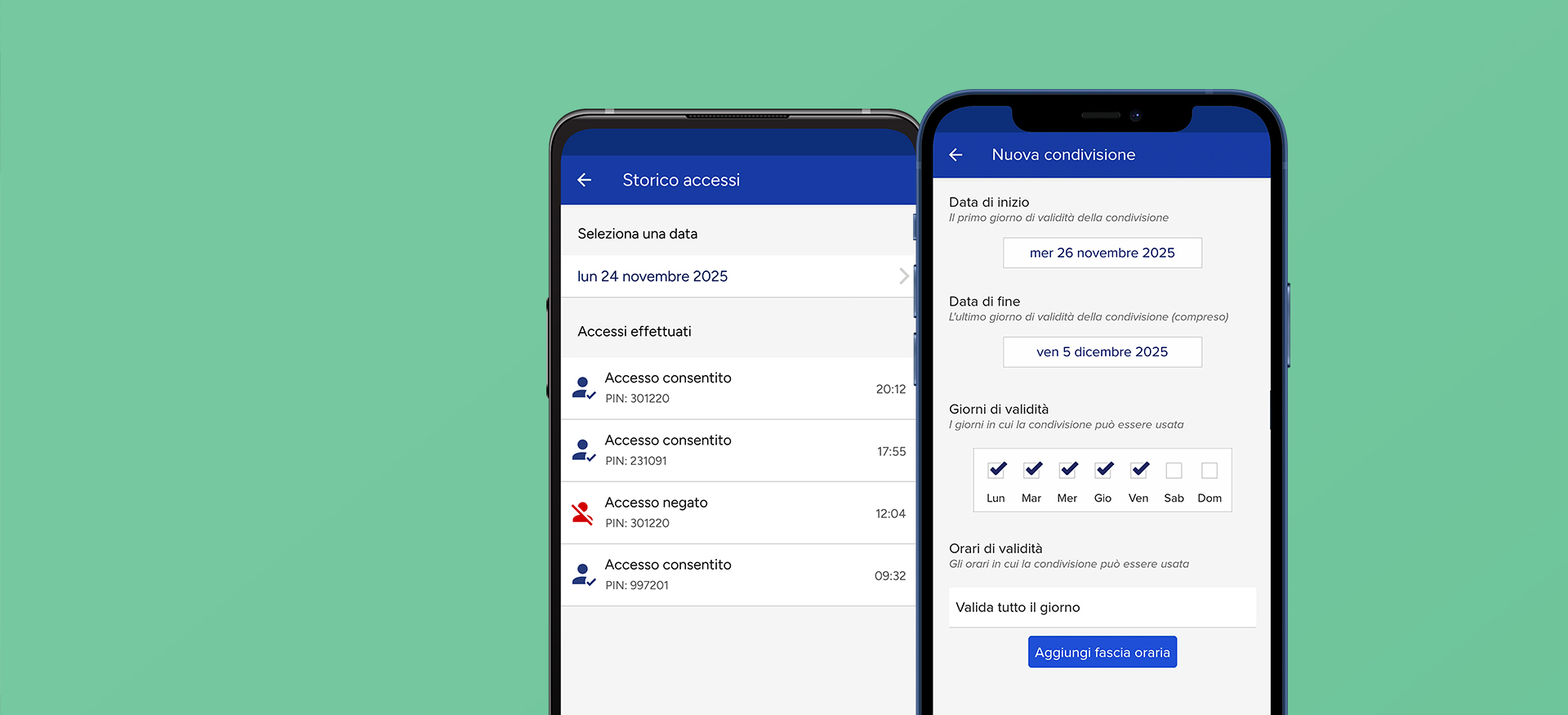
An access point is also a security touchpoint. Who can enter? When did they enter? For how long should they be allowed in? What happens if they lose the remote or do not return the key? With a well-designed smart device, these questions get more precise answers: personal authorisations, time-limited shared keys, access history, digital revocation and physical fallback where it matters.
This is where 1Control stands apart from the market. Many smart home solutions are born as indoor gadgets or as always-on Wi-Fi devices. 1Control is born from real access points: gates, garages, doors, barriers, padlocks, keypads, family and professional users. The design is device-first: the local device must keep doing its job even if you do not want to use remote features, and the cloud must be an extension, not a mandatory dependency.
What you can make smart in a weekend with 1Control
The most concrete way to understand a smart home without home automation is to look at what you can do in a single weekend, without designing a full system. The goal is not to install everything at once: it is to know that each step makes sense on its own and integrates with the others when you decide to grow.
| Access point | 1Control product | What you get | When it makes sense |
|---|---|---|---|
| Gate, garage, barrier | SOLO | Smartphone and smartwatch opening, users and shared access | When you want to replace or pair with the remote without changing the gate motor |
| Front door | DORY | Smart opening, mechanical key backup, access management | When you want a smart lock without giving up the physical key |
| Bike, scooter, locker | LOCO | USB-C rechargeable Bluetooth padlock, app access and sharing | When a physical key is inconvenient or easy to lose |
| Shared entrance | PAD | PIN opening, no app required for the end user | When you need simple access for guests, suppliers or family members |
| Remote control and voice | LINK | Remote opening, Alexa, Google Home, CarPlay, Android Auto and cloud history | When you want to manage access points even far from the device |
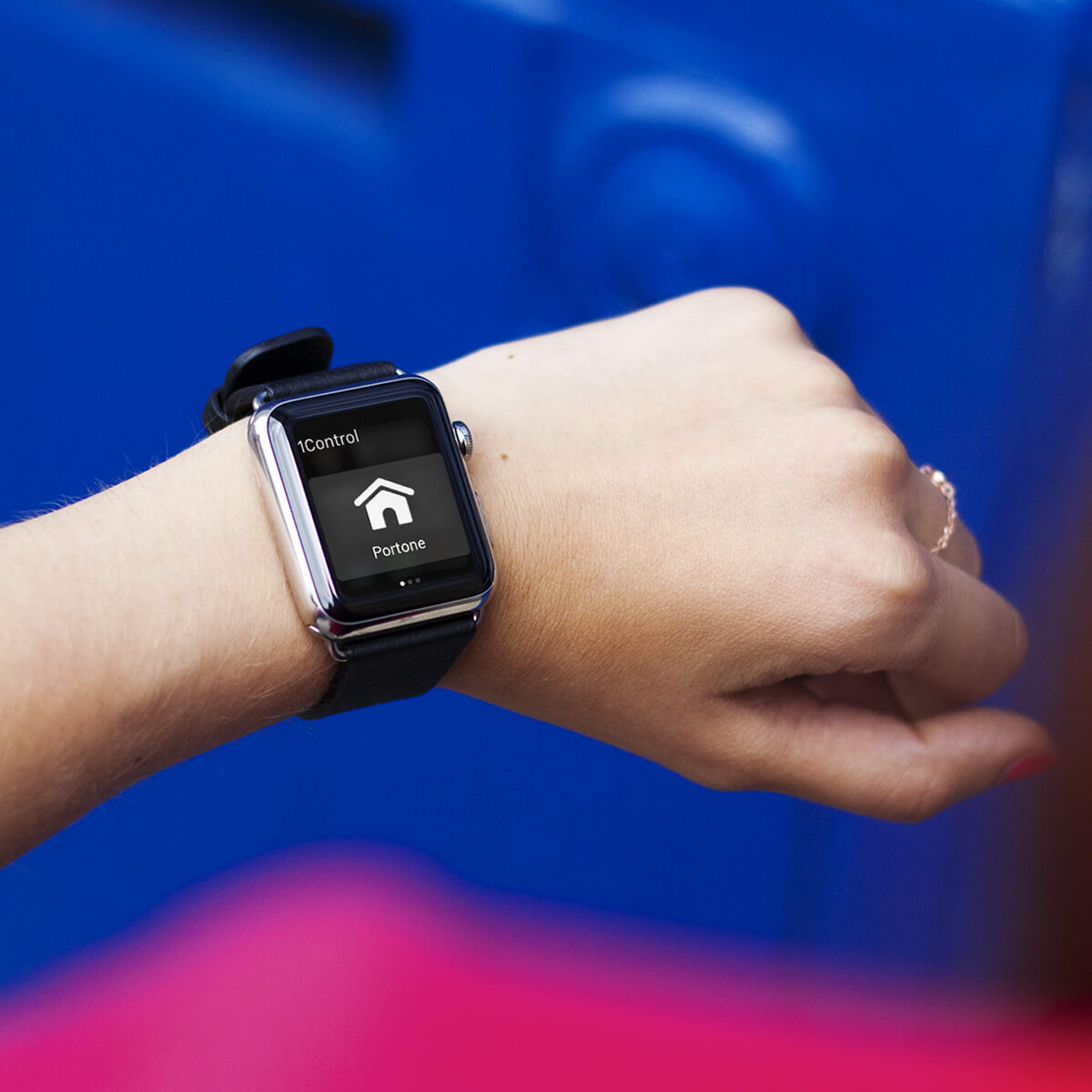
A typical path starts at the gate. Install SOLO near the gate motor, copy the signal of your original remote, and keep using the remotes that are already in circulation. If you also want to open from outside the house or use voice assistants, add LINK. Then, if you want to drop key management for the front door, move to DORY. If you need to hand out access to people who should not go through the app, PAD adds a PIN code. This is the meaning of "ecosystem": every object has a specific role, but the experience stays unified in the 1Control app.
SOLO: a smart gate without changing the gate motor
1Control SOLO is the clearest example of a smart home without installation. It is a Bluetooth smart gate opener that does not connect to the gate control board and does not require external power in the standard version. It copies the signal of your original remote and plays it back when it receives a command from the 1Control app. From the gate's point of view, it is as if someone were pressing an authorised remote.
This approach has three important consequences. The first is compatibility: SOLO supports more than 800 universal gate remote models, both fixed code and rolling code. The second is simplicity: no electrician is needed and you never have to open the gate motor's board. The third is continuity: copying your remote into SOLO does not disable the original remotes, so you can keep the physical devices for whoever prefers them.
SOLO talks to the smartphone over Bluetooth Low Energy. This means that, when you are close to the gate, opening does not require Wi-Fi, mobile data or the cloud. It is particularly useful in underground garages, gates far from the router, or homes where mobile coverage is weak. The standard Type C alkaline batteries last around two years with an average use of ten openings per day. A wireless smart gate opener that copies your existing remote and works offline is the most practical answer when you want to skip a full home automation project but still get smartphone control.
DORY: a smart door, with a real key
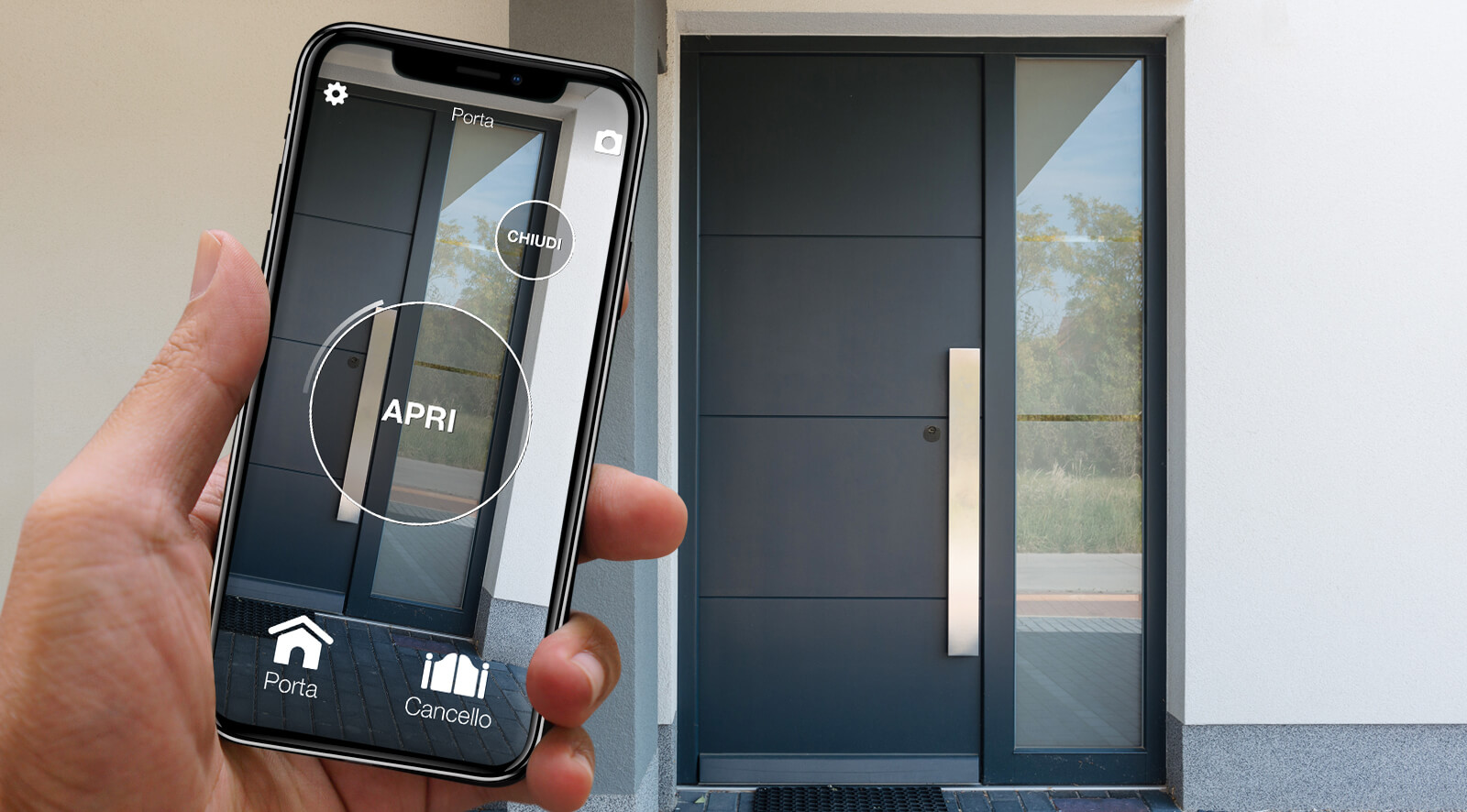
The front door is where many people become cautious. A smart lock has to be convenient, but it cannot turn a flat battery or an app issue into a locked-out home. 1Control DORY tackles this with a hybrid design: a smart lock for the euro cylinder, opening from the app and smartwatch, but with a mechanical key backup that is always available.
This is a major differentiator. With DORY, if your smartphone is flat, if a family member does not use the app, or if the lock batteries reach the end of their life, the key still opens. The battery lasts around one year, a much longer life than typical motorised smart locks that consume energy on every rotation of the key (many competing smart locks last only two months on a charge). DORY is also designed to be silent, which matters in apartments, holiday rentals and condominiums where a noisy motor becomes annoying by the second week.
Installation does not require any structural change to the door: you work on the euro cylinder only. This makes DORY suitable for many situations where wired home automation would be overkill. If you are considering the door as your second smart home step, you can move from the gate to the entrance once the SOLO setup feels natural, and keep a familiar physical key in your pocket.
PAD and LOCO: smart access beyond gate and door
A real smart home is not made only of gate and front door. There are secondary access points, shared spaces, bicycles, scooters, lockers, utility rooms and pedestrian entrances. This is where PAD and LOCO come in.
PAD is a smart keypad with PIN entry. Like SOLO, it can copy a compatible remote signal and operate gates, garages, tilting doors and barriers without connecting to the gate motor. The difference is the user experience: anyone who needs to enter types a code, with no smartphone, app or remote. It is ideal for B&Bs, small offices, recurring suppliers, condominiums, gyms and any context where a temporary code is easier than sharing through an app.
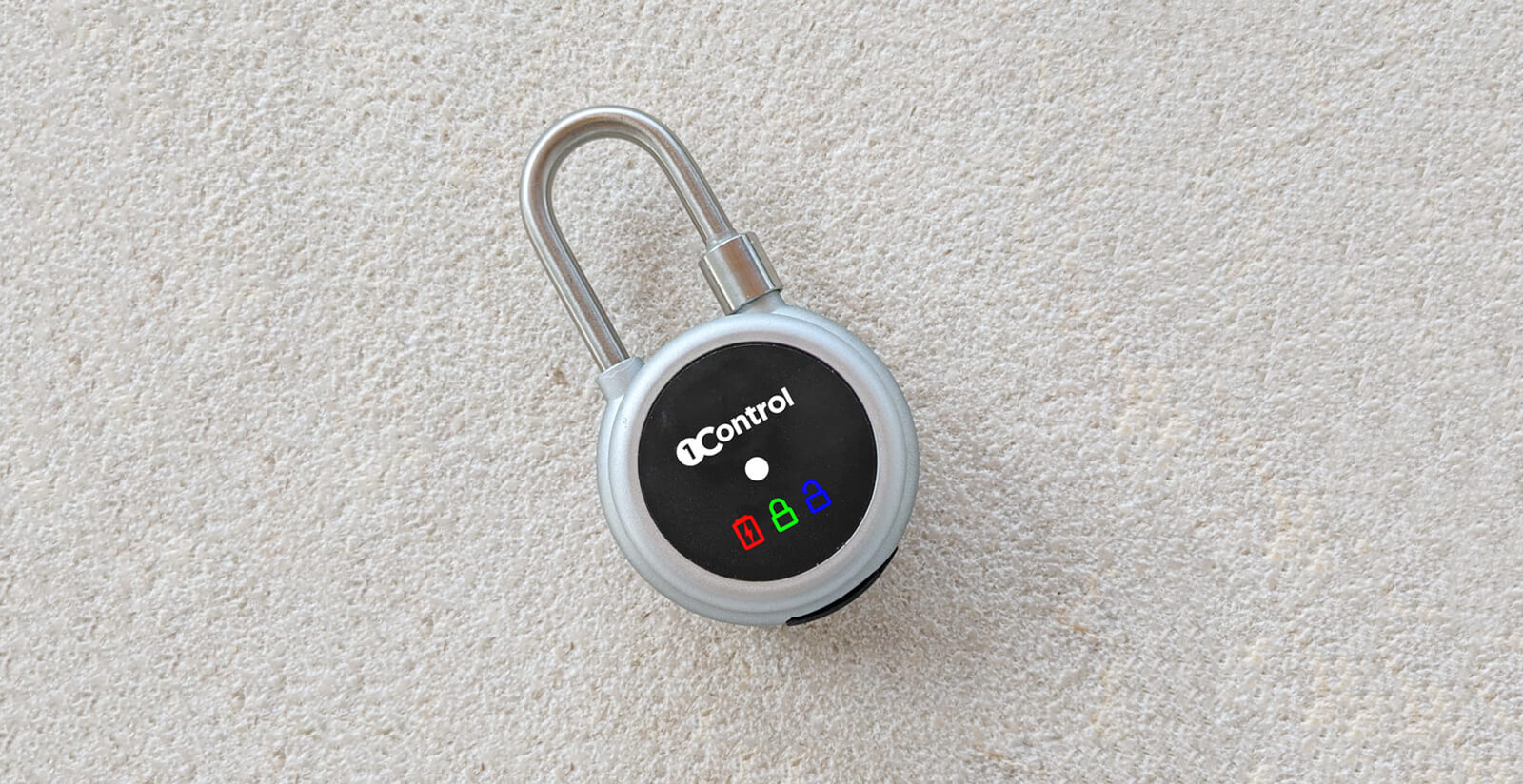
LOCO is a smart Bluetooth padlock that recharges over USB-C. It brings the 1Control logic to movable objects and spaces where there is no door with a euro cylinder: bikes, scooters, lockers, cellars, light gates and shared equipment. Here too, the idea is not to replace everything with a wired system, but to digitalise the right access point.
LINK: when the smart home leaves local Bluetooth
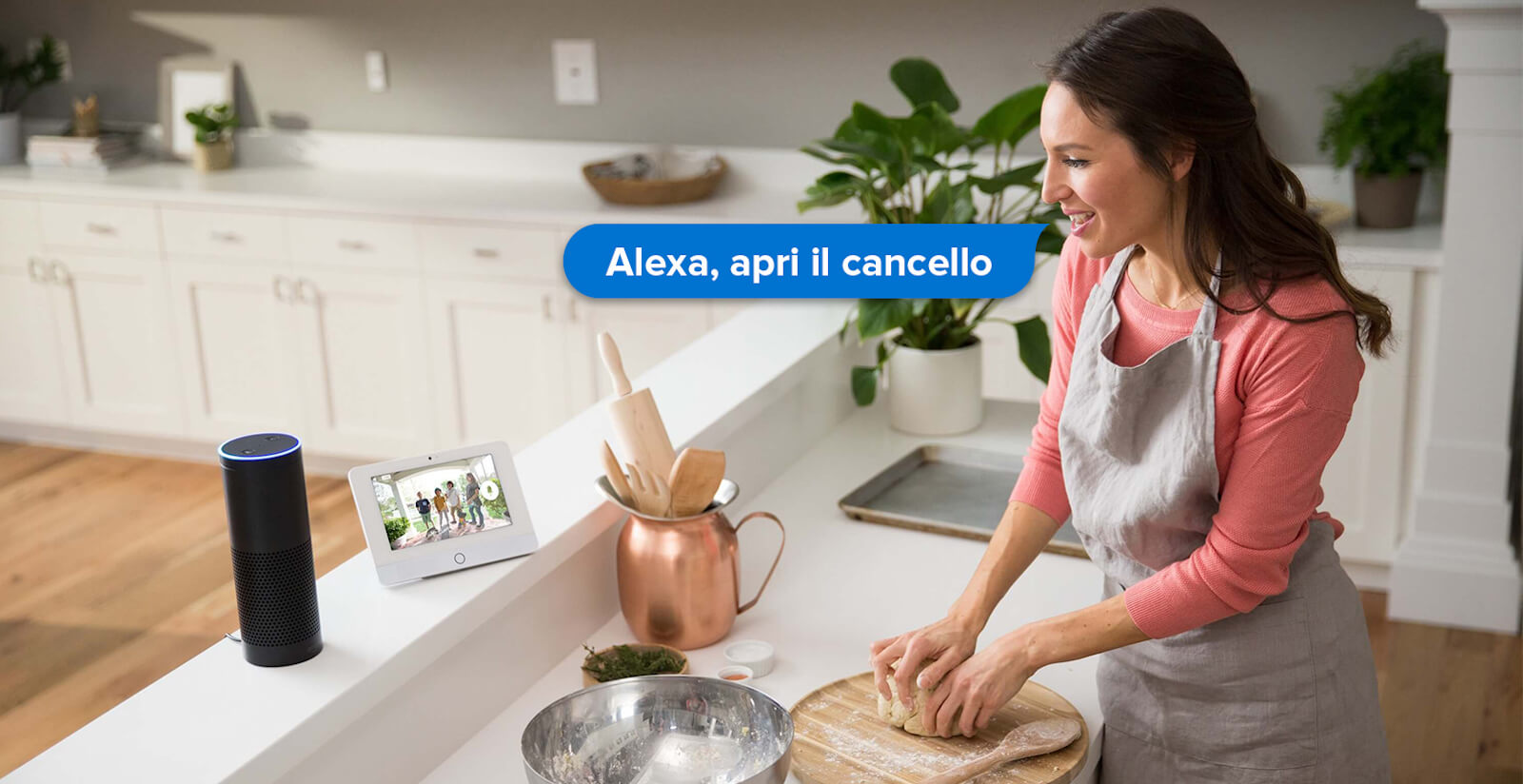
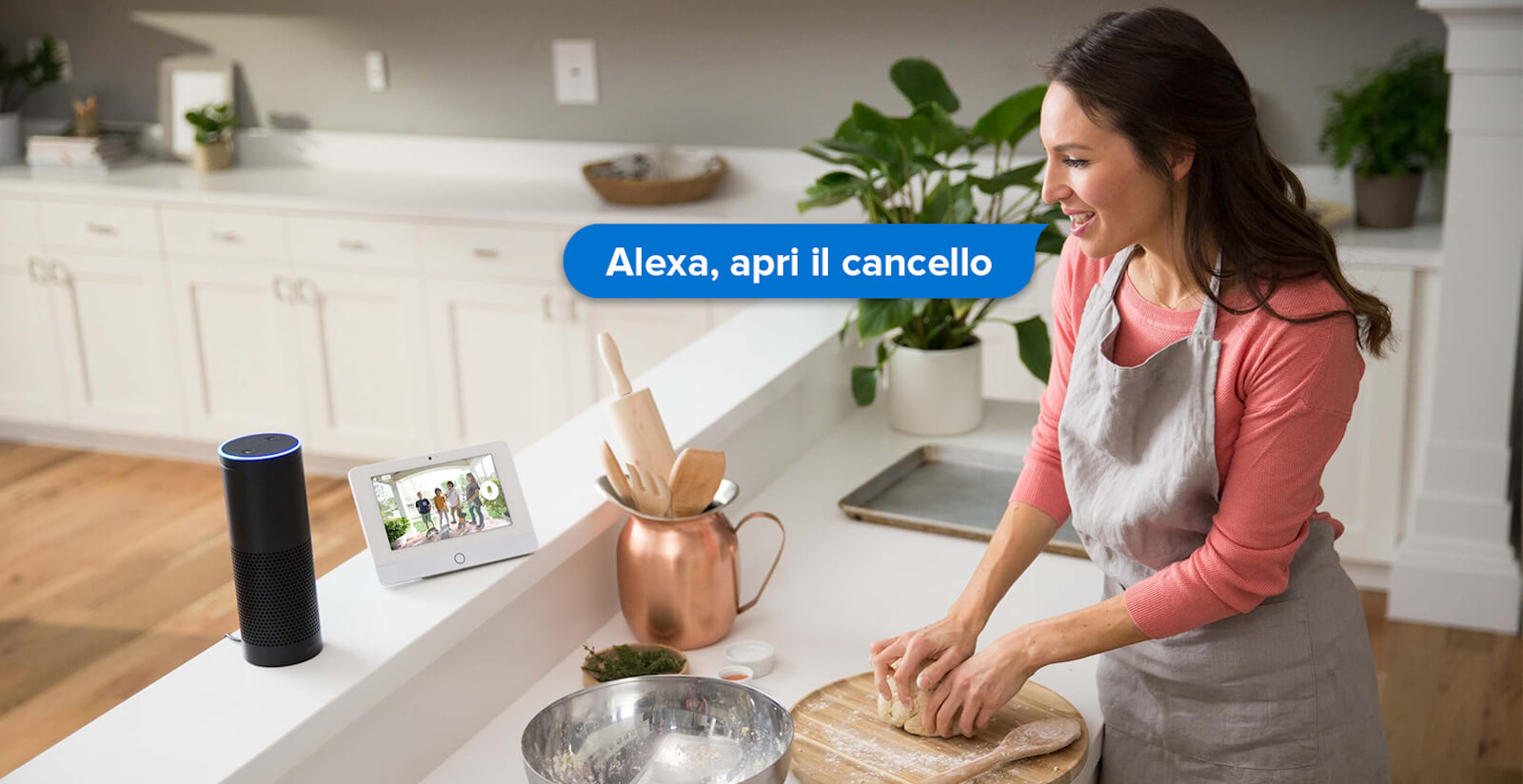
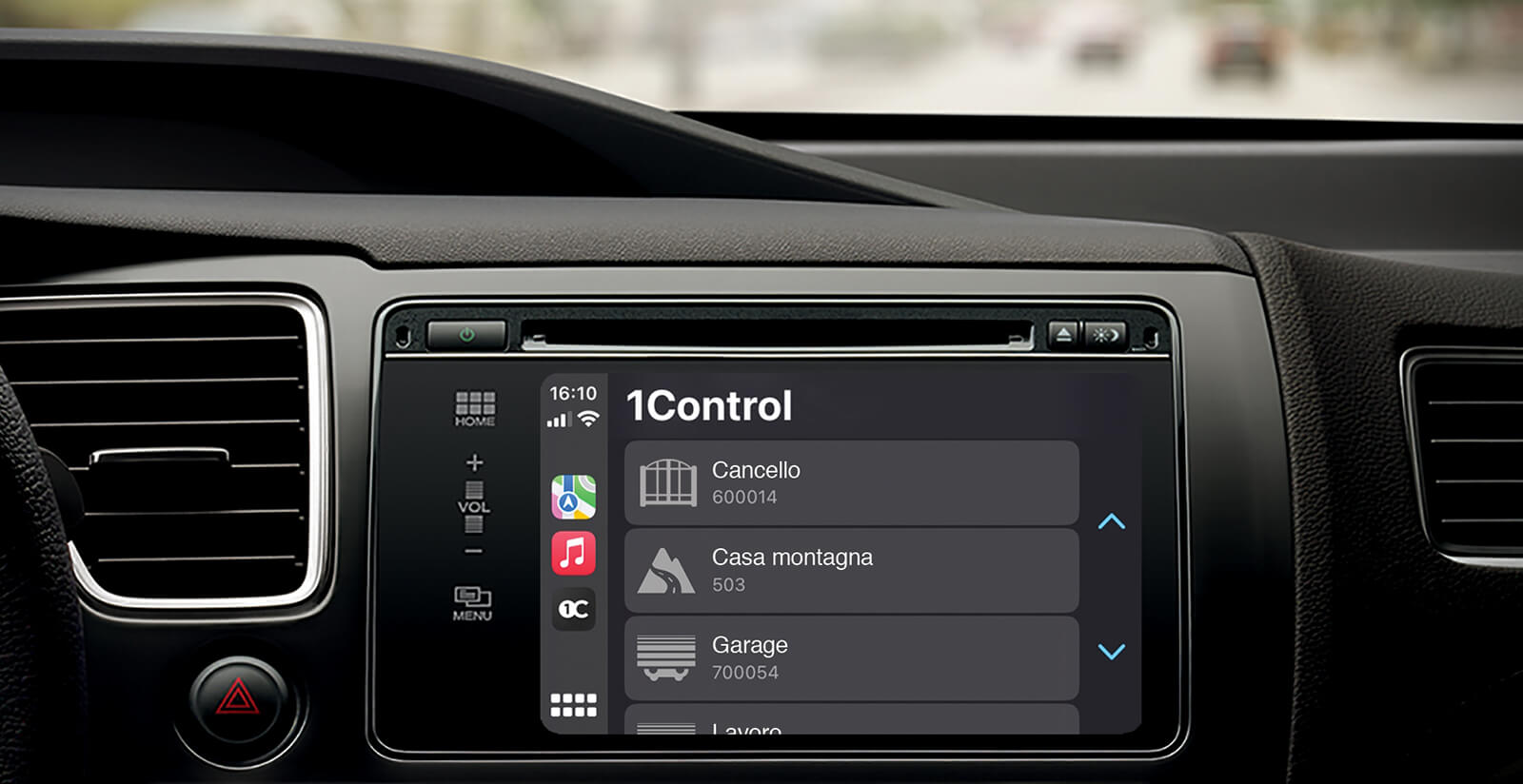
SOLO, DORY and LOCO work locally over Bluetooth. This is a design choice: opening must not depend on the internet by default. But there are cases when you want to manage access points from far away. You want to open the gate for a courier while you are in the office, check the access history from outside the house, use Alexa or Google Home, or open the gate from the car display. This is where LINK comes in.
LINK is not simply a Wi-Fi gate device. It is a Wi-Fi to Bluetooth Low Energy bridge: it connects to your home Wi-Fi and talks over Bluetooth to nearby 1Control devices. The device on the access point stays efficient and local, while LINK forwards traffic to the internet only when needed. This architecture is more robust than many pure Wi-Fi smart home solutions because it separates the power consumption of the local device from the cloud connection.
With LINK you can open remotely, enable integrations with Alexa and Google Home, use Siri Shortcuts, Apple CarPlay and Android Auto, browse cloud access history and receive notifications. If your home network goes down, you lose remote features, but local Bluetooth opening keeps working when you are near the device. The point is exactly this: voice control and remote opening are useful options, not the foundation of how a smart access point should work.
Three scenarios: family home, B&B and office
Family home
In a family home the typical problem is distribution: a remote in the car, the keys in a bag, kids coming back at different times, grandparents who prefer physical objects, occasional guests. The most natural combination is SOLO for the gate or garage and DORY for the front door. Whoever loves the app uses the smartphone; whoever prefers the key still has it; whoever still uses the remote is not forced to change habits.
LINK becomes useful if you want to open remotely or integrate the gate with the car. PAD can be added on secondary access points, like a pedestrian gate or a shared area, when a PIN is more practical than the app.
B&B and short-term rentals
In a B&B the value is not only technological: it is operational. Every physical key to hand over is an appointment, every loaned remote is an object to recover, every late arrival is wasted time. DORY lets you manage the main entrance with temporary keys; PAD enables simple codes for guests who do not want to install an app; SOLO handles gate or garage; LINK adds remote control.
The key point is revocation. A code or a digital share expires; a physical key does not. This is why smart access points are often the first sensible investment for short-term rentals, well before lights, sensors or thermostats.
Small office or professional studio
In an office you need roles and traceability. Who opens in the morning? Who can enter outside business hours? Should the supplier only access on Tuesdays? Does the cleaning staff have a dedicated time window? With the 1Control app you can create shared access with time limits and keep a history. SOLO covers gate and parking, DORY covers the front door, PAD covers access points where a PIN is simpler, and LINK centralises remote and integrations.
The result is not enterprise-grade access control: it is more orderly management of entries in small and medium contexts. It is often the right size for studios, shops, light warehouses and operational sites with no in-house IT team.
Security: local, backup and no vendor lock-in
A smart home is only useful if it stays reliable when something goes wrong. A flat smartphone, no internet, a guest without the app, batteries to be replaced, a router that is off: these cases are not theoretical exceptions, they are everyday life. The difference between a gadget and a mature system lies precisely in how fallbacks are handled.
1Control works on three levels. The first is local control: the main devices communicate over Bluetooth, so close-range opening does not need the internet. The second is physical or alternative backup: DORY keeps the mechanical key, the original remotes still work with SOLO, PAD allows PIN entry when the app is not ideal. The third is ecosystem openness: LINK enables cloud and integrations, but does not lock you into a proprietary installation that forces you to replace everything.
This is also the meaning of no vendor lock-in in the context of access points: 1Control does not ask you to throw away existing gate motors, remotes, doors or habits. It adds an intelligent layer on top of what you already own, while keeping practical alternatives. This approach is particularly important in condominiums, rented homes, holiday homes and shared contexts, where you cannot unilaterally rewire the building.
How much does a smart home without home automation cost?
The cost of traditional home automation depends on the project, square metres, number of controlled points, wiring and labour. It is normal for it to become an investment that needs careful planning, especially if the home is not pre-wired. A modular smart home, instead, is priced per access point: gate, door, padlock, PIN, remote control. This makes the budget more progressive.
The main difference is not just the upfront price, but the risk. With a full system you have to decide many things at once. With 1Control you can start from the most obvious problem: the gate you want to open from a smartphone, the B&B door you want to manage without handing over keys, the bike padlock you want to share, the remote opening you need for a family member. Once the benefit is clear, you add the next step.
For current prices, bundles and promotions it is always worth checking the official product pages, since catalogues and kits can change. The practical rule stays the same: if your existing access point works, making it smart with a dedicated device is usually less invasive than replacing the gate motor, the door or the entire wiring.
Recommended roadmap to start
If you are starting from scratch, do not begin with the full list of possible smart devices. Start from the points of friction.
- Map your access points: driveway gate, garage, front door, pedestrian gate, garden shed, cellar, bikes, lockers.
- Pick the first high-impact access point: it is often the gate, because everyone uses it and a physical remote feels limiting.
- Check compatibility: for SOLO and PAD, what matters is the remote model, not just the gate motor brand.
- Install local before going remote: try Bluetooth opening, users, sharing and history at close range first.
- Add LINK only if you need it: remote control, voice assistants, CarPlay, Android Auto and cloud history make sense when they solve a real need.
- Extend to the front door: DORY is the natural step when you want to manage the entrance too, without giving up the key.
This sequence avoids the most common smart home mistake: buying disconnected devices because they look interesting, with no logic of everyday use. Access points are a good starting place because they offer clear need, immediate value and measurable use cases. The natural progression from gate to door, then to remote and PIN, lets you scale the smart home only where it makes sense, instead of committing to a full system from day one.
Conclusion: an intelligent home, without turning it into a building site
The most useful smart home is not always the most complex one. Often it is the one that removes a daily problem without creating new ones. Opening the gate from your phone, letting a guest in with a temporary key, keeping the physical key on the door, using a PIN when the app is not convenient, opening remotely when it matters: these are concrete functions, not showroom scenarios.
1Control stands out because it applies this logic to real access points. SOLO, DORY, PAD, LOCO and LINK do not ask you to choose between old and new: they let you add an intelligent layer while keeping compatibility, backup and freedom. This is a smart home without home automation in the most pragmatic sense: less construction work, less dependence, more control over the gestures you make every day.
If you want to build your intelligent home one step at a time, start from the access point you use the most: SOLO for gate and garage, DORY for the front door, LOCO for padlocks and movable access, PAD for PIN entry and LINK for remote control and voice assistants.