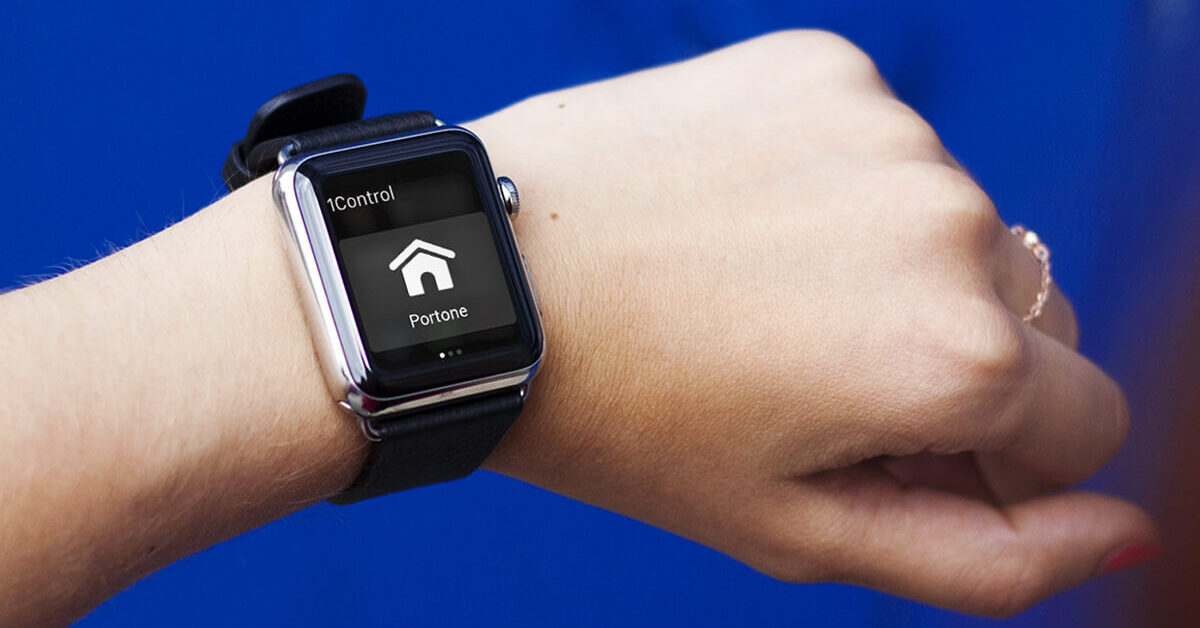
You press the remote and the gate does not move. Before you book a call-out, it is worth spending ten minutes on an orderly diagnosis: an electric gate not opening very often comes down to something you can check — and sometimes fix — yourself, such as a tripped breaker, dirty photocells, a manual release left engaged or a control board that simply needs a reset.
This guide follows a simple decision tree: first we work out whether the fault is the remote control, then the safety devices, and only then the motor. For the mechanical and electrical side we will tell you honestly where to stop and call a gate engineer: some jobs are not worth doing yourself, for safety and for your warranty. At the end you will also find the structural fix for never being locked out again — a second transmitter on your smartphone with 1Control SOLO, independent of the remote that let you down today.
If your problem is the opposite one — the gate opens by itself — jump straight to the dedicated section below: the causes are different and almost never involve the motor.
The three two-minute checks
Before opening consumer units or unscrewing photocells, three quick checks clear a large share of cases on their own.
- The remote's LED. Press the button and watch the light: off or very dim means a flat battery or oxidised contacts. It is the single most common cause — whether you call it a remote, a fob or a clicker.
- The power. Check the consumer unit: a tripped breaker or RCD (often after a storm) cuts power to the whole gate operator. If the control board has status LEDs, make sure they are lit.
- The manual release. If someone used the release key during a power cut and never re-engaged it, the motor spins without driving the gate: the leaf moves freely by hand but ignores every command.
If the gate still shows no sign of life after these three checks, work through the rest in order: radio first, then safety devices, then the control board.
Is it the remote or the gate?
The decisive test takes thirty seconds: try to open the gate with another command — the second remote in the house, the wired push button, the key switch or the intercom. If any alternative command works, the gate motor and control board are fine: the fault is in the remote or in the radio side of the receiver.
In that case there are three main suspects: the battery (even with the LED lighting up, it may no longer have the energy to transmit at distance), a remote that has lost sync with a rolling-code receiver and needs re-programming, or — if the trouble started right after adding a new remote — a gate receiver memory that is full. For the full symptom-by-symptom diagnosis (LED on but gate still, works only up close, works intermittently), see the dedicated guide: gate remote not working.
If no command at all opens the gate, the remote is innocent: move on to the safety devices and the board.
Find the fault before replacing the remote
Choose the symptom: we will show the next step and compatibility only when it is relevant.
Which situation best describes the problem?
If another remote opens the gate, the fault is in that handset. Check its battery and contacts first; if it remains faulty, you can check WHY or SOLO using the working remote as the source.
The fault is probably in the power supply, safety sensors, receiver or automation. A new remote will not repair the system: finish the checks in this guide or call an engineer.
Follow the specific procedure in this guide and the receiver manual. Do not erase the memory at random; check product compatibility only after restoring at least one working control.
Photocells and safety devices
Photocells are the pair of eyes on either side of the driveway: one sends an infrared beam, the other receives it. If the beam is broken — or the control board believes it is — the manoeuvre is blocked for safety. The classic symptom is a gate that opens but will not close (or re-opens halfway through closing), but many boards refuse any movement if the safety test fails.
The causes are almost always physical: lenses coated in dust or road grime, cobwebs, internal condensation, low sun blinding the receiver at certain hours, or a knocked post that has thrown the beam out of alignment. The cure is within anyone's reach: wipe the lenses with a soft dry cloth and check alignment — most photocells have an LED that lights steadily when transmitter and receiver can see each other. The same goes for safety edges (the rubber anti-crush strips): a damaged cable or a compressed edge makes the board reject the command.
Control board stuck: the safe reset
Like any electronics, the control board can freeze, typically after a voltage spike or a thunderstorm. The remedy is the same as for a router: cut the power for a couple of minutes at the dedicated breaker, then switch it back on. On restart many boards run a self-test and come back clean; on some models the first manoeuvre after a reset is a slow re-alignment run, which is normal.
If the reset is not enough, check the fuses on the board (with the power off) and make sure the plug-in radio receiver module is seated firmly in its connector. If the reset works but the freeze returns every few days, do not keep resetting: a board that locks up cyclically is announcing a failure, and that is an engineer's job. To understand how board, receiver and safety devices talk to each other, our guide on how to open a gate with your smartphone also covers how a gate operator is put together.
Gate opens and closes by itself
The "ghost gate" is unsettling, but it has a logic: something is issuing an open command in your place. The most common causes, in order of frequency:
- Key switch with condensation. Suspect number one, especially after rain: moisture inside the key switch bridges the terminals, and to the control board that is a legitimate command, repeated at irregular intervals.
- Intercom or push button shorting. A stuck gate-release button or intercom wiring with worn insulation produces exactly the same effect.
- A remote pressed by accident. In a pocket, in a bag, wedged between car seats: before hunting for faults, put every remote on the table and see whether the phenomenon continues.
- Radio interference. The 433 MHz band is crowded: a neighbour's remote on the same coding, or a strong interfering source, can in rare cases trigger older fixed-code receivers.
- Faulty photocells. If the beam flickers, the board may command endless re-openings during closing.
The method for isolating the culprit is to disconnect one command at a time — the key switch first, then the intercom — and wait: when the ghost stops, you have found the responsible circuit. If you are not comfortable working on the board's terminals, this is a good moment to call the engineer: the diagnosis you hand over halves their work.
After rain or a power cut
Water and power loss are the two great classics. After heavy rain, moisture can creep into photocells, key switch and junction boxes: the gate often starts working again on its own after a few hours of sunshine, but if it happens with every downpour the boxes need resealing before oxidation does permanent damage.
After a power cut, the sequence is: reset the breaker, send a command, observe. Three typical outcomes: everything restarts normally; the motor hums but the gate does not move — most likely an exhausted starting capacitor, a cheap part but a technician's job because it means working on the mains-powered motor; or the gate has lost its travel references and stops halfway — usually the limit switches, or a manual release operated during the blackout: re-engage the release with the leaf in the right position and let the gate complete one full run.
DIY or gate engineer? The honest line
Everything above — batteries, cleaning and aligning photocells, resetting the breaker and the board, using the manual release — is within anyone's reach and touches no live parts. Beyond this line, stop:
- a motor that hums or overheats (capacitor, windings);
- mechanical parts: gears, rack, hinges, and the springs of an up-and-over garage door (springs under tension are dangerous);
- burnt boards or buried cabling that needs replacing;
- any work on mains voltage.
Calling the engineer with a ready-made diagnosis ("it opens from the push button but not from the remote", "the motor hums and won't start") shortens the visit and makes it cheaper. And an annual service — greasing, force and safety checks — always costs less than a breakdown with the gate stuck shut.
The backup command that saves you: your gate on your smartphone
Almost every failure above has one thing in common: it strands you because the remote is the only transmitter you carry. The structural fix is redundancy — a second transmitter that is always in your pocket, your smartphone.
1Control SOLO is a Bluetooth smart gate opener that copies the signal of your existing remote — over 800 supported models, fixed code and rolling code — with no wiring to the control board and no Wi-Fi needed at the gate: it runs on two C-type alkaline batteries for around two years and controls up to four gates or garage doors. Your original remotes keep working: SOLO adds a command, it does not replace one. You pay once, with no subscription fees.
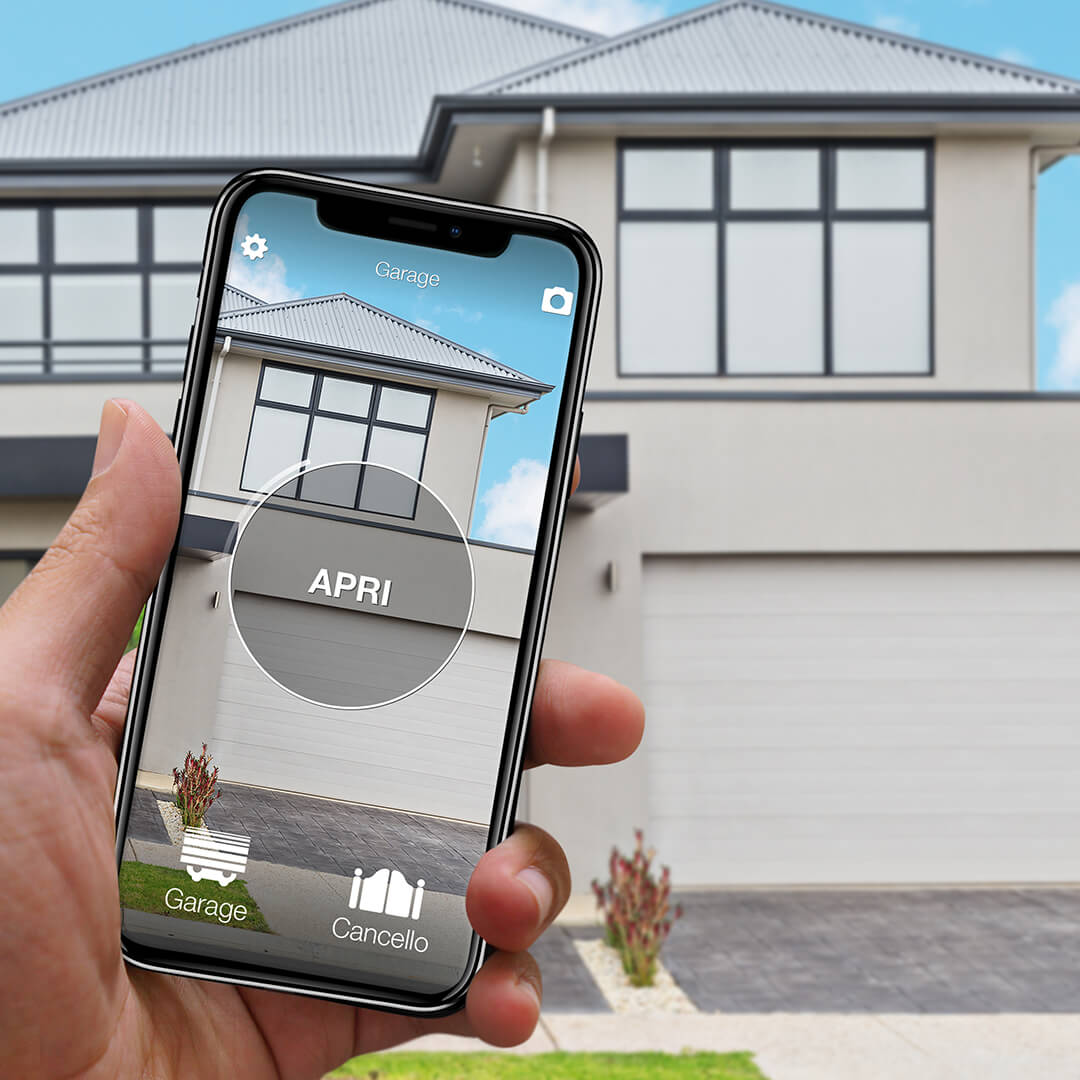
The benefit is not just for emergencies: from the app you can share access with family and guests via their phone number, with time slots, expiry dates and an opening history — for free. Before buying, check your remote model on the compatibility page.
Frequently asked questions
Why does my gate open from the push button but not from the remote?
If any wired command (button, key switch, intercom) opens the gate, the motor and control board are healthy: the fault is on the radio side. The most common causes are the remote's battery, a remote that needs re-programming, or a full receiver memory. Start with the battery, then follow the symptom-by-symptom guide to a gate remote not working.
My electric gate opens but will not close: what should I check?
Almost always the photocells: dirty lenses, condensation, misalignment or low sun interrupt the beam and the board refuses to close for safety. Wipe the lenses with a dry cloth and check the alignment LED; also make sure nothing is obstructing the driveway.
How do I open my electric gate during a power cut?
With the manual release: the key or lever supplied with the motor disengages the drive so you can move the leaf by hand. When power returns, remember to re-engage the release with the gate in position, otherwise the motor will spin without moving the gate.
Why does my gate open by itself?
Something is issuing a command without you: typical causes are a key switch with internal condensation, a shorting intercom button, a remote pressed by accident in a pocket or, more rarely, radio interference on older fixed-code receivers. Disconnect one command at a time to isolate the responsible circuit.
The motor hums but the gate does not move: can I fix it myself?
A humming motor with a still gate almost always means an exhausted starting capacitor (or the manual release engaged). The capacitor is a cheap spare part, but replacing it means working on the mains-powered motor: it is a job for a gate engineer — quick and inexpensive if you arrive with the diagnosis already done.