Anyone who operates a coworking space knows it: member requests do not follow the front desk's schedule. There is the freelancer who works best after dinner, the team that has to ship a project over the weekend, the consultant who wants to pick up a parcel at 7 a.m. Round-the-clock access has quietly become a default line in every comparison between spaces — but for the operator it boils down to one very concrete question: how do I keep the space open 24/7 without paying someone to sit at the entrance?
The answer is not "hire more people", and it is not "hand out spare keys to everyone" either. It is automating access: each member enters with personal digital credentials, valid only during the hours their plan allows, and every entry is logged. This guide covers what it actually takes to run an unstaffed coworking space: from access rules tied to membership plans down to the entrances almost every setup forgets — the shared building door and the parking gate.
Why 24/7 access became the standard
A coworking space sells, at its core, hours of equipped workspace. If the space is usable from 9 to 6 on weekdays, you are selling at most 45 hours a week; with free 24/7 access the sellable hours triple, at essentially the same fixed costs: rent, utilities and connectivity do not change because a member walks in at 10 p.m.
There is also a positioning issue. The big flexible-workspace networks include round-the-clock access in their dedicated membership tiers, and low-cost gyms have trained everybody on the "scan your badge, walk in whenever" model. A coworking space that closes at 6 p.m. is competing with an offer that feels incomplete — especially to developers, creatives and anyone working across time zones, which is precisely the coworking audience.
So the critical question is not whether to offer 24/7 access, but how to offer it without turning it into an unsustainable payroll cost or, worse, an entrance that is effectively left unguarded.
The real problem: more opening hours without front desk staff
Staffing an entrance costs money for every extra hour it stays open. That is why so many small and mid-sized spaces keep office hours: it is not a service decision, it is a cost constraint. The makeshift workarounds you see in the wild all share the same flaw:
- Key copies for "trusted" members: no control over who actually enters, keys that can be duplicated, and in theory a lock change after every cancellation.
- One door code shared by everyone: it circulates on WhatsApp within a week, and there is no way to know who used it.
- A consumer smart lock on the door: designed for homes, it struggles beyond a handful of users, often puts multi-user features behind a subscription and, above all, covers only the door — not the building entrance, not the parking gate.
An unstaffed coworking space only works if access is personal, revocable and logged: each member has their own credentials, the rules follow their membership plan, and every opening leaves a line in the register. It is the same logic that made 24/7 unstaffed gyms possible — applied to a workspace.
The checklist for an automated coworking space
Before talking technology, it helps to line up the requirements. To take the reception out of the equation you need five things:
- Individual credentials for each member (smartphone app, personal PIN or badge) — never shared codes.
- Rules tied to the plan: the "office hours" plan enters from 8 to 8, the full plan enters anytime; the day pass lasts one day and then simply expires.
- Instant revocation: when a member cancels, their access is switched off remotely in a minute — no keys to chase, no locks to reprogram.
- Accountability: a searchable log of who entered, when and through which entrance — for security, for insurance and for disputes.
- Every entrance covered: the building door or street gate, the space's own door, the parking entrance if there is one. If even one of them still runs on keys, the self-service flow breaks.
If you are still designing your space, this list belongs before the fit-out: we walk through it in our coworking space technology checklist.
Access rules tied to membership plans: how it works
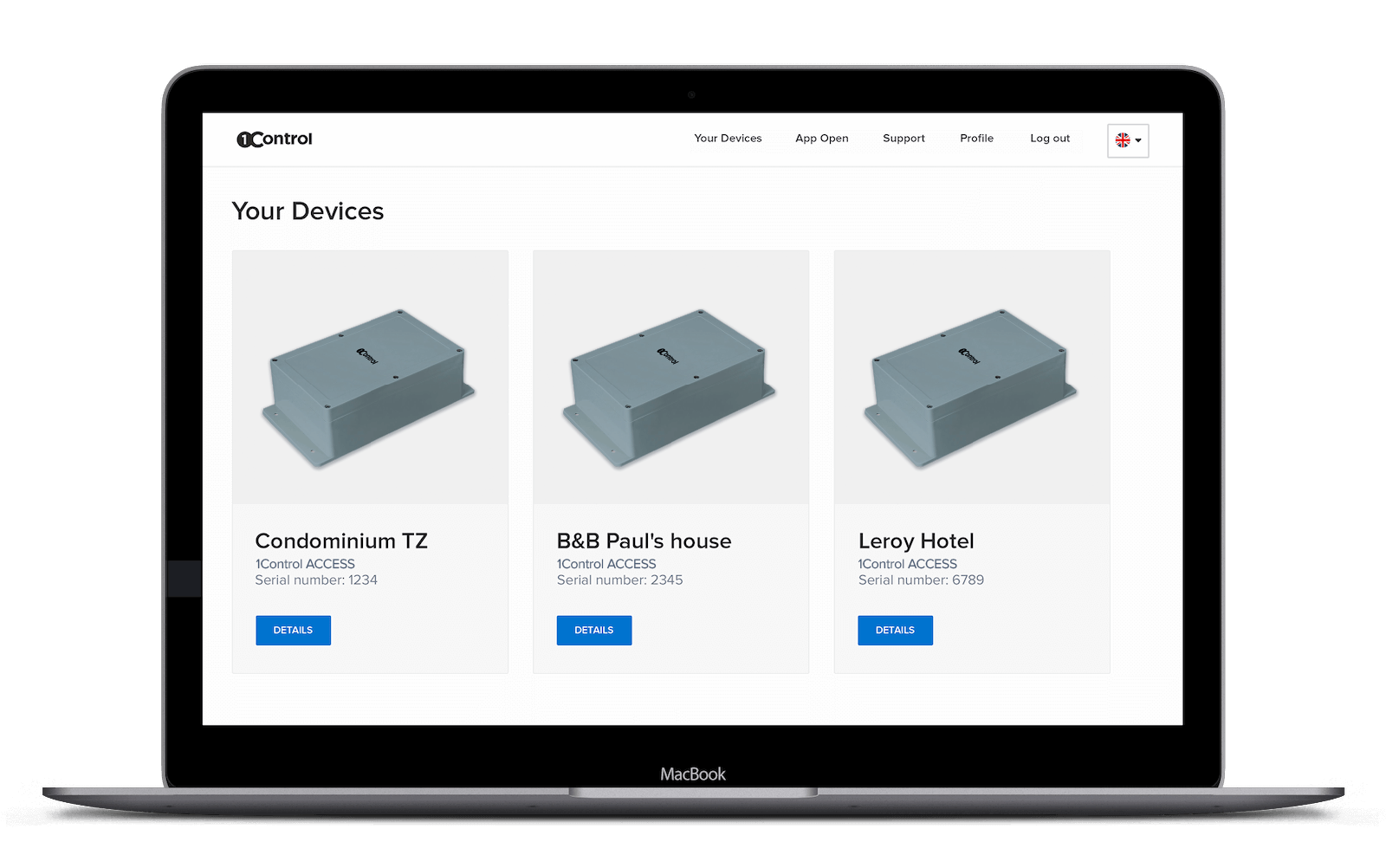
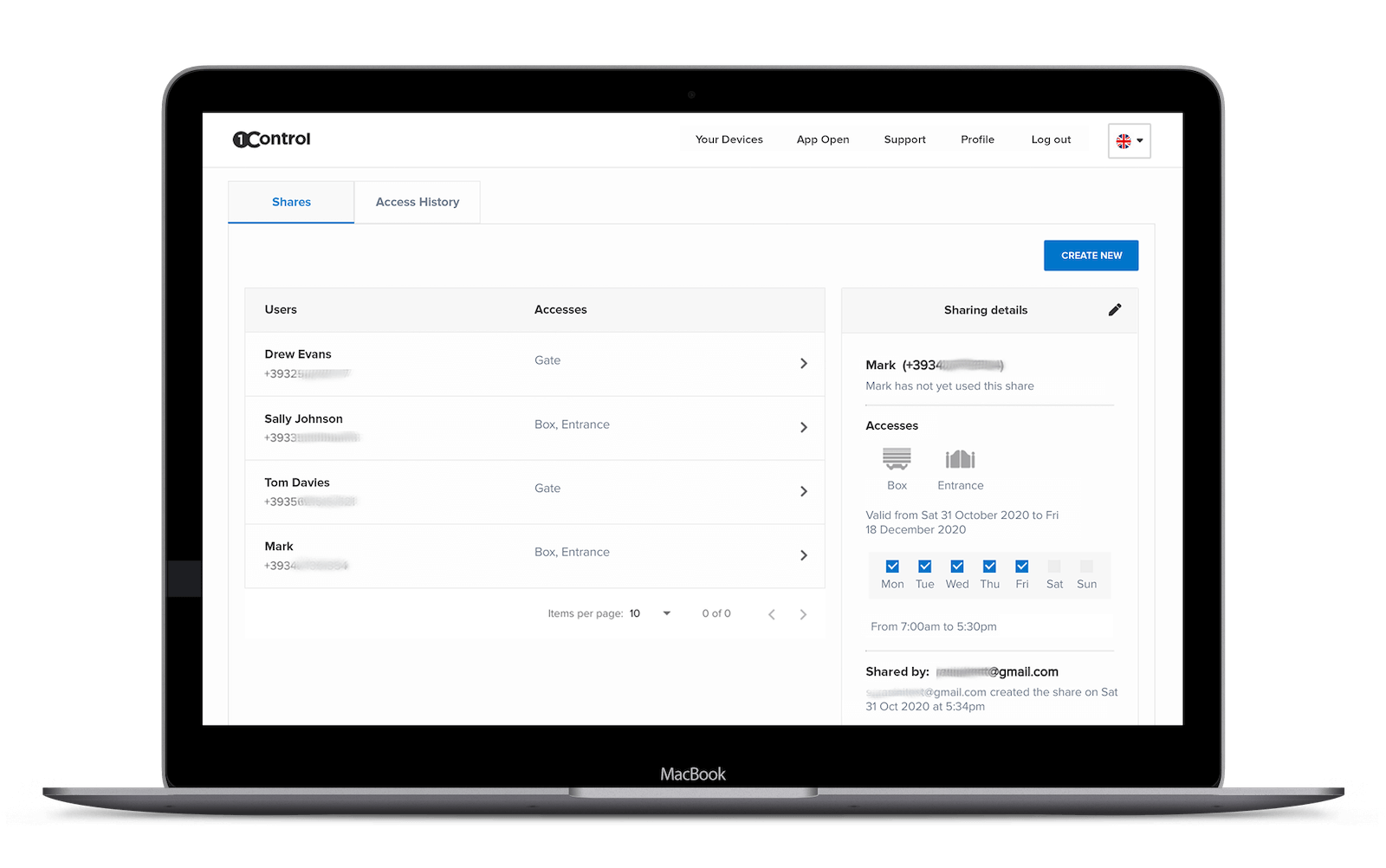
With an access control system built for many users, such as 1Control ACCESS, day-to-day management moves to a web admin area: the operator creates a user for each member, assigns them to a group that mirrors their plan, and sets days, time slots and an expiry date. From that moment the member enters on their own, with whichever method they prefer:
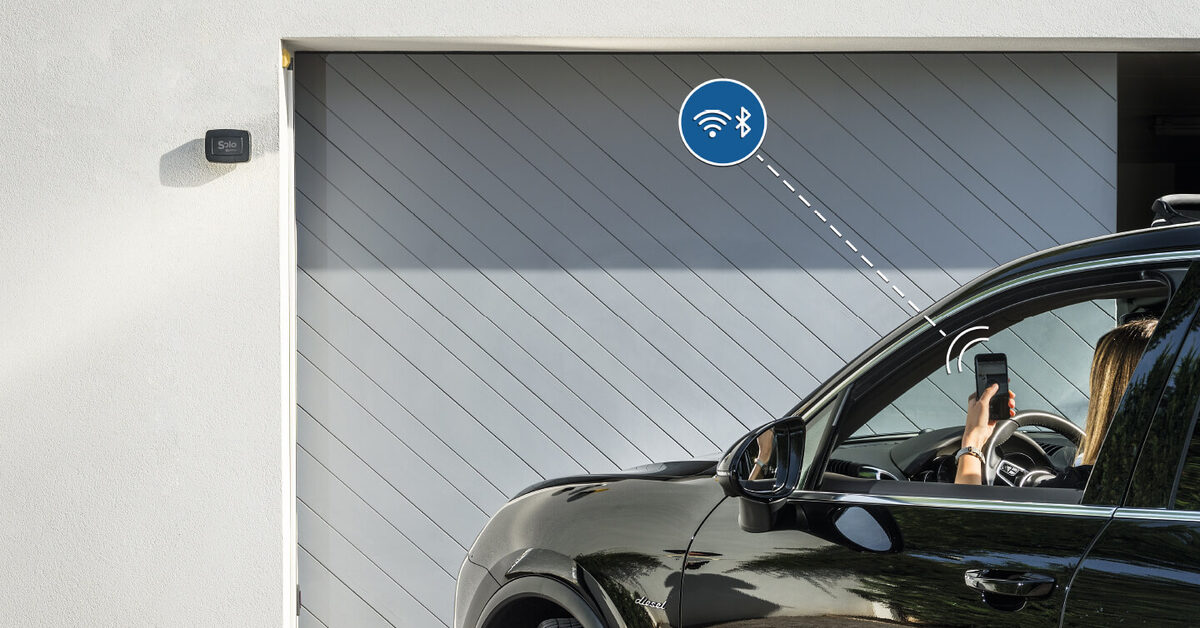
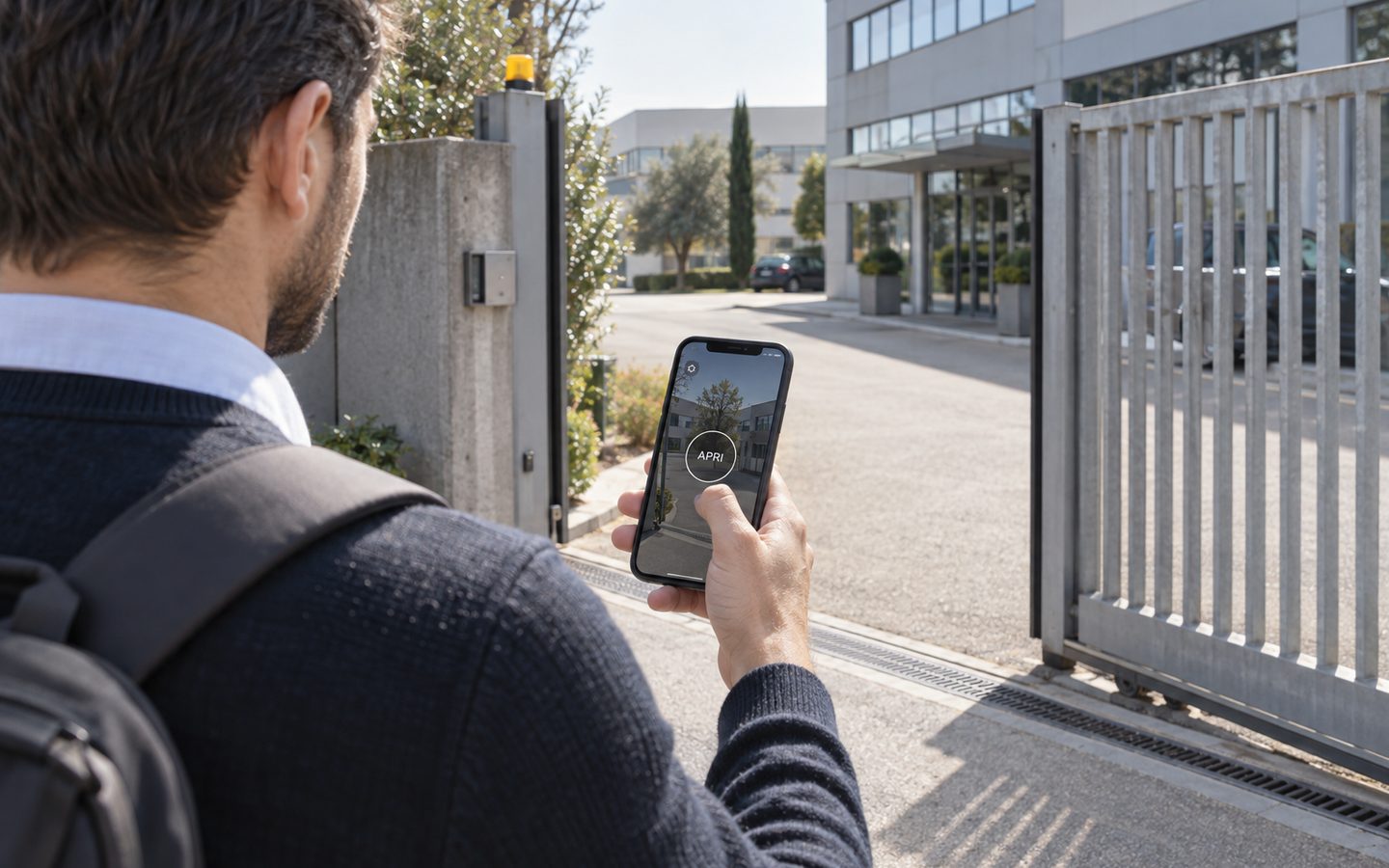
- Smartphone app, nearby via Bluetooth or remotely via the internet;
- Personal PIN on the keypad, for those who do not want to install anything;
- NFC/RFID badge or card — including badges already in circulation, with nothing new to buy;
- Smart remote control, handy for the parking gate;
- License-plate reading, for driving in without even lowering the window.
The detail that changes everything operationally is that the rules apply to all of a user's methods at once: if a member may only enter on weekdays from 7 a.m. to 11 p.m., that limit automatically applies to their app, their PIN, their badge and their license plate. No exceptions to remember, no parallel systems to keep aligned by hand. And when the membership ends, everything expires together.
Day passes and free trials follow the same flow: you create a user that expires at the end of the day and the system does the rest. This is coworking self check-in: the newcomer receives their credentials before arriving and walks in on their own, even if the operator is somewhere else entirely.
Manage access to your facility
1Control ACCESS centralises openings, permissions and logs for every entrance: hardware with a data SIM included for 3 years and dedicated support.
- 1,500+ reviews on Amazon, Facebook and Trustpilot
- Secure payments
- 2-year warranty
The forgotten entrances: the building door and the parking gate
Almost every coworking access solution focuses on the door of the space itself. But a member's real journey often starts earlier: at the shared building door if the space sits inside a multi-tenant building, at the driveway gate if there is a courtyard or car park, maybe at the up-and-over door of the bike room. If those entrances still require physical keys or remotes to be handed over, your "self-service" coworking space has a key-logistics problem again — just moved ten meters up the street.
This is where the retrofit approach earns its keep: ACCESS connects to the opening input of the automation or electric lock already in place — all it needs is 12 VDC power and a dry contact — so one system can govern the building door, the gate, the barrier and the space's door without redoing any installation. For members arriving by car, license-plate reading opens the gate to authorized vehicles within the same time slots as their plan; the alternative is the 1Control WHY smart remotes, which inherit the permissions of the user they are assigned to.
What happens when the internet goes down?
It is the right objection to raise with any "cloud" access system: what happens at 11 p.m. on a Saturday if the connection drops? In a space without front desk staff, a member locked out with nobody to call is the scenario to avoid at all costs.
Two technical details matter here. First: ACCESS has built-in LTE connectivity with an included SIM, so it does not depend on the building's Wi-Fi or network — it powers up and goes online by itself, with no network setup. Second: the device keeps a local copy of the permissions, so even with no connection at all, authorized users keep entering with their usual methods; any changes made in the meantime sync as soon as the system is back online. For a keyless coworking space with nobody at the entrance, offline operation is not a spec-sheet footnote: it is the difference between an invisible outage and a night of angry phone calls.
Security and accountability: the access log
Opening 24/7 with nobody on site raises fair questions: who is accountable if a monitor disappears? How do I prove who was in when something gets damaged? The operational answer is the access log: every opening — and every denied attempt — is recorded with user, entrance, date, time and method, and can be checked in real time from the web admin area.
The log also changes the relationship with members: community rules ("night access is personal — no guests after hours") become verifiable instead of running on good faith. And in a dispute, the history is a fact, not a recollection. One good practice on this front: state in your house rules that entries are recorded, so the transparency is complete.
For extra peace of mind, combine the log with the CCTV most spaces already have: the register says who opened, the cameras show what happened. Together they cover almost every case that keeps an operator awake.
What it is worth: counting the front-desk hours
Let's do the back-of-a-napkin math every operator does. Keeping a person at the entrance costs money for every hour of opening; stretching from 45 to 168 staffed hours a week would take several people on rotation — out of scale for most independent spaces. Automating access flips the ratio: the investment is made once and the extra opening hours come at near-zero marginal cost. That is how to run a 24/7 coworking space without the payroll of a hotel.
On the revenue side, 24/7 access is not just about selling "full" plans: it lets you create price tiers (evening, weekend, night access for members working across time zones), sell day passes without physically "handing over" anything, and open the space to complementary uses — the meeting room rented to outside clients in the evening, for instance, which we cover in our guide to meeting room access control.
It is worth looking at the cost model of the access system itself, too: many platforms in this market run on subscriptions, with a recurring fee per user or per door. ACCESS has no software subscription: you pay once, with the data SIM included and three years of connectivity in the price — so the cost does not grow with your members or with the years. For a business that lives on per-desk margins, that is a structural difference.
Frequently asked questions
Do I need someone at the entrance to let members into a 24/7 coworking space?
No, not if access is automated: each member has personal credentials (app, PIN or badge) valid on the days and hours of their plan, and enters on their own. Staff time goes to community and services, not to opening the door.
How do I limit 24/7 access to certain membership plans only?
With group permissions: you create a group for each plan (office hours, full, weekend) with its own time slots, and assign each member to the group matching their plan. The rules automatically apply to all of the user's access methods.
What happens when a member cancels or loses their badge?
Access is revoked remotely from the web admin area, effective immediately, with nothing to physically collect. If a member loses their badge, you deactivate just that badge: their other credentials (app, PIN) stay active.
Does the access control keep working without internet?
1Control ACCESS has built-in LTE connectivity with an included SIM, so it does not depend on the building's network; and it keeps a local copy of the permissions, so authorized users keep entering even with no connection at all. Changes sync once the system is back online.
Do I have to rewire the building to automate the entrances?
No: the approach is retrofit. The system connects to the opening input of the existing automation or electric lock — it needs 12 VDC power and a dry contact — with no network cabling and no construction work.
Can I also manage the parking gate and the building door?
Yes, and that is where many solutions stop: with ACCESS the same system governs the door, the building entrance, the driveway gate and the barrier, including license-plate reading for vehicles. One panel, the same rules on every entrance.
Conclusion
A 24/7 coworking space without front desk staff is not a bet on trust: it is a precise operating model, built on individual credentials, rules tied to membership plans, instant revocation, a full log and coverage of all the entrances — building door and parking included. The technology for it exists and it is retrofit: it adds onto what is already there, without redoing any installation.
If you want to see how to apply it to your space, the first step is the complete guide to retrofit access control for coworking spaces; the second is seeing 1Control ACCESS in action with a demo built around your actual entrances.