In a coworking space, people change all the time: new members, day passes, cancellations, guests, suppliers, the cleaning crew. Every change touches the same question — who can get in, where and when? — and if the answer runs on key rings and shared door codes, access control becomes the space's number one source of admin work and its number one security gap.
Search for "coworking access control" and you will find plenty of advice — most of it written around two assumptions: that you are willing to wire the building for a new system, and that you will pay a software subscription per user or per door, forever. This guide takes the opposite route: retrofit access control for coworking spaces — adding users, schedules, expiry dates and a full log to the gates and doors your building already has, and paying for the system once.
We will cover the requirements that set a coworking space apart from a traditional office, the access methods compared, the families of solutions on the market with their trade-offs, and the questions to ask any vendor before signing. If your end goal is unattended 24/7 opening, this is the foundation; the next step is our guide to running an unstaffed coworking space.
Why access control is the operating core of a coworking space
A traditional office manages stable access: employees who stay for years, uniform hours, a clear perimeter. A coworking space is the opposite: turnover is the business model. Monthly members, hot desks, free trials, rooms rented to outside clients. Seen from the entrance, every pricing plan is a different access rule.
Managing all of that with physical keys means duplicates in circulation, locks to replace after every lost key, and an entry record that simply does not exist. A single code on the door keypad is even worse: after a month, former members know it too. The result is an operator working as a doorman — handing out, collecting, reprogramming — instead of running the community.
A well-designed coworking door access system flips the situation: the access records automatically follow the commercial ones (new membership = new user; cancellation = revocation), and the log tells you who entered and when. It is the difference between watching the space and governing it.
The five requirements coworking turnover imposes
Before looking at products, it pays to pin down what coworking access control has to take for granted. There are five requirements, and they all derive from turnover:
- True multi-user capacity. Dozens or hundreds of people active at the same time, each with their own credentials. Solutions born for the home show their structural limit right here.
- Permissions per membership plan. The "office hours" plan enters 8 to 8 on weekdays, the full plan enters anytime, the day pass expires at midnight. You need groups with days, time slots and expiry dates — not a generic "authorized yes/no".
- Instant, remote revocation. A cancellation, a missed payment or a lost badge is resolved in a minute from the admin area, not with a technician's visit.
- Accountability. A history of openings and denied attempts, per entrance and per user: it serves security, insurance and dispute resolution.
- Every entrance, not just the door. The building entrance, the space's own door, internal rooms, the parking gate, the up-and-over door of the bike room. Any entrance left out of the system stays inside the key-logistics problem.
Start from what you have: why retrofit comes first
Here is the fact that simplifies everything, and that most buying guides skip: in the vast majority of buildings, the entrances are already automated. The front door has an electric lock, the gate has its motor, the parking barrier is already there. What is missing is not the automation: it is the intelligence — users, permissions, schedules, history.
Retrofit access control for coworking spaces adds exactly that layer. 1Control ACCESS connects to the opening input of the existing automation: all it takes is 12 VDC power and a dry-contact output. No rewiring, no network cabling — LTE connectivity with an included SIM is built in, and the device goes online by itself the moment it is powered. It is plug&play in the literal sense: the gate or door keeps working exactly as before, and gains users, schedules and a log.
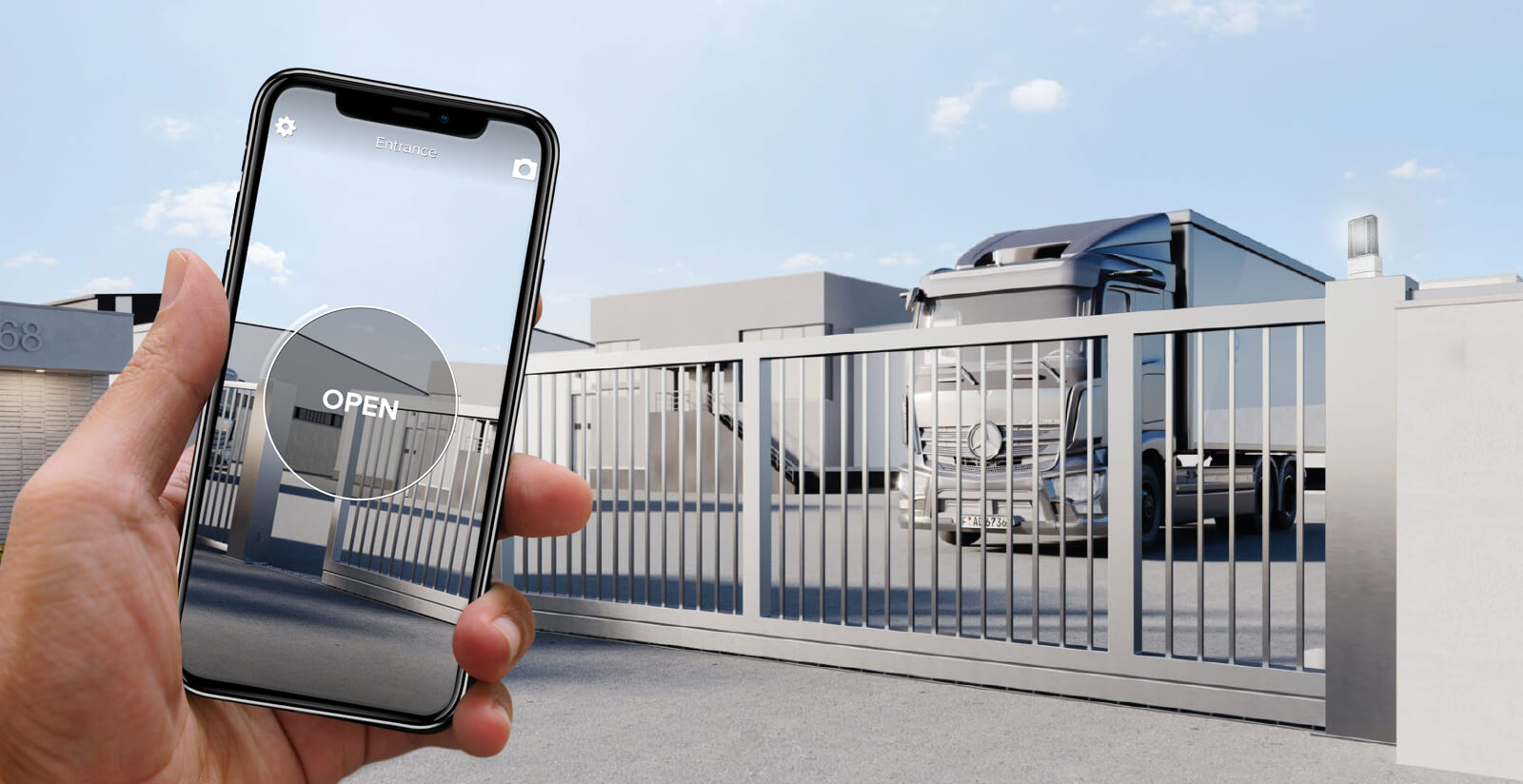
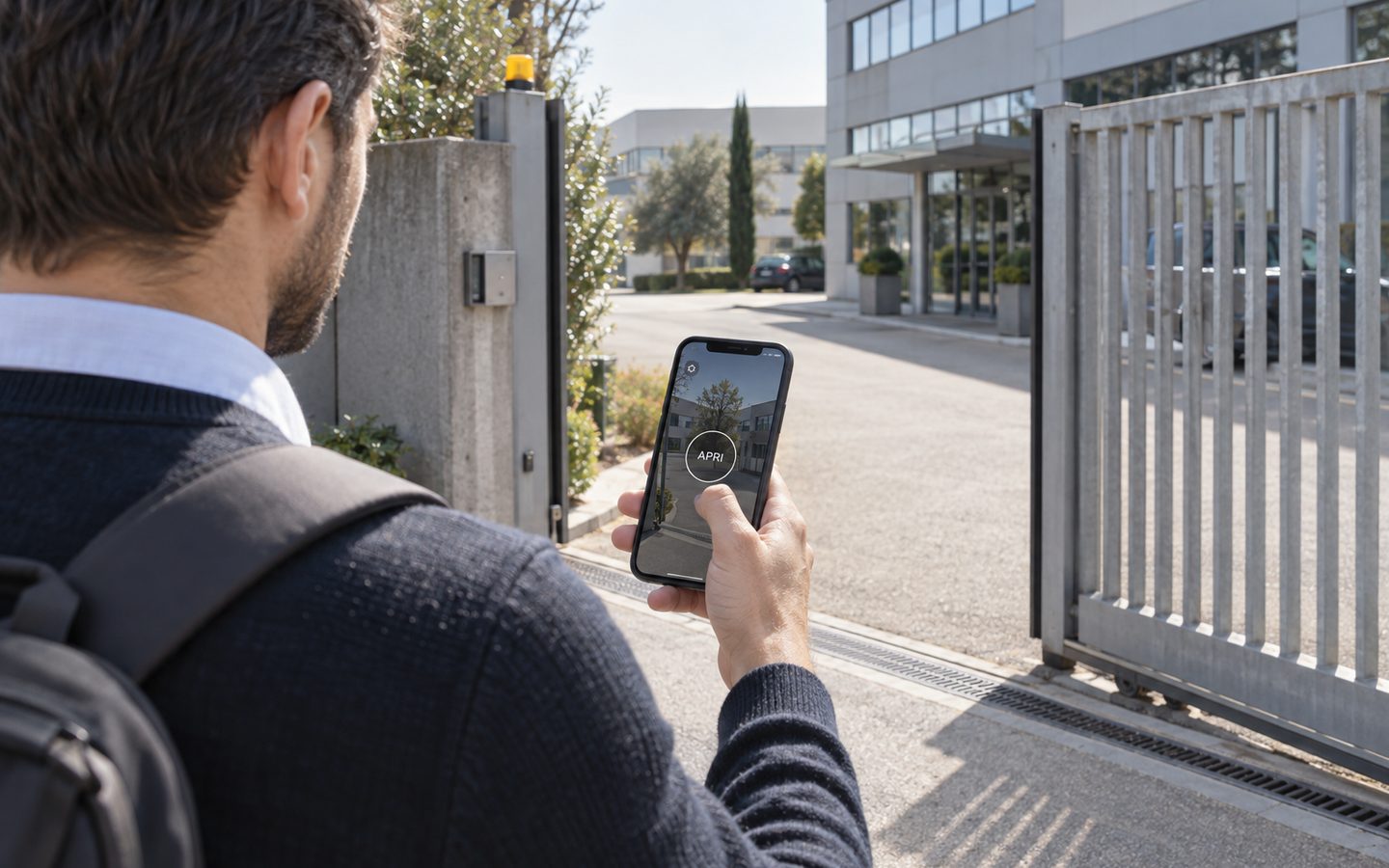
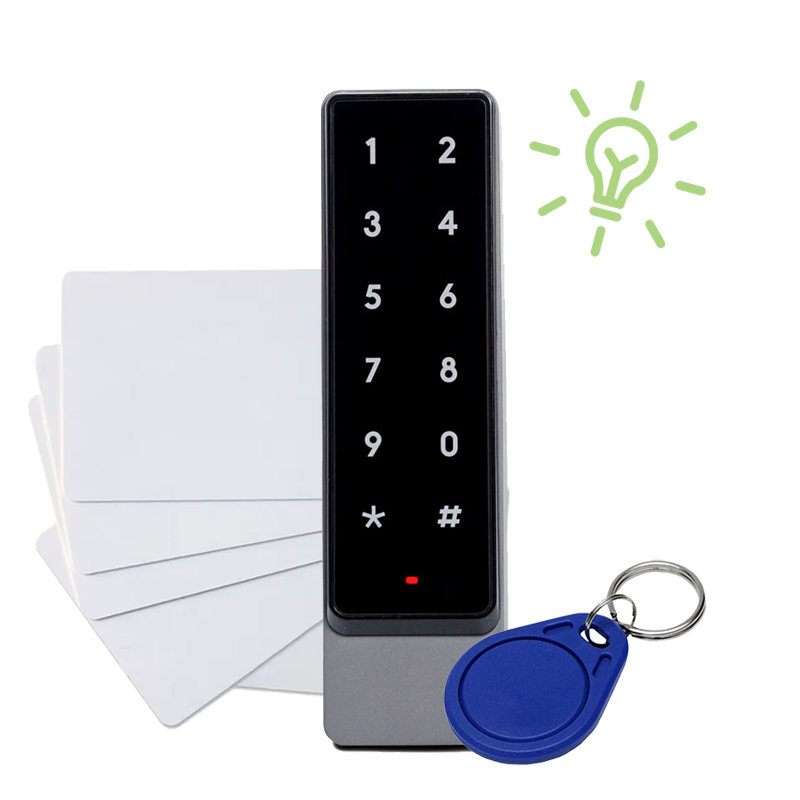
Two properties of this approach matter in particular for a space with nobody at the desk. First: the system keeps a local copy of the permissions and keeps working offline — if the connection drops, authorized members still get in. Second: the smart keypad is compatible with the NFC and RFID badges already in circulation, so if your space has already handed out cards, nobody has to replace them.
Manage access to your facility
1Control ACCESS centralises openings, permissions and logs for every entrance: hardware with a data SIM included for 3 years and dedicated support.
- 1,500+ reviews on Amazon, Facebook and Trustpilot
- Secure payments
- 2-year warranty
The access methods compared
No single method suits every member: the robust setup offers several, governed by the same rules. Here are the five main ones, with strengths and limits.
| Method | Strengths | Limits | Best for |
|---|---|---|---|
| Smartphone app | Nothing to hand over; opens nearby via Bluetooth or remotely via internet; instant revocation | Requires a charged phone and an installed app | Regular members |
| PIN on the keypad | Zero setup for the user; perfect for temporary access | Must be treated as personal, never shared | Day passes, guests, suppliers |
| NFC/RFID badge or card | Familiar gesture; works without a phone; reusable at every member change | Can be lost (but is deactivated remotely) | Members who prefer not to use a smartphone |
| Smart remote control | Convenient from the car; inherits the user's permissions | A physical object to assign | The parking gate |
| License-plate reading | Hands-free vehicle entry; logged per vehicle | Vehicle entrances only | Member parking |
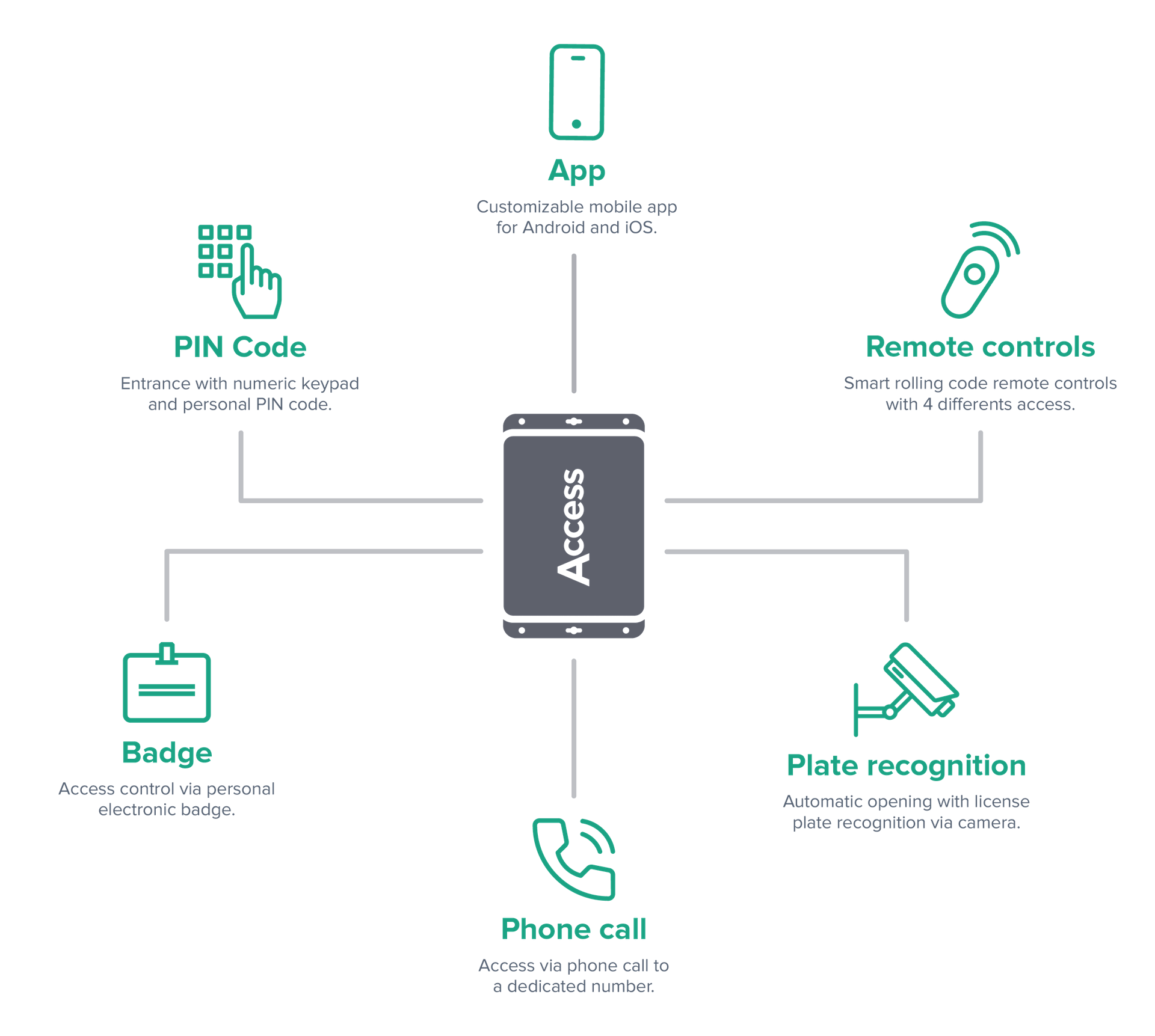
The decisive criterion is not which method to pick, but that they live in one system: if a user's permissions automatically apply to their app, PIN, badge and license plate, there is only one thing to manage. If each method comes with its own separate system, you have multiplied the problem, not solved it.
The market: three families of solutions and their limits
The offers an operator runs into fall into three families, each with a different compromise.
| Family | What it offers | The limits for a coworking space |
|---|---|---|
| Consumer smart locks (born for the home — think Nuki and similar) | Low entry cost, simple installation on the door cylinder | Limited multi-user capacity; business features often behind a subscription; they cover only the cylinder door — no building entrance, gate or barrier; basic logging |
| Cloud access platforms (subscription-based systems such as Kisi, Brivo, Tapkey or SALTO KS) | Complete features, integrations, web management | Recurring fees that grow with users and doors; largely door-centric; heavy dependence on connectivity; long-term vendor lock-in |
| Traditional wired systems (the classic corporate badge installation) | Robustness, established standards | Dedicated design and cabling to every entrance, long lead times, high installation cost; rigid to modify; oversized for small and mid-sized spaces |
Each of these families works in the context it was born for. The trouble is that a coworking space sits in the middle: too complex for a domestic lock, too lean — and too attentive to recurring costs — for an enterprise installation or for fees that grow with every new member. That gap is exactly what the retrofit approach fills: professional multi-user features on the entrances you already have, without the wiring project and without the subscription.
Access control without a subscription: the five-year math
The pricing model deserves its own chapter, because it is where the families above differ most over time. Subscription platforms typically charge per user, per door or per feature tier: cheap to start, and then the bill grows with exactly the two numbers a successful coworking space wants to grow — members and entrances. In a business that lives on per-desk margins, a per-user recurring fee is a tax on growth.
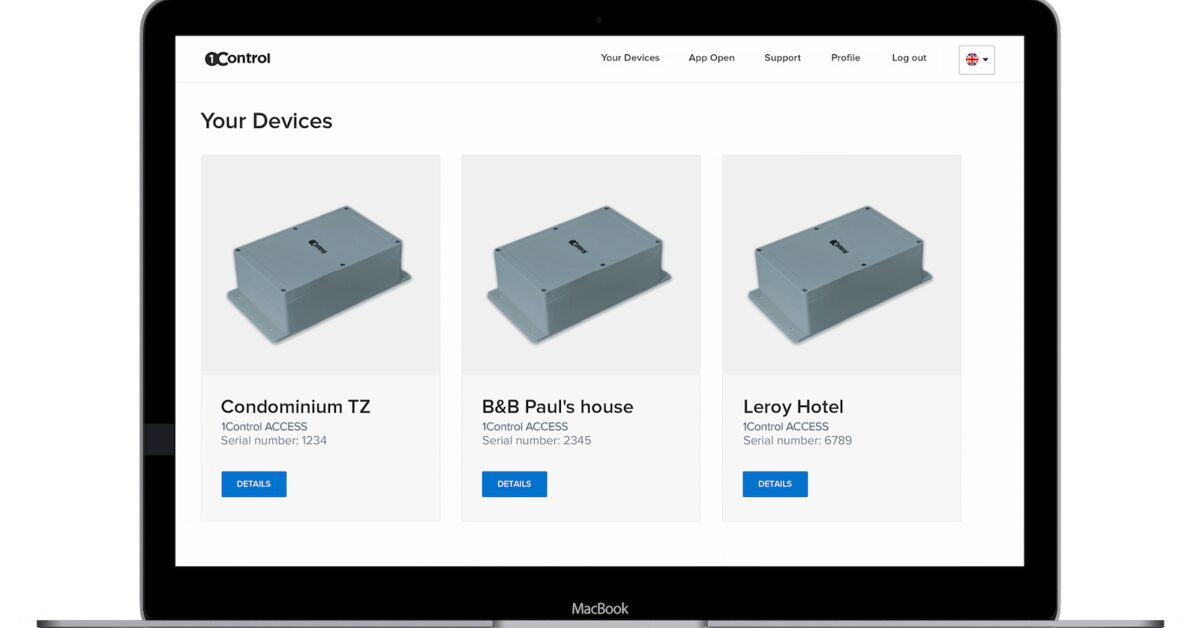
The alternative model is no monthly fee door access: ACCESS has no software subscription — you pay once, with the data SIM included and three years of connectivity in the price. Permissions, groups, the full log, the web admin area and the multi-site panel are part of the system, not paid tiers. When you compare quotes, do the comparison the honest way: total cost over five years, at the member count in your business plan — not the sticker price of year one.
Beyond the door: parking gate, building entrance, garage door
This is the point where most solutions stop, and why it deserves a chapter of its own. A member's journey does not start at the coworking space's door: it starts at the building entrance, or at the parking gate. If those entrances still live on keys and traditional remotes, the promise of self-service access breaks at the first meter.
With a system designed for heterogeneous entrances, the same panel governs the door, the building entrance, the driveway gate, the barrier and the up-and-over door. For vehicle entry, license-plate reading is the smoothest option: the camera is plug&play, requires no NVR or video infrastructure, and a plate assigned to a member obeys the same time slots as the rest of their credentials. The alternative is the 1Control WHY smart remotes, which integrate into ACCESS and inherit the permissions of the user they are assigned to — so even the remote control stops being an anonymous pass.
If you also rent out meeting rooms by the hour, the same principle extends to the single room: we cover that flow in our guide to meeting room access control.
When the connection drops: offline operation
Any system managed from the cloud has to answer one question honestly: what happens to the door when the internet does not work? For a coworking space, the answer decides whether a network outage is invisible or turns into members locked out on a Sunday morning.
ACCESS answers on two levels. It does not depend on the building's network in the first place: connectivity is LTE with an included SIM, independent from the Wi-Fi your members use (and from its failures). And if even the mobile network goes dark, the device holds a local copy of all permissions: authorized users keep entering with app, PIN, badge or plate, and the changes you make from the admin area sync as soon as it is back online. When you evaluate any vendor, ask for this exact behavior — offline operation with local permissions — with no asterisks attached.
Day-to-day management: web admin, groups, history
The difference between a system that helps and one that complicates shows up in the routine. The recurring operations of a coworking space are always the same:
- New member: create the user, assign them to their plan's group (which already has the right days and hours), pick the access method. A couple of minutes from the web area.
- Plan change: move the user to another group. The new rules apply immediately to all their methods.
- Cancellation or non-renewal: set (or let lapse) the expiry date. Nothing to collect.
- Suppliers and cleaning: recurring users with dedicated time slots — the cleaning crew enters Tuesdays and Fridays from 7 to 9 p.m., and the log confirms the visit.
- Oversight: the history shows in real time who entered, through which entrance and with which method, denied attempts included.
Operators with more than one location get an extra advantage: all the entrances of all the sites live in the same panel, so opening a second location does not double the management. And if the space grows, the system grows without being replaced: ACCESS MINI handles up to 500 users, ACCESS up to 1000 (with 3 smart remotes included).
The 8 questions to ask before you choose
Whatever vendor you are evaluating, these questions separate marketing from substance in a hurry:
- Is there a recurring fee? Per user, per door or per feature: ask for the total cost over 5 years, not the price of year one.
- What happens if the internet goes down? Do authorized users keep entering? The answer has to be yes, without asterisks.
- Does it also cover the gate, the barrier and the building entrance, or only cylinder doors?
- Does it require rewiring or network cabling? A true retrofit connects to what is already there.
- Do permissions apply to every access method (app, PIN, badge, plate) or does each method need separate configuration?
- Can I reuse the badges already handed out? NFC/RFID compatibility avoids buying cards twice.
- Is revocation instant and remote? And does the history record denied attempts too?
- Who supports me after the installation? An access system lives for years: after-sales matters, not just day one.
Frequently asked questions
What is the best access control for a coworking space?
The one that meets the five turnover requirements: real multi-user capacity, permissions per membership plan with schedules and expiry dates, instant remote revocation, a full access history and coverage of every entrance (door, building entrance, gate, parking). Features being equal, compare the total cost over 5 years: many platforms have fees that grow with your members.
Badge, PIN or app: which is best for members?
The better question is: do the three methods live in the same system? A robust solution offers all of them — the app for regular members, PINs for day passes and guests, badges for those who avoid smartphones — with the same authorization rules on each.
Can I add access control without redoing the electrical installation?
Yes, if the entrances are already automated (electric lock, gate motor, barrier): a retrofit system like 1Control ACCESS connects to the existing opening input with 12 VDC power and a dry contact, and goes online by itself thanks to built-in LTE with an included SIM. No network cabling, no construction work.
How do I handle day passes and free trials?
With expiring users: you create the user valid until the end of the day (or of the trial week) with a personal PIN; when it lapses, access switches off by itself. No key to hand over or get back.
Should I tell members that entries are logged?
It is good practice, and most spaces do it in the house rules: members know that access is personal and recorded, which makes community rules verifiable and disputes short. The log is a standard feature of professional systems, denied attempts included.
What if the coworking space grows or opens a second location?
With a multi-site system you add entrances and users in the same panel: ACCESS MINI manages up to 500 users, ACCESS up to 1000, and multiple locations stay under a single web admin area.
Conclusion
Access control in a coworking space is not a security accessory: it is the infrastructure that decides how much admin work each member generates and how many hours a day the space can sell. The requirements are clear — multi-user, permissions per plan, instant revocation, a full log, every entrance covered — and if your gates and doors are already automated, the fastest way to meet them is retrofit: add the intelligence without touching the installations, and without signing up for fees that scale with your success.
The next step depends on your goal: if you are aiming for round-the-clock opening, read our guide to running an unstaffed coworking space; if you want to see how ACCESS maps onto your space — entrances, numbers, configuration — a demo with a 1Control consultant starts from your actual setup.