Booking a meeting room today takes thirty seconds: online calendar, free slot, confirmation, payment. Then the day of the appointment arrives and modernity stops at the doorstep: somebody has to be there with the keys, open up, wait for the client (who is running late), and come back at the end to lock up. The paradox of rooms rented by the hour is all there: the booking is digital, the access still runs on a key ring.
Search for meeting room access control and almost everything you find is written for the internal workplace — employees, badge readers, HR directories. Very little addresses the operator who rents rooms to external clients: a business center, a coworking space, a professional firm monetizing its large boardroom. For them the paradox has a precise cost: every booking requires someone physically present, so evening and weekend slots stay unsold — or sold at a loss. This guide shows how to connect the booking to the physical opening of the doors, with temporary credentials valid only for the booked window.
Online booking, keys by hand: the hourly-room paradox
Booking software has solved the calendar side brilliantly: availability, confirmations, payments, reminders. What almost nobody solves is the final meter — the door. The workarounds all look alike:
- Somebody opens up: a staff member chained to the booking calendar, even for a single room at 7 p.m.
- The key under the mat (or in a lockbox with a code): no control over copies and stragglers, no record.
- One code for the front door: after a few months every past client knows it.
The result is that many operators restrict the offer to office hours — precisely while demand for rooms for interviews, evening courses and off-site meetings keeps growing. The room is the asset; access is the bottleneck.
What "access linked to the booking" means
The idea is simple: the booking generates the right to enter, and the right to enter expires with the booking. In practice, whoever booked the room from 2 to 4 p.m. on Thursday receives a credential — typically a personal PIN, or an app invitation — that opens the right doors only in that window: before 2 p.m. the door does not open, after 4 p.m. it does not either.
Compared with a physical key, everything changes: no handovers and returns, no copies in circulation, no "I'll swing by tomorrow to collect the keys". And compared with a shared code, every client has their own credential: if something is off, the log says who entered and when. That is meeting room access control shaped around external clients, not around an employee directory.
How it works in practice: temporary users and expiring PINs
With a multi-user system like 1Control ACCESS, the operating flow is within reach of anyone who can manage a calendar:
- The booking comes in (from your website, your management software, or even just a phone call).
- You create the temporary user from the web admin area: client name, day, validity window — with whatever margin you prefer, say ten minutes before the slot for setting up.
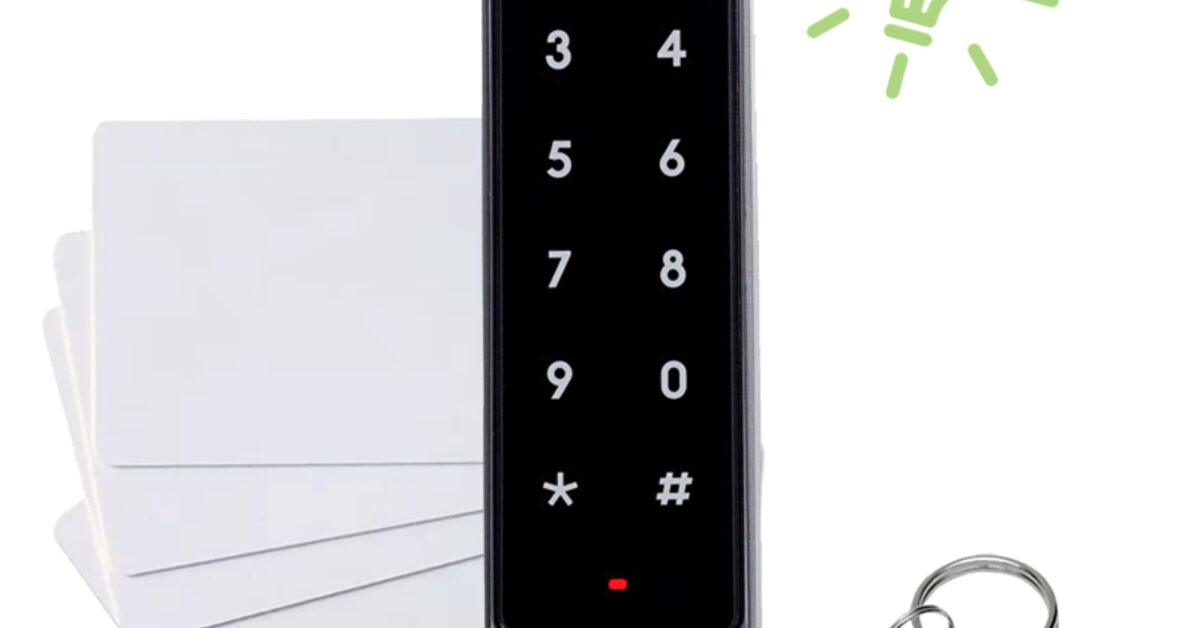
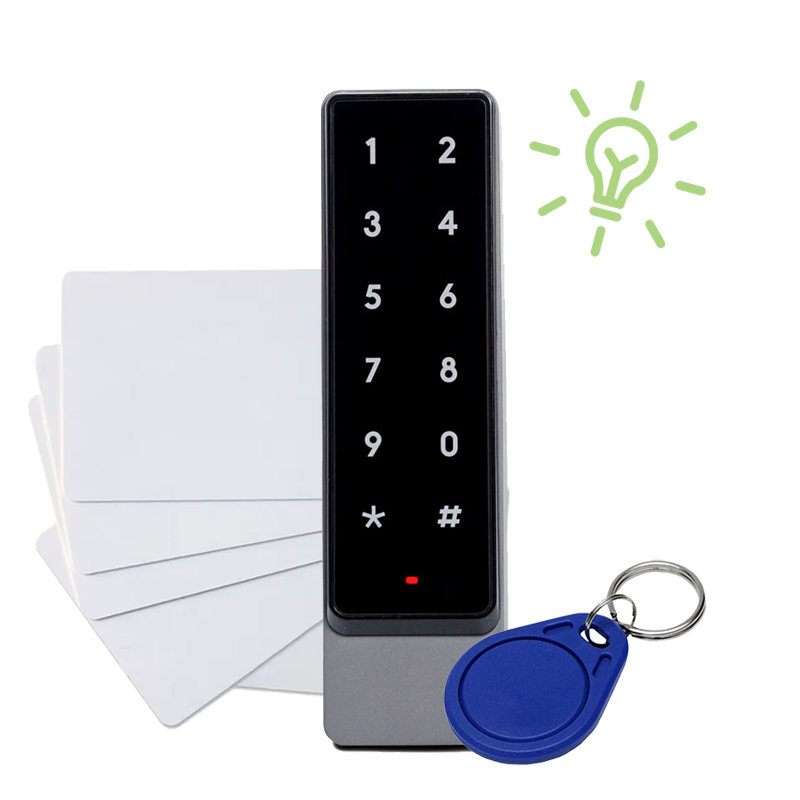
- You send the credential in the confirmation email: a one-time PIN to type on the keypad, or an invitation to open with the app. The PIN is the most universal choice: the client installs nothing.
- The client enters on their own, uses the room, leaves. When the window closes, the credential stops working by itself.
No step requires you to be there, and none requires software integrations: it is an operating flow, not an IT project. If you like, creating the user simply becomes part of your booking-confirmation routine — two minutes from the web area, from anywhere.
For recurring clients — the company that books the room every Tuesday, the trainer with a monthly course — you go one step further: a user with recurring permissions (every Tuesday, 9 to 1) that does not even need to be recreated at each booking.
Manage access to your facility
1Control ACCESS centralises openings, permissions and logs for every entrance: hardware with a data SIM included for 3 years and dedicated support.
- 1,500+ reviews on Amazon, Facebook and Trustpilot
- Secure payments
- 2-year warranty
The doors involved: building entrance, room, parking
A frequent mistake is thinking only about the door of the room. The client's actual route crosses several doors: the building entrance (possibly shared with other tenants), the parking gate if there is one, and finally the room itself. If the PIN opens the room but the client is stuck outside the building, the self-service flow has failed — and the phone rings anyway.
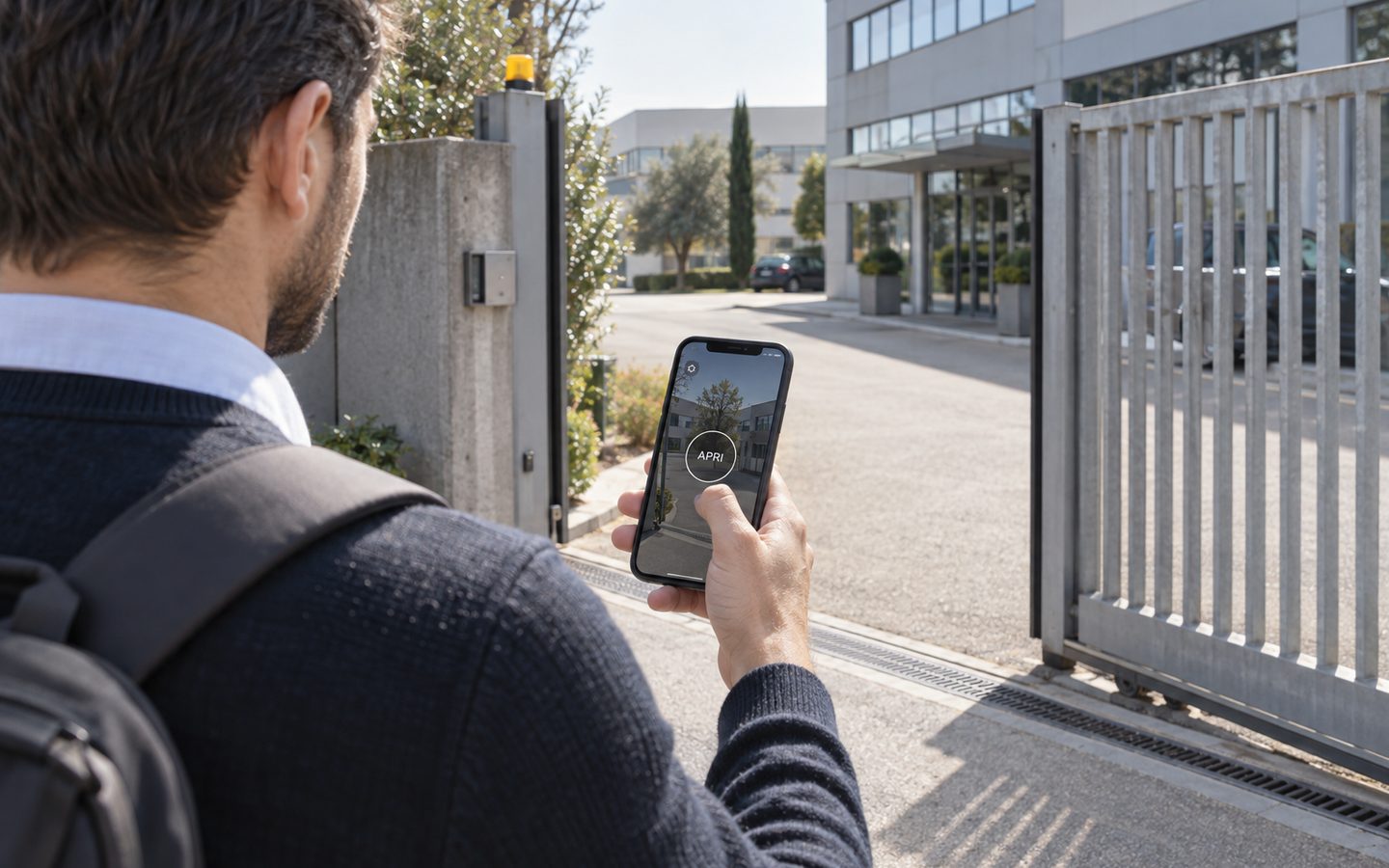
The advantage of a system born for heterogeneous entrances is that the same credential works along the whole route: ACCESS retrofits onto the electric lock of the building door, the gate motor and the room's opening (all it needs is 12 VDC power and a dry contact on the existing automation), and the temporary user's permissions cover every necessary door, always within the same time window. If the room's door is not electrified, it can be handled with a retrofit smart lock like 1Control DORY, which replaces the existing euro cylinder.
Four real-world scenarios
- Business center: conference rooms are a side revenue, but the front desk closes at 6 p.m. With expiring PINs, evening slots become sellable without overtime. For the rest of the access setup — day offices, serviced suites — see our guide to shared office keyless entry.
- Coworking space with rooms by the hour: members book from the community app, outsiders from the website. The former enter with the credentials they already have, the latter with temporary PINs — same system, same log. It is one building block of the unstaffed coworking space model.
- Professional firm: the boardroom sits empty 70% of the time; renting it to colleagues and small companies turns it into revenue, without the front office playing doorman.
- Training room: the trainer receives access valid for the whole day of the course and manages the attendees' entry personally. For recurring courses and events, see our guide to training room rental access.
Accountability: who entered, and when
Renting to outsiders raises the inevitable question: what if I find the room damaged? With physical keys, the answer is an argument; with digital access, it is a log. Every opening — and every attempt outside the window — is recorded with user, door, date and time, and can be checked in real time from the web area.
The log has commercial value too: knowing which slots actually get used (does the client arrive on time? does the room free up early?) helps you calibrate pricing and availability. And because access expires on its own, the client who "stretches" past the slot stops being a problem: the room genuinely becomes available again.
Frequently asked questions
How do I let an external client in without handing over keys?
With a temporary credential: a personal PIN valid only for the booked window, sent in the confirmation email, or an app invitation. When the booking expires, the credential deactivates by itself — nothing to return.
Does the client have to install an app to get in?
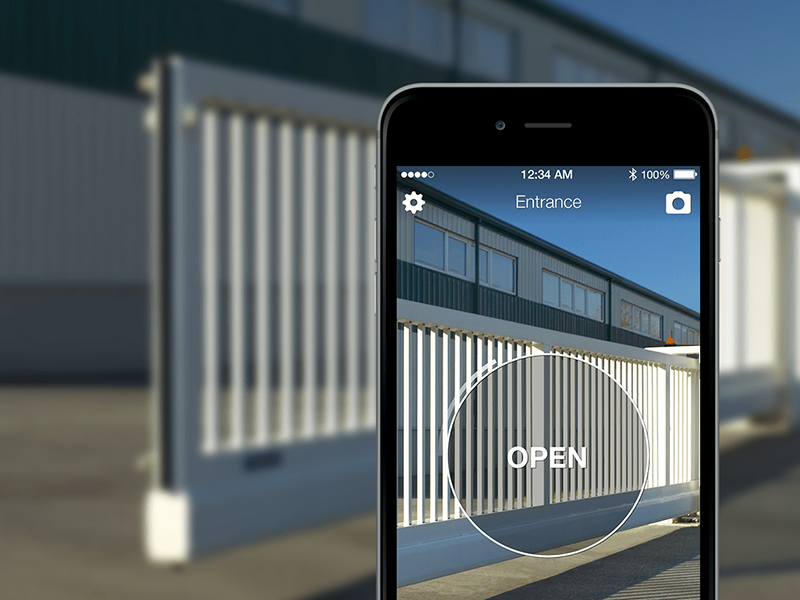
No, not if you use a PIN on the keypad: the client types the code and enters, with nothing to install. The app remains a convenient alternative for recurring clients or for the space's own members.
Do I need to integrate my booking software with the access control?
No: the flow works without integrations. When a booking arrives, you create a user with the slot's time window from the web area and send the PIN in the confirmation — a two-minute task, from anywhere.
What if the client arrives early or overruns the slot?
You decide the validity window: you can start access ten minutes before the slot and let it expire a few minutes after. Outside that window the door does not open, and every attempt is recorded in the history.
How do I cover the building entrance and the parking, not just the room?
With a multi-door system the same credential covers the whole route: building entrance, parking gate and room, within the same time window. 1Control ACCESS retrofits onto the existing automations, without redoing any installation.
Can I rent rooms in the evening and at weekends without staff?
Yes: that is exactly the use case for time-limited access. Slots outside office hours become sellable because nobody needs to be present — access opens and closes by itself with the booking.
Conclusion
On-demand meeting rooms have a potential that the key ring keeps locked up: unsold evening slots, staff used as doormen, zero accountability. Connecting the booking to physical access — temporary users, expiring PINs, one credential across building door, parking and room — releases that potential without adding work, and without redoing installations. Done right, meeting room access control is what turns a booking calendar into a self-service business.
For the full picture on methods and solutions, read our guide to retrofit access control for coworking spaces; to see the flow applied to your own rooms, request a demo of 1Control ACCESS.