
Anyone who rents out rooms for courses, conferences and events lives on peaks: forty people on the Saturday of a training course, a conference on Thursday evening, and in between, whole days when the venue sits empty. The trouble is that every peak needs somebody to open up, welcome and lock up — and the peaks fall almost always outside the hours when that somebody is around: evenings, weekends, holidays. The outcome is familiar: you turn down the evening rentals, or you pay a person just to turn a key.
Time-limited access solves exactly this: credentials valid only for the duration of the event, assigned to whoever runs it (the trainer, the speaker, the association), with automatic expiry at the end and a history that documents everything. It is the foundation of training room rental access — and of any conference room or event space run without staff on site. In this guide we look at how to apply it, from the single instructor to the packed calendar of a venue that rents all year round.
Peak-driven venues: the welcome problem
Renting out a room has a different cost structure from an office or a coworking space: revenue arrives in blocks (a weekend course, an evening event), but physical hospitality costs by the hour. The improvised fixes are known to anyone who manages a venue:
- The key handover the day before: appointments to squeeze in, keys to get back, copies potentially floating around.
- The on-call caretaker: a cost on every event, eroding the margin precisely on the smaller rentals.
- The door left open for the duration of the event: the venue (and everything in it) accessible to anyone passing by.
The right question is not "who opens up?", but "why does opening up need a person at all?". If the access credential is born with the event's schedule already inside it, opening and closing take care of themselves. The recipe is the same whether you let a single training room, a conference room on a company's spare floor, or a whole event space with foyer and breakout rooms: what changes is only how many doors the credential covers.
What time-limited access is
A time-limited credential — a PIN on the keypad, an app invitation, a badge — is one whose validity is restricted to precise days and hours: the course PIN works Saturday and Sunday from 8 a.m. to 7 p.m., and outside that window the door simply does not open. With a multi-user system like 1Control ACCESS, the credential is created from the web admin area in a couple of minutes: name, authorized doors, validity window, access method.
The difference from a physical key is not just convenience: it is control. A key works forever, for whoever happens to hold it, and leaves no trace; a time-limited credential works when you decide, is personal, can be revoked remotely at any moment and records every use — attempts outside the window included.

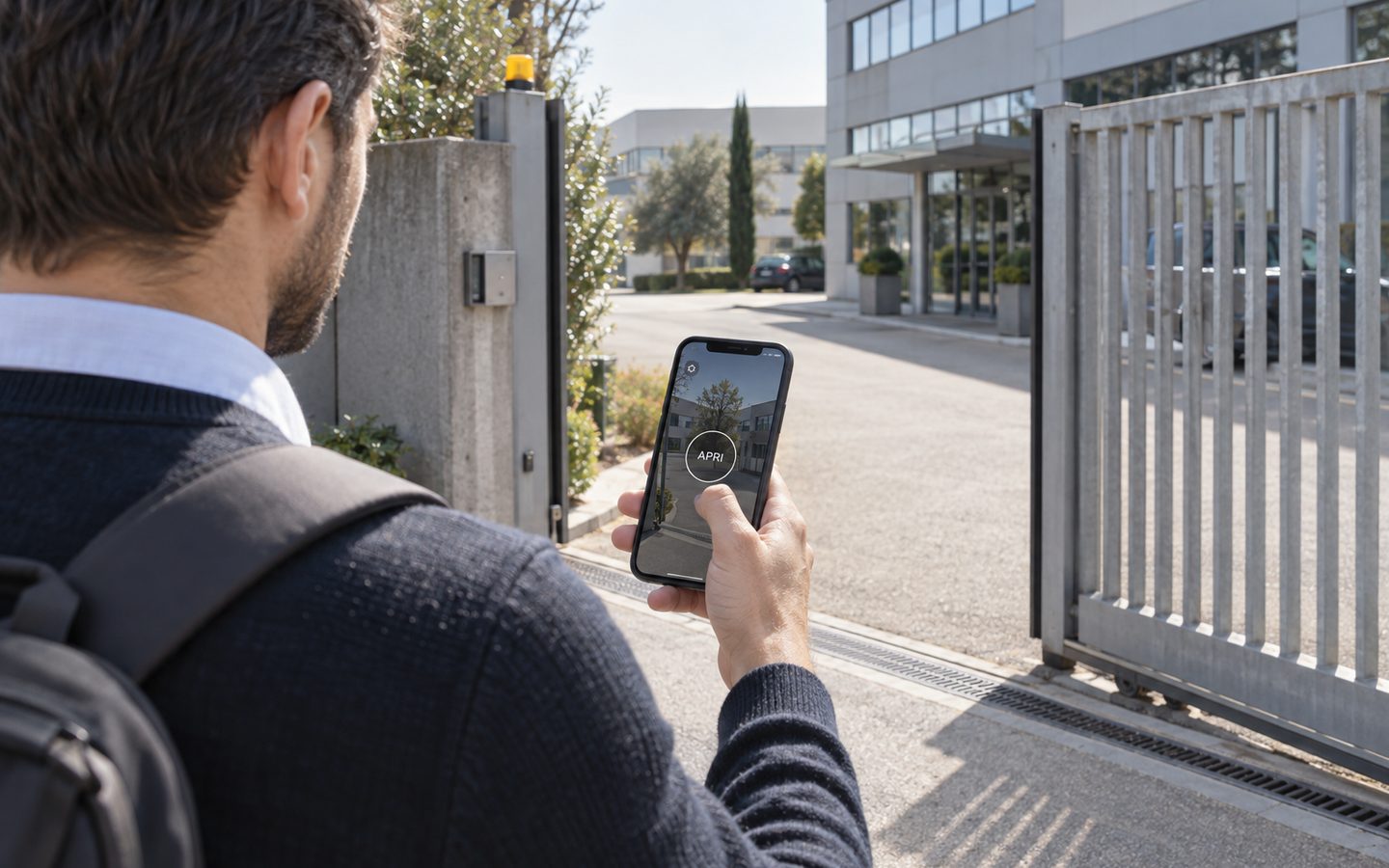
Manage access to your facility
1Control ACCESS centralises openings, permissions and logs for every entrance: hardware with a data SIM included for 3 years and dedicated support.
- 1,500+ reviews on Amazon, Facebook and Trustpilot
- Secure payments
- 2-year warranty
The organizer as an expiring user
The most efficient way to run an event is to make its organizer self-sufficient. The typical flow:
- When the rental is confirmed, you create a user for the organizer (the trainer, the association's contact person, the speaker) with limited validity: from Friday evening's setup to the Sunday the course ends.
- You send the credential with the confirmation: a PIN for the keypad is the simplest choice — no app to make anyone install.
- The organizer opens and closes autonomously: arrives early to set up, handles the breaks, locks up at the end. You never had to drop by.
- When the event ends, the credential expires on its own. If the course gets extended, you extend the validity from the web area, from wherever you are.
For recurring clients — the training school that rents every month, the association with a weekly class — you move from single-use users to recurring permissions: every Wednesday from 6 to 10 p.m., with nothing to create before each session. Same logic, applied to a calendar instead of a single event.
And the attendees? The two strategies
For the people attending the course or event there are two routes, and the choice depends on the format:
- The organizer welcomes them — the most common: the organizer, who holds the credential, receives the attendees at the start time. It works for courses and conferences with compact schedules, where someone from the client is present anyway.
- Open access within a time window — for more fluid formats (workshops with staggered arrivals, multi-day events): you set a public opening window on the entrance, or distribute temporary PINs to registered attendees. Either way, everything expires by itself when the event ends.
In both strategies the perimeter stays under control: the other doors — storage, offices, rooms not rented — stay closed to temporary users, because each user opens only the doors you assigned. It is the same segmentation logic used for meeting room access control, where the client of one room must not be able to wander through the facility.
After the event: revocation and the log
The best part of time-limited access is the part you do not have to do: chase the keys back. By the end of the event the credentials have already expired; if something went wrong — a schedule to contest, damage to document, the suspicion that someone stayed late — the access history answers with facts: who opened, which door, at what time, with which method. Over a season, the same history doubles as management data: which time slots actually rent, how early organizers really arrive, which rooms earn their keep.
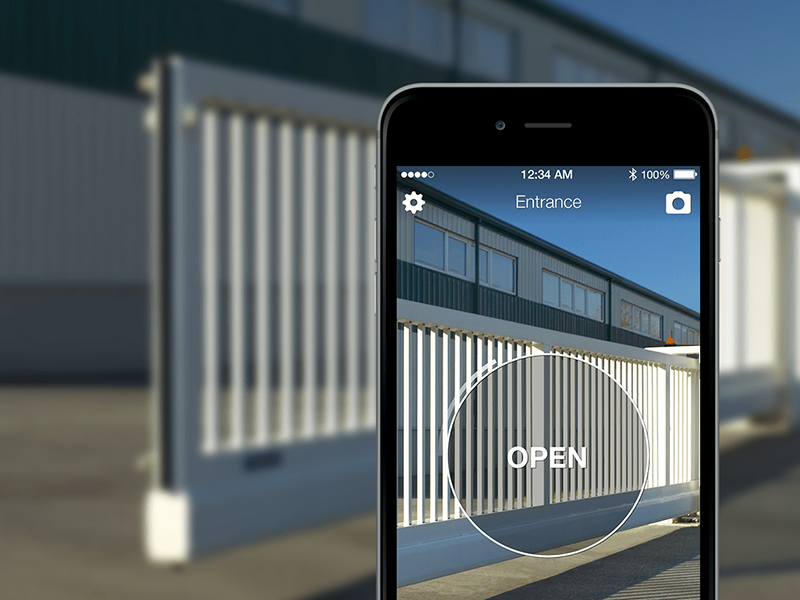
One closing word on the installation question: rooms for courses and events often live in existing buildings — former industrial spaces, floors of older buildings, community and municipal facilities — where rewiring is simply not an option. This is where retrofit is decisive: ACCESS connects to the automations already in place (electric lock, gate, barrier) with 12 VDC power and a dry contact, goes online by itself with the included LTE SIM, and keeps working offline thanks to the local copy of the permissions. And the cost model — no software subscription: you pay once, with the data SIM included and three years of connectivity in the price — does not erode the rental margins with a recurring fee.
Frequently asked questions
How do I let a trainer in on a Saturday without being there?
With an expiring user: you create the credential (typically a PIN) valid for the event's window and send it with the rental confirmation. The trainer opens and closes autonomously, and at the end of the course the credential expires on its own.
Does every attendee need their own access?
Usually not: the organizer welcomes the attendees at the start. For staggered-arrival formats you can set a public opening window or distribute temporary PINs to registered attendees — either way, everything expires when the event ends.
How do I stop temporary users from wandering around the facility?
Each user opens only the assigned doors: the rented room yes; storage, offices and the other rooms no. Per-door segmentation is the rule, not an advanced option.
What happens if the event is extended or cancelled?
You update the validity from the web area, remotely and in real time: extend the window for the extension, or revoke the credential immediately for the cancellation. No physical object to recover.
Does an event venue need a wired access control installation?
No: a retrofit system like 1Control ACCESS connects to the existing automations with 12 VDC power and a dry contact, uses LTE connectivity with an included SIM and keeps a local copy of the permissions to work offline too. Ideal for existing buildings where rewiring is not an option.
Can I document who was there in case of a dispute?
The history records every opening and every access attempt, with user, door, date, time and method. It is not an attendance register, but it documents precisely who opened the doors and when.
Conclusion
For anyone renting rooms to courses, conferences and events, access is the bottleneck that decides which requests you can accept: with physical keys, every after-hours event is a cost or a refusal; with time-limited credentials, it is just one more line in the calendar. The organizer lets themselves in within the planned window, the perimeter stays segmented, the credentials expire without you lifting a finger — and the history keeps the books on every entry. That is training room rental access working the way the bookings already do: digitally.
If you also manage meeting rooms by the hour, the twin flow is in our guide to meeting room access control; for the full picture on methods and solutions, read the guide to retrofit access control for coworking spaces. And to see time-limited access on your actual doors, request a demo of 1Control ACCESS.