What ACCESS does, in practice
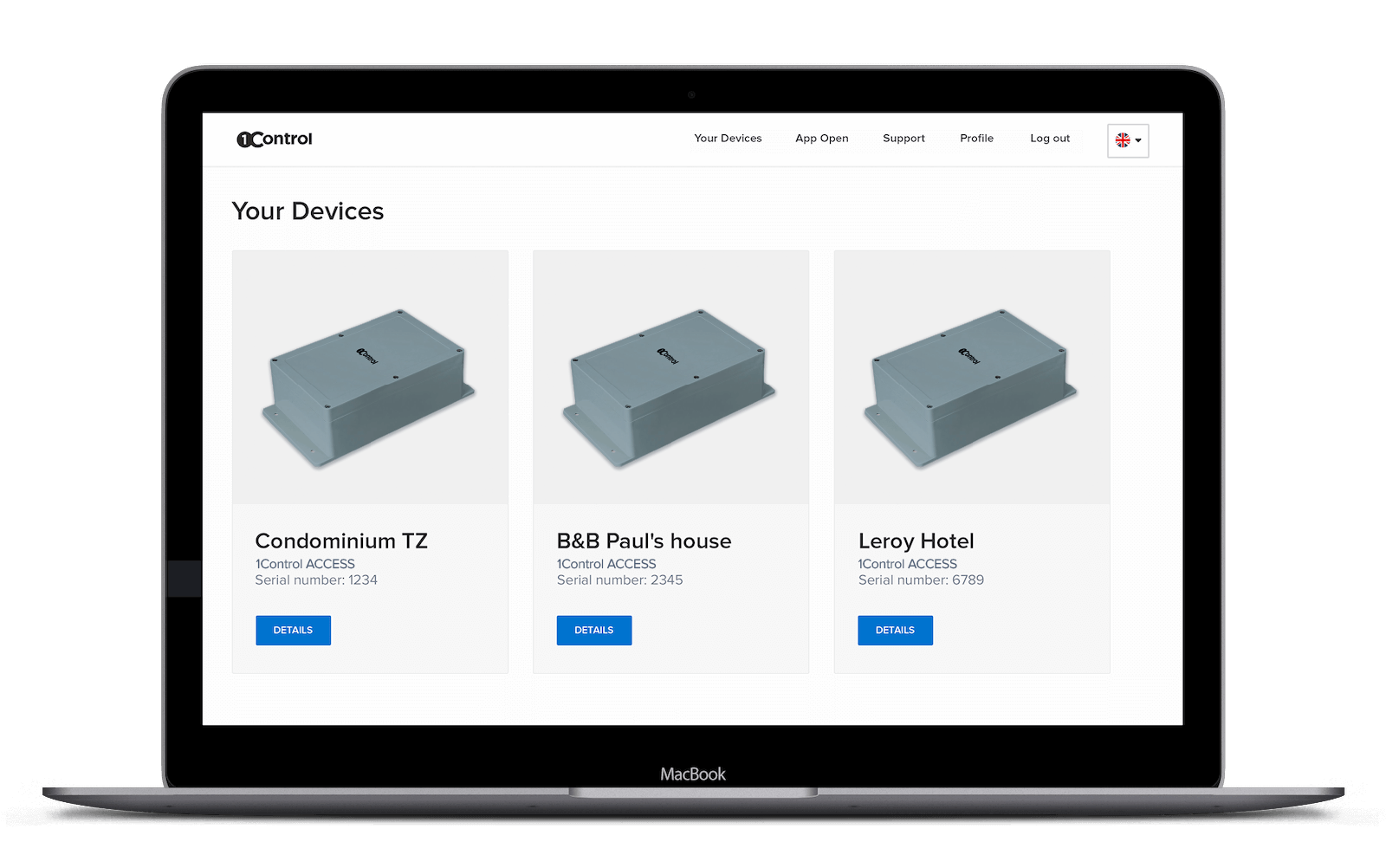
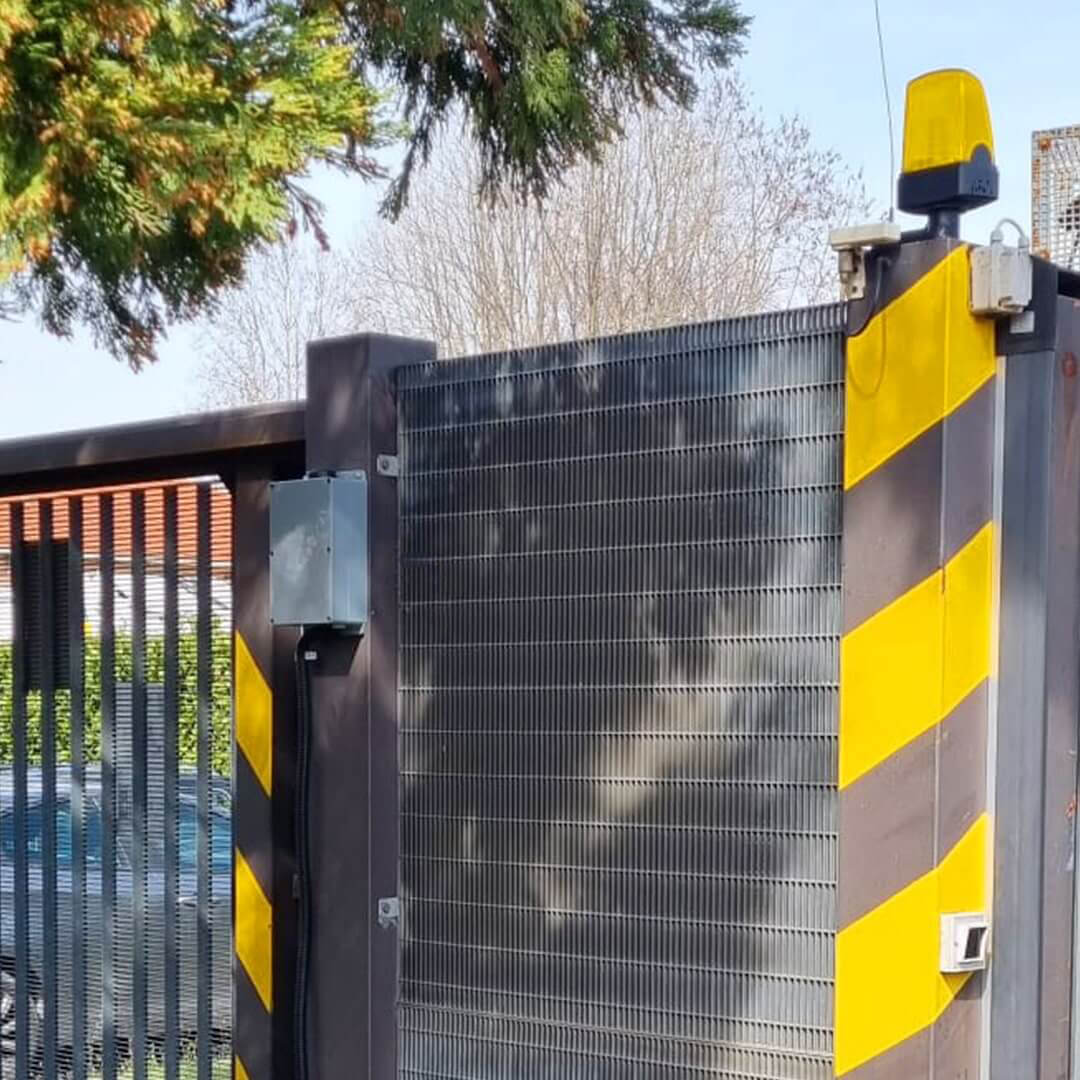
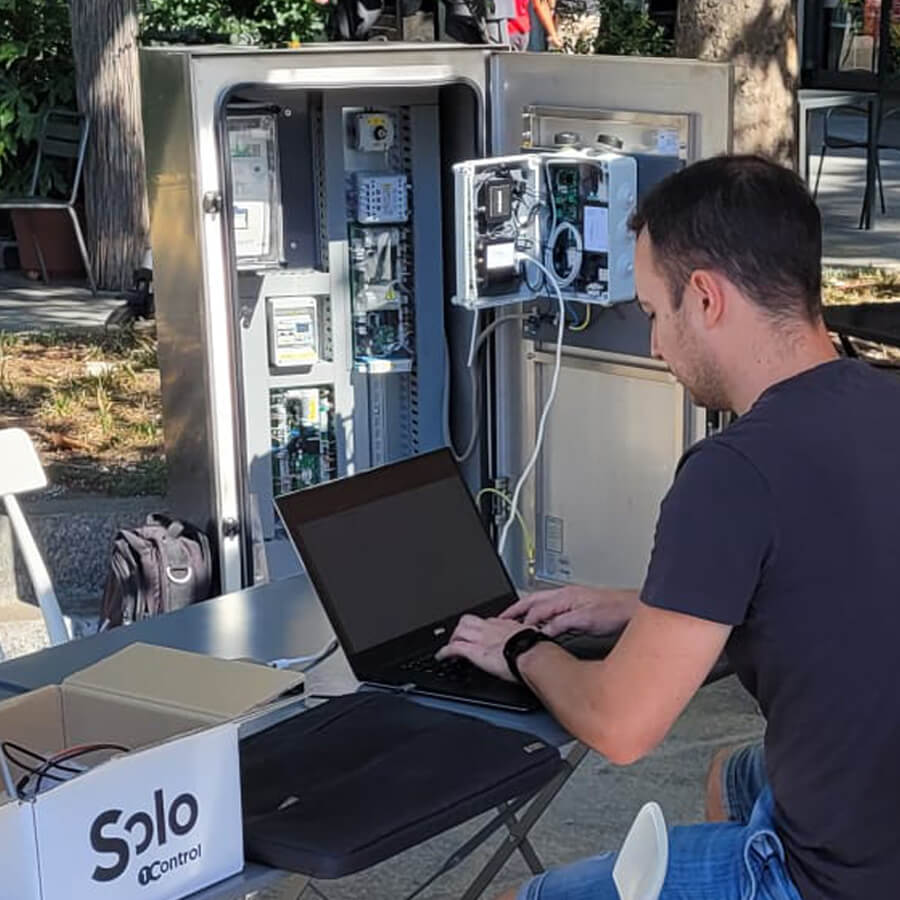
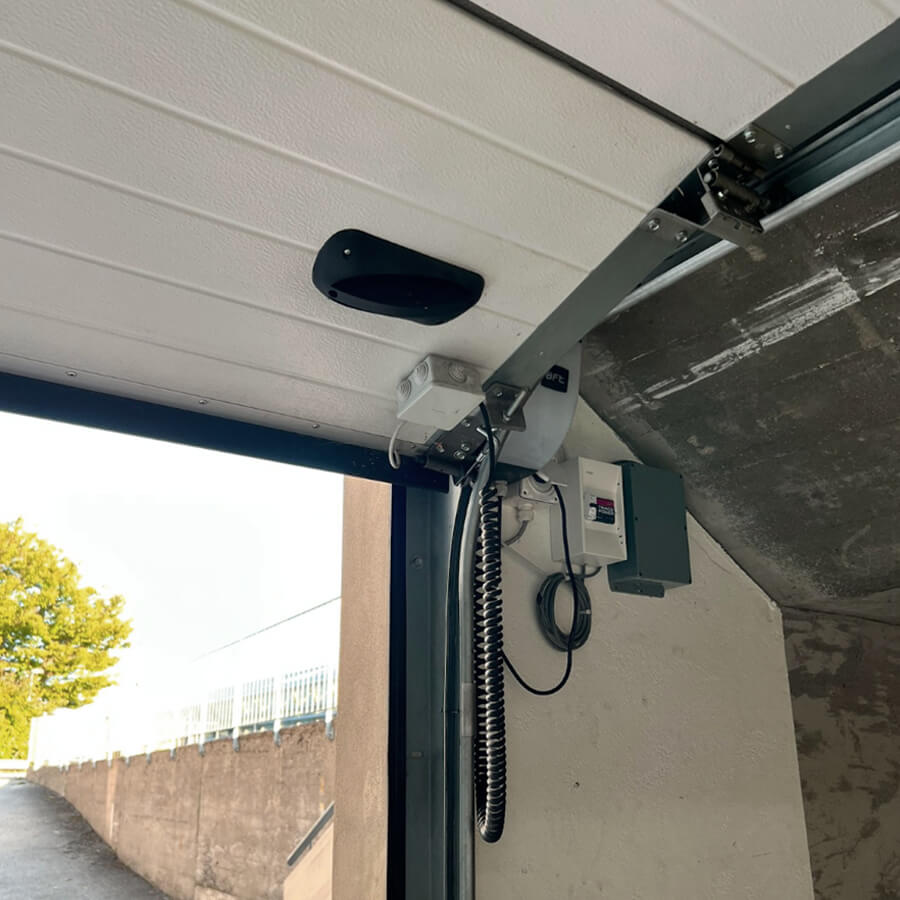
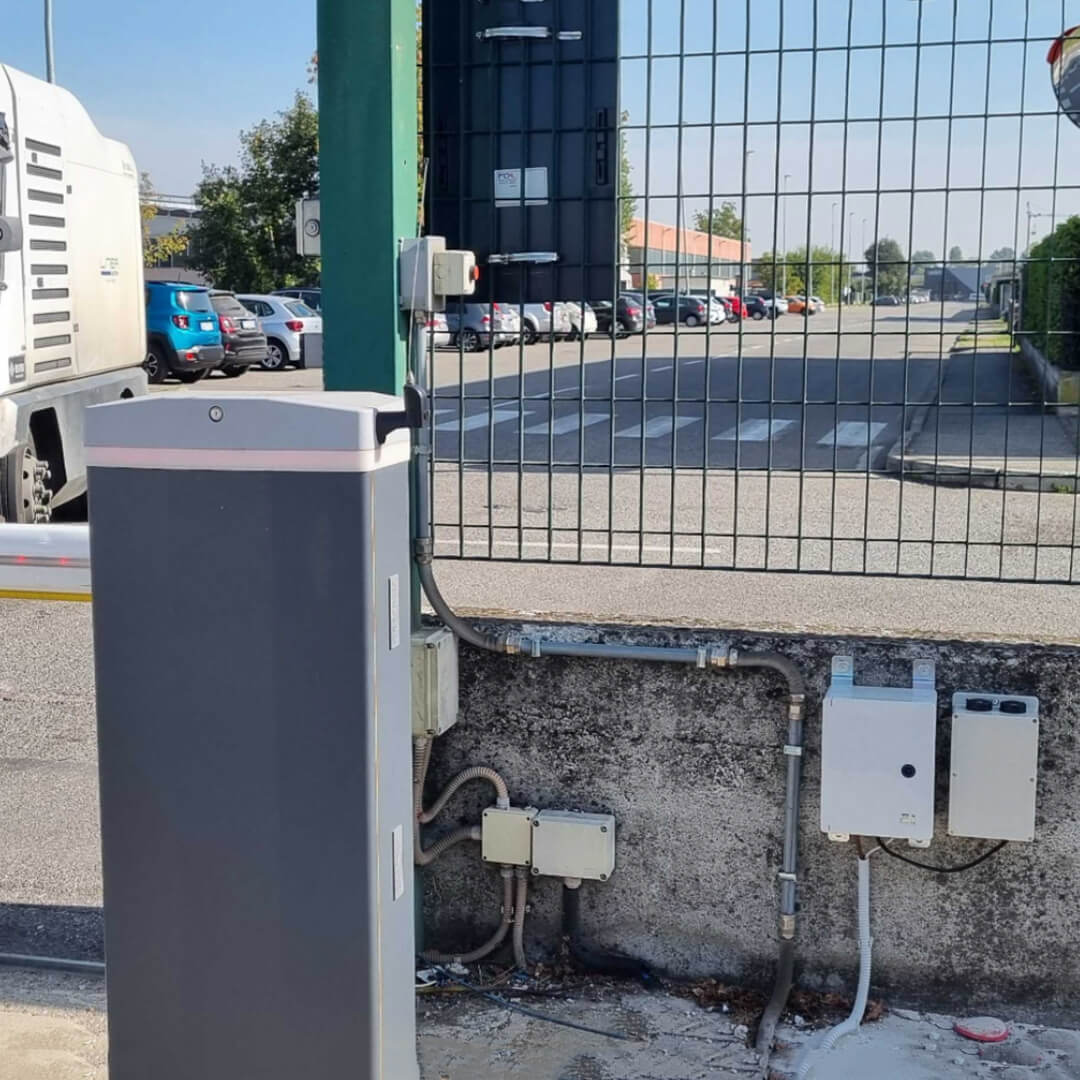
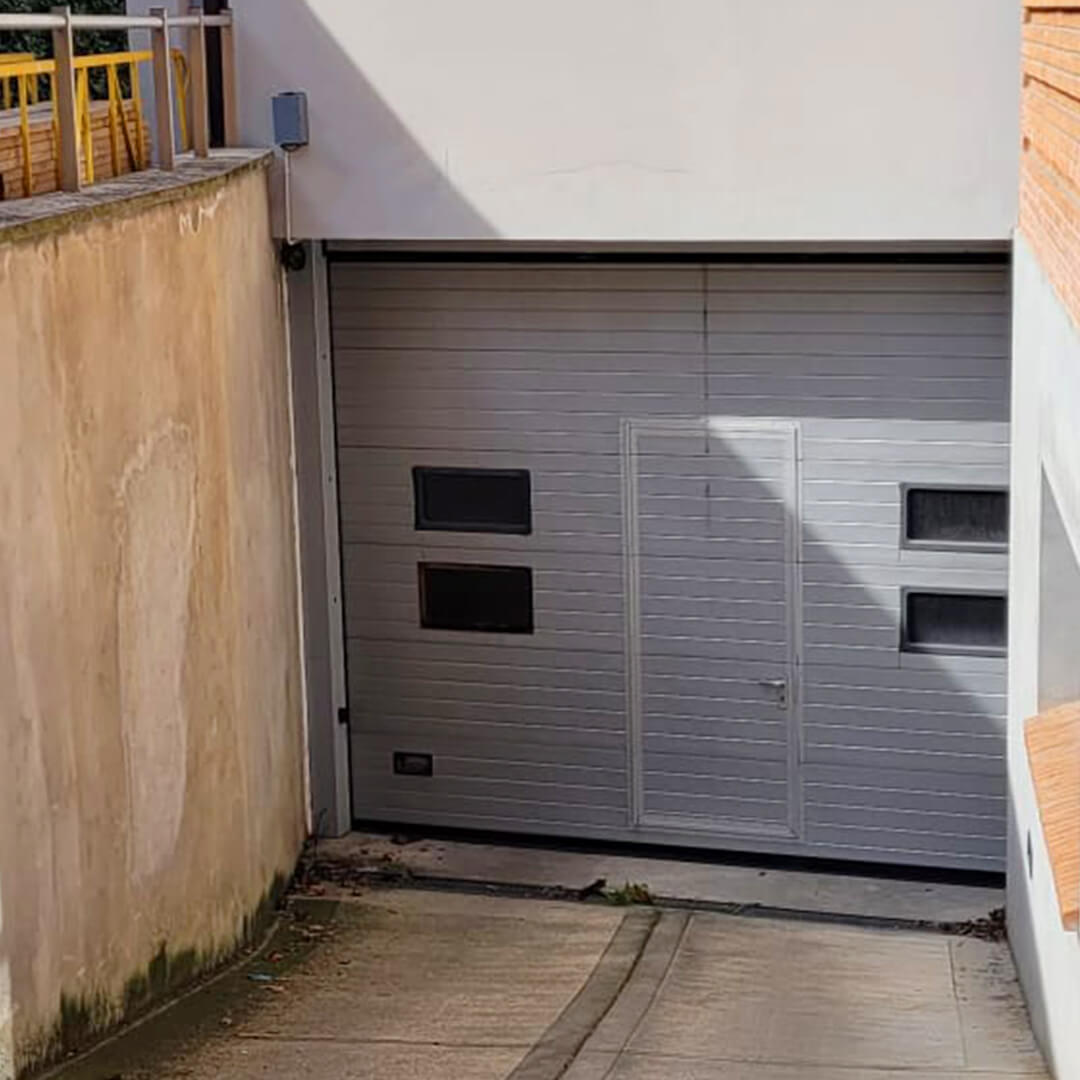
Your gate, barrier or door stays exactly as it is. ACCESS connects to its opening command and adds everything you need to decide who can enter and to know who has entered.
Opens gates, barriers and doors with the method you prefer
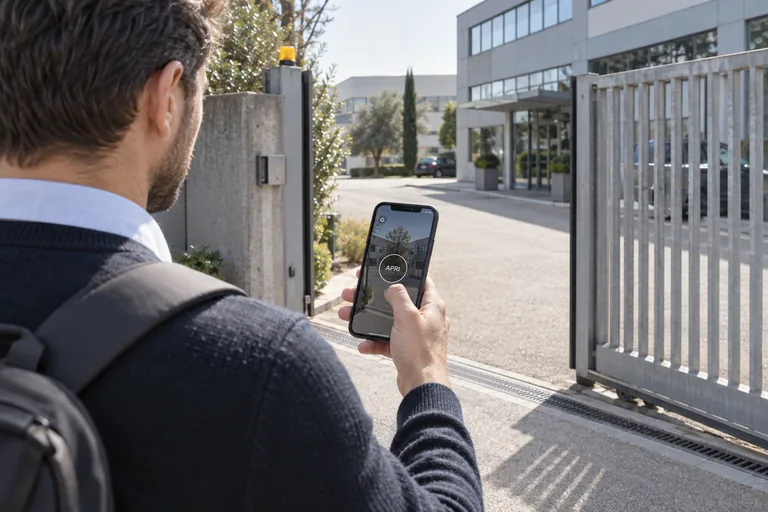
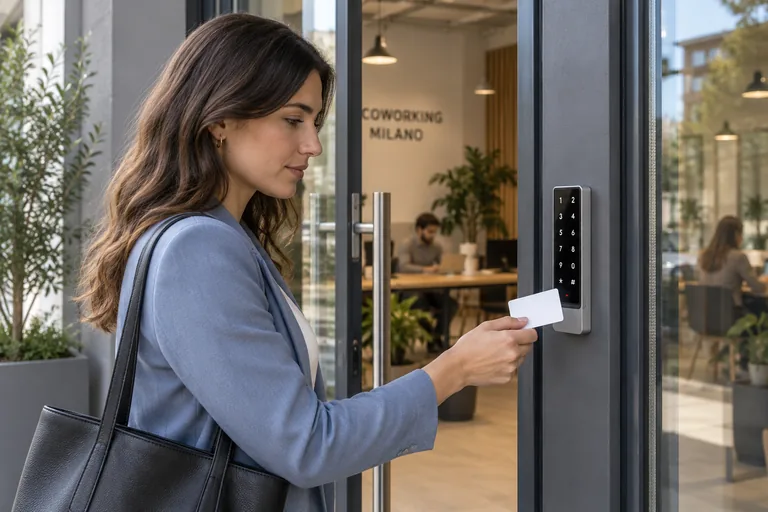
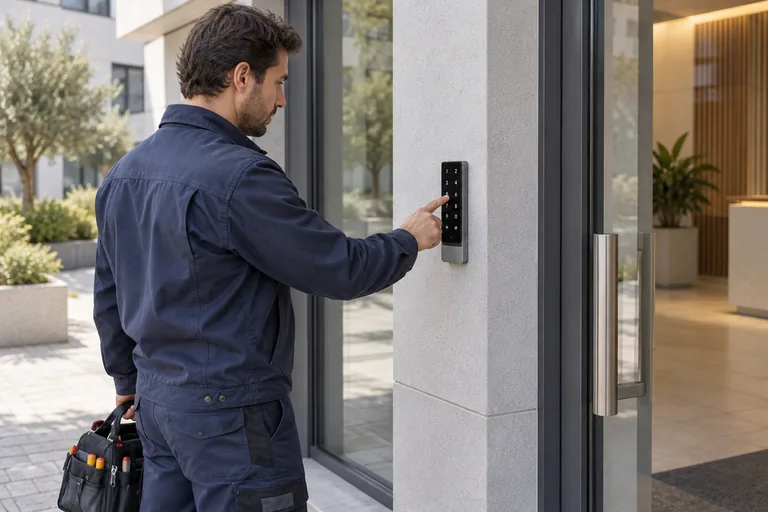
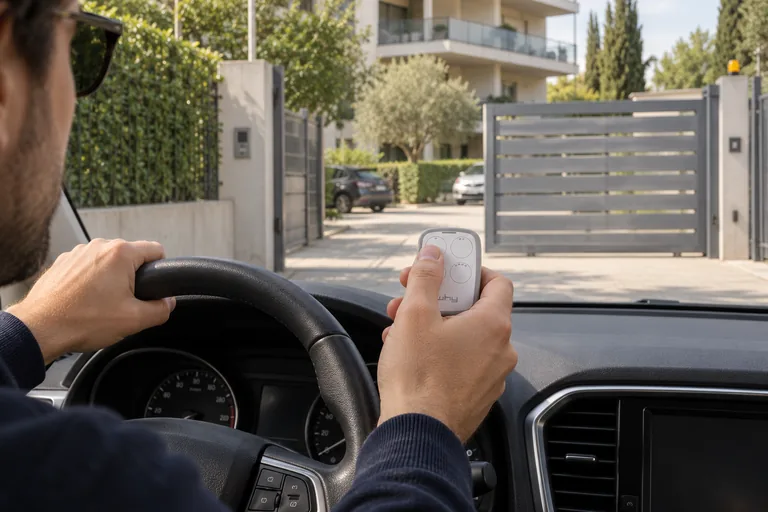
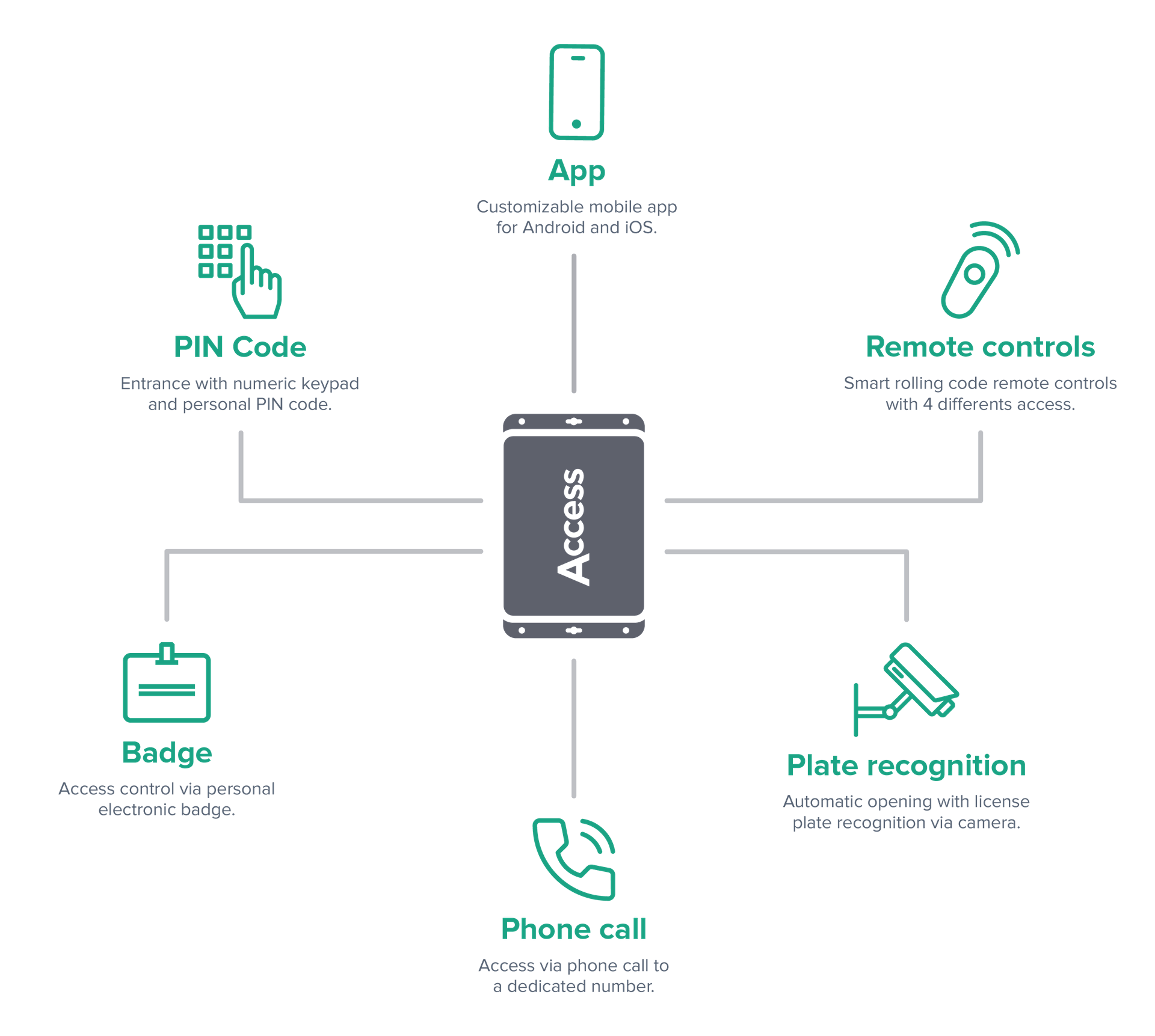
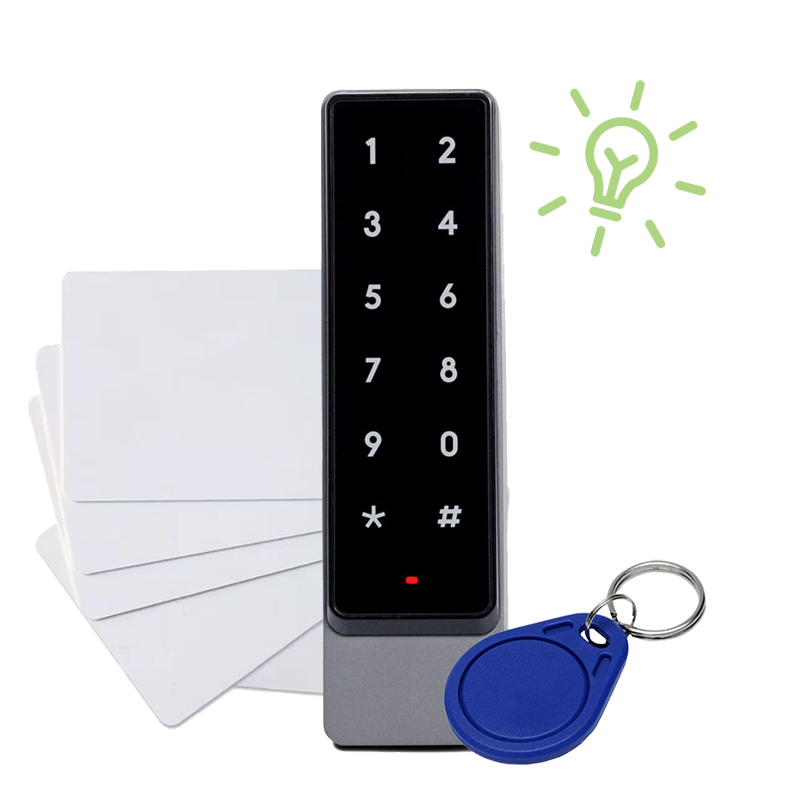
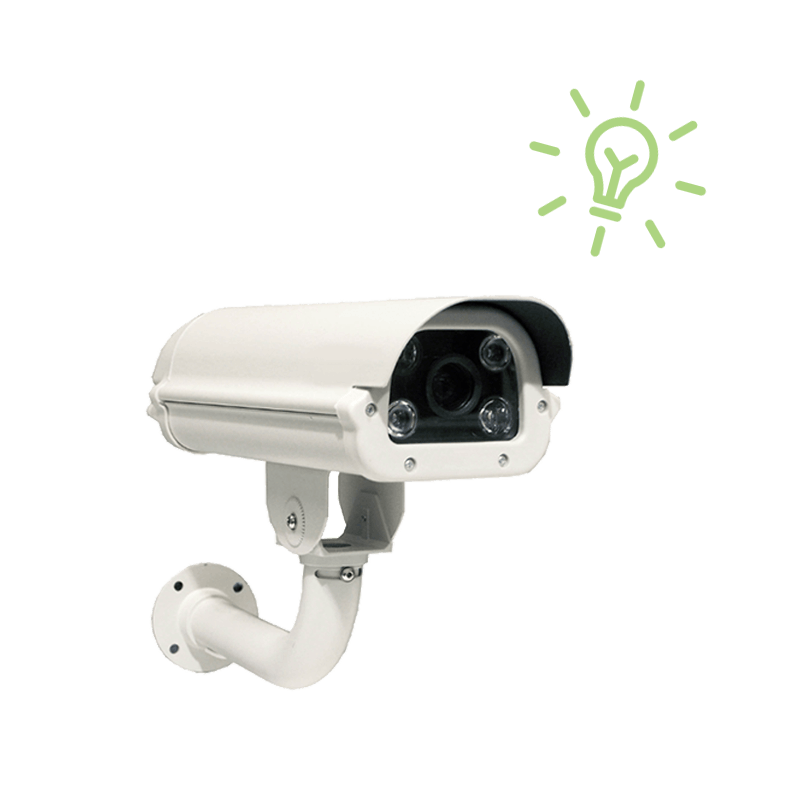
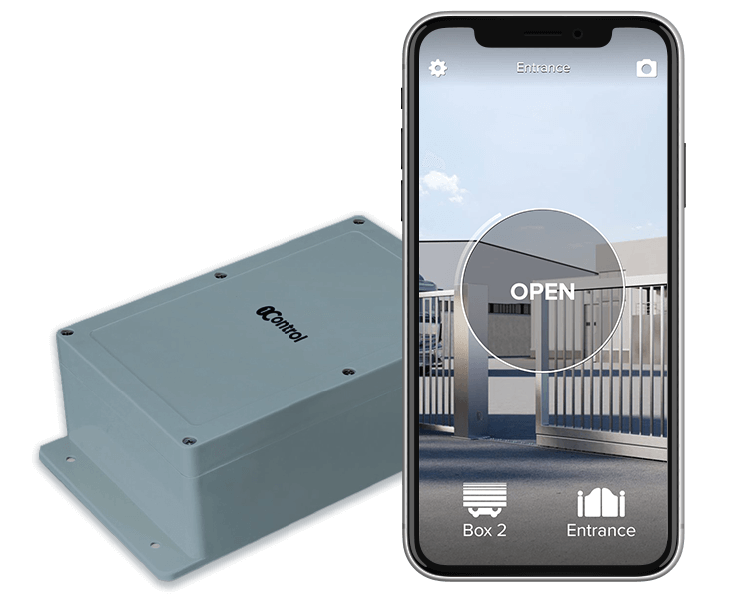
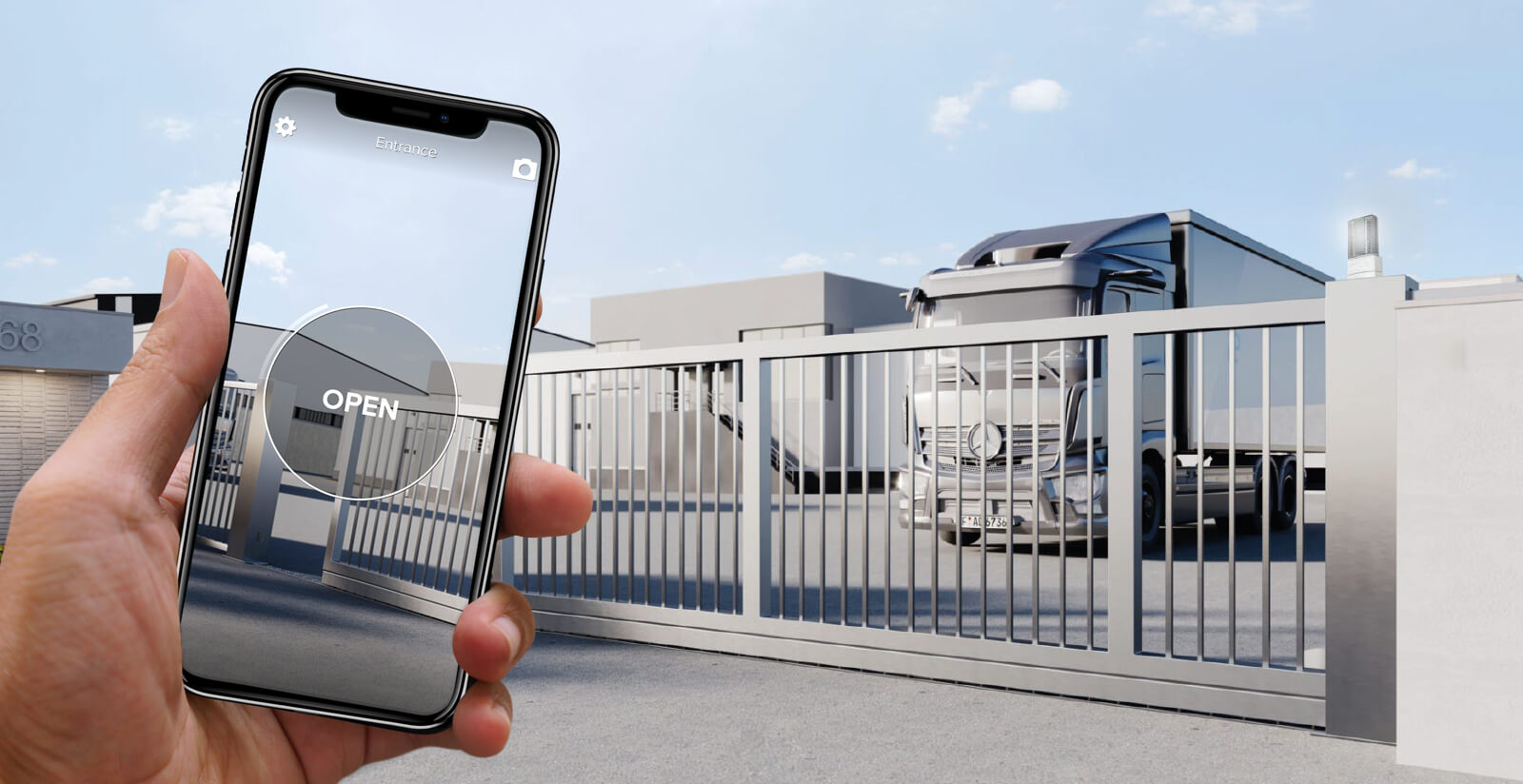
Smartphone (via internet or Bluetooth), remote control, PIN code, NFC/RFID badge or licence plate recognition: PIN and badges with the smart keypad, licence plates with the camera. It works on gates, barriers, up-and-over doors, roller shutters and doors with an electric lock.
Gives each person only the access they need
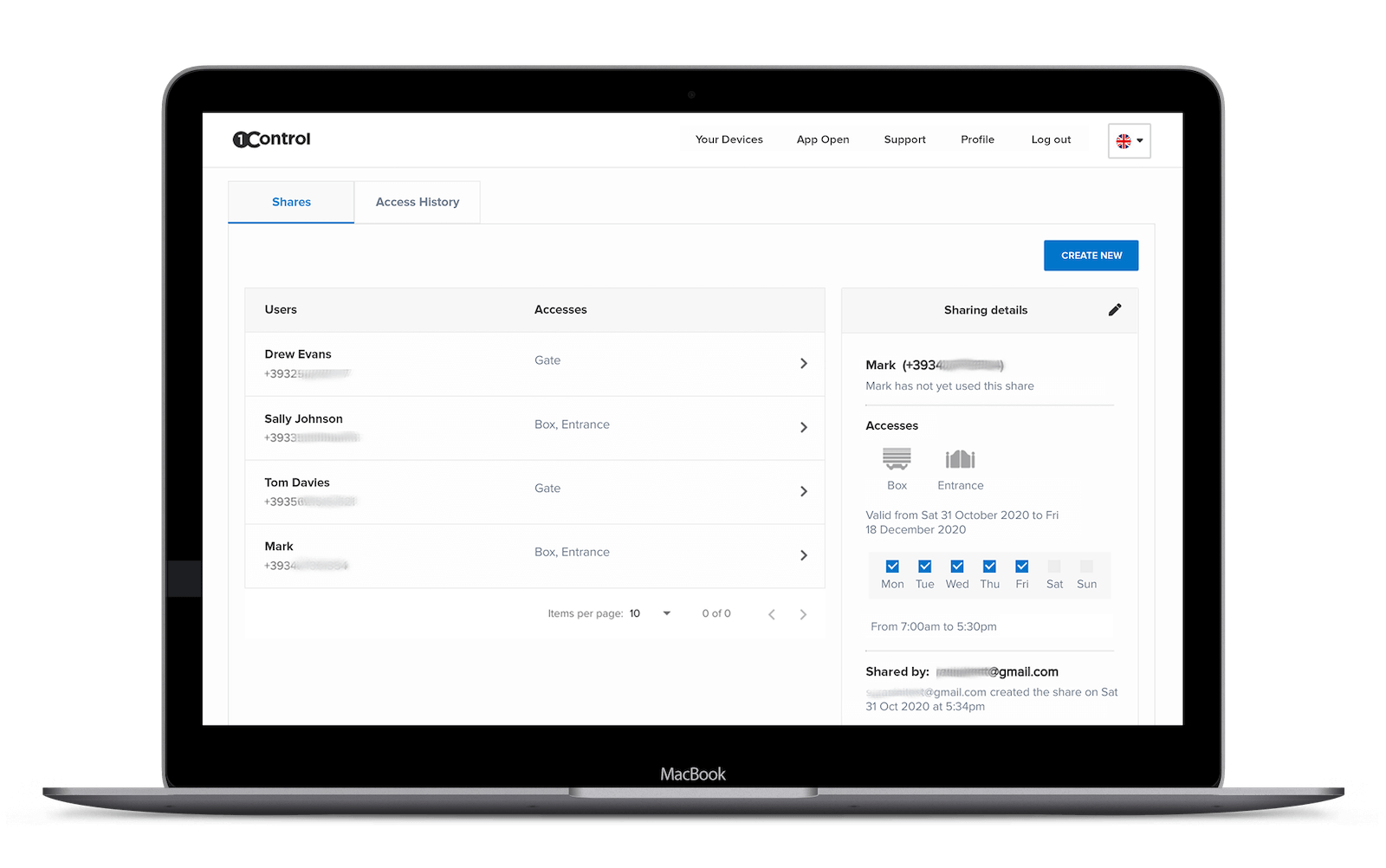
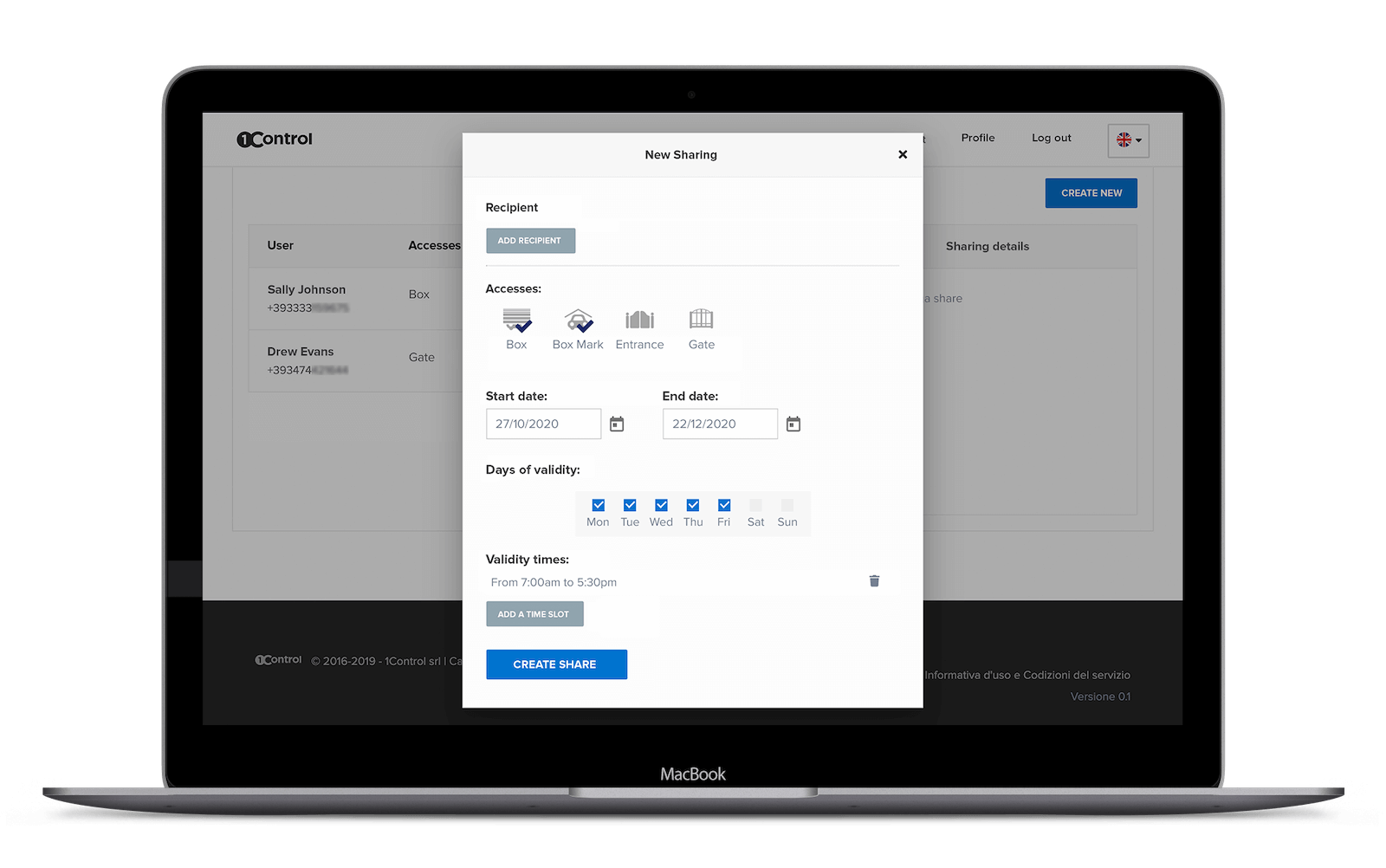
For each person, you choose which entrances they can use, on which days and in which time slots.
Example: the courier comes in through the goods entrance, Monday to Friday, from 9:00 to 12:00.
Makes access expire automatically
You set a start date and an end date: when it expires, the access stops working without you having to remember.
Example: the maintenance technician is authorised until Friday, and after that can no longer get in.
Revokes access in an instant, even remotely
You deactivate the person from the web admin area and their app, badge, PIN, remote control and licence plate all stop working at once. No remote controls to get back, no locks to change.
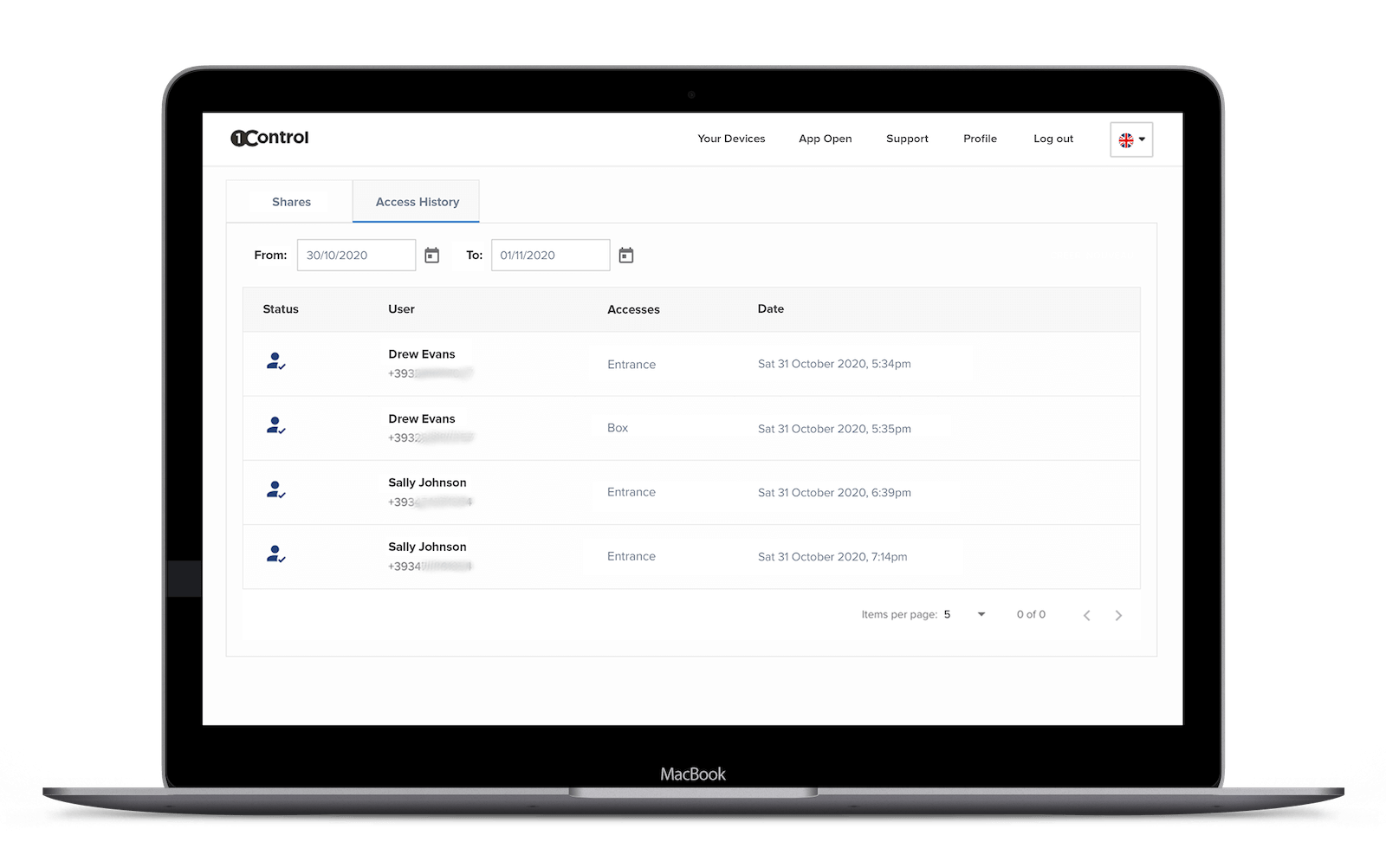
Logs who entered, when and where
Every opening goes into the log with the person, date, time, entrance and method used. You can filter it by person, period or method.
Shows whether the gate is open or closed
With the open/closed sensor you can see the status of every entrance in real time, including on the map of your sites. Useful for knowing at the end of the day whether anything has been left open.
Opens by itself at the times you set
You schedule the time slots in which the entry point stays open, every week or for a one-off event. This requires an automation that supports hold-open operation.
Example: the vehicle gate stays open from 7:30 to 8:30, when the shift arrives.
Lets you open remotely
A guest or supplier without the app is at the gate: you open it yourself from the web admin area or the app, wherever you are.
Keeps working without internet
Authorisations are stored on the device: anyone with permission can still get in. Changes made in the meantime are applied as soon as the connection is back.