Search for a smart garage door opener without Wi-Fi and you will notice something odd: almost every answer assumes you have Wi-Fi. The big-name retrofit kits want a hub on your router, a cloud account and a solid signal in the garage — exactly the things you were trying to avoid. Yet the question is asked for two very good reasons. Some garages simply have no usable Wi-Fi: detached garages at the end of the drive, underground parking, rural properties where the router is three walls and a courtyard away. And some people have Wi-Fi but don't want their door on it: no cloud dependency, no third-party servers between their phone and their garage.
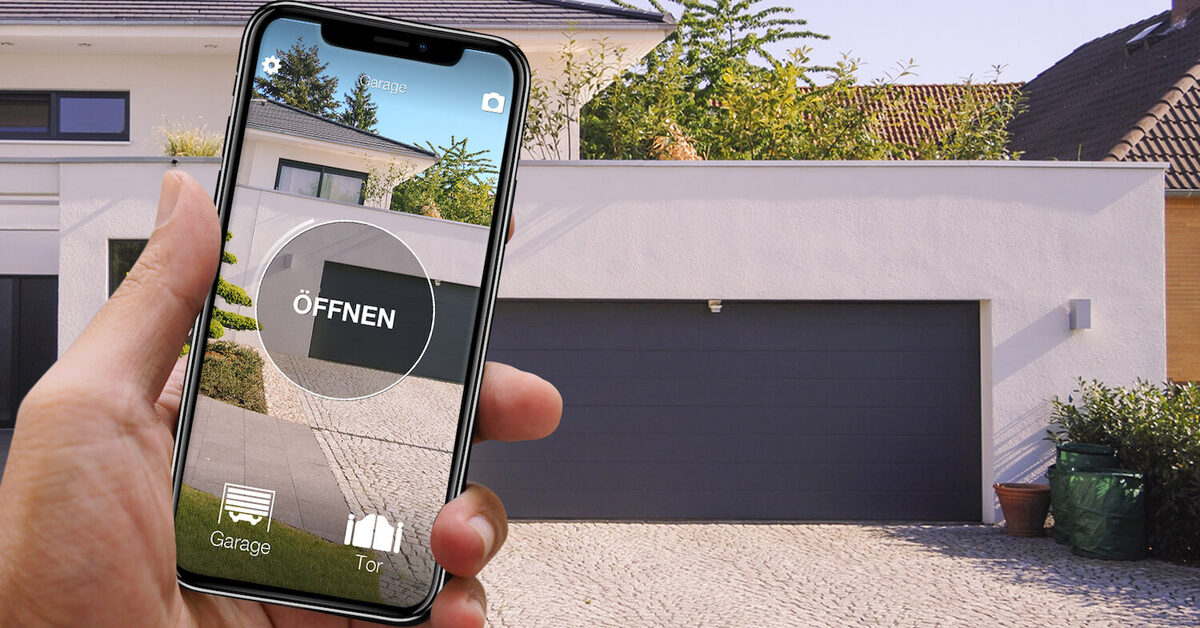
Both camps are asking for the same thing: a way to open the garage door with your phone that works locally, on the spot, with no internet in the loop. That solution exists, and it doesn't involve rewiring anything: a Bluetooth device like 1Control SOLO clones the radio signal of the remote control you already use — over 800 supported models, rolling code included — and replays it when your phone commands it. No Wi-Fi at the door, no hub, no subscription.
In this guide we compare the realistic ways to retrofit a smart garage door opener — manufacturer gateways, smart-home hubs, wired Wi-Fi relays and Bluetooth remote cloning — with a particular eye on UK and European doors, where the American myQ-style ecosystem often simply doesn't fit.
Why "without Wi-Fi" is the right question to ask
A garage is the worst room in the house for Wi-Fi. It sits at the edge of the property, behind brick, concrete or a steel door; underground garages add a slab of reinforced concrete on top. Any solution that depends on a live connection between the door and your router inherits that weakness: when the signal drops — or your broadband goes down — the app goes dark, usually at 11 pm in the rain.
The second sub-intent is deliberate: the local-control crowd. If a device only needs to work when you are standing in front of the door, routing the command through a cloud server on another continent adds latency, a privacy question and a point of failure — for zero benefit. A door that opens via a direct, local radio link is simpler and keeps working when the internet doesn't.
Bluetooth Low Energy answers both: your phone talks straight to the device at the door, at a range of roughly 10–20 metres. Internet is needed once, to register the app — after that, opening the door is a purely local affair.
European garage doors speak radio, not myQ
Here is the part most US-centric advice misses. In the UK and Europe, garage doors — up and over doors, sectional doors, roller doors — are driven by motors from Hörmann, Somfy, Nice, CAME, BFT, Marantec, Sommer and dozens of others, and they are commanded by 433 MHz or 868 MHz radio remotes, usually rolling code. That is a completely different world from the American Chamberlain/LiftMaster ecosystem that products like myQ are built around: compatibility lists for those hubs are thin on European brands, and many EU motors are not supported at all.
The practical consequence: on a European door, the most universal "interface" is not a proprietary bus or a cloud API — it is the radio remote itself. Anything that can learn and reproduce that radio signal works with the door, whatever the brand and whatever the year. That is exactly the approach Bluetooth remote cloning takes.
Option 1: Bluetooth remote cloning — no Wi-Fi, no wiring
1Control SOLO is a battery-powered device that mounts next to the door on its supplied bracket. During setup it learns the radio signal of your existing remote — fixed code or rolling code — and from then on it transmits that same signal whenever your smartphone sends the command over Bluetooth Low Energy. The motor receives exactly what it has always received; nothing on the door side changes.
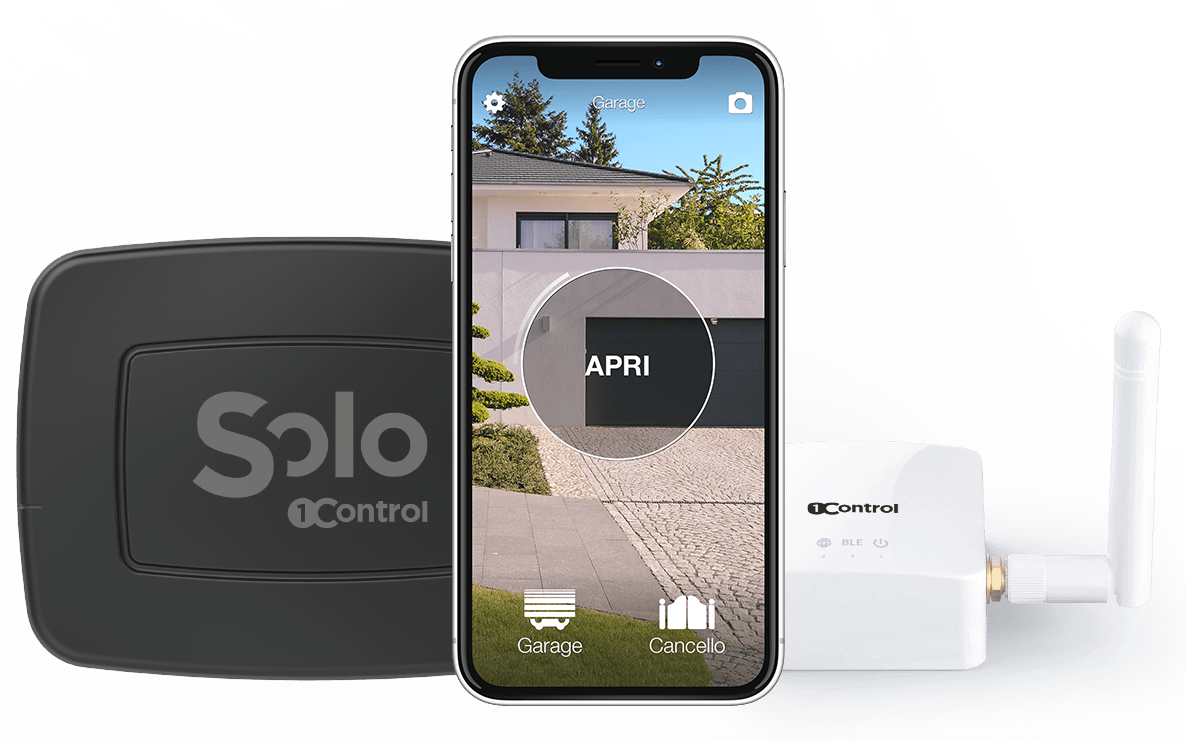
What that means in practice:
- No Wi-Fi at the garage, ever. The command travels phone → SOLO over Bluetooth. Underground garage, detached garage, no broadband: it works the same.
- No wiring. SOLO never touches the motor's control board. No electrician, no warranty questions, no landlord permission — and it is just as at home on a shared residents' garage where the control unit is off-limits.
- Over 800 supported remotes, fixed and rolling code: Hörmann, Somfy, Nice, CAME, BFT, FAAC, Cardin, Beninca, Marantec and more. Check your model on the compatibility page before buying.
- Battery powered for about two years on two standard C-type alkaline batteries (at ten openings a day). No mains socket needed by the door.
- Up to 4 doors on one device — garage plus driveway gate plus barrier, across different brands, in one app.
- Your original remotes keep working. Cloning copies the signal; it doesn't erase anything. Keep a remote in the glovebox as a backup.
- Free sharing with schedules. Invite family or a courier window by phone number, set time slots and expiry dates, revoke in one tap, and review the access history.
If your remote is lost or playing up, start with our troubleshooting guide: gate remote not working. And if you want the step-by-step cloning walkthrough, see how to copy a garage remote to your phone.

Want to open your gate from your phone?
Check in seconds whether your system is compatible with 1Control SOLO: it fits existing gates and garage doors, one-off purchase, no subscription.
139,00€ 119,00€ VAT included
- 1,500+ reviews on Amazon, Facebook and Trustpilot
- Secure payments
- 2-year warranty
Option 2: a Shelly-style relay vs cloning the remote
The DIY crowd's favourite answer is a Wi-Fi relay — Shelly and similar — wired across the motor's dry-contact input so that the relay "presses the button" electronically. It is a clever, flexible approach, and for a tinkerer with Home Assistant it can be genuinely satisfying. But compare what each route actually requires:
| Criterion | Wi-Fi relay (Shelly-style) | Remote cloning (SOLO) |
|---|---|---|
| Wiring | Open the motor housing, wire the dry contact, power the relay | None — wall bracket only |
| Wi-Fi in the garage | Required, permanently | Not required |
| Skills needed | Electrical work, motor manual, app/automation setup | Copy the remote in the app |
| Motor warranty | Potentially affected | Untouched |
| Shared/rented garage | Usually not allowed (communal control unit) | Fine — nothing is modified |
| Sharing, schedules, history | Not built in | Included, free |
The relay needs wiring and Wi-Fi; cloning needs neither. If you enjoy the wiring and already run a smart-home server, the relay is a legitimate hobbyist route. If you just want the door on your phone today, it is the long way round.
Option 3: manufacturer gateways and smart-home hubs
For completeness, the two "official" routes. The manufacturer gateway — Hörmann's BiSecur gateway, Somfy's TaHoma, and equivalents from other brands — gives you the maker's own app, sometimes with door-status feedback. The catch: it is a paid add-on module, it works only with that brand's motors (often only recent models), and it needs permanent Wi-Fi and usually a cloud account. Two doors from two brands means two gateways and two apps.
The smart-home hub route — Apple Home, Google Home, Home Assistant with a bridge — puts the garage in the same app as your lights. It suits homes that already run a hub, but it stacks dependencies: hub + bridge + Wi-Fi + often a manufacturer module anyway. Every layer is one more thing that must be online for the door to open. For the specific person searching "without Wi-Fi", both official routes answer the wrong question.
What if I do want remote access sometimes?
Going Bluetooth-first doesn't lock you out of remote features — it makes them optional. 1Control LINK is a bridge between your home network (Wi-Fi 2.4 GHz or Ethernet) and SOLO's Bluetooth: place it indoors within Bluetooth range of SOLO and you add opening from anywhere, Alexa, Google Home and Siri voice control, and Apple CarPlay / Android Auto on the dashboard. The door-side stays exactly as it was — no Wi-Fi at the garage; the bridge lives where your router is.
Two honest caveats. First, LINK must be within Bluetooth range of SOLO (roughly 10–25 metres, less through walls and metal): a garage completely detached from any building with power and network stays local-only — which, for this article's readers, is usually the point. Second, if the car is where you actually use the garage, SOLO AUTO — the variant designed to live in your car — gives you CarPlay and Android Auto with no hub at all. We cover that setup in opening your gate with CarPlay.
Up and over, sectional or roller door: does it matter?
Not for remote cloning. An up and over door, a sectional door and a roller door differ mechanically, but from the radio's point of view they are identical: a receiver in the motor, a remote in your pocket. If the remote is one of the 800+ supported models, SOLO works regardless of the door type. The only hard requirement is that the door is motorised: a manual up and over door needs an electric operator first — then its new remote can be cloned like any other.
Frequently asked questions
Can a smart garage door opener really work without Wi-Fi?
Yes. Bluetooth Low Energy devices like 1Control SOLO talk directly to your phone at short range, so the local opening needs no Wi-Fi, no hub and no cloud. Internet is only used once, when you register the app.
Does it work with up and over, sectional and roller doors?
Yes — the door type doesn't matter, the remote does. If the door is motorised and its radio remote is among the 800+ supported models (433/868 MHz, fixed or rolling code), it can be cloned.
Why won't a myQ-style hub work with my European door?
Those hubs are designed around North American motor brands and protocols. Most UK and EU doors run on 433/868 MHz radio from brands like Hörmann, Somfy, Nice, CAME or BFT, which are poorly covered. Cloning the radio remote sidesteps the compatibility problem entirely.
Do I need to wire anything into the motor?
No. SOLO reproduces the radio signal of your existing remote, so the motor's control board is never opened or modified. That also keeps the motor's warranty intact and makes the solution viable in shared garages.
Can I still open the door remotely if I want to?
Yes, optionally: add the LINK bridge at home, within Bluetooth range of SOLO, and you get remote opening, voice assistants and CarPlay/Android Auto. Without LINK, everything keeps working locally over Bluetooth.
What happens when the internet goes down?
Nothing changes at the door: the Bluetooth opening is local and keeps working through broadband outages, router reboots and cloud downtime. That resilience is the main reason to choose a without-Wi-Fi design in the first place.
Conclusion
A smart garage door opener without Wi-Fi isn't a compromise — on a European door it is arguably the cleanest design. Manufacturer gateways tie you to one brand and a cloud; hubs stack boxes and dependencies; a Shelly-style relay demands wiring plus a solid signal in the worst-covered room of the house. Cloning the remote with 1Control SOLO needs none of that: pay once, no subscription, fit it in minutes, and open the garage door with your phone — with sharing and history included, and remote access, voice and CarPlay available the day you want them.