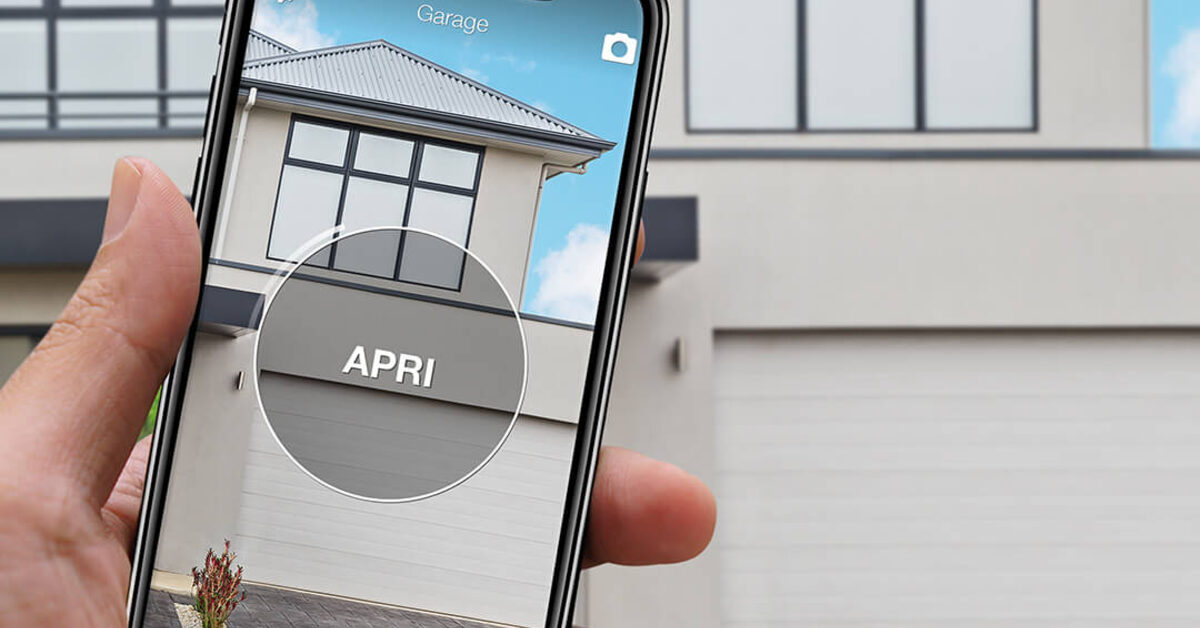
You turn into your street, slow down, and by the time you reach the driveway the gate is already open. No remote to dig out, no app to unlock, no voice command: the gate simply “recognised” you. That is the promise of gate geofencing — auto-open on arrival, driven by your phone’s location — one of the most wished-for features among electric gate and garage door owners.
The technology is real, and some products do offer it. But so are the problems documented by the people who use it: phantom openings, GPS drift, background apps killed by the operating system. This is an independent explainer: how location-based opening works, when it makes sense and when it does not. Full transparency up front: 1Control devices do not open anything based on location — our approach is to shrink the opening to a single deliberate gesture, such as one tap on the car’s dashboard with SOLO AUTO. You will see why.
The dream: a gate that recognises you
The wish comes from real friction: it is raining, it is dark, your hands are on the wheel, a child is asleep in the back — and the remote stayed in the other car. At that moment, a gate that opens by itself because it is you arriving feels like the natural end point of home automation.
The principle is simple: your smartphone always knows — more or less — where it is, so an app can detect you are coming home and fire the open command early. The whole story hides in that “more or less”.
How gate geofencing works (and who offers it)
Geofencing draws a virtual perimeter around a geographic point: a circle centred on your gate, with a configurable radius that typically runs from about 50 metres up to 1–2 kilometres. When the phone crosses the boundary inbound, the app turns the event into a command: open the gate. Many systems also offer an exit trigger to close the gate as you leave. The phone estimates its position by blending GPS, cell towers and nearby Wi-Fi networks, with accuracy that varies wildly between a city centre and open countryside.
Who offers it today? Three main routes deserve a fair mention. Remootio, a module wired to the gate control board, advertises a location-based auto-open feature. HomeKit-compatible garage openers — such as ismartgate or Meross — enable location automations through Apple’s Home app, with a home hub. And then there is DIY: Home Assistant or KNX with a relay on the control board’s dry contact, where you build the geofence yourself with companion apps and presence rules. All of these work; none escapes the four problems below, because they come from the principle, not the product.
The 4 problems nobody tells you about
1. GPS drift and false triggers
The position your phone reports is not a point: it is a cloud that can wobble by tens or hundreds of metres, especially between buildings or with the phone in a pocket. The failure mode documented in user forums: a phone sitting still on the nightstand “leaves” the geofence and “re-enters” minutes later — as far as the system is concerned you just arrived home, and the gate opens at three in the morning. Widening the radius smooths the wobble, and makes the next problem worse.
2. It opens when you drive past without turning in
A geofence measures position, not intent. If you live near a through road, every pass inside the radius — a nearby roundabout, dropping a friend home, circling for parking — is indistinguishable from an arrival. The gate obeys: it opens, sits open for its full cycle, then closes — and you may never even see it.
3. Background apps, permissions and battery
For the trigger to fire, the app must be allowed to read your location always, even when closed. But iOS and Android aggressively restrict background apps: low-power modes, vendor-specific “optimisations”, updates that quietly reset permissions. The typical outcome is ironic: the system opens when it should not and fails to open exactly when you need it — leaving you stopped at the gate, phone in hand, anyway. Continuous location tracking also costs battery every day.
4. A wide-open gate with nobody watching it
Even when everything works, a structural detail remains: if the gate opens while you are still three hundred metres away, your entrance stands wide open for a minute or two with nobody attending it. If it opens by mistake while you are on holiday, it is worse: an entrance opened without forced entry is also an insurance question — many burglary policies treat the two cases very differently, and it is worth checking yours.
And there is a fifth problem, specific to HomeKit: Apple classifies garage doors and gates as security-critical accessories, so a location automation is never fully automatic — it requires a confirmation on your iPhone. Sensible as a safeguard, but it is precisely the gesture the automation promised to remove.
Open your gate from CarPlay and Android Auto
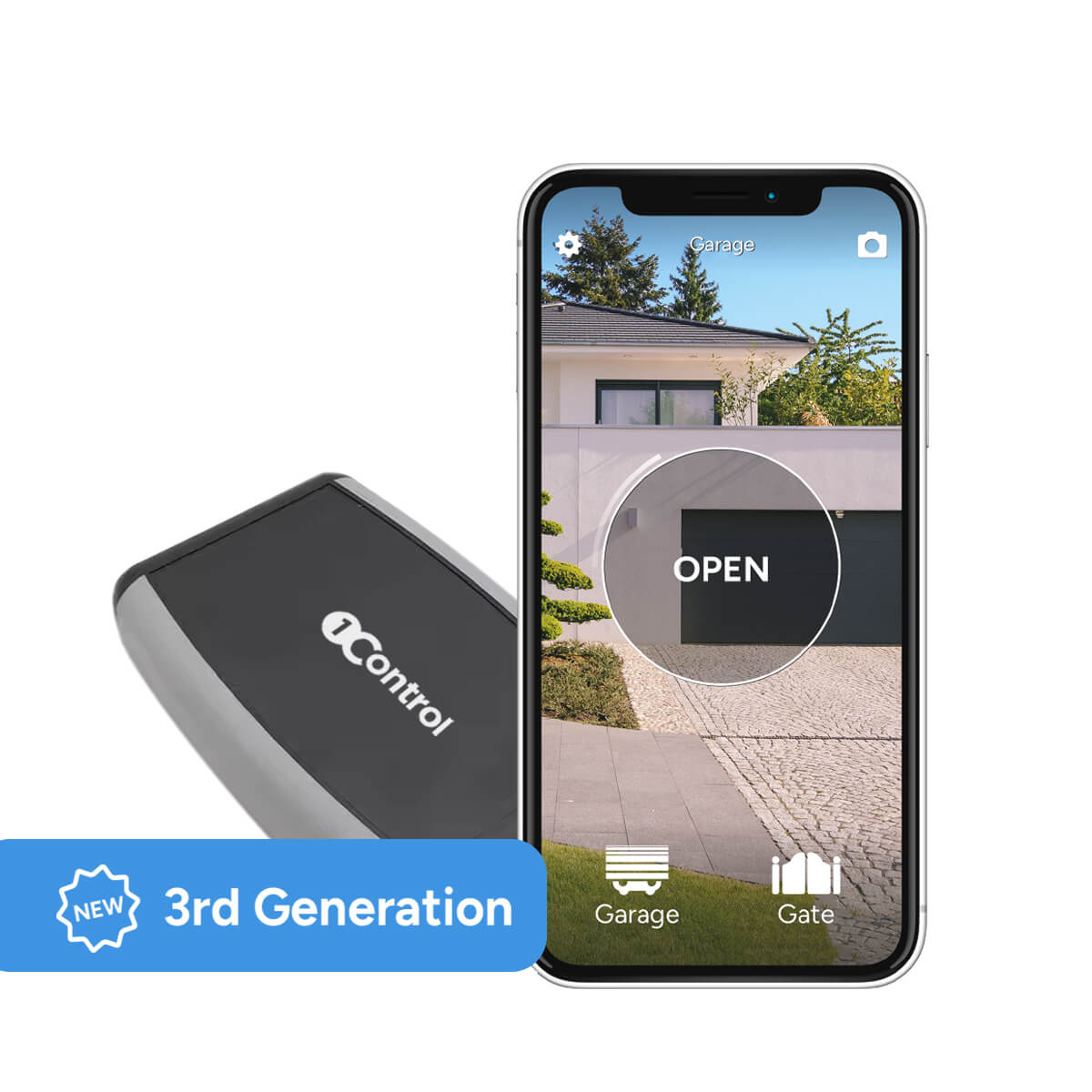
With 1Control SOLO AUTO you control your gate right from the car display, one-off purchase, no subscription.
159,00€ 149,00€ VAT included
- 1,500+ reviews on Amazon, Facebook and Trustpilot
- Secure payments
- 2-year warranty
Why a driveway gate is not a light bulb
Geofencing has worked well indoors for years: lights that greet you, a thermostat that warms up the house, arrival notifications. The difference is the cost of an error. If a light bulb turns on because of a false trigger, you waste a few watt-hours; if a driveway gate opens because of a false trigger, your property is open. Home automation has a sound rule of thumb: automate what is reversible and low-risk, require human intent for anything that touches security.
A vehicle gate adds physics too: a leaf takes 15–30 seconds to open and close again, and in that window pedestrians, pets and other cars pass through. That is why serious manufacturers treat auto-open as a feature to enable with care, not as a default.
The one-gesture alternatives, with zero false positives
The right question is not “how do I open the gate with no action at all?” but “how small can the action get, while I remain the one who decides the moment?”. If the action is one tap at the instant you arrive, the comfort is nearly identical to geofencing — and false positives are zero, because no virtual perimeter decides on your behalf.
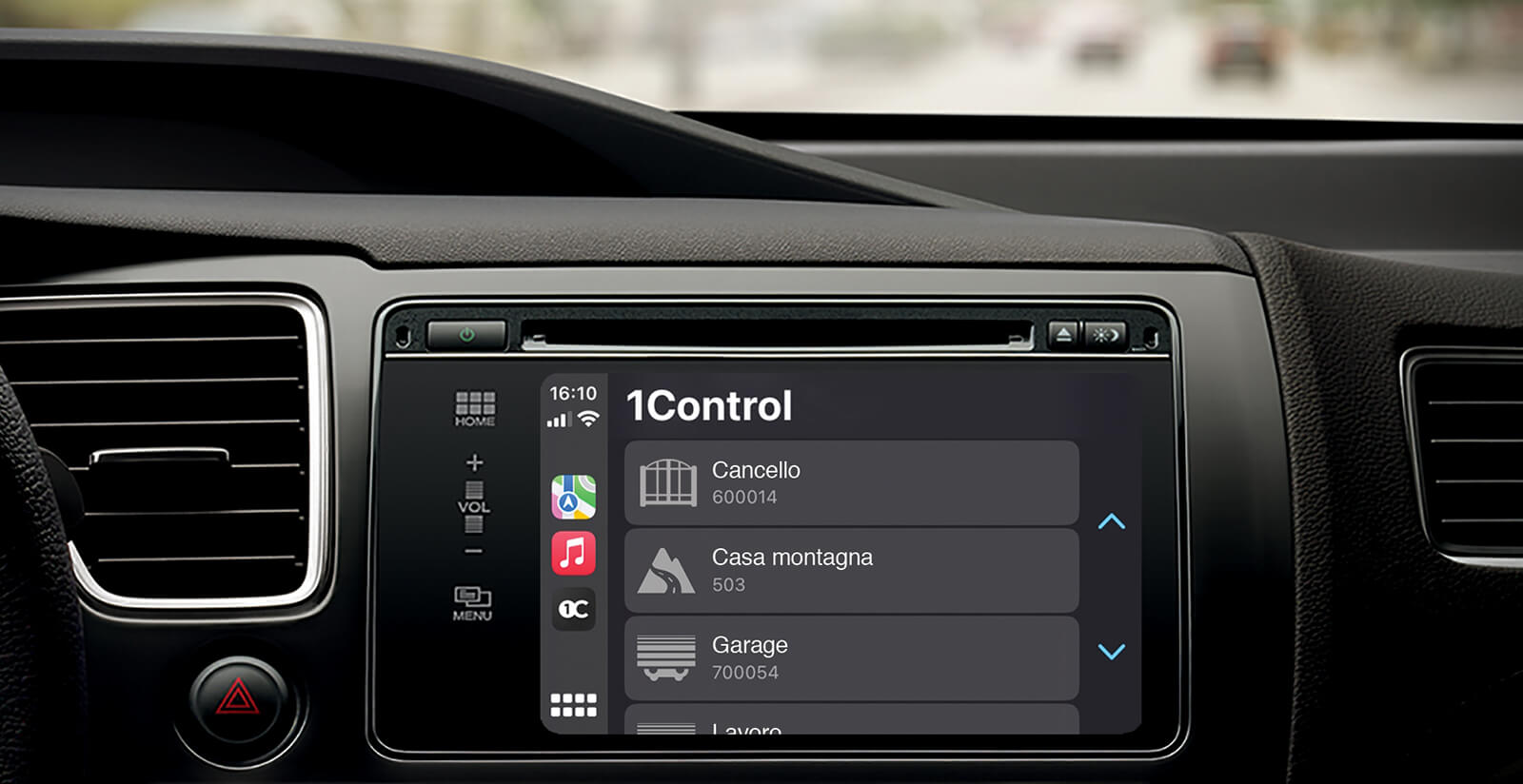
The tile on CarPlay and Android Auto
This is the closest thing to the dream. You arrive, and the gate tile is already on the infotainment screen: one tap, without picking up the phone. With 1Control SOLO AUTO there is no hub and no Wi-Fi at the gate: the device lives in the car, copies the signal of your existing remote (over 800 compatible models, rolling code included) and the original remotes keep working. You pay once, with no subscription. With the standard SOLO models, installed near the gate, CarPlay and Android Auto light up by adding LINK. The full setup is in our guide to opening your gate with CarPlay and Android Auto.
Siri and a home-screen shortcut
“Hey Siri, open the gate” while your hands stay on the wheel. With SOLO the shortcut works within Bluetooth range — which is exactly the arrival scenario. The same shortcut can be pinned to the home screen or to an iOS Shortcuts widget. Voice commands with no distance limit — and Alexa and Google Home — require LINK: see our guide to voice assistants and gates.
Apple Watch and Wear OS smartwatches
The 1Control app also runs on Apple Watch and on Wear OS smartwatches: two taps from the wrist, handy when you come home on foot, by bike or on a motorbike.
| Method | Who decides the opening | False positives | What you need |
|---|---|---|---|
| GPS geofencing | The virtual perimeter | Possible (GPS drift, drive-bys) | Compatible product, “always” location permission, often a hub or wiring |
| CarPlay / Android Auto tile | You, with one tap | None | SOLO AUTO in the car (no hub) or SOLO + LINK |
| Siri shortcut / widget | You, by voice or one tap | None | SOLO (within Bluetooth range); LINK for distance |
| Apple Watch / Wear OS | You, from the wrist | None | 1Control app on the smartwatch |
Why does 1Control not offer geofencing? It is a deliberate choice: the 1Control app does not track your location, not for opening and not for anything else. On a driveway gate we believe an opening should be decided, not inferred — and a well-designed minimal gesture costs less than a second. If you are starting from scratch, see our guide on how to open a gate with your smartphone.
Who geofencing still makes sense for
It would be dishonest to close with a flat “never do it”. There are settings where auto-open on arrival holds up well: a property with a long private driveway in a very low-traffic area, where nobody crosses the geofence by accident; a non-critical inner gate inside an already fenced property, where a phantom opening exposes nothing; or the experienced Home Assistant user who layers robust conditions on top: multi-person presence, time windows, direction of travel, a confirmation notification and a log of every opening.
If that describes you and you accept the occasional phantom opening, pick a product that logs every event and keep notifications on. For a gate that faces the street, our conclusion stands: a deliberate gesture, made as small as possible, is the better trade.
Frequently asked questions
What is geofencing for an electric gate?
It is a virtual perimeter drawn around the gate’s coordinates, with a radius typically between 50 metres and 2 kilometres. When your smartphone crosses the boundary inbound, the app sends the open command: the gate opens on arrival with no gesture, based on the phone’s location.
Why does the gate open when I drive past without turning in?
Because the geofence measures position, not intent: any pass inside the radius — a nearby roundabout, circling for parking, dropping someone off — looks identical to an arrival.
Is auto-open on arrival safe?
It depends on the gate. The critical point is that the gate can stand wide open with nobody attending it, or open by mistake while you are away; an entry through a gate left open can also affect burglary insurance cover. On a non-critical inner gate the risk is far lower than on a gate facing the street.
Do 1Control devices open the gate based on location?
No, by deliberate design: the 1Control app does not track your location. The alternative it offers is one-gesture opening with zero false positives: the CarPlay and Android Auto tile with SOLO AUTO, a Siri shortcut, and the app on Apple Watch and Wear OS.
Can HomeKit open my garage door on arrival without confirmation?
No: Apple classifies garage doors and gates as security accessories, so location automations require a confirmation on the iPhone. The safeguard is sensible, but it reintroduces the very gesture the automation was meant to remove.
The bottom line
A gate that opens by itself on arrival is technically possible, and in some settings it can be a reasoned choice. But on an exposed driveway gate, GPS false triggers, the fragility of background apps and an unattended open entrance shift the balance: real comfort is not removing the gesture, it is making it minimal and certain.
One tap on the dashboard tile, at the moment you choose, beats an automation that occasionally chooses for you. How to get there — with SOLO AUTO and no hub, or with SOLO and LINK — is in our guide to opening your gate with CarPlay.