You press the button and nothing happens. A gate remote not working always picks its moment: in the rain, with the car loaded, with someone waiting behind you. Before you call an installer or order a random replacement fob online, know this: in most cases the fault is trivial, and you can find and fix it yourself in minutes.
This guide takes a different route from the usual list of causes: it diagnoses by symptom — by what the remote is actually doing — and walks you from each symptom to the fix. Here are the 8 checks, in the order that solves the most cases fastest:
- Test a second remote (or the wall button) to rule out the gate itself
- Watch the LED on the remote: it tells you where the fault is
- Replace the battery — the number one culprit by far
- Clean oxidised battery contacts
- Check the range: does it work up close but not from the street?
- Rule out radio interference on 433/868 MHz
- Re-sync or reprogram the remote on the receiver
- Check whether the receiver memory is full or was reset
And if the verdict is that your remote is beyond saving, you are not condemned to hunt down the original spare: a universal remote like 1Control WHY copies your existing fob, or you can switch to your smartphone with 1Control SOLO and stop depending on a plastic clicker that breaks. Both routes are explained at the end.
First of all: is it the remote or the gate?
The first check costs two minutes and saves you from dismantling a healthy remote. You need any second command: the other remote in the household, a neighbour's fob (on a shared gate), the wall button or the key switch.
- The second command opens the gate → the automation is fine, the fault is in your remote. Keep reading this guide.
- Nothing opens the gate → the problem is upstream: power, photocells, manual release engaged, or the control board. The right guide for that is electric gate not opening: causes and fixes.
- The gate moves but behaves oddly (stops halfway, reverses on its own) → again, not a remote issue but safety devices or mechanics.
Diagnosis by symptom: what the remote is telling you
Almost every gate remote — Nice, CAME, FAAC, BFT, Hörmann and the rest — has a small LED that lights when you press a button. That LED is your diagnostic tool. Find your scenario among the four below.
1. The LED does not light (or is very dim)
The most common case and the cheapest to fix: the remote is not transmitting because it has no power. In order of probability:
- Dead battery. The vast majority of “dead remote” cases end here. See the battery section below for types and the full how-to.
- Oxidised contacts. Years in a pocket or a damp glovebox darken the metal strips that touch the battery. Clean them with a pencil eraser or a cotton swab with isopropyl alcohol.
- Worn push button. If you no longer feel the little click when pressing, the internal micro-switch has given up. Repairing it is rarely worth it — skip to plan B at the end.
2. The LED lights but the gate does not move
The remote transmits, but the receiver does not recognise (or accept) its code. Typical causes:
- Rolling code out of sync. Modern remotes change their code at every press; hundreds of presses out of range (the classic button squeezed in a pocket) can lose the alignment with the receiver. The fix is re-learning the remote on the receiver: brand-by-brand steps are in our gate remote programming guide.
- Remote erased, or receiver memory full. If someone reset the receiver, your code is gone; if the memory is saturated, new remotes will not store at all. Symptoms and solutions are in gate receiver memory full: how to add remotes.
- Wrong frequency or model. Common with replacements bought online: same look, different protocol. European gates use 433.92 MHz or 868 MHz — check the label on your original and match the exact model, not just the brand.
3. It works on and off: one day yes, one day no
Intermittent behaviour almost always has one of two explanations:
- Battery on its last legs. A nearly flat battery performs worse in the cold: the remote that fails in the morning and works in the afternoon is a winter classic. Fit a fresh battery before chasing anything else.
- Radio interference. The 433 MHz band is crowded: cheap LED floodlights, switching power supplies, wireless cameras, weather sensors, a neighbour's devices. The giveaway is regularity — if the failure happens only at certain times of day or only in one spot, it is almost certainly interference. More in the range section below.
4. It only works right next to the gate
If you have to stand a metre from the receiver before the gate responds, your problem is range, and there are three suspects: a nearly flat battery (again: always the first check), the receiver aerial in poor condition, or metal shielding between you and the gate. It is such a common — and such a badly covered — symptom that it gets its own section.
Find the fault before replacing the remote
Choose the symptom: we will show the next step and compatibility only when it is relevant.
Which situation best describes the problem?
If another remote opens the gate, the fault is in that handset. Check its battery and contacts first; if it remains faulty, you can check WHY or SOLO using the working remote as the source.
The fault is probably in the power supply, safety sensors, receiver or automation. A new remote will not repair the system: finish the checks in this guide or call an engineer.
Follow the specific procedure in this guide and the receiver manual. Do not erase the memory at random; check product compatibility only after restoring at least one working control.
Battery first: types and replacement
Gate remotes use two battery families: 3 V lithium coin cells (CR2032, CR2025, CR2016) and 12 V cylindrical batteries (marked A23, 23A, MN21 or V23GA). The type is printed on the battery itself or in the fob's manual. Replacing it does not erase the code: the pairing with the receiver and the rolling-code sync survive the swap.
Which battery fits which brand — Nice, CAME, FAAC, BFT, Hörmann and more — plus how to open the shell without breaking the clips and what to do if a new battery changes nothing: it is all in our dedicated guide to gate remote battery replacement.
Reduced range: aerial, interference and metal shielding
A healthy remote opens the gate from 20-30 metres without aiming. If your range has shrunk to a few steps, rule out the causes one at a time, in this order:
- Nearly flat battery. Transmission power drops long before the LED goes dark: a battery at 20% can halve the range. It is the most frequent cause — eliminate it first with a fresh cell.
- Receiver aerial. On many 433.92 MHz systems the aerial is just a 17 cm length of wire coming off the board: if over the years it has been bent, cut, oxidised or tucked back inside the metal enclosure, sensitivity collapses. A look at the aerial wire (with the system powered off) solves more cases than you would expect; systems with an external tuned aerial also need the coax checked.
- Radio interference. Low-quality LED lighting, switching power supplies, wireless cameras and 433 MHz sensors can drown out the remote. Interference betrays itself with patterns: poor range only in the evening (lights on), only near one wall, only when a certain device runs.
- Metal shielding. A solid steel gate, a receiver boxed in metal, reinforced concrete walls and your own car body all attenuate the signal. If the fob works out of the window but not from the dashboard, it is not broken — it is shielded.
Reprogramming the remote: when it is actually needed
Reprogramming is the right cure in exactly three cases: rolling code out of sync, remote erased from the receiver memory, or a new spare to be learned. It does not help when the LED stays dark (that is battery or contacts) or when range is poor.
The procedure varies by brand — a PROG, RADIO or P1 button on the control board, confirmation blinks, different timings — and we have collected it brand by brand in the gate remote programming guide. Two warnings before you start: on a shared gate, get the building manager's permission before touching the control board; and never do a “precautionary” full reset of the receiver — many receivers cannot delete a single remote, only the whole memory, and you would end up reprogramming every fob on the property, as explained in the receiver memory guide.
One case apart: if the remote does not work because it has been lost or stolen, the issue is no longer reprogramming but security — we cover it in the guide on what to do when a gate remote is lost or stolen.
When to call a technician
This guide is openly DIY-friendly, but there are cases where the call-out is the right choice and pretending otherwise would be dishonest:
- No command works — not even the wired button or key switch: the fault is in the control board, the motor or the power supply, not in the remotes.
- The receiver will not enter learning mode or is faulty: replacing it means working inside the electrical enclosure.
- An ageing system with no spares: discontinued receiver, no manuals, non-standard frequencies (old quartz remotes below 50 MHz).
- Anything on the mains side: if you are not competent with electrics, the power supply enclosure is not the place to improvise.
In every other case — and that is the majority — the problem is one individual remote, and for that a technician's visit is unnecessary: there are two solutions you can set up yourself in minutes.
The definitive plan B: universal remote or smartphone
If the diagnosis says your fob is done for, you have two routes that require no work on the gate installation, void nothing and free you from chasing the original spare. Both are one-off purchases with no subscription.
The physical route: the WHY universal remote
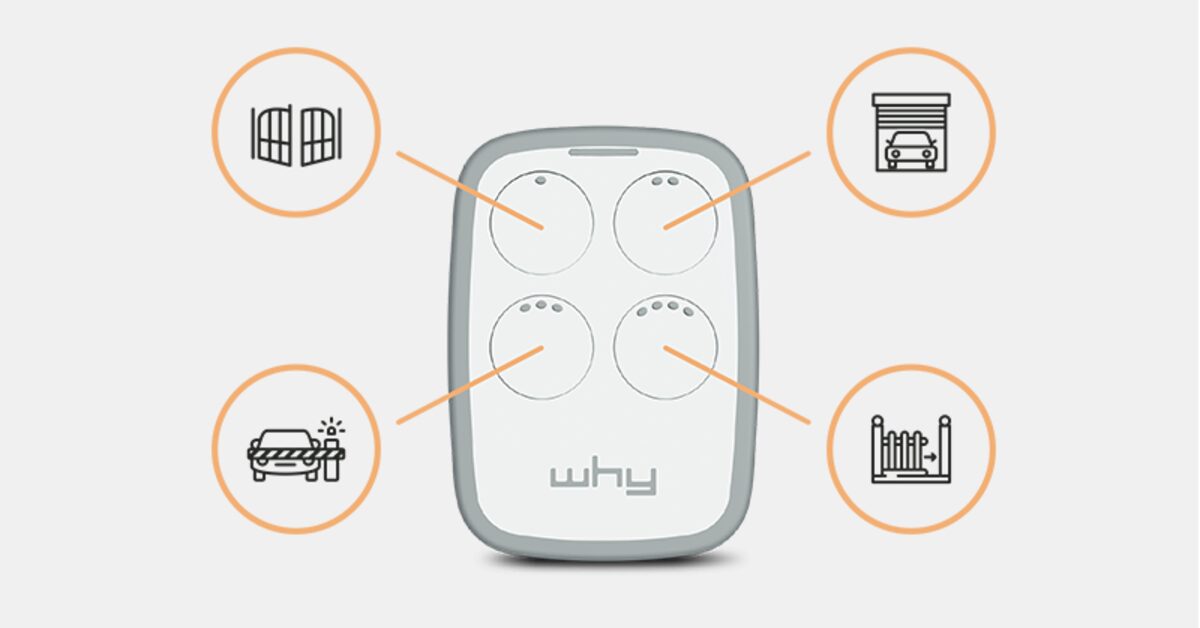
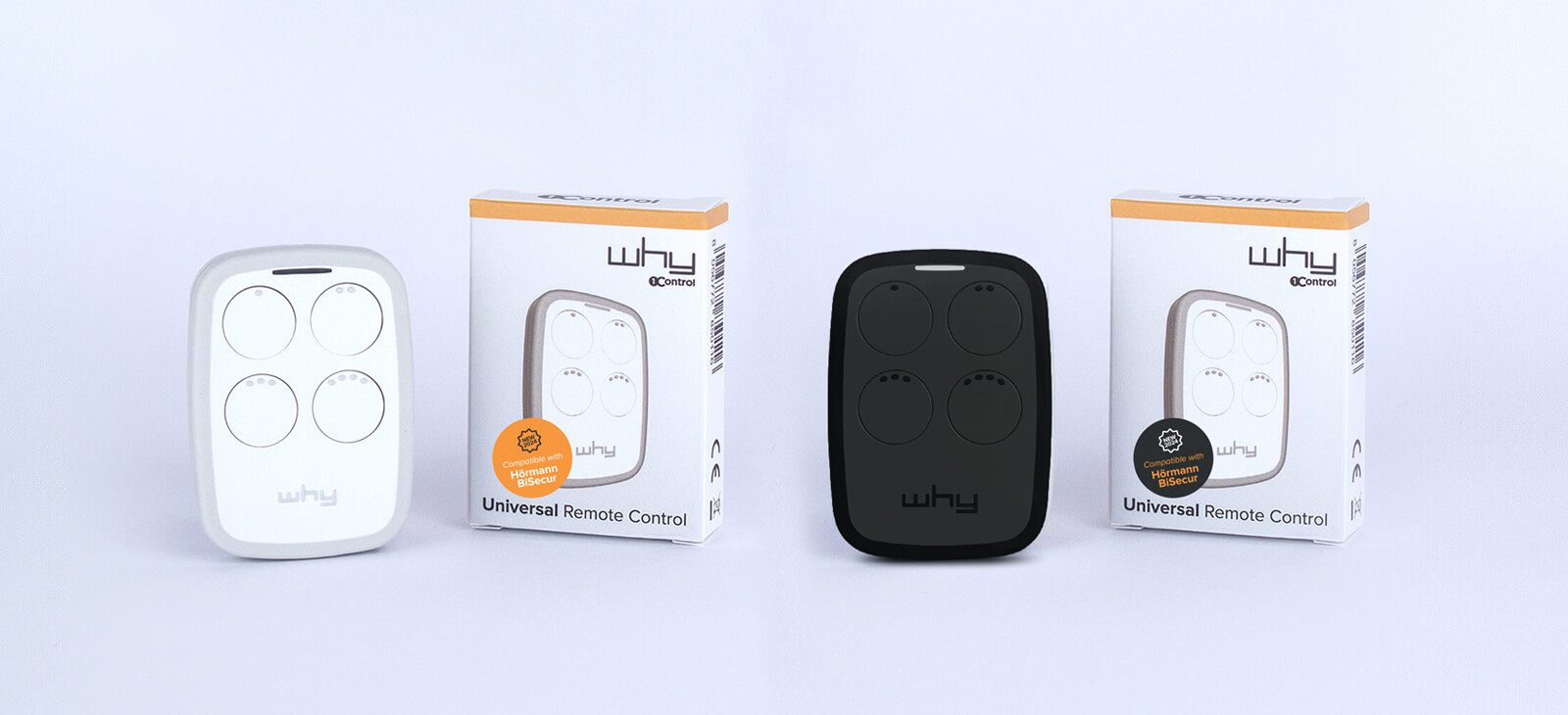
1Control WHY is a 4-button universal gate remote that copies the signal of over 800 remote models in the 433-868 MHz band, fixed code and rolling code alike. The copy takes a few minutes and starts from any working remote — the household's second fob, a family member's, another resident's on a shared gate — and the CR2032 battery can be replaced without losing the stored copies. No app, no internet: a physical button, just like before, but with four gates in a single object. Check your model on the WHY compatibility page.
Honest note: copying requires an original that still transmits. If your only remote is completely dead, the route is learning the new device directly on the receiver, as described in the programming guide.
The smartphone route: SOLO, the remote that does not break
1Control SOLO turns your phone into the gate remote: it is a Bluetooth gate opener that copies the signal of your existing remote (over 800 models, rolling code included) and installs with no wiring to the control board and no Wi-Fi needed at the gate. It runs on two ordinary C-type alkaline batteries lasting about two years, manages up to 4 gates, and your original remotes keep working.
The real advantage is elsewhere: the phone is always in your pocket, never left in the other jacket, and its buttons do not wear out. And when someone needs access — family, a regular courier, guests — you share it free from the app via phone number, with time slots, expiry dates and an access history: revoking a permission is one tap, not a receiver reprogramming session. Check your remote first on the SOLO compatibility page.
Which to choose? If you want to keep the physical-button gesture, WHY is the definitive universal spare. If you would rather consolidate everything on your phone and share access without duplicating objects, SOLO is the way. Many end up using both: WHY in the car, SOLO for the whole family.
Frequently asked questions
Why is my gate remote not working even with a new battery?
Three likely causes: oxidised battery contacts (clean with a pencil eraser or isopropyl alcohol), rolling code out of sync (fixed by re-learning the remote on the receiver), or a failed transmitter. If cleaning and reprogramming change nothing, replace it with a universal remote or switch to a smartphone opener — the two options are compared in which universal gate remote to choose and how to open a gate with your smartphone.
How do I know if the problem is the remote or the receiver?
Try a second command: another remote, the wall button or the key switch. If the gate opens, the fault is your remote; if nothing opens it, the problem is in the installation (power, photocells, control board) and the remote is innocent.
Will changing the battery erase the remote's code?
No. The pairing lives in the receiver and in the remote's non-volatile memory: you can swap the battery — even after days without power — without losing the code or the rolling-code sync.
Why does my gate remote only work up close?
In order: a nearly flat battery (power drops before the LED dies), a bent, oxidised or boxed-in receiver aerial, radio interference on 433 MHz (cheap LED lights, wireless cameras), or metal shielding such as your car body. Rule out one cause at a time, starting with a fresh battery.
Can I replace a broken gate remote without calling a technician?
Yes, in two ways: copy a still-working remote onto a universal like 1Control WHY (no work on the installation), or switch to your smartphone with 1Control SOLO, which installs without wiring. A technician is only needed when no command works at all or the receiver itself is faulty.