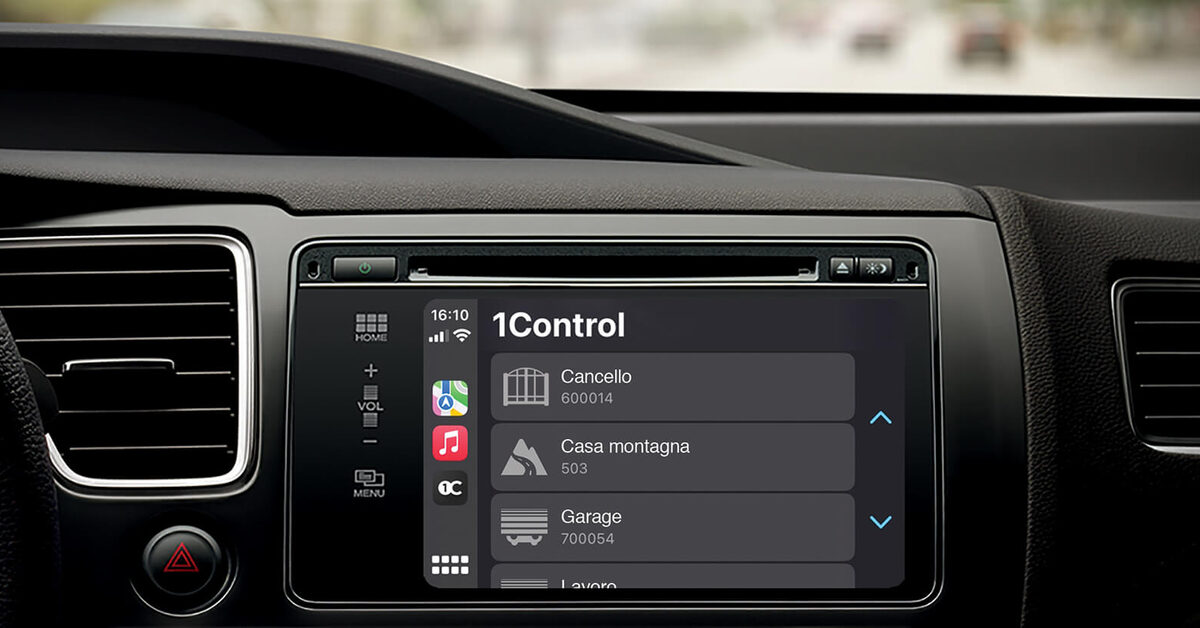
You pull up to the gate in the rain. The remote is somewhere between the seats, the phone is in your pocket — and picking it up behind the wheel is neither comfortable nor legal. The right place for the open button, when you arrive by car, is the car’s own screen: Apple CarPlay or Android Auto, one tap on the infotainment display, and the gate or garage door opens.
Search for this topic and almost every guide gives the same answer: make the garage a HomeKit accessory, add a home hub, extend the Wi-Fi, then ask Siri. That path exists and we will cover it fairly — but it is not the only one, and rarely the shortest. There is a route with no hub, no HomeKit and no Wi-Fi at the gate at all: a Bluetooth device that lives inside the car and speaks the same radio language as the remote you already own. This guide compares the three ways, with a side-by-side table.
Discover CarPlay and Android Auto with 1Control Discover 1Control SOLO
One clarification before we start: this article is about opening from the car — from the dashboard as you arrive. Saying “Alexa, open the gate” from the kitchen is a different use case with different requirements: that one is covered in our guide to voice assistants and gates with Alexa and Google Home.
And if the open question is still what to control the gate with — dashboard screen, phone, or an ordinary button in your pocket — the two starting guides are which universal gate remote to choose and how to open a gate with your smartphone.
What you actually need to open a gate from the dashboard
CarPlay and Android Auto do not open anything by themselves: they project onto the car’s screen the smartphone apps that have been certified for use while driving. For your gate to show up on the infotainment display you need three ingredients: a gate or garage door that is already motorised and works with a radio remote, a device that can trigger that automation, and an app approved for CarPlay/Android Auto that commands the device.
The second ingredient is where the solutions split. Some trigger the motor over radio, by copying the signal of the existing remote — the same 433/868 MHz fob you use today on a European gate, garage or up-and-over door. No wiring, no control board work. Others connect by wire to the motor’s open contact — the HomeKit garage kits such as ismartgate or Meross — and from that moment they depend on Wi-Fi at the door and, for use away from home, on a home hub. It sounds like a technical detail, but it decides everything: installation effort, network dependency, and what happens when the internet is down.
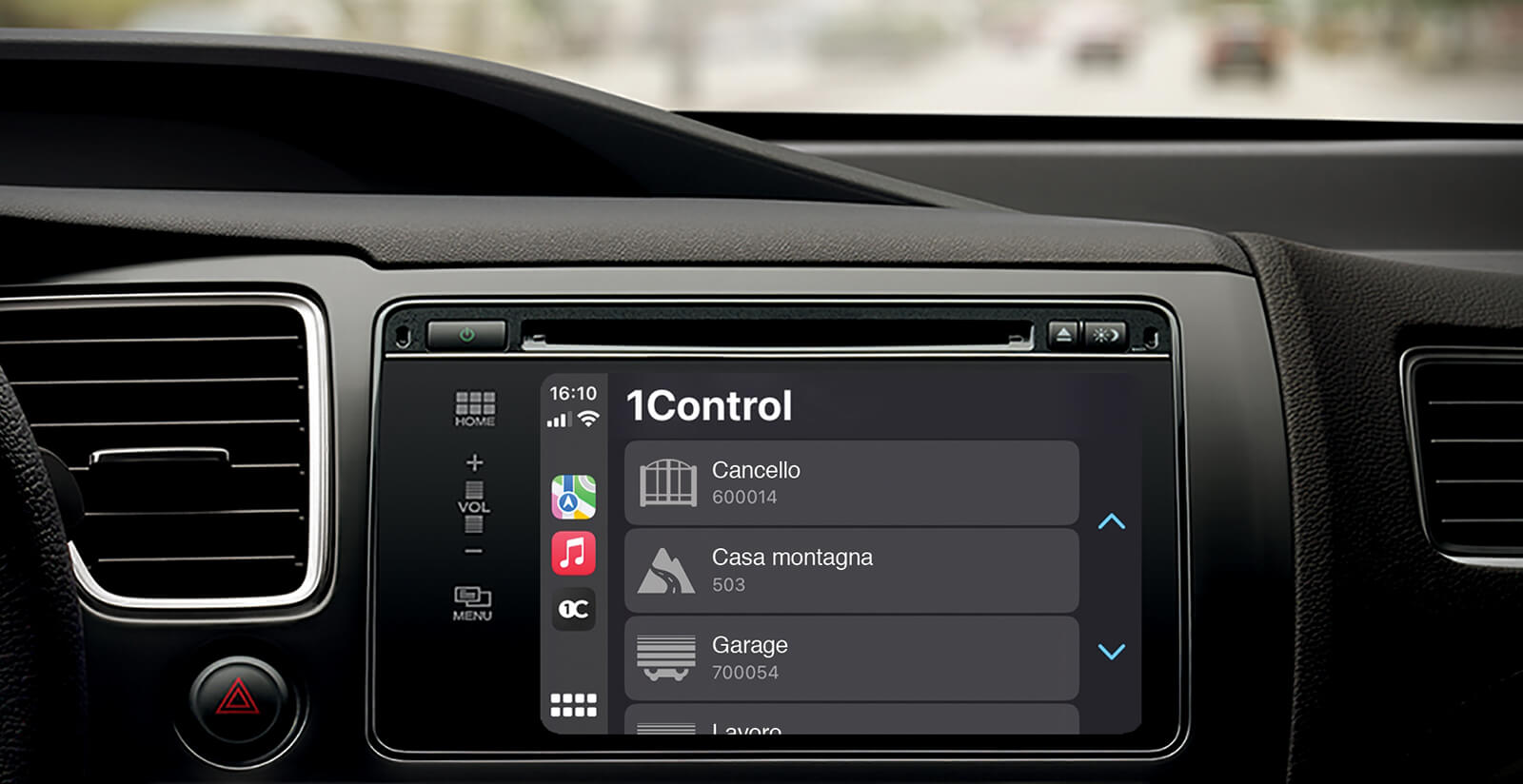
A note for drivers with built-in HomeLink buttons: that is a factory-fitted radio remote. When it pairs with your receiver it covers the basic case, but there is no app, no sharing, no history — and nothing on the CarPlay or Android Auto screen.
The direct route: SOLO AUTO, the gate opener that rides with you
SOLO AUTO is the variant of the 1Control SOLO gate opener designed to live inside the car: it attaches to the windscreen or dashboard with the included velcro pad, with no cables to connect. Like every SOLO, it copies the signal of more than 800 remote models, fixed-code and rolling-code alike — you can check yours in seconds on the SOLO compatibility page. Your original remotes keep working: SOLO AUTO is an additional way to open, not a replacement.
Its strength is architectural. The smartphone and SOLO AUTO travel in the same car, so they are always within Bluetooth range of each other. That is why CarPlay and Android Auto work with no LINK hub, no HomeKit, no Wi-Fi at the gate and no internet round-trip: the tap on the screen goes to the app, the app talks to SOLO AUTO over Bluetooth Low Energy, and SOLO AUTO transmits to the gate the same radio signal as your original fob. It also works where networks give up — an underground car park with no signal is exactly the scenario where cloud-based solutions stall and a Bluetooth device does not.
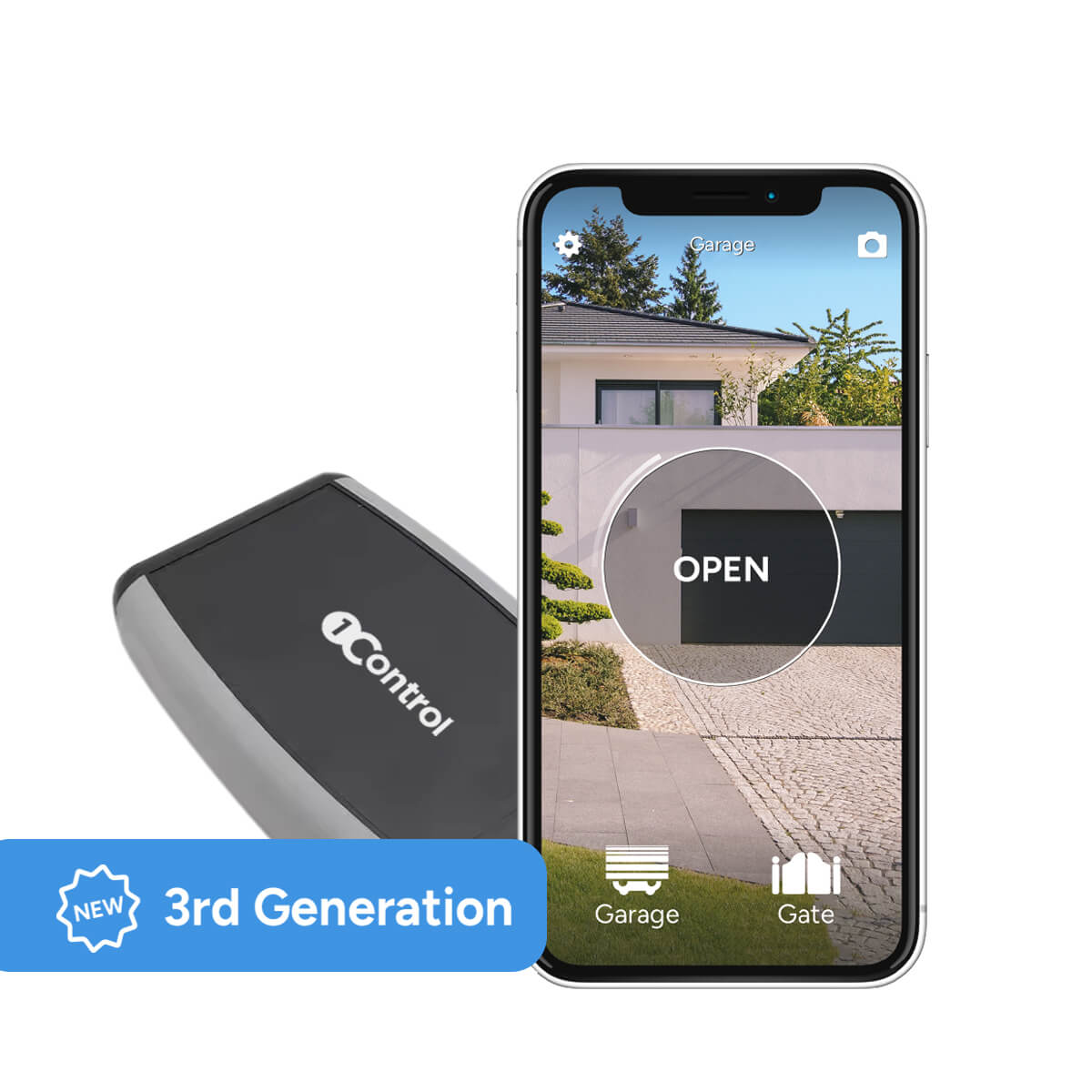
There is a second advantage people rarely consider: SOLO AUTO manages up to 6 automations, even far apart from each other. Because the device moves with the car, the home gate, the office garage door, the car park barrier and the gate at the holiday house all live in the same device — something no gate-mounted solution can do, since by nature it covers only its own gate. Siri Shortcuts also work in the car without any hub, because the phone is always within Bluetooth range of the device.
The honest limitation: SOLO AUTO is made for the cabin (it is not weatherproof) and does not pair with LINK, so it does not cover opening remotely when you are away from both the car and the gate. If your main scenario is “let the courier in from the office”, the next configuration is the right one.
Open your gate from CarPlay and Android Auto
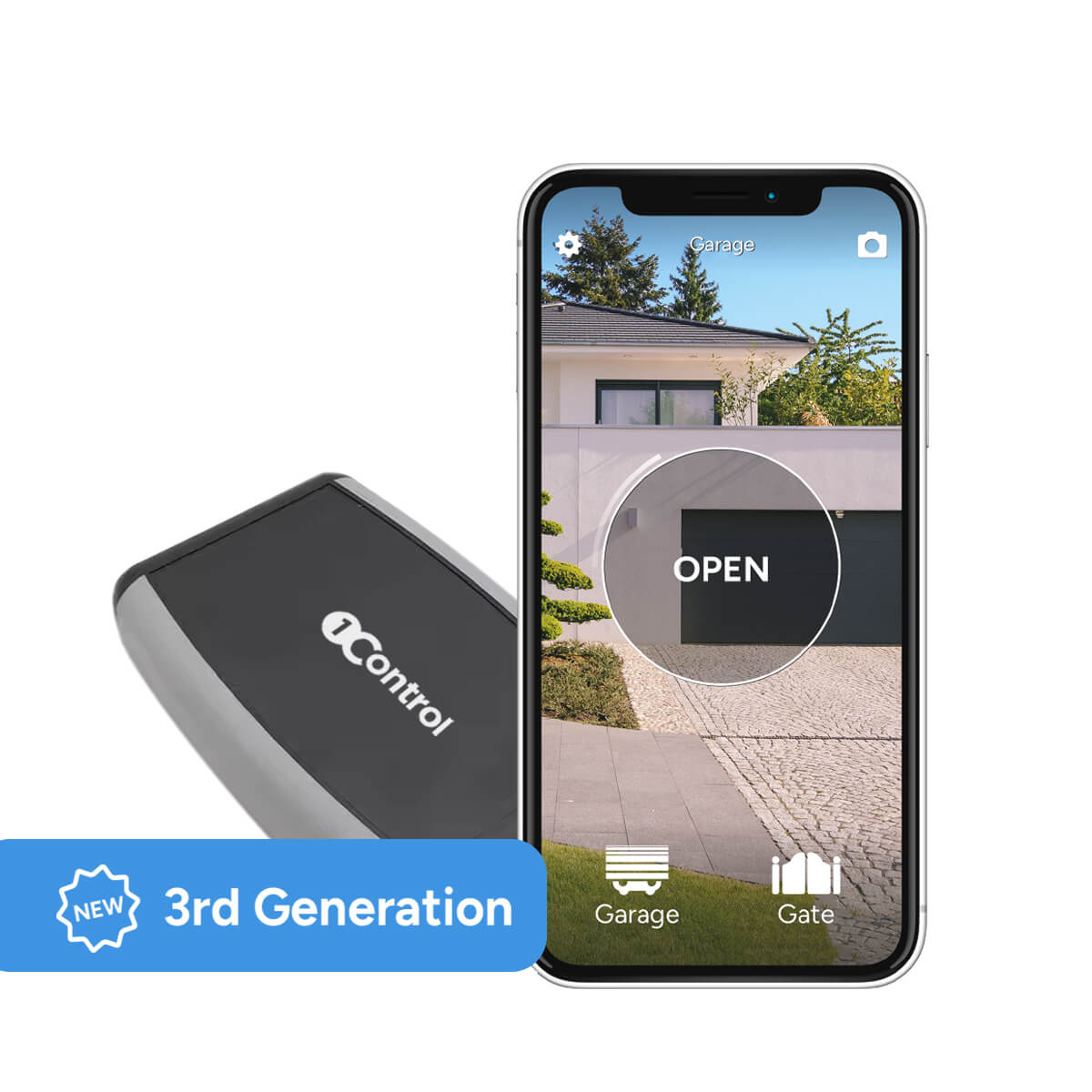
With 1Control SOLO AUTO you control your gate right from the car display, one-off purchase, no subscription.
159,00€ 149,00€ VAT included
- 1,500+ reviews on Amazon, Facebook and Trustpilot
- Secure payments
- 2-year warranty
SOLO + LINK: when the device stays at the gate
The classic setup flips things around: SOLO is fixed near the gate automation and serves the whole household — anyone opens over Bluetooth from the app when nearby, access sharing by phone number covers family and guests with time windows and expiry dates, and every opening is logged. In this scenario, getting the command from the car to the gate requires LINK: a bridge between Wi-Fi/Ethernet and Bluetooth LE that connects to your router and forwards internet commands to SOLO.
With SOLO + LINK, CarPlay and Android Auto work from any distance: the tap on the dashboard travels over the phone’s data connection to LINK, and LINK relays it to SOLO over Bluetooth. The same pair enables remote opening, Alexa, Google Home and Siri with no distance limit. The requirements are LINK’s own: it lives indoors, within Bluetooth range of SOLO (roughly 10-25 metres, less through walls and metal), on 2.4 GHz Wi-Fi or Ethernet.
The two configurations also combine well: a SOLO at the gate for the household, a SOLO AUTO in the most-used car. Either way, you pay for the device once — no monthly fees, no cloud subscription.
The HomeKit/Siri route and what it really requires
The route that dominates search results works differently: turn the garage into an Apple Home accessory with a dedicated kit — ismartgate and Meross are the names you will meet most often — and command it from the car through Siri. It is a legitimate path that works well inside the Apple ecosystem, but you should know its requirements before choosing it.
First: the kit has to be installed and wired to the garage motor or gate control board, and it needs solid Wi-Fi right at the door — often the worst-covered corner of the property. Second: to command the door when you are outside your home network you need a home hub, a HomePod or an Apple TV, powered and online. Third — the pain point every forum thread confirms — CarPlay does not include the Home app, so there is no button on the car’s screen: the command goes through Siri by voice or through Maps suggestions. And because Apple classifies garage doors as secure accessories, triggering them away from home often asks for confirmation or for the iPhone to be unlocked — precisely the gesture you were trying to avoid while driving. Fourth: for anyone in the household on Android, this route simply does not exist.
None of this is a hidden defect; it is the architectural cost of making the door a smart-home accessory. If your goal is simply “a button on the car screen”, the radio-plus-Bluetooth route gets there with no wiring, no hub and no Wi-Fi at the gate.
The three routes compared
| Criterion | SOLO AUTO (in the car) | SOLO + LINK (at the gate) | HomeKit route (ismartgate, Meross) |
|---|---|---|---|
| Where the device lives | In the car, windscreen or dashboard | SOLO at the gate, LINK indoors | Wired to the motor or control board |
| Installation | Copy the remote from the app, zero cables | Copy the remote, plug LINK in | Electrical connection to the motor |
| Hub required | No | LINK (Wi-Fi/Ethernet to Bluetooth LE bridge) | HomePod or Apple TV for use away from home |
| Wi-Fi at the gate | Not needed | Not at the gate: LINK sits indoors | Required |
| Opens without internet | Yes, over Bluetooth (underground car parks included) | CarPlay needs the network; near the gate the app opens over Bluetooth | Only inside the home network |
| On CarPlay | App with a button, one tap | App with a button, one tap | No Home app on CarPlay: Siri by voice or Maps suggestions, often with confirmation |
| Android Auto | Yes | Yes | No |
| Remote opening (from home/office) | No: it is designed for the car | Yes | Yes, with the hub online |
| Gates managed | Up to 6, even in different places | Up to 4 at the covered gate | The door it is wired to |
Android Auto: the same result, and a gap nobody covers
Almost every article on this subject stops at CarPlay, as if half the drivers on the road did not exist. With 1Control, Android Auto gets exactly the same treatment: the app is certified for Google’s platform too, and your gates appear on the car’s screen with the same one-tap logic. The requirements are the standard Android Auto ones — an Android phone connected to the car by cable or wirelessly, and a compatible head unit.
Both configurations apply here as well: with SOLO AUTO in the cabin the command travels over Bluetooth and works even with no signal; with SOLO + LINK it travels over the data connection and works from any distance. For those who live in the Google ecosystem, one caveat: voice commands through Google Assistant require LINK and the 1Control service for Google Home, and Gemini is not supported for opening gates today — the tap on the screen remains the most reliable gesture in the car. On the wrist, for completeness, the app also supports Apple Watch and Wear OS.
Safety and good practice at the wheel
A driveway gate is an entry point to your property, and commanding it from the car deserves a couple of extra habits.
- Open with the gate in sight. The tap on the screen is a deliberate gesture: make it when you can see the gate and notice anyone trying to slip in behind you. This is also why an explicit command beats location-based auto-opening — if the idea of a gate that opens itself on arrival tempts you, our guide to gate geofencing and its limits explains why false triggers are a real problem.
- The car screen is the lawful alternative to a phone in your hand. Using a handheld phone at the wheel is an offence across Europe; CarPlay and Android Auto exist precisely to move the essential functions onto an interface designed not to distract. One tap on the dashboard at manoeuvring speed in front of your gate is comparable to pressing the remote.
- Keep the original remotes as backup. Copying the signal takes nothing away: the physical fob stays in the drawer for guests or emergencies.
- Share access, do not clone fobs. If several people use the gate, app sharing with time windows, expiry dates and a log always tells you who can open and who did — an anonymous duplicate fob never will.
- Mind the batteries. SOLO runs on alkaline batteries (roughly two years of typical use); the app reports the level.
For the full picture of every alternative to the remote — app, widgets, smartwatch, voice — start from the smart gate opener guide.
Frequently asked questions
Can you open a gate or garage door with Apple CarPlay?
Yes. With the 1Control app certified for CarPlay, your gates appear on the car’s screen and open with one tap. You need a compatible remote copied onto a SOLO device and one of two setups: SOLO AUTO inside the car (no hub), or SOLO at the gate paired with LINK.
Do you need a HomeKit hub to open the gate from CarPlay?
No. The hub-and-HomeKit requirement belongs to one specific route, not to CarPlay itself. With SOLO AUTO the device rides in the car and is always within Bluetooth range of the phone: no hub, no Wi-Fi at the gate, no cloud. LINK is only needed when SOLO stays at the gate and the command must travel over the internet.
Does it work without internet or Wi-Fi at the gate?
With SOLO AUTO, yes: the command travels over Bluetooth between phone and device, so it works even in underground garages with no signal. With SOLO + LINK the command from the car goes over the internet; near the gate the app still opens over Bluetooth.
Can you open a gate with Android Auto?
Yes, with the same depth as CarPlay: the 1Control app is certified for Android Auto and shows your gates on the car’s display. You need an Android phone connected to a compatible head unit, with SOLO AUTO in the car or SOLO + LINK at the gate.
What is the difference between CarPlay control and Alexa or Google Home?
CarPlay and Android Auto are in-car commands: you open from the dashboard as you arrive. Alexa and Google Home are home voice commands: you open from the sofa or the kitchen, and they always require SOLO + LINK. They are complementary use cases, not alternatives.
Do the original remotes keep working?
Yes. SOLO copies the remote’s signal without disabling it: your existing fobs keep working alongside the app, CarPlay and Android Auto.
The bottom line
Getting your gate onto the car’s screen does not require a smart-home installation or a subscription — it requires the right route for your scenario. If your gates are part of your driving day, SOLO AUTO is the shortest path: it sticks to the windscreen, copies the remotes you already own and puts up to six gates on CarPlay and Android Auto with no hub, no Wi-Fi and no cloud. If the device must serve the whole household beyond the car, SOLO + LINK adds remote opening and voice control. The HomeKit route remains for those already invested in Apple Home who accept wiring, a hub and confirmation prompts.
Either way the first step is the same: check that your remote is among the 800+ supported models on the compatibility page, and your gate’s button lands on the dashboard.