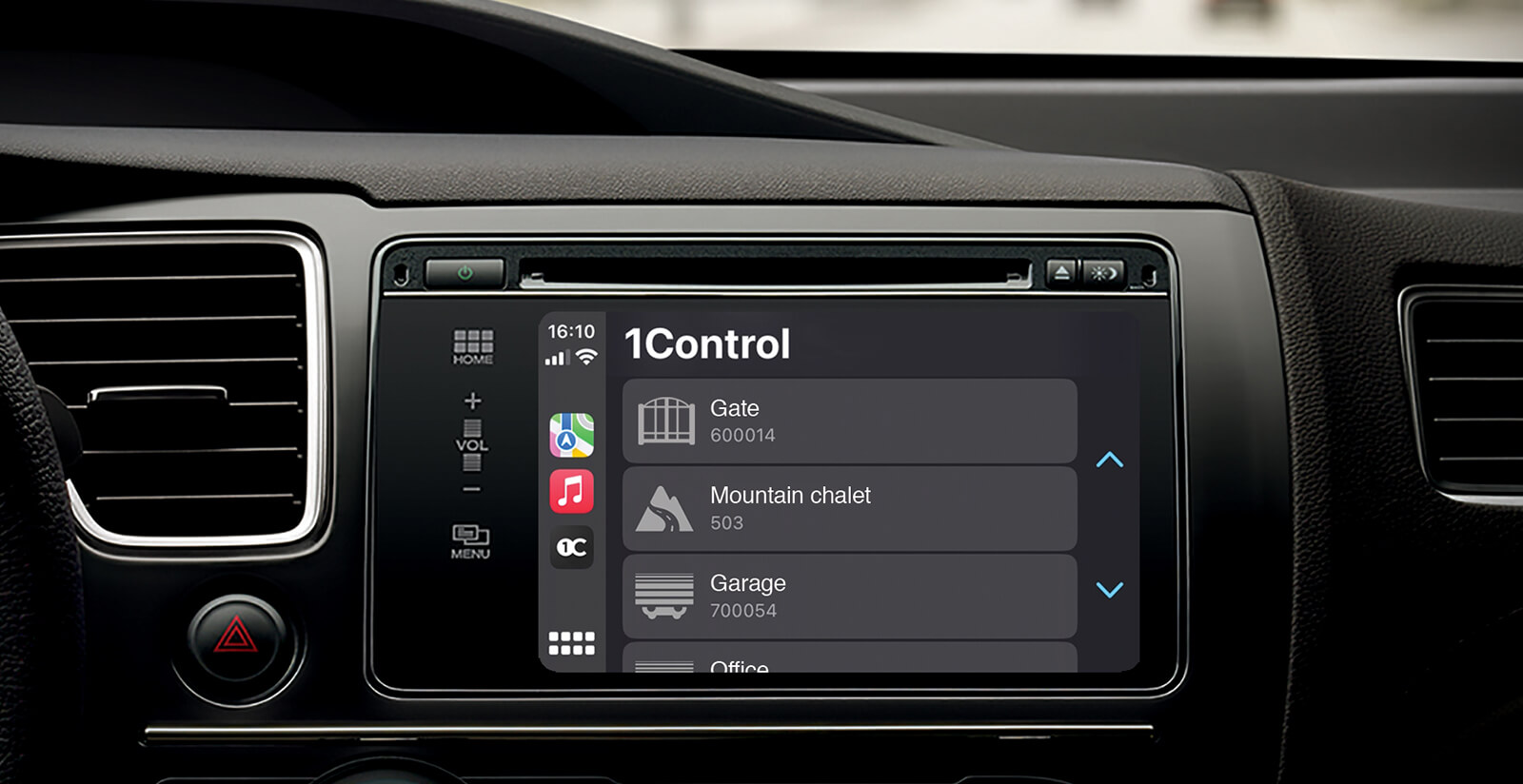

We integrated Apple CarPlay and Android Auto


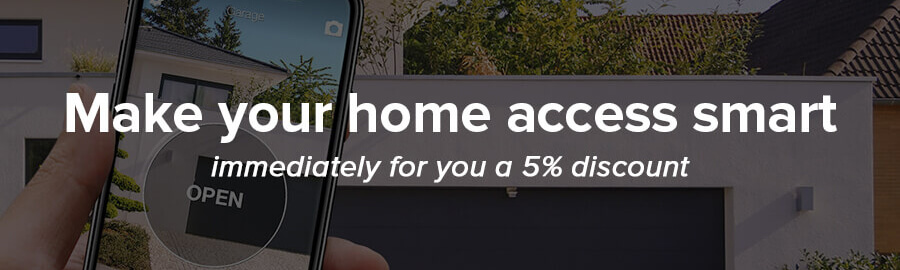
From today, the LINK Wi-Fi Hub allows you to open directly from the Infotainment of the car: a simple touch on the screen opens your gates and your garage.

1Control LINK - Hub WiFi Smarthome for SOLO gateopener and DORY smart electronic lock

How does the integration work?

To use Apple CarPlay or Android Auto, simply pair the LINK Wi-Fi hub with your SOLO gate opener.

If you already have LINK (even in the old black version), simply update the 1Control app on your smartphone to the latest version. If you don't have LINK yet, we have a dedicated promo for you (scroll down for more info).


Check the guides Buy now LINK
1Control LINK - Hub WiFi Smarthome for SOLO gateopener and DORY smart electronic lock

Guides

Simple. Useful. Secure.

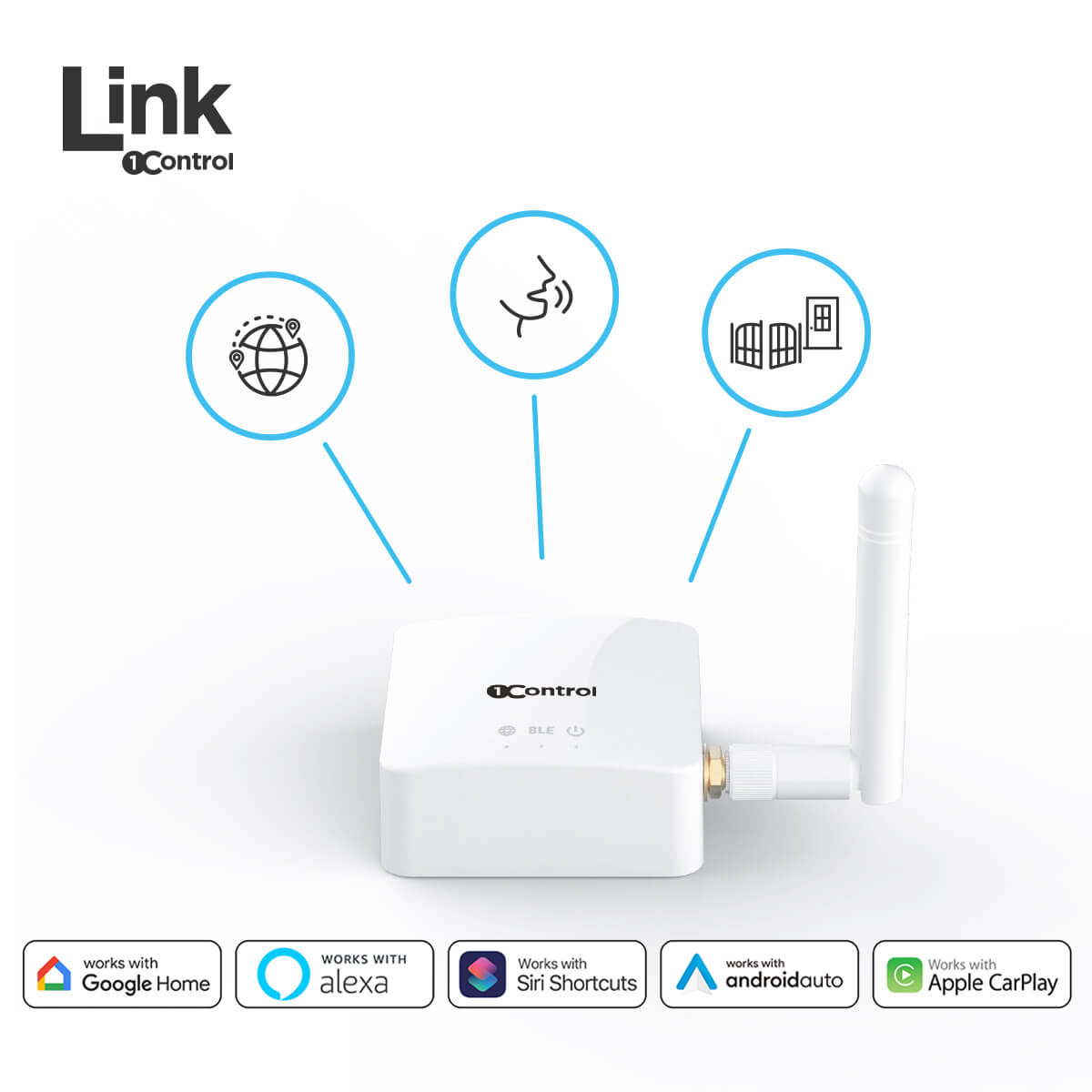
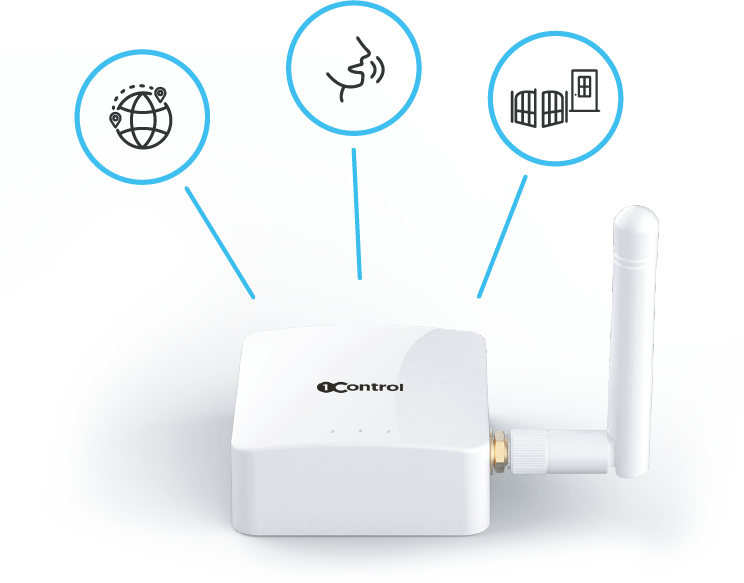
Make your openings even smarter with the new accessory: in addition to opening from infotainment, LINK allows voice commands (Alexa, Google Home and Siri Shortcuts) and remote opening.


Buy now your LINK
1Control LINK - Hub WiFi Smarthome for SOLO gateopener and DORY smart electronic lock

Open gate and door.
Wherever you are.

LINK, thanks to the Wi-Fi connection, enables remote opening of both the SOLO gate opener and the DORY electronic lock.

From the office you can conveniently open the gate to the courier or open the door to your child who has forgotten the keys.

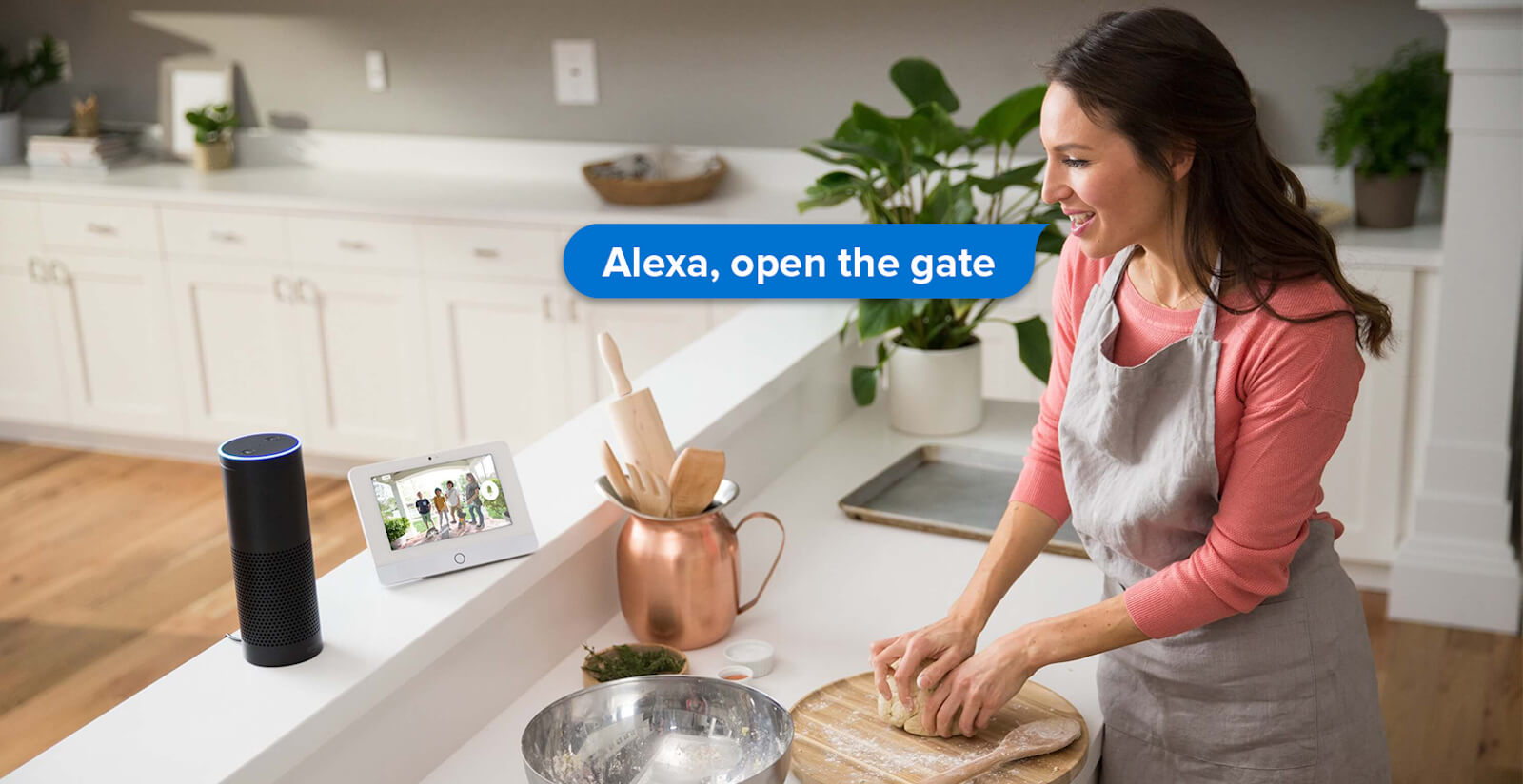
All you need is a voice command.
At home, in the car or remotely.

Open the gate without any click or close the door comfortably from your sofa,
thanks to the integration with Alexa, Google Home and Siri.

Installation in 3 simple steps


icona wifi

1. Connect LINK to your Wi-Fi network

icona connect

2. Connect it to your SOLO gate opener and your DORY electronic lock

icona automatico

3. Start opening remotely and with voice commands

One Hub, many advantages

With LINK you control all your 1Control devices.


Place LINK correctly.

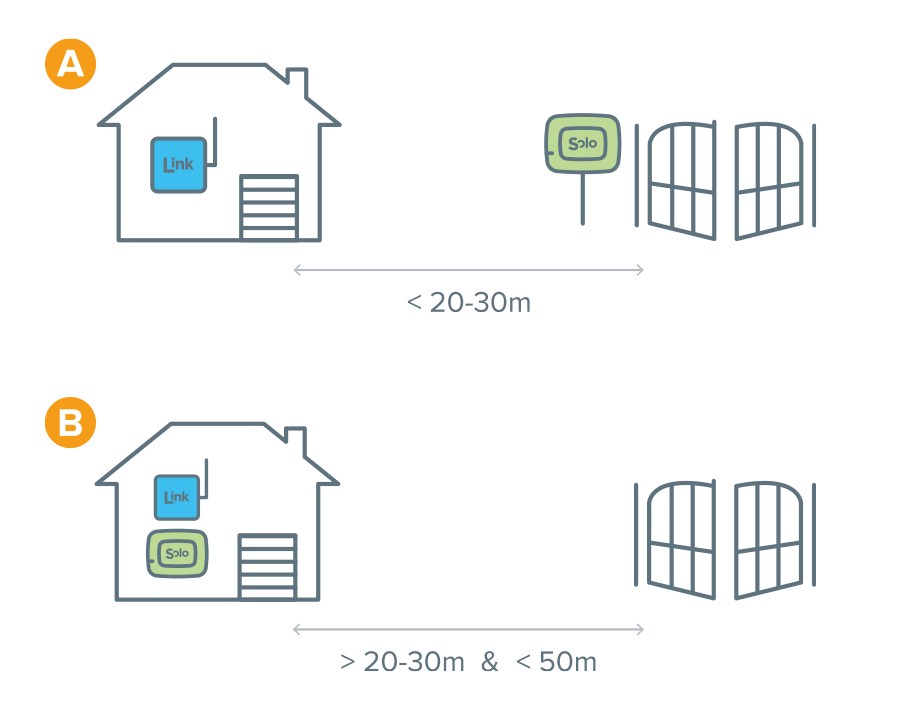
For optimal operation it is essential to pay attention to the positioning. LINK must be within range of your Wi-Fi network and within 20-30 meters of the DORY lock or SOLO gate opener you want to control (case A).

If your gate is more than 20-30 meters away (but within 50 meters), place both LINK and SOLO in the house on the window closest to the automation to be controlled. In this way, by taking advantage of the operating range of the remote control copied on your SOLO, you can cover a greater distance and open through the Wi-Fi (case B).

1Control LINK - Hub WiFi Smarthome for SOLO gateopener and DORY smart electronic lock
Icona multidevice

Multiple accesses, a single LINK

LINK can control all your SOLO 2nd Generation and DORY devices.

Icona family

Multiple users, a single LINK

Many people can use the same LINK in total safety.

Icona connectivity

Connectivity

LINK connects to your 2.4GHz Wi-Fi, it is also equipped with Bluetooth 4 LE.

Icona power supply

Power supply

Connect LINK to your home electrical outlet via the included USB power adapter.

Icona smartphone

Compatible smartphones

Apple iPhone 4S or higher with iOS System 8 or higher. Android Smartphone with 4.3 or higher system and Bluetooth 4.0 LE.

Icona distanza

Operating distance

For optimal use, place LINK at a maximum of 20-30 meters from the SOLO or DORY device to be controlled and within the operating range of your Wi-Fi network.

Sign up to our newsletter

You will always be updated on developments, news and collaborations
and you will have exclusive access to some offers.

I have read and accepted the privacy policy and I agree to receive the newsletters
Sign up