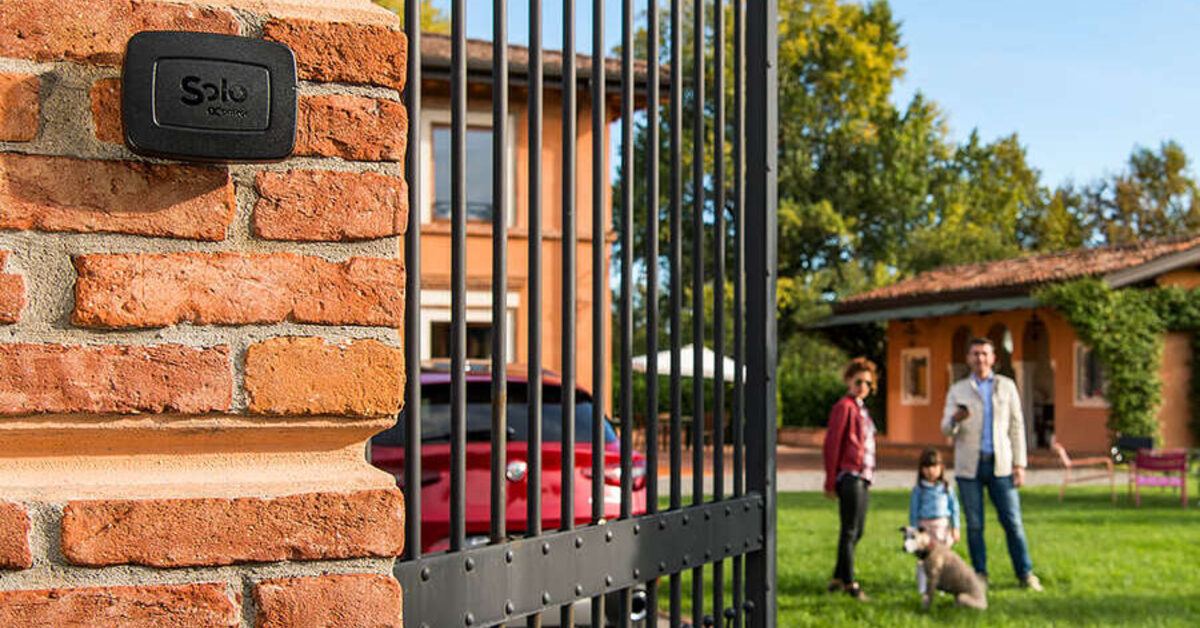
The communal gate of a block of flats is a gate you use every day but do not own: remotes are counted, spare fobs cost money, and any change to the gate itself goes through the management company. That is exactly where the search for a communal gate remote control alternative begins — how do you open the shared gate from your phone, or get an extra "remote" for the family, when the system is not yours to modify?
The good news: there is a route that needs no permission at all, because it never touches the shared installation. A device like 1Control SOLO clones your own gate remote and moves the opening to the smartphones of everyone in your household. In this guide we walk through the shared-gate problem, the rules that apply in most buildings, and the three realistic routes — GSM openers, devices installed on the gate, and remote cloning — with an honest comparison of permissions, running costs and limits.
The communal gate problem: counted remotes, costly copies
Whether it is a vehicle gate to the car park or the pedestrian gate to the courtyard, a shared gate in an apartment building works the same way: each flat gets one or two remotes whose codes are stored in the gate's radio receiver. The friction is always the same:
- Remotes are rationed. One per flat, maybe two. The third one for a new driver in the family, a carer or the grandparents is often simply "not provided for".
- Copies are not in your hands. An official duplicate goes through the building's gate contractor: you do not control the price, the waiting time or whether it happens at all.
- The receiver memory is finite. Every receiver stores a limited number of codes. In larger buildings the slots run out — and then no new remote can be added without working on the shared system. We cover this in detail in the guide to a full gate receiver memory.
- Who pays is never obvious. Replacements and call-outs on a shared gate end up in the service charge one way or another; the specifics depend on your lease and your managing agent.
The everyday result: one remote living in one car, family members buzzing each other to be let in, and a gate that was meant to be a convenience turning into daily logistics.
The rules: what you can do yourself, and what needs the management company
Before comparing products, it helps to draw the line correctly. The general principle: the gate automation is a shared installation. Anything that involves an operation on the system — pairing new codes into the receiver, wiring a module to the control board, mounting a device on the gate — is a change to shared property and needs to go through the management company, the freeholder or the residents' association, depending on how your building is run.
Your remote, on the other hand, is yours. Using it — and, where the model allows it, cloning its signal onto a personal device — involves no operation on the shared system whatsoever: the receiver keeps seeing the same code it already knows, nobody touches the control board, and the original remotes keep working exactly as before.
Leases, building rules and management arrangements vary a lot; treat this as general information, and check with your managing agent when in doubt about your specific building.
The three routes to opening a communal gate with your phone
Every product you will find belongs to one of three families — and they differ sharply on one question: does it touch the shared installation or not?
1. The GSM gate opener
A GSM module is wired to the gate's control board and opens when it receives a call from an authorised number (the call rings out and is never answered, so it costs nothing). It works — but note the key point: it is installed on the shared system, so in an apartment building it is not an individual choice. It needs permission, a dedicated SIM card that someone must buy and keep topped up, configuration by SMS, and it is exposed to the ongoing 2G/3G switch-off across European networks. We unpack the costs and the alternatives in the full guide to GSM gate openers.
2. Devices installed on the gate
There are smart receivers, Wi-Fi relay modules and app-based systems that are mounted on or next to the gate automation. Same rule: anything installed on the gate is a modification of shared property — permission required — and the app-based systems often carry a subscription that someone has to keep paying. These are sensible options when the building decides to adopt them for everyone, not for a single resident who just wants in.
3. Cloning your own remote
The third route flips the perspective: instead of adding anything to the installation, you duplicate the signal of your own remote onto a personal device. That is what 1Control SOLO does: it copies the radio signal of over 800 remote models — fixed code and rolling code — and transmits it on command from your smartphone, over Bluetooth, with no Wi-Fi at the gate and no wiring anywhere. From the building's point of view nothing changes: the receiver hears the exact same code as the remote you already hold.
This is the only route that requires no permission, because there is no operation on the receiver and nothing mounted on the gate: authorisation is for working on the shared system, not for using a duplicate of your own personal transmitter.
The comparison at a glance
| Solution | Permission needed? | Running costs | Main limits |
|---|---|---|---|
| GSM module | Yes: wired to the shared control board | Dedicated SIM to buy and maintain | SMS-based setup; 2G/3G switch-off; a building-level decision |
| Device on the gate | Yes: modification of shared property | Often an app subscription | Adopted for the whole building, not individually |
| Cloning your own remote | No: nothing touches the installation | None: one-off purchase | Your remote model must be clonable (check first) |

Want to open your gate from your phone?
Check in seconds whether your system is compatible with 1Control SOLO: it fits existing gates and garage doors, one-off purchase, no subscription.
139,00€ 119,00€ VAT included
- 1,500+ reviews on Amazon, Facebook and Trustpilot
- Secure payments
- 2-year warranty
How cloning works (and when it does not)
The classic doubt concerns rolling code — the system where the transmitted code changes on every press: "surely my remote can't be copied". In fact SOLO handles both fixed codes and the main rolling-code protocols, replicating the code-generation logic of the original remote rather than a single transmission. That is why the original remotes keep working normally after cloning, and why the receiver needs no new pairing: as far as it is concerned, the signal is the one it has always known. In buildings where the receiver's memory slots are exhausted, this matters twice over — cloning occupies zero slots.
The honest caveat: not every remote can be cloned. Some models use proprietary or encrypted protocols that cannot be duplicated. Before buying, checking your remote model on the 1Control compatibility page takes a minute and settles the question. And if the gate you care about is your own garage rather than the communal one, the wider picture is in our guide to a smart garage door opener without Wi-Fi.
On the practical side: SOLO runs on two ordinary C-type alkaline batteries that last around two years at ten openings a day, one device manages up to four gates (communal gate, garage door, barrier), and it needs no power, Wi-Fi or network coverage at the gate. The phone talks to the device over Bluetooth, entirely locally — which is also why it keeps working in underground car parks where phones show no signal at all.
The whole family on one cloned remote
This is where cloning stops being a mere duplicate and becomes a small access-management system. Once your remote is cloned onto SOLO, the opening can be shared from the app, free of charge and without limits: all it takes is a phone number. The teenager coming home late, the grandparents dropping by, the cleaner on Tuesdays — each opens with their own smartphone, and you never queue at the managing agent's office for another fob.
Shares can be restricted to days of the week and time windows, given an expiry date, and revoked at any moment: when an arrangement ends, the access ends with a tap — try doing that with a physical remote you have lent out. The opening history tells you who opened and when, which is genuinely useful when a whole household uses the same gate.

What about the pedestrian gate? PINs, where the building agrees
For a pedestrian gate or a service entrance, some buildings choose to add code-based entry. 1Control PAD is a Bluetooth keypad that clones remotes just like SOLO and adds 6-digit PINs with full time rules: start and end dates, days of the week, time windows. It comes with 4 PINs included, expandable up to 1000 as a paid option; app shares by phone number remain free.
Mind the difference, though: PAD is a device mounted at the entrance, so in a shared building it is a collective choice to agree with the management company — unlike cloning onto SOLO, which remains an individual one.
For the building that wants more
If the building as a whole wants to make the leap — revoking lost credentials without resetting the receiver, granting time-limited access to contractors and cleaners, keeping a per-gate log — the answer is not more remotes but centralised access control. A system like 1Control ACCESS retrofits onto the existing gate automation with no rewiring: there is no software subscription — you pay once, with an LTE SIM included and three years of connectivity already covered. The full decision path for smaller, self-managed buildings is in our guide to apartment gate access control.
Frequently asked questions
Do I need permission from the management company to use a smart gate opener?
It depends on the route. If the device clones your own personal remote, as 1Control SOLO does, nothing is done to the shared installation and no permission is needed. If the solution requires mounting hardware on the gate or pairing new codes into the shared receiver, that is a change to shared property and must be agreed with the management company or freeholder.
Can rolling-code remotes be cloned?
Yes: SOLO copies the signal of over 800 remote models, both fixed code and rolling code. Not every model is clonable, however — some use encrypted proprietary protocols — so checking your remote on the 1Control compatibility page before buying is always recommended.
Does cloning use up slots in the gate receiver's memory?
No. The device transmits the same code as the remote already paired, so the receiver has nothing new to store. That is the key difference from adding another traditional remote, which occupies a slot — and in buildings where the memory is full, cloning is often the only workable route that leaves the system untouched.
Does it work without Wi-Fi or phone signal at the gate?
Yes. The phone communicates with SOLO over Bluetooth, entirely locally: no Wi-Fi at the gate, no SIM, no network coverage needed. It works even in underground car parks where phones have no signal.
How many people can open with one cloned remote?
Shares from the 1Control app by phone number are free. Each person opens with their own smartphone, optionally restricted to days and time windows, and every opening is logged. Shares can be revoked at any time.
Do the original remotes keep working after cloning?
Yes, every remote already in use stays active and works exactly as before: cloning adds a way to open the gate, it never removes one.
Conclusion
Choosing a communal gate opener is less a technical question than a question of boundaries. Everything that touches the shared installation — GSM modules, devices on the gate, new pairings — goes through the management company, and makes sense when the building decides it. For the individual resident, the cleanest route is cloning your own remote: no permission, no changes to the system, a one-off purchase, and the gate lands on every smartphone in the household with free shares, time rules and a history.
The first step is also the easiest: check that your remote is among the 800+ supported models on the compatibility page — from there it is all downhill.