Search for "GSM gate opener" and you will find page after page of product listings: little boxes with an antenna, spec sheets, promises of "free call to open". What no listing explains is how a GSM gate opener actually behaves in daily use, what it costs to keep running over the years, and when you are better served by something else. This guide fills that gap: how the rejected-call trick works, the running costs the spec sheets skip, the cases where GSM is still the right call — and the SIM-free alternatives, from the Bluetooth approach of 1Control SOLO to cloud multi-user systems.
The short version first: a GSM gate opener is a phone receiver for your gate. A SIM card sits inside; you dial its number, it recognises yours and triggers the motor. Simple — until you look at what keeps it working: a SIM to keep alive, configuration by SMS, and wiring into the control board.
How a GSM gate opener works
The device is a module with a SIM slot and an antenna, wired with two cables to the opening input of the gate's control unit — the same contact a push button uses — plus a power feed. When it receives a valid command, it closes a relay for a couple of seconds and the gate starts moving. The most famous example of the category is the RTU5024, sold under a dozen names on the marketplaces; gate-motor manufacturers offer their own modules on the same principle. In the US the same family of products is usually called a cellular gate opener.
The rejected call: opening for free
This is the mechanism that made the category popular. You dial the number of the SIM inside the module; the device reads your caller ID, checks it against its list, and rejects the call while triggering the relay. The call is never answered, so it costs nothing: you open the gate for free, from any distance, with any phone — a basic handset with no apps, or even a landline.
The whitelist of authorised numbers
Access control is caller-ID based: the gate opens only for numbers stored in memory. Depending on the model, that memory holds anywhere from a few dozen up to 200, 500 or even 1,000 numbers — which is why GSM openers have long been popular on shared car parks and communal driveways. Anyone not on the list hears the phone ring out and nothing happens.
Configuration by SMS
Here is the part nobody advertises: numbers and settings are managed largely by text message, using coded commands — a password, a strict syntax, a memory slot. Some recent modules offer a companion app, but it typically just composes the SMS for you or routes through the maker's cloud; the logic stays the same.
Opening by SMS, by app or on a schedule
The free call is not the only trigger. Most modules also open on a coded SMS (useful when a caller ID is withheld, but every message costs an SMS), many can send a confirmation text after each opening, and the better ones accept time-limited numbers or keep the relay closed during set hours, for example to leave a car park open in the morning. The more of these you use, the more the module behaves like a small access control system, and the more SMS administration it needs.
How to open a gate with a phone call — without a remote
"Open the gate with a phone call" covers two different systems.
The caller-ID way (common across Europe): the GSM opener described above. The gate has its own SIM and phone number; residents dial it, the call is rejected, the gate opens. No keypad interaction, no cost per call.
The "press 9" way (US-style telephone entry): common in gated communities and apartment complexes. A visitor at the callbox dials your flat; your phone rings, you talk to them, and you release the gate by pressing a key — typically 9 — on your keypad. Here the call is answered and the system is part of the building's intercom, not something you retrofit yourself.
If the broader question brought you here — no remote, any method will do — see the full guide to opening a gate with your phone, without a remote. And if the gate is your building's communal one, start from the communal gate remote control guide: who may touch the gate's electronics matters as much as the technology.

No SIM, no subscription
SOLO opens your gate over Bluetooth from your phone: no SIM to top up, no monthly fee, and it fits your existing system.
139,00€ 119,00€ VAT included
- 1,500+ reviews on Amazon, Facebook and Trustpilot
- Secure payments
- 2-year warranty
Which SIM card for a GSM gate opener
The SIM is the part buyers ask about most: which one, where it goes, what it costs to keep. The SIM sits in a slot on the module's circuit board, inside the enclosure (check whether the module takes a standard, micro or nano SIM before you buy one). What matters when you choose it:
- Voice and SMS, not just data. The free-call opening needs a SIM that can receive voice calls. Many data-only IoT SIMs cannot, so check before you buy one.
- No PIN request. Put the SIM in a phone first and disable the PIN, otherwise the module cannot register on the network.
- The right network. A 2G-only module needs a 2G network that still exists where you live; a 4G (LTE) module is the safer purchase today.
- Coverage at the gate. Test the signal with a phone on the same network, standing where the module will be. A metal enclosure or a basement can need an external antenna.
- Inactivity rules. Many prepaid SIMs are suspended if they are not used or topped up for months. Note the date and set a reminder.
- Visible caller ID. The module recognises users by number: anyone calling with a withheld number will not be recognised.
One SIM per module, one phone number per gate: if you have a driveway gate and a garage on two separate modules, that is two SIMs to keep alive.
The costs the product pages never mention
The module is cheap to buy; the real cost builds up over the years, across four items no spec sheet highlights.
1. The dedicated SIM and its upkeep
The SIM is not included: it has to be bought, registered, activated and above all kept alive. Whether it is pay-as-you-go or a minimal data plan, it is one more phone contract to remember — and many prepaid SIMs expire if they are not topped up or used.
2. The 2G/3G switch-off
A large share of the cheap modules in circulation are 2G-only. Across Europe, operators are progressively retiring their 2G and 3G networks to free up spectrum for 4G and 5G; timelines vary by country and by carrier, but the direction is set. A 2G-only module bought today carries an unwritten expiry date.
3. SMS management does not scale
With three numbers on the list, the setup texts are a one-off chore. With thirty — extended family, trades, tenants who move in and out — they become genuine admin: adding, removing, keeping a separate spreadsheet of who occupies which memory slot.
4. No real access log
Basic modules cannot tell you who opened the gate and when: at best, some send a confirmation SMS or keep a bare-bones call record. There is no per-user history you can consult, no time windows on most models, no way to tell the courier's opening from a number that should have been removed months ago.
Add a fifth item, often the decisive one: the module must be wired into the control board. On your own driveway that is an installer's job; on a shared gate it is an intervention on communal equipment, which needs the management company's authorisation. For that scenario, see the access control guide for small apartment buildings.
Installing a GSM module on a gate motor
A GSM module for a gate motor is a dry-contact device: it does not speak the motor's language, it simply closes a relay, like the push button on the wall. Installation is a job for an installer or an electrician, and on a communal gate it needs the building's approval. The usual sequence:
- Insert and prepare the SIM (PIN disabled, credit or plan active).
- Power the module, either from the accessory output of the control unit (usually 12 or 24 V) or from its own power supply.
- Wire the relay output to the start (step-by-step) input of the control unit, in parallel with any existing push button.
- Place the antenna where it gets signal, outside any metal box.
- Set the admin password, the relay pulse time and the first authorised numbers, by SMS or through the configuration tool.
- Test with a call from an authorised number and one from a number that is not on the list.
How to choose a GSM gate opener
If you decide a GSM gate controller is the right tool, compare models on what will matter in year three, not on the box price:
- Network: 4G (LTE) rather than 2G-only.
- Number capacity for every user you will ever need, plus time-limited entries if visitors or trades come and go.
- Outputs: one relay for the gate, a second one if you want to drive a pedestrian gate or a garage too.
- Administration: SMS only, or a configuration app or tool that saves you from typing coded commands.
- Records: a log of who opened and when, or at least a confirmation per opening.
- Power and enclosure: an input that matches the control unit's accessory output, and a housing rated for where it will be mounted.
When a GSM gate opener still makes sense
None of this makes GSM obsolete. It remains a sensible choice when:
- users do not have (or do not want) smartphones: the rejected call works from any handset, including a basic phone or a landline;
- the gate is remote but has mobile coverage: a farm gate with no Wi-Fi in reach, where phones still get signal;
- opening is all you need — no interest in who, when, or with which permissions;
- someone is willing to manage the SIM and the number list like a small phone system.
If instead you recognise yourself in the limits, the modern alternatives start exactly there.
The alternatives without a dedicated SIM
The right question is not "GSM yes or no?" but "what do I actually need?". There are three answers.
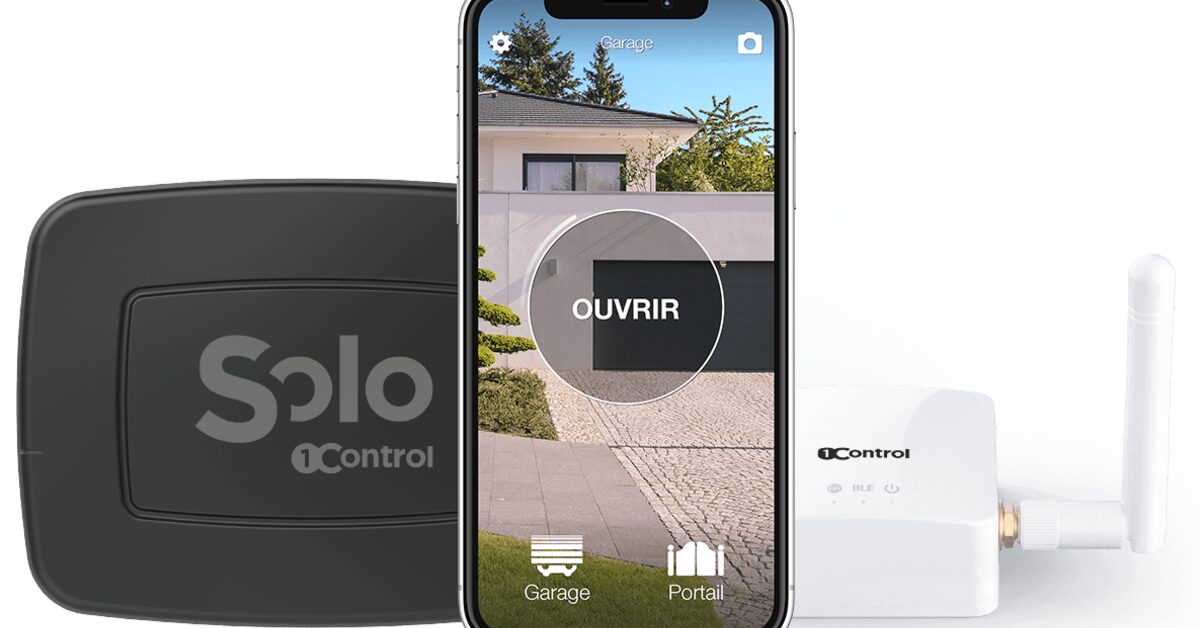
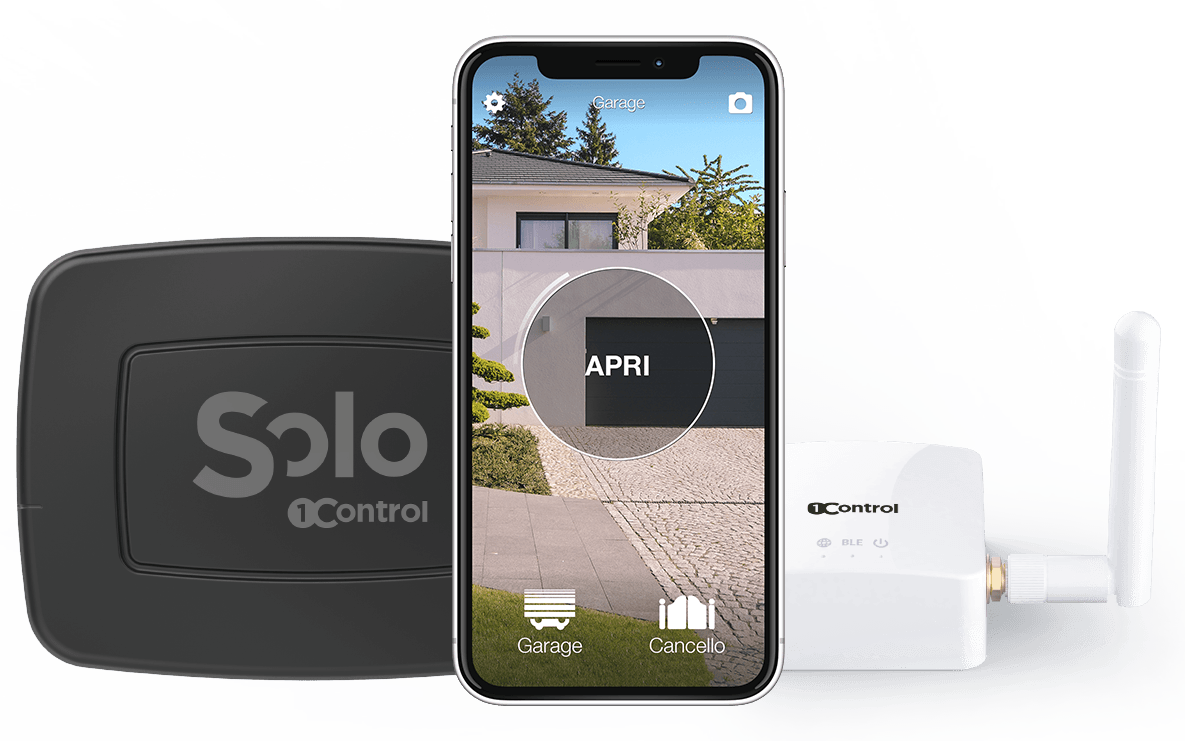
Open from your smartphone, without touching the installation. 1Control SOLO works over Bluetooth and clones the signal of your existing remote — 800+ supported models, fixed and rolling code (check yours on the compatibility page; Hörmann BiSecur remotes have their own version, SOLO BS). No SIM, no Wi-Fi at the gate, no wiring: it runs on batteries (around two years of autonomy) and handles up to 4 gates. "Copies" for family and guests are free shares sent to a phone number, with time windows, expiry dates and an opening history in the app. You pay once, with no fees. And because it never touches the control board, it is also the clean answer on a communal gate — no permissions needed. If the checker says your remote cannot be copied, SOLO + KIT adds a small receiver wired to the control unit, and SOLO copies its remote: that works with practically any automation.
Open remotely, using the network you already pay for. If you want to open from anywhere — the courier at the gate while you are at the office — add LINK: it connects to your router over Wi-Fi or Ethernet and bridges to SOLO. No dedicated SIM: it rides on your home connection. It also unlocks Alexa and Google Home, Siri with no distance limit, CarPlay and Android Auto, and a cloud history.
Professional multi-user, with the SIM included. If the reason you looked at GSM was the long list of numbers — apartment buildings, businesses, car parks — the modern equivalent is LTE cloud access control such as 1Control ACCESS: centralised permissions from a web panel, instant revocation, a full log, retrofitted onto the existing automation. No software subscription: you pay once, with an LTE SIM included and 3 years of connectivity already covered — the exact opposite of a SIM you buy and maintain yourself.
No Wi-Fi at the property?
This is where the comparison has to be honest. SOLO needs no network at all, but it opens only from close by, over Bluetooth. Remote opening with LINK needs an internet connection at the property, through Wi-Fi or an Ethernet cable: LINK has no SIM of its own, and it has to stay within about 25 metres of SOLO. If the gate is on a site with no internet and you need to open it from far away, a GSM module or an LTE system like ACCESS is the right tool; if everyone who opens is on site when they open, SOLO alone is enough (more on that in the smart opener without Wi-Fi guide).
| GSM module | SOLO (Bluetooth) | SOLO + LINK | ACCESS (LTE cloud) | |
|---|---|---|---|---|
| Dedicated SIM | Yes, bought and maintained by you | No | No: uses your router | Included, with 3 years of connectivity covered |
| Installation | Wired into the control board | None: clones your remote | LINK indoors, near the gate | Retrofit: 12 V and a dry contact |
| Opening from afar | Yes, by phone call | No (Bluetooth, in proximity) | Yes, from the app anywhere | Yes, from app and panel |
| User management | Number list via SMS | Free app shares, with schedules and revocation | Like SOLO, also remotely | Web panel, groups, permissions |
| Access log | None or minimal | Yes, in the app | Yes, in the cloud | Full, per user and entrance |
| Works without mobile signal | No | Yes: Bluetooth needs no network at all | Yes locally; remote needs internet | Needs LTE coverage |
Frequently asked questions
How do you open a gate with a phone call?
With a GSM gate opener: a module with a SIM card wired to the gate's control board. You dial its number, the device recognises your caller ID, rejects the call and triggers the opening relay. It only works if your number has been stored in its whitelist of authorised numbers.
Does calling a GSM gate opener cost anything?
No: the module rejects the call before answering, so the ring is free. What does cost money is keeping the SIM inside the device alive, with a top-up or a dedicated plan — an ongoing expense the product pages rarely mention.
How many phone numbers can a GSM gate opener store?
It depends on the model: from a few dozen up to 200, 500 or 1,000 numbers on the roomiest modules. The list is usually managed by SMS commands, which is the real practical limit once users are many and change often.
Can I fit a GSM gate opener to my building's communal gate?
Only with the building management's authorisation: the module has to be wired into the control board, which is communal equipment. The permission-free alternative is cloning your own personal remote with a Bluetooth device like 1Control SOLO, which never touches the installation.
What is the difference between a GSM and a Bluetooth gate opener?
GSM opens with a phone call from any distance, but needs a dedicated SIM you maintain, mobile coverage at the gate and wiring into the control unit. Bluetooth (like 1Control SOLO) opens from your smartphone in proximity with no SIM, no network and no wiring; adding a Wi-Fi bridge like LINK brings remote opening too.
Which SIM card do I need for a GSM gate opener?
A SIM that can receive voice calls and SMS (many data-only IoT SIMs cannot), on a network the module supports, with the PIN request disabled. Check the coverage where the module will be mounted and the operator's rules on inactive prepaid SIMs, so that the card is not suspended.
Does 1Control SOLO have a GSM or SIM card version?
No. SOLO works over Bluetooth and needs no SIM and no network. For remote opening you add LINK, which connects to your home internet through Wi-Fi or Ethernet; LINK has no SIM either. If the property has no internet and you need to open from far away, a GSM module or an LTE system like 1Control ACCESS is the right tool.
Will a GSM gate opener stop working when 2G is switched off?
A 2G-only module stops working when the 2G network it uses is switched off in your area. Operators are retiring 2G and 3G at different dates in different countries, so check your operator's plans and prefer a 4G (LTE) module for a new installation.
Conclusion
The GSM gate opener proved the phone could replace the remote. Its model, though — a dedicated SIM, SMS admin, wiring into the installation, no real log — is showing its age, and the 2G/3G switch-off shortens its horizon. If you need any-phone opening on a remote gate with good signal, it remains a legitimate choice; for everything else, the SIM-free Bluetooth of SOLO, remote opening through your router with LINK, and the LTE cloud of ACCESS cover the same needs without the hidden costs.