In short: to program a BFT gate remote you put the receiver in learning mode (on control boards with a display: RADIO menu, "add. start"), press the hidden key of the remote, release it, then press the button you want to use. If one BFT remote is already memorised, the same can be done from the driveway without opening the control board. And if you only want one more remote, 1Control WHY copies the one that works.
The BFT rolling-code range (Mitto, Kleio, TRC, Ghibli) has one particular feature: the hidden key, an extra button that tells the receiver "I am teaching you a remote". People who do not know it stop at the first step. Here you find how to identify your model, the steps from the BFT manual, and what to do when the remote is lost. The method for all brands is in our gate remote programming guide.
Which BFT remote do you have: Mitto, Mitto B RCB, Kleio, TRC or Ghibli?
The model is printed on the back of the case or inside the battery compartment.
| Family | Models | Frequency and coding | Copy |
|---|---|---|---|
| MITTO | MITTO 2 and 4 (A and M versions); MITTO B RCB02 and RCB04 | 433.92 MHz, rolling code | WHY and SOLO |
| KLEIO, TRC, GHIBLI | KLEIO; TRC 1, 2 and 4; GHIBLI; RB wall transmitter | 433.92 MHz, rolling code | WHY and SOLO |
| TEO | TEO 1, 2 and 4 | 433 MHz, fixed code | WHY and SOLO |
| MITTO COOL | MITTO COOL C4 | 433 MHz, rolling code | Not copied: SOLO + KIT |
| Quartz | TFQ1, TFQ2, TFQ4, TO1, TO4, TX1 and TX3 (blue), TZM2 | 30.875 MHz, fixed code | QZERO |
Check your exact model in the SOLO compatibility checker, BFT list, or in the WHY and QZERO checker. Where the answer is "you need the KIT", the remote cannot be copied by radio: SOLO + KIT adds a small receiver wired to the start (push-button) input of the control board.
Where is the hidden key?
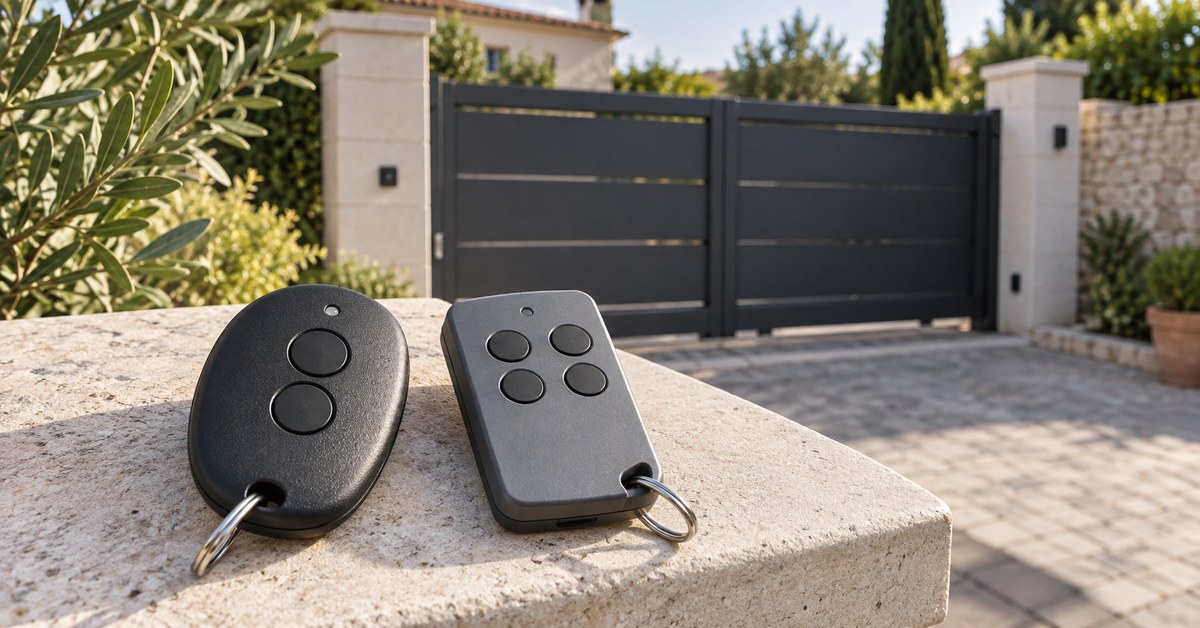
BFT manuals call it "hidden key" or P1, as opposed to the normal keys T1 to T4. On many remotes it is a small button on the back of the case, pressed with a pointed tool. The 1Control WHY manual for BFT adds a useful detail: where there is no button on the back, pressing the first two buttons together for about 3 seconds does the same job. Look at the back of your remote before you start.
How to program a BFT remote on the control board: the RADIO menu
On BFT control boards with a display, the receiver is built in and everything goes through the RADIO menu. The steps below are from the BFT THALIA control board manual (D811762 00100_05); other BFT boards with a display work in a similar way, so check the manual of yours. Work with the gate stopped, and touch only the programming buttons: wiring is a job for an installer.
- Enter the menus and go to RADIO.
- Choose add. start to give the remote the start command, or add. 2ch for the second radio channel.
- The display shows "hidden button": press the hidden key of the remote.
- The display shows "release": release it.
- The display shows "desired button": press the button you want to use. The board confirms.
Two notes from the same manual. The first remote memorised by hand becomes the master and sets the key code of the receiver, which BFT uses later for cloning: mark it with its label. And the memory is limited: the THALIA stores 63 remotes at most.
A separate BFT receiver (Clonix series) has programming buttons instead of a display. The idea is the same, hidden key and then normal key, but the button and LED sequence is in the sheet of that receiver: follow it, we do not repeat it here.
Is your remote compatible? Check it here
Pick brand and model: we tell you right away whether it copies onto WHY, opens from your phone with SOLO, or needs the KIT.
Add a new BFT remote from one already memorised, without opening the board
This is the real advantage of the hidden key. With "wireless memorizing" enabled, the THALIA manual describes two steps, done within range of the receiver:
- On a remote that is already memorised, press the hidden key and then the normal key, in sequence.
- Within 10 seconds, press the hidden key and then the normal key of the remote to be memorised.
The receiver leaves programming mode after 10 seconds; you can use that time to add further remotes. The manual underlines that this mode does not require access to the control panel.
It is also a setting. The same manual lists a logic that disables wireless memorizing: remotes are then added only through the RADIO menu, and clones are not accepted automatically. If the two steps give no result, that setting is the first thing to suspect, and the answer is the control board.
Lost BFT remote: delete it and replace it without the original
A lost remote cannot be copied. A new BFT remote of the same family is added from the RADIO menu, as above, or from another memorised remote.
To stop the lost one from opening, the RADIO menu has an erase command. In the THALIA manual it removes every memorised remote from the receiver, so the remaining ones must be added again afterwards. In a shared building this is a decision for the manager, not for a single resident. What else to do is in gate remote lost or stolen.
If no remote works and you cannot reach the control board, there is a route that needs no remote: SOLO + KIT connects to the start input, like one more push-button, and the gate opens from your phone. The cables are in the box; for the terminal, follow the manual of your control board.
Copy a BFT remote to 1Control WHY, or open the gate from your phone
Both solutions copy a remote that works; neither can copy a lost one.
1Control WHY is a physical 4-button remote that copies fixed-code and rolling-code remotes, with no app. The WHY manual for BFT covers MITTO, MITTO M, MITTO A, MITTO RCB, TRC, GHIBLI, KLEIO and the wall transmitter: hold button 1 on WHY and press button 2 four times; press the button on the BFT remote until the red LED on WHY becomes steady; when it flashes slowly twice, press the hidden key on the BFT remote; when the green LED flashes quickly, press the WHY button you want to use. The copy ends near the gate, within 5 metres: hold the copied WHY button for more than 10 seconds and wait for the LED to go out.
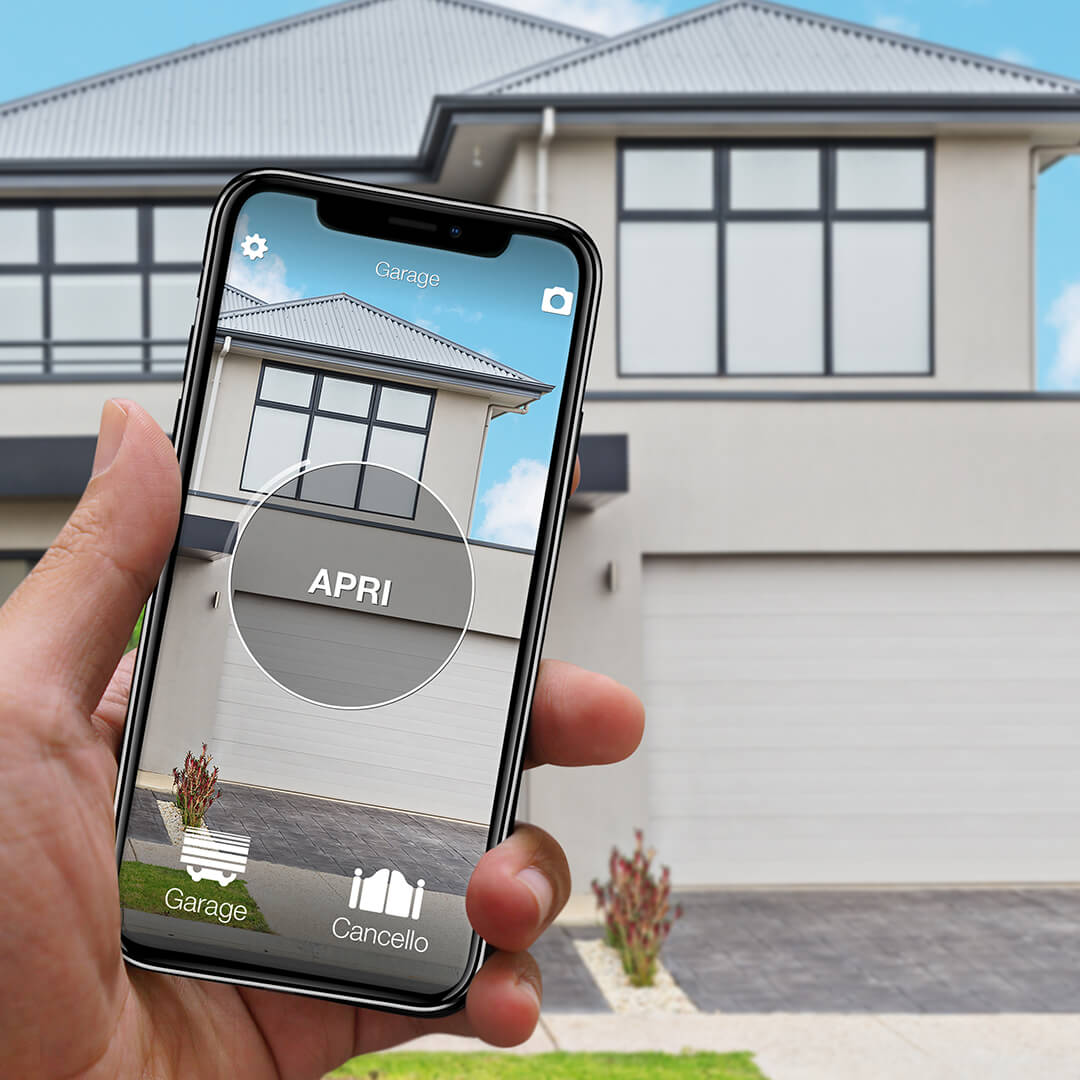
1Control SOLO copies the same remotes and then opens the gate from the 1Control app over Bluetooth, when you are nearby, with no wiring. Access is shared for free with family or guests, with time slots if you wish. To open from far away, add LINK: it talks to SOLO over Bluetooth and reaches the internet through 2.4 GHz Wi-Fi or Ethernet, with no SIM card.
How this compares with the solutions sold by BFT is in open a BFT gate with your phone.
Common problems: hidden key, battery, full memory
- Hidden key skipped. The most frequent cause: without it, a BFT rolling-code receiver does not learn the remote.
- Time window. In wireless memorizing you have 10 seconds between the old remote and the new one.
- Wireless memorizing disabled. The receiver ignores the sequence; use the RADIO menu.
- Fixed code or rolling code. The receiver works in one mode or the other; a TEO fixed-code remote and a rolling-code Mitto do not share the same setting.
- Battery. A weak battery sends badly and memorising fails. See gate remote battery replacement.
- Memory. 63 remotes on a THALIA; other receivers have their own limit. See gate receiver memory full.
If the remote is memorised but the gate does not move, look elsewhere: photocells, power, manual release. Start from gate remote not working.
Frequently asked questions
How do I program a BFT Mitto remote?
On a control board with a display, open the RADIO menu and choose "add. start". When the display asks for the hidden button, press the hidden key of the Mitto, release it, then press the button you want to use. For the second channel choose "add. 2ch".
What is the hidden key on a BFT remote?
It is the key that starts memorising on BFT rolling-code receivers. On many remotes it is a small button on the back of the case; where there is none, the 1Control WHY manual indicates the first two buttons pressed together for about 3 seconds.
Can I add a BFT remote without opening the control board?
Yes, if wireless memorizing is enabled on the receiver. Press the hidden key and then the normal key of a memorised remote, and within 10 seconds the hidden key and the normal key of the new one.
Can a BFT Mitto or Kleio remote be copied?
Yes: MITTO 2 and 4, MITTO B RCB02 and RCB04, KLEIO, TRC, GHIBLI and the fixed-code TEO are compatible with 1Control WHY and SOLO according to the 1Control catalogue. MITTO COOL is not copied: for that one, SOLO + KIT.
How many remotes can a BFT control board store?
It depends on the board. The THALIA manual gives 63 remotes at most. When the memory is full, a new remote is not accepted until others are deleted.
The bottom line
Programming a BFT remote is simple once you know the hidden key: receiver in learning mode, hidden key, release, button to use. With a memorised remote you add another one from the driveway, unless wireless memorizing has been disabled.
Next step: read the model on your remote and enter it in the SOLO checker or the WHY and QZERO checker. You will see whether it can be copied to WHY, SOLO or QZERO, or whether you need the KIT.