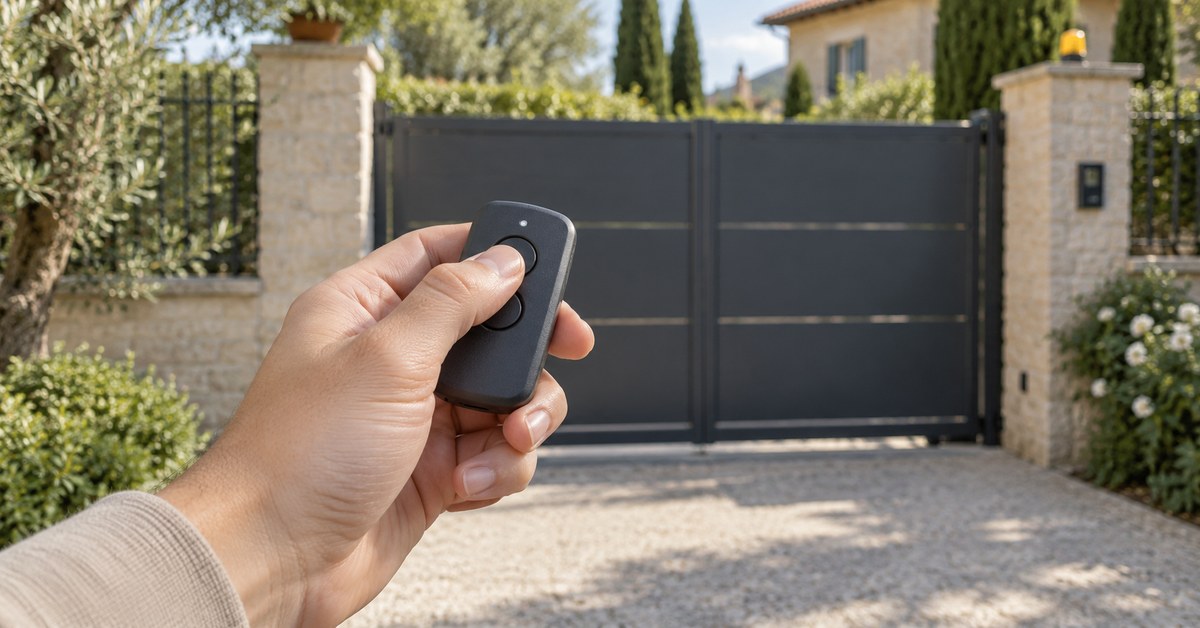
In short: you program an Avidsen remote control on the control board of the kit: press "–" for 3 seconds, confirm with OK (or SET), then press the remote button within 10 seconds. Once one remote is stored, you add the next ones "by copy", without opening the control box. Models 104250, 104251, 104257, 104350, 654250 and 114253 can also be copied onto 1Control WHY, a universal remote with 4 buttons; the 114258 needs a different solution, explained below.
Avidsen is a French brand of do-it-yourself gate and garage door kits sold in DIY stores: Styrka, Orane, Orea and Zenia for gates, Stromma for garage doors. This page follows the official Avidsen manuals. For other brands, see the gate remote programming guide.
Avidsen remotes 104250, 104257, 114253 and 114258: which one do you have?
The Avidsen reference is a six-digit number: you find it on the packaging and in the manual of the kit. It decides the battery, the compatible control board and whether the remote can be copied. All the Avidsen remotes in the table transmit at 433.92 MHz with a rolling code (the code changes at every press). None of them is a quartz remote, so QZERO is not needed here.
| Reference | What Avidsen says | Copy onto WHY or SOLO (1Control catalogue) |
|---|---|---|
| 104250 | 4 buttons, 12 V battery type A27 (MN27) | Yes, in its three variants |
| 104251, 104350, 654250 | 433.92 MHz, rolling code (catalogue data) | Yes |
| 104257 | 4 buttons, CR2032 battery; replaced by the 114253 | Yes |
| 114253 | 4 buttons with a flip cover, CR2032 battery; sold as the additional remote | Yes |
| 114258 | 4 buttons, CR2032 battery, the latest generation | No: SOLO + KIT |
Before you buy, look up your reference in the SOLO compatibility checker filtered on Avidsen or in the WHY and QZERO checker: the catalogue changes and it has the final word. If your remote is a 114258, or if it is not in the list, it cannot be copied by radio. The solution is then SOLO with the KIT: a receiver wired to the push-button input of the control board.
On the Avidsen side, the 114253 manual states that it works only with Avidsen and Easymate motors fitted with the CA2B9TR (swing gates), CA2B9SL (sliding gates), AVLO or SW200D2S boards, and with the Stromma garage door motor. The 114258 manual shows the same boards. If your kit is older, compare your board with the pictures in the 114253 user guide (Avidsen PDF) before you order.
Is your remote compatible? Check it here
Pick brand and model: we tell you right away whether it copies onto WHY, opens from your phone with SOLO, or needs the KIT.
Program an Avidsen remote on the control board
The procedure comes from the Styrka 310 manual (ref. 114170, user guide V7, section 2.8.1). With the gate stopped, you only press the buttons on the board: do not touch any wiring.
A button to open the gate
- Press "–" for 3 seconds: LED L1 turns on.
- Press OK: L1 and L4 turn on alternately.
- Within 10 seconds, press the remote button you want to store.
- All the red LEDs turn on for 1 second: the button is stored. If they flash 3 times, the 10 seconds have passed: start again.
A button for the pedestrian opening
Same sequence with one more step: after the 3 seconds on "–", press "+" once (L1 turns off, L2 turns on), then OK and the remote button.
Boards with five LEDs: SET instead of OK
On the Styrka 300 (ref. 114153) and on the Orea 500 sliding gate kit (ref. 114457), the confirm button is called SET, and L1 and L5 turn on alternately; the rest is the same. On the V300 (ref. 114165) and the Zenia 250 (ref. 114459), the manual adds a first step: press PROG 2 or 3 times until only the green LED stays on. We read these four manuals in French; the Styrka 310 user guide (Avidsen PDF) is available in English.
Copy programming: add an Avidsen remote without opening the box
All the manuals we read (Styrka 300 and 310, Orane 510, V300, Orea 500, Zenia 250) describe the "copy" function: a remote that is already stored is used to store another one. In the Styrka 310 manual it is section 2.8.2.
- Stand near the motor with both remotes.
- On the remote already in the memory, press the two bottom buttons at the same time until the flashing light turns on (about 6 seconds).
- Press any button on the new remote: the flashing light flashes 3 times, then turns off.
The new remote takes the same functions as the first one, button by button. Two conditions: you still have a working remote, and the new one is an Avidsen remote made for your board. This "copy" is not the copy onto a universal remote, which comes below.
Lost or stolen Avidsen remote: delete, then replace
A lost remote still opens your gate. The manual describes how to delete all remotes (section 2.8.3 for the Styrka 310); it does not describe how to delete a single one.
- Press "–" for 3 seconds: L1 turns on.
- Press "+" twice: L1 turns off, L3 turns on.
- Press OK: the 4 red LEDs turn on.
- Press OK for 3 seconds: all the LEDs turn off and on again to confirm.
On boards with five LEDs the button is SET. Then store the remotes you still have, one by one.
For the replacement, Avidsen states that the 104257 is replaced by the 114253; the 114258 is the next generation. Check the board of your kit before you buy. If you have no remote left, there are two ways: a new Avidsen remote programmed on the board, or SOLO + KIT, which needs no original remote because it connects to the push-button input.
Copy an Avidsen remote: WHY in your pocket, SOLO on your phone
Here, copying means reproducing a working remote on another device. A lost or broken remote cannot be copied.
1Control WHY: the universal remote
WHY is a physical remote with 4 buttons and no app. It copies fixed codes and rolling codes. For a rolling code like the Avidsen one, the copy is completed in front of the receiver: do it next to the gate. The catalogue lists the 104250, 104251, 104257, 104350, 654250 and 114253. Your original remotes keep working.
1Control SOLO: open the Avidsen gate with your phone
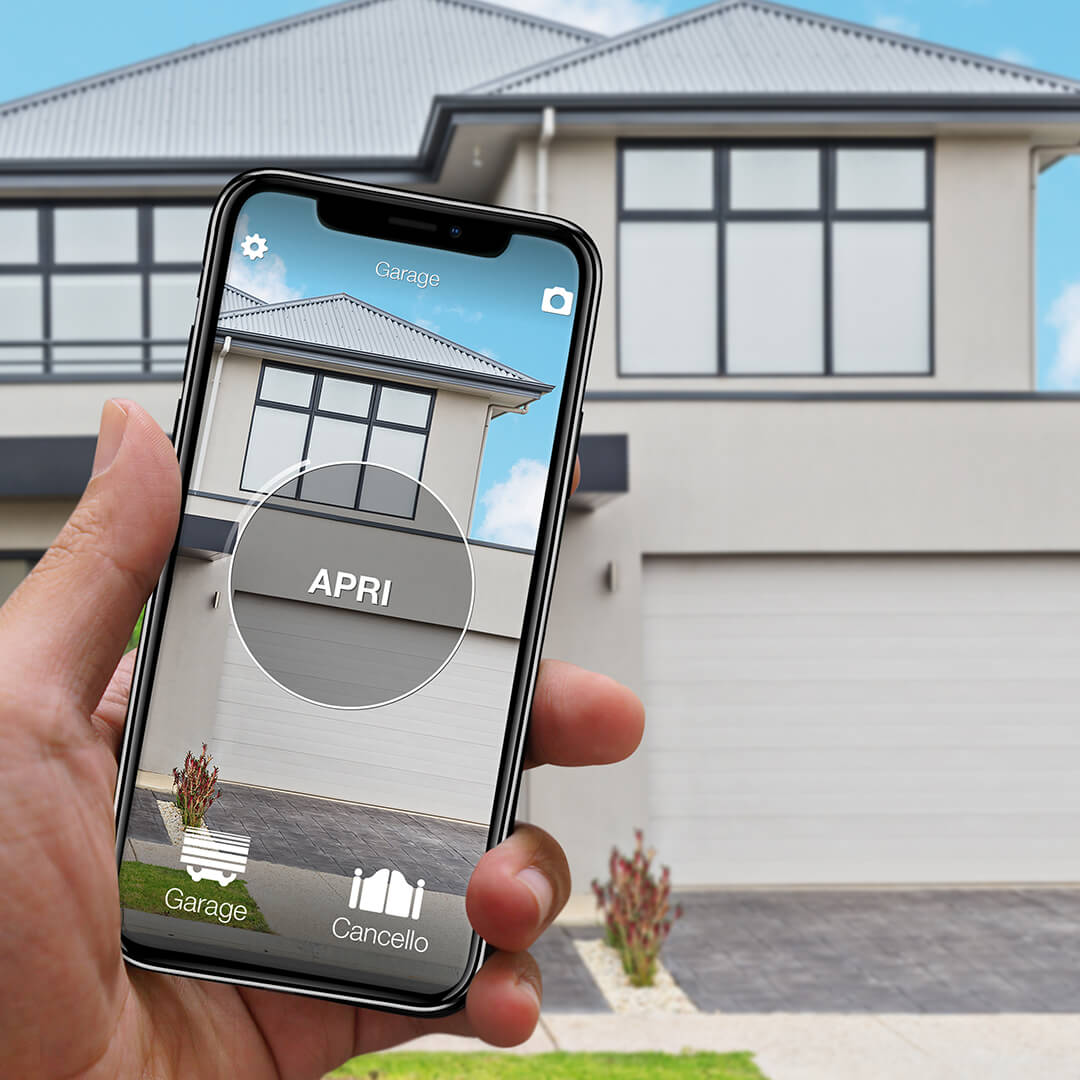
1Control SOLO copies the same remote, then opens the gate or the garage door from the 1Control app over Bluetooth, when you are nearby. In this version there is no wiring. You share access for free, also with time slots. SOLO is rated IP66 and is designed and made in Italy.
To open from far away, add LINK: it talks to SOLO over Bluetooth and reaches the Internet over 2.4 GHz Wi-Fi or Ethernet, with no SIM card. LINK is also needed for Alexa, Google Home and notifications.
With a 114258, or with no original remote, SOLO is installed with the KIT: a receiver wired to the push-button input of the board (START, step-by-step), like one more push button. The cables are in the box and you can do it yourself; to find the right terminal, follow the manual of your motor.
Avidsen remote not working: battery, memory, board
- Battery. Much shorter range and a weak red light: according to the manual, the battery is almost empty. CR2032 for the 104257, 114253 and 114258; a 12 V battery type A27 (MN27) for the 104250. On the Styrka 310 remote, three cross-head screws close the case. The steps are in gate remote battery replacement.
- Wrong board. The 114253 and the 114258 are announced only for the boards shown in their manuals.
- Memory. The manuals we read do not give the maximum number of remotes. If the board refuses a new one, delete all remotes and store only those in use.
- No remote works. The fault is no longer in the remote but in the motor (power supply, photocells, board). This is a job for an installer: neither WHY nor SOLO repairs a motor. Start from gate remote not working.
Frequently asked questions
How do I program an Avidsen 114253 remote?
On the board: press "–" for 3 seconds, then OK (or SET), then the remote button within 10 seconds; the red LEDs turn on for 1 second. Or by copy from a remote already stored: its two bottom buttons for about 6 seconds, then one button on the new remote.
Can an Avidsen remote be copied?
Yes for the 104250, 104251, 104257, 104350, 654250 and 114253, onto 1Control WHY or SOLO. The copy of a rolling code is completed in front of the receiver. The 114258 cannot be copied by radio: it needs SOLO + KIT.
What replaces the Avidsen 104257 remote?
Avidsen names the 114253. Check that your board is shown in its manual. If you still have a working 104257, you can also copy it onto WHY.
Which battery does an Avidsen remote use?
A 3 V CR2032 for the 104257, 114253 and 114258. The 104250 uses a 12 V battery type A27, also sold as MN27.
Can I open an Avidsen gate with a smartphone?
Yes. 1Control SOLO copies the remote and opens from the app over Bluetooth, when you are nearby. To open from far away you add LINK, over 2.4 GHz Wi-Fi or Ethernet.
The bottom line
With an Avidsen remote, everything starts from the six-digit reference: it tells you which battery to buy, which board accepts it and whether it can be copied. Look it up in the checker. If it is there, WHY gives you one more remote and SOLO puts the gate on the family's phones. If it is a 114258, the answer is SOLO + KIT.