In short: the right Normstahl remote control depends on the age of the operator: 433 MHz rolling code for Ultra and for Magic up to 2018, 868 MHz with AES encryption for Magic 600-2 and 1000-2, 40 MHz for the old Perfekt and Tandem operators. You program it on the motor head in a few seconds. If an RCU 433 or EA 433 remote still opens the door, you can copy it to 1Control WHY, a universal 4-button remote. For every other model, the way to your phone is SOLO + KIT.
Every procedure below comes from the official Normstahl manuals, which are linked. For other brands, see the gate remote programming guide.
Which Normstahl remote fits? 433 MHz, 868 MHz or 40 MHz
Normstahl has changed its radio system several times. The manufacturer's transmitter overview (PDF) matches each operator generation with its remotes:
| Operator | Years | Radio | Remotes according to Normstahl |
|---|---|---|---|
| Magic 600-2, Magic 1000-2 | from 08/2018 | 868 MHz, 128-bit AES | ZEN-Design and ZEN-Standard, 2 or 4 channels |
| Magic (first generation) | 01/2011 to 07/2018 | 433 MHz, rolling code | Micro transmitter with 2 channels, mini transmitter with 4 |
| Ultra, Ultra excellent | 03/2001 to 02/2011 | 433 MHz, rolling code | Micro and mini transmitters; older versions replaced |
| Perfekt, Tandem (Elektronik 2000/2500) | 11/1995 to 02/2001 | 40 MHz, self-learning | Transmitters with 1 or 4 channels |
| Perfekt S/SE, Tandem | until 10/1995 | 40 MHz, codeable | Transmitters with coding switches under the flap |
The model name is printed on the back of the remote or inside the battery compartment. What counts is the generation, not the number of buttons: an 868 MHz remote cannot be programmed on a 433 MHz operator, or the reverse. The current SPARK operator works on 433.92 or 868.35 MHz, depending on how its radio module is set.
Copy a Normstahl remote: RCU 433, EA 433, T40 and FHS10 in the checker
The 1Control compatibility checker lists eleven Normstahl models:
| Model | Frequency | Coding | Result in the checker |
|---|---|---|---|
| RCU 4332K, RCU433 4K | 433.92 MHz | Rolling code | can be copied to WHY and SOLO |
| EA433-K, EA4333-KM | 433.92 MHz | Rolling code | can be copied to WHY and SOLO |
| T14429 | 433 MHz | Rolling code | cannot be copied: SOLO + KIT |
| T40-1, T40-1M, T40-4, T40-4M | 40.685 MHz | Fixed code | copy on QZERO; for the phone, SOLO + KIT |
| FHS10-01, FHS10-02 | 40.685 MHz | Fixed code | copy on QZERO; for the phone, SOLO + KIT |
Every copy needs an original remote that still opens the door. WHY copies fixed code and rolling code without an app; with rolling code remotes such as RCU and EA, the copy ends with one step in front of the receiver, that is, at the operator. QZERO copies crystal remotes below 50 MHz. The 868 MHz ZEN remotes are not in the Normstahl list: for them, and for every model that cannot be copied, you need an original remote, or your phone through SOLO + KIT, a small receiver wired to the push-button input of the operator. Check your exact model in the Normstahl list of the SOLO checker and in the WHY and QZERO checker.
Is your remote compatible? Check it here
Pick brand and model: we tell you right away whether it copies onto WHY, opens from your phone with SOLO, or needs the KIT.
Program a Normstahl remote on Ultra and Ultra excellent (433 MHz)
For Ultra operators built from November 2004, the Ultra installation and operating manual (PDF, in German) gives the steps. The top button of the supplied remote is programmed at the factory; for another button or another remote:
- Hold the remote as close as possible to the motor head.
- Briefly press the “Programm” button on the operator: the red LED flashes once.
- Within 20 seconds, press a remote button that has not been programmed yet.
- The red LED stays on: programming is complete. Repeat for each further remote.
The same steps apply to Ultra and Ultra S from 2001 and to Ultra excellent.
Erase all remotes: hold “Programm” for at least 5 seconds; the red LED flashes quickly for 2 seconds and goes out. The manual only describes erasing all radio commands: afterwards, program again every remote you keep.
Program a remote on Magic 600-2 and Magic 1000-2 (868 MHz)
Magic operators have a display and three push-buttons: open, close and Menu. The Magic 600-2 manual (IP2285, chapter 16, multilingual PDF) describes it as follows:
- Wait until the display shows one of the three status messages (door open, in between or closed).
- Press the open and close push-buttons together for about 1 second: F flashes in the display.
- Press the desired button on the remote: the radio command is taught in and the display shows F.
On the Magic 1000-2 (IP2286), F0 flashes. Before pressing the remote, you choose the function with the same push-buttons, for example F0 for open/stop/close or F4 for partial opening. Both operators store up to 50 remote commands. The manuals also show how to add a new remote from one that is already programmed, standing near the door: follow the picture sequence in chapter 16.
Erase all remotes: press both push-buttons for more than 6 seconds; F flashes in the display (Magic 600-2) or FL (Magic 1000-2).
For the first Magic on 433 MHz and for the 40 MHz operators, we found no manual in the Normstahl download area: follow the manual supplied with your operator, or ask an installer.
Lost or broken Normstahl remote: how to replace it
Without a working remote there is nothing to copy. You then need an original remote of the right generation (first table), programmed on the operator. If the remote was stolen, first erase all remotes and then program again the ones you still have: the full sequence is in gate remote stolen or lost.
For 40 MHz operators, the Normstahl overview separates self-learning receivers (Elektronik 2000/2500) from older remotes with coding switches, where the coding of the new remote must match the receiver.
Instead of more remotes: open the Normstahl door with your phone
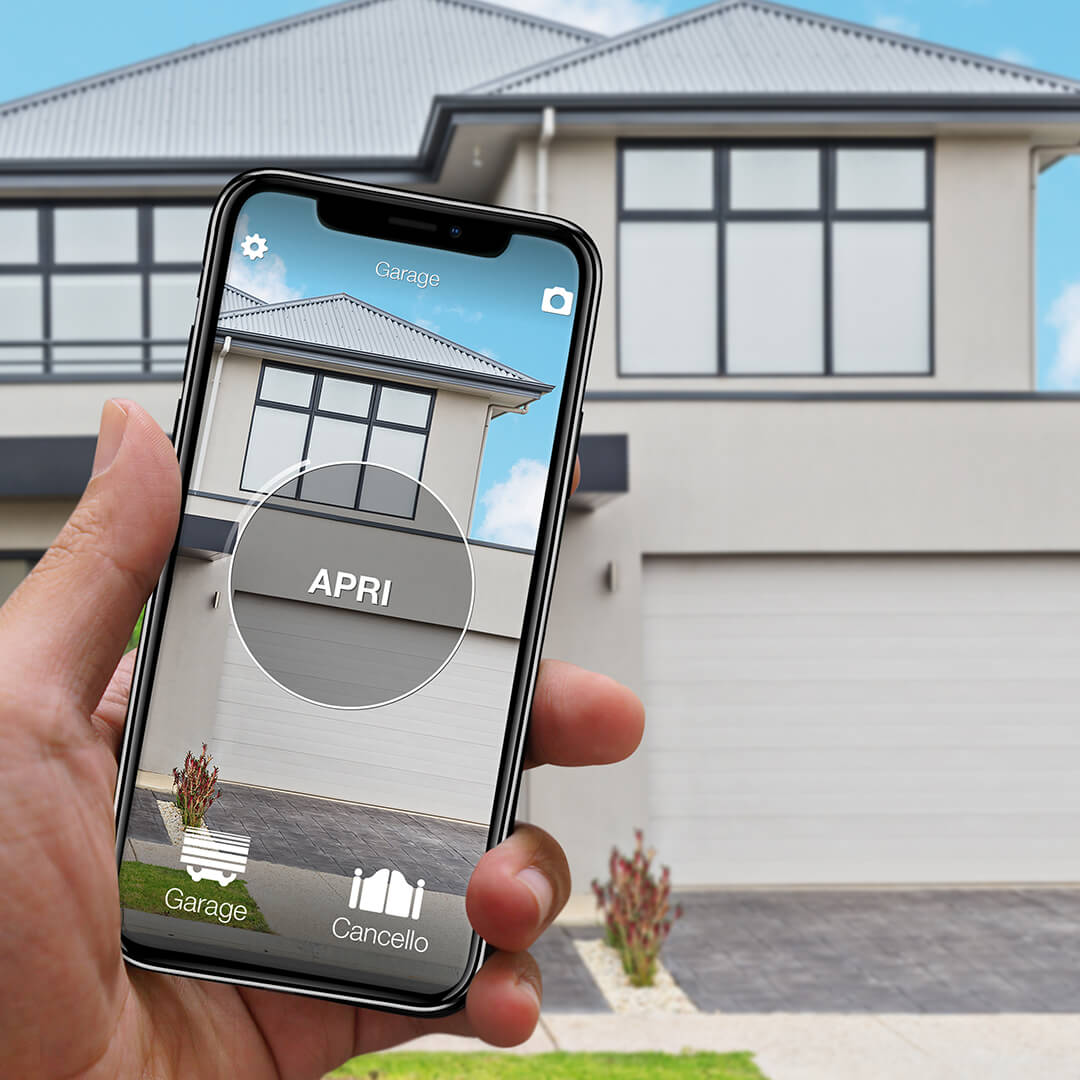
1Control SOLO copies a working RCU or EA remote and then opens the garage door from the 1Control app, over Bluetooth, from nearby and with no wiring. Family and guests get free shared access, with time slots if you wish.
For the T14429, the 40 MHz remotes and the 868 MHz generation, you use SOLO with the KIT. Its receiver is connected to the push-button input of the operator, like one more wall button. The cables are in the box and you can do it yourself; the terminals are in the manual of your operator. To open from far away, or with Alexa and Google Home, add LINK: it talks to SOLO over Bluetooth and reaches the Internet over 2.4 GHz Wi-Fi or Ethernet.
For the comparison with Normstahl Connect, the manufacturer's app for SPARK, read open a Normstahl garage door with your phone.
Normstahl remote not working: battery, memory, interference
- Battery. The Ultra manual gives a 12 V type 23 A battery for the remote, the Magic 600-2 manual a CR 2032. If the LED of the remote no longer lights up, replace the battery: the programmed commands stay in the operator.
- No sign on the operator. If the red LED on an Ultra does not light when you press the remote, or a Magic shows no F, the remote is not programmed or reception is too weak (the manuals mention an external antenna, fitted by an installer).
- Interference. According to Normstahl, other 868 MHz transmitters and some energy-saving lamps can disturb the radio signal.
- Memory full. Magic 600-2 and 1000-2 hold 50 commands; each programmed button counts.
- The door answers no remote and no wall button. Then the fault is in the operator, not in the radio: see gate remote not working. Neither WHY nor SOLO repairs an operator.
Frequently asked questions
Which remote control fits my Normstahl operator?
It depends on the generation: 433 MHz rolling code for Ultra, Ultra excellent and the first Magic, 868 MHz with AES for Magic 600-2 and 1000-2, 40 MHz for Perfekt and Tandem.
How do I program a Normstahl remote control?
On an Ultra: briefly press the “Programm” button, then a button of the remote within 20 seconds. On a Magic 600-2: press the open and close push-buttons together for about 1 second until F flashes, then press the button of the remote.
Can a Normstahl remote be copied?
Yes, if it still works and the checker lists it as copyable: RCU 4332K, RCU433 4K, EA433-K and EA4333-KM on 1Control WHY or SOLO, the 40 MHz T40 and FHS10 on QZERO. The T14429 cannot be copied.
How do I erase all remotes on a Normstahl operator?
On an Ultra, hold the “Programm” button for at least 5 seconds. On Magic 600-2 and 1000-2, press the open and close push-buttons for more than 6 seconds. Then program again every remote you keep.
The bottom line
Identify the generation first: an original remote on the right frequency is programmed on the operator in seconds. If an RCU 433 or EA 433 still opens the door, a copy on 1Control WHY is the short way to one more remote, and SOLO puts the door on your phone. For every other Normstahl operator there is SOLO + KIT. Next step: read the model name on the back of your remote and enter it in the compatibility checker.