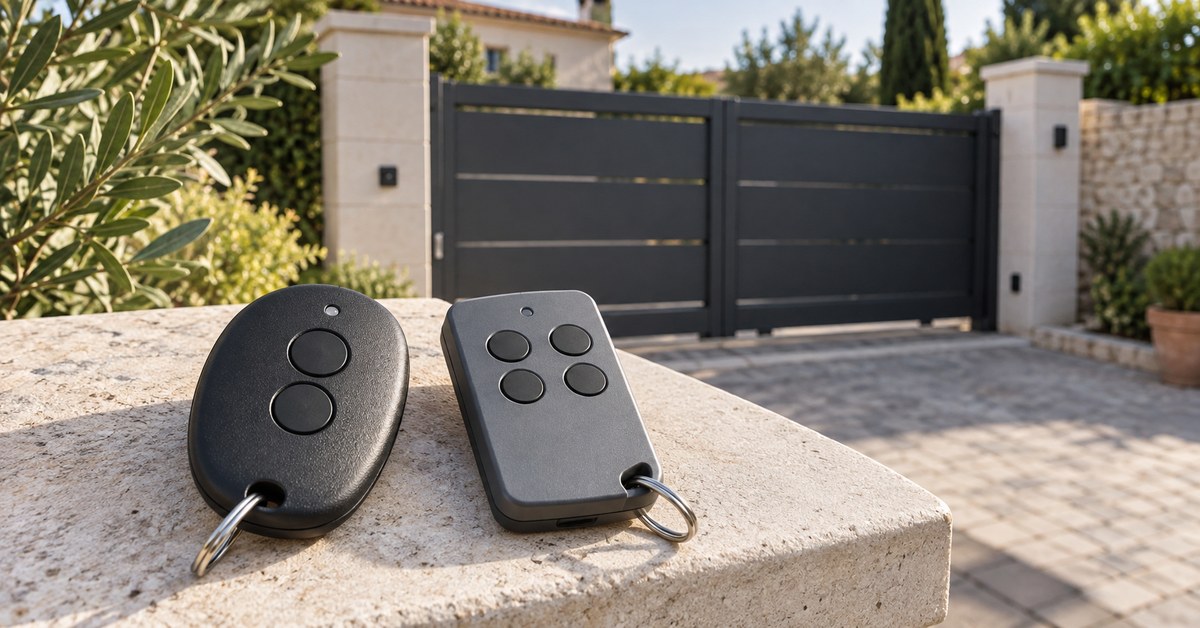
In short. To program a Cardin remote of the S449 or S486 series, open the receiver box, hold the MEMO button (the LED flashes), press the button of the new remote until the LED goes out, release, then press the same button once more. Without opening the receiver, a remote that already works can add the new one through its hidden button. If what you really need is another remote, copy a working S449 onto 1Control WHY, or open the gate from your phone with 1Control SOLO.
- S449, S486, XRADO, S437, S438: in the WHY and SOLO copy list.
- S435, S476, S504, TXQ504, TXQ508: not in the list: an original of the same series, or SOLO KIT for the phone.
- Quartz S27, S38, S466, S48, S738: 1Control QZERO.
Cardin Elettronica remotes span three generations: quartz remotes between 27 and 31 MHz (S27, S38, S466, S48, S738), the S449 (433.92 MHz) and S486 (868.3 MHz) rolling code series found on most installations, and newer series such as the S504 and TXQ508. Recognising the series is half the job. This guide covers identification, the two procedures in the Cardin instructions, what to buy when you need to replace or add an S449, and why programming fails. The general method for every brand is in our gate remote programming guide.
Identify your Cardin remote: S449, S486 or XRADO
The series code (S449, S486, S504…) is printed on the label on the back or inside the battery compartment, often with the frequency; the suffix (QZ2, QZ4, TX2, TXQ) gives the version and the number of buttons. Two Cardin remotes with the same shell can belong to different series: the code matters, not the colour.
| Family | Models | Frequency | Coding | 1Control option |
|---|---|---|---|---|
| S449 | S449 QZ1–QZ4; TXQ S449 QZ1, QZ2, QZ4; TXQ S449 Green | 433.92 MHz | Rolling code | WHY or SOLO |
| XRADO | XRADO | 433.92 MHz | Rolling code | WHY or SOLO |
| S437, S438 | S437 TX (rolling code), S438 TX (fixed code) | 433.92 MHz | Depends on the model | WHY or SOLO |
| S486 | S486 QZ1–QZ4 (older versions), TXQ 486, TXQ 486 New | 868.3 MHz | Rolling code | WHY or SOLO |
| S435, S476, S504 | S435 Azul, S476-TX2, S504, TXQ504C2, TXQ504C4 | 433 MHz | Rolling code | Not in the list: SOLO KIT |
| TXQ508 | TXQ508C2, TXQ508C4 | 868 MHz | Rolling code | Not in the list: SOLO KIT |
| Quartz | S27, S38, S466, S48, S738 | 27.09 / 27.195 / 29.875 / 30.875 MHz | Fixed code | QZERO |
Two rules prevent most mistakes. Frequency: an S486 on 868.3 MHz cannot be stored on an S449 receiver on 433.92 MHz, and vice versa; quartz remotes only work with the receiver of their own generation, on the exact frequency. Series: an S476 or an S504 is not an S449, even if the shell looks the same. If in doubt, photograph the label before you buy anything. The difference between the two codings is explained in fixed code vs rolling code.
Program a Cardin remote on the receiver (MEMO button)
The Cardin receiver sits in the control unit box or next to the motor. The programming instructions for the S449 and S486 describe two cases: a receiver without a display, with a MEMO button and an LED, and a receiver with a display and the UP, DOWN and MEMO/DEL buttons. Before you start: gate stopped, a good battery in the remote and, in a shared building, permission from whoever manages the gate. The manual of your receiver always takes precedence.
Receiver without a display
- Open the receiver box and find the MEMO programming button on the board.
- Press MEMO and keep it pressed: the receiver LED flashes.
- Still holding MEMO, press the button you want to program on the new remote until the receiver LED goes out.
- Release both buttons: the LED flashes again.
- Press the same button on the remote once more and release it: the LED goes out.
- Repeat for every button to program, wait about ten seconds, then test.
Receiver with a display
- Use UP and DOWN to find a free position: a dot in the bottom right corner of the display marks a position already taken by a remote.
- On a free position, press and hold MEMO/DEL: MEM appears.
- Still holding MEMO/DEL, press the button of the new remote, release it, then press the same button a second time.
- A letter for the programmed button appears: release everything, the remote is stored.
Each remote takes one position in the receiver memory. Deleting one position or the whole memory goes through MEMO/DEL or a procedure specific to the receiver: follow the manual and never hold a button down “to see what happens”. A full reset means programming every remaining remote again, which mainly makes sense after a loss or theft.
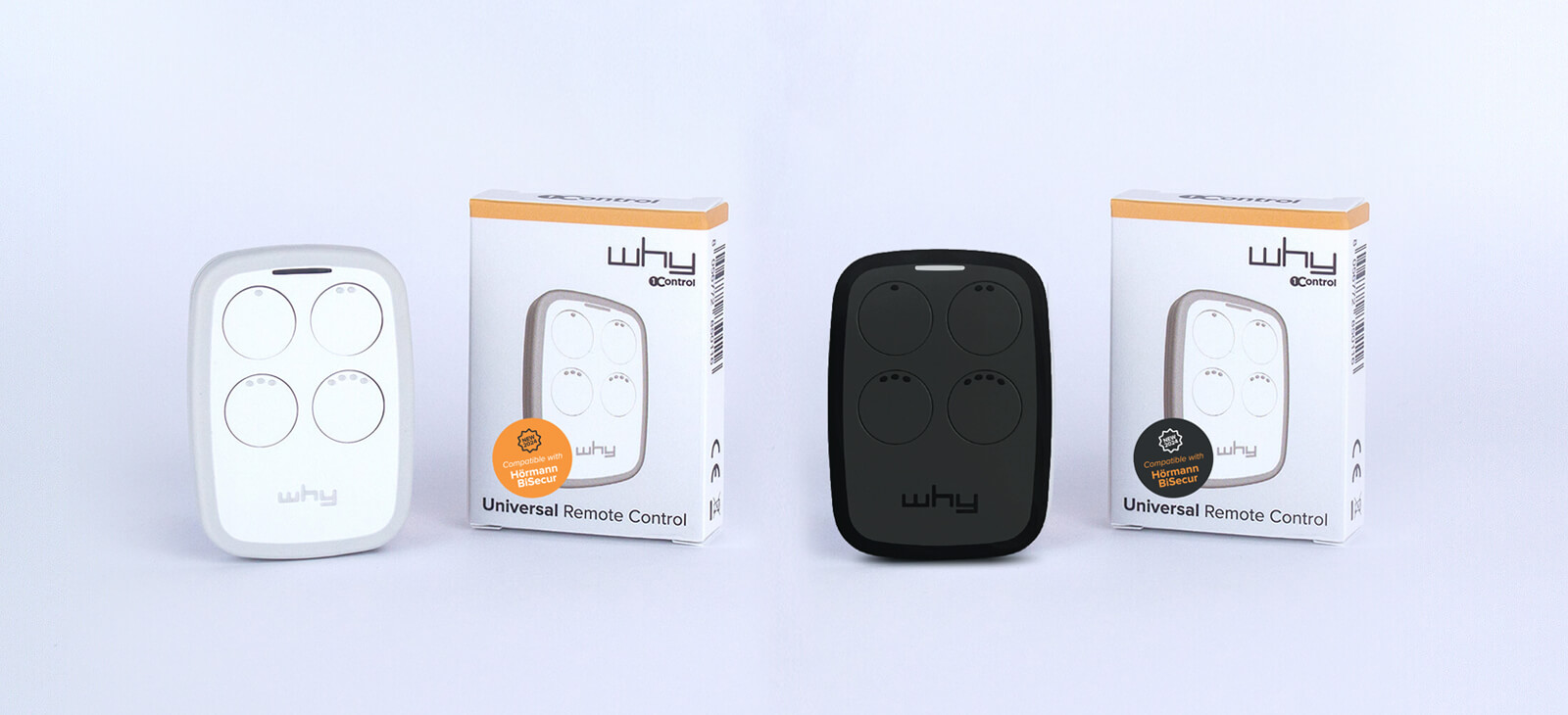
Need another Cardin remote?
See which Cardin models 1Control WHY can copy: if yours is on the list, you duplicate it yourself from the remote that works. Your original remotes keep working. One-off purchase, no subscription.
58,00€ 52,00€ VAT included
- 1,500+ reviews on Amazon, Facebook and Trustpilot
- Secure payments
- 2-year warranty
Program a new Cardin remote from a working one (hidden button)
This is the strength of the S449 and S486: a remote that is already programmed can open the receiver memory from a distance, without touching the control unit. The Cardin instructions describe it like this:
- Stand 1 or 2 metres from the installation.
- With a pointed object, press the hidden button (P1) of the remote that already works: the receiver beeps. Release.
- Press a button of that same working remote: another beep. Release.
- Press the button to program on the new remote: the receiver beeps twice. Release.
- Repeat for each button, wait 10 seconds and test.
Three limits. Both remotes must be of the same series and frequency (S449 with S449, S486 with S486). The new remote takes a memory position as if you had programmed it on the receiver: if the memory is full, it fails in the same way. And if the receiver does not react to the hidden button, the function is not available on your installation: the MEMO button is left, or copying the working remote, described below.
Replace or add a Cardin S449 remote: what to buy
People searching for “Cardin S449 remote” usually have one of three problems: an extra remote for a family member, a remote that broke, or all of them lost. The right purchase depends on two questions: do you still have an S449 that opens the gate? And can you get to the receiver, or ask whoever manages it?
| Your situation | What to buy | What you need |
|---|---|---|
| You have a working S449 and need another one | 1Control WHY: it copies the S449 onto one of its 4 buttons | The working remote; sometimes an authorisation step near the gate |
| The extra remote is for family, guests or staff | 1Control SOLO: it copies the S449 once and opens from the app | The working remote; access is shared for free by phone number (up to 10 users with the standard version) |
| You lost your only S449, or none of them works any more | A new original S449, stored on the receiver; to open from your phone, SOLO KIT | Access to the receiver (MEMO button); for SOLO KIT, a connection to the control unit |
| Your Cardin is an S435, S476, S504, TXQ504 or TXQ508 | An original of the same series; for the phone, SOLO KIT | These series are not in the WHY and SOLO copy list |
| It is a quartz S27, S38, S466, S48 or S738 | 1Control QZERO | The working remote, to copy |
Three rules avoid the wrong purchase:
- Same series, same frequency. An S449 receiver works on 433.92 MHz: an S486 on 868.3 MHz will not operate it, even with an identical shell. For a new original, take the code on the label with you, not a photo of the shell.
- Only a working remote can be copied. WHY and SOLO copy the signal of a working S449: a lost or broken remote cannot be copied. If you lost one, have it deleted from the receiver memory: see lost or stolen gate remote.
- Check the code first. The Cardin list of the WHY and QZERO checker shows the S449 QZ1–QZ4, TXQ S449 (Green included), XRADO, S437, S438, S486 and TXQ 486; the same models are in the SOLO list.
SOLO KIT is not SOLO: it is a receiver with its own 4-button remote, which a technician connects to the control unit. It does not depend on the Cardin remote, the existing remotes keep working and SOLO copies the KIT remote.
Copy a Cardin S449 onto 1Control WHY
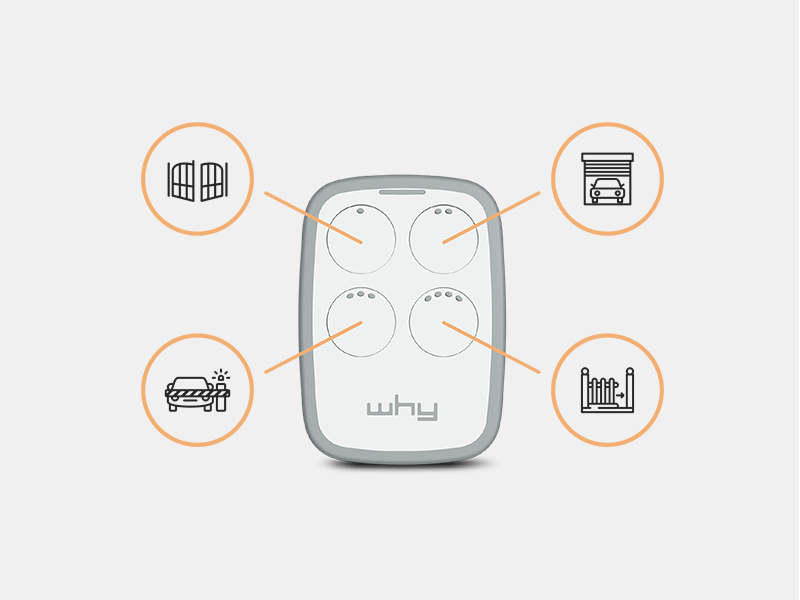
1Control WHY is a 4-button universal remote that copies fixed code and rolling code remotes between 433 and 868 MHz. For Cardin rolling code remotes, the WHY guides use the automatic rolling code procedure:
- Hold WHY button 1 and press button 2 four times: the red LED flashes. Release.
- Press the button of the original Cardin remote for 3 to 4 seconds, then release.
- When the red LED starts flashing again, press the same button again for 3 to 4 seconds, then release.
- When the green LED flashes quickly, press the WHY button you want to store it on.
- Within 5 metres of the gate, hold the copied WHY button for more than 10 seconds: the red LED flashes, wait until it goes out. This is the step in which the receiver accepts the new rolling code. If the red LED does not flash, the WHY guides switch to the manual procedure: enable programming on the receiver (MEMO), then press the copied button.
The original remotes keep working, the 4 buttons can hold 4 automations even of different brands, the CR2032 battery can be replaced without losing the memory and there is no app. For the quartz S27, S38, S466, S48 and S738, the right universal remote is 1Control QZERO, designed for 15 to 50 MHz. To choose between the options, read how to choose a universal gate remote.
Open the Cardin gate from your phone with 1Control SOLO
1Control SOLO is fixed near the motor, with no wiring and without touching the control unit, copies the signal of the Cardin remote once and opens from the 1Control app over Bluetooth, without internet. The SOLO list for Cardin is the same as the WHY one: S449, TXQ S449, XRADO, S437, S438, S486 and TXQ 486. Check the exact model in the SOLO checker; during the copy the app asks you to stand near the gate and, if the receiver does not accept the signal straight away, to authorise it like a new remote.
Once the copy is done, family members and guests get access for free from their phone number, with times and an expiry date if you want, and you can revoke it at any time. One SOLO handles up to four automations, runs about two years on two C batteries and, with 1Control LINK, also opens remotely and with voice assistants. For the S435, S476, S504 and TXQ508, which are not in the list, the alternative is SOLO KIT. The full method is in how to copy a gate remote to your phone.
The full comparison with Cardin’s CRD ONE app and with wired modules is in open a Cardin gate with your phone.
Why programming a Cardin remote fails
- Wrong series or frequency. An S486 on an S449 receiver, an S504 presented to an S449 receiver, a quartz remote on 30.875 MHz instead of 27.195 MHz: nothing happens. Compare the label of the new remote with that of a working one.
- MEMO released too early. On receivers without a display, MEMO stays pressed during the first press of the remote, until the LED goes out.
- Memory full. Common in shared garages: the receiver no longer confirms. See gate receiver memory full.
- Weak battery. The S449 uses a 3 V CR2032 lithium battery; a tired battery makes programming fail before it even reduces the range. See how to replace the battery.
- No reaction to the hidden button. No beep at step 2: remote programming is not available on that receiver, or you are out of range.
If a Cardin remote that used to work stops opening, first replace the battery, then press twice in a row within range of the receiver: with rolling code, many presses out of range can put the remote out of step. If no remote opens at all, not even the others, the fault is in the installation, not in the programming: follow the checks in gate remote not working.
Frequently asked questions
How do you program a Cardin remote?
On a receiver without a display, hold the MEMO button (the LED flashes) and at the same time press the button of the new remote until the LED goes out. Release everything, then press the same button on the remote once more: the LED goes out and the button is programmed. On a receiver with a display, choose a free position with UP and DOWN and hold MEMO/DEL while you press the remote button twice.
How do I add a Cardin S449 remote without opening the receiver?
Standing 1 or 2 metres from the installation, press the hidden button of the S449 that already works with a pointed object (beep), then one of its buttons (another beep), then the button to program on the new remote (two beeps). Wait 10 seconds and test. It only works between remotes of the same series and if the receiver has the function.
I lost my only Cardin S449 remote: what should I buy?
There is nothing to copy: you need a new original S449, stored on the receiver with the MEMO button, and it is best to delete the lost one from the memory. To open from your phone as well, SOLO KIT connects to the control unit with its own remote, which SOLO then copies.
For an extra Cardin S449 remote, original or 1Control WHY?
If you already have a working S449, WHY copies it without opening the control unit and, with its 4 buttons, can also operate other gates or garage doors, while a new original has to be stored on the receiver. If the extra remote is for several people, 1Control SOLO saves you buying more: access is shared for free from the app.
Can a Cardin S486 replace an S449?
No. The S449 works on 433.92 MHz and the S486 on 868.3 MHz, so an S486 cannot be stored on an S449 receiver even if the shell looks the same. Buy the same series as the label of your working remote.
Which Cardin remotes can 1Control WHY and SOLO copy?
The S449 (QZ and TXQ), XRADO, S437, S438, S486 and TXQ 486, which appear in both lists. The S435, S476, S504 and TXQ508 are not listed at the time of writing, and the quartz S27, S38, S466, S48 and S738 are for QZERO. Always check the exact code in the checker before buying.
Conclusion
Programming a Cardin remote starts from the code on the label: S449 or S486 rolling code, newer series or old quartz models. On the S449 and S486 there are two routes, the receiver MEMO button or the hidden button of a remote that already works. If it fails, check series, frequency, memory and battery in that order. And if what you need is another remote, copy the one that works: onto 1Control WHY to keep a physical button, or onto the phones of the whole family with 1Control SOLO.