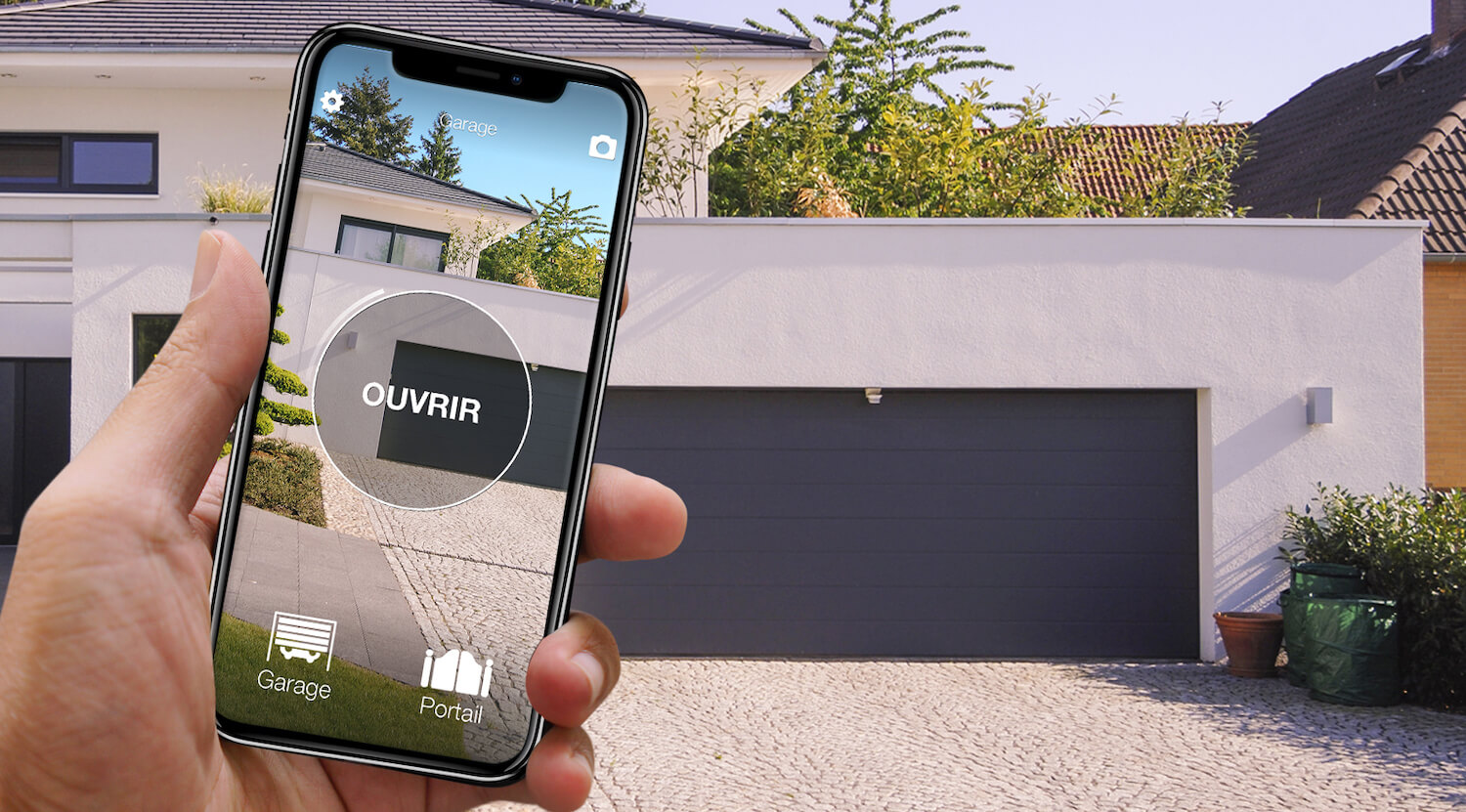
In short: there are two main ways to open a Somfy gate with your phone. Somfy's own route is TaHoma: a device at home (the TaHoma switch box or the Connectivity Kit) plus the TaHoma app, which control the gate motor over the internet, on both io and RTS motors. The other route, with no box and no work on the control unit, is 1Control SOLO: it copies your working Somfy RTS remote, for example a Keytis, Keygo or Keypop (16 of the 25 Somfy models in the compatibility checker), and opens the gate from the app over Bluetooth, with no internet at the gate. Two-way io remotes such as the Keygo io cannot be copied: there the options are TaHoma or SOLO + KIT.
Before choosing, look at the back of your remote and at the motor label: io or RTS. Everything else follows from that. You will also find wired Wi-Fi modules from other makers, such as Remootio, whose website has pages on Somfy motors: they are in the comparison below. This page only covers gates and garage doors with a Somfy motor. The general method is in our guide on how to open a gate with your smartphone, and the brand-free options are in open a gate with your phone without a remote. The TaHoma details come from Somfy's website.
Somfy gate and phone: the three options side by side
| Option | What you need | Installation | Internet needed? | Limits |
|---|---|---|---|---|
| TaHoma, Somfy's route | A TaHoma switch box or the Connectivity Kit, home Wi-Fi, the TaHoma app | Box indoors, paired by radio with the motor; with the Kit, according to Somfy, a relay remote on gate electronics made before June 2021 | Yes: remote control runs through Somfy's cloud | A box even for a single gate; no open or closed feedback on RTS |
| Wired Wi-Fi module from another maker, for example Remootio | The module, its power supply, Wi-Fi that reaches the gate, the maker's app | Wires on the push-button input of the control unit: a job for an electrician | Usually yes | Work inside the control unit; Wi-Fi at the gate is often weak |
| 1Control SOLO, wireless | A working Somfy RTS remote from the list and the 1Control app | No cables: copy guided by the app (it may ask for one press of the PROG button on the control unit), battery-powered SOLO near the gate | Not to open (Bluetooth); from anywhere with the LINK hub | Bluetooth range 15-20 m; io, K-Easy-L1, TR433NL and quartz remotes: SOLO + KIT |
The options answer different questions. Is your motor io? Then Somfy's box has a real argument: it tells you whether the gate is open or closed. Is your system RTS, with a Keytis or Keygo that works? Then copying the remote is the shortest route: no box, no Wi-Fi at the gate, no wires in the control unit. A wired module makes sense when Wi-Fi reaches the gate well and you have an electrician at hand.

Somfy gate or garage? Open it from your phone too
See which Somfy remotes are compatible with 1Control SOLO: it fits your existing gate or garage automation. One-off purchase, no subscription.
139,00€ 119,00€ VAT included
- 1,500+ reviews on Amazon, Facebook and Trustpilot
- Secure payments
- 2-year warranty
TaHoma or SOLO: what the Somfy app does
Somfy runs two radio systems that do not understand each other: RTS (433.42 MHz, rolling code), which the brand describes as its historic protocol, and io-homecontrol (868 MHz, two-way) on more recent motors. According to Somfy, the TaHoma switch combines several radio protocols (io-homecontrol, RTS and Zigbee 3.0) and uses a cloud for remote control, while the Connectivity Kit is a plug-in gateway on 2.4 GHz Wi-Fi, compatible with RTS and io, working with the same app.
With an io motor, Somfy says you can check from a distance whether the gate is open or closed; on RTS the box sends the command but gets no status back. And Connexoon? Its apps are no longer updated: since 25 November 2025 the TaHoma app has taken over, and the Connexoon box keeps working with it. Current features and compatible motors are on Somfy's website.
The difference with SOLO is the approach: TaHoma lives at home and in the cloud and, with an io motor, gives you the gate status; SOLO leaves the motor alone, starts from the remote and works where no network reaches. With 1Control, the open or closed status comes from an opening sensor that works with LINK.
SOLO: copy the Somfy RTS remote you already have
1Control SOLO learns the radio signal of your remote once and sends it again when you tap the button in the app. It connects neither to the motor nor to the mains: two C batteries, already fitted, last about two years at around ten openings a day. It is weatherproof, mounts near the gate and talks to your phone over Bluetooth, so no internet is needed at the gate. One SOLO handles up to four automations, even from different brands.
With a Somfy remote the copy has one extra step, and it is worth knowing before you start:
- check your model in the table below, then in the compatibility checker under Somfy;
- start the copy in the app, hold the remote against the notch on the left side of SOLO and keep the button pressed until the app tells you to release it;
- with rolling code remotes, which means almost every Somfy model on the list, the app then asks you to go to the gate control unit and find the programming button, usually marked PROG or RADIO: press it, wait about ten seconds and confirm in the app;
- test opening and closing while you can see the gate.
The step at the control unit is there because, with rolling code, the receiver has to accept SOLO as a new remote: one press, no wires. It does mean you need access to the control unit once; if the gate is shared, talk to the building manager first. You copy an original remote that works (a lost or broken one cannot be copied), one copy per gate is enough, and your original remotes keep working.
| Somfy remote | Frequency and coding | With 1Control SOLO |
|---|---|---|
| Keygo RTS, Keypop RTS, Keytis RTS, Keytis RTS NS, Keytis-NS-2-RTS, Keytis-NS-4-RTS | 433.42 MHz (RTS), rolling code | Copies |
| K-Easy (old and new too), Mitto, Alarma | 433.42 MHz, rolling code | Copies |
| 433-NLT2 RTR, 433-NLT4, TX2 433, CVX, TS 433 | 433.92 MHz | Copies |
| Keygo io | 868 MHz, io-homecontrol | Needs the KIT: SOLO + KIT |
| K-Easy-L1, TR433NL | 433 MHz | Needs the KIT: SOLO + KIT |
| 26.975 4K, 26.995 4K, 40.680 4K, RCS 100-1, RCS 100-4, RCS 101-1 | 26.975 / 26.995 / 40.68 MHz | Quartz: not copyable, SOLO + KIT; for an extra remote, QZERO |
1Control compatibility checker catalogue on 24/10/2026: 25 Somfy models, 16 copyable. The check on your exact model is what counts.
The Somfy page of the SOLO compatibility list groups the same models by family.
Keygo io, K-Easy-L1, TR433NL and quartz remotes: SOLO + KIT
The Keygo io and other io-homecontrol remotes cannot be copied by radio, and neither can the K-Easy-L1, the TR433NL or the old quartz remotes on 26 and 40 MHz (the "4K" models and the RCS range). For these there is SOLO KIT: a small receiver with its own fixed-code remote, connected to the gate control unit; SOLO then copies the KIT remote instead of the Somfy one, and your original remotes keep working. The KIT means a connection to the control unit: if you are not confident doing it, have a technician do it. With an io motor, at that point, the fair comparison is with TaHoma. If you have an old quartz system and only want one more remote, choose QZERO.
From anywhere, by voice, from the car: SOLO + LINK
On its own, SOLO is a Bluetooth solution: your phone has to be within 15-20 metres, less through reinforced concrete. In return it works with no network at all, even at a remote gate or in an underground car park. To open from anywhere you add the 1Control LINK hub: it stays indoors, connects to the router over 2.4 GHz Wi-Fi or an Ethernet cable, and talks to SOLO over Bluetooth (about 25 metres in a straight line). LINK also brings Alexa, Google Home and the app on CarPlay and Android Auto, while Siri Shortcuts already work with SOLO over Bluetooth. For the car there is also SOLO AUTO, which travels in the car and appears on CarPlay and Android Auto without LINK (see open your gate with CarPlay).
With remotes, every extra person means another remote to buy and program. With SOLO the administrator creates free shares in the app, using the person's phone number and, if needed, days, times and an end date: the family, the cleaner on Thursday mornings, the builders for three weeks. A share is revoked with one tap, with nothing to hand back and nothing to change on the Somfy control unit.
Frequently asked questions: Somfy gates and your phone
Is there a Somfy app to open the gate with my phone?
Yes: TaHoma, which works with a TaHoma switch box or the Connectivity Kit at home and controls Somfy io and RTS motors over the internet; with io motors it also shows whether the gate is open or closed. Whatever the motor, the 1Control app works with SOLO if your Somfy RTS remote is on the compatibility list.
Can I open my Somfy gate with my phone without a box or Wi-Fi at the gate?
Yes, with 1Control SOLO, if your remote is RTS. SOLO copies the signal of a working Keytis, Keygo or Keypop RTS and sends it when you ask from the app, over Bluetooth and without internet. It runs on batteries with no cables or socket; during the copy the app may ask you to press the PROG button on the control unit once.
Which Somfy remotes can SOLO copy?
The models on the list: Keygo RTS, Keypop RTS, Keytis RTS and Keytis NS (2 and 4 buttons), K-Easy, Mitto, Alarma, 433-NLT2 and NLT4, TX2 433, CVX and TS 433. The Keygo io and other io-homecontrol remotes, the K-Easy-L1, the TR433NL and the quartz remotes on 26 and 40 MHz cannot be copied: for those there is SOLO + KIT. The compatibility checker on your exact model has the final word.
My Somfy motor is io. What are my options?
Two routes: Somfy TaHoma, which speaks io and shows the gate status, or SOLO + KIT, a small receiver with its own remote connected to the control unit, whose remote SOLO then copies.
Do my original Somfy remotes still work after the copy?
Yes. Copying onto SOLO deletes nothing: your Keytis, Keygo and Keypop remotes stay active. If an original remote seems unresponsive right after the copy, press its button about fifteen times near the gate and it will resynchronise.
In short: io or RTS decides everything
It all starts with the label on the back of your remote. On io, TaHoma is Somfy's route, with the gate status as a bonus, and SOLO + KIT is the alternative if you do not want a box. On RTS you have a choice: TaHoma if your home is already equipped, a wired module if Wi-Fi reaches the gate, or you can open your Somfy gate with your phone through 1Control SOLO, which copies your Keytis or Keygo without wires, with free shares for the family and, with LINK, opening from anywhere. The same comparison for another brand is in open a Came gate with your phone.