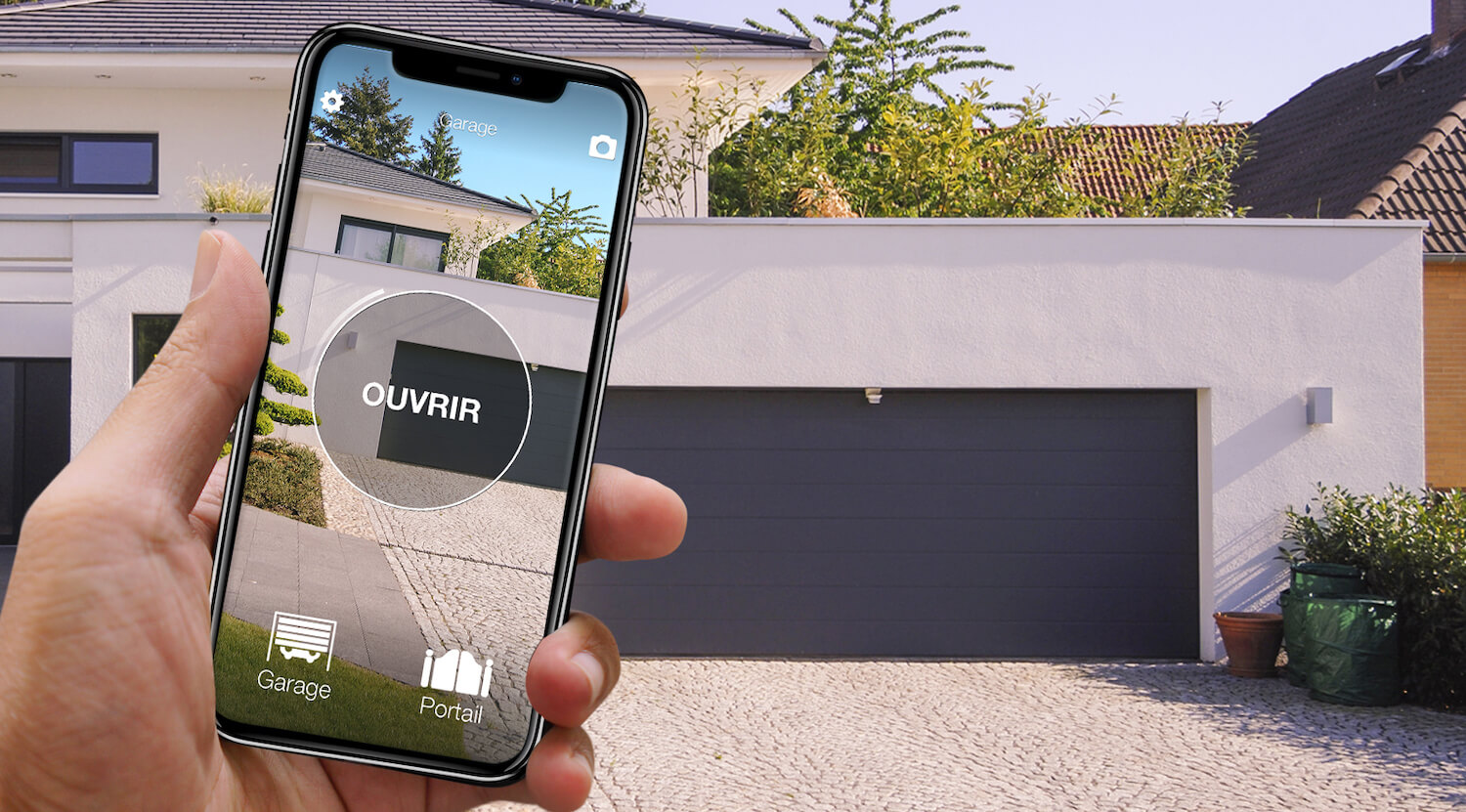
In short: there are two main ways to open a Benincà gate with your phone. The manufacturer's route is BeMOVE, the Benincà app for users: it works through a Benincà gateway linked to the automation, which the installer fits. The route that leaves the control unit alone is 1Control SOLO: it copies the Benincà remote you already use and opens the gate from the app over Bluetooth, with no internet at the gate. The catch is the remote. The TO.GO AK, AS and VA and the HAPPY AK, among the most common Benincà remotes of recent years, cannot be copied: for them the route is SOLO + KIT. A TO.GO WV, a CUPIDO or a LOT on 433 MHz copies directly.
Two labels decide: the full model name on your remote (on the back or inside the battery compartment) and, if you are considering the Benincà app, the model of the control unit, which the installer can read. Online you will also find Wi-Fi modules from other makers that are wired to the control unit, such as Remootio, which publishes a page for Benincà gates: they are in the comparison below. This page covers Benincà only; the general method is in how to open a gate with your smartphone. The information on BeMOVE and BeUP comes from the Benincà website.
Benincà gate and phone: the options side by side
| Solution | What you need | Installation | Internet needed? | Limits |
|---|---|---|---|---|
| BeMOVE, the Benincà route | A Benincà gateway (HOOP or pro.UP) linked to the automation, the modules your installation requires, the BeMOVE app | By the installer | Yes, to operate the gate from anywhere | The equipment depends on your control unit: the installer decides |
| Wi-Fi module from another maker, for example Remootio | The module, its power supply, Wi-Fi at the gate and the maker's app | Wires on the push-button input of the control unit | Usually yes | Wi-Fi is often weak at the gate; you work on the control unit |
| 1Control SOLO, wireless | A working Benincà remote that is on the list (TO.GO WV, CUPIDO, LOT and others) and the 1Control app | No wiring: the remote is copied in the app, SOLO hangs near the gate, on batteries | Not for opening (Bluetooth); with the LINK hub, also from anywhere | Bluetooth range 15-20 m |
| 1Control SOLO + KIT | SOLO and the KIT receiver, with its own remote | A technician connects the receiver to the control unit; then the copy in the app | Not for opening (Bluetooth); with LINK, also from anywhere | The route for TO.GO AK, AS, VA, HAPPY AK and quartz remotes |
None of them is best for everyone. If the installer is coming anyway, for a new automation or a new control unit, and you want a Benincà system end to end, BeMOVE is the natural route. If your TO.GO WV or CUPIDO works and you would rather not touch the control unit, in a shared driveway or a rented house for example, SOLO puts the gate on your phone without connecting anything. With a TO.GO AK, AS or VA the fair comparison is BeMOVE against SOLO + KIT: in both cases someone has to work at the control unit.
BeMOVE (and BeUP) or SOLO: the Benincà apps
Benincà presents BeMOVE as the app for people who use its automations, on iOS and Android. It does not talk to the gate on its own: according to Benincà, the automation is linked to the app through a gateway, the HOOP or the pro.UP, in some installations with additional radio modules in the control unit. What Benincà promises the user: operating the gate from anywhere, checking its status, a notification when it opens, deciding who can use the access and when, and letting a trusted installer connect remotely for a quick diagnosis.
BeUP is the other Benincà app, and it is for professionals: with the pro.UP interface the installer programs and diagnoses compatible control units. If you find BeUP in the app store, it is not the app for opening your gate. In both cases the app alone is not enough: without the gateway and a compatible control unit there is nothing to command, and which equipment your installation needs is for the installer to say. SOLO starts from the other end, the remote in your pocket: if it is on the list, nothing is fitted at the control unit, and the original remotes keep working.

Benincà gate or garage? Open it from your phone too
See which Benincà remotes are compatible with 1Control SOLO: it fits your existing gate or garage automation. One-off purchase, no subscription.
139,00€ 119,00€ VAT included
- 1,500+ reviews on Amazon, Facebook and Trustpilot
- Secure payments
- 2-year warranty
Which Benincà remotes SOLO copies: the table
1Control SOLO learns the radio signal of your remote once and sends it again when you tap the button in the app. It is connected neither to the control unit nor to the mains: two C batteries, already fitted, last about two years at ten openings a day. It is weatherproof, hangs near the gate and talks to your phone over Bluetooth, so no internet is needed at the gate. One SOLO handles up to four automations, even from different brands.
With Benincà, the remote decides. The TO.GO with the AK and AS suffixes, the TO.GO VA and the HAPPY AK are rolling-code remotes with Benincà's ARC coding, and the checker lists them as "needs the KIT": SOLO recognises hundreds of codings, but not this one. The TO.GO WV, TO.GO QV, CUPIDO, IO.2WV, APPLE, ROLLKEY and LOT2WCV belong to another rolling-code family and copy, as do the fixed-code LOT models. The LOT E, LOT ECV and TX BLUE are quartz remotes on 30.875 or 40.665 MHz.
| Benincà remote | Frequency and coding | With 1Control |
|---|---|---|
| TO.GO 2 AK, TO.GO 4 AK, TO.GO 2 AS, TO.GO 4 ASE, TO.GO VA 2, TO.GO VA 4, HAPPY 2 AK, HAPPY 4 AK | 433 MHz, ARC rolling code | Needs the KIT: SOLO + KIT |
| TO.GO2 WV, TO.GO4 WV, TO.GO QV, T4 WV, TWV, CUPIDO 2, CUPIDO 4, IO.2WV Blue and Orange, APPLE, ROLLKEY, LOT2WCV | 433.92 MHz (TO.GO QV: 868.5 MHz), rolling code | Copies onto SOLO |
| TO.GO WP, TW4 K, LOT W, LOT WMS, LOT XW | 433.92 MHz, fixed code | Copies onto SOLO |
| LOT A, LOT X, LOT XPS | 306 MHz, fixed code | Copies onto SOLO |
| LOT1E, LOT2E, LOT4E, TX2 BLUE, TX4 BLUE, LOT1ECV, LOT2ECV, LOT4ECV | 30.875 MHz (LOT ECV: 40.665 MHz), quartz, fixed code | Quartz: SOLO + KIT for the phone, QZERO for an extra remote |
Catalogue of the 1Control compatibility checker, 23/10/2026: 36 Benincà models, 20 copy onto SOLO, 8 need SOLO + KIT, 8 are quartz. The check on your exact model is what counts.
Check your model in the compatibility checker under Benincà, then the app guides the copy: hold the remote next to the notch on the left side of SOLO, keep the button pressed until the app tells you to release it, and test the gate. You copy a working original remote with a fresh battery (a lost or broken one cannot be copied); one copy per gate is enough, and the original remotes keep working. Do not switch the coding of a remote by trial and error: a switch may require storing it again on the receiver and, on a shared gate, the agreement of whoever manages it. The step-by-step copy is in the guide to copying a remote to your phone.
TO.GO AK, AS, VA and HAPPY AK: the route is SOLO + KIT
SOLO KIT is a receiver with its own fixed-code remote, which SOLO can copy. A technician connects the receiver to the gate's control unit, like any additional receiver; you then copy the KIT remote onto SOLO instead of the TO.GO, once, from the app. From that moment the gate has two command routes that live side by side: your TO.GO remotes, which keep working as before, and SOLO, which answers your phone. The KIT works with any automation, Benincà or not, because it does not depend on the remote, and one KIT can serve two control units close to each other, a gate and a garage door for example.
Two honest caveats. The KIT means work at the control unit: if you cannot have anything connected to it, in a rented house or on a shared gate without the manager's consent, SOLO is not for you with a TO.GO AK, AS or VA, and the comparison to make is with BeMOVE through the installer. And the KIT is not a repair: if the gate does not respond to its TO.GO, the problem lies elsewhere. With a quartz LOT E, LOT ECV or TX BLUE, SOLO + KIT is again the route for the phone, while for an extra physical remote there is QZERO, which copies quartz remotes between 15 and 50 MHz.
From anywhere, by voice, in the car: SOLO + LINK
On its own SOLO is a Bluetooth solution: your phone has to be within 15-20 metres, less through reinforced concrete. In return it works without any network. To open from anywhere you add the 1Control LINK hub: it stays indoors, connected to the router over 2.4 GHz Wi-Fi or an Ethernet cable, and talks to SOLO over Bluetooth (about 25 metres line of sight). LINK also brings Alexa, Google Home and the app on CarPlay and Android Auto, while Siri Shortcuts already work with SOLO over Bluetooth. For the car there is also SOLO AUTO, which travels in the car and appears on CarPlay and Android Auto without LINK. SOLO does not report whether the gate is open or closed: that is the job of the opening sensor, which works with LINK.
With remotes, every extra person means an extra remote to buy and program. With SOLO the administrator creates free shares in the app, with the person's phone number and, if wanted, days, hours and an expiry date: the family, the cleaner on Thursday mornings, the builders for three weeks. A share is revoked with a tap, with nothing to collect back, and the history shows when the gate was opened.
Frequently asked questions
Is there a Benincà app to open the gate with my phone?
Yes: BeMOVE, the Benincà app for users. According to Benincà it works through a gateway, the HOOP or the pro.UP, linked to the automation by the installer. BeUP is the app for installers. Whatever the control unit, the 1Control app works with SOLO if your Benincà remote is on the compatibility list, or with SOLO + KIT if it is not.
Can my Benincà TO.GO remote be copied onto my phone?
It depends on the suffix. The TO.GO WV and TO.GO QV copy onto SOLO. The TO.GO AK, AS and VA and the HAPPY AK use the ARC coding and the checker lists them as needing the KIT: to open from your phone, the route is SOLO + KIT. The check on your exact model is what counts.
What is SOLO KIT, and why does it need a technician?
It is a receiver with its own fixed-code remote, connected to the control unit of the gate. SOLO copies the KIT remote instead of the TO.GO, which it cannot reproduce. Since the receiver is connected to the control unit, the job is for a technician. Your TO.GO remotes keep working, and the KIT works with any automation.
Can I open my Benincà gate with a phone call?
Only with a GSM module: a unit with its own SIM card, wired to the control unit, that opens when a number it knows calls. SOLO works differently: the app talks to it over Bluetooth, and from far away through the LINK hub on your home internet. Neither SOLO nor LINK uses a SIM card.
Do the original Benincà remotes keep working?
Yes. Copying onto SOLO disables nothing: the remotes stay usable, for example by anyone who does not want the app. The same is true with SOLO + KIT, where the TO.GO remotes keep commanding the gate as before.
In short
Look at the label on your remote. A TO.GO WV, a CUPIDO, an IO.2WV or a LOT on 433 MHz: 1Control SOLO copies it in the app and opens your Benincà gate with your phone, without touching the control unit. A TO.GO AK, AS or VA or a HAPPY AK: the remote does not copy, and the choice is between BeMOVE and SOLO + KIT, both with a technician at the control unit. In every case LINK adds distance, voice and the car, and free shares replace the extra remotes. The same comparison for other gate brands is in open a Nice gate with your phone and open a Came gate with your phone.