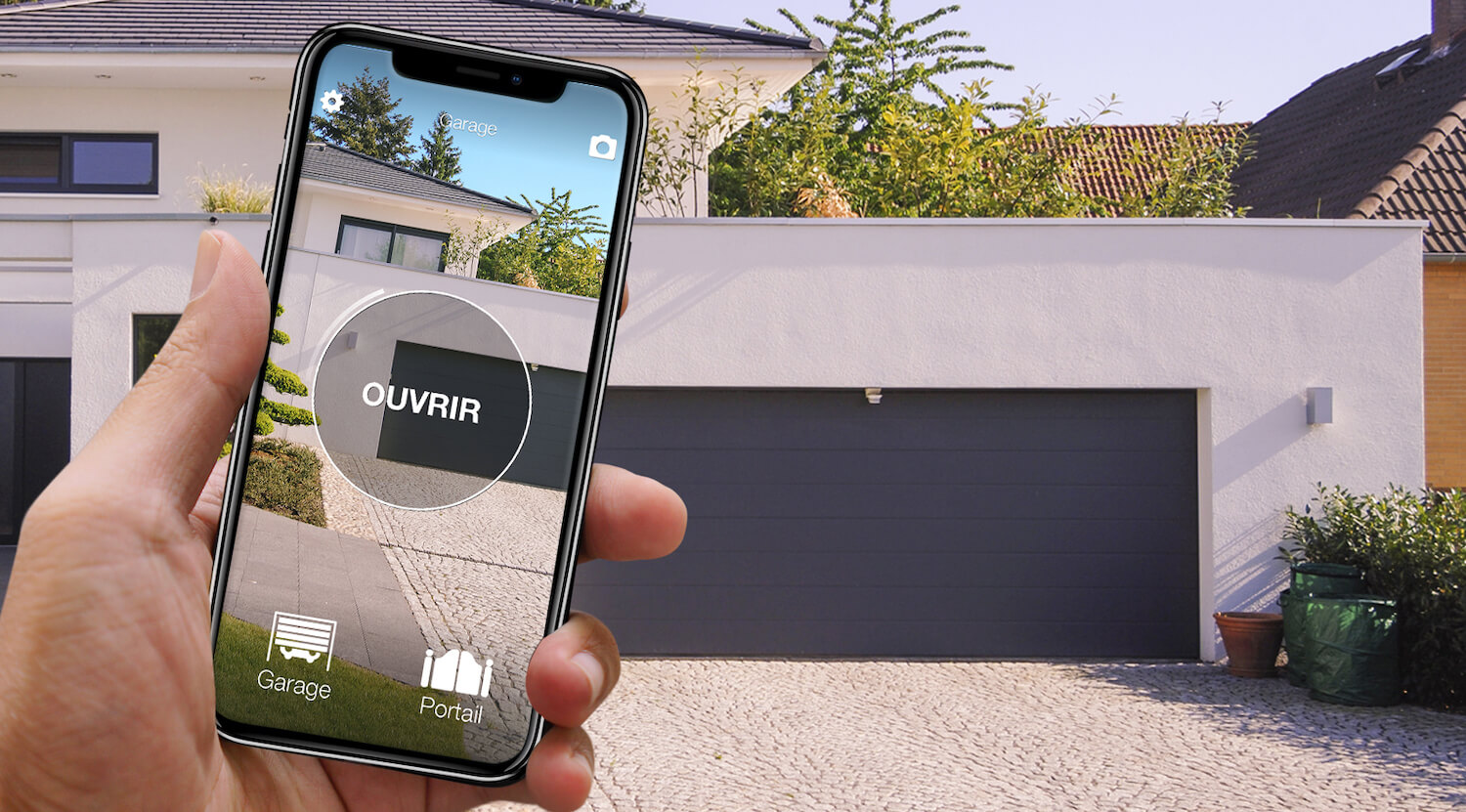
In short: there are two ways to open a Motorline gate with your phone. The manufacturer's route is MCONNECT, Motorline's Wi-Fi range with its own app: a module connected to the control board and Wi-Fi reaching the gate. The alternative is 1Control SOLO + KIT. Motorline remotes are not in the 1Control compatibility checker, so we do not promise a radio copy: a small receiver with its own remote is connected to the control board, 1Control SOLO copies that remote and opens the gate from the app over Bluetooth, with no internet at the gate. It works with any Motorline operator, and your Motorline remotes stay in use.
Both routes go through the control board, which is worth knowing before you buy. If what you want is to open a gate without the remote at all, read open a gate with your phone without a remote; the general method for every brand is in how to open a gate with a smartphone.
Motorline gate and phone: the options side by side
| Option | What you need | Installation | Internet needed? | Limits |
|---|---|---|---|---|
| MCONNECT, from the manufacturer | MCONNECT module (LINK or BRIDGE) and the MCONNECT app | Module connected to the control board | Yes, Wi-Fi at the module | MCONNECT LINK only on Motorline control boards made from 2024 |
| Third-party module (ismartgate, GSM and others) | Module, power supply, Wi-Fi or SIM card | Wired to the push-button input | Depends on the module | Work on the control board, signal at the gate |
| 1Control SOLO + KIT | KIT connected to the control board, battery-powered SOLO near the gate | KIT fitted by an installer or electrician | Not to open; remote access with LINK | Bluetooth 15-20 m; you must be able to connect the KIT |
With a recent Motorline control board, Wi-Fi at the gate and an installer who looks after the system, MCONNECT is the natural route, and it also shows the gate status. If Wi-Fi does not reach the gate, if the control board is a few years old or if your automations are of different brands, SOLO + KIT works over Bluetooth with any control board that has a command input.
MCONNECT or SOLO + KIT: what Motorline offers
MCONNECT is Motorline's smart home range: Wi-Fi modules controlled from the MCONNECT app on a phone, tablet or computer. Two products are relevant to the gate. MCONNECT LINK is a Wi-Fi device for Motorline control boards: according to the manufacturer, it is compatible with boards made from 2024 onwards, controls the gate remotely, shows its status without sensors and lets the installer program the board remotely. MCONNECT BRIDGE is a Wi-Fi module with a relay output, wired to the automation; Motorline lists it for other brands too, with one of its own receivers. The manufacturer also mentions control from the car screen with Android Auto (details on the Motorline smart home page).
The difference is the approach. MCONNECT lives on the network: Wi-Fi has to reach the module, and LINK needs a recent board. With SOLO + KIT, the phone talks to SOLO over Bluetooth and internet is only needed to open from far away, with the LINK hub at home; the open/closed status comes from a 1Control opening sensor, together with LINK.

Remote not copyable? SOLO + KIT makes any gate smart
SOLO KIT wires to the push-button input of the motor and works with any automation: SOLO then opens from your phone even when the original remote cannot be copied. One-off purchase, no subscription.
139,00€ 119,00€ VAT included
- 1,500+ reviews on Amazon, Facebook and Trustpilot
- Secure payments
- 2-year warranty
Why the Motorline remote cannot be copied to SOLO
SOLO normally learns the signal of a working remote once and sends it again when the app asks. The condition is that the remote is in the compatibility catalogue, and Motorline is not there: no model, neither the FALK nor the MX4SP nor the brand's other transmitters. The checker confirms no copy and we do not promise one either; a "universal remote" does not help.
| Remote | In the checker | With 1Control |
|---|---|---|
| Motorline remotes (FALK, MX4SP and the other models) | Brand not in the catalogue | KIT needed (SOLO + KIT) |
1Control compatibility checker catalogue as of 23/10/2026.
Check anyway in the SOLO compatibility checker: if Motorline enters the catalogue with copyable models, the checker will show it before this page does.
How SOLO + KIT works on a Motorline gate
The SOLO KIT is not the same as SOLO: a 433 MHz radio receiver with its own fixed-code remote, cables included. The receiver is connected to the control board like an extra push button: for the operator, every pulse from the KIT is a press of that button. So it works with any automation that has a command input, Motorline or not. Nothing is deleted from the gate's receiver: your Motorline remotes keep working.
1Control SOLO is fixed near the gate, runs on two C batteries (about two years at ten openings a day) and is weatherproof. It copies the KIT remote, which is in the catalogue, and then opens from the 1Control app over Bluetooth. One SOLO handles up to four automations.
To be clear: the KIT needs a connection to the control board. It is a simple job for an installer or electrician; for a shared gate, check with the management too. If you cannot connect anything to the automation, SOLO is not the answer for your Motorline gate, and it is better to know that before buying.
ismartgate, GSM modules or SOLO + KIT
Searching for how to open a Motorline gate with your phone also brings up ismartgate and other Wi-Fi modules, and GSM modules: they hold a SIM card, are wired to the control board and open when an authorised number calls (see the GSM gate opener guide). The KIT has to be connected too; the difference comes afterwards: no network at the gate, access shared from the app and one SOLO for four automations, even of different brands.
Opening remotely and sharing: SOLO + LINK
On its own, SOLO is a Bluetooth solution: the phone has to be within 15-20 metres, less through reinforced concrete, but it works with no network, even in an underground car park. To open from anywhere, for the courier or with Alexa and Google Home, you add the 1Control LINK hub: it stays at home, connected to the router over 2.4 GHz Wi-Fi or Ethernet and talks to SOLO over Bluetooth (about 25 metres in a straight line). For the car there is SOLO AUTO, with CarPlay and Android Auto, without the LINK functions.
In the app, the administrator creates free shares by phone number, with days, times and an end date if needed: the family permanently, the cleaner on Thursday mornings, the builders for three weeks. A share is revoked with one tap and the history shows the openings.
When SOLO + KIT makes sense, and when it does not
- It makes sense if you want to open the Motorline gate with your phone, share access without buying remotes and can have the KIT connected.
- It makes sense if Wi-Fi does not reach the gate: SOLO opens over Bluetooth.
- It does not make sense if you only need one more remote: buy an original Motorline remote and pair it with the receiver.
- It does not make sense if nobody can connect anything to the automation, for example a rented garage without the owner's consent.
FAQ: Motorline gates and your phone
Can a Motorline remote be copied to SOLO?
No. Motorline has no models in the 1Control compatibility checker, so there is no radio copy to promise. A Motorline gate opens with your phone through SOLO + KIT: a receiver with its own remote connected to the control board, and SOLO copying that remote.
Is there a Motorline app to open the gate?
Yes: MCONNECT, with a Wi-Fi module connected to the control board. According to the manufacturer, MCONNECT LINK works with Motorline control boards made from 2024 and MCONNECT BRIDGE has a relay output. Without Wi-Fi at the gate, there is 1Control SOLO + KIT, over Bluetooth.
Does SOLO + KIT work with any Motorline operator?
The KIT is connected to the control board like an extra push button, so it works with any motor that has a command input, whatever the brand or age.
Will my Motorline remotes keep working?
Yes. The KIT adds a receiver next to the existing one, and nothing is deleted from the gate's receiver. The remotes stay in use, for example for anyone who does not want the app.
Do I need Wi-Fi at the gate?
No. SOLO opens over Bluetooth when you are nearby. To open from far away, and for Alexa and Google Home, you add the LINK hub, which stays at home near the router.
In short: which route for your Motorline gate
A Motorline gate does not reach your phone by copying the remote, and we do not promise that. It gets there with MCONNECT, if the control board is recent and Wi-Fi is available, or with 1Control SOLO + KIT: any operator, free shares and, with LINK, remote opening too, as long as someone connects the KIT. For a brand whose remotes partly need the KIT, see open a BFT gate with your phone.