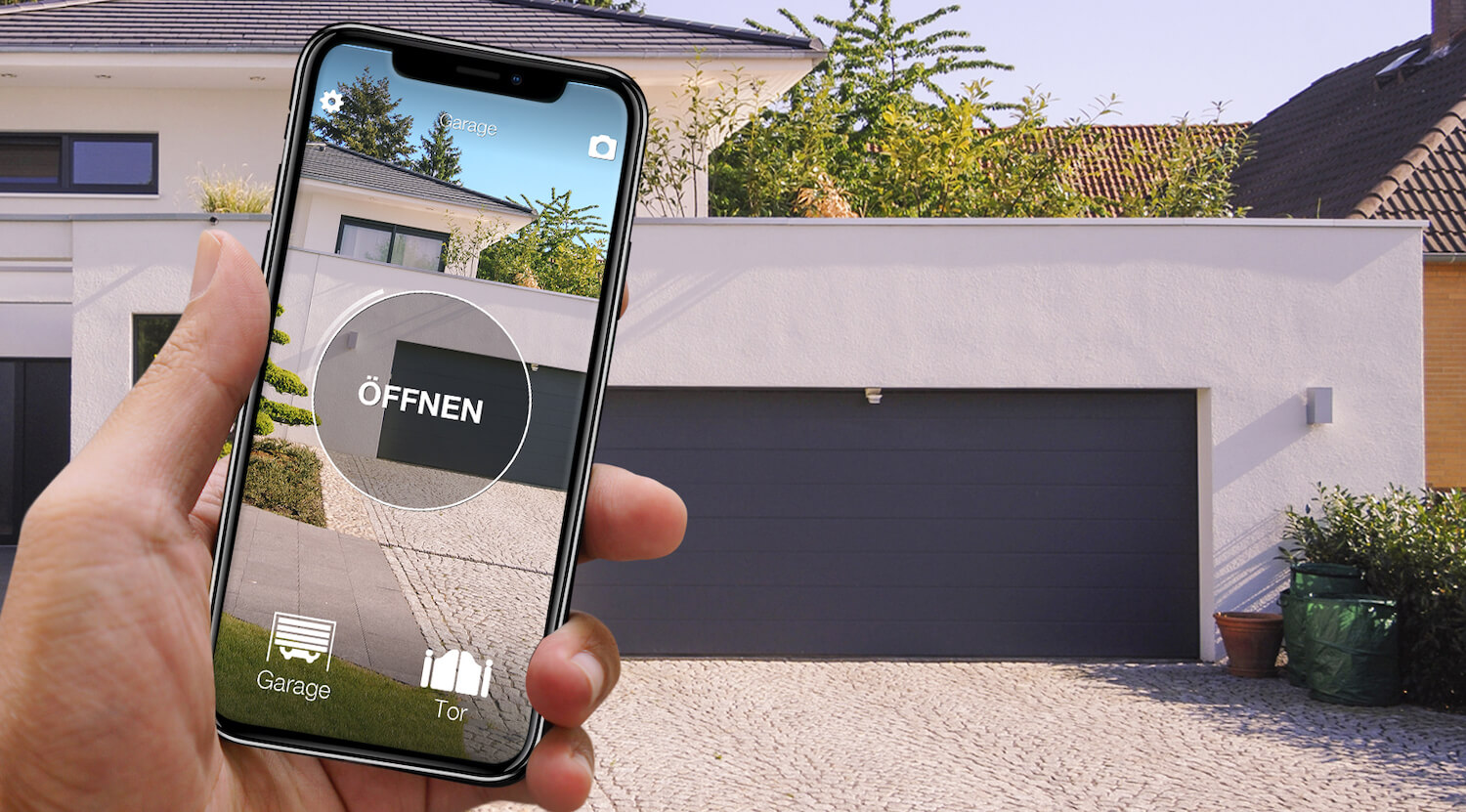
In short: there are two ways to open a Schellenberg garage door with your phone, and both work over Bluetooth. The first is the manufacturer's: the Schellenberg Smartphone Garagentoröffner (item 60990, also as the PLUS 60991 and the 60992 with a USB cable), a receiver module wired to the control unit of the operator and used with a free app, for up to five smartphones. The second is 1Control SOLO + KIT. The Schellenberg remote does not copy: the compatibility checker lists just one, the 60853, with a rolling code. So 1Control SOLO copies the remote that comes with the SOLO KIT, a receiver that a technician connects to the operator, and then opens the garage from the 1Control app, with no internet needed in the garage.
Alfred Schellenberg is a German company based in Siegen that makes garage door and gate operators designed for do-it-yourself fitting, sold in DIY stores and online. The module details below come from the schellenberg.de product pages and from the app's App Store and Google Play listings (checked on 25/10/2026), the remote data from the 1Control compatibility checker. The overview for every brand is in smart garage door opener without Wi-Fi.
Schellenberg Smartphone Garagentoröffner or SOLO + KIT
According to Schellenberg, the Smartphone Garagentoröffner has two parts: a receiver module for the operator and an app for the phone. The module is wired with its cable to the control unit of the operator and mounted near it, with its antenna screwed on; it receives commands from the phone over Bluetooth and passes them to the operator by cable. The stated range is about 15 metres in open air, reduced by car bodywork, walls and the door itself. You can pair up to five smartphones, the coding is "scan-proof", existing remotes keep working and the operator does not need modifying. The free app is called SMARTPHONE GARAGENTORÖFFNER, published by Alfred Schellenberg GmbH for iOS and Android, and according to its listings it controls "almost all" door operators.
For Schellenberg operators, the 60992 product page is specific: on the POWERLIFT 800N and 1000N the module is plug & play; on the Smart DRIVE Action, Smart DRIVE 10 and 14 and the POWERLIFT 550N it needs a USB type A power supply, as on operators of other brands. The PLUS version (60991) runs on an external power supply. For other makers' operators, Schellenberg asks you to check that the control board has 6-36 V DC terminals. The module is rated IP20, so it goes in a dry place. The product pages do not mention opening from afar, voice assistants or the car.
| Schellenberg Smartphone Garagentoröffner | 1Control SOLO + KIT | |
|---|---|---|
| What goes on the operator | The receiver module, wired to the control unit | The KIT receiver, connected by a technician; SOLO on batteries near the door |
| Operators | Schellenberg (POWERLIFT, Smart DRIVE) and, according to the maker, many operators of other brands | Any operator, Schellenberg or another brand, that the KIT receiver can be connected to |
| Connection | Bluetooth, about 15 m in open air | Bluetooth, 15-20 m, no internet in the garage |
| Who can open | Up to 5 smartphones paired with the module | 10 users with a standard SOLO; free access sent to a phone number, with time slots and an expiry date |
| From afar, by voice, in the car | Not mentioned on the product pages | With the LINK hub; CarPlay and Android Auto also with SOLO AUTO |
| Existing remotes | Keep working | Keep working |
With a single Schellenberg door and five phones at most, the maker's module does the job. SOLO + KIT makes sense when there is more than one door, even of different brands (one SOLO handles up to 4 automations in the same app), when there are more than five users or they change, such as guests, staff or a cleaning company, and when you later want to open from afar, by voice or from the car: you add LINK without touching the operator again.

Remote not copyable? SOLO + KIT makes any gate smart
SOLO KIT wires to the push-button input of the motor and works with any automation: SOLO then opens from your phone even when the original remote cannot be copied. One-off purchase, no subscription.
139,00€ 119,00€ VAT included
- 1,500+ reviews on Amazon, Facebook and Trustpilot
- Secure payments
- 2-year warranty
Why a Schellenberg remote does not copy
With most brands you simply copy the remote onto SOLO; with Schellenberg you cannot. The compatibility checker lists one Schellenberg remote, the 60853 on 433 MHz ("Handsender DRIVE", which according to Schellenberg controls the Smart DRIVE, DRIVE, TWIN and SLIDE series): it uses a rolling code, a coding that SOLO does not copy.
| Schellenberg remote | Frequency and coding | With 1Control SOLO (phone) |
|---|---|---|
| 60853 ("Handsender DRIVE") | 433 MHz, rolling code | Does not copy: SOLO + KIT |
| Other models, not listed (for example the POWERLIFT 60870 on 433 MHz or the 60930 and 60931 on 868.4 MHz for the SMART DRIVE M, L and XL) | Depends on the model | Not listed: SOLO + KIT |
1Control compatibility checker catalogue, updated on 25/10/2026; examples of unlisted models from the schellenberg.de product pages.
The model is printed on the back of the remote or in the battery compartment; a model that is not on the list does not copy. Check yours in the checker under Schellenberg. For an extra remote you need an original Schellenberg remote that suits the operator, stored on the control unit. For the phone, whatever your Schellenberg remote, the route is the KIT.
SOLO + KIT: your Schellenberg garage on your phone
The SOLO KIT is not SOLO: it is a 433 MHz receiver with its own fixed-code remote, which SOLO always copies. A technician connects the receiver to the garage door operator; from then on the KIT remote moves the door, and SOLO copies that one instead of the Schellenberg remote. The KIT does not depend on the operator's radio, so it suits any Schellenberg unit, and your original remotes keep working.
- Have a technician connect the KIT receiver to the operator, or do it yourself if you are comfortable with electrical work; the KIT remote should now move the door.
- Mount SOLO near the door. It is not wired to the operator or to the mains: two C batteries last about two years at around ten openings a day.
- In the 1Control app, hold the KIT remote against the notch on the left side of SOLO and follow the instructions.
- Wait until the door is fully closed, then tap the round test button: if the door starts, the copy is done.
If you cannot connect anything to the operator, SOLO is not the right fit. The app history shows who opened and when.
Remootio, ismartgate or SOLO + KIT
Search results also bring up Remootio, which publishes a page about Schellenberg gates and garage doors, and ismartgate, which does the same for some Schellenberg operators. Both are smart openers wired to the push-button input of the operator and run on their maker's app, usually over your home Wi-Fi (Remootio, according to its page, also over Bluetooth). A GSM module takes a SIM card, is wired the same way and opens when an authorised number calls (see the GSM gate opener guide). Opening over Wi-Fi or GSM needs signal in the garage, which underground car parks often lack; over Bluetooth, as with the Schellenberg module and with SOLO + KIT, it does not.
Your Schellenberg garage from afar, by voice and from the car
On its own, SOLO works over Bluetooth within 15-20 metres: it needs no network, even in an underground garage, but it will not open from the office. To open from afar you add 1Control LINK: the hub stays at home, connects to the internet over 2.4 GHz Wi-Fi or Ethernet and passes commands to SOLO over Bluetooth, within about 25 metres in a straight line. LINK brings Alexa, Google Home, Apple CarPlay and Android Auto; Siri Shortcuts already work with SOLO within Bluetooth range and, with LINK, from afar too. SOLO AUTO, the version to keep in the car, shows up on CarPlay and Android Auto without LINK (see open your gate with CarPlay). All of this works with the KIT too.
FAQ: Schellenberg garage doors and your phone
Can I open my Schellenberg garage door with my phone?
Yes, in two ways, both over Bluetooth. With the Schellenberg Smartphone Garagentoröffner (60990, 60991 or 60992), a receiver module wired to the control unit, with a free app for up to five smartphones. Or with 1Control SOLO + KIT: a technician connects the KIT receiver to the operator, SOLO copies the KIT remote and opens from the 1Control app, which also handles other doors and sends access to a phone number.
Can a Schellenberg remote be copied to a phone?
No. The compatibility checker lists one Schellenberg remote, the 60853 on 433 MHz, with a rolling code: it does not copy, and a model that is not on the list does not copy either. For the phone, the route is SOLO + KIT: SOLO copies the KIT remote, not the Schellenberg one, and your original remotes keep working.
Is there an iPhone app that can open a Schellenberg garage door?
Yes: Schellenberg's free SMARTPHONE GARAGENTORÖFFNER app, for iOS and Android, works with its receiver module and, according to the maker, accepts up to five smartphones. With SOLO + KIT it is the 1Control app: access is sent free to a phone number, with time slots and an expiry date, up to 4 automations fit in the same app, and LINK adds opening from afar, Alexa, Google Home and CarPlay.
Can I open my Schellenberg garage door without Wi-Fi?
Yes. Both the Schellenberg module and SOLO open over Bluetooth, with no router or internet in the garage. A network is only needed to open from afar: with 1Control, that is the job of the LINK hub, connected over 2.4 GHz Wi-Fi or Ethernet.
In short: the Schellenberg module or SOLO + KIT
Schellenberg has its own phone module, the Smartphone Garagentoröffner: with one door and a few phones, it is the maker's route, over Bluetooth. Its remote, on the other hand, does not copy; for everything else, several doors of different brands in the same app, time-limited access for guests and staff, opening from afar later on, the way to open a Schellenberg garage door with your phone is 1Control SOLO with the KIT: a technician connects the receiver once, then the door opens over Bluetooth from the app, with free access for the family; LINK adds distance, voice and the car. For sectional and up-and-over doors of every brand, see the garage door app guide.