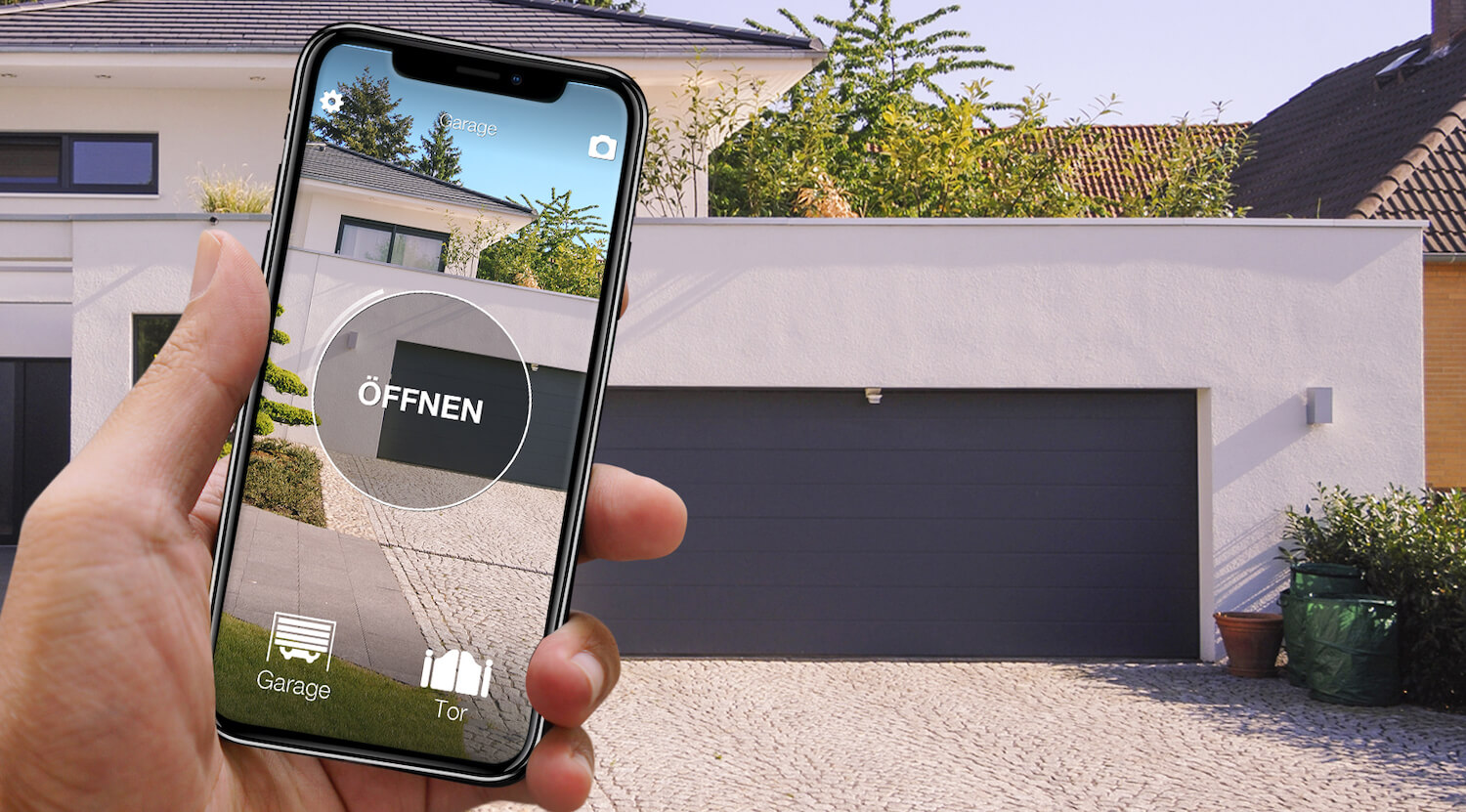
In short: there are two main ways to open a Sommer garage door with your phone. The manufacturer's route, SOMweb: a control unit that talks to the drive by radio, plus a free app. Or, without wiring anything to the drive, 1Control SOLO: it copies the Sommer remote you already use (a 4020 or 4026 TX03, a 4013, a 4022 and the other models on the list) and opens the door from the app over Bluetooth, with no internet in the garage. Today's Pearl, Slider and Vibe remotes are not on the list: for them the route is SOMweb or SOLO + KIT.
Two things decide: the model of the drive (on the rating plate or in the manual) and the remote in your pocket. There are also third-party options, which come up in every search: Wi-Fi relay modules such as Remootio or a Shelly relay, wired to the drive, and smart-home brands such as Delta Dore with their own receivers and app. They are in the comparison below. This page covers Sommer only; the general method is in our guide to a smart garage door opener without Wi-Fi. The information on SOMweb comes from Sommer's website.
Sommer garage door and phone: the options side by side
| Solution | What you need | Installation | Internet needed? | Limits |
|---|---|---|---|---|
| SOMweb, Sommer's own solution | The SOMweb control unit, home Wi-Fi (or a LAN adapter) and the SOMweb app | Control unit indoors, radio link (SOMloq2) to the drive; older drives through the SOMcom 2.1 module | For remote control, yes; according to Sommer the functions also work without internet | Compatible drives only, for example base+, pro+, tiga and tiga+; according to Sommer a connected photocell is required |
| Third-party Wi-Fi module, for example Remootio or a Shelly relay | The module, its power supply, Wi-Fi in the garage and the maker's app | Wires on the push-button input of the drive's control board | Usually yes | Wi-Fi is often weak in garages; you work on the drive |
| 1Control SOLO, wireless | A working Sommer remote that is on the list, and the 1Control app | No wiring: the remote is copied in the app, SOLO hangs near the door, on batteries | Not for opening (Bluetooth); with the LINK hub, also from anywhere | Bluetooth range 15-20 m; Pearl, Slider, Vibe and 40 MHz quartz remotes: SOLO + KIT |
None of them is best for everyone. With a recent Sommer drive, Pearl remotes and a wish to see in the app whether the door is closed, SOMweb is made for you. With good Wi-Fi in the garage and an electrician at hand, a wired module from another maker can work; a smart-home system such as Delta Dore makes sense if the rest of the house already runs on it. If you would rather not wire anything to the drive, rent the garage or have no network there, and own a TX03 or TX02 remote, SOLO puts the door on your phone with no cables or sockets.
SOMweb or SOLO: what Sommer's app does
According to Sommer, SOMweb consists of a control unit paired with your garage door drive and a free app for smartphone and tablet; you can also operate the door from a web browser. The control unit talks to the drive over the SOMloq2 radio system, with 128-bit AES encryption and no cable to the drive, and joins your home network over Wi-Fi or an optional LAN adapter.
The functions Sommer lists: opening, closing and checking the door status, push notifications for every movement, up to ten drives in one system, user management with time-limited access, and voice control. Sommer also stresses that the data stays in the garage and that the functions remain available without internet; to operate the door from outside the house, the control unit has to be connected to the router.
Directly compatible, again according to Sommer, are drives such as the base+, pro+, tiga and tiga+. Older drives such as the twist 200, RUNner, SP900, duo vision and marathon SL are connected through the SOMcom 2.1 module, which means something is fitted to the drive, by the installer if in doubt. Sommer also states that SOMweb needs a photocell connected to the drive: if your door has none, it has to be added first. You may also come across SOMlink: that is Sommer's service interface for installers, not an app for opening the garage.
In practice:
- SOMweb if your drive is on the manufacturer's list, you have Pearl remotes and you want door status and notifications from Sommer;
- SOLO if you have a TX03 or TX02 remote, do not want to wire anything to the drive or bring Wi-Fi into the garage, and want to give family and guests free access.

Sommer gate or garage? Open it from your phone too
See which Sommer remotes are compatible with 1Control SOLO: it fits your existing gate or garage automation. One-off purchase, no subscription.
139,00€ 119,00€ VAT included
- 1,500+ reviews on Amazon, Facebook and Trustpilot
- Secure payments
- 2-year warranty
SOLO: copy the Sommer remote you already have
1Control SOLO starts from the remote, not from the drive: it learns the radio signal once and sends it again when you tap the button in the app. SOLO is connected neither to the drive nor to the mains: two C batteries, already fitted, last about two years at ten openings a day. It is weatherproof, hangs near the door and talks to your phone over Bluetooth, so no internet is needed in the garage. One SOLO handles up to four automations, even from different brands.
The app guides the copy: check the model in the compatibility checker under Sommer, hold the remote next to the notch on the side of SOLO and keep the button pressed until the app tells you to release it. With Sommer there is one extra step, and it is expected: the app asks you to go to the drive's control unit and press the radio button (on some drives it is recessed and pressed with the tip of a small screwdriver), then to confirm and test the door. You need to reach the drive for a minute, not to wire anything; in a shared garage, ask whoever manages the system first. You copy a working original remote with a fresh battery (a lost or broken one cannot be copied); one copy per door is enough, and the original remotes keep working.
With Sommer remotes the generation is what counts, and it is printed in the battery compartment; the Sommer page for SOLO sums up the families:
| Remote model | Frequency | With 1Control |
|---|---|---|
| 4020 TX03-868, 4026 TX03-868, TX03-868-2-XP, TX03-868-4-XP, 4025 868, 4010 | 868 MHz, rolling code | Copies onto SOLO |
| 4013, 4014, TX03-434-2-XP, 4022, 4025 433 | 434 MHz, rolling code | Copies onto SOLO |
| Pearl 4018, 4018V001 Pearl Black Pink, 4018V020 Pearl White, Pearl Twin, Pearl White, Pearl White Pink | 868 MHz | Needs the KIT (SOLO + KIT) |
| Pearl Vibe 4019, Slider Vibe | 868 MHz | Needs the KIT (SOLO + KIT) |
| 4004, 4050, TYP S435 | 40 MHz | Quartz remote: not copyable, SOLO + KIT; for an extra remote, QZERO |
1Control compatibility catalogue, 23/10/2026: 22 Sommer models, 11 copyable. The check on your exact model is what counts.
Pearl, Slider and Vibe: SOLO + KIT, or SOMweb
The Pearl remotes (4018, Pearl Twin, Pearl White, Pearl Vibe 4019) and the Slider Vibe use the SOMloq2 system and are not on the SOLO list, nor are the old 40 MHz quartz remotes 4004, 4050 and S435. Pearl remotes come with the most recent Sommer drives, such as the base+ and pro+. For them there is SOLO KIT: a small receiver with its own fixed-code remote, connected to the drive's control board by a technician; SOLO then copies the KIT remote instead of the Sommer one, and your Pearl remotes keep working.
If you cannot connect anything to the drive, SOLO is not for you with a Pearl remote: the fair comparison then is SOMweb, which talks to compatible drives by radio. If you have an old 40 MHz system and only want an extra remote, QZERO is the answer.
From anywhere, by voice, in the car: SOLO + LINK
On its own SOLO is a Bluetooth solution: your phone has to be within 15-20 metres, less through reinforced concrete. In return it works without any network, even in an underground garage. To open from anywhere you add the 1Control LINK hub: it stays indoors, connected to the router over 2.4 GHz Wi-Fi or an Ethernet cable, and talks to SOLO over Bluetooth (about 25 metres line of sight). LINK also brings Alexa, Google Home and the app on CarPlay and Android Auto, while Siri Shortcuts already work with SOLO over Bluetooth. For the car there is also SOLO AUTO, which travels in the car and appears on CarPlay and Android Auto without LINK.
SOLO does not report whether the door is open or closed: it sends the command but does not know where the door is. That is the job of the opening sensor, stuck to the door with no wires, which works with the second-generation LINK hub and sends the status and alerts to the app; the details are in garage door left open? Check it on your phone. With remotes, every extra person means an extra remote to buy and program. With SOLO the administrator creates free shares in the app, with the person's phone number and, if wanted, days, hours and an expiry date: the family, the cleaner on Thursday mornings, the builders for three weeks. A share is revoked with a tap, with nothing to collect back.
Frequently asked questions
Is there a Sommer app to open the garage door?
Yes: Sommer offers SOMweb, a control unit that talks to the drive by radio and a free app to open, close and check the status of the door. According to Sommer it works directly with drives such as the base+, pro+, tiga and tiga+; older ones need the SOMcom 2.1 module. Whatever the drive, the 1Control app works with SOLO, as long as your Sommer remote is on the compatibility list.
Can I open my Sommer garage door with my phone without wiring anything to the drive?
Yes, with 1Control SOLO, if your remote is on the list. SOLO copies the signal of your working Sommer remote, for example a 4020 or 4026 TX03, and sends it when you ask from the app, over Bluetooth and without internet. During the copy the app asks you to press the radio button on the control unit: an expected step, with no wiring. SOLO runs on batteries and the original remotes keep working.
Which Sommer remotes does SOLO copy?
The rolling-code remotes of the TX03 and TX02 generations: 4020 and 4026 TX03-868, 4013 and 4014, the XP versions, and 4010, 4022 and 4025 on 434 and 868 MHz. The SOMloq2 Pearl remotes (Pearl, Pearl Twin, Pearl White, Pearl Vibe) and the Slider Vibe are not on the list, nor are the 40 MHz quartz remotes 4004, 4050 and S435: for those there is SOLO + KIT. The check on your exact model is what counts.
What are the downsides of each option?
SOMweb works only with compatible drives, needs a connected photocell according to Sommer and, for older drives, an extra module. A third-party Wi-Fi module means wiring at the drive and a decent Wi-Fi signal in the garage. SOLO opens over Bluetooth within 15-20 metres, needs the LINK hub for remote control and a copyable remote; with Pearl remotes it needs the KIT.
Can I see whether my Sommer garage door is closed?
With SOMweb, door status is a manufacturer feature. With 1Control you need the opening sensor, which works with SOLO and the second-generation LINK hub: the open or closed status appears in the app and you get alerts. SOLO on its own sends the command but does not know whether the door is closed.
In short
Two questions are enough. Is your drive on the SOMweb list, do you have Pearl remotes and want door status with the manufacturer's features? SOMweb is made for you. Do you have a working 4020, 4026 or another TX03 or TX02 remote and no wish to wire anything to the drive? Then open your Sommer garage door with your phone through 1Control SOLO, with free shares for the family and, with LINK, from anywhere. The same comparison for another garage door brand is in open a Hörmann garage door with your phone.