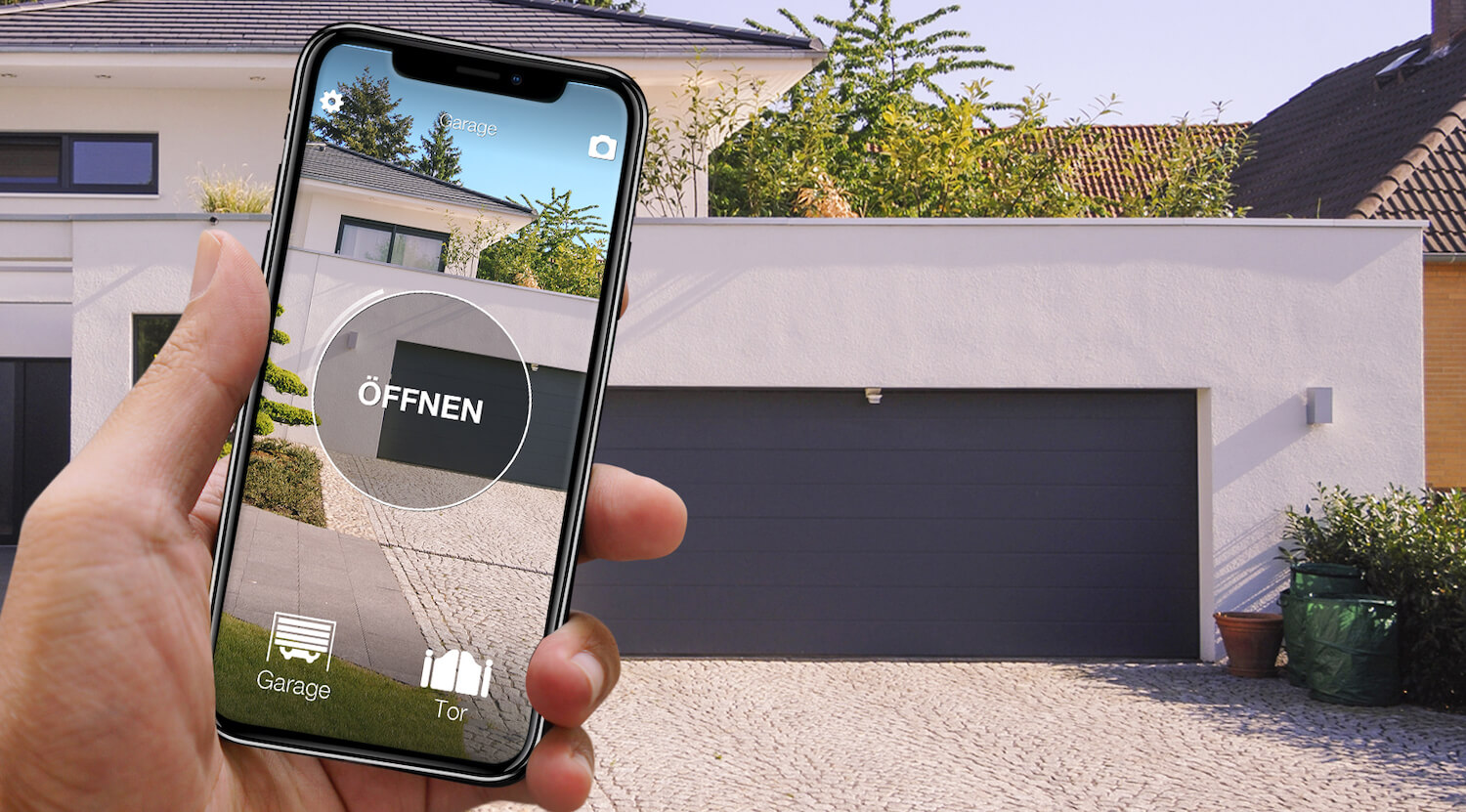
In short: with JCM, opening the garage door from your phone is the easy case: all 36 JCM remotes in the compatibility checker copy, from the Go series (Go, Go Mini, TechGo) to the Neo series, plus the Twin and the old fixed-code models. 1Control SOLO copies the remote you already use and opens the door from the 1Control app over Bluetooth, with no wiring on the control unit and no internet in the garage. JCM also has its own app, HONOA, but it only works with compatible JCM receivers.
JCM Technologies is a Spanish manufacturer based in Vic, near Barcelona. It makes remotes and receivers for garage doors and gates, also under the brand of installers and door makers, and it is common in shared garages under apartment buildings. The general method, for every brand, is in our guide on how to open a gate with your smartphone.
JCM garage door: 3 ways to open it with your phone
| Solution | What you need | Installation | Internet needed? | Limits |
|---|---|---|---|---|
| 1Control SOLO, wireless | A working JCM remote on the list and the 1Control app | No wiring: copy from the app, battery-powered SOLO near the door | Not to open (Bluetooth); yes for remote use, with the LINK hub | Bluetooth range 15-20 m; in a shared garage, agree where to mount it |
| JCM HONOA, from the manufacturer | A HONOA-compatible JCM receiver, the HONOA app and a licence per user | Receiver added to the system: ask your installer or supplier | Not over Bluetooth; yes to open from afar | HONOA receivers only; licences renewed every 5 years, according to JCM |
| Smart module from another maker | A Wi-Fi or GSM module, power, signal in the garage | Wired to the push-button input of the control unit | Wi-Fi: almost always; GSM: mobile network | Work on the control unit, which needs permission in a shared garage |
In a shared garage, a rented space or with a motor under warranty, copying the remote onto SOLO is the only route that touches nothing. HONOA is the manufacturer's route when the installer or the building manager brings it to the whole system.
No changes to the control unit: 1Control SOLO copies the JCM remote
1Control SOLO learns the radio signal of your JCM remote once and sends it again whenever the app asks. It is not connected to the control unit or to the mains: two C batteries, already fitted, last about two years at around ten openings a day. It is weatherproof and mounts near the door. The 1Control app guides the copy:
- Check the model on the remote (table below, then the checker).
- Hold the remote against the notch on the left side of SOLO and keep the button pressed until the app tells you to release it.
- With a Go or a Neo, which are rolling-code remotes, the app may ask for an authorisation step on the receiver, as when you add a new remote: it explains what to do, a few metres from the door.
- With the door closed, tap the test button the app shows at the end: the door should start moving.
The remote must work, with a charged battery: a lost or broken one cannot be copied. One copy per door is enough, not one per person; the standard SOLO handles up to 4 automations, even of different brands, and the original remotes keep working. Family and guests get free access in the app on their phone number. In a shared garage, ask the building manager first how remotes are added.

JCM gate or garage? Open it from your phone too
See which JCM remotes are compatible with 1Control SOLO: it fits your existing gate or garage automation. One-off purchase, no subscription.
139,00€ 119,00€ VAT included
- 1,500+ reviews on Amazon, Facebook and Trustpilot
- Secure payments
- 2-year warranty
JCM remotes and SOLO: they all copy
The compatibility checker lists 36 JCM models, and they all have the same result: SOLO copies them. None needs the KIT and none is a quartz remote; only the frequency and the app procedure change.
| JCM remote | Frequency and coding | With 1Control SOLO |
|---|---|---|
| Go series: Go, Go Mini-NTN, Mini Go2 NTN, TechGo2, TechGo4, Go Cubells, Go Gibidi, Go-2 Antonio Oneca, Go2 Emfa, Forsa Go, Hydom Go, Dmil Go, Elemat Go, Cyacsa Go, Norton Go | 868.3 MHz, rolling code | Copies |
| Neo series: Neo Dmil, Neo Emfa, Neo Forsa, Neo Hybrid Plus, Neo Hydom, Neo ING, Neo Noratek, Neo Nueva Castilla, Neo Puyol, Neo Serviparking, Neo Zibor, Neo-Cubells, Neo10+Kom, Neo20 Sec | 433.92 MHz, rolling code | Copies |
| Twin | 433.92 MHz, rolling code | Copies |
| Binary, EF, ET (290), EM (284), EB (310), Trieme (320) | fixed code, several frequencies, 284 to 320 MHz | Copies |
1Control compatibility checker catalogue, updated on 23/10/2026.
Many Go and Neo remotes carry the name of an installer or a door maker (Forsa, Emfa, Cubells, Hydom…): they are custom versions, and they have the same result in the checker. What counts is the exact model printed on your remote. Newer JCM ranges such as MUV and BE PRO are not on the list today. The final word belongs to the compatibility checker, under JCM: compatibility always means "if the model is on the list". If your remote is not there, ask 1Control support before buying: the safe route is SOLO KIT, a receiver with its own remote that a technician connects to the control unit and that SOLO copies, while your JCM remotes keep working.
JCM HONOA or SOLO: what the JCM app does
HONOA is the JCM Technologies app for end users, free on Android and iOS. According to the manufacturer, it opens entrances from the phone over Bluetooth, with no internet on the phone or the receiver, and also from afar over the internet; it shows the door status, handles up to 15 locations and puts you in touch with the person in charge of the system or the building manager. It only works with compatible JCM receivers, though: HONOADOOR, HDOOREVO and HONOARELAY. HONOARELAY, for example, is a Bluetooth receiver that connects to the internet through a Wi-Fi or GSM module and runs on 12/24 V. And adding a user to the system takes a HONOA licence, which JCM renews every 5 years. The reference is the HONOA page on the JCM website.
The difference with SOLO is the approach. HONOA needs a compatible receiver in the system and gives you the door status in return; SOLO leaves the control unit as it is and uses the JCM remote that already works, so it only depends on the remote model. With 1Control, the open or closed status comes from an opening sensor that works with LINK. If your building already has HONOA, ask the building manager for a licence; if it does not, SOLO opens the same door without changing anything.
Remootio, ismartgate and GSM modules
Search for how to open a JCM garage door with your phone and you soon find modules that are not made by JCM. Remootio and ismartgate publish pages dedicated to JCM: they are smart openers wired to the push-button input of the control unit, used with their maker's app. A GSM module takes a SIM card, is wired the same way and opens when an authorised number calls. They suit almost any motor, but they mean opening the control unit, a power supply and signal in the garage, which is often missing underground; in a shared garage you also need permission. SOLO starts from the radio signal: with a JCM remote on the list, the control unit stays closed.
Your JCM garage from afar, by voice and from the car
On its own, SOLO works over Bluetooth within 15-20 metres, less through reinforced concrete: it works without a network even in an underground garage, but not from the office. To open from afar you add 1Control LINK: the hub stays at home, connects to the internet over 2.4 GHz Wi-Fi or Ethernet and passes the commands to SOLO over Bluetooth, within about 25 metres in a straight line. LINK brings Alexa, Google Home, Apple CarPlay and Android Auto; Siri Shortcuts already work with SOLO within Bluetooth range and, with LINK, from afar too. SOLO AUTO, the version you keep in the car, appears on CarPlay and Android Auto without LINK (see open your gate with CarPlay).
FAQ: JCM garage doors and your phone
Is there a JCM app to open the garage door with a phone?
Yes, HONOA: according to JCM it opens over Bluetooth without internet and also from afar, but it only works with the compatible receivers HONOADOOR, HDOOREVO and HONOARELAY, and each user needs a licence. Without changing the receiver there is 1Control SOLO, which copies the JCM remote you already use.
Which JCM remotes can 1Control SOLO copy?
All 36 models in the checker catalogue (23/10/2026): the Go series at 868.3 MHz, the Neo series and the Twin at 433.92 MHz, and the old fixed-code Binary, EB, EF, EM, ET and Trieme. None needs the KIT.
Can I use SOLO in a shared garage?
Yes. SOLO is not connected to the control unit or the mains: it mounts near the door, on batteries, and the original remote keeps working. With a Go or a Neo, which are rolling-code remotes, the app may ask for an authorisation step on the receiver, as for a new remote: agree on it with the building manager, together with where to mount SOLO.
Can I open my JCM garage door when I am away from home?
Yes, with the LINK hub, which stays at home, connects to the internet over 2.4 GHz Wi-Fi or Ethernet and passes the command to SOLO over Bluetooth. Without LINK, SOLO only opens up close, within 15-20 metres.
In short: with JCM, SOLO copies the remote you have
With JCM there is no table to study: Go, Go Mini, TechGo, Neo, Twin and the old fixed-code models all copy. To open a JCM garage door with your phone, a few minutes of copying on 1Control SOLO are enough, without touching the control unit; LINK adds distance, voice and the car, and shared access replaces extra remotes. HONOA is the manufacturer's route when the system has a compatible receiver. The same comparison for another garage brand is in open a Hörmann garage door with your phone.