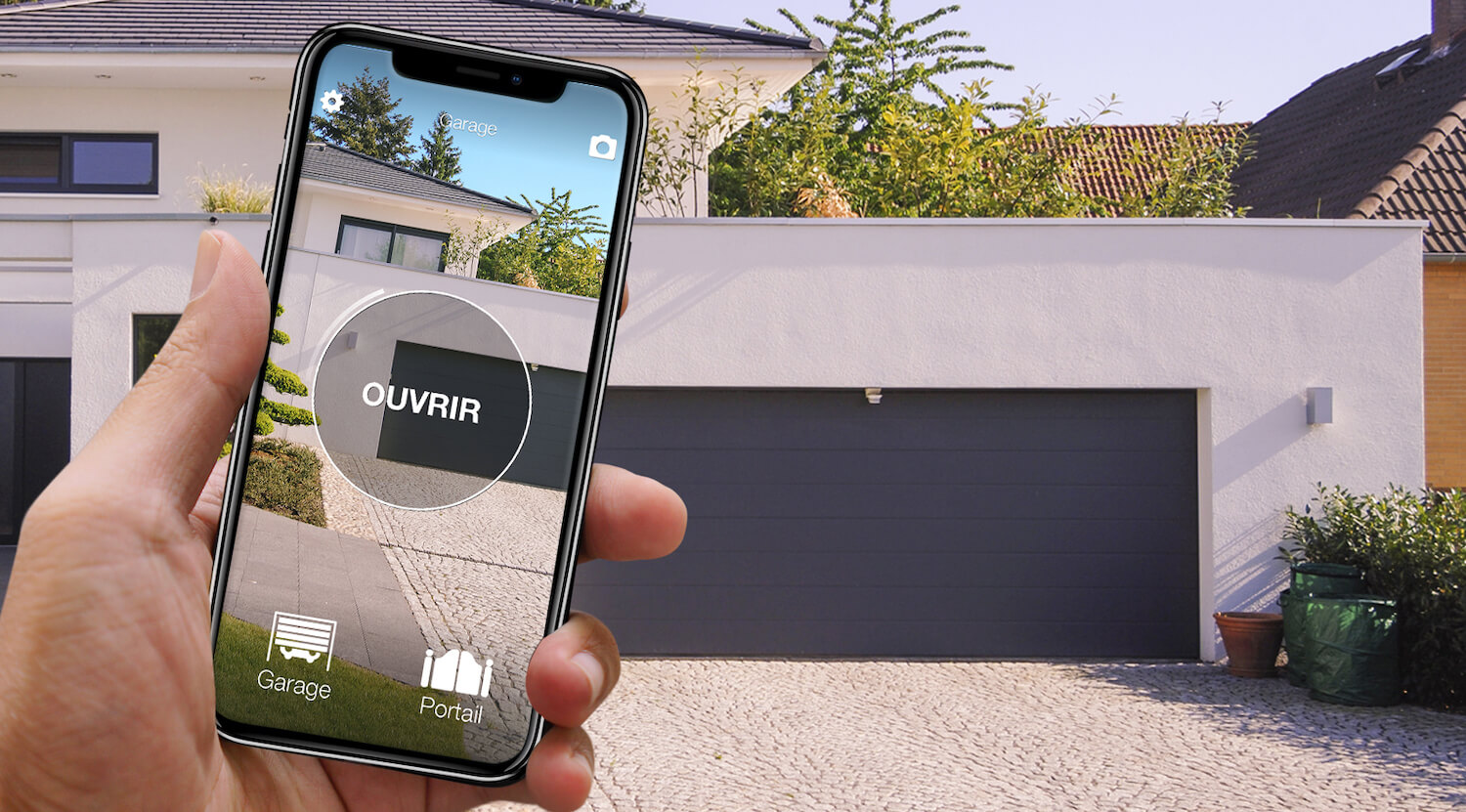
In short: there are three ways to open a Came gate with your phone. The manufacturer's route, CAME Connect: a gateway (Wi-Fi, Ethernet or 4G) fitted to a Came operator designed for it, plus the Automation app. A wired Wi-Fi module on the control board's push-button input, if Wi-Fi reaches the gate. Or, without a single wire, 1Control SOLO: it copies the Came remote you already use (TOP432, TOP434, TOP862NA, TOP864EV, TWIN and the other models on the list) and opens the gate from the app over Bluetooth, with no internet. Remotes that cannot be copied, such as ATOMO and TOP-D, have their own route: SOLO + KIT, explained below.
The right choice depends on two things: your gate's control board, which decides whether the Came gateway can be fitted, and the exact code on the remote in your pocket, which decides whether it can be copied. This page is only about Came; the general method is in our guide on how to open a gate with your smartphone. The CAME Connect facts come from the manufacturer's website.
Came gate: the 3 ways to open it with a phone
| Solution | What you need | Installation | Internet needed? | Which operators | Limits |
|---|---|---|---|---|---|
| CAME Connect, the manufacturer's route | A Came gateway (Wi-Fi, Ethernet or 4G), a CAME Connect account, the Automation app | Gateway fitted in the slot provided; set up by an installer | Yes: commands go through the CAME Connect cloud | Came operators built with Connect technology | Check older boards; a connection is needed at the gate |
| Wired Wi-Fi module from another brand | A relay module, a power supply, Wi-Fi reaching the gate | Wired to the push-button input of the control board | Almost always | Almost all: the module acts as a push button | Wi-Fi often weak at the gate; work inside the control box |
| 1Control SOLO, wireless | A working Came remote on the list, and the 1Control app | No cables: the remote is copied from the app, SOLO sits near the gate, on batteries | No to open (Bluetooth); yes for remote opening, with the LINK hub | All: what matters is the remote (TOP432, TOP434, TOP862NA, TOP864EV, TWIN on the list) | Bluetooth range 15-20 m; ATOMO, TOP-D, TTS, KRONO and quartz remotes: SOLO + KIT |
None of the three is best in every case. On a recent Came installation looked after by an installer, CAME Connect is the natural route. With good Wi-Fi at the gate, the wired module does the job. And when the control box cannot or should not be opened (rented home, shared gate, warranty, old board), copying the remote onto SOLO is the only option that touches nothing.
CAME Connect: the manufacturer's app for the gate
CAME Connect is the technology Came uses to link its operators to the internet. The principle, as the manufacturer describes it: every operator needs a gateway, and many products in the range are built with a slot for it. The current catalogue includes Wi-Fi, Ethernet and 4G gateways. There are two apps: Automation, for the end user, which opens, closes and monitors the operator from anywhere after logging in with CAME Connect credentials; and Connect SetUp, for the professional, which configures the operator and manages remotes and accessories. Came also states that the gateways work with Amazon Alexa and Google Home. The reference is the CAME Connect page on the manufacturer's site.
- CAME Connect is the right choice if the operator is recent and has the gateway slot, if a connection reaches the gate (or you choose the 4G gateway), and if you want to know whether the gate is open or closed, not just open it.
- On a fifteen-year-old Came, do not buy a gateway before checking that the board is designed for it: the manufacturer's documentation says. And if the gate belongs to the building, the control box is not yours.

Came gate or garage? Open it from your phone too
See which Came remotes are compatible with 1Control SOLO: it fits your existing gate or garage automation. One-off purchase, no subscription.
139,00€ 119,00€ VAT included
- 1,500+ reviews on Amazon, Facebook and Trustpilot
- Secure payments
- 2-year warranty
A wired Wi-Fi module on the Came control board
The second route does not depend on the brand: a small connected module wired to the board's command input, where a wall push button or key switch is normally connected. To the Came control unit it is one more button; to you, a button in an app. The board generation and the remote model do not matter. Two things to check first: Wi-Fi at the gate (thirty metres from the router, behind a concrete pillar, the signal is often too weak, and many of these modules go through their maker's cloud) and the wiring, done inside the control box: a job for an electrician or installer, to agree with them if the operator is under warranty and with the management company if the gate is shared.
Without touching the control board: 1Control SOLO copies the Came remote
1Control SOLO approaches the problem from the other end. Instead of connecting to the operator, it learns the radio signal of the Came remote you already use, once, and sends it again when the app asks. It connects neither to the control box nor to the mains: two C batteries, already fitted, last about two years at ten openings a day. It is weatherproof and mounts near the gate.
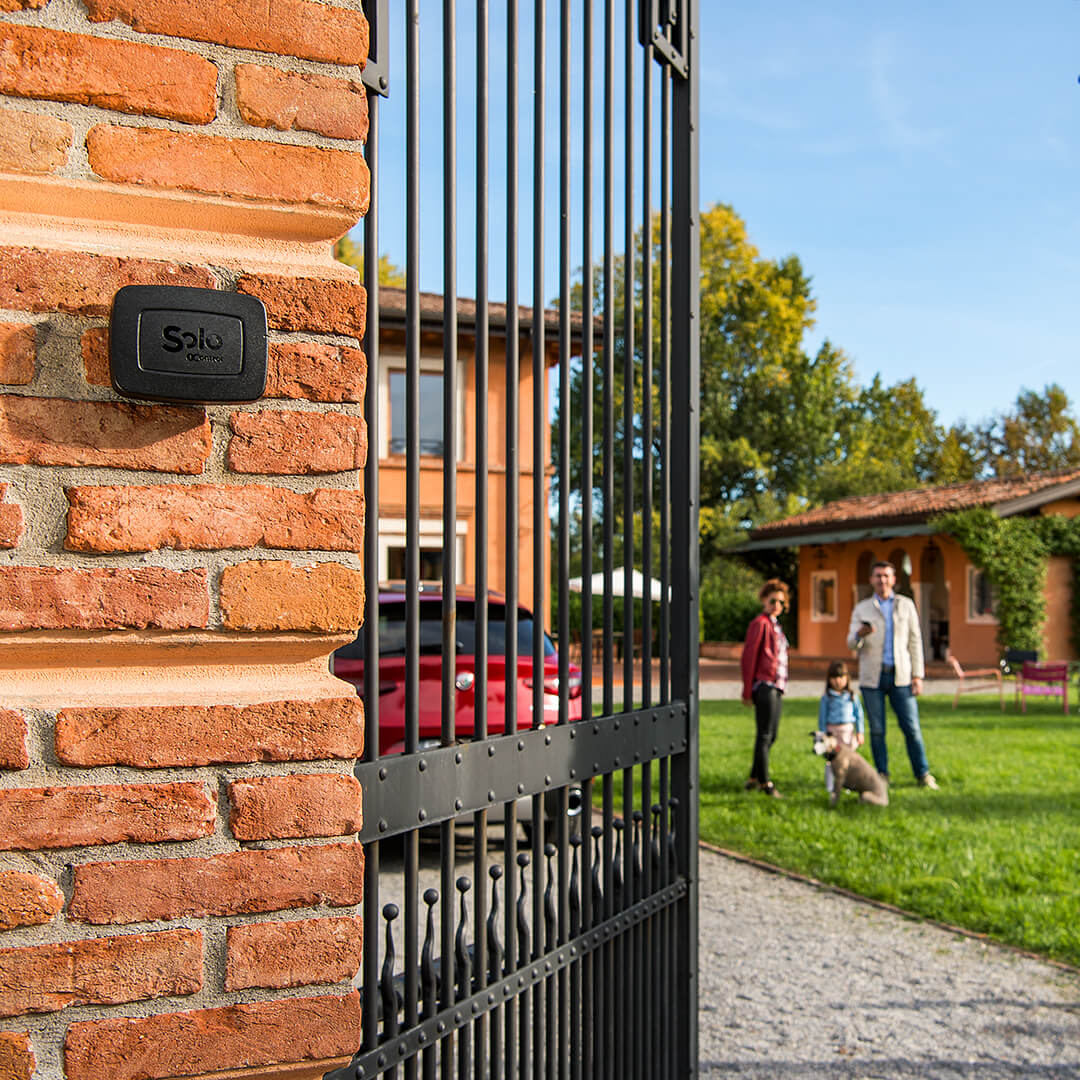
The copy is made once, from the 1Control app, which guides you screen by screen:
- Check the remote's code (table below, then the checker).
- Hold the remote against the notch on the left side of SOLO and keep the button pressed until the app tells you to release.
- Stay a few metres from the gate: with a Came remote the app asks for it, because SOLO has to talk to the operator.
- With the gate closed, press the test button shown at the end: the gate should move.
Three points. You need a working remote with a good battery: a lost or broken remote cannot be copied. One copy per operator is enough, not one per person; the standard SOLO handles up to 4 operators, even of different brands. And the original remotes keep working: nothing is erased from the receiver. The step-by-step procedure is in our guide on copying a gate remote to your phone.
Came remotes and SOLO: what copies, what needs the KIT, what is quartz
Two Came remotes that look alike can belong to two different generations: the full code, final letters included, decides. The table covers the 50 Came models in the checker catalogue (19/10/2026): 14 copy with SOLO, 18 need SOLO + KIT, 18 are quartz.
| Came remote | Frequency and coding | Checker result |
|---|---|---|
| TOP432 (A, NA, EE, EV, S, SA), TOP434 (A, M, NA, EE, EV) | 433.92 MHz, fixed code | Copies with SOLO |
| TOP862NA, TOP864EV | 868 MHz, fixed code | Copies with SOLO |
| TWIN | 433.92 MHz, fixed code | Copies with SOLO |
| TOP-D: TOPD2 (FBS, FES, FKS, FPS, FYS, RKS) and TOPD4 (FBS, FES, FKS, FRN, FYS, REN, RKS); TOP42FGN, TOP44RBN | Recent generations, fixed or rolling code depending on version | KIT needed |
| ATPD 4, TTS, KRONO | 868 MHz (ATPD 4) or 433 MHz, rolling code | KIT needed |
| ATOMO (AT02, AT04) and TAM | Rolling code (ATOMO), dip switches (TAM) | Not in the checker: treat as "KIT needed" |
| Quartz: TOP2, TOP4, TOP-MT2, T152, TOP302 (A, L, M, M Black), TOP304 (A, L, M, M Black), TOP262M, TOP264M, BIM2, BIM4, TX4 26.995, TCH-4024 | 26.995, 30.9 or 40.685 MHz, fixed code | Quartz: QZERO for an extra remote; SOLO + KIT for the phone |
The SOLO compatibility page for Came sums up the most common models, and the compatibility checker has the final say: compatibility always means "if the model is on the list".
ATOMO and TOP-D cannot be copied: SOLO + KIT
It is the most frequent question from anyone with a Came installation from the last few years: "can my ATOMO be copied?". No, and neither can the TOP-D, TTS, KRONO or the old quartz TOPs: SOLO works by copying the radio signal, and it does not reproduce those. If you still want to open from your phone there is one route, the same for any operator: SOLO KIT. The KIT is a universal receiver with its own fixed-code remote: the receiver is wired to the gate's control unit, its remote is compatible with SOLO, and that is the one you copy. Your Came remotes keep working as before, and one KIT can also serve two control units that are close together.
Let us be clear: with the KIT, work is done inside the control box, and it should be left to someone who knows what they are doing (an electrician or installer), with the management company's approval if the gate is shared. If you then want an honest comparison, on a recent Came board CAME Connect also requires work on the operator: the difference is that the KIT works with any control unit and that opening stays on Bluetooth, with no cloud. If what you want is an extra ATOMO to keep in your pocket, the route is again the receiver: no universal remote duplicates it.
Opening the Came gate from afar, by voice, from the car
SOLO on its own is a short-range device: the phone talks to it over Bluetooth, within 15-20 metres that reinforced concrete can reduce. It therefore works without any network, even in an underground garage, but it does not open from the office. For that you add 1Control LINK, the hub of the range: it stays indoors, connected to the internet over 2.4 GHz Wi-Fi or Ethernet, and relays commands to SOLO over Bluetooth, about 25 metres line of sight. LINK does not bring Wi-Fi to the gate: it bridges the internet and Bluetooth.
| What you want to do | SOLO alone | SOLO + LINK |
|---|---|---|
| Open as you arrive at the gate | Yes, over Bluetooth | Yes |
| Let a courier in from the office | No | Yes, over the internet |
| Alexa or Google Home | No | Yes |
| Siri Shortcut on iPhone | Yes, within Bluetooth range | Yes, even far from the gate |
| CarPlay or Android Auto screen | No | Yes |
One exception for the car: SOLO AUTO, the version designed for the cabin, appears on CarPlay and Android Auto without LINK, because phone and device travel together. All of this also applies with the KIT: SOLO + KIT + LINK is the combination for opening a gate with ATOMO remotes from afar. If you have no remote at all, see opening a gate with your phone without a remote.
Sharing access to the Came gate: family, guests, tradespeople
A Came remote you lend cannot be taken back remotely. A share can. In the 1Control app, whoever connected to SOLO with the PIN in the box is the administrator: they see the opening history and create shares. To invite someone they enter their phone number and, if they wish, set dates and time slots; the guest installs the app, signs up with that number and finds the gate in their list. Shares are free and can be revoked in a tap. The standard SOLO is designed for 10 users, SOLO EVO for 50.
FAQ: Came gate and smartphone
Can a Came ATOMO remote be copied to a phone?
No. ATOMO is not in the checker catalogue, and the Came rolling-code models on the list (TTS, KRONO, ATPD 4) get the same result: KIT needed. To open from your phone the route is SOLO + KIT: a receiver wired to the control unit, with a remote that SOLO copies. Your ATOMO remotes keep working.
Which app can I use to open my Came gate with my phone?
It depends on the hardware. With a CAME Connect gateway, Came's Automation app; with a wired Wi-Fi module, its maker's app. With 1Control SOLO, which copies the Came remote with no wiring at all, the free 1Control app on iPhone and Android.
Which Came remotes can SOLO copy?
The fixed-code TOP432, TOP434, TOP862NA, TOP864EV and TWIN series: 14 models in the catalogue of 19/10/2026. TOP-D, TOP42FGN, TOP44RBN, TTS, KRONO and ATPD 4 need the KIT; the quartz TOPs at 26.995 or 30.9 MHz cannot be copied by SOLO, and for an extra physical remote there is QZERO.
Can I open my Came gate remotely?
Yes, if the command goes through the internet. With CAME Connect that is the job of the gateway fitted to the operator. With 1Control SOLO you add the LINK hub: connected to the internet over 2.4 GHz Wi-Fi or Ethernet, it relays the command to SOLO over Bluetooth. SOLO alone opens only nearby, 15-20 metres from the gate.
Does CAME Connect work on an old Came motor?
Not necessarily. Came states that every operator needs a gateway and that products designed for CAME Connect have a slot for it. On an old board, check the manual or ask an installer before buying. If the board is not designed for it, the options are the wired module, copying the remote onto SOLO, or SOLO + KIT.
Conclusion: which solution for your Came gate?
Three questions are enough. Is the board designed for the manufacturer's gateway, with a connection at the gate? CAME Connect and the Automation app are for you. Do you have a working TOP432, TOP434 or TWIN? 1Control SOLO copies it without opening anything, and the LINK hub adds distance, voice and the car. Do you have an ATOMO or a TOP-D? The route is SOLO + KIT, with any control unit. The same comparison exists for opening a BFT gate with your phone.