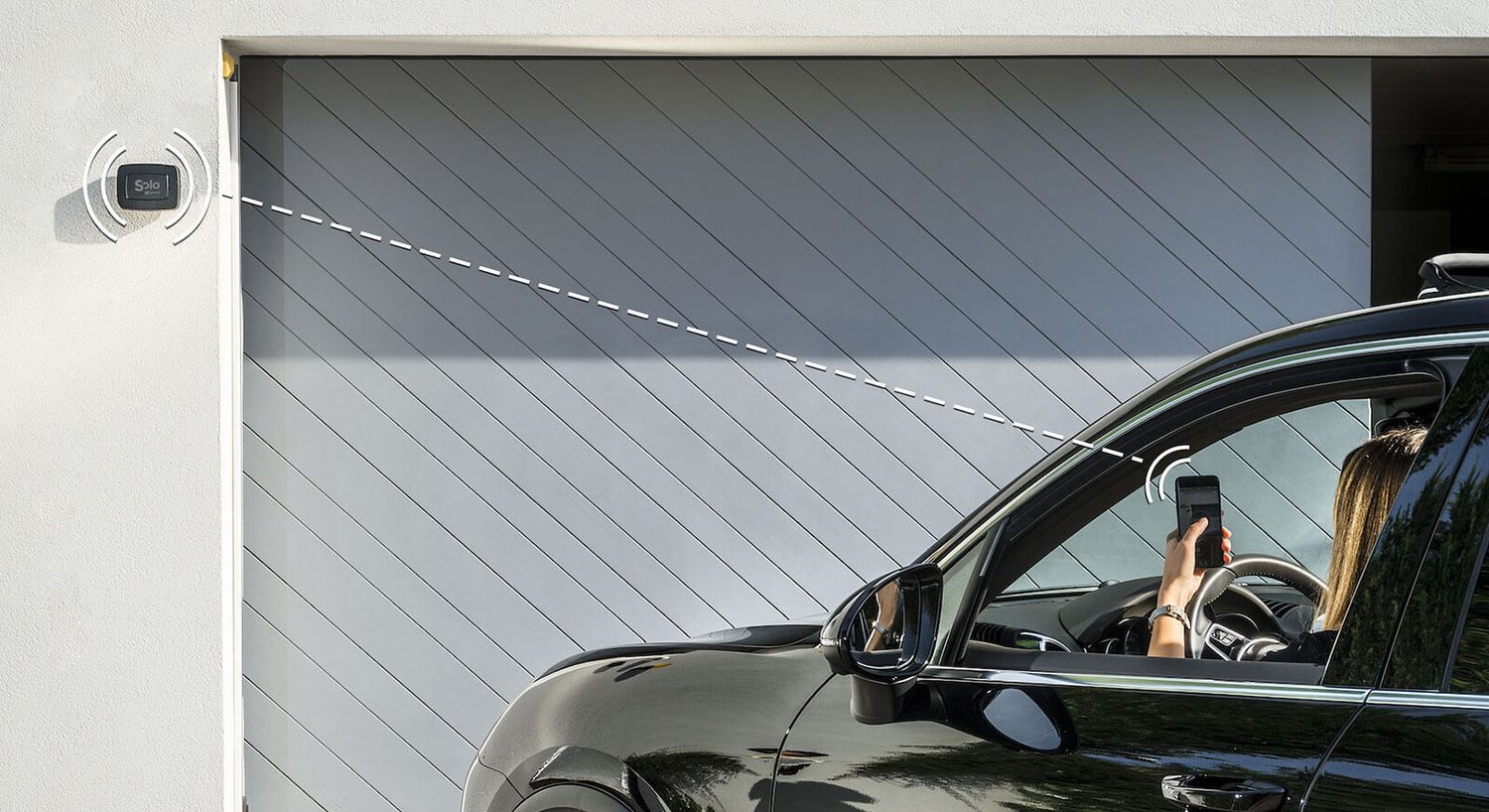
In short. With an iPhone you can open your garage door, gate and front door with Siri without replacing the motor: the entrance has to be operated by 1Control SOLO (gate and garage) or 1Control DORY (front door), and in the Shortcuts app you create a shortcut that Siri runs with a phrase you choose.
- Nearby, SOLO is enough: the command travels over Bluetooth, so it works when the iPhone is within range of the device, for example in the car outside the garage.
- From anywhere, you need LINK: the shortcut uses your data connection and works with no distance limit.
- First, check your remote control model, not the brand of the motor.
"Hey Siri, open the garage" is something many iPhone owners try once and give up on: Siri has no idea what your garage is. To teach it, you need two things: a device that can operate the door and a shortcut that connects it to Siri. This guide covers what you need, the difference between nearby and remote use, how to create the shortcut, which phrases work best and what to check if Siri answers but the door stays shut.
What you need to open the garage door with Siri
Siri does not drive a motor directly: it runs a shortcut, and the shortcut asks the 1Control app to open. The full chain is:
- A garage door, gate or barrier that already opens with a remote. SOLO copies the remote you use today: it works with more than 800 models, fixed code and rolling code. Check yours on the SOLO compatibility page.
- 1Control SOLO, installed near the motor. It runs on batteries and is not wired to the control board; the standard version operates up to four automations, even of different brands.
- The 1Control app on your iPhone, with the entrance already set up and working.
- Apple's Shortcuts app, which turns the opening into a phrase for Siri.
Your original remote keeps working: Siri is an extra way to open, not a replacement. For the front door the device is DORY, covered below.
Nearby or far away: Siri with SOLO alone or with LINK
The biggest difference is how far away you are when you give the command.
| SOLO (or DORY) alone | SOLO (or DORY) + LINK | |
|---|---|---|
| How the command travels | Bluetooth, from the iPhone to the device | Data connection, then LINK passes it to the device over Bluetooth |
| Where Siri works | Only within Bluetooth range of the device | Anywhere |
| Typical use | In the car outside the garage, on foot at the gate | Letting in a guest or a courier while you are out |
If you mostly use Siri when you get home, SOLO alone is enough: by the time you reach the gate, the phone is already in range. 1Control LINK is for opening when you are away. It stays indoors, connects to your router over 2.4 GHz Wi-Fi or an Ethernet cable and talks to SOLO and DORY over Bluetooth; it has no SIM card. With LINK you create a shortcut that uses the data connection instead of Bluetooth, and the same pair also opens with Alexa and Google Home.

Want to open your gate from your phone?
Check in seconds whether your system is compatible with 1Control SOLO: it fits existing gates and garage doors, one-off purchase, no subscription.
139,00€ 119,00€ VAT included
- 1,500+ reviews on Amazon, Facebook and Trustpilot
- Secure payments
- 2-year warranty
How to create the Siri shortcut
Update everything first: iOS, the 1Control app and the Shortcuts app should all be on the latest version. Then:
- Test opening in the 1Control app. Near the device, press the round button: the entrance should open. If you have LINK, also test the horizontal slider for remote opening.
- Open the Shortcuts app and create a new shortcut.
- Add the 1Control app action and pick the entrance to open. If you have LINK, choose opening over the data connection so it also works from far away.
- Name the shortcut: the name is the phrase you will say to Siri, for example "Open garage".
- Test the phrase with "Hey Siri" or by holding the side button.
Menus change between iOS versions: the step-by-step procedure with screenshots is in the official 1Control guide for Siri.
Which phrase to use with Siri
The shortcut name is the phrase. A few practical rules:
- Short and distinct: "Open garage" and "Open gate" work better than long sentences, and should not sound like the names of your lights or other shortcuts.
- One shortcut per entrance: with the driveway gate, the pedestrian gate and the garage on SOLO, create three shortcuts, each with its own phrase.
- Siri's language: the phrase is in the language Siri is set to on your iPhone.
You can also run the shortcut without your voice, with a tap in the Shortcuts app or from the Home Screen, which helps when it is too noisy to speak.
The front door with Siri: DORY
For the front door the device is 1Control DORY, a smart lock that replaces the euro cylinder: no drilling, no new lock. It opens from the app over Bluetooth and with the usual mechanical key. DORY can also be operated by Siri through a shortcut, with the same rule: nearby over Bluetooth, from far away with LINK.
Before buying, check your door's cylinder with the DORY compatibility checker. If other people need to open the door, a share in the app is often better than a voice command: the administrator decides who gets in, on which days and at what times.
Siri in the car and on your wrist
In the car, Siri is the most natural option: you ask it to open without taking your hands off the wheel, and outside the garage the phone is already within Bluetooth range of SOLO. If you also want a button on the car display, the guide to opening your gate with CarPlay explains when you need LINK and when SOLO AUTO.
On your wrist, the 1Control app is also available for Apple Watch and Wear OS smartwatches: installation and syncing are covered in the guide to opening your garage door with Apple Watch.
Siri answers but the door does not open
The shortcut relies on the normal opening methods of the 1Control app. If it fails, check from the bottom up:
- Bluetooth: near SOLO or DORY, press the round button in the app. If the entrance does not open, the problem is not Siri: fix this first.
- Remote (if you have LINK): test the horizontal slider for remote opening. If it does not open, check that LINK is online and within Bluetooth range of the device.
- Updates: iOS, the 1Control app and the Shortcuts app on the latest version.
- Distance: without LINK the command only works within Bluetooth range of the device.
What Siri does not do with 1Control
- No Home app, no HomeKit: SOLO, DORY and LINK do not appear in Apple Home and cannot be added to HomeKit scenes or automations. Siri works through Shortcuts, not HomeKit. Details in the guide to the HomeKit garage door and gate.
- No automatic opening on arrival: the 1Control app does not track your location, so you open it yourself, by voice or with a tap.
- Remotes that cannot be copied: if your remote is not one of the compatible models, SOLO cannot reproduce it. The checker tells you before you buy.
If you also use Alexa or Google at home, the same devices with LINK respond there too: see voice assistants and gates.
Frequently asked questions
Can you open a garage door with Siri?
Yes, if the garage door is operated by 1Control SOLO. In the Shortcuts app you create a shortcut with the 1Control app action, and Siri runs it with the phrase you choose. Without a device like SOLO, Siri cannot control the motor.
Do I need LINK to use Siri?
Not if you give the command near the device: without LINK the command travels over Bluetooth and works within range of SOLO or DORY. You need LINK to use Siri from far away, with no distance limit.
Does it work with a shared gate in an apartment building?
Yes, if the gate remote is compatible with SOLO. SOLO is not wired to the control board: it copies the remote, so nothing changes in the shared installation.
Can I open my front door with Siri?
Yes, with the 1Control DORY smart lock, which replaces the euro cylinder. The shortcut works as with SOLO: nearby over Bluetooth, from far away with LINK.
Does 1Control work with HomeKit and the Home app?
No. SOLO, DORY and LINK are not compatible with Apple HomeKit or IFTTT. With an iPhone, voice control goes through Siri and Shortcuts.
What should I check if Siri does not open?
That opening works in the 1Control app: with the round button nearby and, if you have LINK, with the remote slider. Then that iOS, the 1Control app and Shortcuts are up to date.
The bottom line
To open your garage door with Siri you do not need a new motor: you need a device that carries out the command, SOLO for the gate and garage or DORY for the front door, and a shortcut that connects it to Siri. Nearby, Bluetooth is enough; to open from anywhere, add LINK. The first step is always the same: check that your remote is compatible.
For the version without voice, see our guide on how to open a gate with your smartphone.