When you rent out a parking space or a garage, the gate remote usually goes with it. That works, but it has two weak points: a remote can be copied or lost, and getting it back at the end of the lease does not guarantee there is no copy around. The alternative is not to hand it over at all: you copy your remote onto 1Control SOLO and give the tenant access in the app, with a start date, an end date and, if you want, time slots, which you revoke when the lease ends.
The remote stays with you, the tenant opens with their smartphone, and you see in the access log when they come in. Below you will find what you need, how to set it up and the limits to know before you start. The lease, building rules and tax side of renting are not covered here: for those, ask a professional.
The problem with handing the remote to a tenant
Handing over a remote looks like the easy option, but it comes with practical risks:
- copies: many remotes can be duplicated in minutes, and you do not know how many copies are around;
- loss: if the tenant loses it, a new one is needed, and the lost one stays active until someone deletes it from the receiver;
- return: getting the remote back at the end of the lease tells you nothing about copies;
- shared buildings: in a communal car park the receiver is shared, so deleting or adding a remote goes through the building manager or the installer.
If a remote has already gone missing, what to do straight away is explained in gate remote stolen or lost.
How shared access with SOLO works
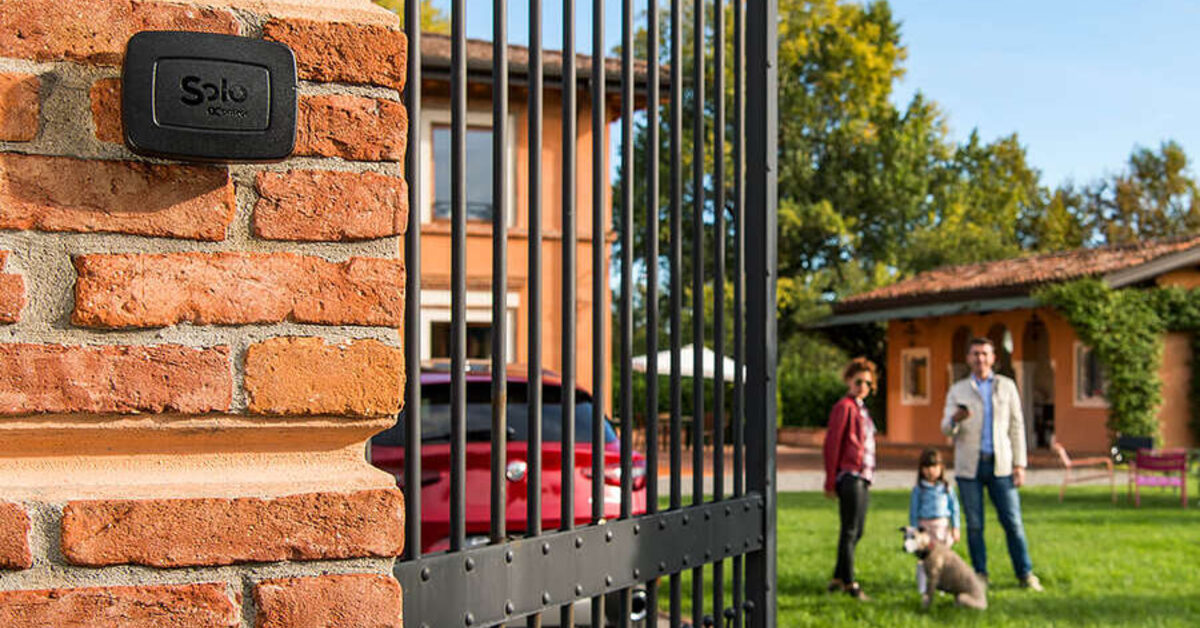
SOLO is fixed near the gate or garage door and copies the signal of your remote: to the motor, it is as if you pressed the button on the original remote. It is not wired to the control unit, runs on batteries (two C alkaline batteries that last about two years at 10 openings a day) and does not touch the receiver: no codes are added to the building's memory.
You are the administrator of SOLO. In the 1Control app you create a share for the tenant's phone number, choose which access to share (the entrance gate, for example) and the time limits: start date, end date and, if needed, time slots. The tenant installs the free app, registers with the same number and finds the access ready. Shares are free.
The tenant's smartphone talks to SOLO over Bluetooth, so it also works in an underground car park with no signal. The original remotes keep working as before.

Want to open your gate from your phone?
Check in seconds whether your system is compatible with 1Control SOLO: it fits existing gates and garage doors, one-off purchase, no subscription.
139,00€ 119,00€ VAT included
- 1,500+ reviews on Amazon, Facebook and Trustpilot
- Secure payments
- 2-year warranty
The right settings for a rental
- Start and end matching the lease dates. If the lease is extended, edit the share instead of creating a new one.
- Time slots only if you really need them: for a space used every day, it is better to leave access open.
- One access per person: if two people drive the car, create two shares. The standard SOLO handles up to 10 users and up to 4 automations.
- Never the PIN: SOLO's PIN is used to connect as administrator. If you give it to the tenant, they can manage the device just like you. A share is all the tenant needs.
When the lease ends, the share expires on its own on the date you set; you can also delete it at any time in the app, and from then on the tenant can no longer open. No remote to chase, no copies to worry about.
Garage, covered space or open-air space: what changes
Space behind a gate or barrier: the simplest case. The tenant only needs to get through the motorised gate or barrier, and SOLO copies the remote that opens exactly that access.
Garage with a motorised door: if the garage door also opens with a remote, SOLO can handle both the entrance gate and the door, as long as they are close enough (SOLO must be within 30-40 metres of each automation). For the door itself, see the roller, sectional and up-and-over garage door app guide.
Garage with a manual door and lock: SOLO cannot open a door without a motor. The garage key remains a separate matter; SOLO solves the shared gate, not the lock.
In a communal car park SOLO copies your already authorised remote and adds nothing to the shared system. If you want to fix it to a common area rather than inside your own garage, talk to the building manager first. The bigger picture on opening a communal gate from your phone is in communal gate remote control.
Where to put SOLO so the tenant can open from the street
The critical moment is arriving by car: the tenant must be able to open while still outside the gate. The smartphone needs to be within about 15-20 metres of SOLO, and reinforced concrete reduces the range. If your garage is at the far end of an underground car park, a SOLO inside it may be out of reach from outside: a spot near the entrance is better, always within 30-40 metres of the gate. Test opening from the street before you share access.
If you also want to open remotely yourself, for example when the tenant is without their phone, add 1Control LINK: it connects to the network over 2.4 GHz Wi-Fi or a cable and lets you control the gate from the app even when you are not there. With LINK and a sensor you can also know whether the garage was left open: see garage door left open alerts.
Before you start: check the remote
Everything depends on the remote that opens the gate. Look for it in the SOLO compatibility list: SOLO works with more than 800 models, fixed code and rolling code. You need a working original remote to copy. If your model is not on the list, there is SOLO KIT, a receiver with its own remote that is wired to the control unit: in a shared building that is work on the common system, so agree it with the building manager.
Frequently asked questions
Does the tenant need to install an app?
Yes, the 1Control app, free for iPhone and Android. They register with their phone number, the same one you entered in the share, and find the access ready in the app.
Can I remove access before the end date?
Yes. In the app you can delete or edit the share at any time, and from then on the tenant can no longer open. There is no remote to get back.
Can I see when the tenant comes in?
Yes. As administrator you see in the access log the openings made by people who use SOLO through a share. Openings with a physical remote, on the other hand, do not appear in the log.
What if I rent several spaces to several people?
Create one share per tenant, each with their own dates. The standard SOLO handles up to 10 users; for more there is SOLO EVO, which goes up to 50 users and can also be powered at 12 V.
Can the tenant open without internet?
Yes, on site. The smartphone controls SOLO over Bluetooth, so no mobile data or Wi-Fi is needed at the gate. Internet is only needed for remote opening, with LINK.
Conclusion
Renting out a garage or parking space does not mean handing over the remote. With SOLO the remote stays with you, the tenant opens with their smartphone for the length of the lease and, at the end, access simply expires with nothing to collect. The first step is to check the gate remote in the compatibility list.