In short: the most useful Christmas tech gift takes away an everyday chore. For someone who opens a gate or garage, 1Control SOLO turns the phone into the remote; for someone who mostly opens from the car there is SOLO AUTO, which works with CarPlay and Android Auto; for a bike, scooter or locker there is the LOCO padlock. Before giving SOLO or SOLO AUTO, check the make and model of the remote in the compatibility checker.
The best smart home gift is not the device with the longest feature list. It removes a small frustration the recipient experiences every week: looking for a gate remote, sharing a key, returning home to let somebody in or protecting a bike. Technology feels generous when it starts with that person, not a catalogue category.
These nine ideas are organised by recipient and situation. Each includes the check that should happen before purchase because access devices are rarely universal. The guide remains useful for Christmas, a housewarming or a birthday; during Black Friday it will link only to confirmed offers in countries where the purchase route is actually available.
Christmas gift ideas for a gate, garage, car or bike
If you are looking for a Christmas present for someone with a motorised gate, a garage door or a bike to protect, three 1Control products cover different situations. Choose by where and how the recipient opens every day, not by the product name.
For a gate or garage: SOLO
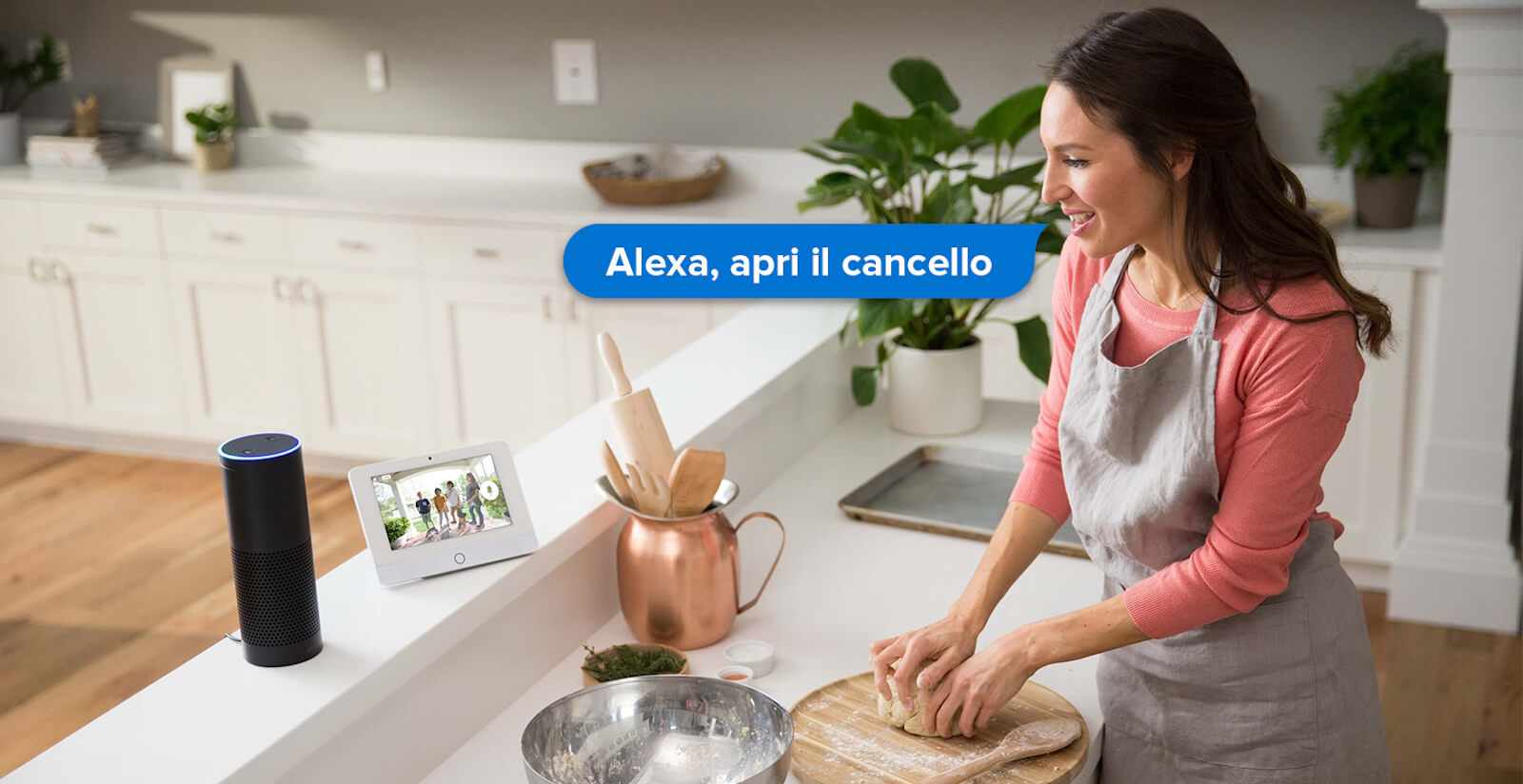
SOLO copies the signal of the existing remote and opens from the 1Control app, including from an Apple Watch or a Wear OS smartwatch. It is not wired to the control board or to mains power: it runs on batteries and sits near the entrance. The standard version handles up to 4 automations and 10 users, and sharing access with family or guests is free. It suits someone who often comes home with full hands or keeps lending remotes to other people.
For someone who opens from the car: SOLO AUTO
SOLO AUTO stays in the car, on the windscreen or in the glovebox, and is used from the car screen through the 1Control app for Apple CarPlay and Android Auto, without LINK. It handles up to 6 automations. It has no sharing: each user connects with the device PIN, so it is designed for the driver and whoever drives the same car. More in opening the gate with CarPlay and Android Auto.
For a bike, scooter or locker: LOCO
LOCO is a padlock that opens from the phone over Bluetooth, with no internet connection needed. It is weather-resistant, its battery recharges over USB-C (more than 500 openings per charge) and up to 10 people can use it. It has no fingerprint reader: it opens from the app. No compatibility check is needed, but make sure the shackle fits where it will be locked. Details on the LOCO page.
Before you give it: check the remote in the checker
SOLO and SOLO AUTO only work with remotes they can copy, so the check is part of the gift. It takes a few steps and need not spoil the surprise:
- Get the make and model of the remote. A photo of the front and back, or of the label inside, is enough: ask someone who lives in the same home.
- Look it up in the checker. For SOLO use the SOLO checker; SOLO AUTO has its own checker.
- If the model is not listed as compatible, do not gamble. SOLO KIT exists for those cases: it is wired to the control board, so it needs a small installation job and should be agreed with the recipient.
- Allow for activation. Some control boards need the new signal to be registered, just like a new remote: the procedure is simple and does not delete existing remotes. If the gate belongs to a shared building, ask the building manager first.
- Leave the first setup to the recipient. Whoever connects the device first chooses its 8-digit PIN and becomes its administrator: the PIN manages the device, it is not an opening code.
The up-to-date price is the one in the shop, also shown in the box below: it reflects any promotion running at that moment. We do not announce discounts, codes or delivery dates here in advance. One last point: in the 1Control shop a return must be requested within 30 days of delivery, so if you buy well before Christmas, run the check before you wrap the box.

Want to open your gate from your phone?
Check in seconds whether your system is compatible with 1Control SOLO: it fits existing gates and garage doors, one-off purchase, no subscription.
139,00€ 119,00€ VAT included
- 1,500+ reviews on Amazon, Facebook and Trustpilot
- Secure payments
- 2-year warranty
How to give useful technology rather than a setup chore
Identify who will use the product, which entrance it should control and whether the person prefers a phone, button or PIN. Then decide whether you can obtain the existing remote reference or door measurements without spoiling the surprise. If you cannot, give a shared selection session rather than an incompatible box.
Account ownership, network, batteries and installation matter too. The smart home without major installation guide helps keep the project proportionate.
1. For the daily gate or garage user: phone opening
A commuter or multi-car household can benefit from opening a compatible entrance from a phone. SOLO does not require wiring into the gate controller, but it does require identification of a supported radio remote. The compatibility check is part of the gift.
Ask for a photo of the transmitter or enlist somebody in the home. If that is impossible, present a card promising to configure the right version together. The phone gate-opening guide explains what the recipient will actually use.
2. For the person with a glovebox full of remotes: one physical control
WHY suits somebody who likes a physical button but carries several supported remotes. Its appeal is consolidation without forcing a new phone habit. Exact models still need checking: the same shape or frequency does not prove compatibility.
For a shared building, also confirm that copying or enrolling another credential is permitted. Use the universal remote guide before wrapping the product.
3. For somebody who needs to open while away: SOLO with LINK
If the recipient regularly lets in a relative, cleaner or expected visitor while off-site, a LINK-enabled setup may add the supported remote functions they need. It is not an automatic upgrade for a user who only opens while parked at the gate.
Check remote compatibility, where LINK will connect and which remote action matters. Describe only currently supported integrations, not a generic promise that it works with every ecosystem.
4. For the driver who treats the car as part of the home
A frequent driver may value a purpose-built in-car opening route. SOLO AUTO should be chosen for its actual vehicle scenario, not simply because its name sounds more advanced. The phone, car and existing radio remote all belong in the pre-purchase check.
Review gate opening with CarPlay and Android Auto to separate supported approaches and avoid promising a dashboard experience the selected setup does not provide.
5. For the person who misplaces keys: a smart lock chosen together
A smart lock can be a substantial gift, but DORY should not be selected without confirming a European cylinder, door configuration and measurements. Make the measurement and installation plan part of the present rather than hiding the technical decision.
Discuss battery behaviour, mechanical access and who will administer permissions. The smart lock guide provides the questions to answer before checkout.
6. For a child, relative or contractor: a PIN access plan
A PIN can be easier than an app for a child, older relative or scheduled service provider. PAD is the product to assess for a compatible powered entrance when typed credentials are the desired experience. Decide which entrance it controls and who owns the code lifecycle.
A thoughtful gift includes secure administration: name credentials, limit their duration when appropriate and revoke them when no longer needed. Never confuse a product’s administrative code with a guest-access PIN.
7. For a cyclist: a Bluetooth padlock for the right setting
LOCO may suit a bike, locker or small storage use when its dimensions and environment fit. Assess the real threat and anchoring point: a smart mechanism does not make any portable lock sufficient for every high-risk location.
The recipient also needs a clear battery and sharing routine. Choose by the full security scenario, not by app screenshots alone.
8. For a second-home or holiday-rental owner
This gift is often a configuration, not one device. Map the vehicle gate, shared entrance and private door. SOLO, PAD and DORY may solve separate points; a random bundle can leave the guest stranded halfway through the journey.
Give the design work first and the verified component second. For professional or multi-unit use, distinguish a consumer purchase from a system that needs structured management and support.
9. For the person who already has everything: give back time
Observe a repeated access chore: hunting for the remote, lending a key, driving back to open or carrying several controls. The strongest present removes one of those frictions and stays understandable after the novelty fades.
Describe the outcome honestly: “we will open your compatible gate from the phone without changing the motor” is better than “we will make the whole house smart.”
What the gift really includes: verification, setup and ownership
Before comparing boxes, list everything required for the promised result: main device, any necessary hub or keypad, supported phone, power or batteries, account and an existing compatible remote or measured door. Check the basket line by line. An unnecessary accessory included in a deal cannot compensate for a missing essential component.
Make the present feel complete with a short card naming the problem it will solve, the compatibility already checked and a time to set it up together. Do not create the recipient’s permanent account under your email just to finish the surprise. Let the owner accept terms and recovery details, then invite other people through the supported sharing flow.
Keep the packaging and purchase record until local operation, range, sharing and fallback have all been tested. If the door requires measurements or a communal gate needs approval, the gift can be a planned purchase with an agreed budget. That preserves the generosity without turning an unknown technical choice into the recipient’s return chore.
The final gift checklist
- Recipient and repeated problem identified.
- Remote compatibility or door measurements checked.
- Country availability, delivery and returns confirmed.
- All necessary components included.
- No assumed subscription or ecosystem support.
- Installation and account ownership agreed.
- Existing keys or remotes retained where expected.
During Black Friday, compare the stated prior price and exact bundle. When technical verification is impossible, a planned purchase together is more considerate than relying on a return.
Frequently asked questions
What Christmas gift suits someone with an automatic gate?
It depends on how they open it: SOLO brings opening to the phone, SOLO AUTO suits someone who mostly opens from the car with CarPlay or Android Auto, and WHY suits someone who prefers a physical button. In every case, check the make and model of the remote in the compatibility checker first.
Does SOLO AUTO need LINK?
No. SOLO AUTO stays in the car and works with CarPlay and Android Auto without LINK. For the same reason it cannot be paired with LINK: no remote opening and no Alexa or Google Home commands, which with SOLO require LINK.
What is the easiest smart home gift?
One that solves a defined, repeated problem and is compatible with existing equipment. For a gate or garage, identify the working remote first.
Can I give SOLO without having the original remote?
The remote model should be identified and checked before purchase, and the supported setup procedure must be possible when the gift is installed.
Is a smart lock a good surprise gift?
Only when the door, cylinder and measurements are already verified. Most recipients are better served by choosing this product together.
Does every smart device require Wi-Fi?
No. Some functions work locally over Bluetooth, while remote functions can require a hub and network. Check the selected configuration.
Should I wait until Black Friday to choose?
Choose the use case and verify compatibility now. Buy during the event only if the confirmed offer applies to the correct setup and country.
The bottom line
A smart gift should save time every week and remain easy to use. Start with the person, verify the entrance and choose the product last. That is how a Black Friday price becomes a real benefit rather than a purchase that needs fixing.
Include time to activate it together. A verified configuration, correctly owned account and understood fallback are worth more than an extra accessory chosen in haste. Leave the recipient with clear names, a simple first-use note and the correct support route. If compatibility, measurements or property permission remain uncertain, turn the present into a shared selection with a defined budget. The generosity remains, while the recipient avoids inheriting an unwanted return task.
Review the arrangement again after a few weeks: remove trial users, confirm that batteries and notifications make sense, and check that every regular user can still open through the expected alternative. The gift succeeds through calm everyday use, not merely through an impressive unboxing.