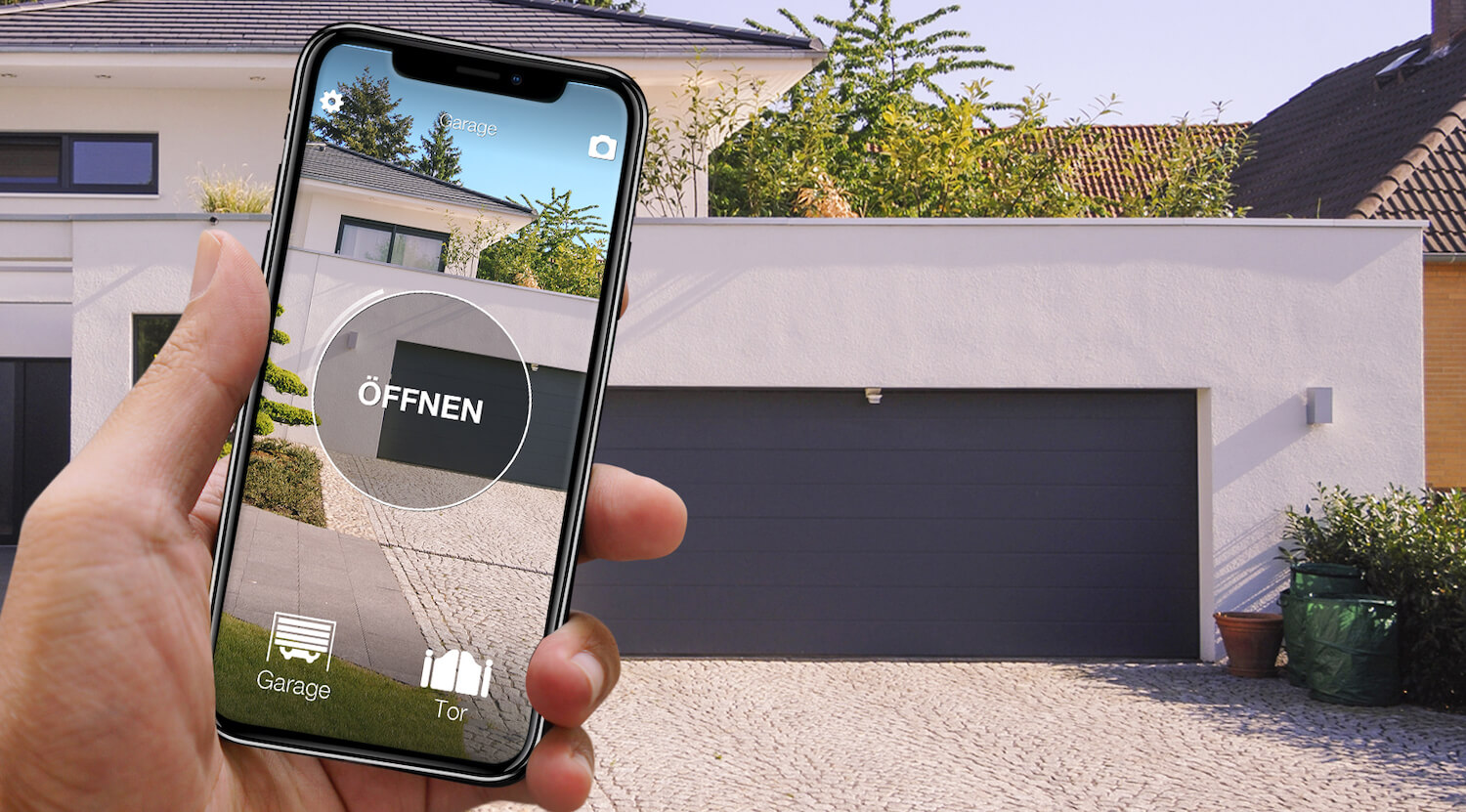
In short: there are two ways to make an existing motorised gate or garage door work from an app. The first: a module is wired into the opener, at the point where a wall push button normally connects; that is how Remootio works, for example. The second: a wireless device copies the remote you already have and sends its signal when your smartphone asks; that is how 1Control SOLO works. Both routes end in an app. What changes is what happens at the opener, which connection each one needs and what else it can do.
The most practical difference is who does the work. The module has to be connected inside the opener's control board: you need to be comfortable with electrics and control boards, or call an electrician. Copying the remote is done in the app, with no tools and nothing to open.
This comparison puts the two approaches side by side. The information on Remootio comes from remootio.com (checked on 13/10/2026), the information on 1Control from our product documentation.
Two approaches: the push-button input or the remote
At the push-button input. Almost every opener has terminals for a push button. A module connected there behaves, as far as the opener is concerned, like one more button. Remootio describes itself this way: the device “acts just like a physical push-button and it connects to the push-button input terminals of your existing opener via a pair of wires”, in parallel with the wall push button or the radio receiver. Which remote the gate uses does not matter.
From the remote. 1Control SOLO is not connected to the opener. It learns the radio signal of a working remote once and transmits it when the app asks. Nothing changes at the opener and the original remotes keep working. The condition is that the remote is on the compatibility list: more than 800 models, fixed code and rolling code.
Wiring a module: what you need to be able to do
Connecting a module to the push-button input is not hard for someone who knows control boards, but it is electrical work all the same. In practice you have to:
- switch off the power to the opener and open the control board cover;
- find the push-button input terminals on the wiring diagram of your model (names and positions change from brand to brand and board to board) without mixing them up with the safety devices, the photocells or the power supply;
- connect the two wires and, if the module is powered from the board, the power terminals too;
- close the cover, switch the power back on and check that the gate and its safety devices work as before.
To be fair, here are Remootio's own words: it offers “wiring diagrams available for most electric gate and garage door openers”, says that powering it from the control board makes installation “very easy”, and that “all you need for installation is a cross head screwdriver, a smartphone and the Remootio device”. Still, the work happens inside a control board connected to the mains: if you have never connected a terminal, leave it to an electrician or the gate installer. The setting matters too: on an opener under warranty, or on a shared gate in a block of flats, touching the control board may need the owner's or the managing agent's permission.
With SOLO this step does not exist: the remote is copied in the app and the opener stays closed. Wiring comes back in one case only, when the remote cannot be copied: then you use SOLO KIT, which is connected to the control board just like a module.
The differences in a table
Remootio 3 details according to remootio.com, as of 13/10/2026. 1Control SOLO details according to 1Control.
| Remootio 3 (module on the push-button input) | 1Control SOLO (wireless, copies the remote) | |
|---|---|---|
| Installation | Connected with a pair of wires to the push-button input terminals, in parallel with the wall button or radio receiver. | No connection to the opener: the remote is copied in the app and SOLO is mounted near the gate or garage door. |
| Skills needed | Work on the control board: switch off the power, open the cover, find the right terminals for your model and connect the wires. Remootio provides wiring diagrams for most openers and calls installation “very easy”; if you are not comfortable with electrics, you hire an electrician. | No electrical skills: the copy is made in the app, without opening the opener or touching any wire. |
| Power | A standard USB charger, or the control board of most gate openers. | Two C alkaline batteries already fitted: about two years at around ten openings a day. |
| Connection | Bluetooth (also works without Wi-Fi or internet), home Wi-Fi and internet via Wi-Fi, built into the device, no hub. | Bluetooth to the smartphone, no internet. Remote access with the 1Control LINK hub at home (2.4 GHz Wi-Fi or Ethernet cable to the router). |
| Gate status | Sensor included: the app shows whether it is open or closed. | Optional 1Control opening sensor, together with LINK. |
| Voice assistants and smart home | Apple Home (HomeKit), Amazon Alexa, Google Assistant, Samsung SmartThings; Apple Watch too. | With LINK: Amazon Alexa, Google Home, Siri Shortcuts also remotely, Apple CarPlay and Android Auto (without LINK with SOLO AUTO). Apple Watch and Wear OS smartwatches. No Apple Home. |
| Sharing access | Virtual keys via QR code or text message to family, friends and even Airbnb guests. | Free shares by phone number, with start date, end date and time slots; 10 users on the standard version. |
| Running costs | No subscription fees, according to Remootio. | Free 1Control app, free shares. |
| Compatibility | According to the maker, most electric gates, garage door openers and electric strikes; check with its compatibility checker. | More than 800 remote models, fixed code and rolling code; remotes that cannot be copied go through SOLO KIT (wired). |
| When the other one fits better | If you cannot or do not want to touch the opener, do not want to run power to the device, or want one device for up to four nearby gates and doors, even of different brands. | If your remote is not on the list, you want gate status without an extra device, you use Apple Home, or you have an electrician working on the opener anyway. |

Want to open your gate from your phone?
Check in seconds whether your system is compatible with 1Control SOLO: it fits existing gates and garage doors, one-off purchase, no subscription.
139,00€ 119,00€ VAT included
- 1,500+ reviews on Amazon, Facebook and Trustpilot
- Secure payments
- 2-year warranty
When a module on the push-button input is the better choice
- Your remote is not on the compatibility list, for example a two-way remote from a recent generation of openers. A module on the push-button input does not depend on the remote.
- You want to see the gate status without buying another device: Remootio includes the sensor.
- You use Apple Home or SmartThings: 1Control is not integrated there.
- You can work on a control board (switch off the power, read a diagram, identify terminals) or you have an electrician, and the opener has power and Wi-Fi.
When the wireless copy of the remote is the better choice
- You cannot or do not want to connect anything to the opener: a rented garage, a space in a shared car park, an opener still under warranty, the gate of a block of flats.
- You do not want to run power or Wi-Fi to the opener: SOLO runs on batteries and talks to your phone over Bluetooth, even in an underground garage with no signal.
- Several gates and doors are close together, even of different brands: one SOLO controls up to four.
- You have no electrical skills and do not want to call an electrician: you make the copy yourself in the app, and the original remotes stay active.
The step-by-step copy is explained in the guide copy your garage remote to your phone; every route for the garage is in the guide smart garage door opener without Wi-Fi. If your doubt is Wi-Fi in the garage, there is also the comparison with Meross, another module to wire.
Before you decide: five questions
- Which remote model do you have? Check it in the compatibility check.
- Can you work on a control board (switch off the power, identify terminals) or do you have an electrician? And are you allowed to connect something to the opener?
- Does your home Wi-Fi reach the garage or the gate?
- Do you need gate status and Apple Home, or just opening from the app?
- How many people need access, and only on certain days or times?
Frequently asked questions
Can I make my gate or garage app-controlled without connecting anything to the opener?
Yes, if your remote is compatible. 1Control SOLO copies the signal of your existing remote, runs on batteries and talks to the smartphone over Bluetooth. Nothing is connected to the opener and the original remotes keep working. Modules such as Remootio, on the other hand, are connected to the opener's push-button input.
Do I need an electrician to install Remootio?
It depends on your skills. Remootio is connected with two wires to the push-button input terminals inside the opener's control board; the maker provides wiring diagrams for most openers and calls installation very easy. If you have never worked on a control board, leave it to an electrician or the gate installer. 1Control SOLO is not connected to the opener: the remote is copied in the app.
What is the difference between Remootio and 1Control SOLO?
According to the maker, Remootio is connected with a pair of wires to the opener's push-button input and has Wi-Fi, Bluetooth and a status sensor built in. 1Control SOLO is not connected: it copies the remote, runs on batteries and works over Bluetooth. Remote access, Alexa and Google Home come with the LINK hub.
Do I need Wi-Fi in the garage to open it with my phone?
Not necessarily. Both systems open over Bluetooth when you are close, without internet. To open remotely, Remootio needs Wi-Fi at the device. With 1Control, Wi-Fi in the house is enough, where the LINK hub sits and talks to SOLO over Bluetooth.
Which solution works with Apple Home?
Remootio does: Apple Home (HomeKit) is listed among the Remootio 3 integrations. 1Control is not integrated with Apple Home; Siri Shortcuts work within Bluetooth range and, with LINK, remotely too.
The bottom line
Both routes put your gate or garage in an app. The module on the push-button input does not depend on the remote and brings gate status and Apple Home with it, but it needs electrical work on the control board: basic knowledge of electrics and control boards, or an electrician, plus power and Wi-Fi at the opener. The wireless copy of the remote needs no technical skills and leaves the opener as it is; in exchange your remote must be on the list, and gate status and remote access need extra devices. Three things decide: your remote, how comfortable you are with electrics and the network in your garage.