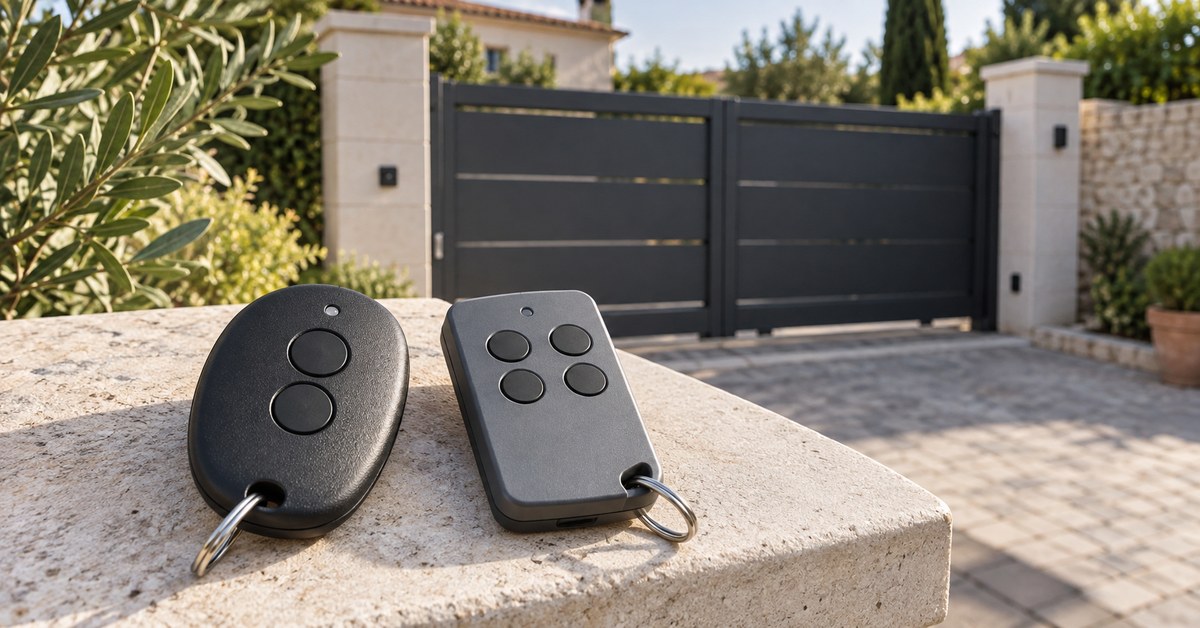
In short. An automatic barrier is operated with an ordinary gate remote: the right one does not depend on the barrier but on the receiver that drives it. If you already have a working remote, you get a second one by copying it onto 1Control WHY, once you have checked the brand and model in the compatibility checker. If the remote is a crystal one (below 50 MHz), you need QZERO.
- Got a remote? Read brand, model and frequency, then check.
- None at all? You need whoever runs the barrier: building manager, employer or installer.
- Several entrances? WHY has four buttons: barrier, gate and garage door on one remote.
Search for "barrier gate remote control" and you mostly find shops with dozens of look-alike models. Before buying, answer three questions: which remote opens that barrier today, on which frequency it transmits and with which coding. This guide is for people who use the barrier (residents, employees, tenants), not for those who manage it.
A barrier is operated like a gate
An automatic barrier has a motor, a control board and a radio receiver, either inside the control board or external with its own antenna. The remote talks to the receiver, exactly as it does with a gate or a garage door. Two things follow:
- there is no special "barrier remote": there is the remote that this receiver recognises;
- the brand on the barrier (Came, FAAC, BFT, Nice, Benincà, Ditec…) is a clue, but the installer may have fitted a receiver of another brand. What counts is the remote that opens it today.
For the same reason the remote of a residential or company car park barrier is often the same as the one for the building's gate: same receiver, same remotes.
Which remote for your barrier: brand, model, frequency
Take a remote that already opens the barrier, yours or a colleague's or neighbour's, and check:
- Brand and model, on the back or inside the battery compartment. This is the deciding detail.
- Frequency, often printed: 433.92 MHz and 868 MHz are the most common; older systems use crystal remotes at 26, 30 or 40 MHz.
- Coding: with DIP switches in the battery compartment it is fixed code; otherwise it is often rolling code. The difference is explained in fixed code vs rolling code.
With the brand and model, open the WHY and QZERO checker: it tells you whether that remote can be copied and with which product. Buying "a 433 MHz remote" without the model is the most common way to get it wrong: dozens of codings that do not understand each other share that frequency.
Need to replace or copy your remote?
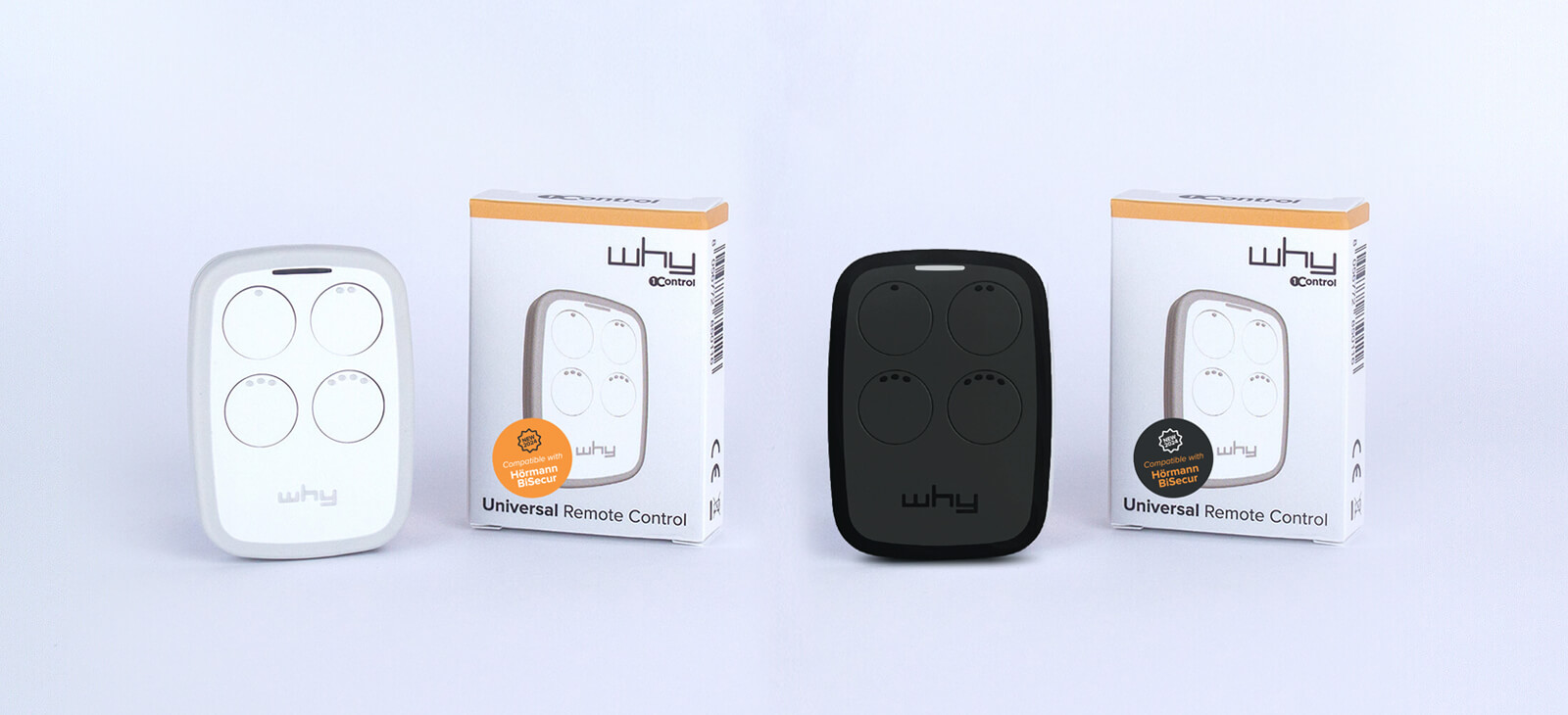
Check whether your brand is supported: 1Control WHY is the universal remote that replaces your original transmitters, one-off purchase, no subscription.
58,00€ 52,00€ VAT included
- 1,500+ reviews on Amazon, Facebook and Trustpilot
- Secure payments
- 2-year warranty
Copying the barrier remote with WHY
If the model is compatible, the simplest route is to copy the remote you have onto 1Control WHY, the four-button universal remote:
- it copies more than 800 models, fixed code and rolling code, from about 300 to 868 MHz;
- you copy it by holding WHY and the original remote close together, following the guide for your model in the WHY manuals;
- the original keeps working: WHY is one more remote;
- the range is generally that of the original, usually 30 to 50 metres.
With some rolling code receivers, after the copy WHY also has to be authorised on the control board, as with any new remote. In a residential or company car park that control board is not yours: in that case ask whoever manages it. Authorising it does not delete anybody else's remote.
Barrier with a crystal remote: QZERO
Many barriers installed years ago still use crystal remotes, between 15 and 50 MHz (for example 30.875 or 40.685 MHz). WHY does not copy these frequencies: 1Control QZERO is made for crystal remotes and also has four buttons. Here too, the first step is the model in the checker.
If you have no remote at all
Copying means starting from a remote that works. If you have none, for example because you have just joined a company or lost the only one you had, there are two routes:
- ask whoever runs the barrier for a remote (building manager, office, installer);
- borrow a working remote for a few minutes from someone entitled to it and copy it onto WHY, if the model is compatible and whoever manages the system agrees.
If you have lost a remote, tell whoever runs the barrier: with rolling code they can remove it from the receiver's memory. The other steps are in the guide on what to do with a lost or stolen gate remote.
The options: original, compatible, universal, smartphone
| Option | When it makes sense | Worth knowing |
|---|---|---|
| Original remote from the building manager or installer | you have no remote | usually has to be paired with the receiver |
| Same model bought online | you know the exact model | with rolling code it still has to be added to the receiver |
| Generic "compatible" remote | only if the seller lists your model | right frequency does not mean right coding |
| 1Control WHY or QZERO | you have a working remote | check the model; 4 buttons for several entrances |
| 1Control SOLO | you want to open from your phone | copies the remote like WHY and opens from the app |
If you prefer your phone to a remote, SOLO works the same way with barriers, gates and garage doors: it copies the remote and repeats it when you ask from the app. Other buying criteria are in the guide on how to choose a universal gate remote.
Frequently asked questions
Which remote do I need for an automatic barrier?
The one that the barrier's receiver recognises. Read the brand, model and frequency of a remote that already opens it and check them in the compatibility checker: it tells you whether it can be copied onto WHY or QZERO.
How do I know if a remote is compatible with my barrier?
What counts is the model of the remote that opens the barrier today, not the brand of the barrier. Look it up in the 1Control WHY and QZERO checker: if it is listed, you also know which product to copy it with.
How do I configure a gate remote control for a barrier?
With WHY you copy an existing remote: you start the copy procedure, hold the original close and follow the guide for your model. With some rolling code receivers WHY then has to be authorised on the control board by whoever manages it.
Can I copy the remote of my building's or company's barrier?
Yes, if the remote is yours or you are entitled to use it and the model is compatible. With some rolling code receivers WHY then has to be authorised on the control board: in that case you need whoever manages the system.
Can one remote open the barrier, the gate and the garage door?
Yes, with WHY: it has four buttons and each one can copy a different remote, even of a different brand, coding and frequency.
My barrier uses a 30 or 40 MHz remote: what should I buy?
These are crystal remotes, between 15 and 50 MHz, which WHY does not copy. For these frequencies there is 1Control QZERO: check the model before buying.
The bottom line
The right remote for a barrier is the one its receiver recognises: to choose it you need the brand, model and frequency of a remote that works. If the model is in the catalogue, a copy on WHY (or on QZERO for crystal remotes) gives you a second remote without touching the system. For the gate of a block of flats the same questions apply: see the guide to the communal gate remote control.