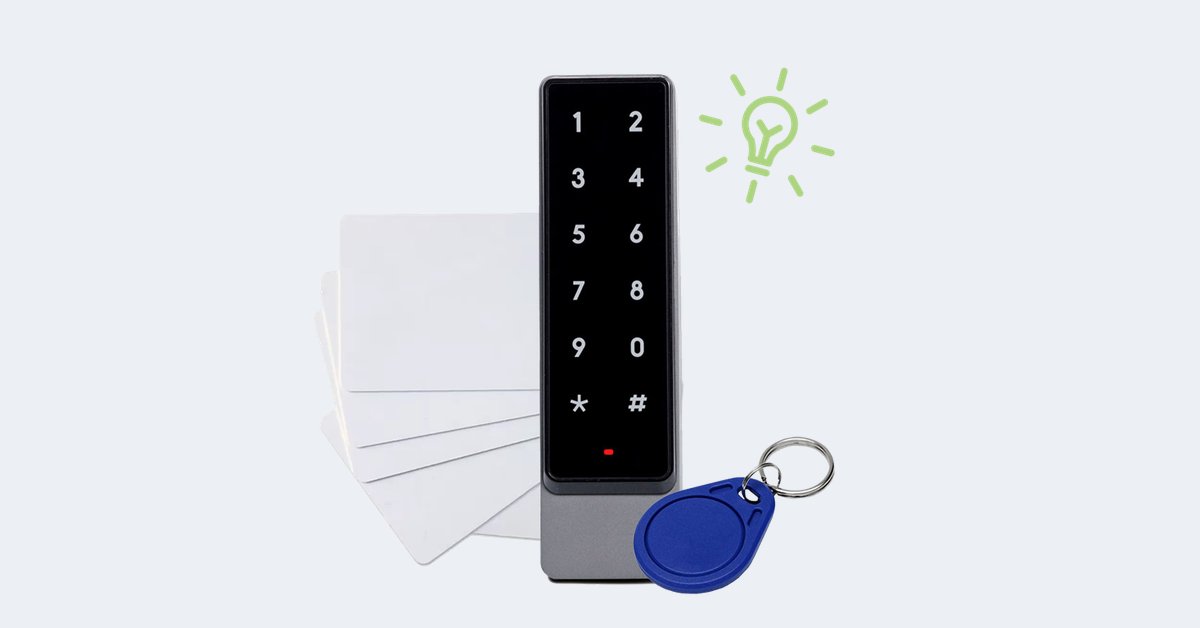
In short: to run a 24 hour gym without staff at the entrance you need three things: a personal credential for every member (badge, PIN or app), rules that follow the membership (time slots, expiry, suspension) and a log of who came in and when. A 24 hour gym access control system such as 1Control ACCESS connects to the door the gym already has, with an electric lock or an automatic opener, and manages all of this from a web admin area, without forcing you to install a turnstile.
This guide is for anyone running a gym, a functional training studio or a small fitness centre who wants to extend opening hours beyond the hours the team is on site: how the 24 hour model works, what to ask of the access system, what remains an organisational question and which limits are worth knowing up front.
How a 24 hour gym actually works
Almost no "24 hour" gym is staffed around the clock. The most common model splits the day in two:
- staffed hours, usually afternoons and evenings, with reception, trainers and classes;
- unstaffed hours, early mornings, nights and part of the weekend, when authorised members let themselves in.
During unstaffed hours the front door does the job of reception: it has to recognise who is entitled to come in, let them through and keep a record. That is exactly where improvised solutions (one code for everyone, keys handed to "long-standing" members) show their limits at the first cancellation.
What gym access control needs to do
One credential for every member
The principle is simple: one person, one access. A shared code ends up in group chats within a week; a personal access can be suspended without affecting anyone else, and the log shows who actually came in.
Rules that follow the membership
Gym memberships are already access rules in disguise: "open" at all hours, "off-peak" until 2 pm, "weekend", "student" on weekdays. With ACCESS you create groups with their own days and time slots, and each member inherits the rules of their group. An off-peak member simply cannot open the door at 10 pm.
Expiry and suspension
Every access can have an end date: when the membership expires, it stops working on its own. If a member does not renew or needs to be suspended, you deactivate them from the web admin area or the app, and their badge, PIN and app all stop working together.
An entry log
The log records who came in, when, through which entrance and with which method. During unstaffed hours it is the tool that lets you work out what happened, for example after damage to a machine or a complaint from another member.
Remote opening
A member has forgotten their badge, a technician turns up out of hours: you open from the app or the web admin area, wherever you are, and the entry is still logged.
Keep your gym open, even without reception
1Control ACCESS manages members' badges, PINs and app access with time slots and expiry dates, on the door you already have. Data SIM included for 3 years.
- 1,500+ reviews on Amazon, Facebook and Trustpilot
- Secure payments
- 2-year warranty
Badge, PIN or app: how members get in
ACCESS brings several entry methods into one system, and a member's rules apply to every method they use:
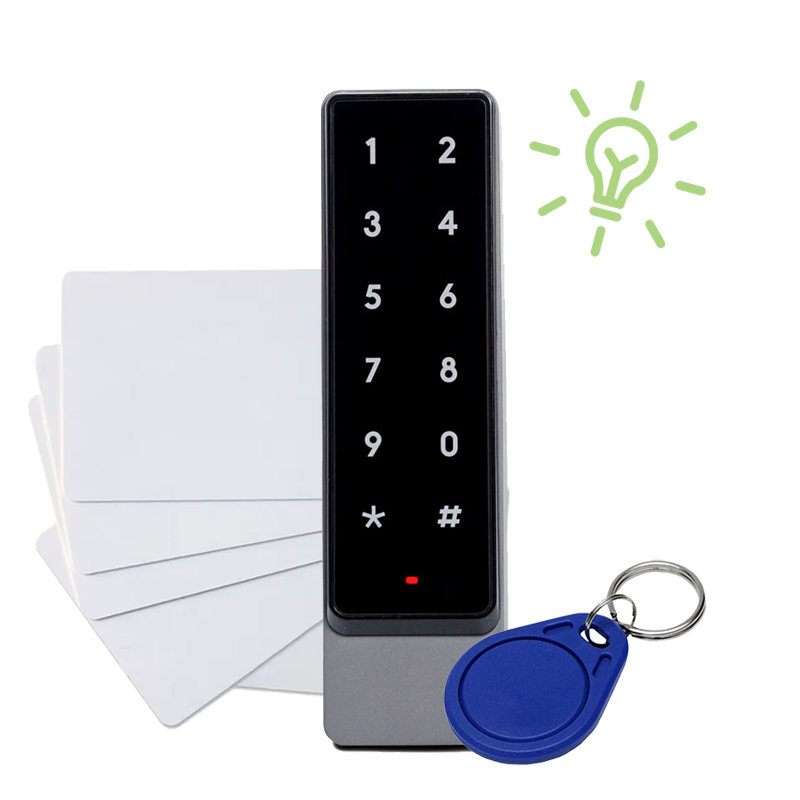
- Badge or card, with the smart keypad. The most familiar method in a gym. The keypad reads the most common NFC and RFID badges: if your members already have a card, it can often be linked to them without printing new ones.
- Personal PIN, with the smart keypad. Handy for members who train without carrying anything. Every PIN belongs to one person only and follows their rules.
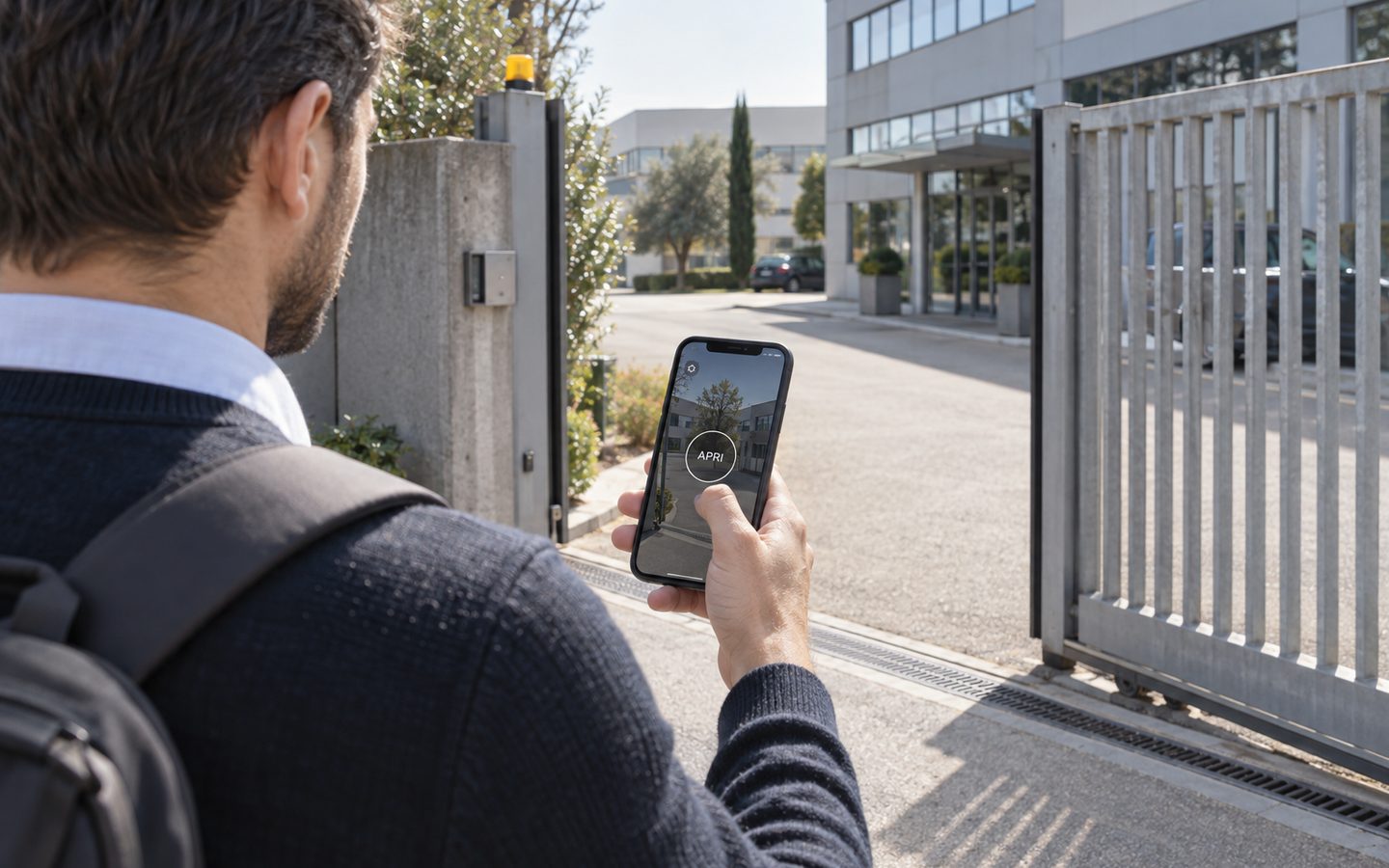
- App on the smartphone. Opens via Bluetooth near the door or over the internet. Useful for staff, instructors and freelance personal trainers.
- Number plate, with the camera. If the gym has a car park with a barrier or gate, a member's plate can open it under the same rules as their membership.
How many members can you manage? It depends on the configuration: ACCESS MINI up to 500 users, ACCESS up to 1,000. For larger facilities it is worth discussing in a demo.
Turnstile or door: do you really need a turnstile?
Many gym systems start from the turnstile. It is a legitimate choice, but not the only one. ACCESS works on existing entrances: the front door with an electric lock, the automatic door, the yard gate, the car park barrier. No building work, no mandatory turnstiles.
It is worth being clear about what this means: a door that opens for one member does not stop a second person from walking in with them. If your main problem is "two people on one badge", the levers are your house rules (access is personal and non-transferable, on pain of suspension), CCTV at the entrance and the log, which lets you check who opened. If you need a physical one-person-at-a-time barrier, a turnstile remains the right tool.
Safety during unstaffed hours
Opening without staff is an organisational question as well as a technical one. Before you start, it is worth putting a few things in writing:
- Rules for unstaffed hours: who may use them (for example adults only, only after a first induction with a trainer), what equipment can be used, how to report a fault.
- Emergencies: emergency numbers clearly displayed, a first aid kit, a defibrillator if you have one and instructions for using it. Emergency exits must always open from the inside, independently of the access system.
- CCTV and privacy: cameras and the access log process members' personal data. Inform them and check the applicable rules with your adviser, including the requirements of your insurance.
- Door status: with the closing sensor you see in real time whether the door is open or closed. Useful at night, to know whether someone left it ajar.
A day at the gym with ACCESS
A functional training studio with a front door fitted with an electric lock and a small car park with a barrier. The team is on site from 4 pm to 9 pm.
- 5:45 An "open" member comes in with a badge. The log records name, time and method.
- 7:00 A member on the off-peak plan enters her PIN: it works until 2 pm, not after.
- 10:30 The equipment technician comes in with the app. His access is valid for today only.
- 13:00 A membership expires: from tomorrow that member's badge no longer opens, without anyone having to remember.
- 16:00 The team arrives. With scheduled opening the door can stay open until 9 pm, if the automation supports hold-open.
- 23:40 A member has forgotten their card: the owner lets them in remotely from the app.
Gym management software and ACCESS
Many gyms already use software for sign-ups, payments and class bookings. To be clear: ACCESS is not presented as an integration with your management software. Members, groups, time slots and expiry dates are managed in the ACCESS web admin area. For many small and medium-sized facilities that is enough: you create the member when they join, with the end date of their membership, and suspend them when needed. If you have particular requirements, it is a point to explore in a demo.
Installation and connectivity
ACCESS connects to the opening command of the door or gate with a 12 V power supply and the opening contact of the automation. It has an LTE module with a data SIM included for 3 years: it goes online by itself, with no Wi-Fi or router. Authorisations are stored in the device, so if the connection drops at night authorised members keep getting in, and changes arrive when the network is back.
The "unstaffed" model was not born in gyms: you can see it applied to the unstaffed coworking space and to pools with time-window access. For other commercial premises, read our guide to access control for retail stores.
Frequently asked questions
Can I run a 24 hour gym without staff using the door I already have?
Yes, if the door has an electric lock or an automatic opener with an opening command. ACCESS connects to that command with a 12 V power supply: there is no need to replace the door or install a turnstile.
Can members use the card they already have?
Often, yes: the ACCESS smart keypad is compatible with the most common NFC and RFID badges, which are linked to members in the web admin area. Alternatively you can use personal PINs or the app.
How do I block access for members who do not renew?
By giving the member an end date, so that access switches off on its own, or by deactivating them from the web admin area or the app. That person's badge, PIN and app all stop working together.
Can I offer memberships with different hours?
Yes. You create groups (for example "Open", "Off-peak", "Weekend") with their own days and time slots, and each member follows the rules of their group.
Does ACCESS connect to my gym management software?
We do not take that for granted: members, groups and expiry dates are managed in the ACCESS web admin area. If you need a particular workflow, discuss it in a demo.
What happens if the connection drops at night?
Authorised members keep getting in, because authorisations are stored in the device. Changes made in the meantime arrive as soon as the connection is back.
Conclusion
A 24 hour gym works if the door can do reception's job during the empty hours: recognise every member, apply the rules of their membership, shut out anyone who has not renewed and keep track of everything. With ACCESS you do it on the door you already have, with badges, PINs or the app, managed from a web admin area. The rest (house rules, emergencies, privacy) deserves the same care.
Want to see how it would work in your facility? Request a demo of 1Control ACCESS.