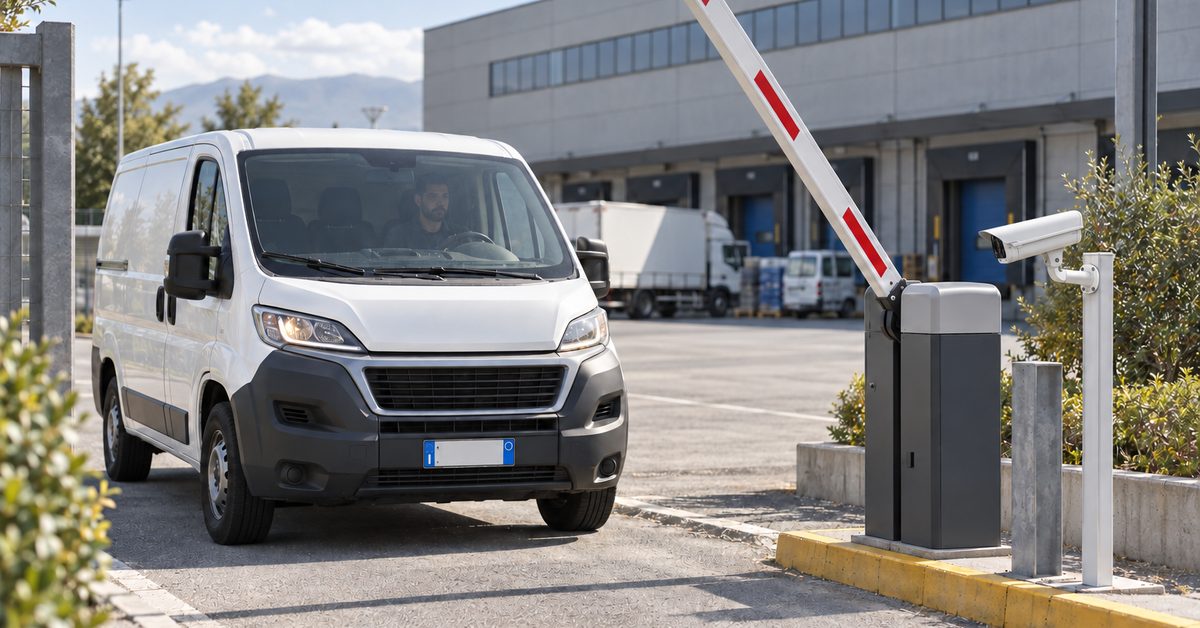
In short: to let couriers and suppliers into a warehouse or industrial unit without someone standing at the gate, each of them needs their own access, limited to the goods entrance and to their delivery window: a time-slot PIN with the smart keypad, their van's number plate read by the camera, or remote opening from the app when an occasional courier turns up. A system such as 1Control ACCESS connects to the gate, barrier or roller door you already have, applies these rules and logs every entry.
In this guide we look at why deliveries are the weak spot of warehouse access control, how to split the people who deliver into three categories with different rules, which entrances to use and what an access system does not do on behalf of the warehouse.
The problem: deliveries do not arrive during office hours
The courier comes when their round brings them to you, not when someone is free to go to the gate. The raw materials supplier wants to unload at 6:30, before the traffic. The forklift engineer turns up on a Saturday. The usual workarounds are familiar to everyone:
- a remote control left with the regular supplier, who passes it to a colleague, then to a subcontractor, and it never comes back;
- a single gate code known to every haulier in the area, never changed because everyone would have to be told;
- someone walking out to open up every time, dropping whatever they were doing;
- the gate left open all morning, "because the lorries are coming anyway".
In all of these cases nobody knows who came in, when or through which entrance. And when a supplier changes or a contract ends, removing their access is complicated or impossible.
Three types of visitor, three different rules
The most practical way to organise deliveries is to sort the people coming in by how often they come.
The regular supplier
They come several times a week, often with the same vehicle. The ideal access for them is their number plate read by the camera: the barrier or gate opens without the driver getting out, only on the days and in the time slots allowed. Alternatively, a personal PIN with the smart keypad.
The courier with changing drivers
They come often, but with different drivers. A PIN that works only at the goods entrance and only on weekday mornings limits the risk: if the code gets passed around, it still only works there and only in that window. And you can change it for that courier without touching anyone else's.
The one-off visitor
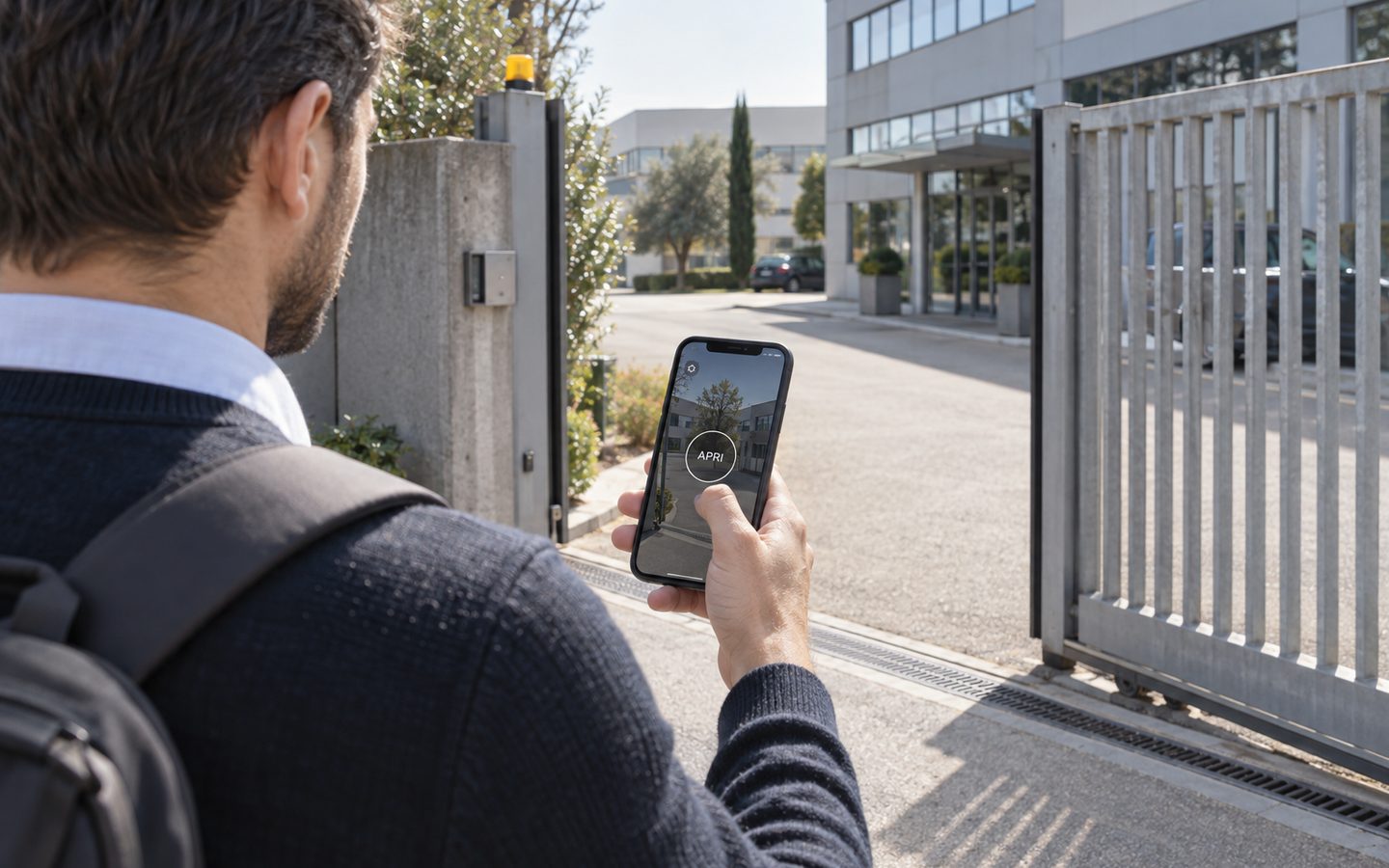
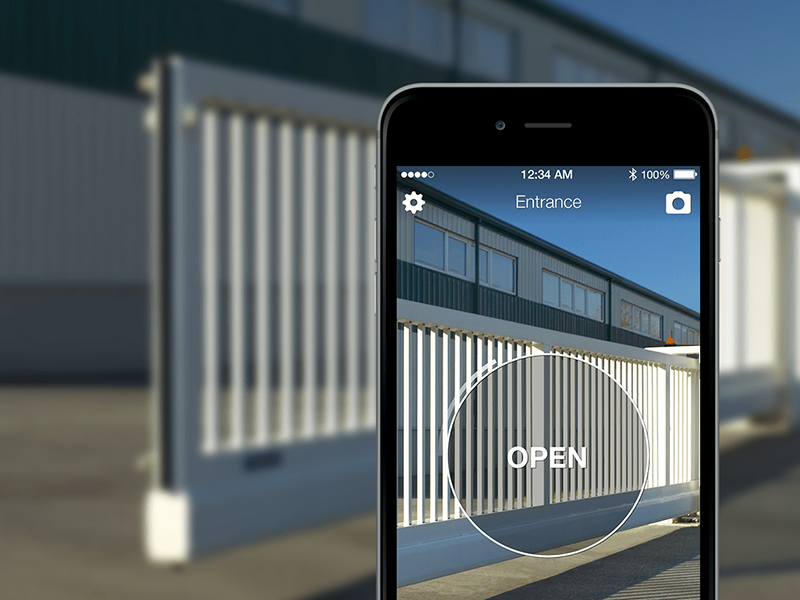
The haulier you have never seen, a technician from an outside firm, an unscheduled delivery. Here the simplest answer is remote opening: they let you know they have arrived, you check who they are and open from the app or the web admin area, wherever you are. The entry still goes into the log. If the job lasts a few days, you create an access with an end date: on that date it stops working on its own.
Out-of-hours deliveries, gate under control
1Control ACCESS gives couriers and suppliers time-slot access on your existing gates and barriers and logs every entry. Data SIM included for 3 years.
- 1,500+ reviews on Amazon, Facebook and Trustpilot
- Secure payments
- 2-year warranty
Where to let them in: the goods entrance
If the site has several entrances, it makes sense for deliveries to use just one: the goods entrance. It is easier to keep an eye on, keeps heavy vehicles away from staff parking and makes the log easier to read.
ACCESS works on existing entrances: it connects to the opening command of the vehicle gate, the barrier, the motorised roller door or the door with an electric lock, using a 12 V power supply and the opening contact. No turnstiles, no building work. For each entrance you decide who can pass: the "Suppliers" group only at the goods entrance, employees also at the pedestrian gate, the maintenance engineer only where their job is.
Rules by group: suppliers, couriers, maintenance
Managing people one by one does not scale once you have dozens of suppliers. ACCESS works with groups, and each person inherits the rules of their group:
- Suppliers: goods entrance, Monday to Friday, 6 am to 2 pm;
- Couriers: goods entrance, weekdays, 8 am to 6 pm;
- Maintenance: technical entrances, with access that expires with the contract or the job;
- Employees: pedestrian gate and car park, on their shift days and hours.
Rules apply to every method linked to the person: if a supplier may only come in during the morning, that rule applies to their number plate, their PIN and their app. Closed for the holidays? You suspend the whole group and reactivate it when you reopen.
The goods-in window
If deliveries are concentrated in a fixed slot, scheduled opening can hold the goods entrance open only during that window, for example from 7:30 to 8:30, and then close it again, if the automation supports hold-open. Outside that slot, personal access applies again.
With the closing sensor you can see in real time whether the gate is open or closed, including on the map of your sites. At the end of the day you check in the web admin area that nobody left it open after the last unloading.
The log: what time did the courier come in?
"The parcel shows as delivered at 11:02, but nobody saw it." In the ACCESS log every opening has a person, date, time, entrance and method, and you can filter it by person, period or method. It does not tell you what was delivered, but it tells you who came in and when: often that is enough to settle a dispute in a minute rather than from memory.
A morning at the goods entrance
- 6:15 The packaging supplier's lorry reaches the barrier: the camera reads the plate and the barrier lifts.
- 7:30 The goods entrance switches to scheduled opening for the goods-in window.
- 8:30 The entrance closes again on its own.
- 10:05 The express courier enters his group's PIN: it works only at the goods entrance, only on weekdays.
- 11:40 A haulier nobody has seen before is at the gate: the manager checks the delivery note and opens remotely from the app.
- 14:00 The forklift engineer comes in with the app: his access expires on Friday.
- 18:30 The manager checks in the web admin area that the gate is closed and scrolls through the log.
What ACCESS does not do for the warehouse
- It is not warehouse management software and does not book loading bays: it deals with who opens the entrances.
- It does not record goods: the log says who came in, not what they brought.
- It is not connected to your management system or WMS. People, groups and time slots are managed in the ACCESS web admin area.
- It does not replace CCTV: it works alongside it.
Installation and connectivity
Warehouse gates are often far from the office and out of Wi-Fi range. ACCESS has an LTE module with a data SIM included for 3 years: it goes online by itself, with no router or network cable run to the gate. Authorisations are stored in the device, so if the connection is lost authorised suppliers keep getting in. If you have several sites or units, you manage them all from the same panel.
If there are also rented offices or shared spaces on the same site, you will find the same logic in our guide to keyless entry for business centers; for a shop, see access control for retail stores.
Frequently asked questions
How do I let the courier in if nobody is at the gate?
Give them a PIN that works only at the goods entrance and only in their time slot, or open remotely from the app or the web admin area when they tell you they have arrived. Either way, the entry is logged.
Can the barrier open with the supplier's number plate?
Yes, with the number plate recognition camera: the plate linked to the supplier only opens on the days and at the times set for them, and stops opening when you deactivate the access.
Do I need to replace the gate or barrier?
No. ACCESS connects to the opening command of the existing automation (gate, barrier, roller door or door with an electric lock) with a 12 V power supply and the opening contact.
How do I remove access for a supplier we no longer work with?
You deactivate them from the web admin area or the app: their PIN, number plate, app and any remote control all stop working together. There is nothing to get back.
The gate is out of Wi-Fi range: is that a problem?
No. ACCESS has its own LTE connection with a data SIM included for 3 years, and it keeps letting authorised people in even when the connection is lost.
Does ACCESS connect to my warehouse management system?
We do not promise that: people, groups and time slots are managed in the ACCESS web admin area, which deals with the entrances, not the goods.
Conclusion
Letting couriers and suppliers in without staffing the gate is possible if each of them has their own access, limited to the goods entrance and their window: a number plate for frequent visitors, a time-slot PIN for couriers, remote opening for one-off arrivals. With ACCESS these rules apply to the gates and barriers you already have, and every entry stays in the log.
Want to work out how to organise it at your site? Request a demo of 1Control ACCESS.