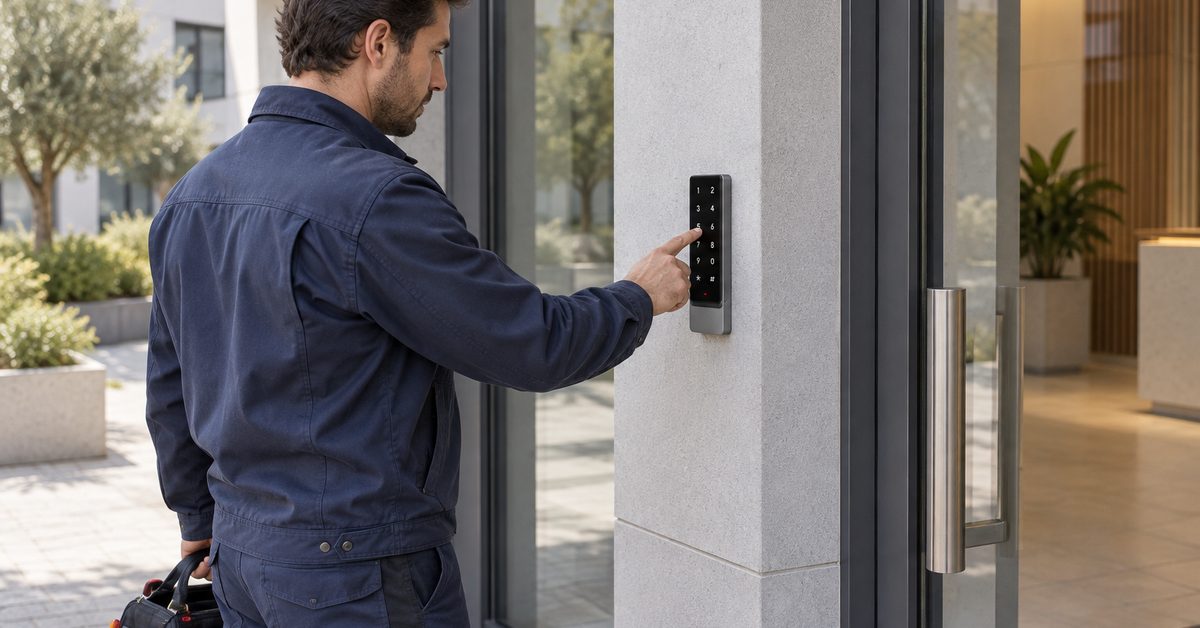
In short: access control for retail stores is not about customers, who walk in through the front door during opening hours. It is about everything that happens before and after: who opens up in the morning, when the cleaners come in, which door suppliers and maintenance technicians use, and who still has a key to the back door. A system such as 1Control ACCESS connects to the entrances the shop already has (a door with an electric lock, an automatic door, a motorised shutter, a yard gate, a car park barrier) and decides who can open them, on which days and at what time, logging every entry. No turnstiles and no rewiring.
In this guide we look at who really enters a shop outside opening hours, why physical keys become a problem as soon as staff change, what an access control system designed for retail should do and what it does not do.
Who enters a shop when the customers are gone
List a normal week and you quickly realise that the people with a legitimate reason to get in far outnumber the people who hold a key:
- whoever opens and closes: the manager, but also shop assistants on rota, on Saturdays or on bank holidays;
- the cleaning company, working early in the morning or late in the evening, when the shop is shut;
- suppliers delivering through the back door or the yard, often before opening;
- maintenance technicians: refrigeration, air conditioning, signage, electrics;
- the area manager or the owner, who drops in unannounced;
- the security patrol or whoever responds to an alarm.
Each of these people needs to get in through one specific entrance, in one specific window. None of them needs to get in at any time, through every door. That is exactly the gap between "having a key" and "having access".
The trouble with physical keys in a shop
A key always opens, at any hour, for whoever is holding it. In a shop with rotating staff, that creates three recurring problems.
Copies nobody keeps track of
After a few years nobody knows how many copies of the back-door key exist. A former assistant has one, so does the previous cleaning contractor, another is "in the drawer". Everyone knows the code of the old keypad, including people who no longer work there.
People who leave
When a member of staff leaves, the key has to come back. If it does not, or if there is any doubt, the only safe answer is to change the lock and hand out new keys to everyone else. It costs money and a lost day, so it often gets postponed.
No record
With keys you cannot tell who opened up at 6:10 on a Sunday, or whether the cleaners actually came. When something is disputed (missing stock, a delivery nobody can find, an alarm going off) everything is reconstructed from memory.
What retail access control should do
A shop does not need a corporate-scale installation. It needs a handful of functions that work well:
- One access per person, not a shared key: everyone has their own, and you can remove it without touching anyone else's.
- Entrances, days and time slots: cleaners use the back door from 6 to 8 am, the morning supplier uses the yard from 7 to 9, assistants only on their rota days.
- Automatic expiry: the air-conditioning engineer is authorised until Friday, then the access stops working on its own.
- Instant revocation, remotely too: someone leaves and their access is switched off straight away, without changing any locks.
- An access log: who came in, when, through which entrance and with which method, searchable and filterable.
- Open/closed status: at the end of the day you want to know whether the back door was left open.
- Remote opening: the supplier without the app is at the gate and you are at another branch.
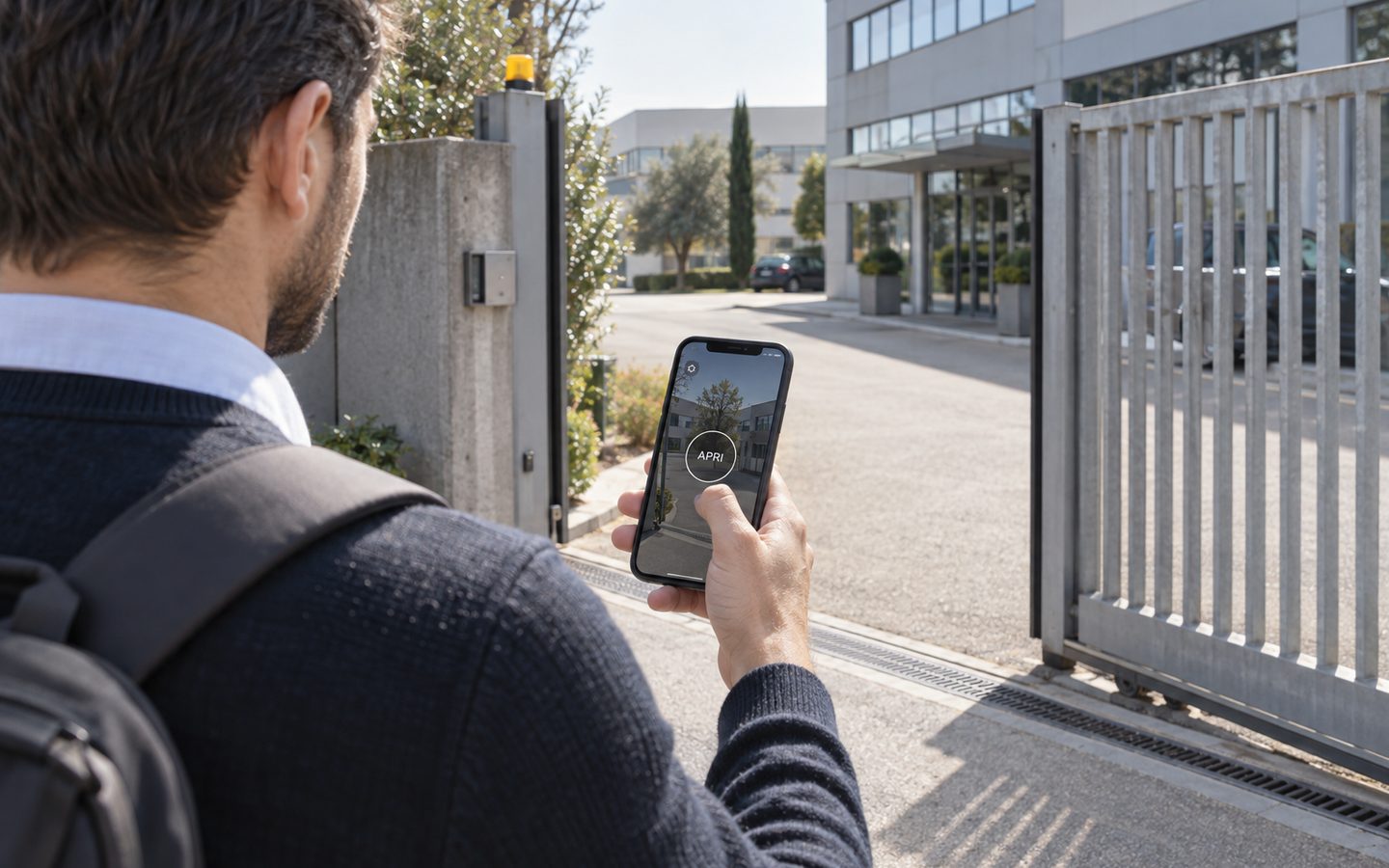
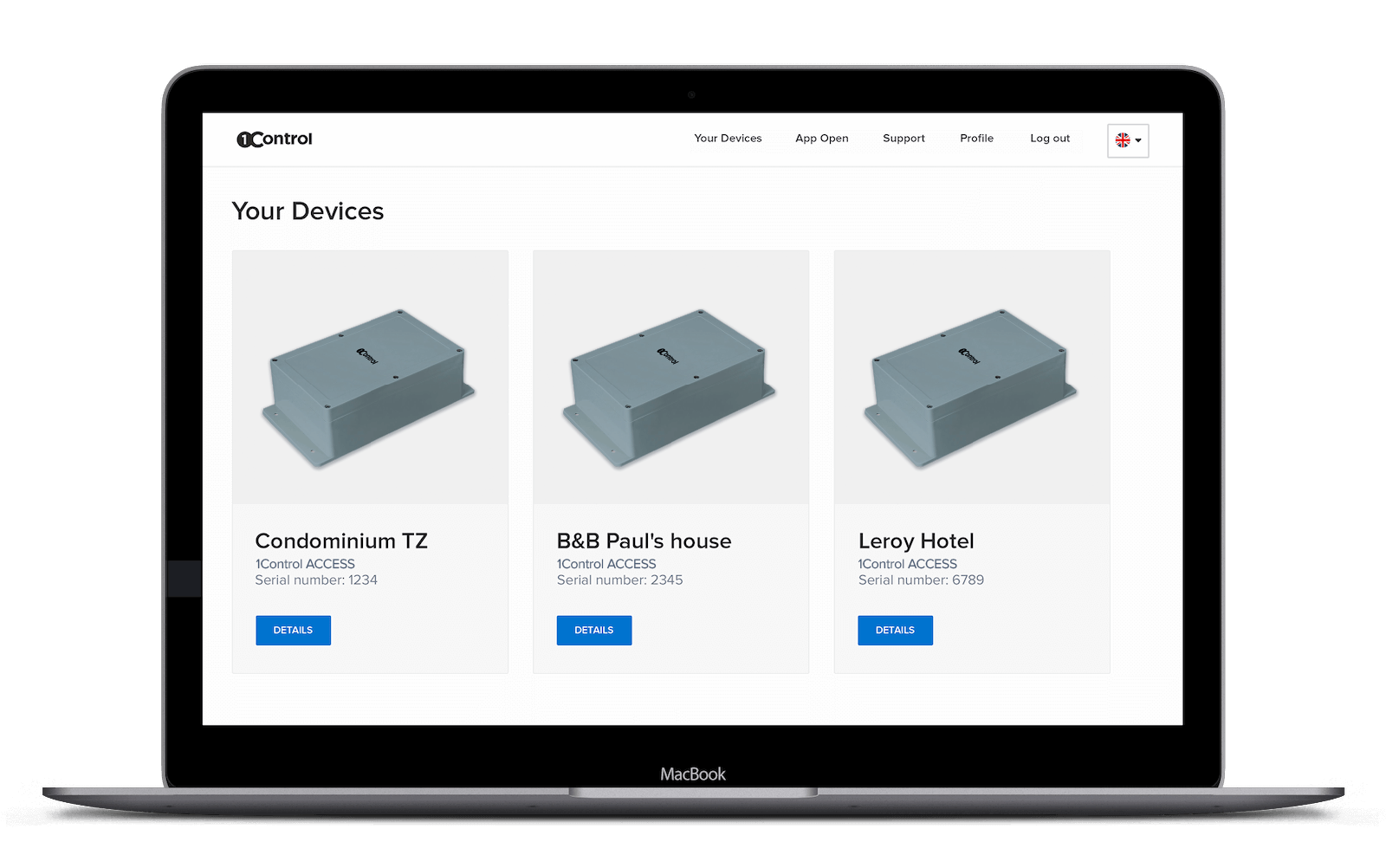
ACCESS does all of this from a single web admin area and the app. Rules apply to the person, not to a single method: if a supplier may only come in during the morning, that rule applies to their PIN, their app and their van's number plate.
Control who enters your shop, without changing the doors
1Control ACCESS connects to the entrances you already have and manages permissions, time slots and a log of every entry. Data SIM included for 3 years.
- 1,500+ reviews on Amazon, Facebook and Trustpilot
- Secure payments
- 2-year warranty
Typical shop entrances and how to manage them
ACCESS connects to the opening command of an entrance that is already motorised or fitted with an electric lock. You do not need to replace doors or shutters: you need a 12 V power supply and the opening contact of the automation. These are the entrances you find most often.
The staff door or back door
This is the most sensitive entrance, because it is the one used when the shop is closed. With an electric lock driven by ACCESS, assistants come in with the app or a badge, and cleaners with a PIN that only works in their time slot. You no longer need to change the code every time someone leaves: you deactivate the person.
The automatic customer door
If the front door is automatic, ACCESS can command it like any other entrance. With scheduled opening the door can stay open during trading hours, if the automation supports hold-open, and come back under control after hours.
The shutter or the yard gate
Motorised shutters and loading-yard gates are often operated by remote controls that get passed from hand to hand. With ACCESS you can use smart remote controls that follow their user's rules: deactivate the user and the remote stops opening, even if it was never returned.
The staff car park
If the shop has a barrier or gate for the car park, number plate recognition with the camera removes the need for remotes: the plate linked to a person only opens on the days and at the times set for them.
App, PIN, badge, remote or plate: which method for whom
Not everyone comes in the same way, and that is fine. A split that works in many shops:
- Manager and shop assistants: the app on their smartphone, via Bluetooth near the door or over the internet. Nothing to hand over or lose.
- Cleaners: a personal PIN with the smart keypad, valid only in the agreed slot. If the cleaning company changes operative, you change that person's PIN, not everyone's.
- Staff who already carry a badge: the smart keypad reads the most common NFC and RFID badges, so the cards employees already have can be linked to them.
- Regular suppliers: a time-slot PIN for the back door, or their number plate read by the camera for the yard or car park.
- Anyone with none of these: remote opening from the web admin area or the app, while you check who is at the door.
A day in the shop with ACCESS
A clothing shop with an automatic customer door, a staff entrance at the back and a yard for deliveries. Here is what happens on an ordinary day.
- 6:30 The cleaner enters her PIN on the back-door keypad. It works Monday to Saturday, 6 to 8 am: at 9 it would no longer open.
- 7:45 The driver from the central warehouse enters the yard: his access is valid only on the mornings of delivery days.
- 9:15 The first assistant opens the back door with the app. The log records her name, the time and the method.
- 9:30 The customer door switches to scheduled opening until closing time.
- 15:00 The air-conditioning engineer arrives without the app: the manager, who is at another branch, lets him in remotely with one click.
- 20:15 The manager checks in the web admin area that the back door is closed and scrolls through the day's log.
And when it matters: an assistant's contract ends? You deactivate her, and the app, PIN and badge stop working together. The cleaning contractor changes? You suspend the "Cleaning" group and create the new one.
What access control does not do (and should not do)
To choose well, it pays to be clear about the limits too:
- It is not an anti-theft system and does not check customers during opening hours: that is a different job.
- It does not replace the alarm or CCTV. It works alongside them: the log tells you who opened with which credential, the cameras show what happened.
- It is not connected to the till or the shop's management software. People, groups and time slots are managed in the ACCESS web admin area.
- It does not stop a second person from walking in with the first. It works on the door you have; it does not add turnstiles.
A practical note: the access log contains personal data about the people who work in the shop. Before switching it on, inform your staff and check with your adviser how to handle this data in line with employment and privacy rules.
Installation: how invasive is it?
Hardly at all. ACCESS is a control unit that connects to the existing automation with a 12 V power supply and the opening contact. It has an LTE module with a data SIM included for 3 years, so it goes online by itself, without using the shop's Wi-Fi or the landlord's router. The smart keypad and the number plate camera are modules you add where you need them.
Authorisations are stored in the device: if the connection drops, anyone with permission keeps getting in, and changes made in the meantime arrive as soon as the network is back. If you run several shops, all the entrances are managed from the same panel.
You will find the same logic applied to other sectors in our guides to keyless entry for business centers, to 24 hour gym access control and to how to let couriers and suppliers into a warehouse.
Frequently asked questions
Do I need to replace the shop door or shutter?
No. ACCESS connects to the opening command of an entrance that is already motorised or fitted with an electric lock: automatic door, back door, shutter, gate or barrier. You need a 12 V power supply and the opening contact of the automation.
Can I give the cleaners access only at certain times?
Yes. Each person or group has their own entrances, days and time slots. A cleaners' PIN valid from 6 to 8 am does not open at 10, and it can be set to expire on a specific date.
What happens when an employee leaves the shop?
You deactivate the person from the web admin area or the app, and their app, PIN, badge, remote and number plate all stop working together. There is no need to change the lock.
Can staff use the badge they already have?
In many cases, yes: the ACCESS smart keypad is compatible with the most common NFC and RFID badges, which are linked to people in the web admin area.
Does it need the shop's Wi-Fi?
No. ACCESS has its own LTE connection with a data SIM included for 3 years. And if the mobile network drops, the authorisations stored in the device keep working.
Can I let a supplier in when I am not at the shop?
Yes, in two ways: by giving them time-slot access (PIN or number plate), or by opening remotely from the app or the web admin area when they tell you they have arrived.
Conclusion
In a shop, access control matters most when the shop is closed: assistants on rota, cleaners, suppliers and technicians all need to get in, but each one only through their own entrance and in their own time slot. Moving from keys to personal access means you can remove a permission in seconds, know who came in and stop changing locks. With ACCESS you do it on the entrances the shop already has.
Want to see how it would apply to your entrances? Request a demo of 1Control ACCESS.