In short: with a Hörmann remote, everything depends on the radio generation. A BiSecur remote ("BS" on the label, blue LED) is programmed on the operator, with the P button on a ProMatic 4 or menu 11 on a SupraMatic 4, or it receives the code from a remote that already works. Older 868 MHz fixed-code remotes and 40 MHz quartz remotes follow other rules. If you want one more remote without buying another original, 1Control WHY copies BiSecur and 868 MHz fixed-code models.
Hörmann calls it a "hand transmitter"; most people say remote control or fob. This page helps you identify yours, gives the steps from the Hörmann manuals, and explains what to do when the remote is lost. The general method for all brands is in our gate remote programming guide.
Which Hörmann remote do you have: HSE 4 BS, HS 5 BS, HSM4 868 or 40 MHz?
Read the label on the back or inside the battery compartment. The model name gives the frequency, and the letters "BS" stand for the BiSecur radio system.
| Family | Common models | How to recognise it | Copy |
|---|---|---|---|
| BiSecur 868 MHz | HS 1, 2, 4 and 5 BS; HSE 1, 2, 4 and 5 BS | "868-BS" on the label, blue LED when sending | WHY, SOLO BS, PAD keypad |
| 868 MHz fixed code | HSM4 868, HSE2 868, HS 868, HSP4-868 | "868" without "BS"; grey case with blue buttons | WHY and SOLO |
| 433 MHz | HS433, HSE2 433, HSM4 433 | "433" on the label | WHY and SOLO |
| Quartz 40.685 MHz | HS2, HS4, HSE2, HSM2, HSM4 | "40" or 40.685 printed | QZERO; from the phone, SOLO + KIT |
| Quartz 26.975 and 27.015 MHz | HS, HSM, DH, DHM | Frequency printed, oldest systems | QZERO; from the phone, SOLO + KIT |
Two rules save you a wrong purchase. Frequencies do not mix: an 868 MHz remote never works with a 40 MHz receiver. And, according to the Hörmann manual, a BiSecur hand transmitter can learn the code of an older 868 MHz fixed-code remote (grey with blue buttons, or model HSD2-868), but not the other way round.
Check your exact model in the SOLO compatibility checker, Hörmann list, or in the WHY and QZERO checker. If the SOLO checker answers "you need the KIT", the remote cannot be copied by radio: SOLO + KIT adds a small receiver wired to the push-button input of the operator.
How to program a Hörmann remote on the operator: ProMatic 4 and SupraMatic 4
This is the way when no working remote is left. The door can move during teach-in, so keep people out of its travel area. The operator must be at rest.
ProMatic 4: the P button on the operator cover
Steps from the ProMatic 4 instructions (TR10A378-C, 10.2020), section 8.1:
- Press the P button on the operator cover once. The LED in the transparent button flashes red once.
- Press and hold the button on the remote. When the code is recognised, the LED in the P button flashes quickly in red.
- Release the button: the LED flashes slowly in red and the button is taught in. For another remote, repeat steps 2 and 3.
After 25 seconds without action the operator returns to normal operation. For another function, press P twice (operator light) or three times (partial opening) before you continue. The integrated receiver stores 100 radio codes; after that, the oldest ones are overwritten.
SupraMatic 4: menu 11
From the SupraMatic 4 instructions (TR10A360-B, 10.2020):
- Hold the PRG button until the display shows 00, then select menu 11 with the arrow buttons.
- Press PRG: 11 flashes.
- Press and hold the button on the remote until "11." flashes quickly, then release it.
You have 25 seconds to add another remote; this receiver stores 150 codes. With an external radio receiver, teach-in is done on the receiver, following its own instructions.
Is your remote compatible? Check it here
Pick brand and model: we tell you right away whether it copies onto WHY, opens from your phone with SOLO, or needs the KIT.
Copy the code from one Hörmann BiSecur remote to another
If one BiSecur remote works, the new one can receive its code without touching the operator. Hörmann calls this inheriting a radio code. The HSE 1 / HSE 4 BiSecur operating instructions (4553843 B0, 04-2023) describe it:
- Hold the new remote to the left of the one that works.
- On the working remote, press and hold the button whose code you want to pass on. The LED lights blue for 2 seconds, goes out, and after 5 seconds flashes red and blue in turn: the code is being sent.
- On the new remote, press and hold the button that should receive the code. Its LED flashes slowly in blue, then quickly when the code is recognised.
- Release both buttons. You have 15 seconds for the whole procedure.
The first time you use an inherited code, the door does not react at once, and many people think the remote is faulty. With a series 4 garage door operator, hold the button until the LED flashes red and blue and the door starts; with other products, press the button a second time.
Lost Hörmann remote: replacing it without the original
A lost remote cannot be copied, because there is no signal to read. If none is left, buy a new BiSecur hand transmitter and teach it in on the operator with the P button or menu 11, after checking the frequency of the receiver.
If the remote was stolen, delete the codes. Hörmann integrated receivers cannot delete a single remote: it is all or nothing. ProMatic 4: press and hold the P button; the LED flashes slowly in red, then rapidly; release only then. SupraMatic 4: menu 19, parameter 01, then hold PRG for 5 seconds. After that, teach in the remaining remotes again. The next steps are in gate remote lost or stolen.
With an old 40 or 27 MHz operator and no working remote, the answer is not radio: SOLO + KIT connects to the push-button input, like one more button, and the door opens from your phone. The cables are in the box; for the right terminal, follow the manual of your operator.
Older Hörmann remotes: HSM4 868, HSE2 and 40 MHz
The grey remotes with blue buttons, HSM4 868 or HSE2 868, come from before BiSecur: 868 MHz, fixed code. They are taught in on an external receiver or on the radio module of the operators of that time, and each manual has its own sequence. Look for the manual of your operator or receiver in the Hörmann media centre of your country.
To replace one, the HSE BiSecur instructions (section 7.1) describe how to set the hand transmitter to the 868 MHz fixed code: same start as the device reset, button held until the LED stays red. And if yours still works, HSM4 868, HSE2 868, HS 868 and HSP4-868 can be copied to WHY and to SOLO.
Quartz remotes on 40.685, 26.975 or 27.015 MHz need a replacement on exactly the same frequency. For a physical copy, 1Control QZERO is made for these frequencies below 50 MHz. The difference between the two coding systems is explained in fixed code vs rolling code.
Copy a Hörmann remote to 1Control WHY, or open the garage from your phone
Two solutions start from the remote you already have. Both need one original remote that works.
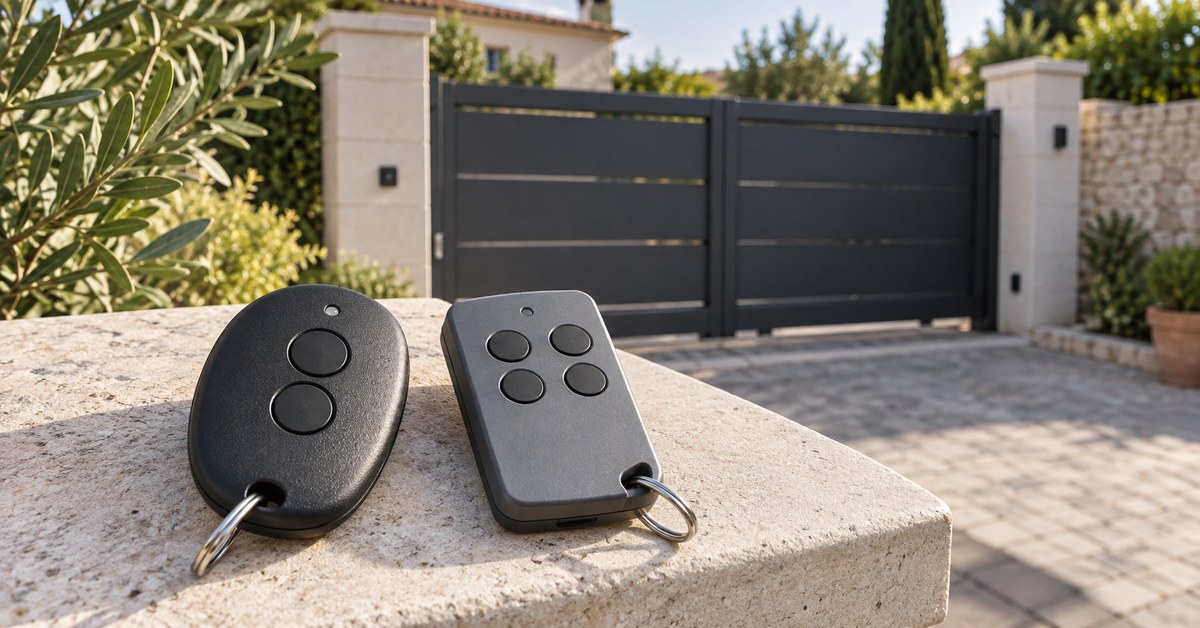
1Control WHY is a 4-button remote that copies fixed-code and rolling-code remotes, with no app. For BiSecur models, the WHY manual for Hörmann says: hold button 1 on WHY and press button 2 four times; press and hold the button on the Hörmann remote, whose LED flashes red and blue; when the green LED on WHY flashes quickly, press the WHY button you want to use. If the door does not open, WHY is taught in on the operator like a new remote.
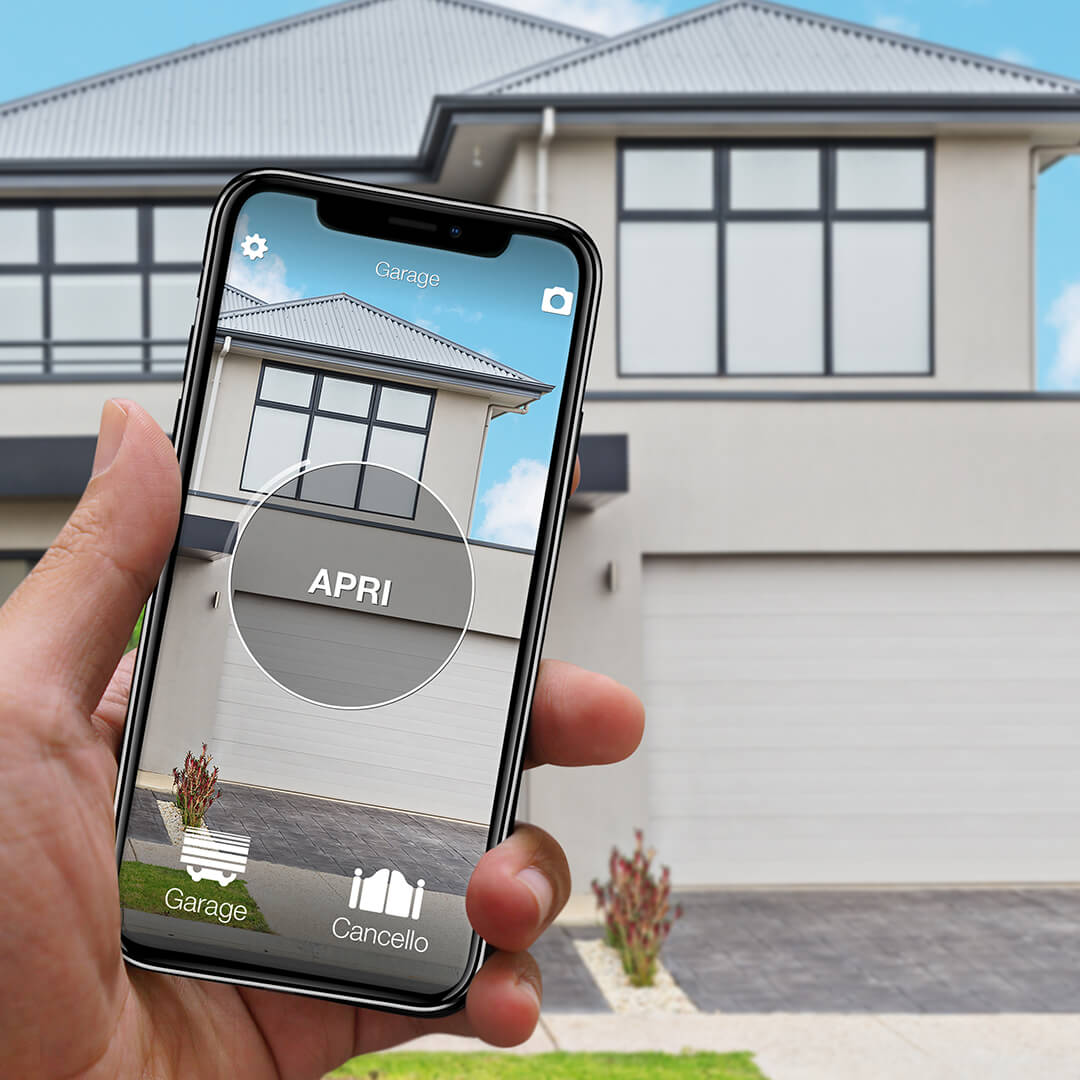
1Control SOLO copies the remote and opens the door from the 1Control app over Bluetooth when you are nearby, with no wiring; BiSecur remotes need the SOLO BS version. You share access with your family for free, with time slots if you wish. To open from far away, add LINK: it talks to SOLO over Bluetooth and reaches the internet through 2.4 GHz Wi-Fi or Ethernet, with no SIM card.
The SupraMatic 4 also has its own Bluetooth receiver and the Hörmann BlueSecur app: the comparison is in open a Hörmann garage door with your phone.
Common problems: battery, timeouts, full memory
- Battery. On HSE BiSecur remotes, two red flashes before sending mean the CR2032 battery is almost empty. See gate remote battery replacement.
- Timeouts. 15 seconds from one remote to the other, 25 seconds on series 4 operators.
- Memory. 100 codes on the ProMatic 4, 150 on the SupraMatic 4: after that the oldest are replaced. See gate receiver memory full.
- Same button, two functions. Only the last one taught in stays valid.
If the door no longer answers any remote, teach-in is not the cause: the operator, its power supply or its safety devices are, and that is a job for an installer.
Frequently asked questions
How do I program a Hörmann remote control?
With a BiSecur remote on a ProMatic 4, press the P button on the operator cover once, then hold the remote button until the LED on the operator flashes quickly in red. On a SupraMatic 4, use menu 11. A remote that already works can also pass its code to the new one.
Can a Hörmann BiSecur remote be copied?
Yes, as long as one original remote works. Between two Hörmann hand transmitters this is called inheriting the radio code. 1Control WHY copies HS and HSE models in the 868-BS version, and SOLO BS copies them so you can open from your phone.
What can replace a Hörmann HSM4 868 remote?
A hand transmitter that can be set to the 868 MHz fixed code: the HSE BiSecur instructions describe this setting. If your HSM4 868 still works, it can also be copied to 1Control WHY or SOLO.
How do I delete a lost Hörmann remote?
Integrated receivers cannot delete one remote only. ProMatic 4: hold the P button until the LED flashes rapidly. SupraMatic 4: menu 19, parameter 01. All codes are deleted, so teach in the remaining remotes again afterwards.
Which battery does a Hörmann HSE 4 BS remote use?
One 3 V lithium coin cell, type CR2032. Two red flashes of the LED before sending tell you it is almost empty.
The bottom line
A Hörmann remote is quick to program once you know the generation: BiSecur with the P button, menu 11 or inheriting from another remote; fixed code and quartz according to the manual of the receiver. Deleting is always all or nothing.
Next step: read the model on the back of your remote and enter it in the SOLO checker or the WHY and QZERO checker. You will know whether it can be copied to WHY, SOLO or QZERO, or whether you need the KIT.