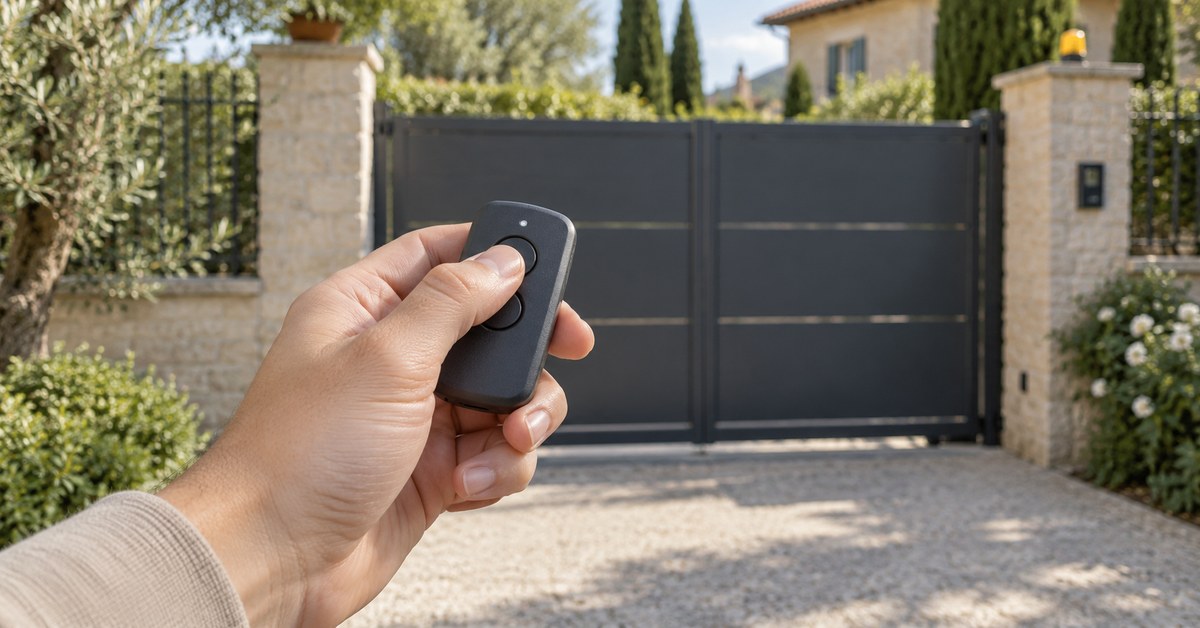
In short: a current FAAC remote (XT2, XT4 in the SLH versions) is programmed in two moves. Press P1 and P2 together until the LED flashes, then, within 8 seconds, put the receiver in learning mode and press the button you want to use. Every further remote takes the code from the first one, held face to face, and becomes active when you press its button twice at the gate. If you only want one more remote, 1Control WHY copies the one you already have.
The FAAC range mixes two frequencies (433 and 868 MHz) and several codings (SLH, SLR, RC, DS). Most failed attempts come from this: the procedure is right, the remote is not. Here you find how to identify the model, the steps from the FAAC instruction sheets, and what to do without a working remote. The method for all brands is in our gate remote programming guide.
Which FAAC remote do you have: XT2, XT4, TML, DL, 433 or 868 SLH?
The label on the back gives the family (XT, TML, T, DL, TM), the frequency (433 or 868) and the coding (SLH, SLR, RC, DS).
| Family | Models | Coding | Copy |
|---|---|---|---|
| XT SLH | XT2 and XT4 433 SLH (also LR); XT2 and XT4 868 SLH (also LR) | Rolling code SLH | WHY and SOLO, from a master |
| T, TML and DL SLH | T 433 SLH, T 868 SLH; TML2 and TML4 433 SLH; DL2 and DL4 868 SLH | Rolling code SLH | WHY and SOLO, from a master |
| TML SLR | TML2 and TML4 433 SLR | Fixed code | WHY and SOLO |
| XT RC | XT4 433 RC | Rolling code RC | WHY and SOLO |
| XT FDS | XT2 and XT4 FDS | Rolling code | Not copied: SOLO + KIT |
| Quartz | T31, TMN31 (30.875 MHz); 40SL (40.685 MHz) | Fixed code | QZERO |
With SLH there is one more thing to check: master or slave. FAAC explains it in its 868 SLH system sheet (732920 Rev. A). Press any button: if the LED flashes before becoming steady, the remote is a master; if it lights steadily at once, it is a slave. Only a master can give its code to a receiver and to other remotes. A slave can only receive it.
Check your exact model in the SOLO compatibility checker, FAAC list, or in the WHY and QZERO checker. Where the answer is "you need the KIT", the remote cannot be copied by radio: SOLO + KIT adds a small receiver wired to the push-button input of the control board.
How to program a FAAC XT2 or XT4 SLH remote on the receiver
These are the steps of the FAAC sheet for the XT2 and XT4 433 SLH LR (732643 Rev. G). Stay at least half a metre from the receiver, with the gate stopped.
- On the remote, press P1 and P2 together, then release them: the LED flashes.
- Within 8 seconds, put the receiver in learning mode. On RP receivers and on Decoder and Minidec cards, press and hold the button on the card: its LED flashes.
- Press and release the remote button you want to memorise. On the receiver the LED lights steadily for about two seconds: memorised.
- Take the receiver out of learning mode (release the button on the card).
- Press the button you have just memorised twice in succession.
The 868 MHz SLH remotes follow the same logic; use the sheet supplied with yours. On control boards with a built-in radio, the learning button has another name or sits in a menu: FAAC refers you to the instructions of that board. The plug-in RP1 and RP2 receivers (sheet 532321 Rev. A) store up to 255 radio codes and exist in 433.92 and 868.35 MHz versions, for SLH and DS or for RC: the remote must match both. Do not touch the wiring; that is a job for an installer.
Is your remote compatible? Check it here
Pick brand and model: we tell you right away whether it copies onto WHY, opens from your phone with SOLO, or needs the KIT.
Pass the code to a second FAAC remote from one already memorised
Further SLH remotes do not go through the receiver. They take the code from the remote that is already memorised. From the same FAAC sheet:
- On the memorised remote, press P1 and P2 together and release them: the LED flashes.
- Within 8 seconds, press and hold the button that is already memorised: the LED lights steadily.
- Bring the two remotes into contact, face to face.
- On the new remote, press the button to be memorised and check that its LED flashes twice before going out.
- Release all buttons.
- At the gate, press the new button twice in succession: the first press makes the receiver accept the remote.
The remote that gives the code must be a master. A slave programmed this way opens like the master, but cannot pass the code on to a third remote.
Lost FAAC remote, or only a slave left: how to replace it
A lost remote cannot be copied. What you can do depends on what is left.
- A master still works. Buy a remote of the same frequency and SLH coding and pass it the code, or copy the master to WHY.
- Only a slave works. It opens the gate but cannot be duplicated. A new master has to be coded on the receiver, and the other remotes then take their code from it.
- The remote was stolen. Delete the receiver and start again. On RP receivers, FAAC gives this sequence (Decoder and Minidec cards have their own sheet: follow that one): press and hold the learning button: the LED flashes slowly, then faster; wait until it lights up steadily, then release the button. The system code and all remotes are deleted.
The other steps are in gate remote lost or stolen. If you cannot or do not want to recode the system, SOLO + KIT connects to the push-button input, like one more button, and the gate opens from your phone. The cables are in the box; for the terminal, follow the manual of your control board.
Copy a FAAC remote to 1Control WHY, or open the gate from your phone
Both solutions start from a remote that works. For SLH models it must be a master: a slave cannot be copied.
1Control WHY is a physical 4-button remote that copies fixed-code and rolling-code remotes, with no app. The WHY manual for FAAC gives the sequence: hold button 1 on WHY and press button 2 four times; press the button on the FAAC remote until the red LED on WHY becomes steady; when it flashes slowly twice, press the two diagonal buttons of the FAAC remote together and, while its LED flashes, the button to copy; when the green LED flashes quickly, press the WHY button you want to use. As with any SLH remote, the gate may open only at the second press the first time.
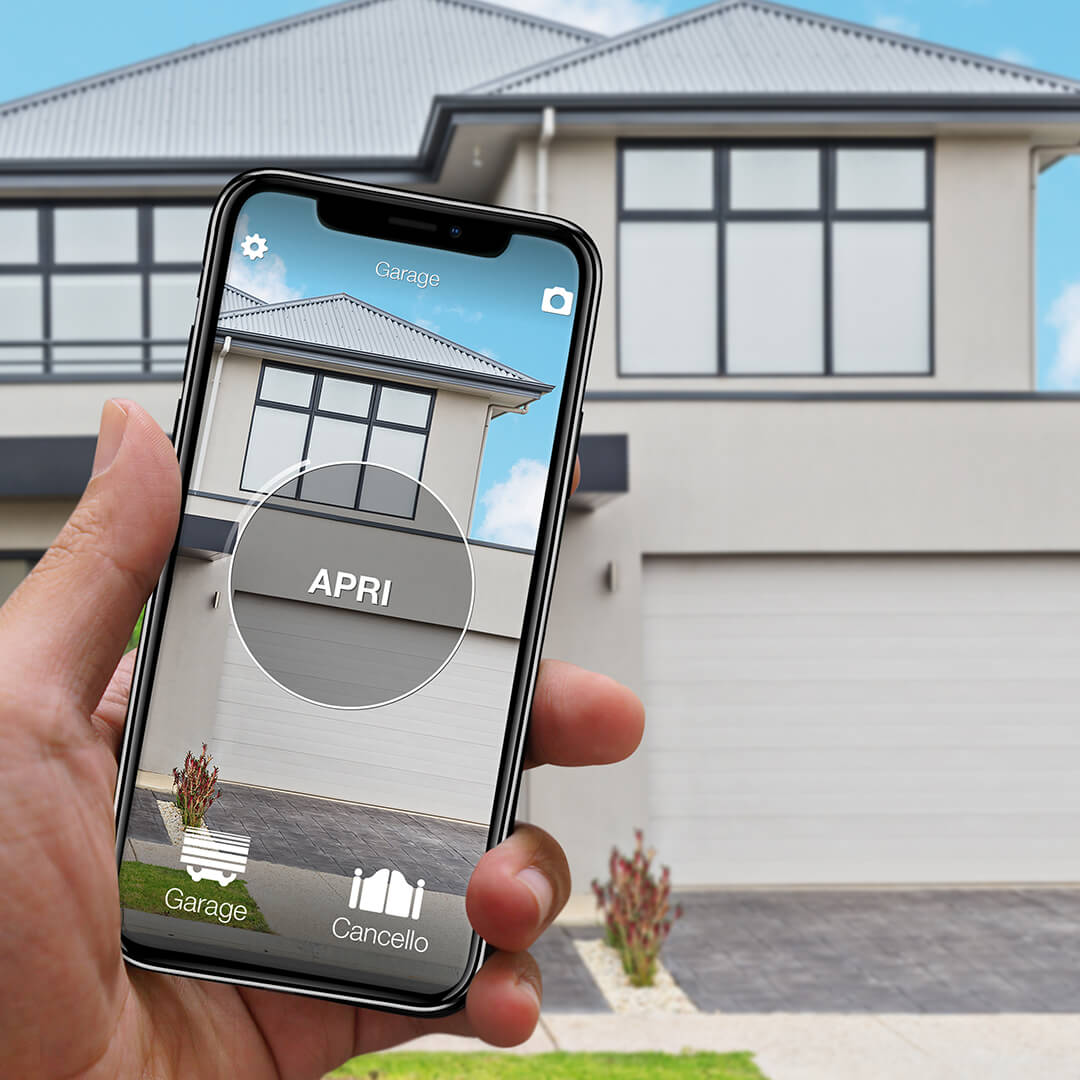
1Control SOLO copies the same remotes and then opens the gate from the 1Control app over Bluetooth, when you are nearby, with no wiring. Access is shared for free with family or guests, with time slots if you wish. To open from far away, add LINK: it talks to SOLO over Bluetooth and reaches the internet through 2.4 GHz Wi-Fi or Ethernet, with no SIM card.
FAAC has its own connected products too. The comparison is in open a FAAC gate with your phone.
Common problems: slave remote, wrong frequency, battery
- You are using a slave. It cannot code a receiver or another remote.
- Frequency. A 433 MHz remote and an 868 MHz receiver never work together. Compare the labels.
- Time window. You have 8 seconds after P1 + P2. If you hesitated, start again.
- First press. A newly coded SLH remote is accepted at the second consecutive press.
- Batteries. XT remotes use two CR2032 lithium cells. See gate remote battery replacement.
- Memory. An RP receiver stores 255 codes at most. See gate receiver memory full.
If the gate answers none of the remotes, programming is not the cause: start from gate remote not working.
Frequently asked questions
How do I program a FAAC XT2 or XT4 SLH remote?
Press P1 and P2 together and release them: the LED flashes. Within 8 seconds put the receiver in learning mode and press the button to memorise; the LED on the receiver lights steadily for about two seconds. Then press the memorised button twice in succession.
What do master and slave mean on FAAC remotes?
In the SLH system a master can give its code to the receiver and to other remotes. A slave can only receive the code. Press a button: on a master the LED flashes before becoming steady, on a slave it lights steadily at once.
Why does my new FAAC remote open only at the second press?
This is normal the first time. A remote that has just received the code is accepted by the receiver at the second consecutive press. If it keeps happening, check the batteries and the distance.
Can a FAAC remote be copied to 1Control WHY or SOLO?
Yes for the SLH families (XT, T, TML, DL at 433 and 868 MHz), the TML SLR and the XT4 433 RC, according to the 1Control catalogue. For SLH models the original must be a master. XT FDS remotes are not copied: for those, SOLO + KIT.
Is a 433 MHz FAAC remote compatible with an 868 MHz receiver?
No. Frequency and coding must both match the receiver. Read the label on the remote and on the receiver before buying a replacement.
The bottom line
Programming a FAAC remote is two checks and one sequence: the right frequency, a master in your hand, then P1 + P2, receiver in learning mode, button, and two presses at the gate. Further remotes take the code from the master, face to face.
Next step: read the label and enter the model in the SOLO checker or the WHY and QZERO checker. You will see whether it can be copied to WHY, SOLO or QZERO, or whether you need the KIT.