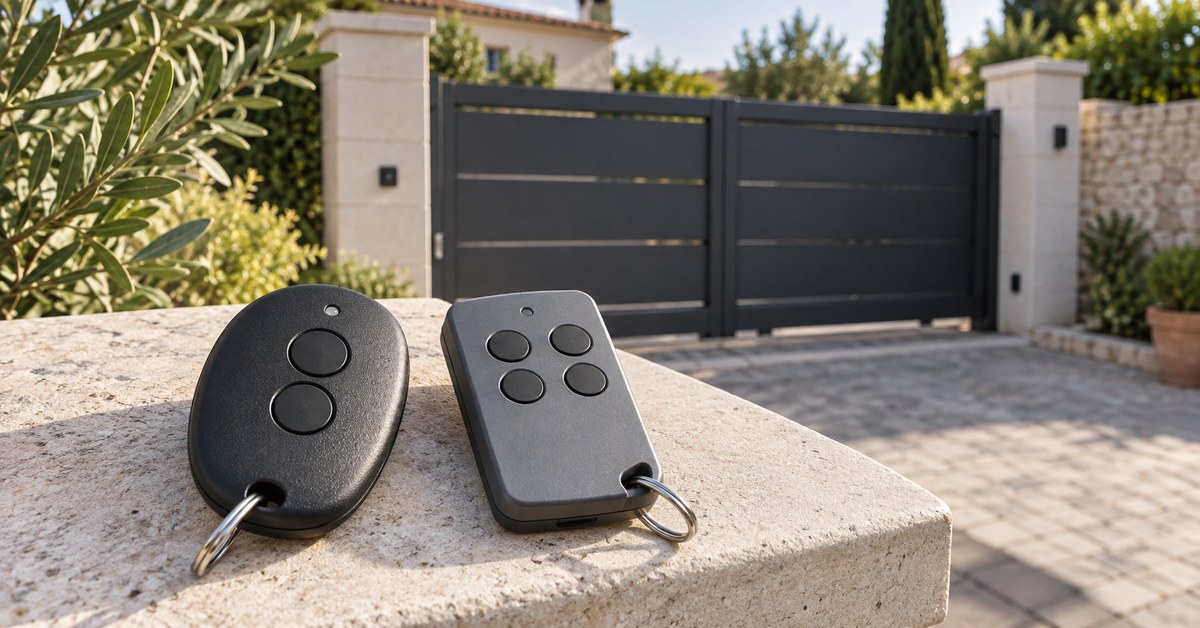
In short: a DEA remote control is identified by the model code on its label (GTI2, GTI4, MIO TR, GOLD…) and is programmed on the control board of the motor: on the NET24N and NET230N boards, go to parameter P005, wait for "LEAr" on the display and press the remote button. For one more remote there are three options: an original DEA remote to store on the board, a copy on 1Control WHY, a universal 4-button remote, or your phone with 1Control SOLO.
DEA System is an Italian maker of automation for gates and garage doors. Its remotes have changed family several times: GOLD, GENIE, PUNTO, MIO, GTI and now GTX.
Which DEA remote do you have? GTI2, GTI4, MIO TR, GOLD: the table
Look for the model code on the back of the remote or inside the battery compartment: it decides the frequency, the coding and whether the remote can be copied. The table lists the 24 DEA models in the 1Control catalogue, checked on 10 November 2026, followed by the codes that are not in it.
| Model | Frequency | Coding | Copy on WHY or SOLO |
|---|---|---|---|
| GTI2, GTI2M, GTI2N, GTI4, GTI4M, GTI4N | 433 MHz | Rolling code | Yes, if the LED of the remote lights up in red only when you press a button |
| GTI2 868, GTI4 868 | 868 MHz | Rolling code | Yes, on the same condition |
| MIO TR, TR2, TR4, GOLD R, GENIE R 273, PUNTO 278 | 433.92 MHz | Rolling code | Yes |
| MIO TD, GOLD 238 S1 and S2, GOLD 239 S4, GOLDS, GENIE S, GENIE S 263L, PUNTO 268 | 433.92 MHz | Fixed code | Yes |
| 306, GOLD 306 | 306 MHz | Fixed code | Yes |
| GTX, GTX/N, GTX/868, GTX/M (current range) | 433 or 868 MHz | HCS rolling code, dip-switch or D.A.R.T. | Not in the catalogue: SOLO + KIT |
| GT2, GT4, GT4M (without the "I") | Not listed | Not listed | Not in the catalogue: SOLO + KIT |
No DEA remote in the catalogue is a quartz remote, so QZERO is not needed here. For the GTI family the catalogue asks for an LED that lights up in red only. DEA describes its D.A.R.T. coding as impossible to clone: if the LED is not red only, do not count on a copy.
Before you buy, look up your exact model in the SOLO compatibility checker filtered on DEA or in the WHY and QZERO checker: the catalogue changes over time, and it has the final word.
Replace or copy a DEA remote: what to buy
An original DEA remote
The range DEA sells today is GTX: GTX and GTX/N with 4 channels at 433 MHz, GTX/868 at 868 MHz, GTX/M with 2 or 4 channels. The new remote must use the frequency of your receiver and the coding set on the board: ask the seller to confirm both, with your old remote at hand. Then it has to be stored on the board.
A copy in your pocket: 1Control WHY
WHY copies the remote you already have, fixed code or rolling code, with no app. It needs a working original. With a rolling code, the copy is completed in front of the receiver.
Your phone: 1Control SOLO
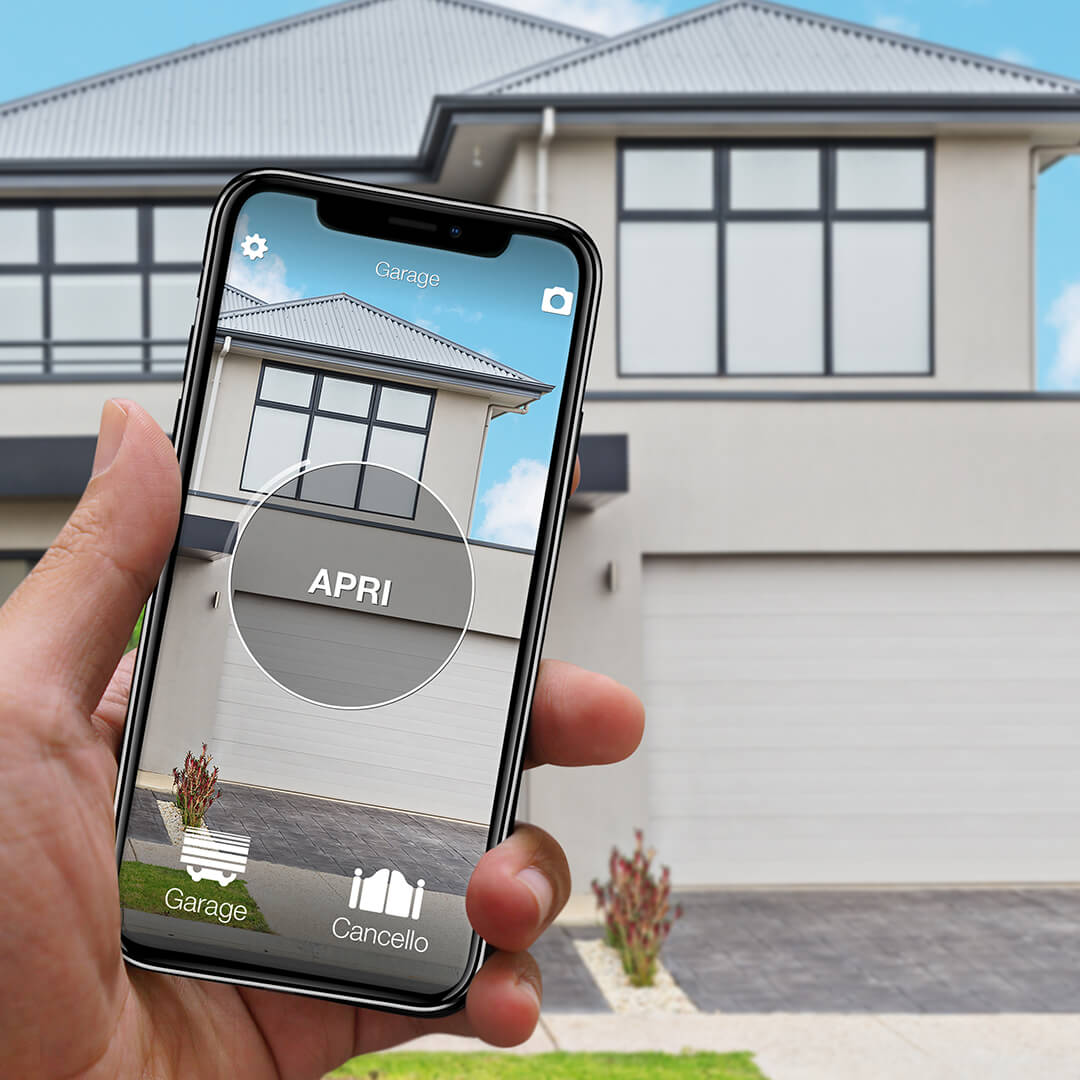
1Control SOLO copies the working remote and opens the gate or garage door from the 1Control app over Bluetooth, when you are nearby. No wiring. To open from far away, add the LINK hub: Bluetooth to SOLO, 2.4 GHz Wi-Fi or Ethernet to the Internet, no SIM card.
When a copy is not possible: SOLO + KIT
A remote that is not in the catalogue, a GTI whose LED is not red only, or no working remote left: the way is SOLO + KIT. KIT is a receiver wired to the control board, on the push-button input (START), like one more button. The cables are in the box and you can fit it yourself, after finding that input in the manual of your motor. The other options are compared in open a DEA gate with your phone.
Is your remote compatible? Check it here
Pick brand and model: we tell you right away whether it copies onto WHY, opens from your phone with SOLO, or needs the KIT.
Program a DEA remote on a NET24N or NET230N board (P005)
These steps come from the official DEA manuals of the NET24N board (I78002, rev. 16), for 24 V motors, and the NET230N board (I77013, rev. 16), for 230 V motors. The built-in receiver works at 433.92 MHz and stores 100 remotes. The board stays powered: touch only the +, − and OK keys, or leave the job to an installer.
- With + and −, scroll the parameters to P005 and press OK.
- When the display shows "LEAr", press the button of the remote you want to store.
- The display shows the number given to that remote, then "LEAr" again: repeat for the next remotes.
- Wait 10 seconds: when the display returns to "- - - -", learning is finished.
Write down the number of each remote: you need it to delete that one alone if it gets lost.
Coding (P027) and buttons (P023 to P026)
P027 sets the coding the receiver accepts: d000 fixed rolling code (suggested by DEA), d001 complete rolling code, d002 dip-switch, d003 DART. Do not change it without a reason: the manual then requires you to erase the memory. By default only button 1 drives the gate (START); P023 to P026 give each button a function: START, PED for pedestrian opening, OPEN, CLOSE, STOP.
Without opening the box: the hidden button
According to the manual, a pulse on the hidden button of a rolling code remote that is already stored puts the receiver in learning mode: you then press the button of the new remote. The board manual does not say where that button is: check the leaflet of your remote.
A different board, or a separate DEA 281/2 receiver? Look for the chapter on transmitter learning in its manual. The method for all brands is in our gate remote programming guide.
Lost or stolen DEA remote: delete it, then replace it
A lost remote still opens the gate as long as it is in the memory. NET boards offer two ways to delete.
- One remote, P006: press OK, choose its number with + and − (for example r003), hold OK while it flashes and release when "r - - -" appears.
- All remotes, P004: press OK; when "CAnC" flashes, hold OK and release as soon as "CAnC" stays on. Every remote then has to be stored again.
In a shared building, P004 deletes the remotes of all your neighbours: go through the building manager. Leave P007 and P010 alone: they reload the factory settings.
No working remote left? A copy is impossible: WHY and SOLO start from an original. Buy a compatible DEA remote and store it with P005, or fit SOLO + KIT, which does not depend on any original remote.
Copy a DEA remote: WHY in your pocket, SOLO on your phone
Fixed code (MIO TD, GOLD 238 and 239, GOLDS, GENIE S, PUNTO 268, 306): WHY learns the code by listening to the original remote, then you choose the WHY button that will hold it. The receiver gets the same code as before and you do not touch the board: handy in a shared garage.
Rolling code (MIO TR, TR2, TR4, GOLD R, GENIE R 273, PUNTO 278, GTI): the WHY manual adds one step. Put the board in learning mode (P005 and "LEAr" on a NET board) and press the WHY button you have just copied. The original remotes keep working.
SOLO copies the same remote once, then the whole family opens from the app: you share access for free, also on a time schedule. The case is IP66, designed and made in Italy. Siri works with Shortcuts; Alexa, Google Home, opening from far away and notifications need LINK. The app does not use your location: nothing opens by itself when you arrive. In the car, SOLO AUTO shows up on CarPlay and Android Auto, without the LINK functions.
DEA remote not working: battery, full memory, range
- Weak battery. The range drops: replace the battery with the type printed in the compartment.
- Full memory. A NET board holds 100 remotes: delete one (P006) before adding another.
- Frequency or coding. An 868 MHz remote is not received by a 433.92 MHz receiver, and a coding different from the one set in P027 is not learned.
- Short range. The manual advises connecting the antenna of the flashing light or a tuned external antenna: a job for an installer.
- "PrOG/bLOC" on the display. The installer has locked programming (P008): contact them.
- Remote stored, gate not moving. Check the photocells, the manual release and the power supply, as explained in gate remote not working. Neither WHY nor SOLO repairs a motor.
Frequently asked questions
How do I program a DEA remote control?
On a NET24N or NET230N board: parameter P005, OK, then the remote button when "LEAr" appears. The display shows its number. Wait 10 seconds until "- - - -" returns.
What can replace a DEA GTI4 or GT4M remote?
DEA sells the GTX range today: ask the seller to confirm frequency and coding. A working GTI4 can also be copied on 1Control WHY or SOLO if its LED lights up in red only. GT4M is not in the catalogue: SOLO + KIT.
Can a DEA remote be copied?
Yes for the 24 models in the 1Control catalogue: GOLD, GENIE, PUNTO, MIO, TR2, TR4, 306 and GTI (red LED only). Fixed codes are copied directly; rolling codes need one step on the board.
How do I delete a lost DEA remote?
P006 for a single one: choose its number, hold OK and release when "r - - -" appears. P004 for all: hold OK while "CAnC" flashes, then store the remaining remotes again.
Can I add a DEA remote without opening the control box?
Yes with rolling code: according to the NET board manual, a pulse on the hidden button of a remote that is already stored puts the receiver in learning mode. A fixed code remote is copied on WHY without access to the board.
What frequency do DEA remotes use?
433.92 MHz for most (MIO, GOLD, GENIE, PUNTO, TR2, TR4, GTI); 868 MHz for GTI2 868, GTI4 868 and GTX/868; 306 MHz for the old 306 and GOLD 306. The receiver of the NET24N and NET230N boards works at 433.92 MHz.
The bottom line
Start from the model code of your DEA remote control and look it up in the checker. If it is listed and the remote works: 1Control WHY to keep a button in your pocket, or 1Control SOLO to open from your phone, with LINK to open from far away. If not, SOLO + KIT works with any control board. Do you prefer an original DEA remote? Check frequency and coding, then store it with P005.