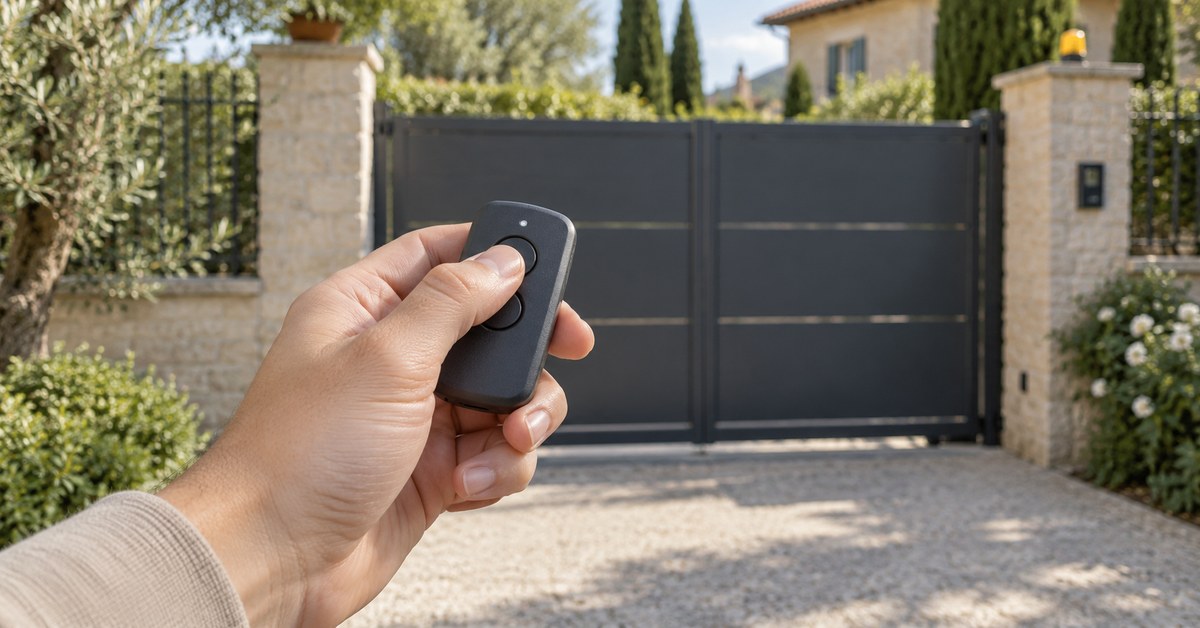
In short: to program a Nice gate remote, hold the key on the receiver until its LED lights green, then within 10 seconds hold a button on the remote until the LED starts its three green flashes. That is "Mode I", which stores all the buttons at once. If one remote already works, a new one can also be added from the driveway, without opening anything. And if you only want one more remote, 1Control WHY copies the one you have.
Nice sells several radio families under similar names (Flo, FloR, O-Code, Smilo), and a remote from one family is not accepted by a receiver set for another. This page helps you identify your remote, gives the steps from the Nice manuals and tells you what to do when a remote is lost. The method for all brands is in our gate remote programming guide.
Which Nice remote do you have: FLO, FLOR-S, ERA FLOR, ERA ONE, SMILO or INTI?
The model is printed on the back or inside the battery compartment. Read the full name: FLO2 and FLO2R-S look alike, but the first is fixed code and the second rolling code.
| Family | Models | Frequency and coding | Copy |
|---|---|---|---|
| FLO | FLO1, FLO2, FLO4 | 433.92 MHz, fixed code (Flo) | WHY and SOLO |
| FLOR-S and ERA FLOR | FLO1R-S, FLO2R-S, FLO4R-S; ERA-FLO1R, 2R, 4R | 433.92 MHz, rolling code (FloR) | WHY and SOLO |
| ERA ONE and ONE | ON1E, ON2E, ON4E, ON9E; ON1, ON2, ON4, ON9 | 433.92 MHz, rolling code (O-Code) | WHY and SOLO |
| INTI, VERY | INTI, VERY VR | 433.92 MHz, rolling code | WHY and SOLO |
| SMILO | SM2, SM4 | 433.92 MHz, rolling code (Smilo) | SM2: WHY and SOLO. SM4: not copied, SOLO + KIT |
| 868 MHz and two-way models | ERA ON1EFM, ON2EFM, ON4EFM; ON3EBD, ON3ELR; MYGO4 | 868.46 MHz or 433 MHz rolling code | Not copied: SOLO + KIT |
| Quartz | K, KM and BT series | 26.995 to 30.9 MHz, fixed code | QZERO |
The last column comes from the 1Control catalogue. Check your exact model in the SOLO compatibility checker, Nice list, or in the WHY and QZERO checker. Where the checker says "you need the KIT", the remote cannot be copied by radio: SOLO + KIT adds a small receiver wired to the push-button (step-by-step) input of the control unit.
How to program a Nice remote on the receiver: Mode I and Mode II
The receiver is a small plug-in card in the control unit, or a separate box, with one key and one LED. The steps below are from the Nice instructions for the OXI and OX2 receiver families (IST228R02.4851). Work with the gate stopped and nobody in its path, and touch nothing but the receiver key: wiring and adjustments are a job for an installer.
Mode I: all buttons at once
- Press and hold the key on the receiver until the green LED lights up, then release it.
- Within 10 seconds, press and hold any button on the remote until the LED on the receiver gives the first of 3 green flashes.
- After the three flashes you have 10 seconds to memorise another remote in the same way.
Mode II: one button, one command
- In the manual of the control unit, find the number of the command you want (its "table of commands").
- Press the receiver key that number of times: the LED repeats the same number of flashes.
- Within 10 seconds, press and hold the remote button you want until the first of 3 flashes.
One limit explains many failures. The receiver accepts one coding family at a time: O-Code with FloR, or Flo, or Smilo. The first remote memorised decides the family. To see which one is set, switch the receiver off and on and count the green flashes: 1 for Flo, 2 for O-Code and FloR, 3 for Smilo, 5 for an empty memory. The Era Flor transmitter sheet (IS0101A00MM) also sends you to the receiver manual for these steps.
Is your remote compatible? Check it here
Pick brand and model: we tell you right away whether it copies onto WHY, opens from your phone with SOLO, or needs the KIT.
Add a new Nice remote from one that already works
Nice calls this memorisation "in the vicinity of the receiver". You need an old remote that is already memorised and works, and you must stand within range of the receiver (10 to 20 metres at most). The new remote takes the same settings as the old one. The standard procedure, valid for all Nice receivers according to the same manual:
- On the new remote, press and hold the button for at least 5 seconds, then release it.
- On the old remote, press its button three times, then release it.
- On the new remote, press the same button as in step 1 once.
If the old remote was memorised in Mode I, you can use any button on both. If it was memorised in Mode II, press the button that gives the command on the old one and the button that should give it on the new one, and repeat for each button.
Two things to know. The installer can lock this function on the receiver; if the sequence never works, the battery is not the cause and the receiver key is the only way. And two remotes with O-Code coding (ERA ONE, ONE) have a second route, the "enable code", described in the transmitter manual.
Lost Nice remote: delete it and replace it without the original
A lost remote cannot be copied. A new original is memorised on the receiver in Mode I, as above, after checking that it belongs to the coding family already in use.
To make the lost remote useless you have to delete it, and the single-remote deletion needs that remote in your hand. So in practice you delete all remotes and memorise the remaining ones again. On OXI and OX2 receivers: press and hold the receiver key; after about 4 seconds the green LED lights, after about 4 more it goes out, after about 4 more it starts flashing. Release the key exactly on the 3rd flash to delete all transmitters (on the 5th flash the whole memory, coding family included). The other steps to take are in gate remote lost or stolen.
If you have no remote and no access to the control unit, as with a communal gate, ask the manager of the building. For your own gate there is also a route that needs no remote at all: SOLO + KIT, wired to the push-button input like one more button, opens the gate from your phone. The cables are in the box; for the terminal, follow the manual of your control unit.
Copy a Nice remote to 1Control WHY, or open the gate from your phone
Both solutions copy a remote that works; neither can copy a lost or dead one.
1Control WHY is a physical 4-button remote that copies fixed-code and rolling-code remotes, with no app. In the 1Control catalogue the Nice models FLO, FLOR-S, ERA FLOR, ERA ONE, ONE, INTI, VERY VR and SMILO SM2 are compatible. With rolling code the copy ends in front of the receiver, where the new remote is accepted; the WHY manuals give the steps for each brand.
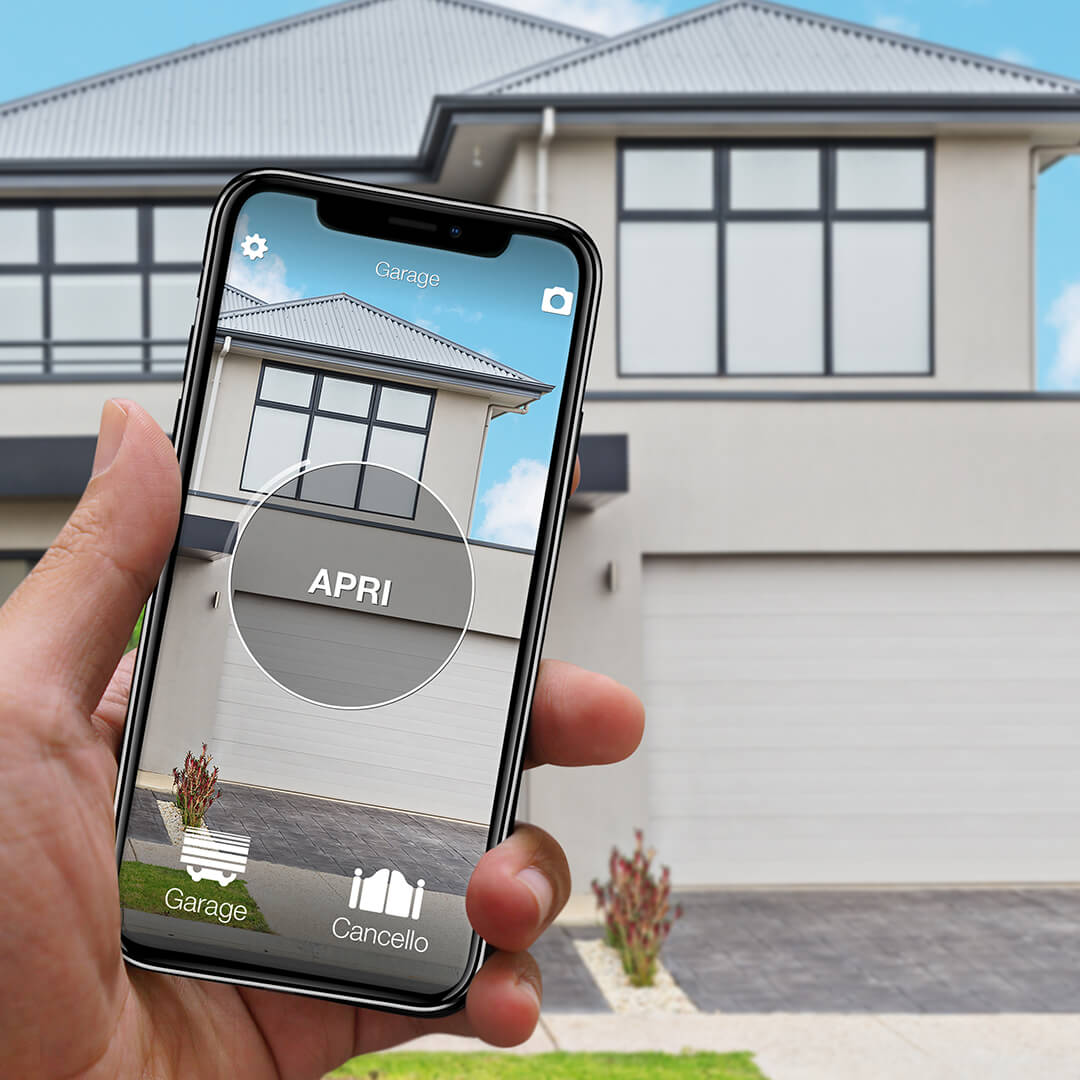
1Control SOLO copies the remote once and then opens the gate from the 1Control app over Bluetooth, when you are nearby, with no wiring. You share access with family or guests for free, with time slots if you wish. To open from far away, or with Alexa and Google Home, add LINK: it talks to SOLO over Bluetooth and reaches the internet through 2.4 GHz Wi-Fi or Ethernet, with no SIM card.
Nice also has its own app, MyNice. The comparison is in open a Nice gate with your phone.
Common problems: battery, wrong coding family, full memory
- Battery. On Era Flor remotes, a LED that lights late means the battery is almost empty; a dim LED means it is empty. They use a CR2032. See gate remote battery replacement.
- Time window. You have 10 seconds between the receiver key and the remote button. If you were slow, start again.
- Coding family. A SMILO is not accepted by a receiver already set to FloR, and the other way round.
- Frequency. Nice states that 433.92 MHz and 868.46 MHz receivers are not compatible with each other.
- Memory. OXI receivers have 1024 memory spaces; in Mode II each button uses one. See gate receiver memory full.
If the remote is memorised but the gate stays still, the cause is elsewhere: photocells, power or the manual release. Start from gate remote not working; adjustments inside the control unit are a job for an installer.
Frequently asked questions
How do I program a Nice FLOR-S or ERA FLOR remote?
Press and hold the key on the receiver until the green LED lights, then release it. Within 10 seconds hold any button on the remote until the LED gives the first of 3 green flashes. This is Mode I and stores all buttons at once.
Can I add a Nice remote without opening the control unit?
Yes, if one remote is already memorised and the installer has not locked the function. Near the gate: hold the button on the new remote for at least 5 seconds, press the button on the old remote three times, then press the new one once.
Can a Nice rolling-code remote be copied?
Yes for most 433.92 MHz models: FLOR-S, ERA FLOR, ERA ONE, ONE, INTI and VERY VR are compatible with 1Control WHY and SOLO. The 868 MHz models, the two-way ON3EBD and ON3ELR and the MYGO4 are not copied: for those, SOLO + KIT.
How do I delete a lost Nice remote?
Without the remote in your hand you delete all remotes: hold the receiver key through the LED sequence (on, off, flashing) and release exactly on the 3rd flash. Then memorise the remaining remotes again.
What is the difference between Mode I and Mode II?
Mode I memorises all the buttons of the remote at once, in the order set by the control unit. Mode II memorises one button and lets you choose the command it gives; each button then takes one memory space.
The bottom line
Programming a Nice remote comes down to the family: receiver key and Mode I for most cases, Mode II for a single command, and the three-step sequence near the receiver when one remote already works. When it fails, look at the 10-second window, the coding family and the frequency first.
Next step: read the model on your remote and enter it in the SOLO checker or the WHY and QZERO checker. You will see whether it can be copied to WHY, SOLO or QZERO, or whether you need the KIT.