To unlock your front door when you are not there you need two things: a smart lock on the door and a link between the lock and the internet. In short: with 1Control DORY your phone opens over Bluetooth when you are close; to do it from a distance you need 1Control LINK, which connects to your home Wi-Fi on 2.4 GHz or an Ethernet cable and talks to DORY over Bluetooth.
One point to clear up straight away: “opening remotely” with DORY means enabling opening. The outside knob stops spinning freely and whoever is at the door turns it. The door does not swing open on its own. Here is how it works, what you need and where to put LINK.
Near or far: two routes for the same command
The same tap in the app takes two different routes:
| Where you are | How the command travels | What you need | In the app |
|---|---|---|---|
| at the door | phone → DORY over Bluetooth | DORY and the 1Control app | the round button |
| away from home | phone → internet → LINK → DORY over Bluetooth | DORY, LINK and a stable internet connection at home | the horizontal slider |
Opening up close needs neither the internet nor LINK: if your home Wi-Fi goes down, your phone still opens at the door. A smartwatch works too, Apple Watch or Wear OS.
What really happens at the door when you unlock remotely
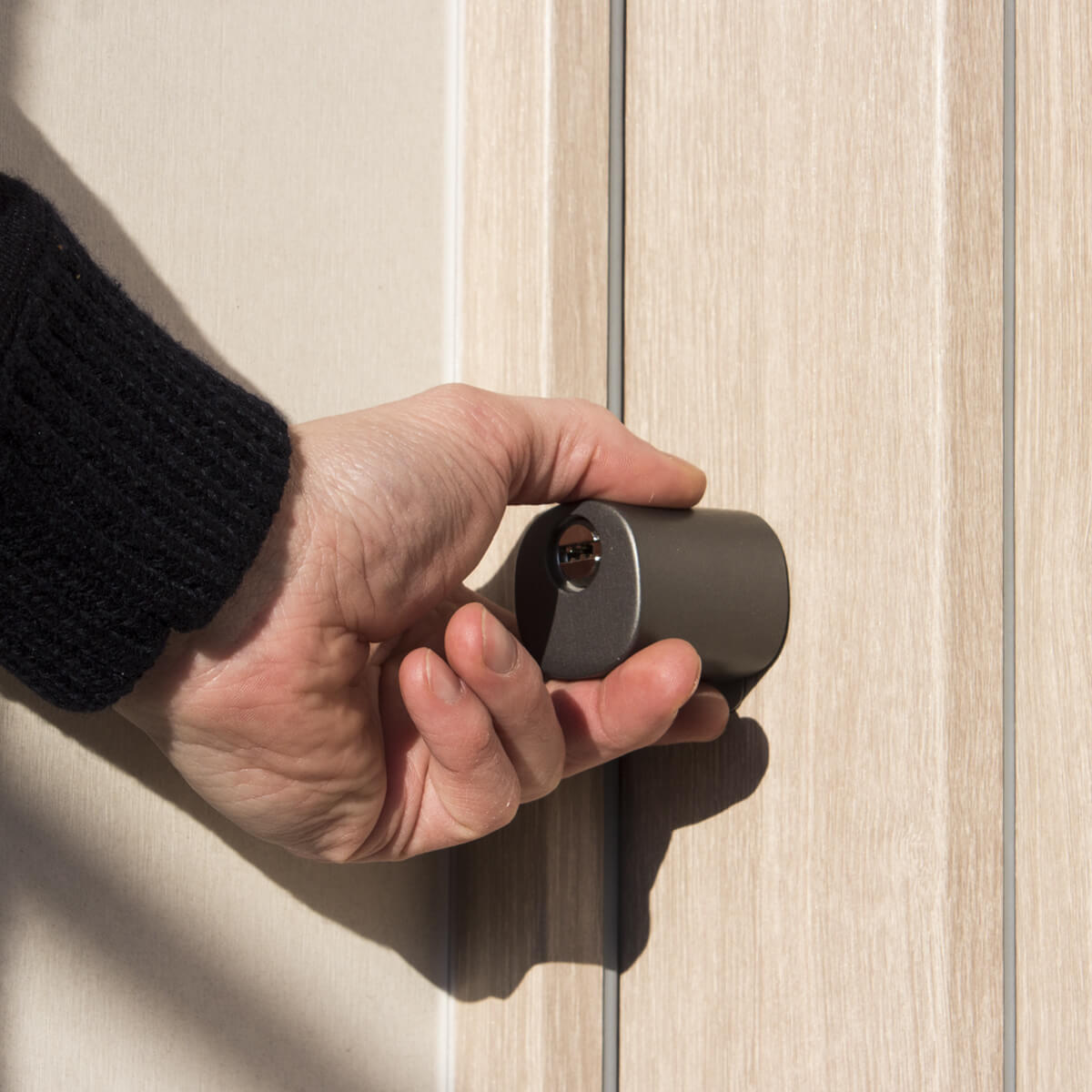
DORY has two knobs. The inside one always opens and locks, no phone needed. The outside one normally spins freely: it is not connected to the lock mechanism. When you enable opening, from the app, the smartwatch or with the key, the outside knob engages the mechanism and turning it unlocks or locks the bolts.
Remotely the same thing happens: you enable it, and the person at the door turns the knob. In the app you can set an automatic disable time from 5 to 30 seconds: after that, the knob goes back to spinning freely. The typical case is a family member who has forgotten their keys, or someone who needs to get in just once. For someone who comes often, it is better to give them access of their own, with hours and an end date: see temporary access to your front door.
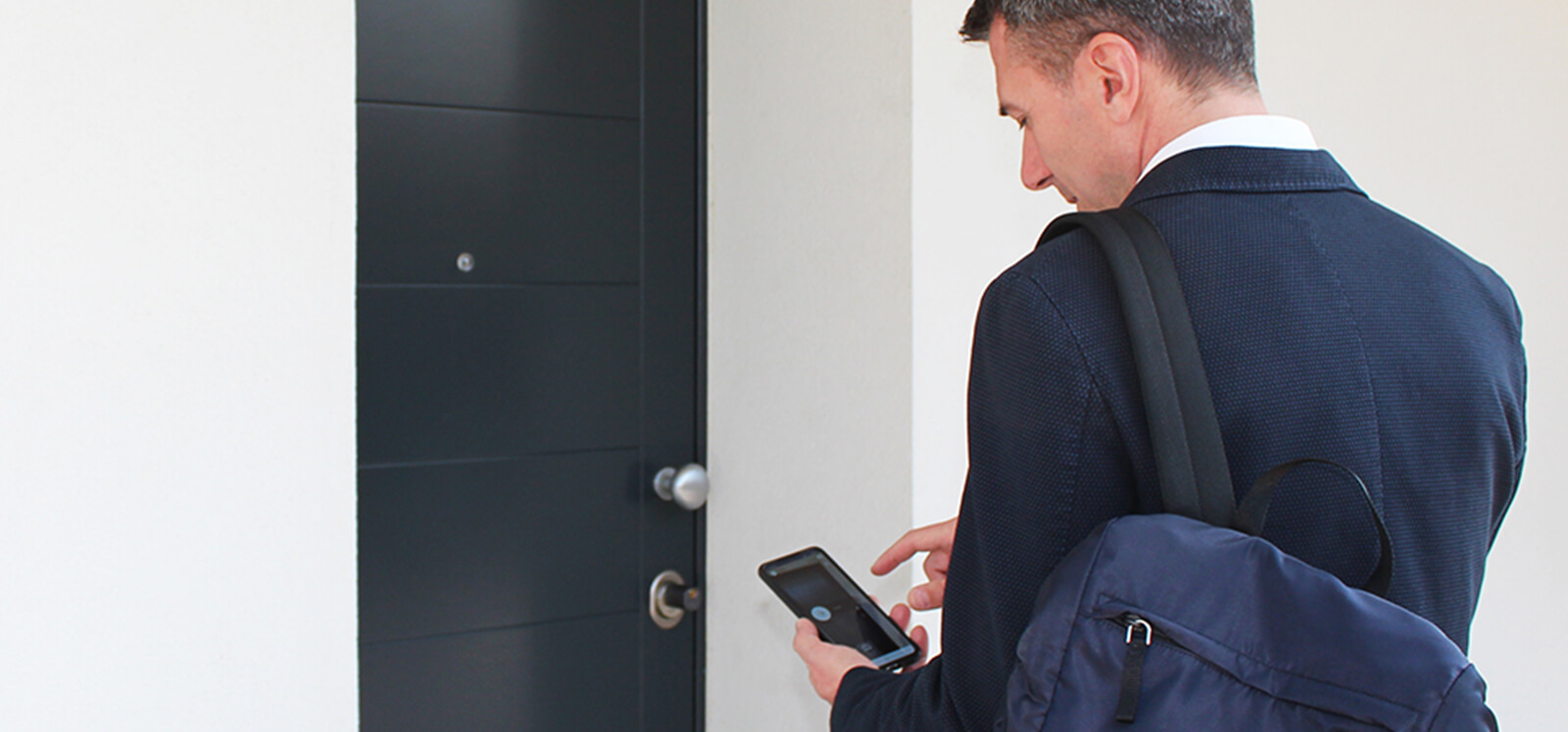
Unlock your front door even when you are away: DORY + LINK
DORY replaces your euro cylinder and is controlled from your phone over Bluetooth; LINK connects it to the internet over 2.4 GHz Wi-Fi or Ethernet, so you can enable opening from anywhere, including with Alexa and Google Home. Check your door first. One-off purchase, no subscription.
- 1,500+ reviews on Amazon, Facebook and Trustpilot
- Secure payments
- 2-year warranty
LINK: where to put it and what it needs
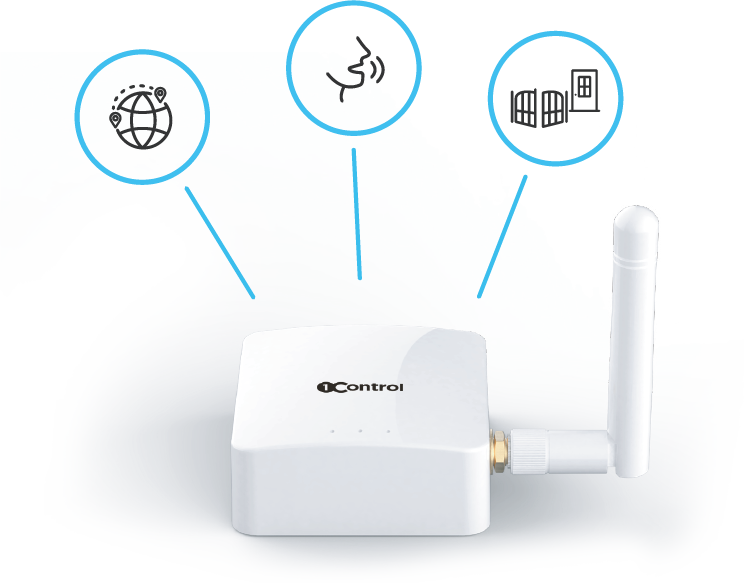
- Network: 2.4 GHz Wi-Fi (networks broadcasting on both 2.4 and 5 GHz are fine, 5 GHz-only networks are not) or an Ethernet cable. LINK has no SIM: without your home network it cannot reach the internet.
- Distance from DORY: within about 25 metres in a straight line; walls and floors reduce it, so test in the real spot.
- Location: indoors and dry, powered by the USB adapter supplied.
- External antenna: optional, with a 5 to 20 metre cable, to get closer to the door. The same antenna is used for Bluetooth and Wi-Fi: if you move it, check that Wi-Fi reaches that spot, or use the Ethernet cable.
- More devices: one LINK handles up to 5 1Control devices, for example the door and the gate.
To pair LINK with DORY you need the device’s 8-digit PIN: it is the admin code, it does not open the door and you should never share it.
By voice and from your watch
LINK also brings voice control: with the 1Control skill, the door can be controlled from Alexa and Google Home, always by enabling opening. Gemini, including Gemini for Home, does not control 1Control devices today. On iPhone there is also Siri, through Shortcuts. The details are in Alexa compatible gate, garage door and front door and opening with Siri; for watches, Apple Watch and Wear OS.
If the internet drops or the batteries run down
- Internet or LINK unreachable: remote control and voice stop, Bluetooth opening at the door carries on.
- DORY batteries flat: open with the mechanical key. They are two CR2 lithium batteries and last about a year.
- From inside the knob always turns: you cannot be locked in.
Remote opening is not working: what to check
- Are you using the horizontal slider and not the round button? The round button is Bluetooth only and works only up close.
- Does the Bluetooth command work at the door? If not, fix that first.
- Is LINK online? Check that the network is 2.4 GHz and the connection stable; if in doubt, try the Ethernet cable.
- Is LINK close enough to DORY? With too many walls in between, move it closer or consider the external antenna.
- Are the app and LINK up to date?
If what you need to open is the main door of your apartment building rather than your own front door, that is a different case: see open the apartment building door remotely. For a wider look at keyless options, there is the keyless entry guide.
Frequently asked questions
Can I unlock my front door remotely?
Yes, with DORY and LINK. In the app, with the slider, you enable opening even from far away; the person at the door turns the outside knob. You can set an automatic disable time from 5 to 30 seconds.
Can I open my front door with my phone without internet?
Yes, when you are close. Your phone talks to DORY over Bluetooth with the round button in the app, with no internet and no LINK. The internet is only needed for remote opening and voice control.
Does LINK work with 5 GHz Wi-Fi?
No. LINK uses 2.4 GHz Wi-Fi; networks broadcasting on both 2.4 and 5 GHz are fine. Alternatively it connects with an Ethernet cable.
How far from the door can LINK be?
Within about 25 metres of DORY in a straight line. Walls and floors reduce that distance: test in the chosen spot and, if needed, use the optional external antenna.
Can I lock the door remotely?
DORY does not throw the bolts by itself: remotely you enable the outside knob and someone at the door turns it. To know whether the door is open or closed you need the door sensor, with LINK.
Does it work with Gemini?
No. Today Gemini, including Gemini for Home, does not control 1Control devices. Voice commands go through Alexa and Google Home, with LINK.
Conclusion
Unlocking your front door remotely means adding a bridge between the lock and the internet: DORY on the door, LINK on your home network on 2.4 GHz or by cable, within about 25 metres. From far away you enable opening and the person at the door turns the knob; up close, Bluetooth is enough even without a network. First of all, check your door with the DORY compatibility check.