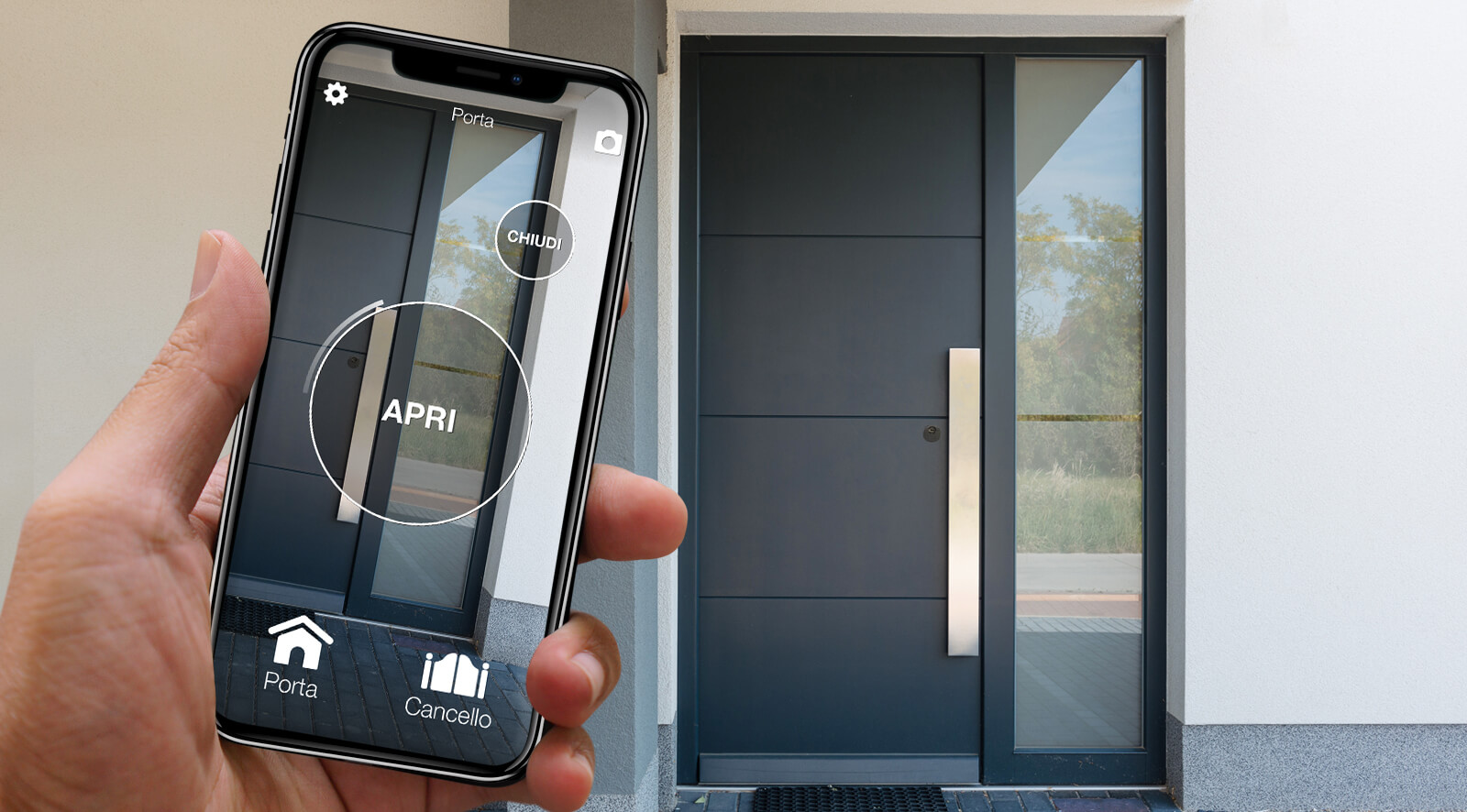
You left in a hurry and wonder whether you closed the front door, or you want to know when the children get home from school. To know from a distance you need a sensor that measures the position of the door and something that carries that information to your phone. With 1Control that means DORY on the door, LINK connected to the internet and the Sensor DORY door sensor: the app shows whether the door is open or closed and alerts you when it changes.
One clarification first: the sensor tells you whether the door is open or closed, not whether it is locked. Below you will find the difference, what you need, where it goes and what to expect from the alerts.
Pushed to, closed, locked: three different things
- Pushed to: the door rests against the frame but the latch has not caught. A push is enough to open it.
- Closed: the latch, which clicks in when you pull the door shut, holds it, but the bolts are not thrown.
- Locked: the bolts are out into the frame, because you turned the key or the knob.
The sensor only measures the distance between its two parts: up to 1.5 cm means “closed”, more than that means “open”. So it tells open from closed reliably, but a door that is closed without the bolts and a locked door look the same. A door that is only pushed to, with the two parts within 1.5 cm, can also show as closed. To be sure about the bolts, get into the habit of turning the knob as you leave.
What you need: DORY, LINK and Sensor DORY
- DORY replaces the euro cylinder of the door: the sensor is paired with DORY in the app.
- LINK receives the status from the sensor and sends it to the internet, over 2.4 GHz Wi-Fi or an Ethernet cable. You need the second-generation LINK, white, with up-to-date firmware.
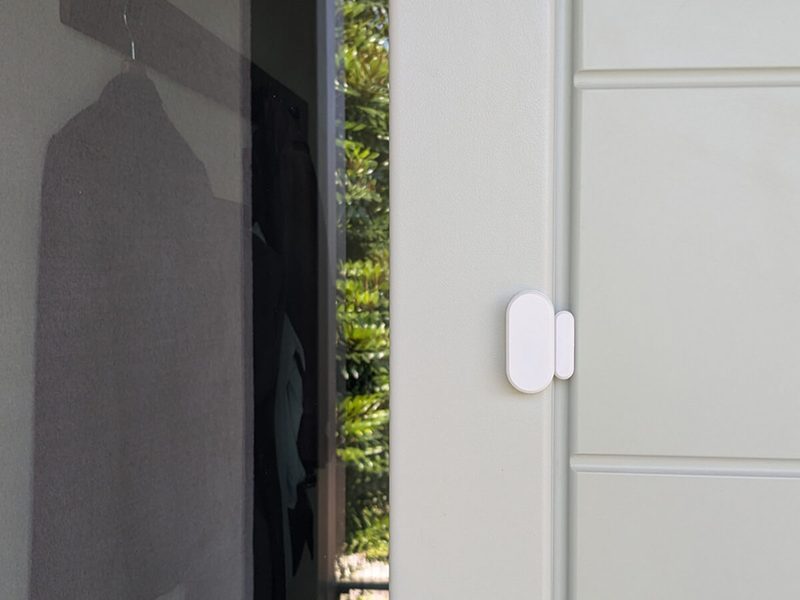
- Sensor DORY is white and wireless, with two CR2032 batteries included, and sticks on with the double-sided tape in the box. It is not waterproof: it goes on the inside, somewhere dry.
The sensor alone is not enough: without DORY and LINK, the status never reaches the app. If you already have DORY, you need LINK and the sensor; if you are starting from scratch, the first step is checking that your door is compatible.
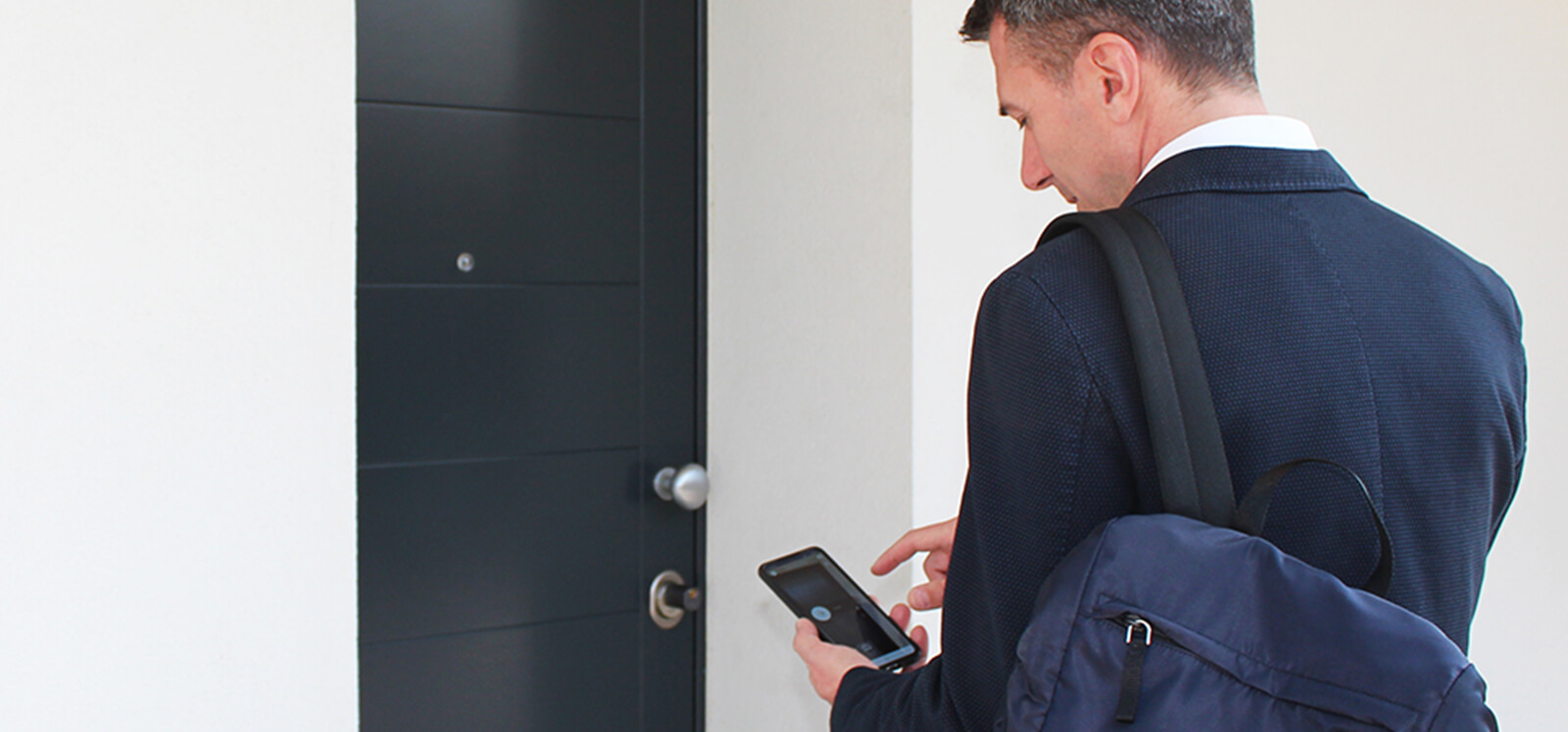
Know from your phone whether your front door is closed
With DORY, LINK and the Sensor DORY door sensor, the app shows whether the door is open or closed and notifies you when it changes. The sensor detects the door position, not whether it is locked. Check your door first; if you already have DORY, you need LINK and the sensor. One-off purchase, no subscription.
- 1,500+ reviews on Amazon, Facebook and Trustpilot
- Secure payments
- 2-year warranty
Where it goes on your front door
- Switch the sensor on by pulling the plastic tab out of the battery compartment: the LED flashes once.
- In the 1Control app, go to your devices, choose DORY, then the opening sensor, and follow the instructions.
- Stick one part on the moving door and the other on the frame or the wall, lined up and no more than 1.5 cm apart when the door is closed.
- Test it: open and close the door and watch the icon in the app before calling the job done.
The sensor must be within 15 metres of LINK, and LINK within about 25 metres of DORY. It also works on metal doors, such as security doors.
Alerts: when they arrive and who gets them
Once everything is set up, the app shows the door status and sends a notification when the door opens and when it closes. So you know when someone has come in or gone out, even with a key. To receive the alerts:
- you must be an admin of the device: someone who has received a share can open the door but does not get sensor alerts;
- allow notifications for the 1Control app in your phone settings and switch on door notifications for the sensor;
- on iPhone, enable background app refresh for the 1Control app.
What the sensor does not do
- it is not an alarm: no siren and no promise against burglary. For home security, see protect your home from burglary;
- it does not alert you after a time you choose: it reports changes of state;
- it does not close the door: DORY neither moves the door nor locks it by itself. If the door is open, someone has to close it; remotely, with LINK, you can enable the outside knob for a family member or neighbour, as explained in unlock your front door remotely;
- it does not tell you who came in: the app history records the openings made with the app.
For the garage you need a different, waterproof sensor paired with SOLO: see garage door left open alerts.
The status does not change: what to check
- that the sensor is on and paired with DORY in the app;
- that the two parts are within 1.5 cm when the door is closed;
- that the sensor is within 15 metres of LINK;
- that LINK is second generation, online and up to date, and so is the app;
- that you are an admin.
A test with the sensor close to LINK helps you see whether distance is the problem.
Frequently asked questions
Does the sensor tell me whether the door is locked?
No. The sensor measures the position of the door: open or closed. A door closed without the bolts and a locked door look the same.
How can I see if a door has been opened while I was out?
With the sensor you get a notification every time the door opens and closes, even if it was opened with a key. The app history shows the openings made with the app.
Will I get an alert if the door is left open for ten minutes?
The documented features are the open or closed status in the app and notifications when the door opens and closes. An alert after a time of your choosing is not part of the setup.
Can I fit the sensor outside?
No. Sensor DORY is not waterproof: it goes on the inside of the door, somewhere dry and out of the rain.
Does the sensor work without DORY?
No. You need DORY and LINK: the sensor pairs with DORY and LINK brings the status to the app. On its own the sensor is not a Wi-Fi device.
Who receives the notifications?
The admins of the device who have switched notifications on. Someone who has received a share can open the door but does not get the sensor alerts.
Conclusion
To know whether your front door is open or closed when you are not home, you need three pieces: DORY on the door, LINK on the network and Sensor DORY between the door and the frame. The app shows the status and alerts you at every change; locking stays in your hands. If you do not have DORY yet, start with the compatibility check.