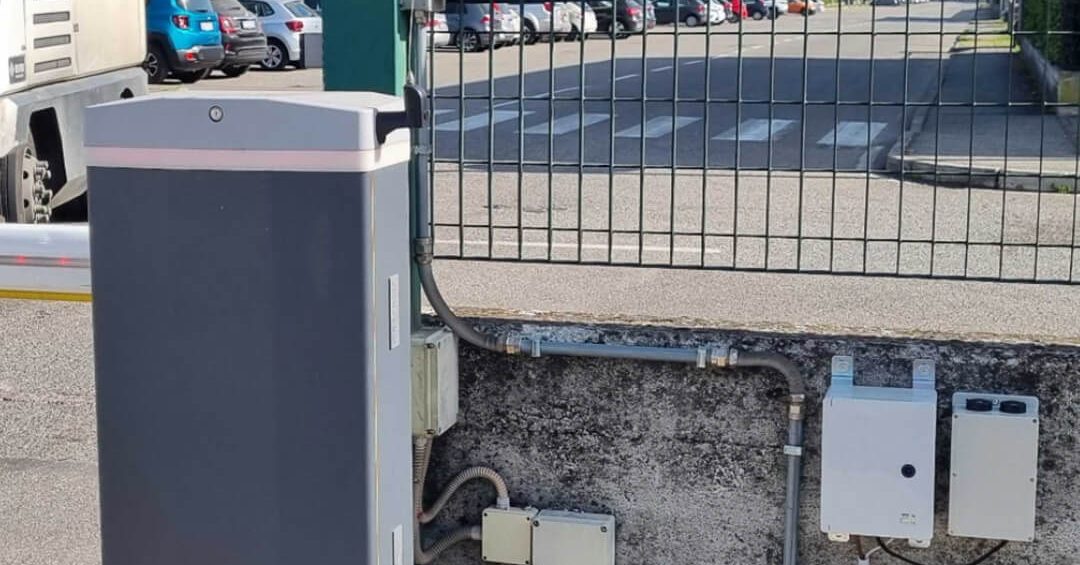
In short: managing a company car park barrier is not just about making it open: you need to decide who may come in, on which days, at what times and until when, and know who came in. By connecting 1Control ACCESS to the existing barrier, employees open it from the app (via Bluetooth near the entrance or via internet), while the person in charge creates users and groups, sets time slots and expiry dates, revokes access in a moment and checks the log from the web admin area. Badges and PINs on the smart keypad, plates with the camera and remote controls can all work on the same barrier.
This guide is for people who run the car park of a company, an office or a plant: the typical problems, how opening from the app works, how to organise permissions and groups, and what ACCESS does not do.
Typical problems in a company car park
The car park is often the last entrance to be organised. The result looks similar in many companies:
- remote controls handed out over the years and never returned, by former employees, consultants and suppliers;
- no control over hours: anyone with a remote gets in on a Sunday at 3 a.m.;
- visitors stopping at the barrier and calling reception, which has to go down or keep a button within reach;
- limited spaces and internal rules (who is entitled to a space and who is not) that are hard to enforce;
- no log: after damage or a night-time theft, nobody knows who came in.
Controlling the barrier from an app solves the first point only if the app is part of an access system, with users, permissions and history. This is where a simple barrier-opening app and real access control part ways.
Opening the car park barrier with a smartphone
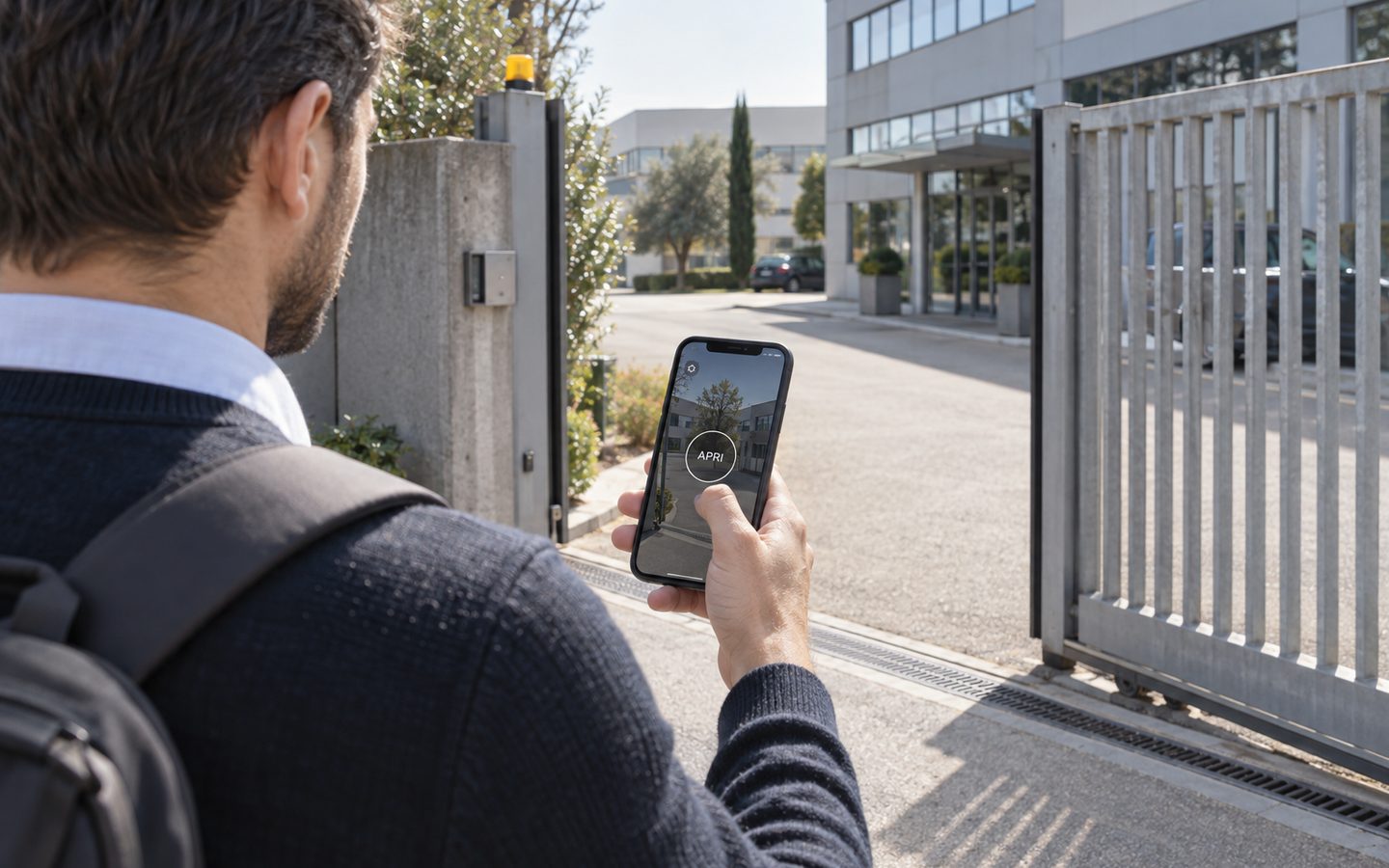
With ACCESS the barrier opens from the app in two ways:
- via Bluetooth, when the employee is close to the barrier;
- via internet, even from far away: for example, reception opens for a guest who has stopped at the barrier.
The app only opens if the person's rules allow it: an employee in the «Offices» group gets in Monday to Friday from 7 to 20, a worker in the «Night» group at night too. Every opening goes into the log with person, date, time and method.
ACCESS connects to the barrier's opening command with 12 V power and the opening contact: the barrier stays the one you have today. It has an LTE module with a data SIM included for 3 years, so there is no need to bring Wi-Fi out to the car park, and authorisations are stored in the device: if the connection drops, authorised people keep getting in.
Your company car park, managed from the app
1Control ACCESS connects to the barrier you already have: app, badges, PINs, plates and remotes with groups, hours, revocation and a log. Data SIM included for 3 years.
- 1,500+ reviews on Amazon, Facebook and Trustpilot
- Secure payments
- 2-year warranty
Users, groups and permissions
The heart of the system is the web admin area, where you create people and their rules.
Groups with different hours
Users are grouped («Staff», «Night shift», «Management», «Suppliers», «Guests») and each group gets its own entrances, days and time slots. A new hire joins the right group and inherits its rules.
Access with an expiry date
Consultants, interns, temporary staff, event guests: you set a start and an end date, and when it expires the access stops working by itself.
Immediate revocation
An employee leaves: you deactivate them, and their app, badge, PIN, remote control and plate all stop working together. No remotes to chase.
Suspending a whole group
Summer shutdown? You suspend the whole «Staff» group and reactivate it when everyone is back.
Not just the app: badges, PINs, plates and remotes on the same barrier
Not everyone wants to open the barrier with their phone, and in a car it is not always the handiest method. ACCESS puts several methods on the same barrier, all with the same rules:
- number plate, with the camera: the barrier lifts when an authorised vehicle arrives, without stopping. More on this in the guide to number plate recognition for gates and barriers;
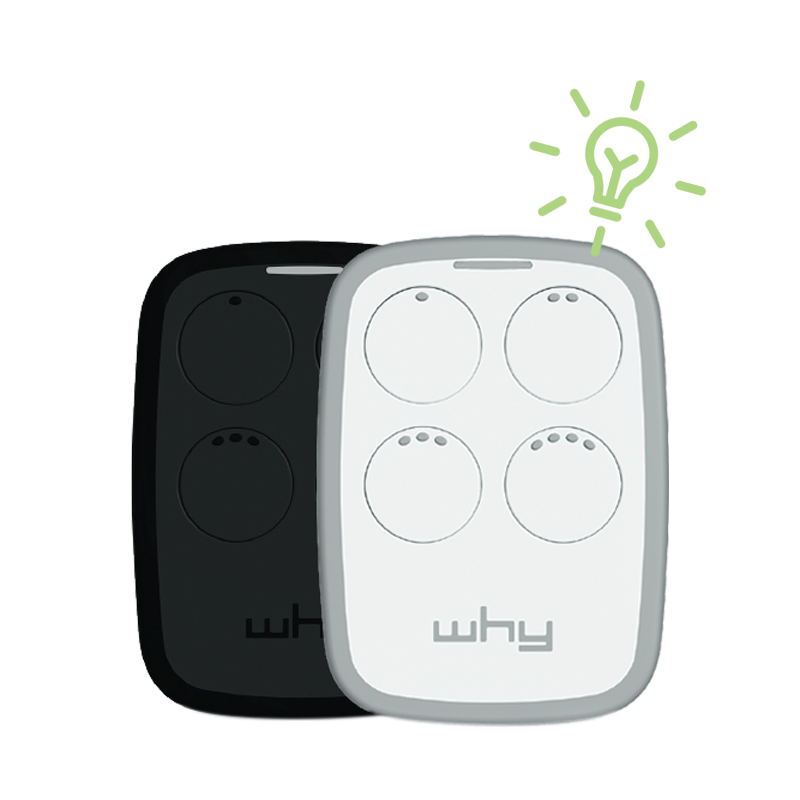
- remote control: smart remotes linked to the person, which follow their hours and are deactivated with them;
- PIN or badge, with the smart keypad: useful for suppliers, maintenance staff or people coming through on foot.
To pick the right mix, see the comparison badge, PIN or smartphone.
Log, barrier status and scheduled openings
- Access log. Who came in, when, through which entrance and with which method, filterable by person, period or method.
- Open/closed status. With the closing sensor you see in real time whether the car park barrier or gate has been left open.
- Scheduled openings. At peak times, for example from 7:30 to 9 when the shift arrives, the entrance can stay open by itself, if the operator supports a held-open command.
- Remote opening. A guest without the app is at the barrier: you let them in from the web admin area or the app, wherever you are.
A day in the car park with ACCESS
A company with 120 employees, a car park with a barrier and a vehicle gate for vans and lorries.
- 7:30 The barrier stays open by itself until 9 for the arrival of the shift: no queue at the entrance.
- 9:20 An employee who is running late opens it from the app, via Bluetooth, in front of the barrier.
- 10:00 A client expected for a meeting stops at the barrier: reception lets them in remotely with one click.
- 11:30 The regular supplier's van reaches the vehicle gate: the camera reads the plate and opens.
- 14:00 An external consultant uses the PIN that is valid until Friday.
- 22:00 The night shift comes in with the remote: the «Night» group is enabled, the others are not.
- 23:00 The manager checks in the app that the barrier is closed.
Getting started in five steps
- List who comes in today: staff, shift workers, management, suppliers, regular guests. It is also a chance to find out how many remotes are in circulation.
- Define groups and their hours, starting from real working hours, not ideal ones.
- Choose the methods: the app for most people, plates for regular vehicles, PINs for suppliers and maintenance, remotes for those who prefer them.
- Have the installer connect ACCESS to the barrier (12 V power and opening contact) and, if needed, the camera and the keypad.
- Explain the rules to employees and inform them about how access data is processed: the privacy notice and log retention periods should be defined with your adviser or data protection officer.
What ACCESS does not do in the car park
Better to be clear, to avoid the wrong expectations:
- it is not a pay-and-display or paid parking system with pay stations or tickets;
- it does not assign or book individual spaces and does not show free spaces;
- it is not presented as an integration with parking management or HR software: users, groups and hours are managed in the ACCESS web admin area.
For a company car park with clear rules (who comes in, when, until when) this is usually enough. If you have special requirements, it is a point to explore in a demo.
What about the barrier's old remote controls?
Connecting ACCESS does not erase the remotes already stored in the barrier's receiver: they keep opening until they are removed from the receiver. If the goal is to shut out people who no longer have the right to enter, have the installer clear the receiver memory and move all users to ACCESS.
If, on the other hand, you just need one more remote for the barrier, with no user or schedule management, the right guide is the one on the barrier gate remote control.
Frequently asked questions
Can I open the company car park barrier with a smartphone?
Yes. With ACCESS connected to the barrier, employees open it from the app via Bluetooth near the entrance or via internet, only on the days and at the times set for them.
Do I need to replace the barrier?
No. ACCESS connects to the opening command of the existing barrier with 12 V power and the opening contact of the operator.
How do I let in a visitor who does not have the app?
You open remotely from the app or the web admin area when they arrive, or give them a PIN valid for that day only, to type on the smart keypad.
Can I limit car park access to certain hours?
Yes. You create groups with their own days and time slots, and you can add expiry dates for temporary access.
There is no Wi-Fi in the car park: does it still work?
Yes. ACCESS has an LTE module with a data SIM included for 3 years and goes online by itself. Authorisations are stored in the device, so it keeps working if the connection drops.
How many employees can I manage?
ACCESS MINI handles up to 500 users, ACCESS up to 1,000. Each user can have several access methods with the same rules.
Conclusion
A barrier controlled by an app is only useful if there is access management behind it: users and groups, hours, expiry dates, instant revocation and a log. With ACCESS you get this on the barrier you already have, with the app for those who like it and plates, remotes, badges or PINs for everyone else. For suppliers delivering to a warehouse, there is also the guide to letting couriers and suppliers in.
Want to see how to organise your company car park? Request a demo of 1Control ACCESS.