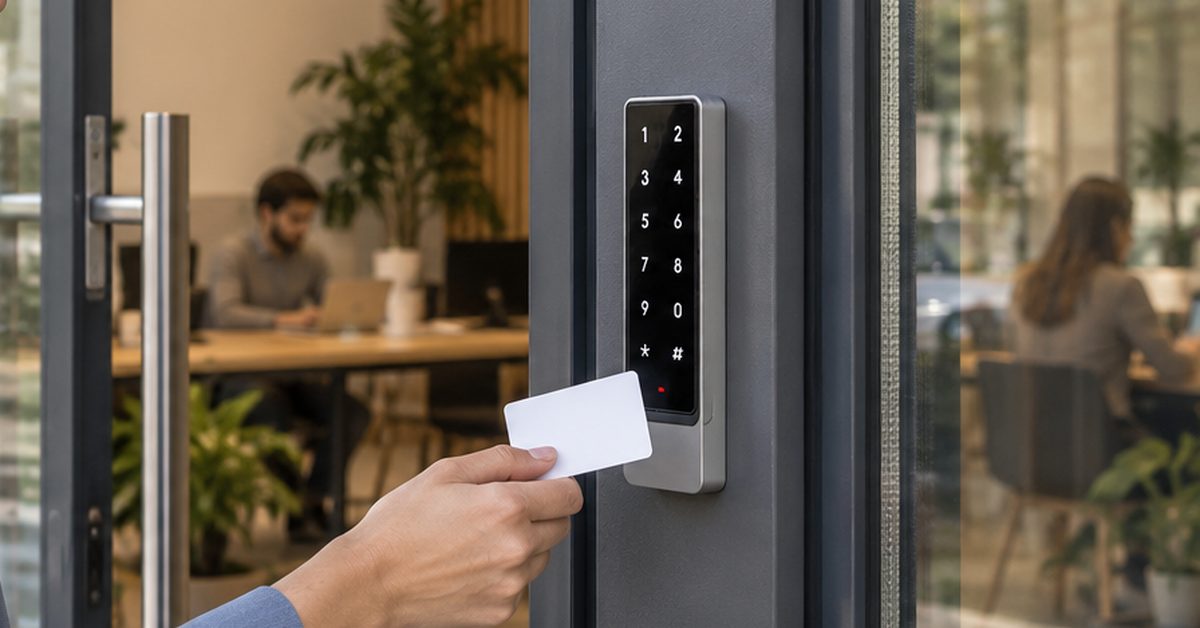
In short: there is no single best access method. A badge is the fastest for people who come in every day, a PIN is ideal for people who come in rarely or for a limited period, a smartphone suits those who also need to open remotely, and a remote control or the number plate suit those who arrive by car. What matters is that every method follows the same rules: who may enter, where, when and until when. 1Control ACCESS puts all these methods in one system, on the entrances you already have.
In this guide you will find a practical comparison of the methods, criteria for choosing according to who comes in, and what changes when you manage them all together.
Access methods compared
| Method | How it opens | Best for | Limits |
|---|---|---|---|
| NFC/RFID badge | held up to the smart keypad | staff and users who come in every day | forgotten, lost, lent; has to be handed over |
| PIN | typed on the smart keypad | maintenance staff, suppliers, temporary access | can be passed on: it must be personal |
| Smartphone | app via Bluetooth near the entrance or via internet | managers, remote opening, mobile staff | needs the app; flat battery |
| Remote control | remote linked to the user | drivers, people used to a remote | has to be handed over; vehicle entrances only |
| Number plate | the camera recognises the vehicle | fleets, regular suppliers, car parks | identifies the vehicle, not the driver |
No column wins on its own. Most companies run two or three methods side by side, because the people who come in are not all the same.
NFC or RFID badge
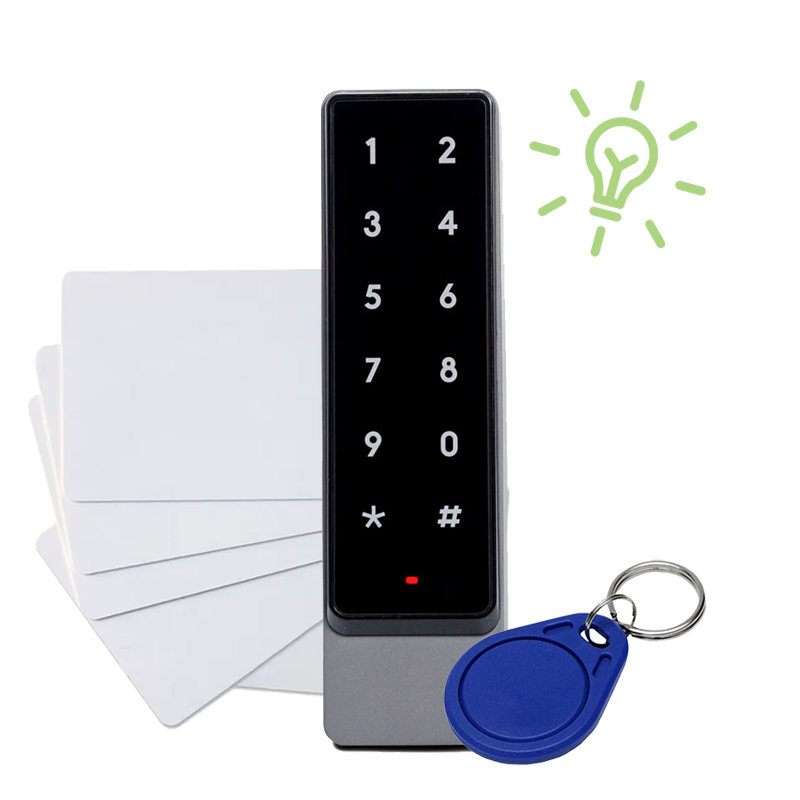
The badge is the most familiar method in an office: you hold it up to the reader and the door opens, with nothing to type. With ACCESS badges work with the smart keypad, which is compatible with the most common NFC and RFID badges: if the company already has its own badges, they can often be linked to people without buying new ones or managing duplicate badges.
Strengths: speed, no app to install, no code to remember. Weaknesses: a badge gets left at home, lost or lent to a colleague. And it has to be handed over in person.
The real risk is not the badge itself but a badge that stays active after the person has lost the right to enter. That is why revocation matters: with ACCESS you deactivate the person in the web admin area and their badge stops opening immediately, even if they never gave it back.
Badges, PINs, app and plates in one system
1Control ACCESS runs every access method on the same rules per person, with instant revocation and a log of every entry, on the entrances you already have. Data SIM included for 3 years.
- 1,500+ reviews on Amazon, Facebook and Trustpilot
- Secure payments
- 2-year warranty
PIN code
A PIN is not handed over: it is shared. That is its main advantage. The maintenance technician coming on Thursday just needs a message with the code, valid only for the days of the job; when it expires, it stops opening by itself.
Strengths: nothing to distribute or collect, ideal for temporary access and for people who rarely come in. Weaknesses: a code can be passed on. That is why a PIN must be personal: a single code for the whole company spreads within weeks and says nothing about who came in. With one PIN per person, the log does.
PINs are also used with the ACCESS smart keypad and follow their user's rules: entrances, days, times and expiry date.
Smartphone
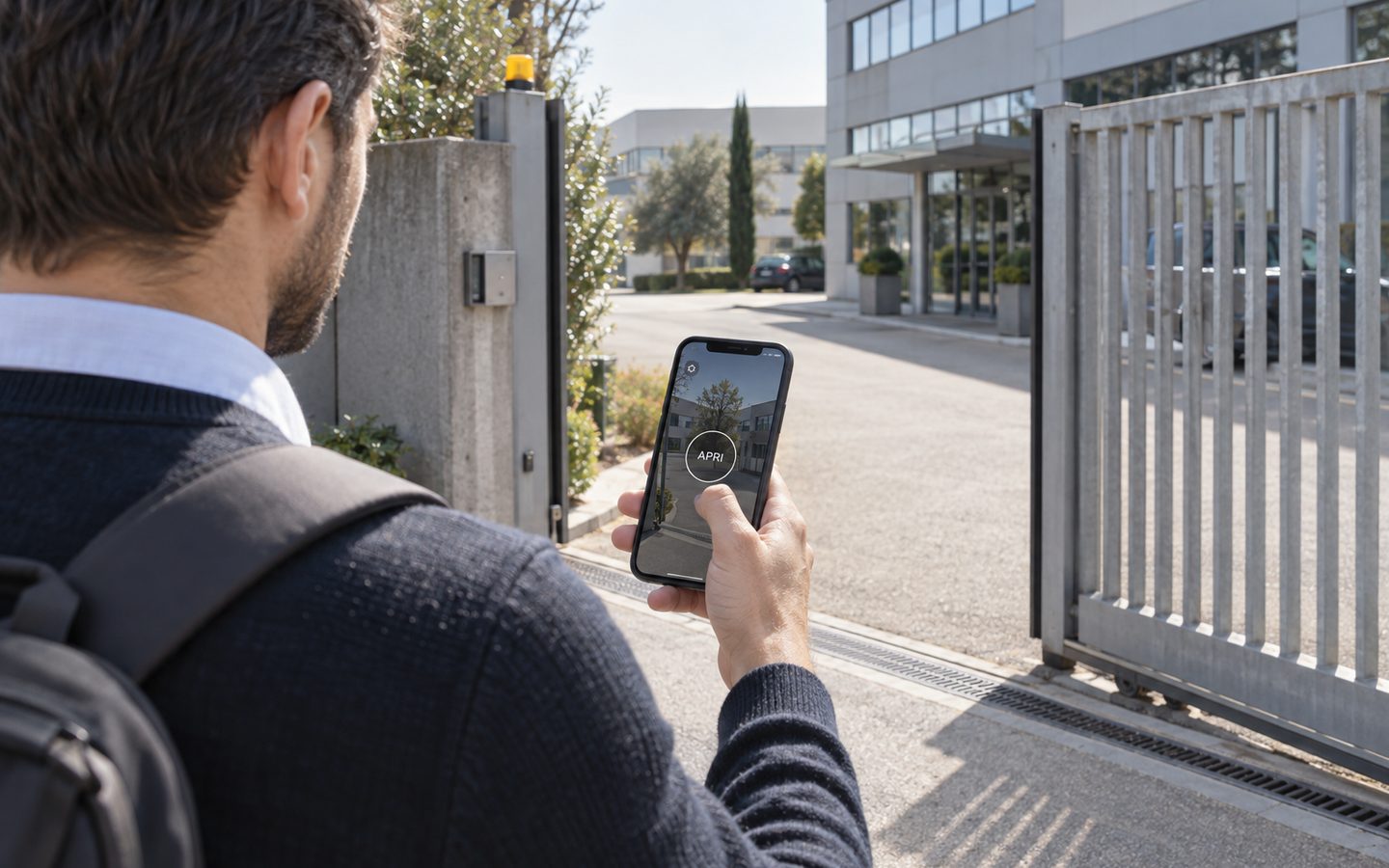
With the app, the door or gate opens from the smartphone: via Bluetooth when you are close to the entrance, or via internet even from far away. It is the most flexible method, because almost everyone has a phone and access can be sent without meeting.
Strengths: nothing to hand over, remote opening for a guest or a supplier without credentials, management from the same tool. Weaknesses: not everyone wants to install a work app on their personal phone, and a flat phone does not open anything. For people who come in every day it is worth adding a badge or a PIN.
Remote control and number plate: for people who drive in
At vehicle entrances drivers do not want to get out or lower the window for a keypad. Two methods fit here:
- Remote control. ACCESS uses smart remotes linked to the individual user: the remote inherits that person's days, times and limits. If you deactivate the person, their remote stops opening, with no need to get it back.
- Number plate. The camera reads the plate and the barrier or gate opens, with the rules of the linked user. The guide to number plate recognition for gates and barriers explains when it pays off and what it does not solve.
How to choose according to who comes in
| Who comes in | Suggested method | Why |
|---|---|---|
| Staff on fixed hours | badge or app | they come in every day: speed matters |
| Shift and night workers | badge or PIN with time slots | the rule follows the shift |
| Cleaning company | personal PIN with a time slot | no keys to hand over, access only at agreed times |
| Maintenance and technicians | PIN or app with an expiry date | access ends by itself with the job |
| Regular suppliers | plate or PIN at the goods entrance | they use their own entrance, at their own times |
| Occasional visitors | remote opening | no credentials to create |
| Fleets and company cars | plate or remote control | nobody gets out of the vehicle |
One person can have several methods: for example a badge at the pedestrian door and a plate at the car park barrier. The rules stay theirs.
One system for every method
The problem for growing companies is not choosing the «right» method, but running different methods without a pile of separate systems: the badge reader on one side, remotes on the other, codes written on a sheet. With ACCESS:
- app via internet, app via Bluetooth, remote controls, PINs, badges and plate recognition live in the same system;
- rules are set once per person or group («Staff», «Cleaning company», «Suppliers») and apply to all their methods;
- one revocation switches off app, badge, PIN, remote and plate together;
- the log shows who came in, when, through which entrance and with which method;
- in the web admin area you also see whether an entrance is open or closed (with the closing sensor) and can schedule openings at set times.
All this on existing entrances: gates, barriers, up-and-over doors, sectional doors, roller shutters and doors with an electric lock. ACCESS connects with 12 V power and the opening contact, has built-in LTE with a data SIM included for 3 years, and keeps letting authorised people in even without internet, because authorisations are stored in the device. ACCESS MINI handles up to 500 users, ACCESS up to 1,000.
Security and privacy: what really counts
Every method has a weak point: a badge can be lent, a PIN shared, a phone runs flat, a plate identifies the car and not the driver. The security of an access system therefore depends less on the technology and more on four rules:
- one credential per person, never shared codes or badges;
- expiry dates for people who come in for a limited time;
- immediate revocation when someone loses the right to enter;
- a log to check when needed.
Badges, PINs, plates and the access log are personal data of employees and contractors: the privacy notice, retention periods and access to the data should be defined with your adviser or data protection officer.
Frequently asked questions
For employees, is a badge or a smartphone better?
For people who come in every day a badge is usually faster; a smartphone helps those who need to open remotely or do not want to carry a badge. With ACCESS both can be used, with the same rules.
Can we use the badges the company already has?
Often yes: the ACCESS smart keypad is compatible with the most common NFC and RFID badges, which are linked to people in the web admin area without buying new ones.
Can one person have several access methods at once?
Yes. For example a badge at the pedestrian entrance, the app and a plate at the vehicle gate. The person's days, times and expiry date automatically apply to all their methods.
What happens if an employee loses their badge?
You deactivate them in the web admin area and the lost badge stops opening immediately. Then you link a new badge to the person, without changing any locks.
Is a PIN a secure method?
It is if each person has their own PIN, with days, times and, if needed, an expiry date. A single code shared by everyone is hard to control and does not tell you who came in.
Does the smartphone open via Bluetooth or via internet?
Both: close to the entrance the app opens via Bluetooth, and via internet it also opens remotely. The ACCESS device has its own LTE connection with a data SIM included for 3 years.
Conclusion
Badges, PINs, smartphones, remote controls and plates are not rivals: each one suits a type of person and entrance. The right choice is usually a mix, as long as every method follows the same rules, can be revoked together and leaves a trace in the same log. With ACCESS you do it on the entrances you already have, from the web admin area. For vehicles, read more about number plate recognition and the managing company car park access with an app; for a real case with badges, PINs and the app, see the 24 hour gym or access control for coworking spaces.
Want to work out which combination of methods your entrances need? Request a demo of 1Control ACCESS.