In short: an access control system decides who can open an entrance and when, and records who went through. The types differ along three axes: the credential (card or fob, PIN, smartphone, remote, number plate, biometrics), where the rules and data live (on-premise, cloud or hybrid) and how it is installed (new wired installation or retrofit on existing entrances). If you already have gates, barriers, sectional doors or doors with an electric lock, a retrofit system such as 1Control ACCESS is the quickest option; a new high-security building with turnstiles and biometrics needs an installation designed from scratch.
This guide covers the types of access control systems you will find on the market, the pros and cons of each and the questions to ask before requesting a quote.
What is an access control system?
From the keypad on a gate to an airport installation, every system is made of the same five parts:
- the credential: what the person presents (a card, a code, their phone, their number plate, a finger);
- the reader: keypad, card reader, camera, Bluetooth module;
- the controller: compares the credential with the rules and decides whether to open;
- the actuator: electric lock or strike, the motor of the gate, barrier or door;
- the management software: where people are created, permissions assigned and the log read.
The differences between systems lie in how these parts are built and connected. That is why it helps to think in terms of axes rather than brands.
Physical access control and logical access control
Searching for "access control" also brings up cybersecurity pages about access control models (DAC, MAC, RBAC): who may enter a system or open a file. This guide is about physical access control: doors, gates, barriers, loading bay doors. The principles are similar (identify, authorise, record), the technology is not.
Credential types: cards, PIN, smartphone, number plate, biometrics
This is the most visible difference, because it affects everyone who uses the entrance every day.
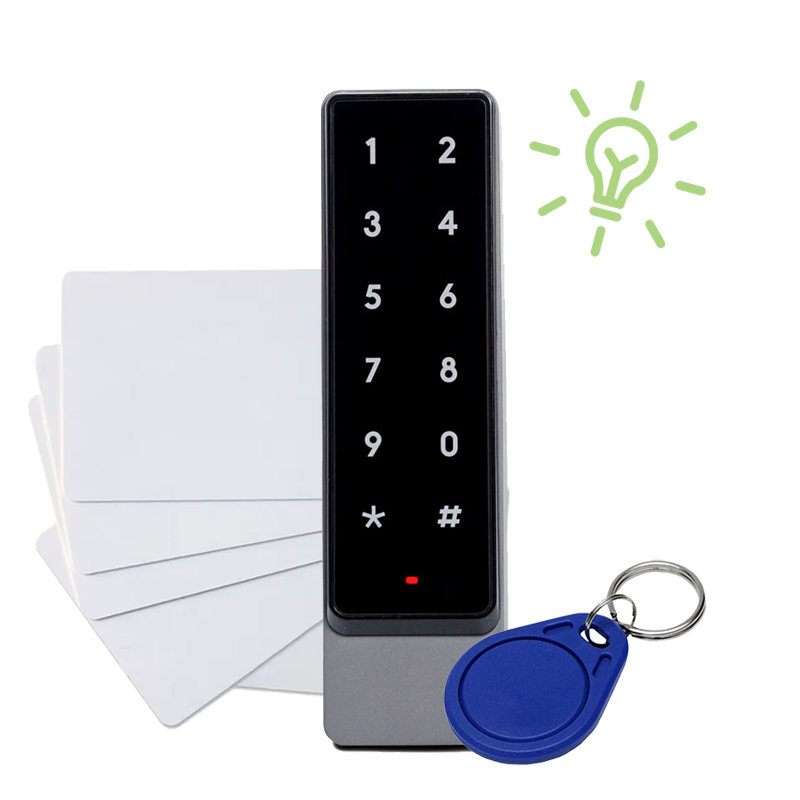
Cards and fobs: the three technologies
Cards and fobs are still the most common credential in buildings. There are three main technologies:
- 125 kHz RFID (proximity): cheap and widespread, but easy to clone;
- 13.56 MHz (NFC, MIFARE and similar): more secure, the standard for modern cards;
- long-range UHF: tags read from a few metres away, mostly for vehicles.
Pros: fast, familiar, works without a phone. Cons: cards get lost, lent out and have to be collected when someone leaves.
PIN code
A keypad needs nothing handed over: you just share a code. It suits suppliers, cleaners and maintenance staff. But a code shared by everyone does not tell you who came in: it only works well if each person has their own PIN, with an expiry date and time windows.
Smartphone
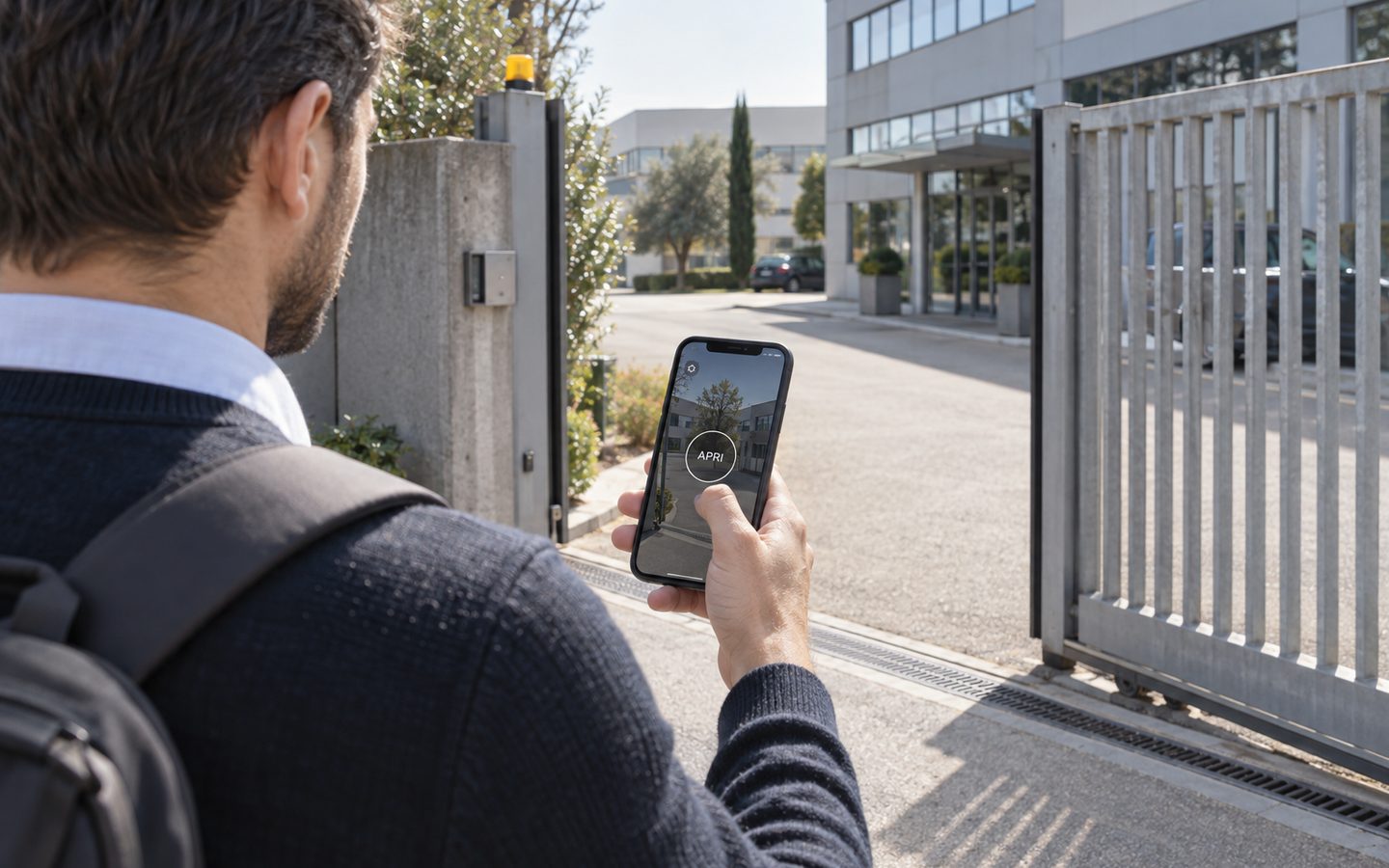
The app opens via Bluetooth near the entrance or over the internet from anywhere. Nothing to print or collect, and access can be granted or removed in seconds. The person has to install the app: for occasional visitors you add another method or open remotely.
Remote control
The traditional method for gates and garages. In older systems whoever holds the remote can always open; in newer systems the remote is assigned to a person and follows their rules.
Number plate recognition
A camera reads the plate and opens for authorised vehicles, without the driver getting out. The natural choice for barriers and vehicle gates with a lot of traffic.
Biometrics
Fingerprint, face, iris: the credential cannot be lent or lost. On the other hand, biometric data is special category personal data under GDPR and may only be processed under strict conditions: talk to your data protection adviser or DPO first. Biometrics is mostly found in high-security areas.
The most flexible systems do not force you to choose: they let several credentials coexist and apply the same rules to all of them. The detailed comparison is in our guide badge, PIN or smartphone: choosing an access method; for vehicles, see number plate recognition for gates and barriers.
Already have gates, barriers or motorised doors?
1Control ACCESS connects to your existing entrances and adds per-person permissions, time windows and an access log. Data SIM included for 3 years.
- 1,500+ reviews on Amazon, Facebook and Trustpilot
- Secure payments
- 2-year warranty
Where the rules live: standalone, on-premise, cloud or hybrid
The second axis is the "brain" of the system. It is less visible, but it decides how easy the system is to run.
Standalone
Each entrance has its own reader that decides on its own: the classic keypad with the code stored inside. Cheap, but every change is made on site, there is no central log and with several entrances the rules drift apart.
Centralised on-premise
The controllers are wired to a server or software installed on site. This is the classic professional installation: lots of control, but it needs cabling, a PC that is always on and someone to maintain it. Managing several sites quickly becomes complicated.
Cloud
Rules are managed from a web portal or an app, wherever you are. Changes reach every entrance immediately and the log can be checked remotely. The question to ask: what happens when the internet goes down?
Hybrid
Permissions are stored in the device at the entrance, while management happens in the cloud. If the connection drops, authorised people keep getting in; changes arrive as soon as the network is back. It combines convenience and continuity, and it is how 1Control ACCESS works.
New installation or retrofit on existing entrances
The third axis is the most practical one: how much work does installation take?
New wired installation
Readers on every door, cables back to the controllers, sometimes turnstiles or security lobbies. The right choice for a new building or for areas that require a high security level. Timescales and costs are those of a building project, with a design and a specialist installer.
Retrofit on existing entrances
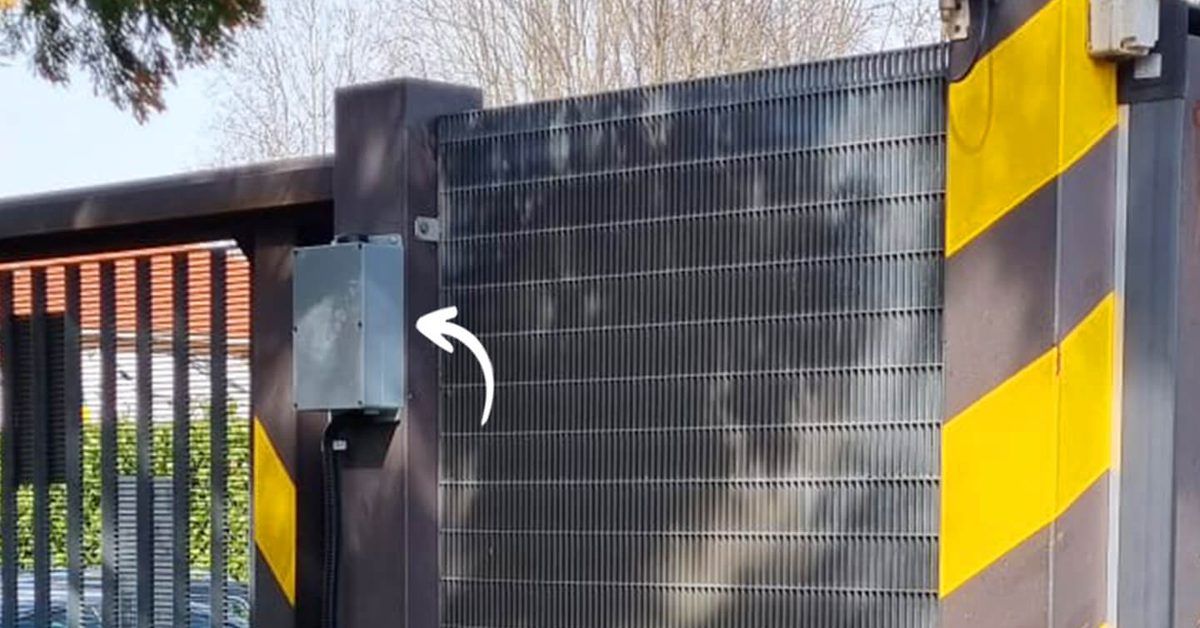
Many buildings already have motorised entrances: sliding and swing gates, barriers, up-and-over doors, sectional doors, roller shutters, doors with an electric lock. A retrofit system connects to the opening input of the existing automation, without replacing it. With ACCESS you need a 12 V power supply and the opening contact; the smart keypad and the number plate camera are added only where they are needed.
Connectivity: local network or LTE
A cloud system has to be online. If the entrance is far from the building (the gate at the end of the yard, the car park barrier), running the network out there can cost more than the system itself. ACCESS has a built-in LTE module with a data SIM included for 3 years: it goes online by itself, with no Wi-Fi or router.
Pedestrian or vehicle: the type of entrance
The entrance shapes the choice more than you might expect:
- pedestrian doors with an electric lock: cards, PIN and smartphone are the natural methods;
- vehicle gates and barriers: smartphone, remote and number plate recognition, because nobody wants to get out of the car to present a card;
- sectional doors, up-and-over doors and roller shutters on warehouses and units: often operated by remotes that change hands, which should be brought under per-person rules;
- turnstiles and security lobbies: needed when you must stop two people going through on one credential. They are a separate installation and not always necessary.
A good system manages every entrance on a site with the same rules: the person walking in with a card and the one driving in with a recognised plate follow the same permission logic.
How to choose an access control system: 7 questions
- Which entrances do I have, and are they already motorised? If so, a retrofit avoids building work; if not, you need the automation first.
- How many people, and how often do they change? With many outsiders (suppliers, contractors, shift workers), instant revocation and automatic expiry matter. ACCESS MINI handles up to 500 users, ACCESS up to 1,000.
- Which credentials are needed? Pedestrians, vehicles, occasional visitors: a system that lets them coexist is better.
- Who manages it, and from where? If the person in charge is not always on site, or there is more than one site, web and app management is decisive. See our guide to multi-site access control.
- What kind of log do you need? Who, when, which entrance and which method: check that the log can be filtered and viewed remotely.
- What happens without network or power? Ask where permissions are stored and how the entrance opens in an emergency.
- What does it cost over time? Beyond hardware and installation: software licences, subscriptions, connectivity, replacement cards. Always ask what is included and for how long.
Finally, the access log contains personal data about employees and contractors: before switching it on, inform the people involved and check with your data protection adviser or DPO how to handle that data.
Where 1Control ACCESS fits
ACCESS is a hybrid retrofit system: a control unit that connects to the motorised entrances you already have and puts them under per-person rules. In practice:
- it opens with a smartphone (Bluetooth or internet), a remote, a PIN or NFC/RFID card with the smart keypad and a number plate with the camera;
- for each person or group: entrances, days, time windows, expiry date and instant revocation, even remotely;
- a log of every opening with person, time, entrance and method; open/closed status of entrances with the closing sensor; scheduled openings;
- management from a web portal and an app, including multiple entrances and multiple sites;
- built-in LTE with a data SIM included for 3 years; permissions stored in the device, so it also works without internet;
- gates, barriers, up-and-over doors, sectional doors, roller shutters and electric locks.
What it does not do: no biometrics, no added turnstiles, and it is not a time and attendance system. If you need fingerprints or an anti-tailgating lobby, a different installation is the right one. If you already have your entrances and want to decide and know who comes in, ACCESS is the quickest option. You will find the same approach applied to coworking spaces and apartment buildings.
Frequently asked questions
What are the main types of access control systems?
They differ along three axes: the credential (card or fob, PIN, smartphone, remote, number plate, biometrics), the architecture (standalone, centralised on-premise, cloud or hybrid) and the installation (new wiring or retrofit on existing entrances). Most modern systems combine several credentials with web-based management.
What is the difference between standalone and networked access control?
A standalone system decides at each entrance on its own: it is cheap, but every change is made on site and there is no single log. A networked system manages all entrances from the same software, with consistent rules and one log, either on-premise or in the cloud.
Is a card or a smartphone better for access control?
It depends on who comes in. A card is fast and does not need a phone; a smartphone avoids handing out and collecting cards and lets you grant or remove access remotely. Often the best answer is to use both, with the same rules per person.
Does cloud access control work without internet?
It depends on where permissions are stored. In hybrid systems such as 1Control ACCESS they stay in the device at the entrance: authorised people keep getting in and changes sync when the connection returns.
Can access control be added to an existing gate?
Yes, if the gate is already motorised. A retrofit system such as ACCESS connects to the opening input of the automation with a 12 V supply and the opening contact, without replacing the gate, barrier or door.
Is biometric access control allowed?
Biometric data is special category personal data and may only be used under strict conditions: ask your data protection adviser or DPO before adopting it. 1Control ACCESS does not use biometrics: it works with smartphones, remotes, PIN codes, cards and number plates.
Conclusion
There is no single best access control system: there is the one that suits your entrances, the people who use them and whoever manages them. Start from the entrances you have, pick credentials according to who comes in, insist on remote management with a clear log and always ask what happens without a network. If your entrances are already motorised, a retrofit system gets you started the same day.
Want to see how it works on your entrances? Request a 1Control ACCESS demo.