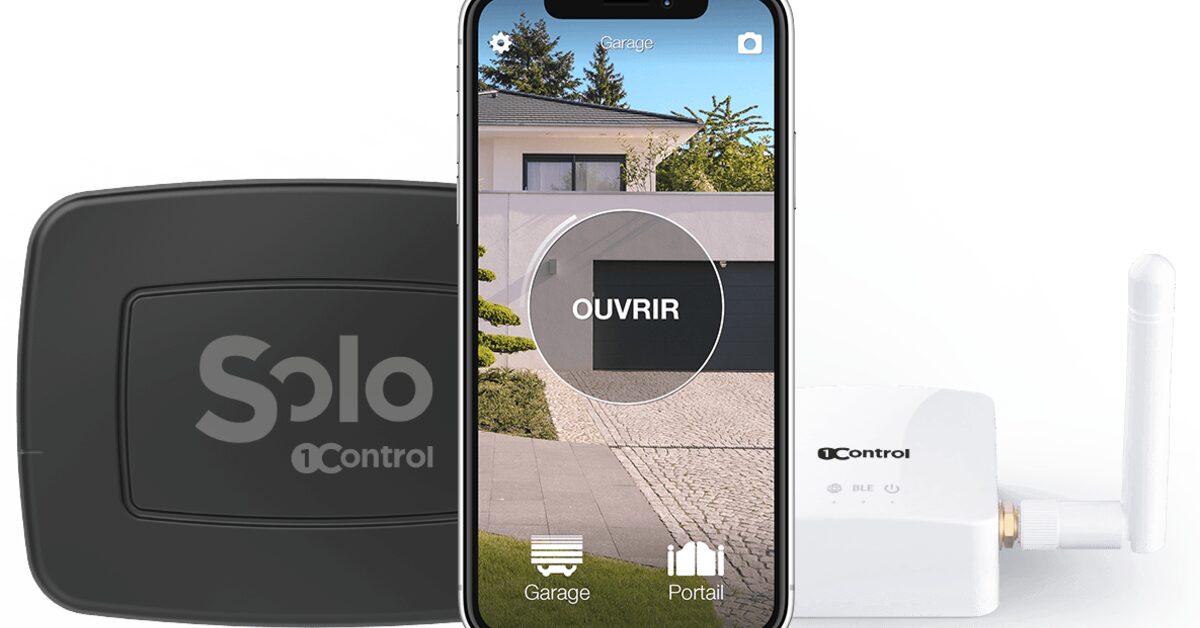
In short: to open your gate from anywhere, for a courier, a relative or a plumber, a gate opener that works from your phone is not enough: the command has to reach the gate while your phone is on the other side of town. With 1Control that takes two things: SOLO, which copies the remote you already use and opens over Bluetooth when you are at the gate, and the LINK hub, which sits in the house, connected to the internet, and passes the command to SOLO when you are not there. The alternatives are a GSM module with its own SIM or a Wi-Fi relay wired into the control board: they work, but they are installed on the motor.
Before buying, answer one question: do you open the gate yourself, standing in front of it, or does someone have to get in while you are somewhere else? SOLO alone does the first. The second is a different function, and this page explains what it takes. The general picture of every phone solution is in the guide on how to open a gate with a smartphone.
Three ways to open when you are not at home
| Solution | How the command gets there | What is installed | Limits |
|---|---|---|---|
| GSM module | A phone call or SMS to a SIM inside the module | On the control board, wired; needs mobile coverage at the gate | A SIM to keep active, numbers to manage; the full picture is in the GSM gate opener guide |
| Wi-Fi relay or manufacturer's app | Internet all the way to the control board | On the control board, wired; the Wi-Fi has to reach the gate | Depends on the motor model and on Wi-Fi range outdoors |
| SOLO + LINK | Internet to LINK, in the house; Bluetooth from LINK to SOLO, at the gate | Nothing on the motor: SOLO copies the remote, LINK plugs into the router | Needs a remote that can be copied and LINK within about 25 metres of SOLO |
The difference is the last stretch. With GSM and Wi-Fi the connection goes all the way to the control board, and someone has to work on the motor. With SOLO + LINK the internet stops in the house: only Bluetooth reaches the gate, and the gate receives the same radio signal as your remote. That is why, on a shared gate, SOLO does not touch the communal installation.
GSM module or Bluetooth + LINK?
A GSM gate opener works from any phone, including a basic handset, from any distance: you call its number, it recognises your caller ID and opens. The price of that freedom is a dedicated SIM to buy and keep alive, mobile coverage at the gate, a list of numbers to manage, often by SMS, and the wiring into the control board. Bluetooth + LINK turns the picture round: no SIM, nothing wired to the gate, access by phone number with time windows and an access log, but everyone who opens needs a smartphone with the app, and the house needs a working internet connection. If the people who open do not have smartphones, GSM remains the better fit; if you want to add people and remove them without touching the gate, SOLO + LINK is. The guide to the GSM gate opener goes through the running costs.
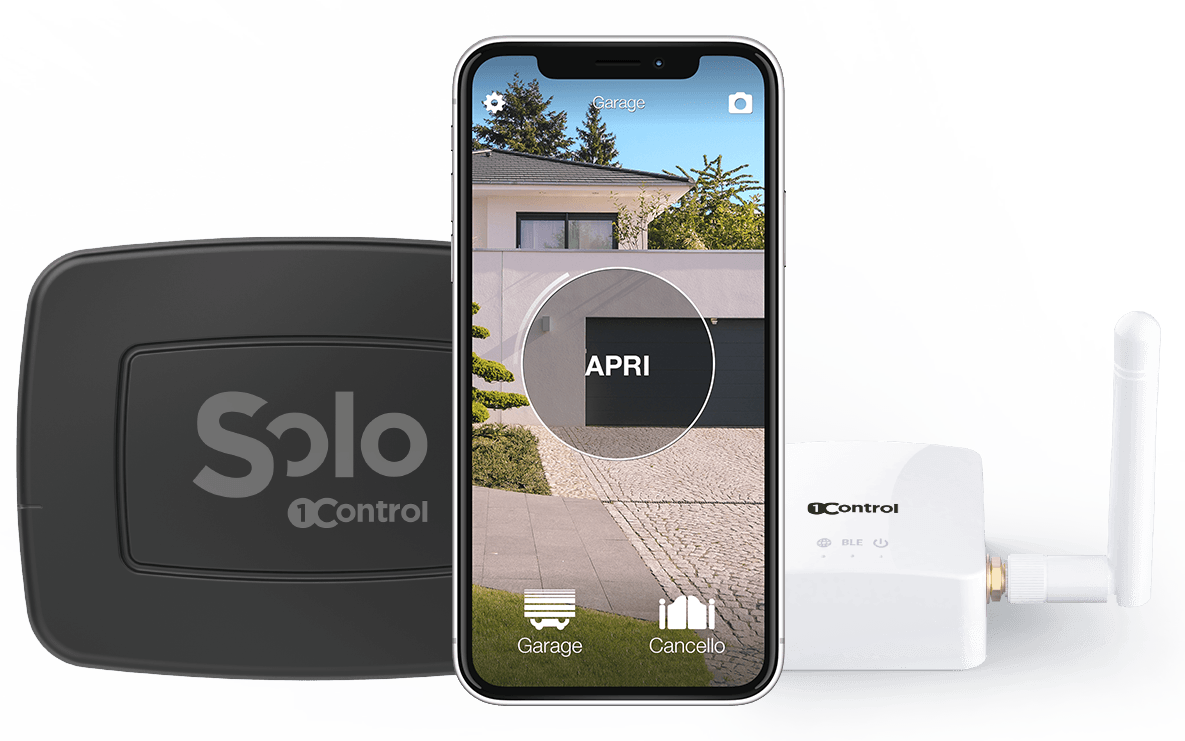
Open even when you are away: SOLO + LINK
SOLO copies your compatible remote and opens from your phone; LINK connects it to the internet over 2.4 GHz Wi-Fi or Ethernet, so you can open from anywhere. Check your remote model first. One-off purchase, no subscription.
228,00€ 179,00€ VAT included
- 1,500+ reviews on Amazon, Facebook and Trustpilot
- Secure payments
- 2-year warranty
First thing: can the remote be copied?
SOLO works by copying an original remote that already opens the gate. Take the model code from the back or the battery compartment, not the name of the motor: the same gate can have a receiver and remotes of different generations. The compatibility checker tells you whether the model can be copied, whether you need the SOLO BS version (Hörmann BiSecur remotes, see Hörmann garage door and phone) or whether the remote cannot be copied: in that case the route is SOLO + KIT, a small receiver with its own remote that an installer connects to the control board, and remote access still requires LINK.
Nobody can copy a lost or broken remote, and SOLO is not a repair: if the gate does not respond to the original already, fix that first.
What LINK needs: power, internet, Bluetooth
1Control LINK is a hub, not a gate opener: it receives the command from the internet and passes it to SOLO over Bluetooth. Plan it around three separate connections:
- Power: LINK runs on the USB power supply in the box; it needs a socket.
- Internet: 2.4 GHz Wi-Fi (networks that are only 5 GHz will not do) or an Ethernet cable to the router. It has no SIM and no connectivity of its own.
- Bluetooth to SOLO: LINK has to reach SOLO at the gate, within about 25 metres in a straight line, less with walls in between. The same antenna serves both Bluetooth and Wi-Fi; an optional external antenna with a 5 to 20 metre cable brings the Bluetooth closer to the gate, but the Wi-Fi has to reach wherever you put LINK.
LINK stays dry, indoors or in the garage. Next to the router is not necessarily the right spot if there are three walls between the router and the gate; next to the gate is no use if the Wi-Fi does not reach there. Test the connections in the chosen spot before fixing anything. One LINK controls up to 5 1Control devices.
If you already own a SOLO
Check the generation: first-generation SOLO units, the ones that use the "1Control SOLO" app, are not compatible with LINK. SOLO AUTO is not a shortcut either: it is the version that travels in the car for CarPlay and Android Auto and does not connect to LINK. Opening from the car as you arrive, as explained in open your gate with CarPlay, is one thing; opening from the office is another.
Letting someone in: open it yourself or give access
When you are away, there are two ways to let a person in. The first is to open from the app yourself, with LINK, when the courier rings. The second is to give that person a share: in the app you pick their phone number, the gate, a start date, an expiry date and time windows; they install the 1Control app, register with that number and open on their own, over Bluetooth, standing at the gate, without you doing anything. Sharing is free, can be revoked at any time, and administrators see in the history who opened. For the cleaner, the gardener or the children, a share is almost always the better answer; for a courier passing by, you need LINK.
LINK also brings voice commands with Alexa and Google Home, Siri shortcuts from anywhere and, for anyone who wants to know whether the gate was left open, the SOLO Sensor, which requires the second-generation LINK, the white one: opening from away and knowing the gate has closed are two different pieces of information. The app does not track your location and does not open anything by itself as you approach.
Test the remote access before relying on it
Set up local Bluetooth opening first. Then, with the phone out of Bluetooth range, send the remote command from the app: use the horizontal opening bar, not the round button, which tests the Bluetooth connection. Have someone watch the gate during the first test. Keep a remote as a fallback: if the home internet goes down, Bluetooth opening with SOLO at the gate keeps working, remote opening does not.
Frequently asked questions
Does SOLO alone open the gate from away?
No. SOLO alone opens over Bluetooth, with the phone near the gate. To open from another town you need a second-generation SOLO plus the LINK hub, powered and connected to the internet.
Does the Wi-Fi have to reach the gate?
No. The Wi-Fi, or the Ethernet cable, has to reach LINK, which sits in the house. From LINK to the gate the connection is Bluetooth, within about 25 metres in a straight line.
Does LINK need a SIM card?
No. LINK has no SIM and no connectivity of its own: it connects to the router over 2.4 GHz Wi-Fi or Ethernet. That is the main difference from a GSM module.
If the internet is down, does the gate still open?
At the gate, yes, over Bluetooth, with SOLO. Remote opening through LINK depends on the home internet connection.
My remote cannot be copied: can I still open from away?
Yes, with SOLO + KIT: the KIT receiver is connected to the control board by an installer, SOLO copies the KIT remote, and LINK is added for remote access. The KIT on its own does not give remote opening.
In summary: what to buy to open from anywhere
To open your gate from anywhere with 1Control you need an original remote that can be copied, the right version of SOLO (standard or BS, the checker tells you), the LINK hub with a socket and 2.4 GHz Wi-Fi or an Ethernet cable, and a spot in the house from which LINK reaches SOLO over Bluetooth. If the remote cannot be copied, the KIT on the control board takes the place of the copy. If you also want to know whether the gate is closed, add the Sensor. The first step is always the same: the model code of the remote in the checker.