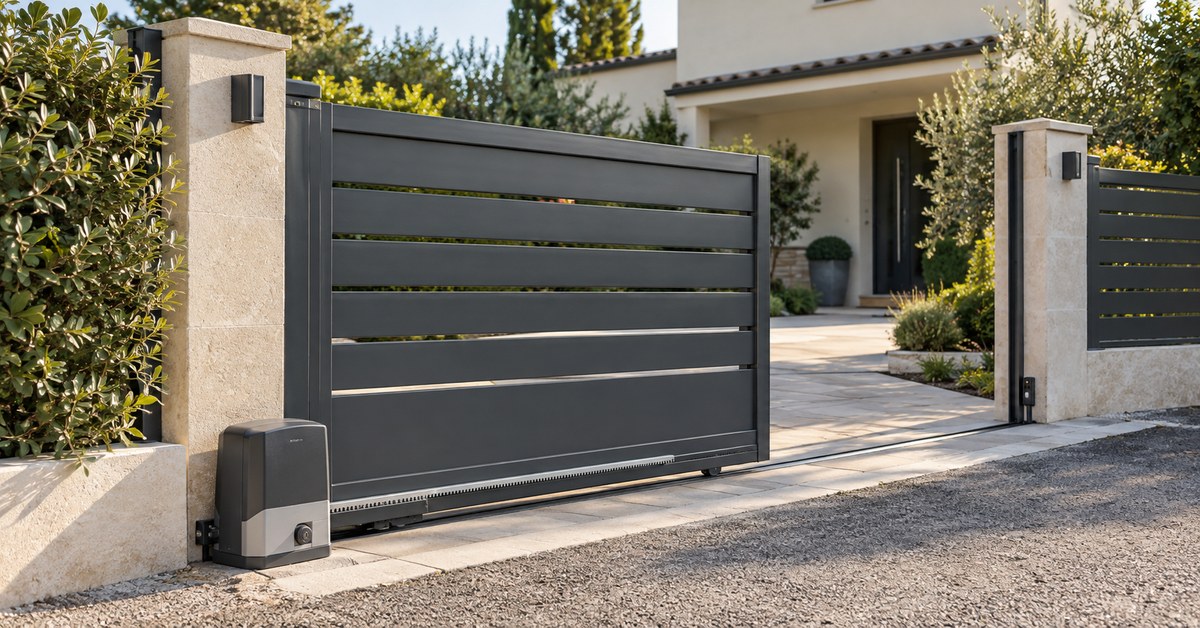
In short: you program an SCS Sentinel remote on the control board of the motor, with the "RF-Learn" button ("CODE" on the garage door motor) and then a button of the remote. You cannot copy it over the air, though: no SCS Sentinel model in our catalogue can be copied. For one more remote, buy the original. To open from your phone, the way is 1Control SOLO with SOLO KIT, a small receiver wired to the board.
SCS Sentinel is a French manufacturer of gate and garage door motors: OpenGate and SimplyOpen for gates, CarGate for garage doors. The official manuals quoted on this page are the French editions. For the method that applies to every brand, see the gate remote programming guide.
Copy an SCS Sentinel remote: what the catalogue says
To copy a remote over the air, the copying device has to reproduce its coding. For SCS Sentinel, the 1Control catalogue lists seven remotes, all around 433 MHz. None can be copied, neither onto 1Control SOLO nor onto the WHY universal remote. None is a quartz remote either, so QZERO does not apply here.
| Remote | What is known | Copy onto WHY or SOLO |
|---|---|---|
| ControlGate (grey, orange, green, fuchsia) | 433.92 MHz (catalogue) | No: SOLO + KIT |
| Sentinel KAA 2T | 433.92 MHz (catalogue) | No: SOLO + KIT |
| TEL4 Access LM | 433.92 MHz (catalogue) | No: SOLO + KIT |
| Telgate | 433 MHz, rolling code (catalogue) | No: SOLO + KIT |
| Remotes of the OpenGate and SimplyOpen kits, AAM0121 of the CarGate | 433.92 MHz, rolling code ("code secret tournant"), CR2032 battery (SCS Sentinel manuals) | Not in the catalogue: SOLO + KIT |
Does your model have another name? Look it up in the SOLO compatibility checker filtered on SCS Sentinel or in the WHY and QZERO checker: the catalogue changes, and it has the final word. As long as the result is "not compatible", two ways remain: the original for one more remote, SOLO + KIT for the phone.
Open an SCS Sentinel gate with your phone: SOLO + KIT
SOLO KIT gets around the coding problem. It is a radio receiver that comes with its own remote and its cables. You wire it to the command input of the board, the one for a push button or a key switch: for the motor, each pulse from the KIT counts as one press of that button. The exact terminal depends on the model: it is shown in the wiring diagram of your motor manual.
- Switch off the power and wire the KIT receiver to the push-button input. It runs on 12 to 24 V, from the accessory output of the board or from a small power supply.
- Switch the power back on: a press on the KIT remote must start the gate.
- Place SOLO within range of the gate and copy the KIT remote in the 1Control app.
From then on, your phone opens the gate over Bluetooth when you are nearby. Each family member gets a free access, limited to set hours if you wish, and your SCS Sentinel remotes keep working. If a terminal block means nothing to you, leave the wiring to an electrician.
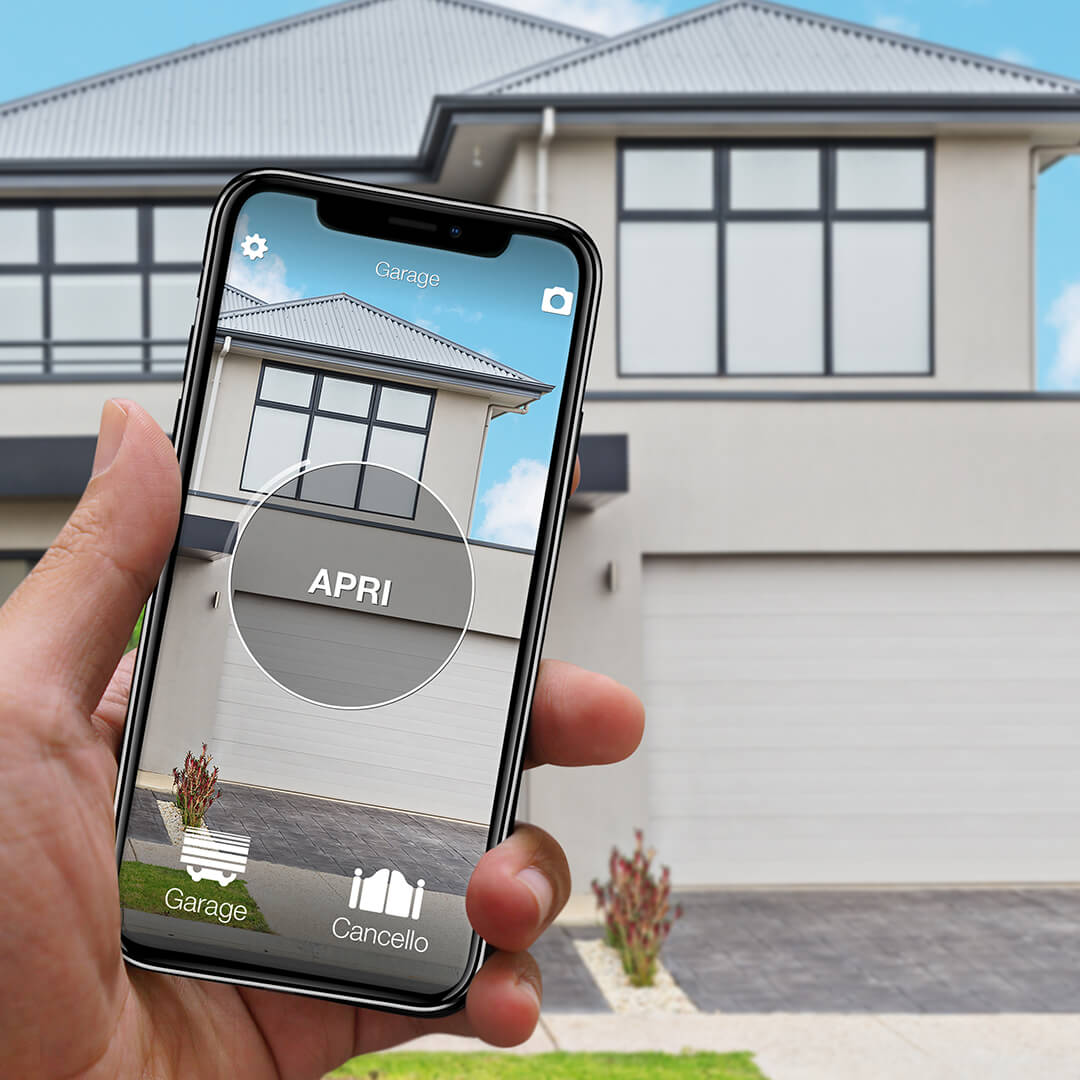
Remote not copyable? SOLO + KIT makes any gate smart
SOLO KIT wires to the push-button input of the motor and works with any automation: SOLO then opens from your phone even when the original remote cannot be copied. One-off purchase, no subscription.
139,00€ 99,00€ VAT included
- 1,500+ reviews on Amazon, Facebook and Trustpilot
- Secure payments
- 2-year warranty
Black Friday at 1Control: deals until 27/11. See the deals →
One more SCS Sentinel remote: buy the original
For an extra remote, the reliable choice is the original one. According to the manuals, the OpenGate and SimplyOpen kits come with 433.92 MHz rolling code remotes powered by a CR2032 battery: 4 channels on OpenGate 2 and 3, 2 channels on SimplyOpen 1+ and 3. The CarGate 800 TRIO is supplied with three AAM0121 remotes.
Before you order, read the reference of the motor on the cover of its manual: MVE0100 for OpenGate 1, MBA0103 for OpenGate 2, MCO0108 for OpenGate 3, MGA0011 for CarGate 800 TRIO. Then check on the product sheet of the remote that it is listed for that reference. A "universal" remote only fits if its maker names your model: we cannot guarantee that, and our WHY does not copy SCS Sentinel remotes.
There is also the remote included in SOLO KIT: once the receiver is wired, it opens the gate.
Program an SCS Sentinel remote: RF-Learn, "CS" or CODE
You store a remote on the control board of the motor. The steps change with the type of board; this is what the SCS Sentinel manuals say.
| Motor | On the board | On the remote | Confirmation |
|---|---|---|---|
| OpenGate 1, OpenGate 2, SimplyOpen 1+ (boards with LEDs) | "RF-Learn" until LED1 lights up | Left button | LED1 flashes twice, stays on for 10 seconds, then goes off |
| OpenGate 3, SimplyOpen 3 (boards with a display) | "RF-Learn" for 2 seconds: the display shows "CS" | Any button (about 5 seconds on SimplyOpen 3) | The display flashes twice, then goes off |
| CarGate 800 TRIO (garage door) | "CODE" for 3 seconds: the dot on the display flashes | Two 2-second presses on the button to program | The dot goes off |
The official PDFs, in French: OpenGate 1 (MVE0100), OpenGate 2 (MBA0103), OpenGate 3 (MCO0108) and CarGate 800 TRIO (MGA0011). The others are in the Support et documentations section of scs-sentinel.com.
The control box is powered at 230 V: touch only the buttons named here and leave any wiring to an installer. For an older range (OneGate, MoovGate…), follow the manual of your own reference.
SCS Sentinel remote lost, stolen, or no original left
A lost remote still opens the gate. The manuals describe erasing the whole memory, after which you program again the remotes you keep: hold "RF-Learn" until LED1 goes off on OpenGate 1 and 2, about 10 seconds on OpenGate 3 and SimplyOpen 3; on the CarGate 800 TRIO, hold "CODE" for more than 8 seconds, until the display shows "C". The general steps are in gate remote stolen or lost.
No working remote left? There are two ways out. A new original is programmed on the board without the old one, because storing goes through the button of the board. And SOLO + KIT needs no SCS Sentinel remote at all: SOLO copies the remote of the KIT.
SCS Sentinel remote not working: battery, signal, memory
Start with the battery of the remote: a CR2032 on the models of the current kits. On the boards with LEDs, the manual uses LED1 as an indicator: it flashes as soon as a radio signal arrives, whether the remote is programmed or not.
- LED1 does not react when you press: the signal does not reach the board. Battery, distance, or a faulty remote.
- LED1 flashes but the gate does not move: the signal arrives. Program the remote again; if nothing changes, the cause is on the motor side (photocells, travel learning) and is covered in the manual.
- A new remote will not store while the others work: check in the manual how many remotes the board accepts.
Open from far away or by voice: LINK, or the WifiGate module
SOLO opens over Bluetooth, so from nearby. To open from far away, get a notification or use Alexa and Google Home (with Google Assistant), you add LINK: it talks to SOLO over Bluetooth and reaches the Internet over 2.4 GHz Wi-Fi or Ethernet, with no SIM card. Siri works without LINK, through iPhone Shortcuts, and so do Apple Watch and Wear OS watches.
SCS Sentinel sells its own "connected" kits with its WifiGate module: that is the brand's own route. SOLO + KIT does not depend on the brand of the motor; the two kinds of solution are compared in wired module or wireless.
Frequently asked questions
Can you copy an SCS Sentinel remote?
Not over the air: the SCS Sentinel remotes in the 1Control catalogue (ControlGate, Sentinel KAA 2T, TEL4 Access LM, Telgate) are compatible with neither SOLO nor WHY. For one more remote, buy the original; for your phone, SOLO + KIT.
How do I program an SCS Sentinel OpenGate remote?
On OpenGate 1 or 2: press RF-Learn until LED1 lights up, then the left button of the remote; LED1 flashes twice and goes off after 10 seconds. On OpenGate 3: RF-Learn for 2 seconds until "CS" shows, then a button of the remote.
Which battery does an SCS Sentinel remote use?
A CR2032 coin cell on the remotes of the OpenGate and SimplyOpen kits, according to the manuals. For an older model, open the case: the type is engraved on the battery.
I lost my SCS Sentinel remote. What should I do?
Erase the memory of the board with a long press on RF-Learn (CODE on the CarGate 800 TRIO), then program again the remotes you still have. A new original is programmed on the board, without the old one.
How do I open an SCS Sentinel gate with my phone?
With 1Control SOLO and SOLO KIT: the KIT receiver is wired to the push-button input of the board, then SOLO copies the KIT remote and opens from the app, over Bluetooth. To open from far away, you add LINK.
The bottom line
You program an SCS Sentinel remote in two moves, one button on the board and one on the remote, and you replace it with an original listed for the reference of your motor. You cannot copy it: check your model in the checker and, if the result is "not compatible", go through SOLO + KIT to put the gate on the phone of everyone in the family.