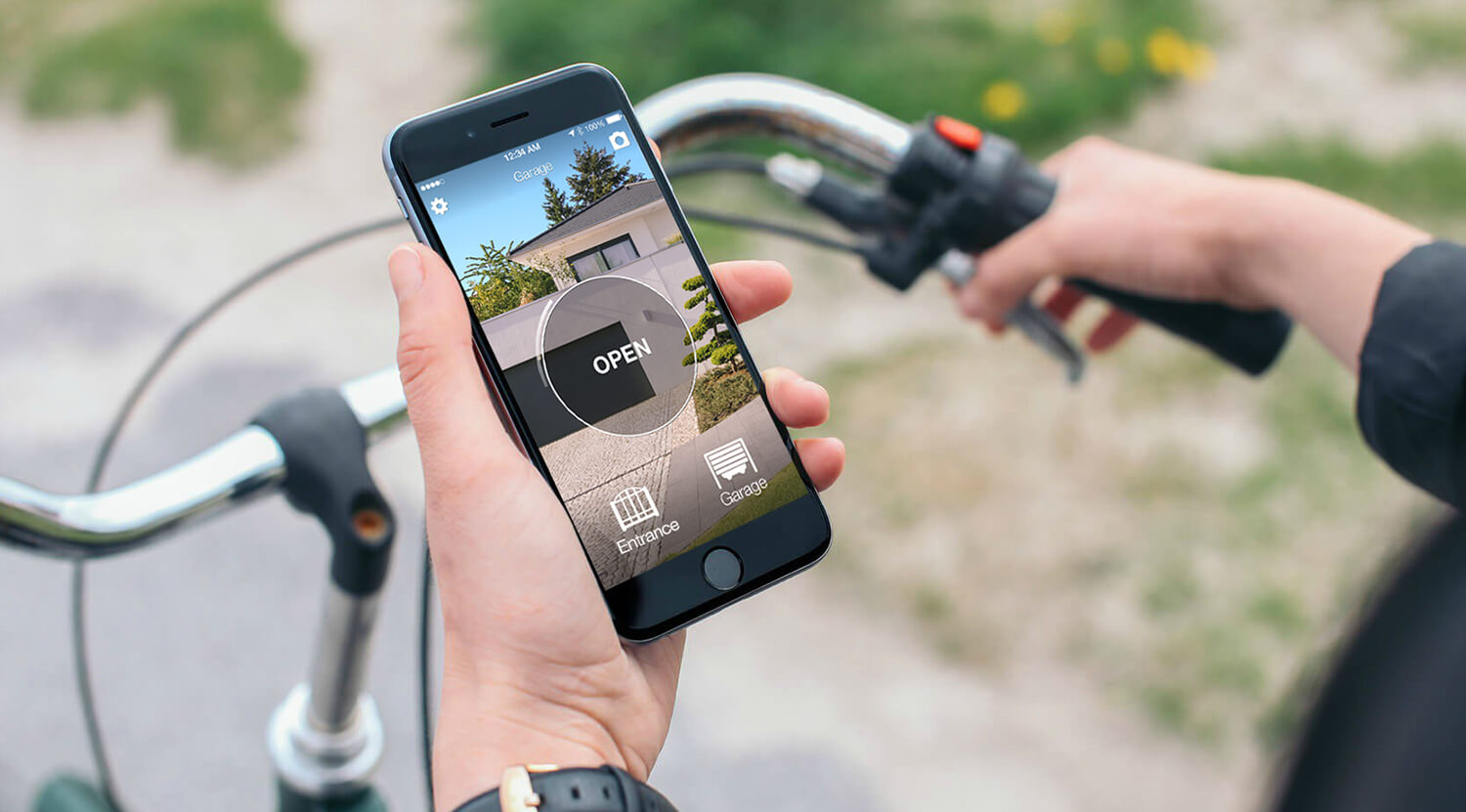
Opening a V2 gate from a phone can mean adding V2's connected equipment to a compatible control unit, or using a device that reproduces a supported remote. These are different installation routes: installing an app alone does not connect the gate.
V2 GO is for users; APPTOOL is for installation
V2 distinguishes V2 GO, the end-user app, from APPTOOL, used to configure control units. For V2 GO, check the WF01 module and compatibility with the control unit's ADI interface in the manufacturer's documentation. APPTOOL and its installation interface are not substitutes for the household's opening solution.
Ask the installer to identify the control unit, module and required network connection. A V2 motor name alone does not establish that the necessary interface is present.
Start with the exact remote model
Find the model printed on the transmitter or inside its battery compartment and check it in the 1Control compatibility checker. The motor brand and radio frequency are not enough. For direct copying, keep a working original: a phone cannot copy an unknown radio signal by itself.
SOLO learns a supported transmitter and operates it from a separate device near the gate. An incompatible model does not automatically mean changing the motor: check the appropriate SOLO variant or whether a wired KIT can be installed. Do not buy a standard unit on the assumption that every remote from the same brand works.
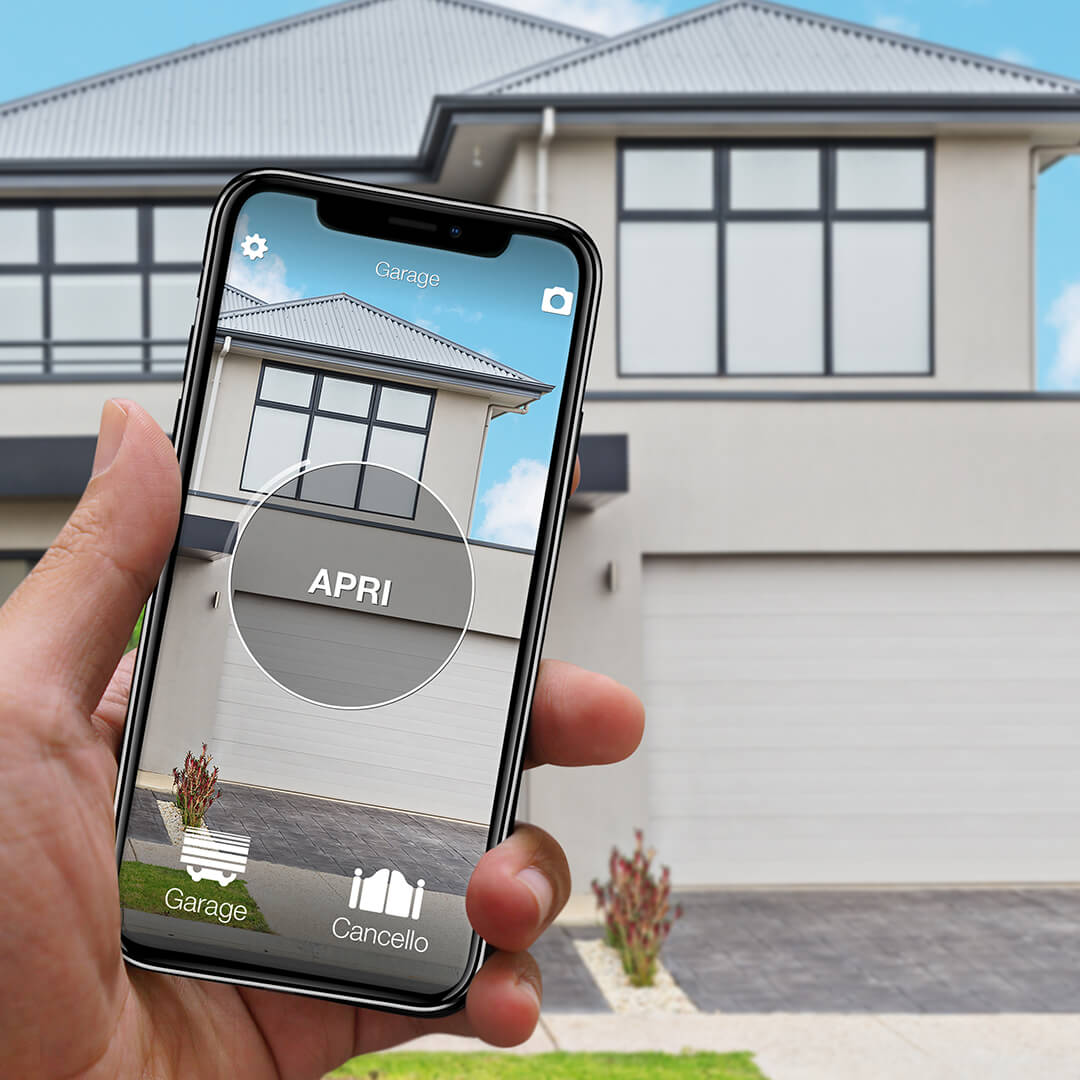
Want to open your gate from your phone?
Check in seconds whether your system is compatible with 1Control SOLO: it fits existing gates and garage doors, one-off purchase, no subscription.
139,00€ 99,00€ VAT included
- 1,500+ reviews on Amazon, Facebook and Trustpilot
- Secure payments
- 2-year warranty
Black Friday at 1Control: deals until 27/11. See the deals →
When copying the remote is the simpler route
If your exact transmitter is supported, SOLO learns its radio command and opens locally from the 1Control app. The standard copying route does not require wiring to the V2 control board. Keep the original remote and follow the model-specific procedure, including any receiver activation it requires.
Do not generalise from a PHOX or HANDY example to every V2 transmitter. Older frequencies and different protocols need their own compatibility result. If direct copying is unavailable, evaluate the appropriate wired alternative rather than promising a wireless installation.
Compare the complete installation
- V2 GO: verify the control unit, compatible module, network requirements and installer work.
- SOLO: verify the transmitter, copying procedure and a usable Bluetooth position.
- Opening from elsewhere: compare the full connected configuration, not just the local opening device.
Do not assume that automation schedules, automatic arrival opening or gate-state reporting are identical across the two systems. Choose the functions you actually need and have each one demonstrated.
Before handing access to the family
Test a normal opening, the original remote, another authorised phone and the fallback method. Confirm the actual gate movement rather than relying only on an app animation. Keep safety devices and the manufacturer's maintenance requirements unchanged.
Consult V2's official app documentation for the current equipment. For remote programming rather than smartphone opening, use the separate transmitter guide.
Shared access is different from remote opening
With SOLO alone, a person uses their phone within Bluetooth range of the device. To open while you are elsewhere, add LINK with internet access through 2.4 GHz Wi-Fi or Ethernet and a Bluetooth connection to SOLO. Test the position before fixing the devices permanently: walls and metal can reduce range.
An opening command is not confirmation that the gate is closed. Status monitoring needs the appropriate opening sensor and LINK. Keep a working alternative for a flat phone battery or a network outage; the gate motor still requires its own power supply.
For the gate and garage opening sensor, check SOLO compatibility and use a second-generation LINK. Do not assume an older LINK supports this status feature.
Related guides
- How to open gate with smartphone: practical guide 2026
- Universal gate remote: how to choose the right one
- Garage door left open? Check it and get alerts on your phone
Frequently asked questions
Is V2 APPTOOL the same as V2 GO?
No. V2 presents APPTOOL for configuring control units and V2 GO for the end user. Check the module required for the intended function.
Does SOLO work with every V2 remote?
No blanket compatibility is promised. Check the exact transmitter reference and follow its copying or installation instructions.