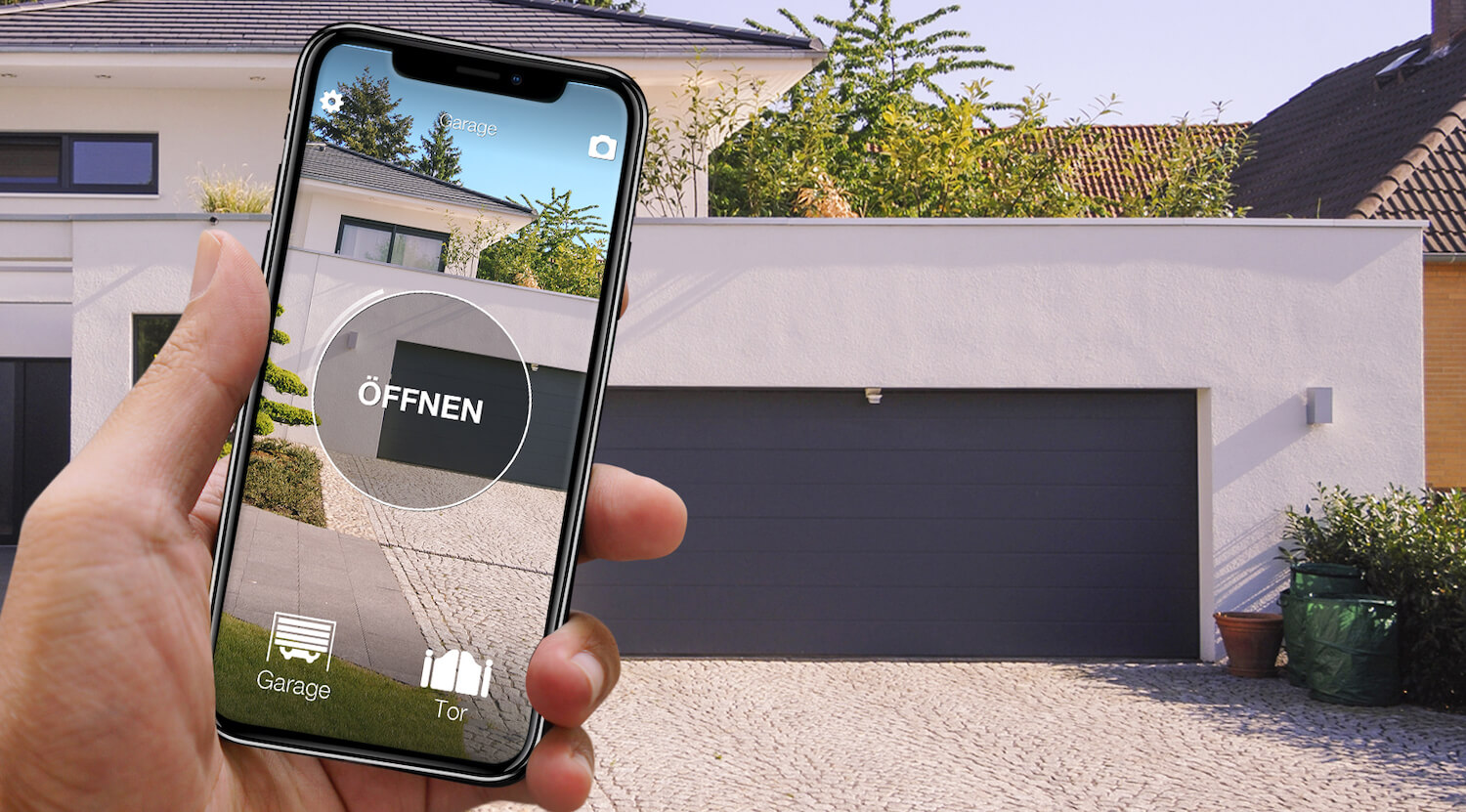
When several people use the same gate, buying another remote is only one option. Shared phone access avoids passing an object around, but you still need to check the number of users, their permissions and what happens when somebody loses a phone.
This guide is about a household. Renting out a parking space or managing business access involves different responsibilities and has separate guides.
Compare the cost for the whole household
List everyone who needs access and count occasional users as well as residents. With physical remotes, each extra person may require another transmitter and receiver enrolment. With a manufacturer's app, check whether additional digital keys are included or sold separately; do not assume one brand's policy applies to another.
SOLO standard includes ten users. Sharing is free within the available capacity, while additional user capacity is a paid extension. Compare the version and total capacity you need instead of describing access as unlimited.
Start with the exact remote model
Find the model printed on the transmitter or inside its battery compartment and check it in the 1Control compatibility checker. The motor brand and radio frequency are not enough. For direct copying, keep a working original: a phone cannot copy an unknown radio signal by itself.
SOLO learns a supported transmitter and operates it from a separate device near the gate. An incompatible model does not automatically mean changing the motor: check the appropriate SOLO variant or whether a wired KIT can be installed. Do not buy a standard unit on the assumption that every remote from the same brand works.
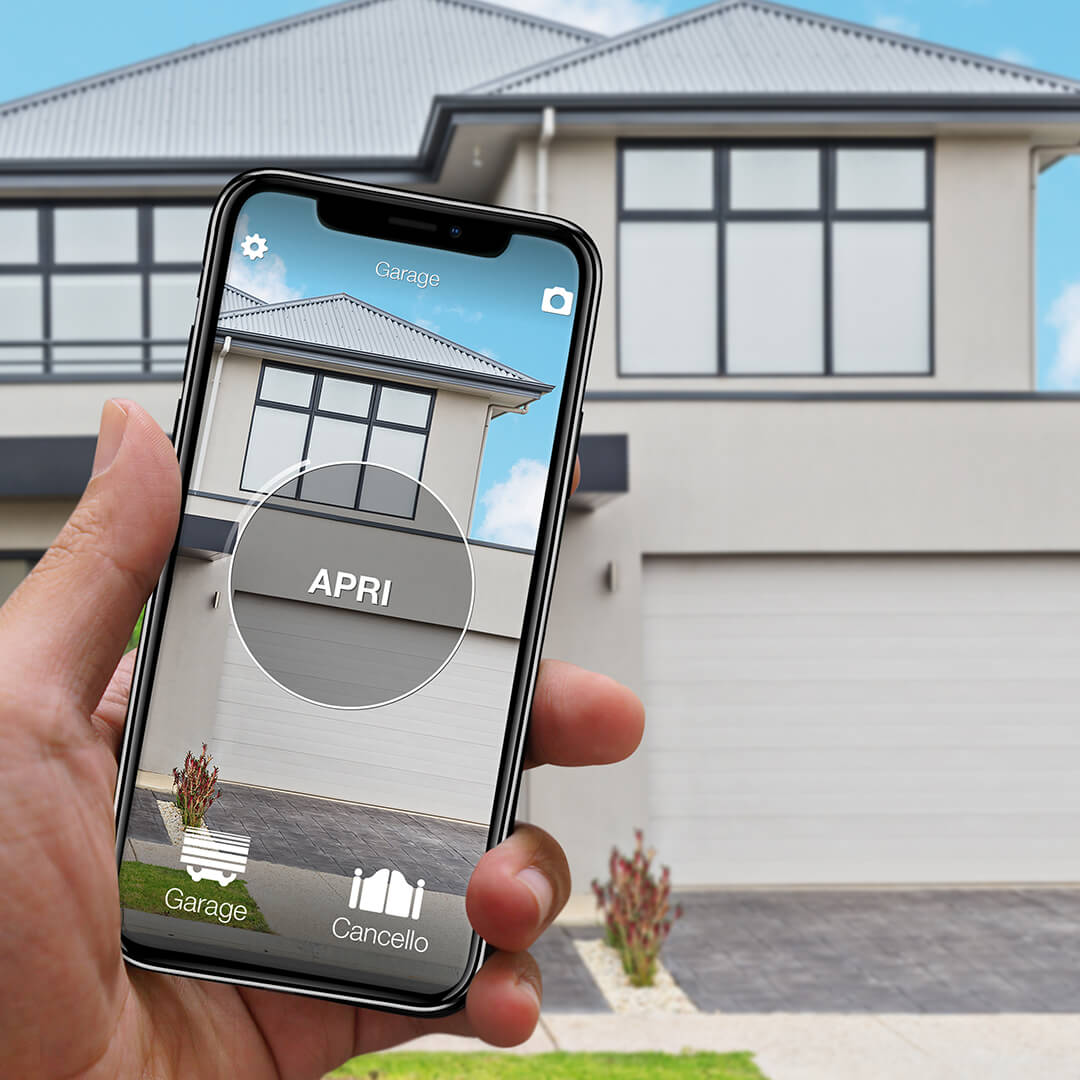
Want to open your gate from your phone?
Check in seconds whether your system is compatible with 1Control SOLO: it fits existing gates and garage doors, one-off purchase, no subscription.
139,00€ 99,00€ VAT included
- 1,500+ reviews on Amazon, Facebook and Trustpilot
- Secure payments
- 2-year warranty
Black Friday at 1Control: deals until 27/11. See the deals →
Keep administration separate from opening
An administrator sets up the device and manages access. A shared user should receive only the permissions needed to open the relevant gate. Do not circulate the device pairing PIN as a shortcut for inviting family members.
Invite the intended phone number and make sure the recipient registers with that number. Give permanent access to residents and defined days, times or an expiry date to occasional users. Test one invitation before repeating the process for everyone.
Plan for changes and lost phones
When a person moves out or no longer needs access, revoke their sharing permission. If a phone is lost, revoke the affected access and secure the person's account; do not assume a screen lock alone resolves the issue. A lost physical remote may still operate the gate and needs a separate receiver-management procedure.
Keep at least one working alternative. A relative without a suitable smartphone may prefer a physical remote or a PIN keypad. The best arrangement can combine these methods rather than forcing everybody to use an app.
SOLO AUTO does not offer sharing and cannot use LINK. It is not an equivalent substitute for SOLO when assigning limited family access.
Which configuration fits your family?
Choose SOLO for compatible local phone opening. Add LINK only for opening from another location; do not add it merely because several people share the gate. A keypad suits people who prefer a code, while another remote may be the simplest option for one additional regular user.
Before buying, check compatibility, user capacity and the household's actual habits. After setup, test an authorised user, a revoked user and the alternative way to enter.
Shared access is different from remote opening
With SOLO alone, a person uses their phone within Bluetooth range of the device. To open while you are elsewhere, add LINK with internet access through 2.4 GHz Wi-Fi or Ethernet and a Bluetooth connection to SOLO. Test the position before fixing the devices permanently: walls and metal can reduce range.
An opening command is not confirmation that the gate is closed. Status monitoring needs the appropriate opening sensor and LINK. Keep a working alternative for a flat phone battery or a network outage; the gate motor still requires its own power supply.
For the gate and garage opening sensor, check SOLO compatibility and use a second-generation LINK. Do not assume an older LINK supports this status feature.
Related guides
- How to open gate with smartphone: practical guide 2026
- Universal gate remote: how to choose the right one
- Garage door left open? Check it and get alerts on your phone
Frequently asked questions
Are shared users unlimited?
No. SOLO standard includes ten users; additional capacity is available as a paid extension. Check the selected version.
Can a family member open without LINK?
Yes, with a compatible SOLO configuration when their phone is within Bluetooth range. Opening from elsewhere requires LINK.